





















Essential Settings to Check When You Get a New Camera
Feb 4, 2026
Alysa Gavilan
Alysa Gavilan has spent years exploring photography through photojournalism and street scenes. She enjoys working with both film and mirrorless cameras, and her fascination with the craft has grown over the decades. Inspired by Vivian Maier, she is drawn to capturing everyday moments that often go unnoticed.
Share:
The holidays may have passed and you might have received a camera as a gift, or you’re looking into buying one in time for the colors of spring or summer getaways. Either way, holding a new camera in your hands is always exciting. You can almost picture the landscapes, sunsets, or family moments you’re about to capture.
Before you start shooting, take a few minutes to check some essential settings, as explored by photographer Simon d’Entremont. A little setup now can save frustration later, help your photos look sharper and more vibrant, and make sure your camera works exactly the way you expect.
Whether this is your first camera or an upgrade from an older model, paying attention to these details will set you up for the best possible results.
Check The Date And Time Settings
One of the first things to do is set the correct date and time. This is not just about convenience as it affects how your files are organized and displayed later.
Most cameras automatically record timestamps in image metadata, which helps when sorting, searching, or importing photos to your computer. Incorrect date and time can cause confusion, especially if you plan to back up images or sync them across devices.
If your camera has GPS features, accurate time settings are essential for geotagging photos. Even a small discrepancy can affect location data. Taking a moment to set your camera’s clock ensures that all your images are accurately labeled from the moment you start shooting.
Set The Image Quality And File Format
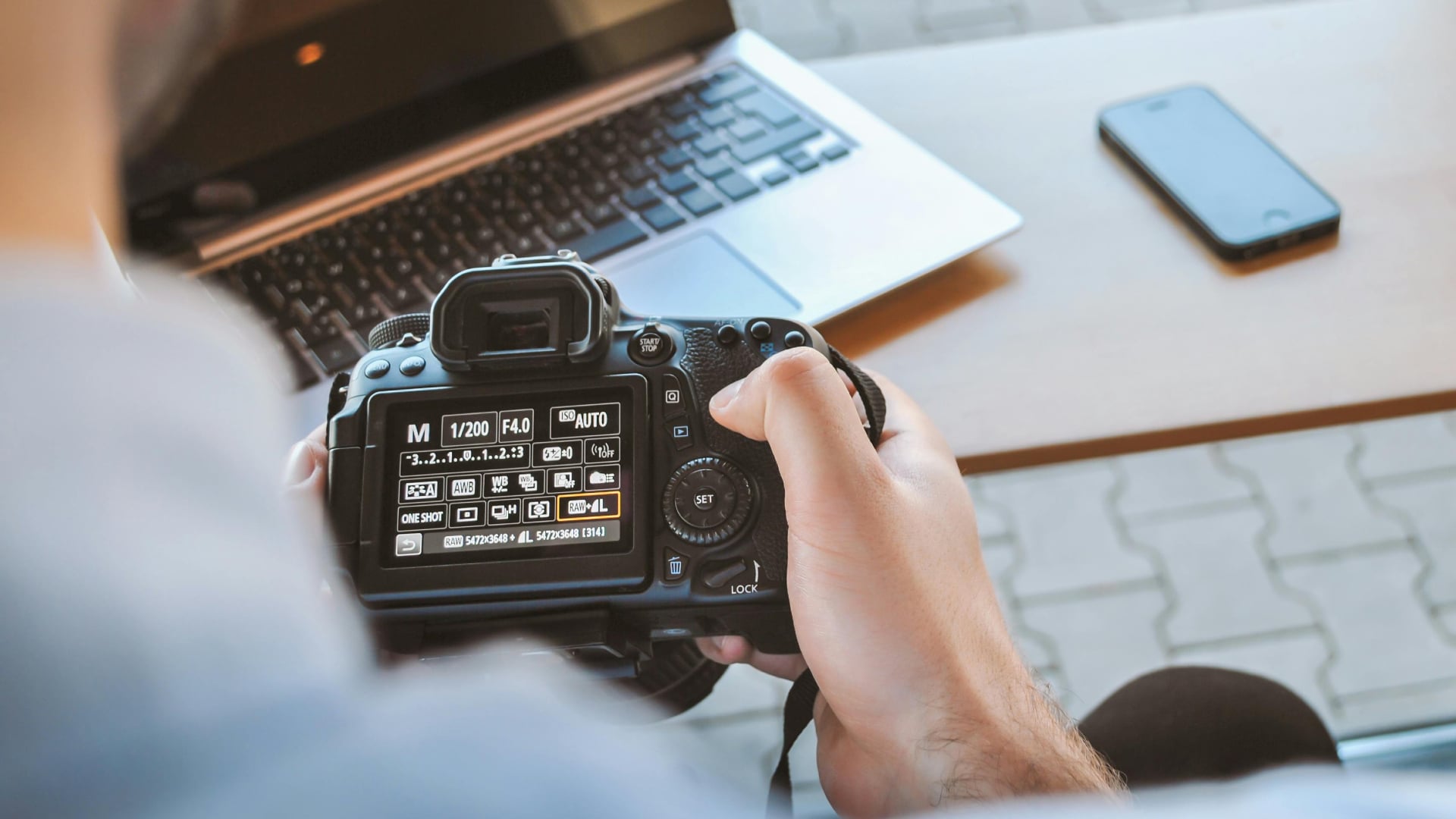
Next, check your image quality and file format. Cameras usually offer options such as JPEG, RAW, or a combination of both.
JPEG files are smaller and ready to use, which is useful for social media or casual shooting. RAW files, however, store more information and give you greater flexibility in post-processing.
If you plan to edit your photos extensively or print large images, consider setting your camera to shoot in RAW. RAW+JPEG mode can also be useful, giving you both ready-to-use files and high-quality originals for later editing.
Make sure to review the resolution and compression settings. Higher resolution captures more detail but takes up more storage space, so ensure you have memory cards that can handle it.
Configure The Autofocus Settings
Autofocus is one of the most important features of any camera, and customizing it early can make a big difference. Modern cameras offer several autofocus modes, such as single-point, continuous, and face or eye detection.
Choosing the right mode depends on what you plan to shoot. Single-point AF works well for stationary subjects, while continuous AF is better for moving subjects like children, pets, or sports.
Also check the AF area selection. Many cameras allow you to choose whether the camera automatically selects focus points or if you prefer manual selection. Experiment with these options to see what feels most comfortable.
Proper autofocus settings help you capture sharper images and reduce missed shots, especially in fast-moving situations.
Adjust The ISO And Exposure Settings
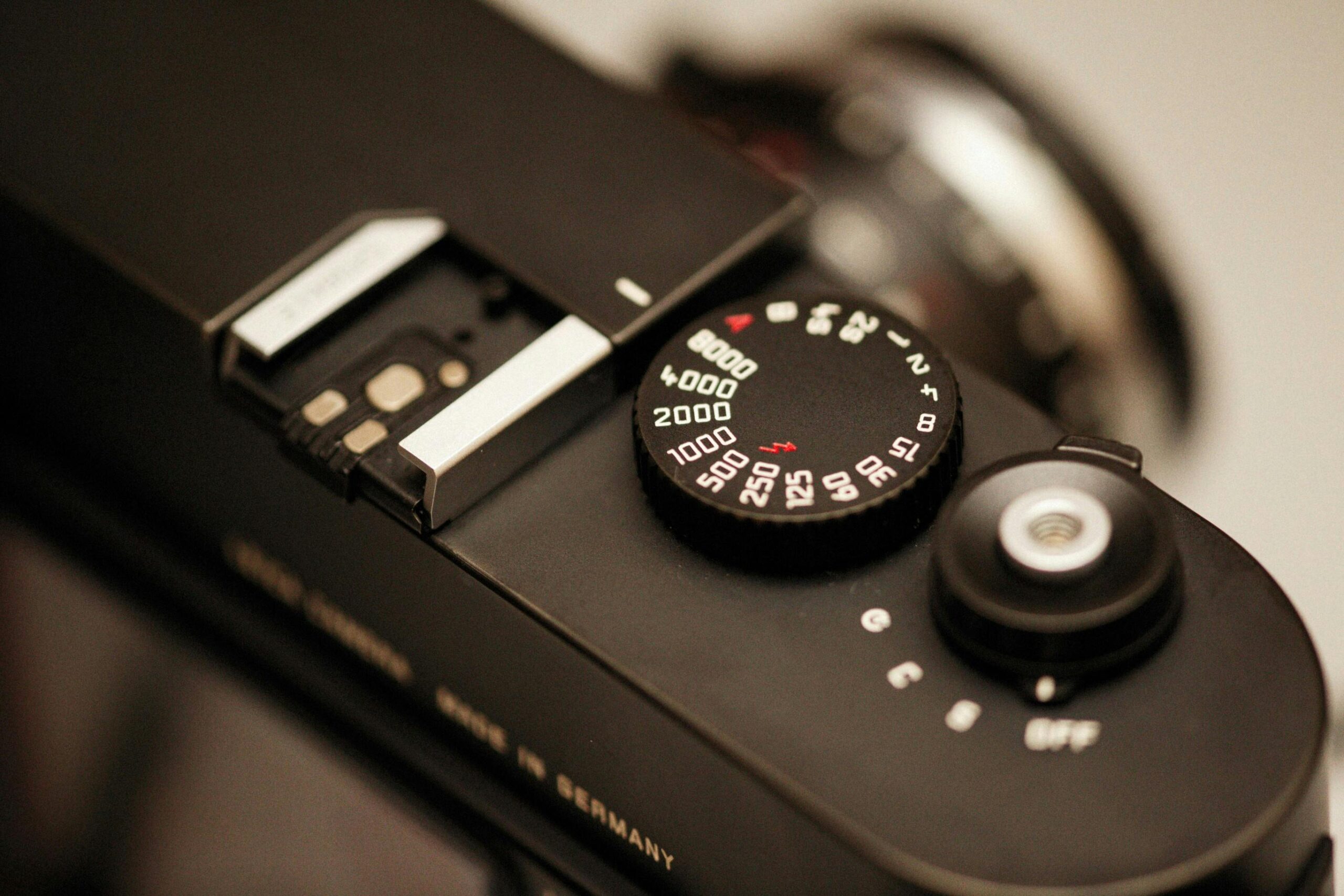
ISO and exposure control how bright or dark your images appear. Many cameras default to automatic ISO and exposure, which is fine for casual use, but customizing these settings lets you take control.
Check the minimum and maximum ISO ranges and set limits that reduce noise while maintaining sufficient light.
Exposure compensation is another feature to review. Adjusting it allows you to quickly brighten or darken your images when the lighting is tricky, ensuring you capture well-balanced photos of both snowy outdoor scenes and cozy indoor gatherings.
Configure White Balance
White balance determines how your camera interprets colors under different lighting conditions. Cameras usually default to auto white balance, which works in many situations, but it can sometimes produce color casts, especially with mixed lighting.
Choosing a preset such as daylight, tungsten, or fluorescent ensures your photos have accurate colors from the start.
For advanced users, creating a custom white balance with a gray card or a white surface can give consistent color accuracy across multiple shots. This is especially useful for product photography, studio work, or situations where color fidelity is important.
Set Up Image Stabilization And Video Settings
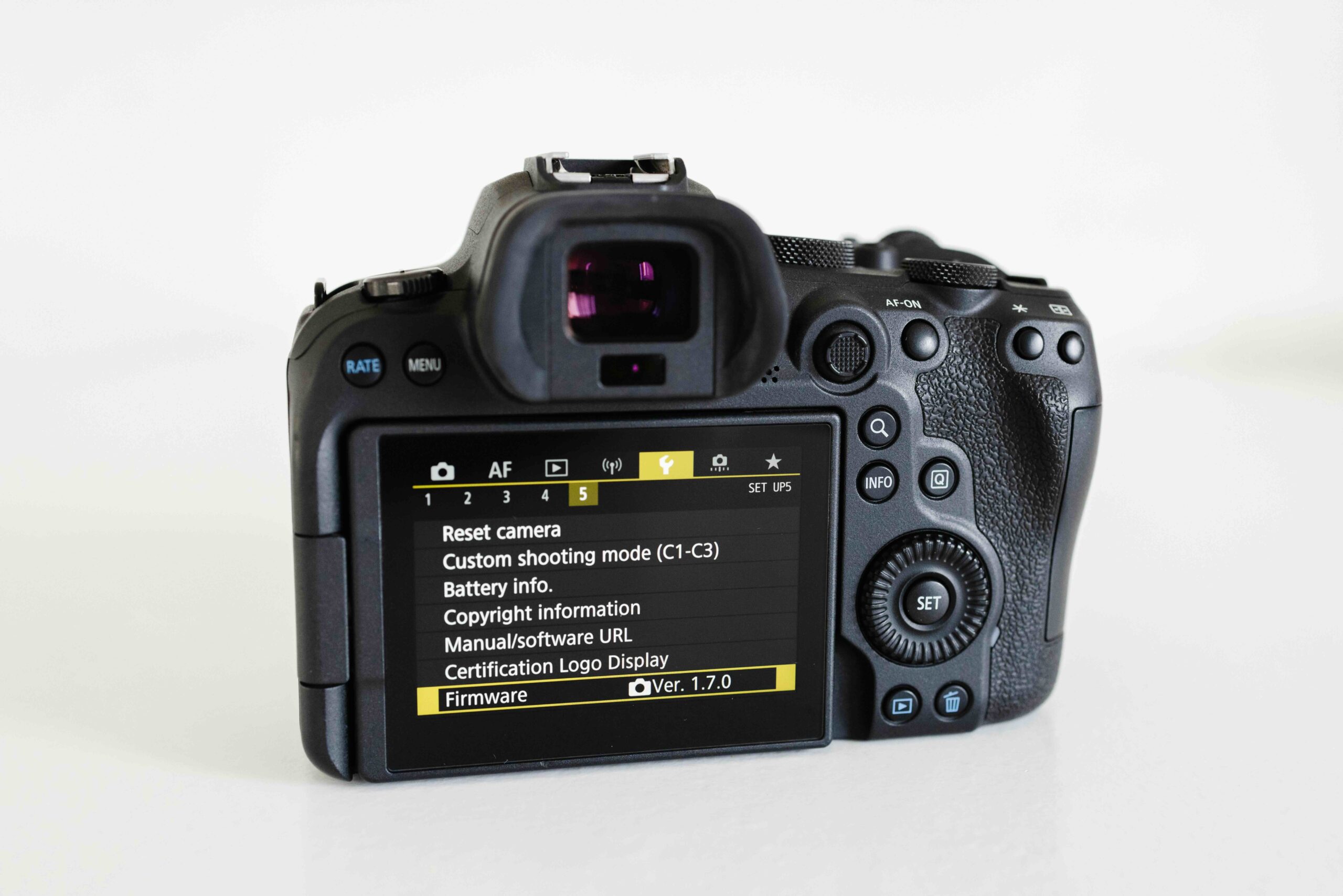
If your camera includes image stabilization, make sure it is enabled or configured. Stabilization reduces motion blur in handheld photography, particularly in low-light conditions or when recording video. Some cameras have in-body stabilization, while others rely on lens-based systems.
For video recording, review frame rate, resolution, and codec settings. Higher frame rates or 10-bit color options provide smoother playback and more flexibility in post-processing. Knowing these settings upfront can help you capture better video without surprises later.
Review Custom Buttons And Menu Shortcuts
Many cameras let you customize buttons and menu shortcuts for quick access to frequently used features. Assign functions such as ISO, white balance, or focus mode to easily reachable buttons.
This streamlines your workflow, reduces distractions, and allows you to focus more on capturing images rather than navigating menus. Even small adjustments to your camera controls can make your shooting experience more efficient and intuitive.
When you first get a new camera, taking the time to review these settings can improve your photography experience dramatically. Starting with these checks may feel like a small step, but it lays a foundation for smoother and more enjoyable photography.
With your camera properly configured, you can spend more time being creative, capturing the moments that matter, and less time troubleshooting technical issues.
See more from DIYPhotography.net on Google
Add DIYPhotography.net as a trusted source. This makes
our stories more likely to appear in your Google Search results.
 Add as a preferred source on Google

Alysa Gavilan
Alysa Gavilan has spent years exploring photography through photojournalism and street scenes. She enjoys working with both film and mirrorless cameras, and her fascination with the craft has grown over the decades. Inspired by Vivian Maier, she is drawn to capturing everyday moments that often go unnoticed.


Join the Discussion
DIYP Comment Policy
Be nice, be on-topic, no personal information or flames.