


















Zoner Studio Expands Photo Editing With AI Tools Focused on Speed and Control
Jan 5, 2026
Alysa Gavilan
Alysa Gavilan has spent years exploring photography through photojournalism and street scenes. She enjoys working with both film and mirrorless cameras, and her fascination with the craft has grown over the decades. Inspired by Vivian Maier, she is drawn to capturing everyday moments that often go unnoticed.
Share:

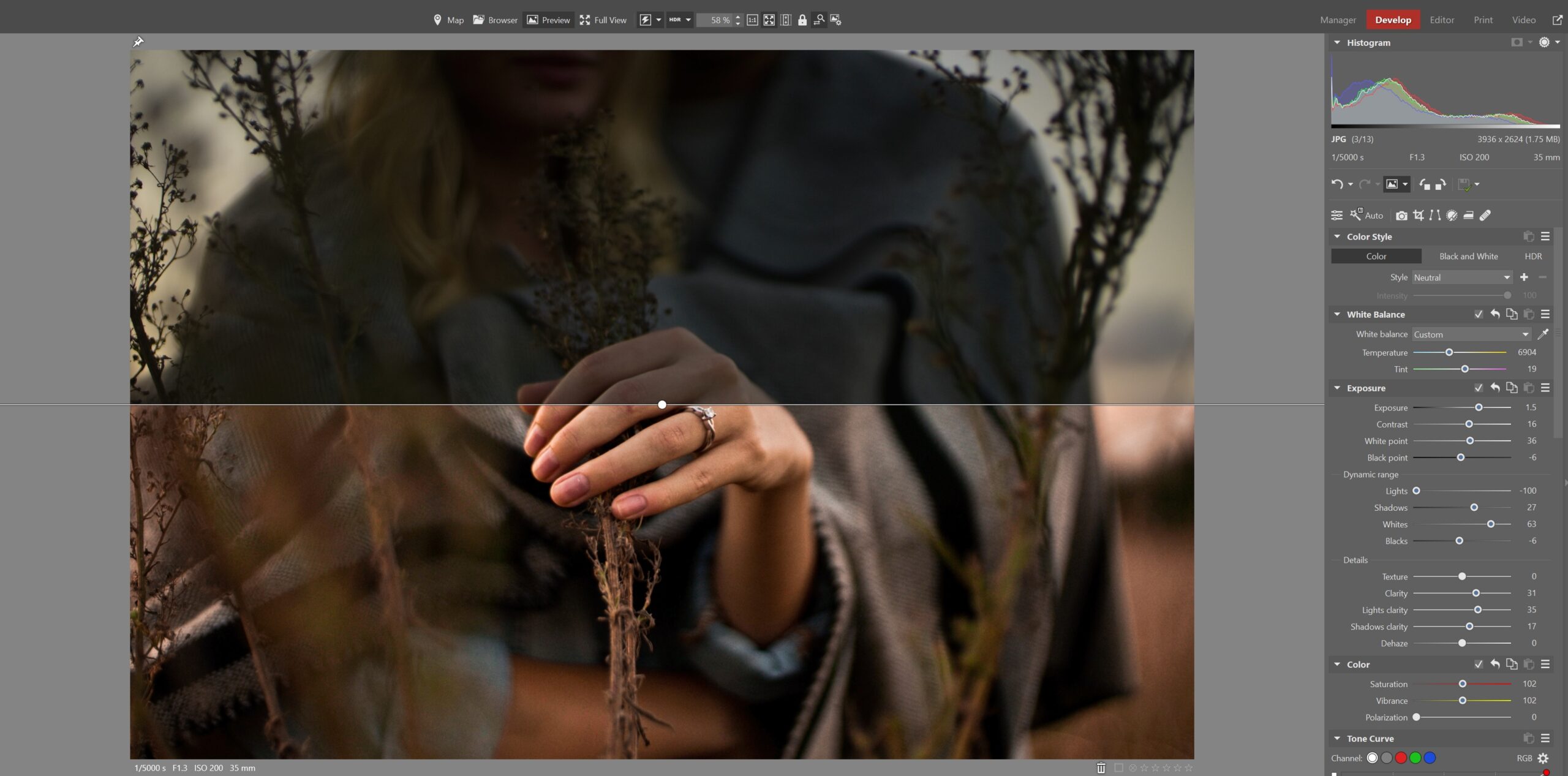
Zoner Studio continues to refine its approach to everyday photo editing, and it puts a clear emphasis on practical AI tools rather than flashy effects.
The latest release introduces features designed to help you move faster through large photo sets, make decisions with less friction, and prepare images for export without sacrificing realism.
Instead of repositioning itself as an all in one creative platform, Zoner Studio appears focused on improving the parts of the workflow that most photographers already spend time on. This update builds on that philosophy by enhancing subject selection and image resizing while keeping everything accessible and offline.
A Workflow First Approach to AI
Zoner Studio has traditionally aimed at photographers who want results that look natural and believable. That direction remains intact in this update. According to product manager Jan Kupčík, the goal is not disruption for its own sake.
“We’re taking the path of gradual evolution, bringing real value with each step,” he said. “This update once again helps users work with their photos faster and easier.”
Rather than pushing automation into creative decisions, the new AI features focus on saving time during repetitive tasks. For many photographers, that means less time scrolling, zooming, and second guessing during image selection.
If you want to see how far a streamlined editing workflow can take your photos, you can test it yourself. Zoner Studio offers tools for editing, organizing, and exporting images without the steep learning curve. You can start a 7-day free trial by heading to the download page here.
AI Close ups Goes Beyond Faces
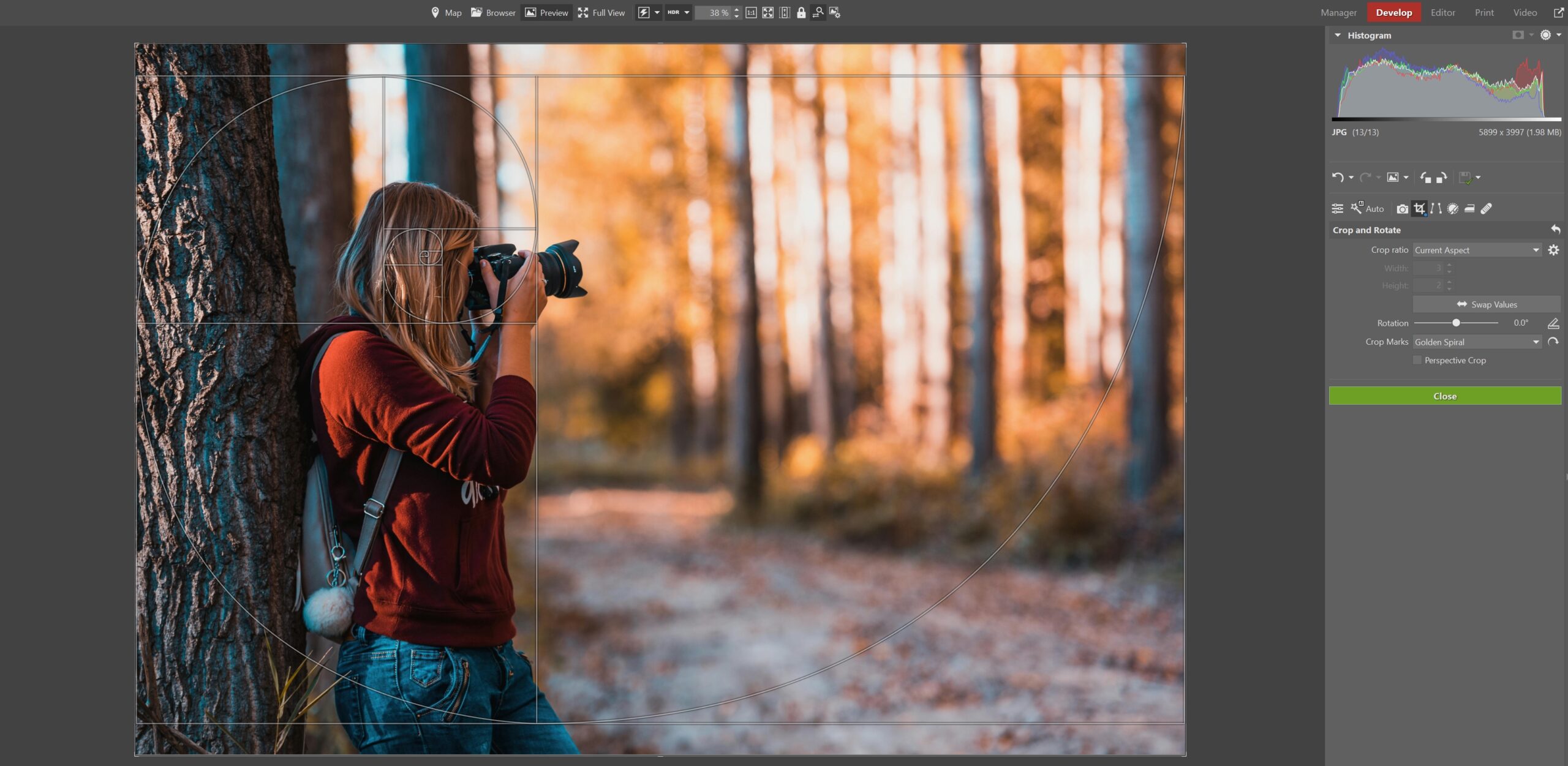
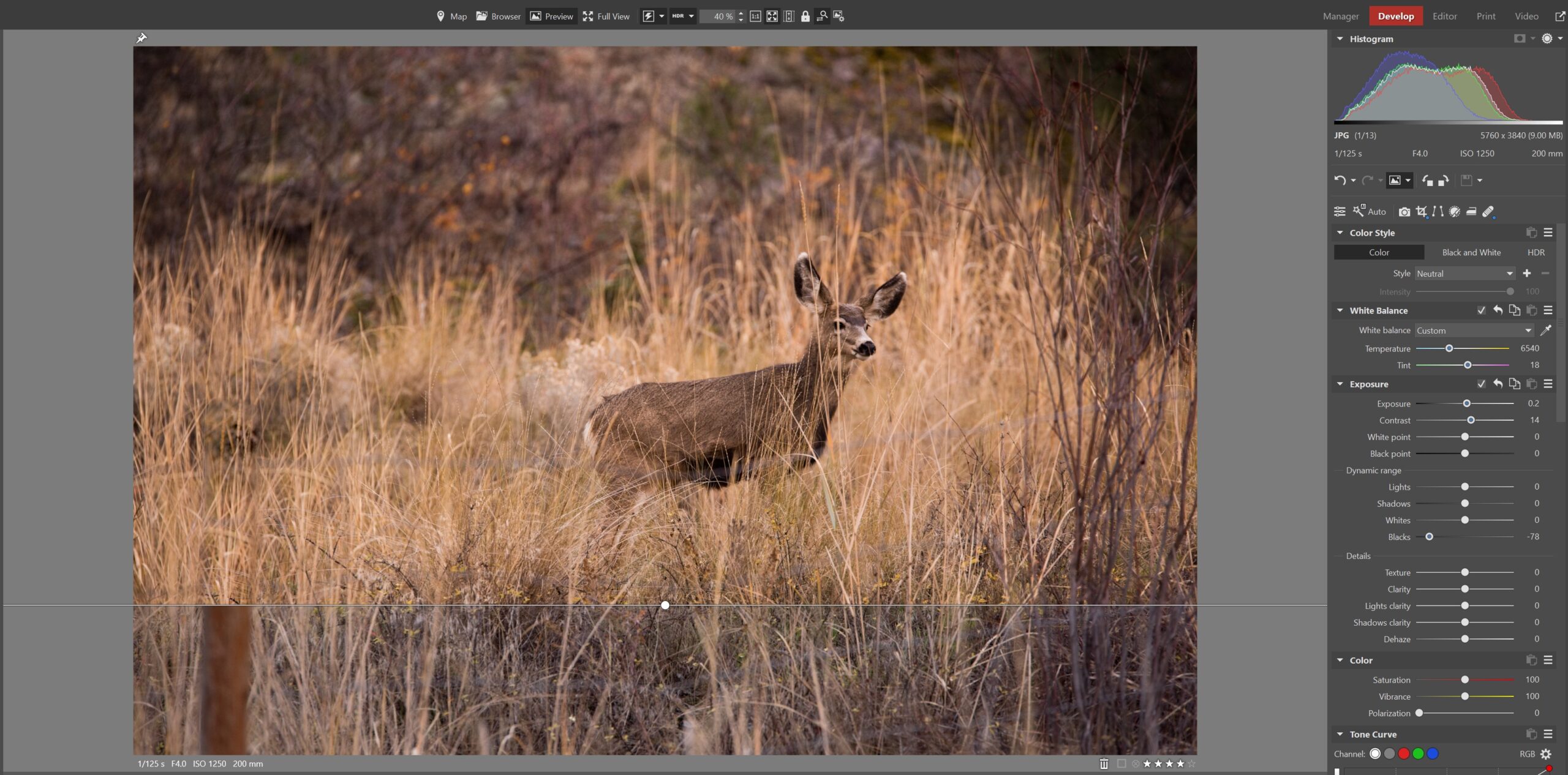
The most visible change comes with an expanded version of AI Close ups. Previously limited to face detection, the tool can now recognize full human figures, animals, vehicles, and even airplanes.
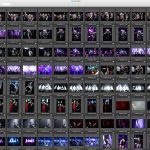
When browsing a series of images, Zoner Studio automatically highlights these detected subjects, letting you compare shots quickly without manually zooming in.
For portrait photographers, this makes it easier to evaluate expressions, focus, and posture across similar frames. For sports and wildlife shooters, subject detection can help identify sharpness and timing in bursts of action shots. You can move through a large shoot faster, especially when dealing with dozens or hundreds of images.
Notably, AI Close ups run entirely offline. All calculations happen locally, and results appear within seconds. That may matter if you prefer to keep your photos off cloud services or work in environments without reliable internet access.
AI Resize and the Question of Image Size
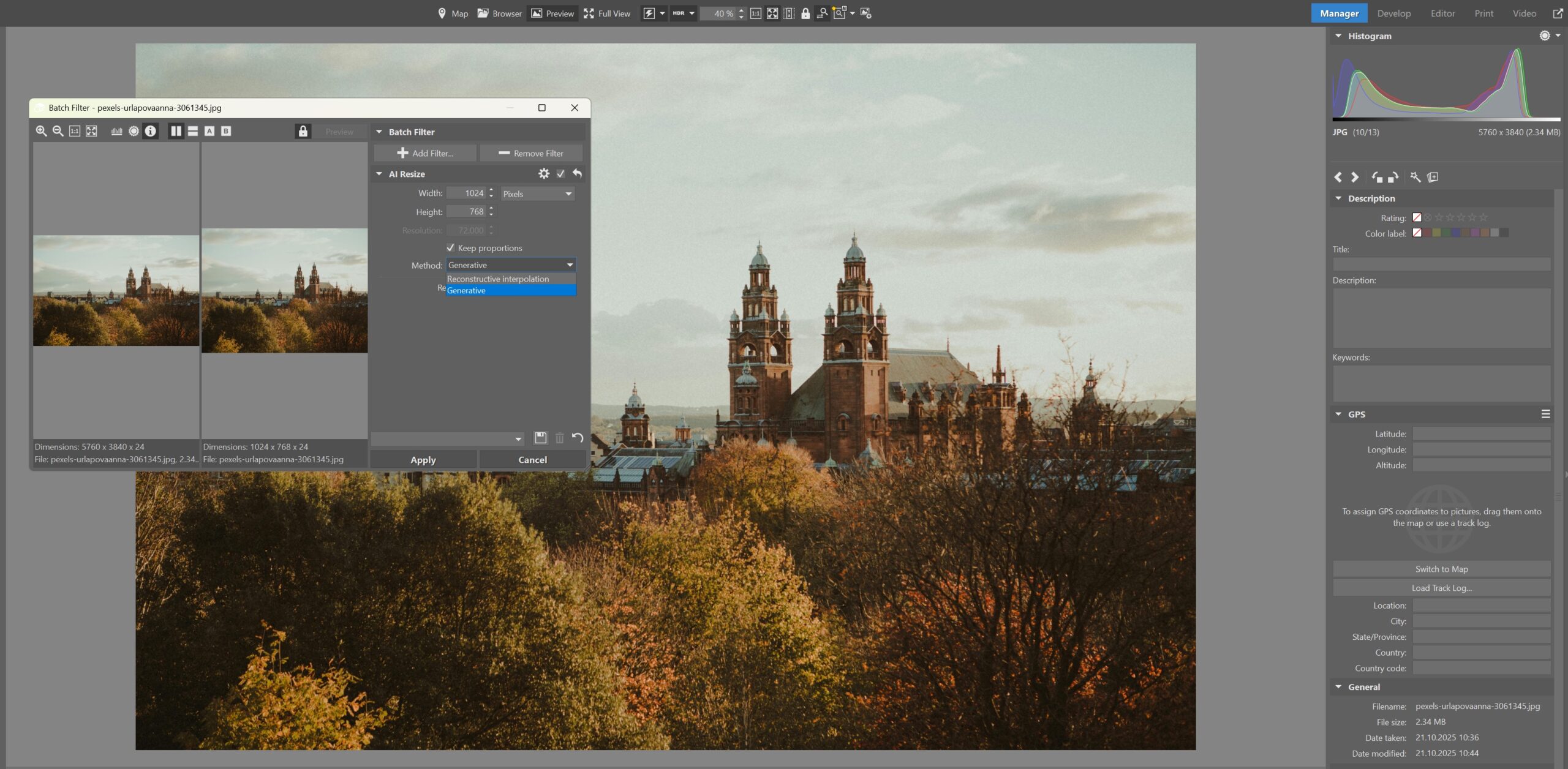
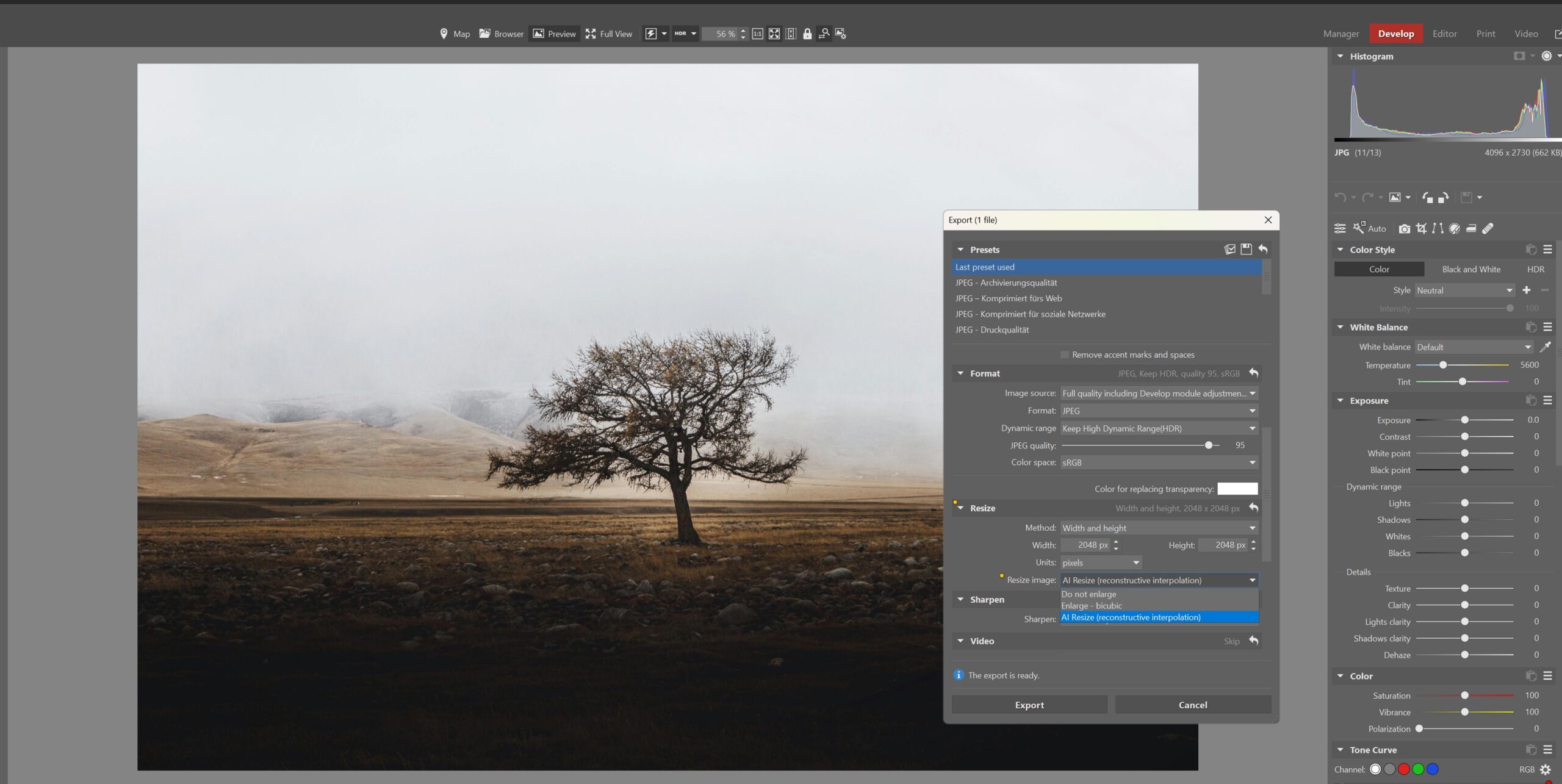
Another key addition is AI Resize, a tool designed to enlarge images while preserving detail. Upscaling has become more common as photographers repurpose images for prints, exhibitions, or larger displays. Zoner Studio positions this feature as a way to maintain flexibility when your original resolution falls short.
If you have ever cropped an image tightly and later wished you had more pixels to work with, AI Resize aims to solve that problem. The tool allows you to scale images up without introducing obvious artifacts or softness, making it easier to prepare prints or albums without returning to the original shoot.
As with the other AI tools in this update, resizing happens locally. There is no requirement to upload files, which keeps the process consistent with Zoner Studio’s broader design philosophy.
Interface Improvements That Add Up
Beyond headline features, the Fall Update includes a series of smaller interface refinements. These changes focus on reducing friction during everyday tasks such as selecting images, applying edits, and exporting final files. While none of these updates are dramatic on their own, together they contribute to a smoother editing experience.
For photographers handling family portraits, events, or wildlife shoots, incremental speed gains can add up quickly. Faster selection leads to quicker edits, and a more streamlined export process helps you deliver results with less delay.
Zoner Studio continues to emphasize ease of use, positioning itself as an entry point for photographers who want control without complexity. The interface remains approachable, with tools that are easy to understand even if you are new to photo editing software.
Staying Realistic in an AI Heavy Market
At a time when many editing platforms are leaning into stylized effects and generative imagery, Zoner Studio’s update feels deliberately restrained. The software avoids pushing dramatic transformations and instead supports realistic outcomes. That restraint may appeal to photographers who prioritize authenticity over spectacle.
By focusing AI on selection and resizing rather than aesthetic decisions, Zoner Studio leaves creative judgment in your hands. You decide how an image should look. The software simply helps you get there faster.
Zoner Studio does not try to be everything at once. Instead, it continues refining a toolset aimed at practical photography. If your priority is speed, realism, and offline control, this update strengthens Zoner Studio’s position as a reliable everyday editor.
For photographers who prefer to try before committing, Zoner Studio makes that easy. Readers can try Zoner Studio free for a week, giving you time to explore its editing and photo management features at your own pace. To get started, download it from this page.
See more from DIYPhotography.net on Google
Add DIYPhotography.net as a trusted source. This makes
our stories more likely to appear in your Google Search results.
 Add as a preferred source on Google

Alysa Gavilan
Alysa Gavilan has spent years exploring photography through photojournalism and street scenes. She enjoys working with both film and mirrorless cameras, and her fascination with the craft has grown over the decades. Inspired by Vivian Maier, she is drawn to capturing everyday moments that often go unnoticed.


Join the Discussion
DIYP Comment Policy
Be nice, be on-topic, no personal information or flames.