



























VSCO’s New Prompt Feature Lets You Describe Edits in Words
Feb 2, 2026
Alysa Gavilan
Alysa Gavilan has spent years exploring photography through photojournalism and street scenes. She enjoys working with both film and mirrorless cameras, and her fascination with the craft has grown over the decades. Inspired by Vivian Maier, she is drawn to capturing everyday moments that often go unnoticed.
Share:
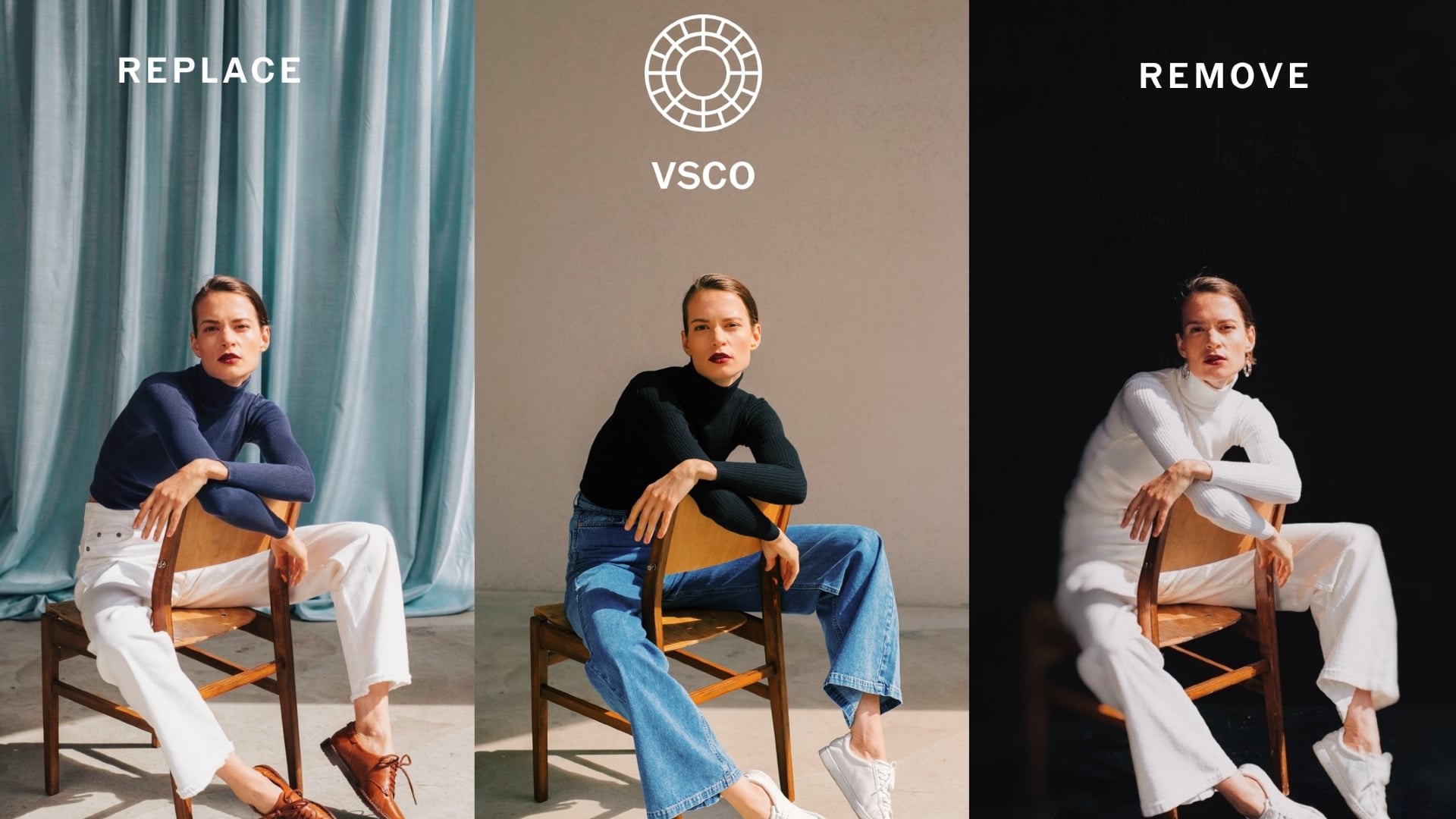
VSCO has introduced an editing tool that could change how you work with photos. The new feature, called Prompt, lets you describe what you want done to an image using natural language, instead of manually adjusting sliders and buttons.
You might ask it to remove haze, tame strong colors, fix stray hairs, or brighten a subject without touching the sky. This move puts a new layer of creative and corrective control into your hands and marks a significant shift in how mobile editing tools are evolving for photographers.
Prompt is available now for VSCO Pro members, with expanded workflow capabilities rolling out in February.
Prompt: Editing by Description
Prompt turns ordinary editing instructions into workflow actions. You can type phrases like “fix the blown‑out sky”, “remove window reflections”, or “make the lighting more dramatic” and see VSCO apply the change.
The tool promises to handle both creative concepts and technical fixes, giving you a chance to refine the look of your image without diving deep into traditional controls.
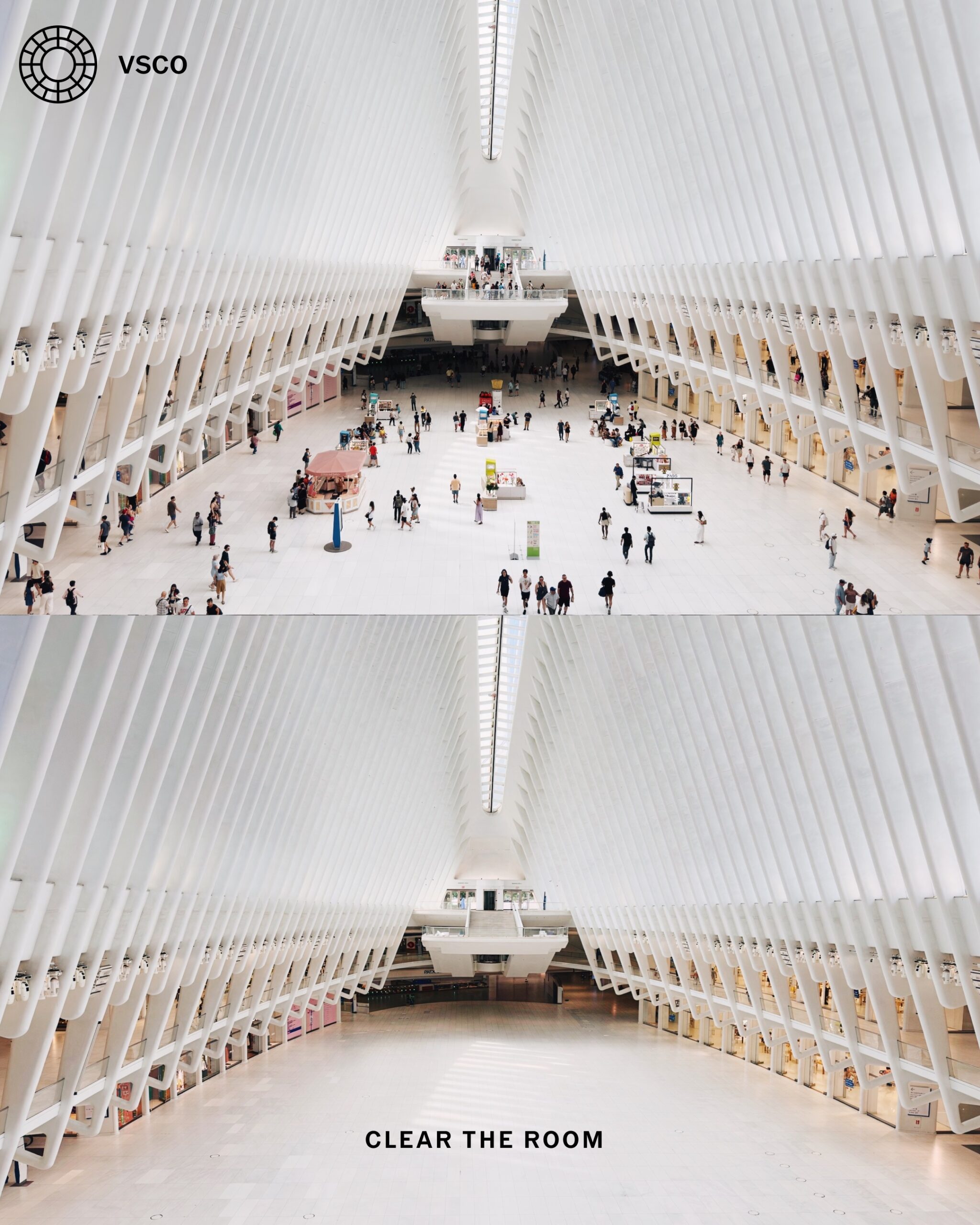
An important aspect of Prompt is its ability to work across multiple generations. You can apply one instruction, judge the result, and then send a follow‑up edit to continue refining the image.
This incremental workflow lets you think through a concept the same way you might in a full desktop editor, but simplified and guided by descriptive language.

Practical Enhancements and Creative Options
In addition to creative style shifts, Prompt can assist with tough technical problems.
Photographers often face images with blown highlights, distracting details, or complex lighting issues. Prompt gives you a way to address these problems with conversational commands instead of manual masking and selective adjustments. For busy workflows or rapid content production, that could save considerable time.
Prompt is pitched as a tool that empowers photographers, not replaces decision‑making. You still direct the edit, but the system handles the labor of implementation, leaving you free to focus on vision and composition.
VSCO has also encouraged artists to share their results using #AILab so that the broader community can influence how Prompt develops and improves over time.

Similar Features in Other Apps
VSCO is not alone in experimenting with prompt‑based editing. Several other photo and creative tools are exploring natural language commands as a way to simplify complex edits.
For example, Luminar Neo has integrated tools that respond to descriptive input to perform masking, sky replacement, and image enhancement automatically.
Adobe Lightroom on desktop and mobile has introduced “Edit in Natural Language” features in beta, allowing users to type instructions like “make the background darker” or “boost subject sharpness” and see Lightroom carry out those changes.
These tools emphasize conversational input as a way to lower the barrier to advanced edits that once required detailed manual work. The trend reflects a broader shift in photo software toward interfaces that bridge technical complexity and intuitive expression.

Noteworthy Evolution
All in all, VSCO’s Prompt represents a noteworthy evolution in mobile editing.
By allowing descriptive commands, it makes complex adjustments more accessible, especially for creators who work quickly or prefer expressive, idea‑based workflows. It also highlights how photography tools are adapting to new expectations for speed, flexibility, and creative control.
As Prompt continues to roll out, observing how photographers use descriptive editing in real projects will be key. The feature’s success will likely depend on its balance of control and automation, and whether it genuinely integrates into the way professionals and enthusiasts work with images.
For now, VSCO’s Prompt offers a glimpse at what the future of photo editing might look like: expressive, fluid, and rooted in the language of photography itself.
See more from DIYPhotography.net on Google
Add DIYPhotography.net as a trusted source. This makes
our stories more likely to appear in your Google Search results.
 Add as a preferred source on Google

Alysa Gavilan
Alysa Gavilan has spent years exploring photography through photojournalism and street scenes. She enjoys working with both film and mirrorless cameras, and her fascination with the craft has grown over the decades. Inspired by Vivian Maier, she is drawn to capturing everyday moments that often go unnoticed.




Join the Discussion
DIYP Comment Policy
Be nice, be on-topic, no personal information or flames.