


























Make ANY Android Smartphone into a Focus-Stacking Champion
Feb 2, 2026
David Prochnow
Our resident “how-to” project editor, David Prochnow, lives on the Gulf Coast of the United States in Ocean Springs, Mississippi. He brings his expertise at making our photography projects accessible to everyone, from a lengthy stint acting as the Contributing How-To Editor with Popular Science magazine. While you don’t have to actually build each of his projects, reading about these adventures will contribute to your continued overall appreciation of do-it-yourself photography. A collection of David’s best Popular Science projects can be found in the book, “The Big Book of Hacks,” Edited by Doug Cantor.
Share:
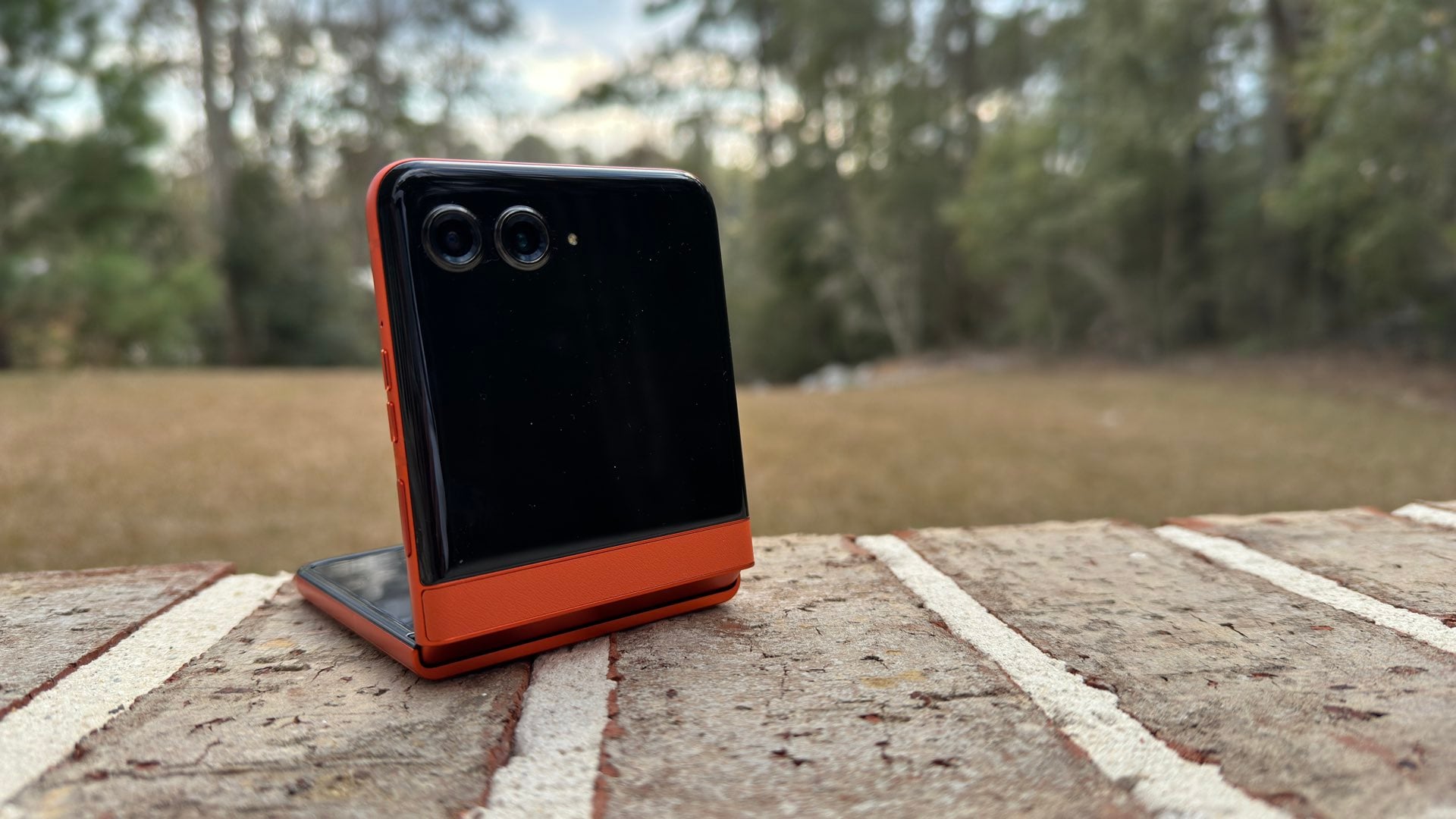
Focus stacking isn’t the sole domain of high-priced cameras anymore. There’s an Android app that brings focus stacking into the world of smartphones. Not just elite smartphones, but any smartphone that uses Android 5.5 or newer! This is a great opportunity to convert that decrepit device sitting in your junk drawer into a potent photography powerhouse.
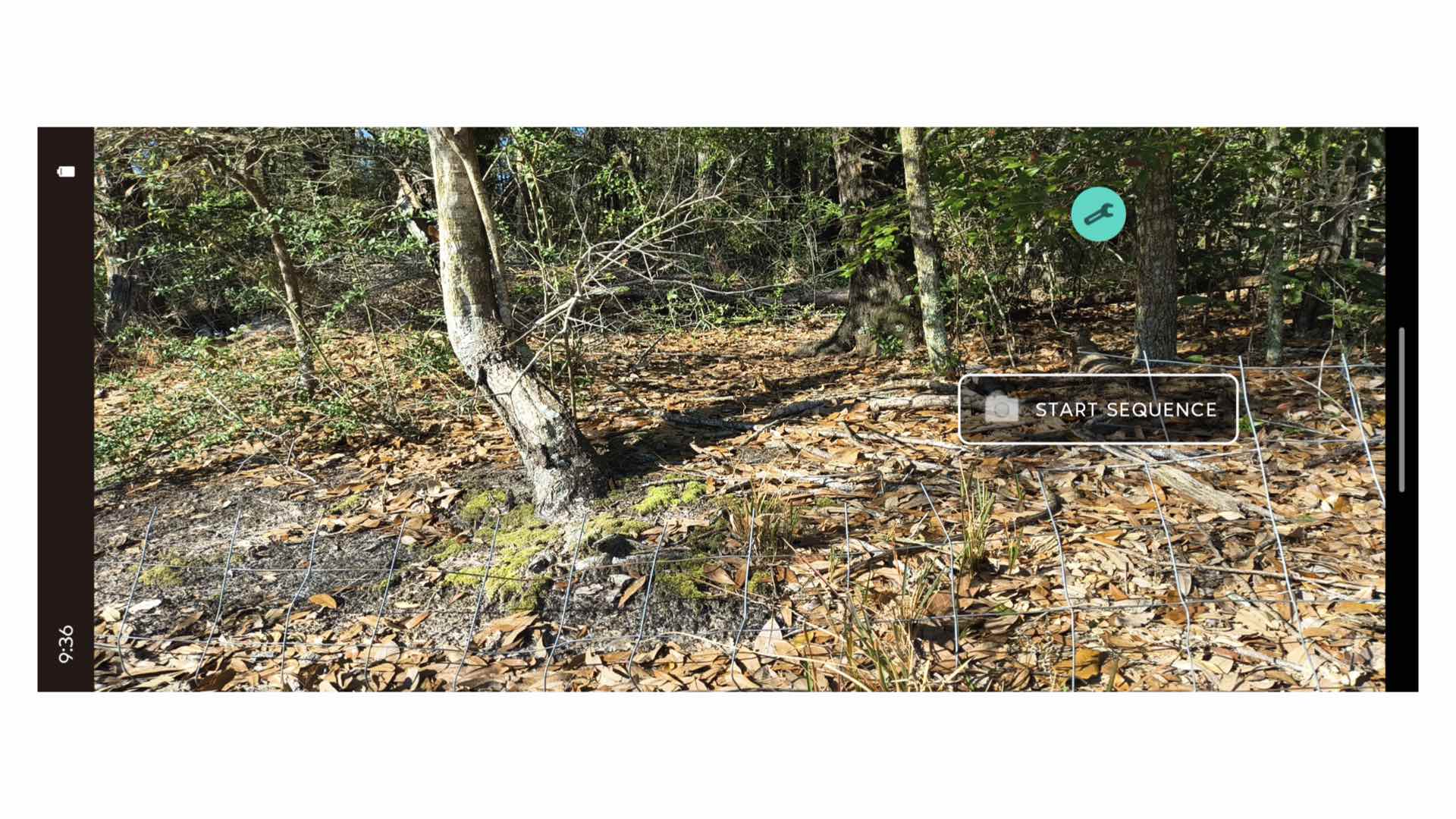
Introducing Multifocus Camera by Ignislab Ltd. Although sounding like an incredibly complex challenge, using this FREE, ridiculously small app (e.g., less than 10MB in size) will reduce your photographic effort down to a simple point and press the button user interaction process. Really, that’s all you have to do is press a button and Multifocus Camera takes a series of photographs and then mathematically combines them into a single, savable image.
(Focus), From Here to Infinity
When you want to take the “training wheels” off your focus stacking photography, Multifocus Camera has a nice and tidy list of available options that can be selected via a Settings panel. For example, if you want to save all of the individual images from your focus-stacking session, you can opt to retain all of the files. Likewise, you can increase the number of photos that are snapped prior to stacking, too.
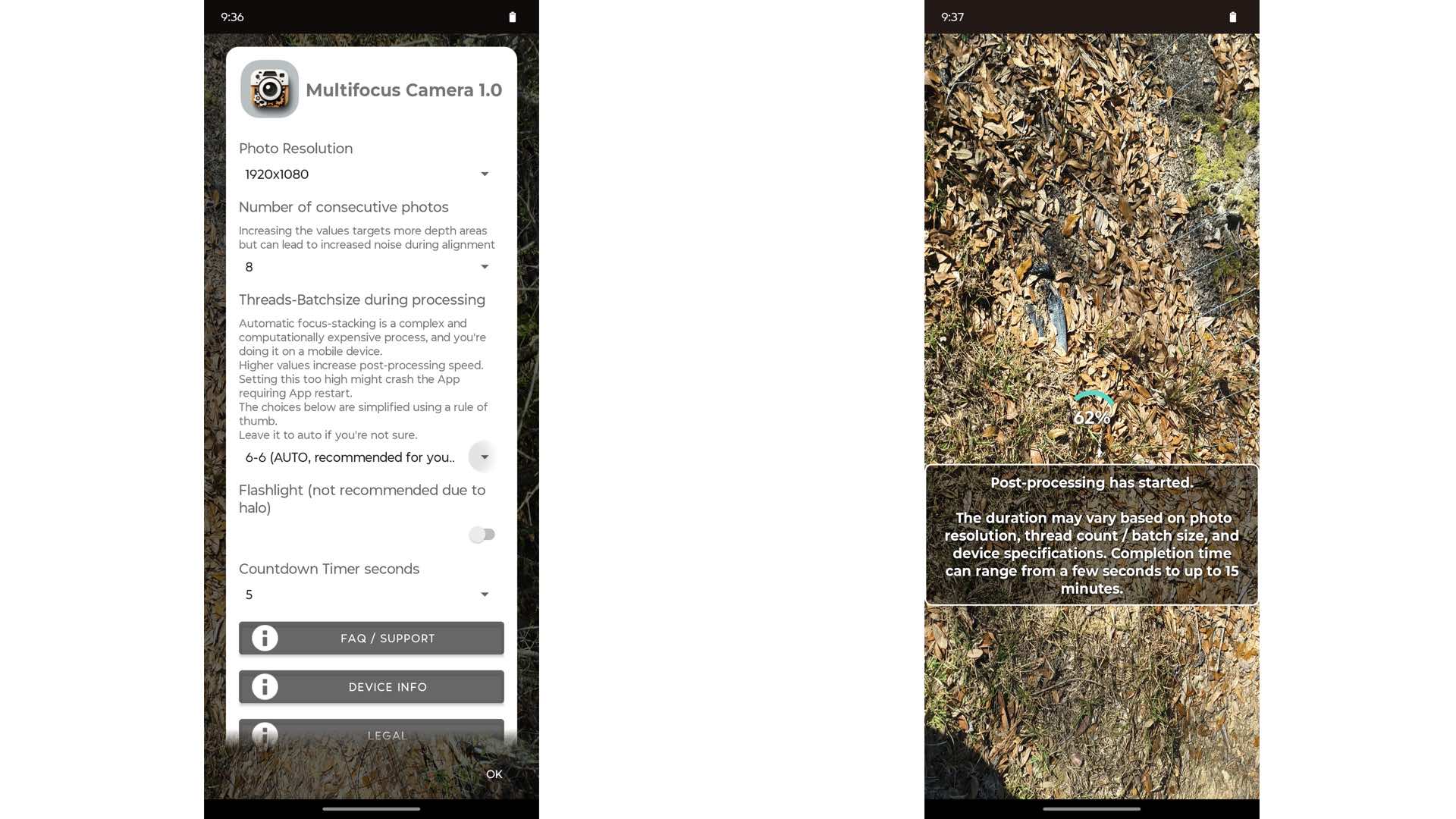
Using all of these options could make Multifocus Camera into a viable competitor against all of the major digital camera manufacturers. Imagine, your lowly smartphone is now able to challenge one of the major mainstays of in-camera computational photography. All of this phenomenal capability while still scrolling through your endless social media feed.
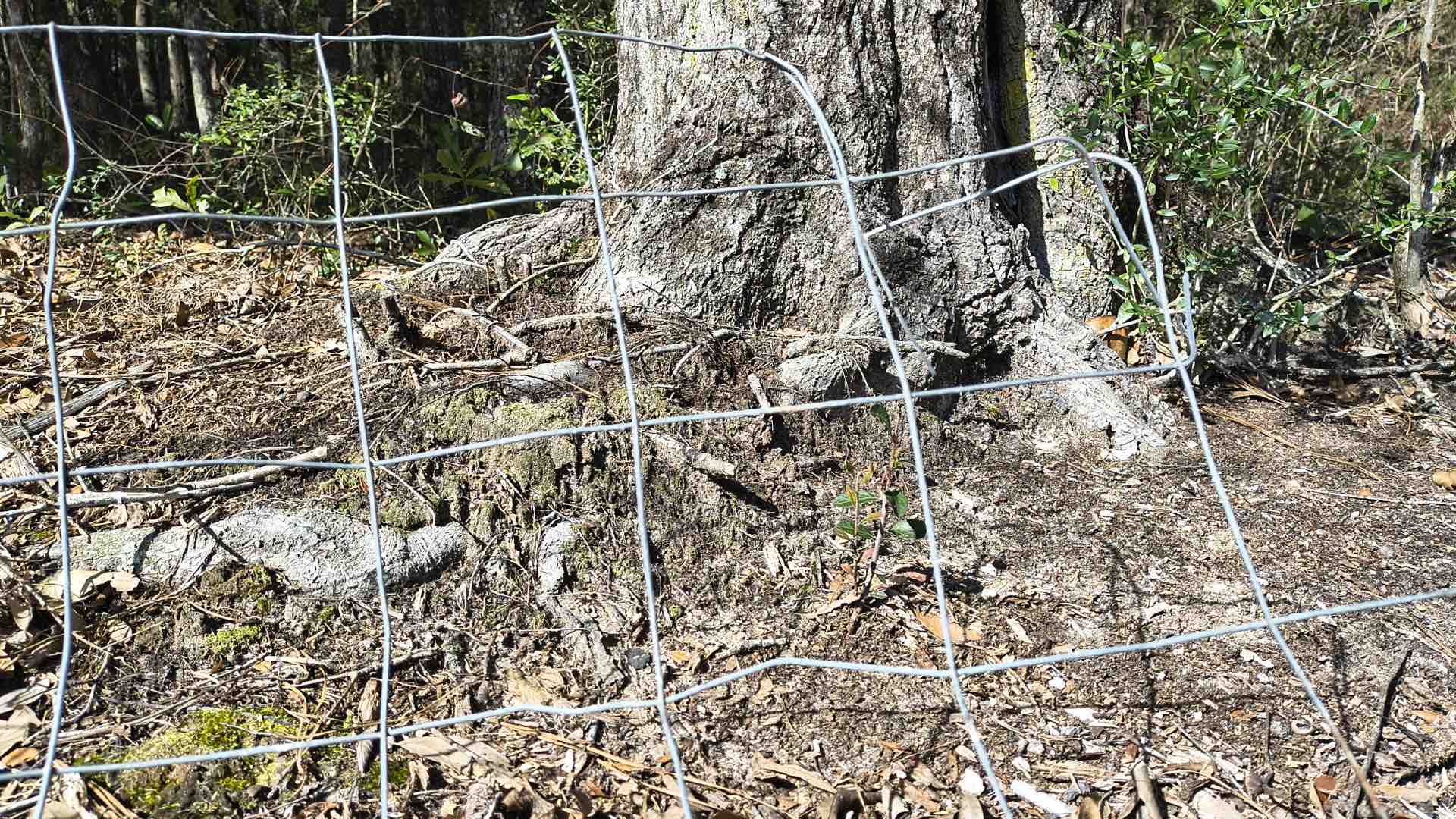
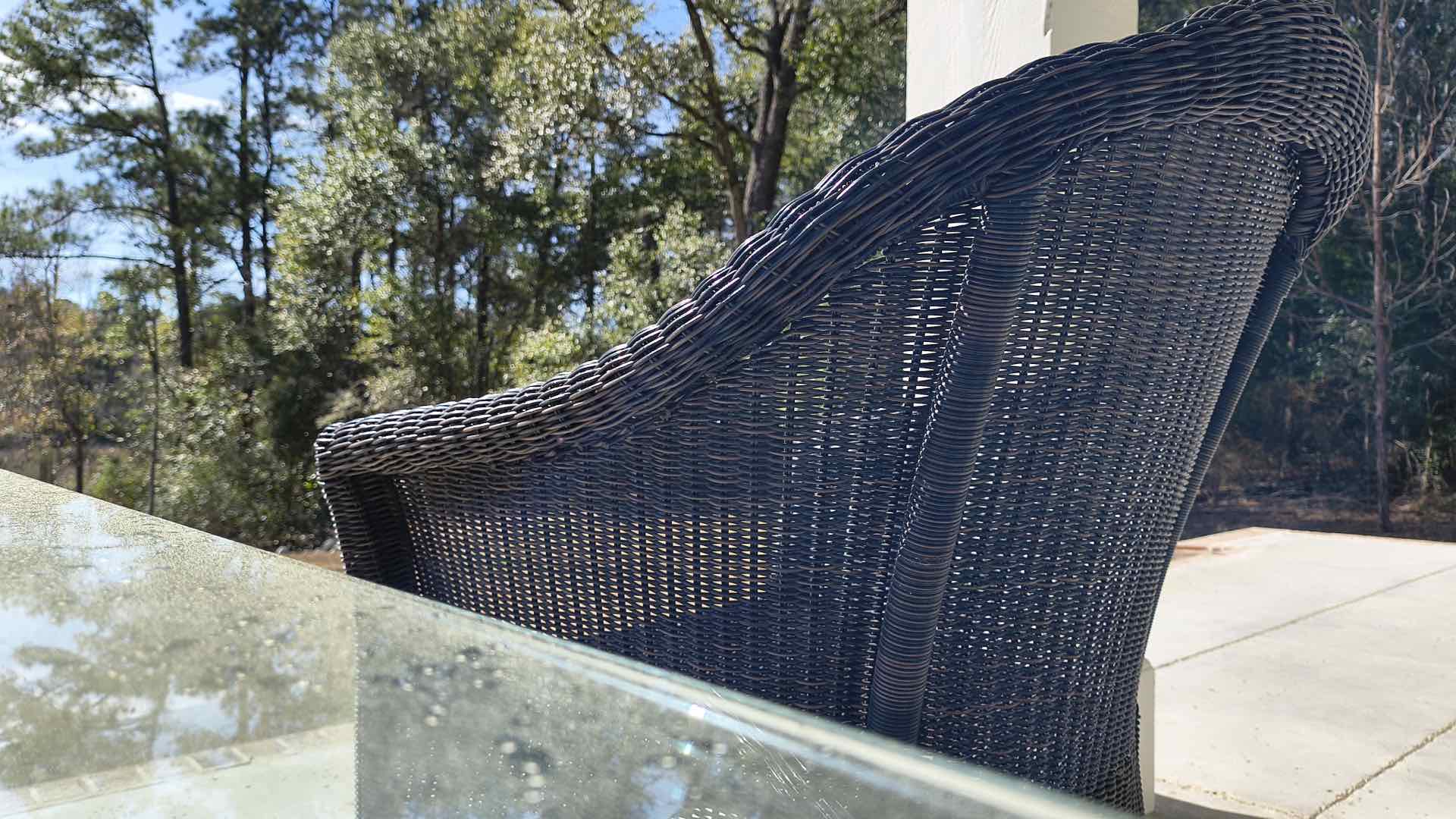
Please study these sample photographs for yourself and see if smartphone focus stacking makes you want to box up your DSLR and sell it. From this sale, you can buy a better smartphone and fully embrace the bold world of smartphontography.
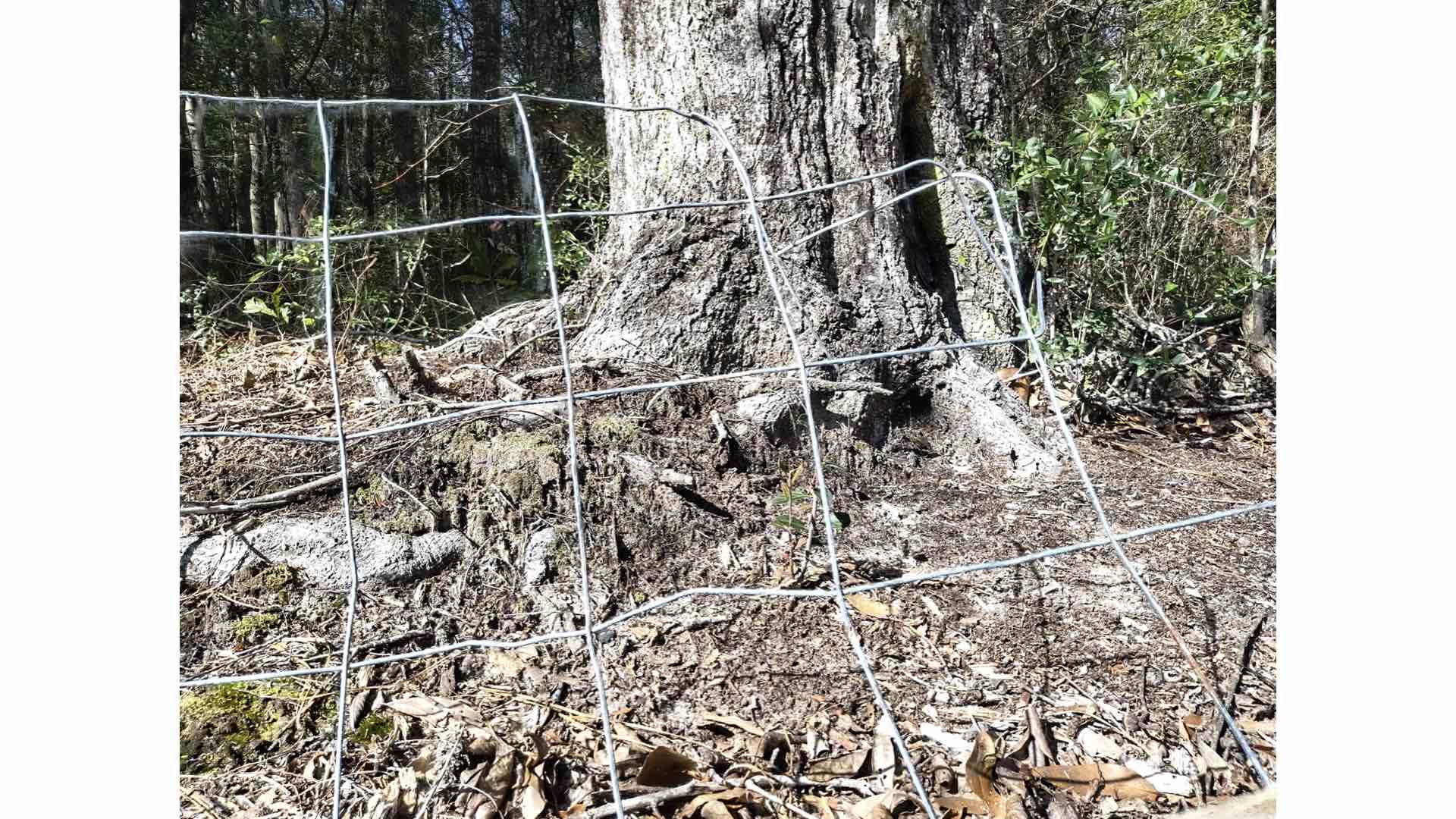
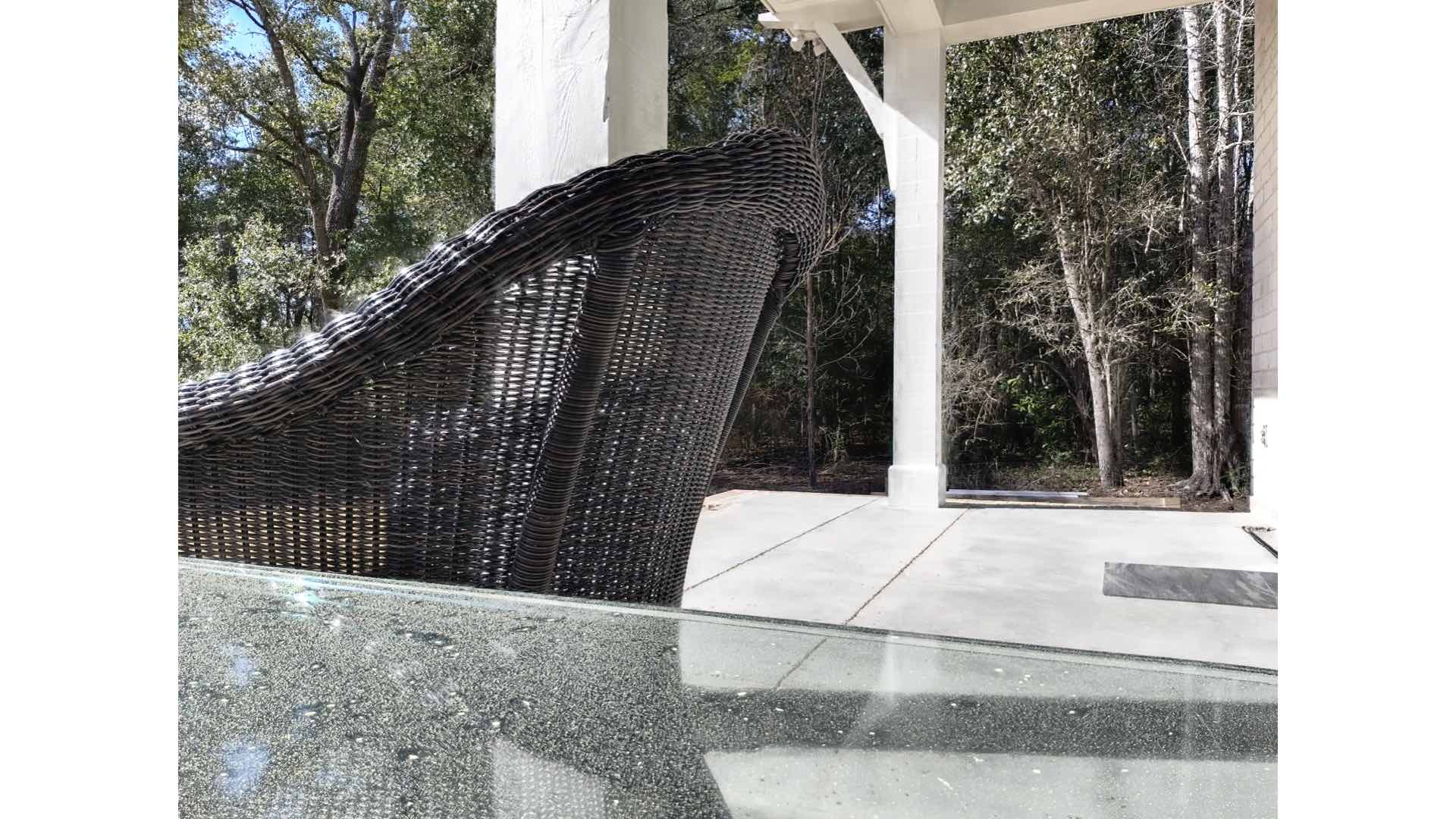
[Please note: all of the photographs were exposed with a Motorola razr 2024 smartphone.]
Enjoy.
See more from DIYPhotography.net on Google
Add DIYPhotography.net as a trusted source. This makes
our stories more likely to appear in your Google Search results.
 Add as a preferred source on Google

David Prochnow
Our resident “how-to” project editor, David Prochnow, lives on the Gulf Coast of the United States in Ocean Springs, Mississippi. He brings his expertise at making our photography projects accessible to everyone, from a lengthy stint acting as the Contributing How-To Editor with Popular Science magazine. While you don’t have to actually build each of his projects, reading about these adventures will contribute to your continued overall appreciation of do-it-yourself photography. A collection of David’s best Popular Science projects can be found in the book, “The Big Book of Hacks,” Edited by Doug Cantor.



Join the Discussion
DIYP Comment Policy
Be nice, be on-topic, no personal information or flames.
One response to “Make ANY Android Smartphone into a Focus-Stacking Champion”
And this is a DIY project because … ?