





















Print Mario and Nintendo Switch Screenshots as Real “Action Shots”
Nov 19, 2025
David Prochnow
Our resident “how-to” project editor, David Prochnow, lives on the Gulf Coast of the United States in Ocean Springs, Mississippi. He brings his expertise at making our photography projects accessible to everyone, from a lengthy stint acting as the Contributing How-To Editor with Popular Science magazine. While you don’t have to actually build each of his projects, reading about these adventures will contribute to your continued overall appreciation of do-it-yourself photography. A collection of David’s best Popular Science projects can be found in the book, “The Big Book of Hacks,” Edited by Doug Cantor.
Share:
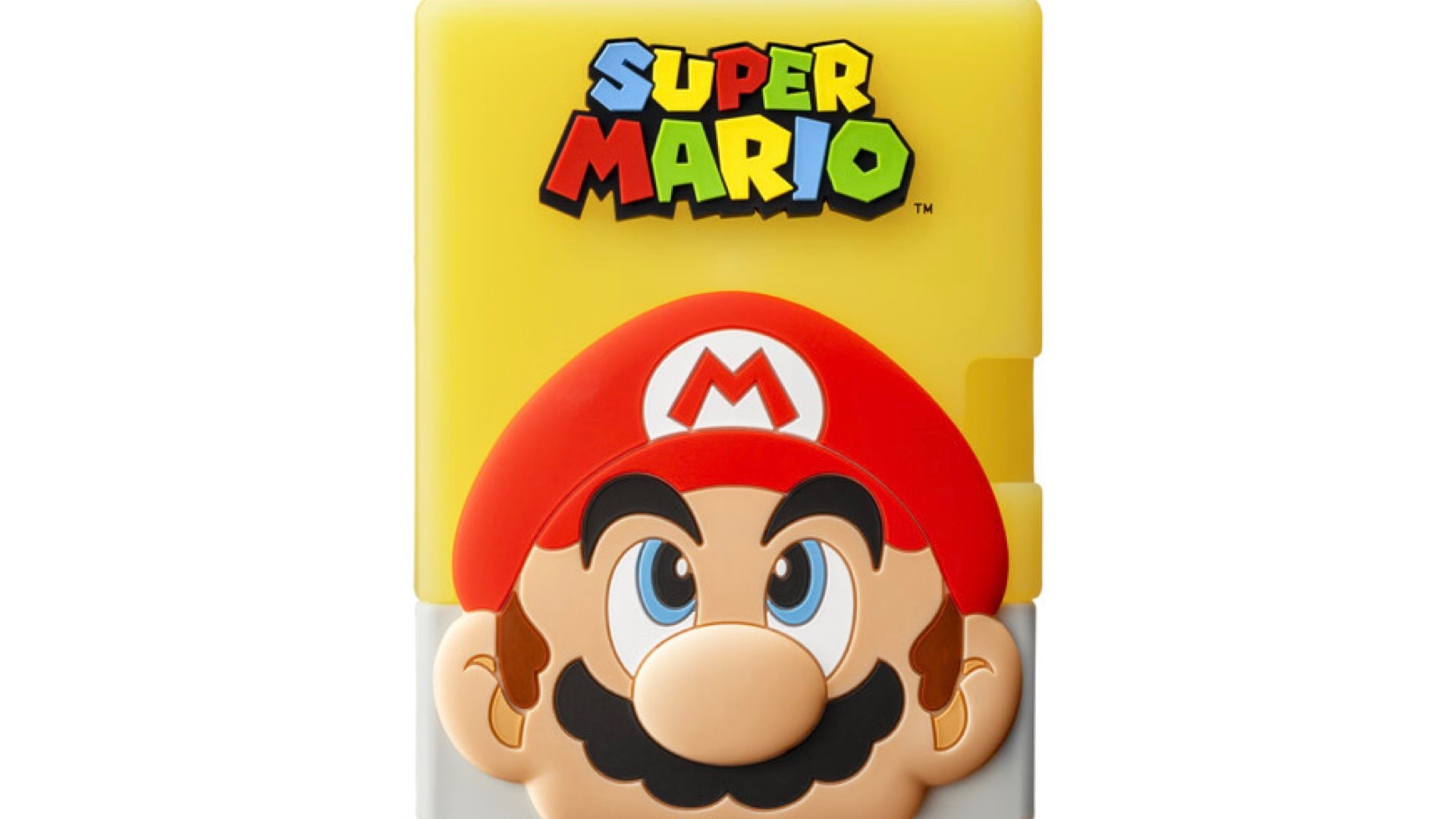
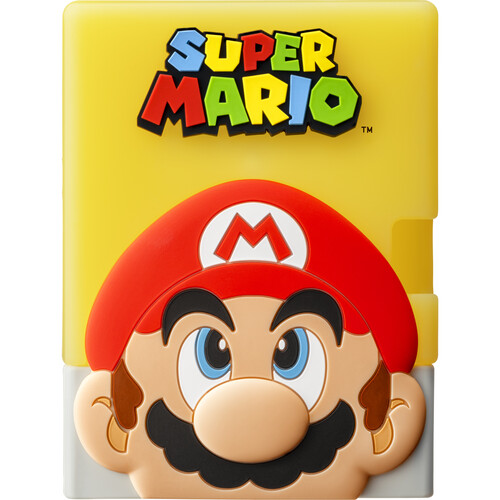
Imagine this: you just nailed a perfect jump in Super Mario, captured the moment, and now you want a keepsake. Enter the Fujifilm instax mini Link 3 for Nintendo Switch, a tiny, pocket-sized printer that turns your epic Nintendo Switch screenshots into real, collectable instant photos. It’s like having an instant camera embedded inside a Nintendo Switch, all in one, but without the existential crisis of worrying about lawsuits.
Using the dedicated app to scan a QR code from your Switch’s screenshot, upload it to your phone, then print. The process is so slick, it’s like prestidigitation. Get your digital triumph, frozen in a 62mm × 46mm snapshot faster than you can say “1-UP.”
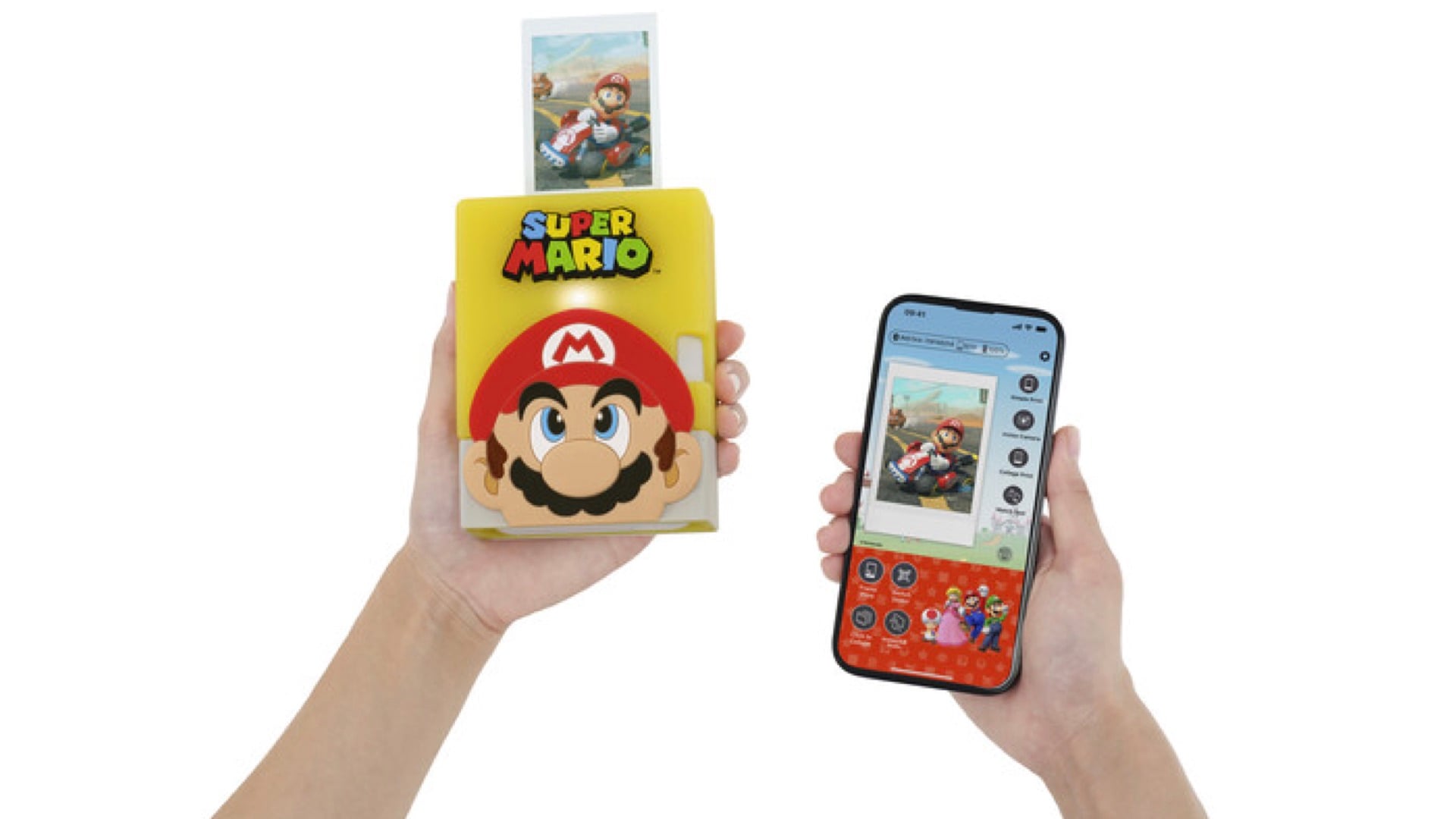
And it’s not just a print factory. You get to decorate your photos with fun Nintendo-themed frames and character stickers thanks to the app. Channel your inner artist, or just slap on a Mario mustache.
Mario Mayhem in Minutes
Here’s the real kicker: you can even use Instax AiR Studio with AR effects. Add levitating mushrooms, rainbow trails, the works; and make your prints feel like you summoned them straight out of the Mushroom Kingdom.
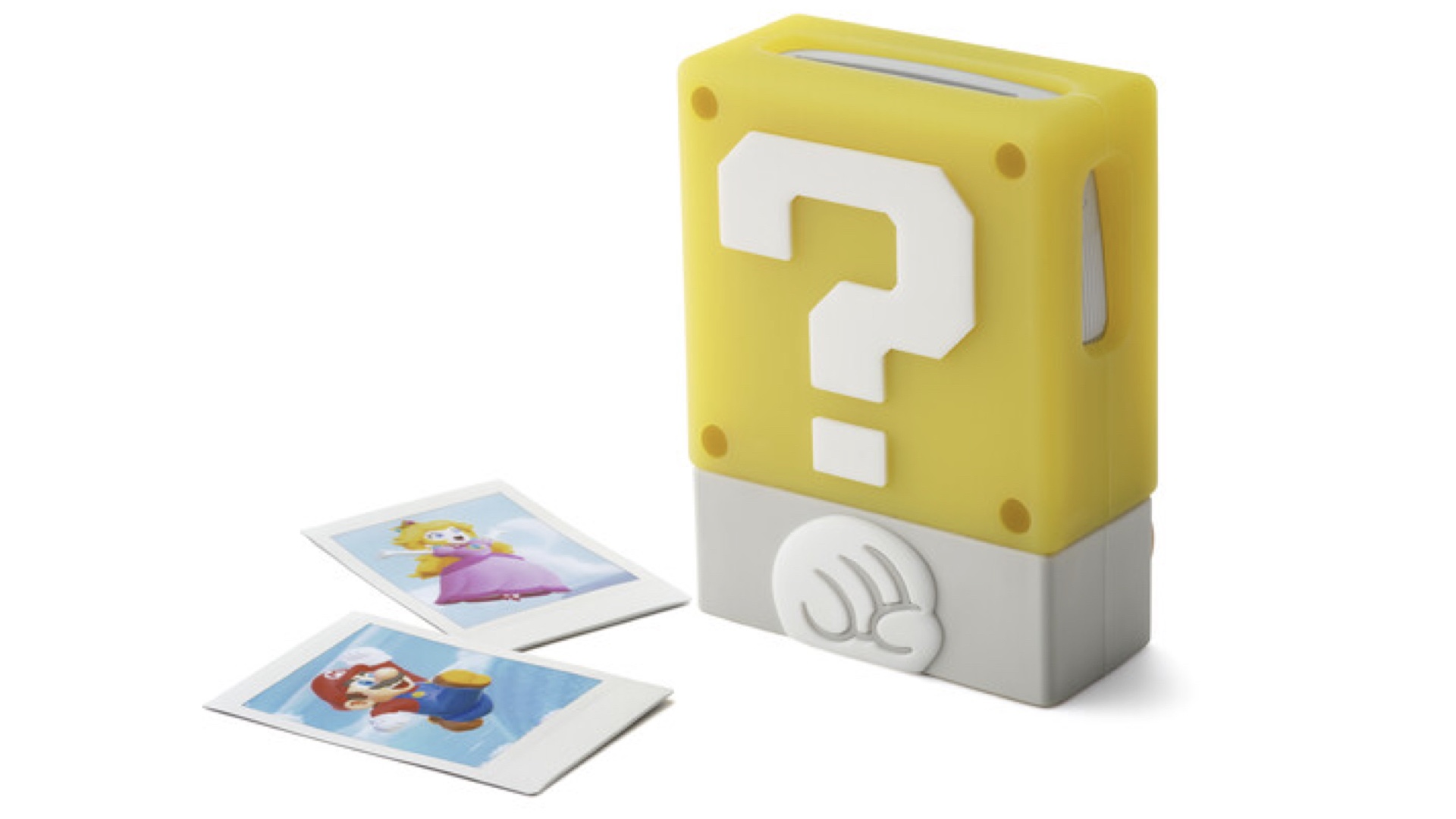
Color reproduction is legit too: the printer supports instax-Rich Mode, which gives you bold, expressive colors, so those Fire Flower flames will really pop. Plus, the app is compatible with multiple versions of the Link printer, like the mini Link 2 and the newer mini Link 3.
Using the instax mini Link 3 printer, however, gives you two interesting super powers. Well, at least, two “printer” super powers. First, the ability to snap a remote photograph by pressing the printer’s power button. And second, you can zoom the photograph just by tilting the printer. Try that with your laser printer.
This weird little gadget is the perfect mash-up of retro instax vibes and modern gamer swagger. If you’ve ever wanted to hold your high-score glory in your hand and maybe frame it, this is the printer for you.
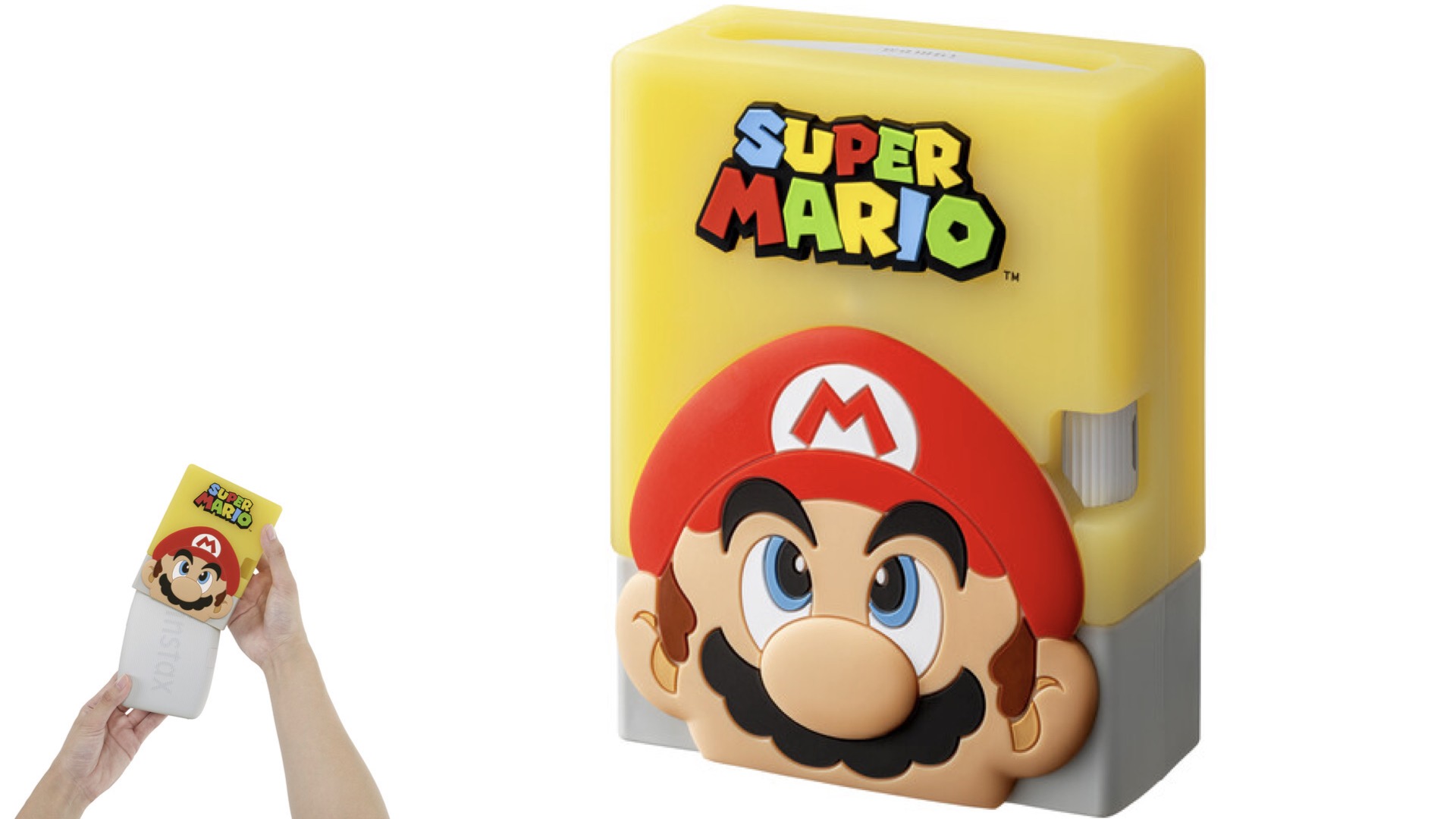
Available now and priced at $150 including a Limited Edition “? Block” Design Silicone Case.
Enjoy.
See more from DIYPhotography.net on Google
Add DIYPhotography.net as a trusted source. This makes
our stories more likely to appear in your Google Search results.
 Add as a preferred source on Google
Filed Under:
Tagged With:

David Prochnow
Our resident “how-to” project editor, David Prochnow, lives on the Gulf Coast of the United States in Ocean Springs, Mississippi. He brings his expertise at making our photography projects accessible to everyone, from a lengthy stint acting as the Contributing How-To Editor with Popular Science magazine. While you don’t have to actually build each of his projects, reading about these adventures will contribute to your continued overall appreciation of do-it-yourself photography. A collection of David’s best Popular Science projects can be found in the book, “The Big Book of Hacks,” Edited by Doug Cantor.



Join the Discussion
DIYP Comment Policy
Be nice, be on-topic, no personal information or flames.