

























Blackmagic Camera 3.0 Update Brings Easy Clip Syncing for Multi-Cam Shoots
Sep 15, 2025
Anzalna Siddiqui
A psychology major in her third year of Bachelor’s, Anzalna Siddiqui has endless curiosity for the human mind and a deep love for storytelling – both through words and visuals. Though she hasn’t taken up photography as a profession, her Instagram is where her passion finds its home. In addition to this, she’s a travel enthusiast who never travels without her camera because every place has a story waiting to be captured.
Share:
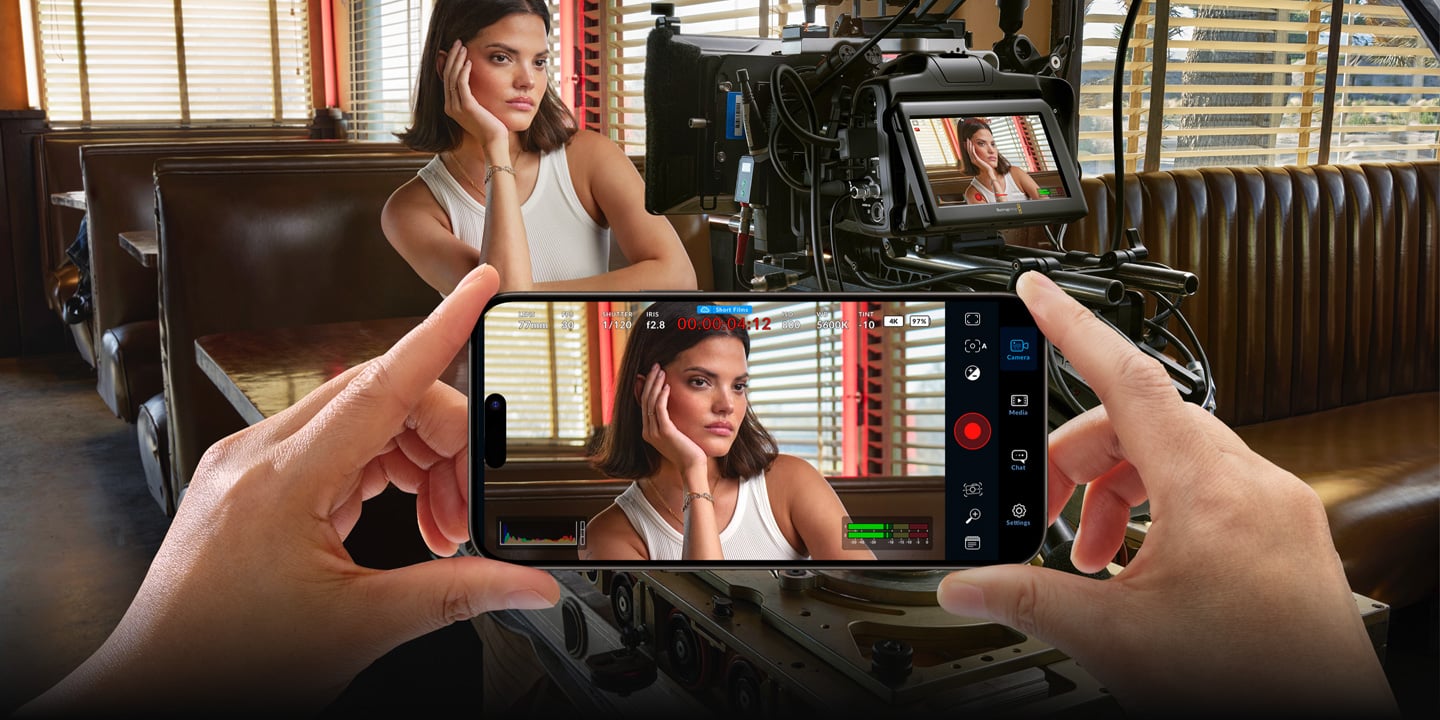
Blackmagic Design has released an camera 3.0 update for their Blackmagic Camera app that could really help those shooting with multiple phones or tablets. Have you ever been on a shoot where everything just clicks? The shots look great, the lighting is perfect, and your ideas are flowing smoothly. But then you get to the editing room and find yourself overwhelmed by a huge amount of footage from different cameras that don’t match up. It can be so frustrating that you might feel like tossing your computer out the window. Luckily, Blackmagic Design, a company that understands how to make things easier for filmmakers, has solution.
Get Perfect Sync Every Time with Blackmagic Camera 3.0
Blackmagic Camera has always aimed to provide professional tools for the device you carry with you every day. It transforms your iPhone, iPad, or Android device into a digital film camera. This allows you to easily control settings like frame rate, shutter angle, ISO, and white balance. You can also shoot in log format, which helps you capture a broader dynamic range — important for anyone serious about color grading.
The 3.0 update, however, brings significant improvements. It focuses on simplifying multi-camera shoots. If you’ve ever had to sync footage from events like weddings, concerts, or interviews with multiple angles, you know how challenging that can be. This new update aims to eliminate that hassle by incorporating support for an external timecode generator.
How Timecode Sync Works on Your iPhone
This is some impressive technology that really grabs your attention. You can now link a Bluetooth timecode generator, such as a Tentacle Sync, to your phone. The app will automatically recognize the generator and sync its internal timecode with it. This means that every device connected to the same network. Whether it’s your phone, a Blackmagic cinema camera, or a traditional professional camera. It will have the same timecode perfectly matched in the file information.
It allows you to start and stop recording on each device separately without the fear of them falling out of sync. You could have one phone on a tripod for a wide shot, another on a gimbal for dynamic shots, and a third in your hand for spontaneous close-ups. When you return to your computer and import all the footage into DaVinci Resolve, the software, according to Blackmagic Design, will automatically locate and sync all your clips for you. This means no more tedious hours spent on manual syncing and adjusting timelines. It seems designed to save you a lot of time and help you focus more on being creative.
The New ProDock for Serious Filmmakers
If you want to improve your phone filmmaking, check out the Blackmagic Camera ProDock from Blackmagic Design. This add-on is made for newer iPhones and can turn your phone into a serious production camera. It provides various professional connections that are usually found on bigger, more costly cameras. This includes genlock, timecode, an HDMI output for monitoring, a 3.5mm audio input, and two high-speed USB-C ports for recording to external SSDs.
I’m really excited about what this could mean. Just think about using a professional shotgun microphone with your phone or having a separate HDMI monitor for your director or focus puller to see what you’re filming. This setup lets you create a professional rig around your phone, making it suitable as a B-camera or even a main camera for some projects. Plus, you can capture clean images for virtual production, which Blackmagic Design highlights as an important feature of the ProDock.
The Power of Blackmagic Cloud and DaVinci Resolve
The entire setup relies on Blackmagic Cloud and DaVinci Resolve. According to the company, the ability to record video directly to Blackmagic Cloud is a game changer. The app allows you to upload an HD proxy file while recording, enabling an editor in the studio to start working on the footage almost immediately. This is especially important for news and quick-turnaround projects.
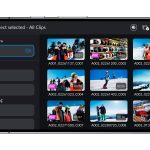
Once you’re using DaVinci Resolve, the Sync Bin feature simplifies multi-camera editing. It organizes and shows all your synced clips in a multiview using time-of-day timecodes. This makes it easy to browse and find the right cutaway. This should make the editing experience feel more natural and creative, without getting stuck on technical issues.
I think the new features in this update are designed to make the whole creative process smoother, from recording to editing. They’re showing that your phone can and should be part of your professional camera setup. Blackmagic Camera 3.0 Update indicates that phone filmmaking is being recognized for serious work, not just for social media videos. It seems like Blackmagic Design wants to help you make high-quality content without having to invest a lot of money in a camera. What do you think?
[via Blackmagic Design; Image credits: Blackmagic Design]
See more from DIYPhotography.net on Google
Add DIYPhotography.net as a trusted source. This makes
our stories more likely to appear in your Google Search results.
 Add as a preferred source on Google

Anzalna Siddiqui
A psychology major in her third year of Bachelor’s, Anzalna Siddiqui has endless curiosity for the human mind and a deep love for storytelling – both through words and visuals. Though she hasn’t taken up photography as a profession, her Instagram is where her passion finds its home. In addition to this, she’s a travel enthusiast who never travels without her camera because every place has a story waiting to be captured.



Join the Discussion
DIYP Comment Policy
Be nice, be on-topic, no personal information or flames.