



























The $2,000 Light L16 Camera Rises from the Dead for $170, but There’s a Catch
Dec 3, 2024
David Prochnow
Our resident “how-to” project editor, David Prochnow, lives on the Gulf Coast of the United States in Ocean Springs, Mississippi. He brings his expertise at making our photography projects accessible to everyone, from a lengthy stint acting as the Contributing How-To Editor with Popular Science magazine. While you don’t have to actually build each of his projects, reading about these adventures will contribute to your continued overall appreciation of do-it-yourself photography. A collection of David’s best Popular Science projects can be found in the book, “The Big Book of Hacks,” Edited by Doug Cantor.
Share:

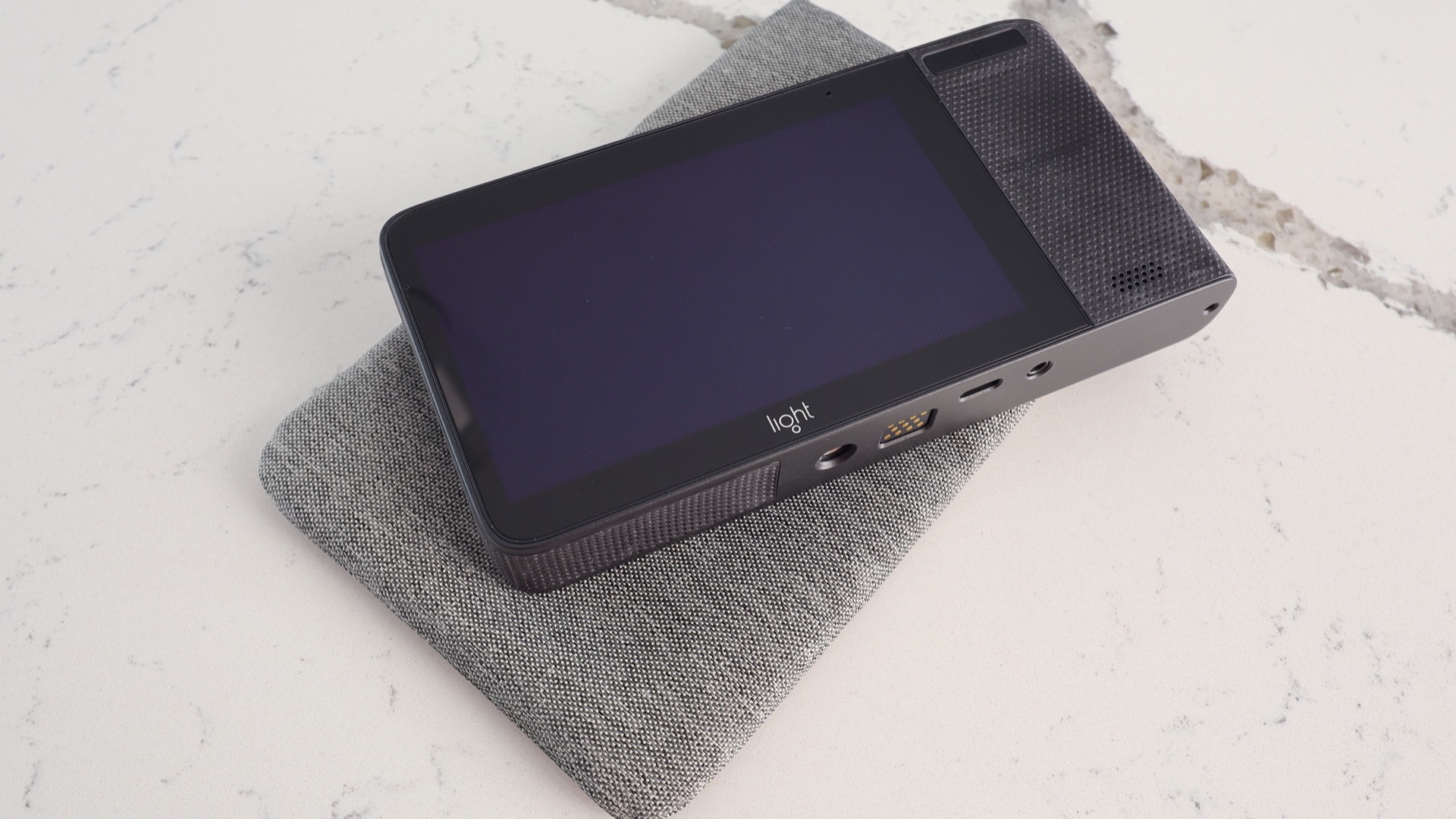
Savvy, veteran DIYP readers will, no doubt, remember the “glory days” when Light Labs, Inc. released the L16 camera in 2017. This was the 16-lens “computational imaging” camera that was predicted to replace DSLRs by 2025. Sadly, this glimpse into photography’s future ended in 2019 almost six years prior to this prognosticated DSLR demise. Well, what’s old and dead is now new and reborn again as brand new, original L16 cameras are retailing on Amazon for $170:
Light L16 – 4K Multi-Lense 52MP Pocket-Sized DSLR-Quality Camera with Built-in Wifi, Touchscreen, Software Updated Built-in 256GB Storage (New)
In order to arrive at this Amazon sale, however, we must first take a quick detour back to 2022 and go for a tractor ride inside a John Deere tractor. Say, what? Yes, with the end of Light Labs development and support for the L16 camera in 2019, John Deere acquired some of Light Labs intellectual property (IP) along with hiring some of its staff.
According to a press statement from John Deere, they acquired “…Light, a company that specializes in depth sensing and camera perception for autonomous vehicles.” [Please note: this site is rife with pop-up window advertising.]

Specifically, John Deere integrated the Light platform IP, known as Clarity, into its autonomous tractors with the green tractor giant also saying that Light Labs’ “vision-based approach is better suited to detecting and monitoring weeds in real time.” From slaying DSLRs to killing weeds, the Light Labs L16 camera trip has been a wild ride.
First, let’s take a closer look at the Light L16
Upon its initial release, the Light Labs L16 camera featured a manufacturer’s suggested retail price (MSRP) of $1,950 (Please note: this price is a guesstimate). On the surface, yes, that price seemed way too high for an unconventional camera. But on the other hand, cutting-edge technology always commands a premium price point. For example, today’s folding smartphones cost significantly more than conventional flat devices. Thankfully, for today’s budget-conscience photographers, the now-discontinued L16 retails at a ridiculously low price, enabling anyone to experiment with computational imaging.
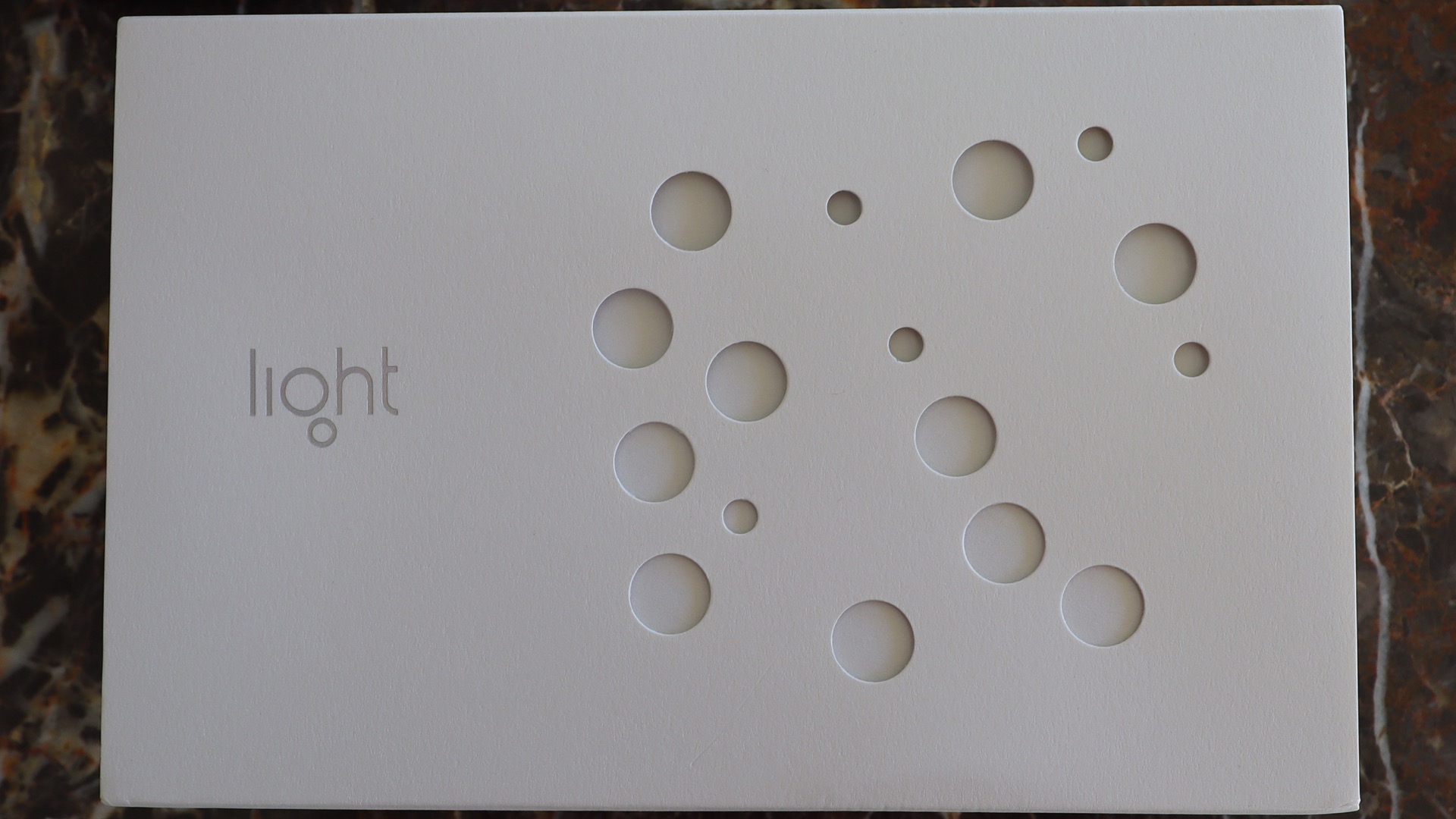
Today, the photographer who takes a risk on buying one of these discontinued cameras is greeted by a spectacular product presentation that underlines how poorly manufacturers like Apple and Samsung treat customers. Inside a clever die-cut slipcase that mimics the 16-lens array of the L16, there is a robust, top-opening box, holding the camera, a case, a wrist strap, a variable-output switching charger, and a USB cable. This a one product box that you’ll never throw away and acts as a convenient storage container for the charger and cable.
Holding the L16 in your hand, it will shock you how high its level of precision, sophistication, and elegance are. This includes both its design and craftsmanship. This camera features awesome build-quality, easily trumping anything in today’s camera marketplace.
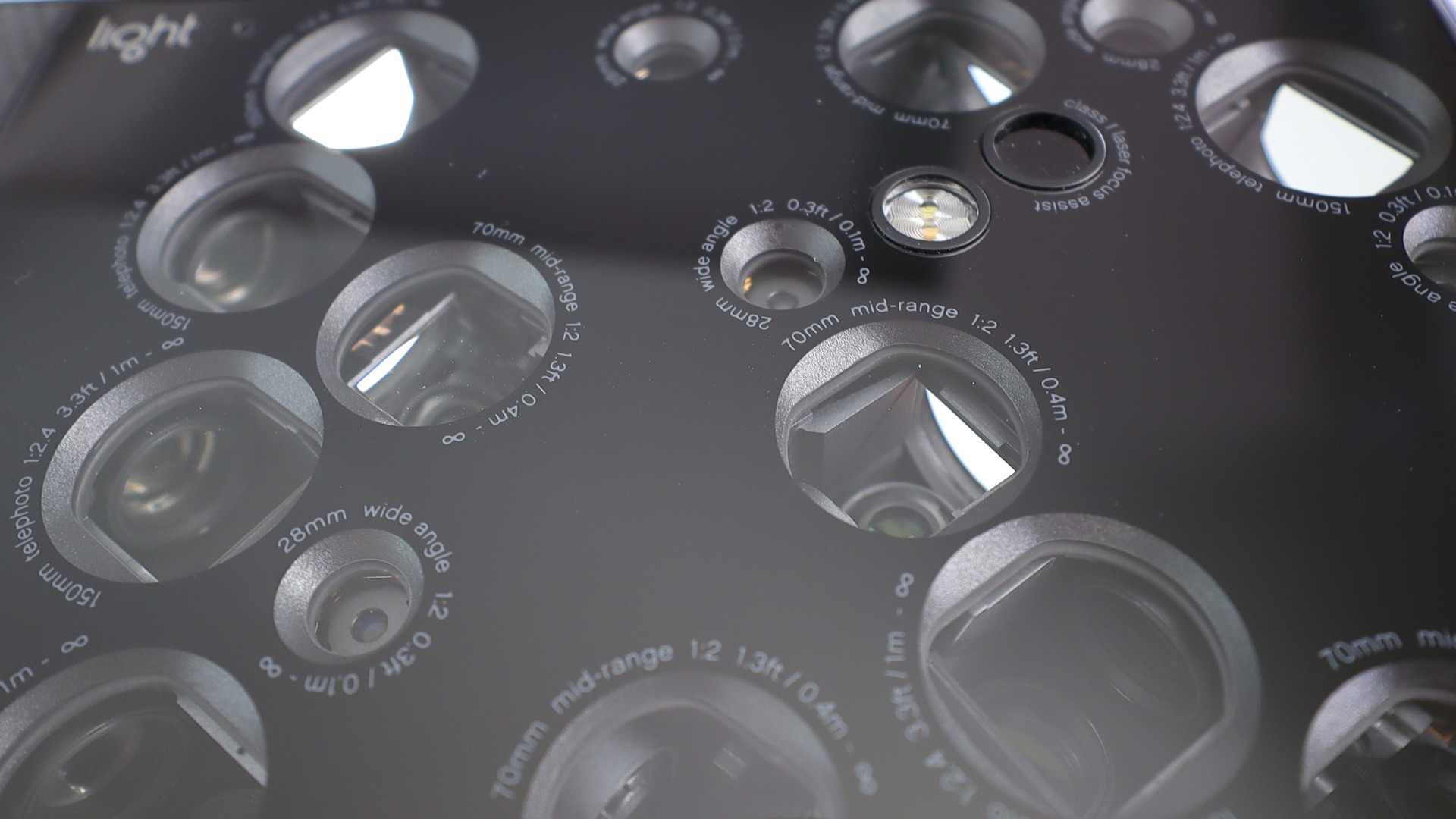
Deviating from conventional camera construction, you’ll be pondering the front face of this camera for years to come. Why? It’s literally a constellation of camera lenses accompanied by an LED flash and a laser focus assist sensor. But it doesn’t end there. These are full-featured, actual 28mm f/2 (there’s 5 of these), 70mm f/2 (there’s also 5 of these), and 150mm f/2.4 (and, there’s 6 of these) lenses. You can quickly understand why Light Labs pretentiously made the prediction that the L16 would replace the DSLR. You’ve got a whole camera bag’s worth of lenses sitting in the palm of your hand.
Around back, the L16 uses a massive 5-inch FHD touchscreen for controlling every aspect of the camera’s operation. In fact, there’s only two buttons on the entire camera: the power ON/OFF button and the shutter release button. Rounding out the remaining specifications that elevate the L16 camera above all others are 256GB of internal storage, WiFi, Bluetooth, GPS, and a 52MP sensor. Sure, now you’re drooling after this L16 pep talk, but all is not bliss in this possible product purchase. There’s a strong chance you could suffer from an acute case of buyer’s remorse when you actually try to use this camera for photography in 2024. Keep your credit card hidden for the moment and read on.

Buying into the Light L16
Buying any old, discontinued digital camera, even brand new in a sealed box, can be a risky venture. In fact, reading some of the reviews on Amazon shows a large number of frustrated L16 camera buyers. While the seller has provided a Web site for offering support, there is a large gotcha that can prevent you from ever seeing any photographs from the L16 camera.
Light Labs recently added a large white label on the Light L16 camera box stating that you should follow a link for downloading and installing the latest (final) firmware. But there is a quirk in this procedure that can stop you dead in your tracks.
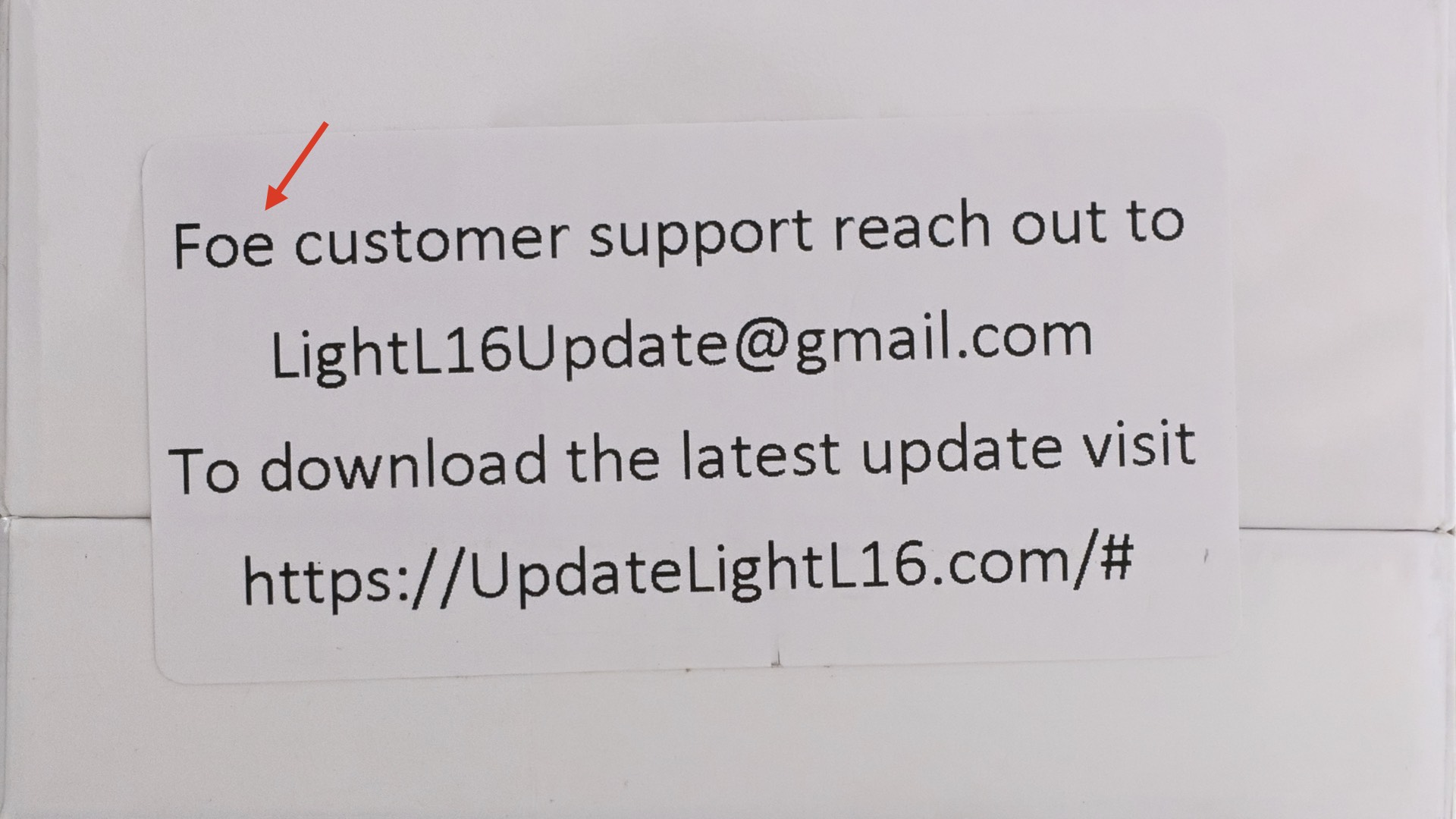
In fact, there are many quirks that might prevent you from realizing the L16’s true photographic potential. Luckily, there are an equal number of easy workarounds that will enable you to master these quirks. Let’s begin.
Quirks that will irk you
Most modern computers won’t allow you to connect to the Light L16 camera due to incompatibilities between the camera’s USB-C port and the computer port. All is not lost, however. An easy workaround will enable you to download and install this firmware.
The easiest way to connect and interact with the L16 is to use a Raspberry Pi computer. Simply add the firmware ZIP archive to the Raspberry Pi, connect the L16 to the Pi, and copy the file to the camera’s Internal Storage drive. Now disconnect the camera from the Pi and turn the L16 OFF.
After waiting approximately 5 seconds, restart the L16 and follow this series of steps. Press the notification popup twice (Please note: you might have to swipe down from the top of the screen to access notifications), accept the terms/conditions, and select “Install Now.” The camera will automatically restart approximately 5 times, complete the upgrading process, and there is one final restart. Confirm the successful firmware update in Settings -> About L16 Camera -> LightOS version – 1.3.5.1-118. Congratulations, you’ve mastered your first quirk.
WHOA; it’s an Android camera
Looking around inside the camera’s Settings, experienced Android smartphone users might guess that the L16 behaves similar to, err, well, an Android smartphone. You’re correct and this camera “might” be using an Android Marshmallow version with a final Android security patch dated June 1, 2017. Remarkably, both the camera and the onboard camera gallery are, in fact, Android APK apps. Additionally, if you would like to enable Android Developer Options, you can do this by touching the Build Number entry in Settings -> About L16 Camera seven times, consecutively.

Due to the demise of Light Labs, further development of camera firmware is finished. Thank goodness this quirk isn’t a showstopper. The easy workaround is go to this GitHub repository for discovering everything that is known and archived about the L16 camera.
Furthermore, another GitHub user, gennyble, has written a program for accessing the images inside an L16 LRI format file. This is a Rust program that you can install on the Raspberry Pi.
Once you’ve acquired all of this historical support for the L16 camera, it’s time to take photographs. Unfortunately, this attempt brings up the final quirk that could make this DSLR-buster into a $170 doorstop. In order to achieve the maximum 50+MP image output from the L16, you must use the Light Labs Lumen desktop application.

Luckily, Lumen has been archived at that, previously mentioned, helloavo GitHub repository. There are both MacOS and PC Windows versions available. But, as you guessed it, there is another quirk with using this software. It won’t run on modern computers. Even a MacOS computer using Rosetta 2 will freeze operation immediately after launching the software. Yes, there is another workaround available, but you’re not going to like it.
A last workaround to turn your L16 around
There are two options with this workaround: one ugly and the other one uglier. The first, and easiest solution is to perform all image editing work inside the camera. Yes, it works, but it is less than an ideal solution. Why? Simply stated, photographs edited inside the L16 are reduced to using approximately 5 of the 10+ images that are computationally-generated for each camera exposure. Additionally, these internally processed photographs are saved at a lower 10-15MP resolution.
Thankfully, it you elect to use this workaround, you can easily transfer your photographs from the L16 via Bluetooth, a USB storage device, or using the built-in Android browser coupled to a WiFi Internet connection. Don’t let that lower resolution output dissuade you from choosing this option. Using just a modest amount of in-camera editing can produce excellent, high-quality photographs. Most L16 camera users will likely opt for this workaround.
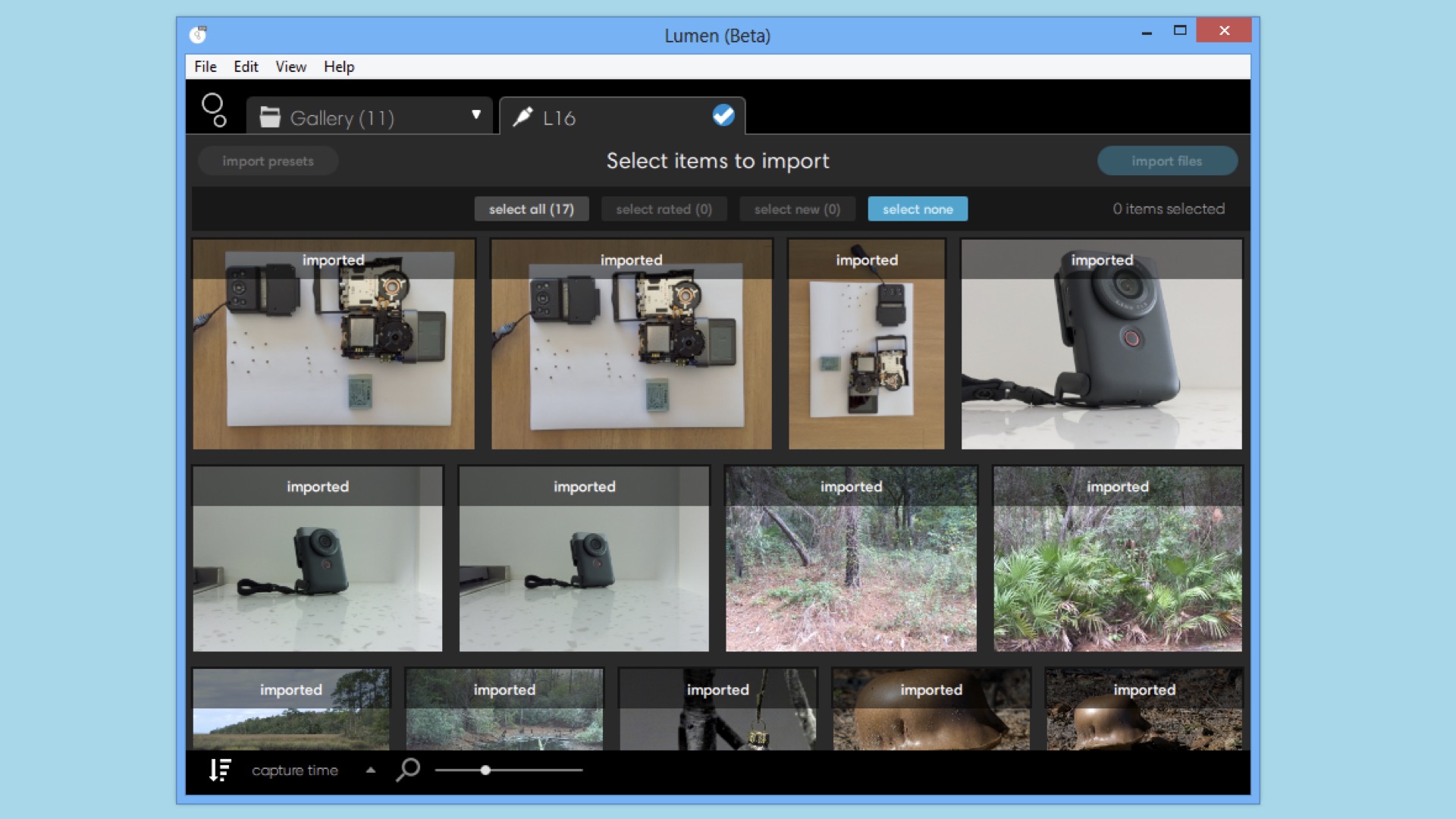
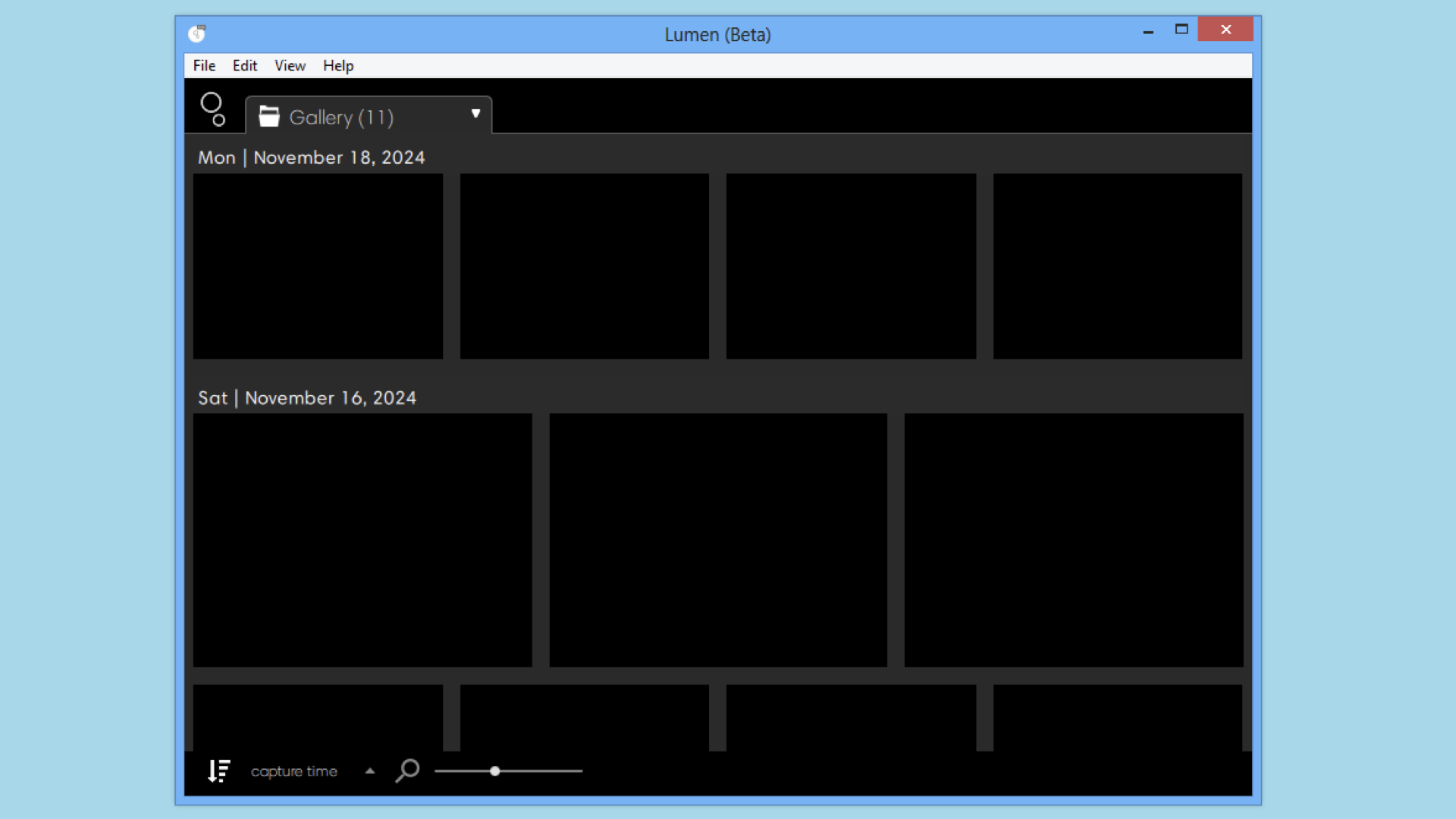
The second, and final, workaround is unbelievable and it begins by using a vintage PC, Lumen, and the L16. Unlike on MacOS, Lumen will operate on a vintage Windows PC, sorta. The problem is that all photographs inside the local PC-based Lumen Gallery are displayed black. In direct contradiction to the PC-based Lumen Gallery, when the L16 is connected to a PC running Lumen, all stored photographs inside the onboard camera Gallery are visible and can be easily imported into Lumen. After importing your photographs, however, they will all be black. [Please note: the image is really there, the PC just can’t display the photograph, hence a black rectangle is used.]
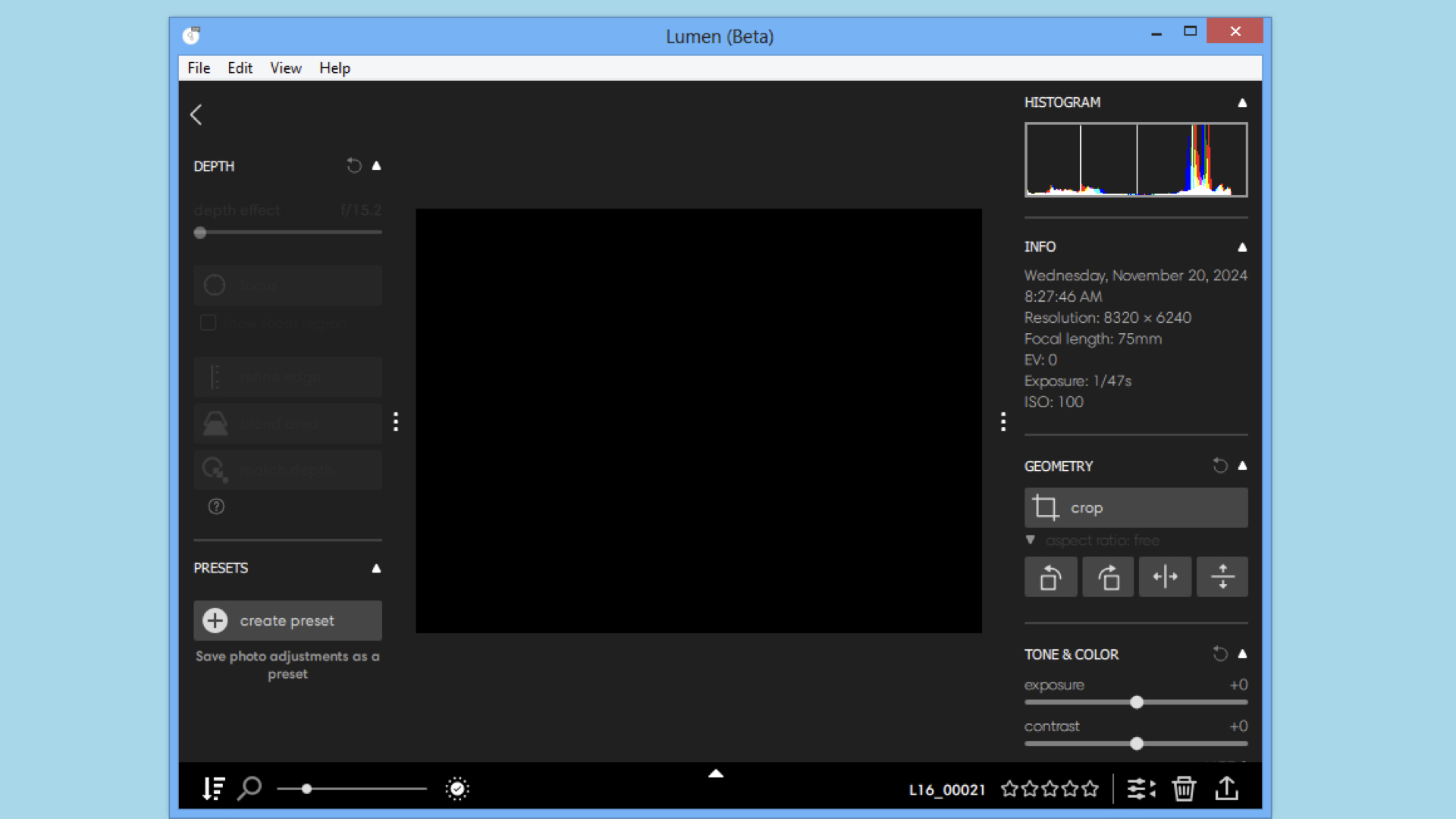
Thank goodness, all is not lost. By toggling back and forth between the Lumen Gallery and the connected PC-based L16 Gallery, each photograph can be identified by its filename. Once you’ve identified the file and double-clicked on the desired “black” photograph inside the Lumen Gallery, you’ll be presented with an image editor window. This editor is worthless for processing this, obviously invisible, “black” photograph. Ignore this editor, but click on the Export button [Please note: this button is on the lower right edge of the Lumen editor window.] and select full resolution JPEG and DNG files for saving the photograph on your PC. The resulting DNG can now be edited in your favorite photo processing application.
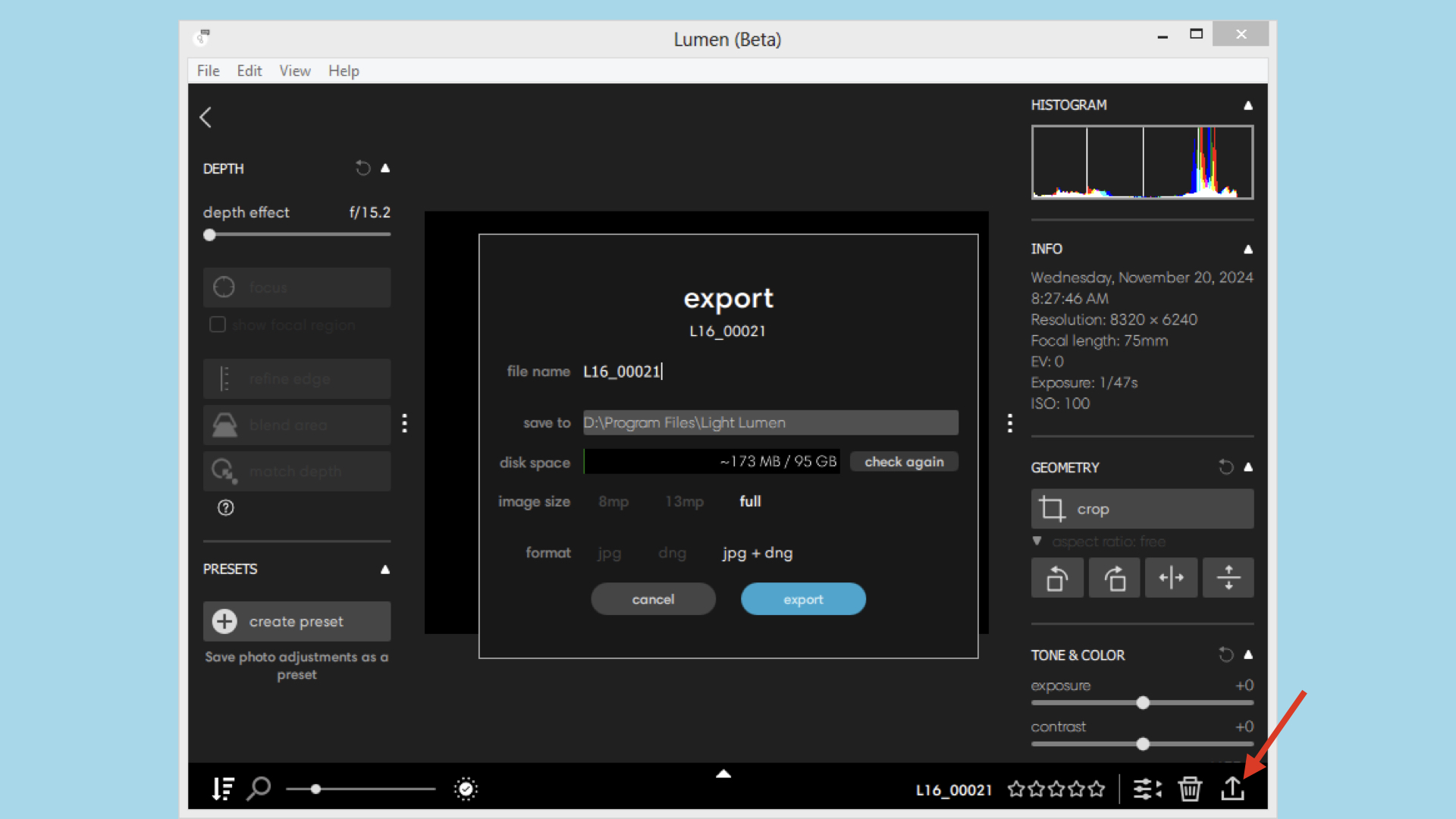
[Please note: this final workaround was verified on a vintage Asus X45A PC running Windows 8.1.]
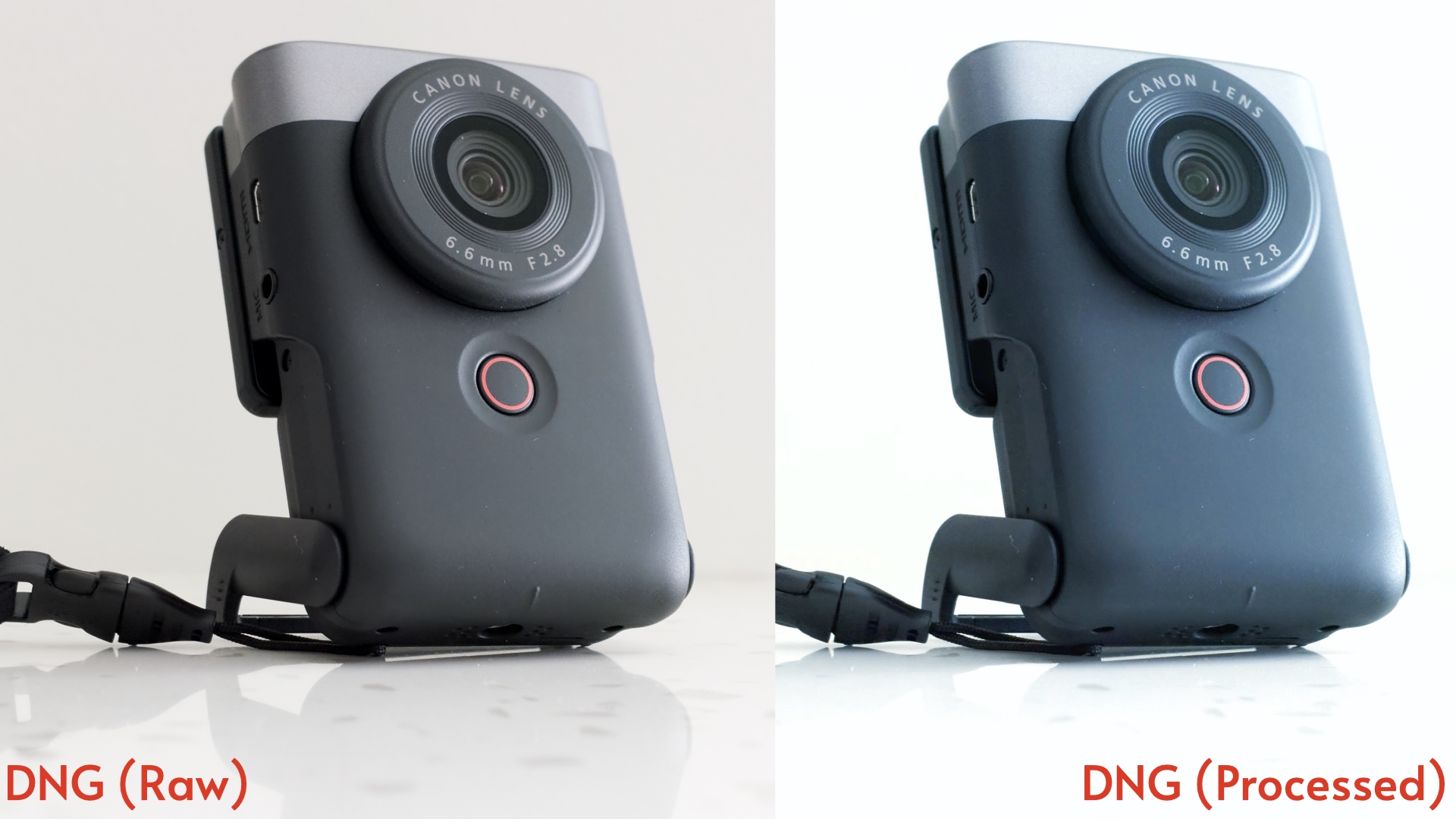
Yes, all of these workarounds can be a bit daunting and you do have to stomach jumping through a boatload of hoops just to obtain a photograph. When you’ve performed this circus, however, you’ll be rewarded with a true ~52MP masterpiece. In summary of these masterpiece-making L16 workarounds, your final photograph processing workflow will look like this:
- Take a photograph(s) with an L16 camera.
- Start Lumen on a vintage PC.
- Connect the L16 to the vintage PC.
- Import the photograph(s) from the L16 to the Lumen Gallery on the PC.
- Double-Click on each photograph and Export full-size JPEG and DNG files.
- Process the DNG files with modern photo editing software.
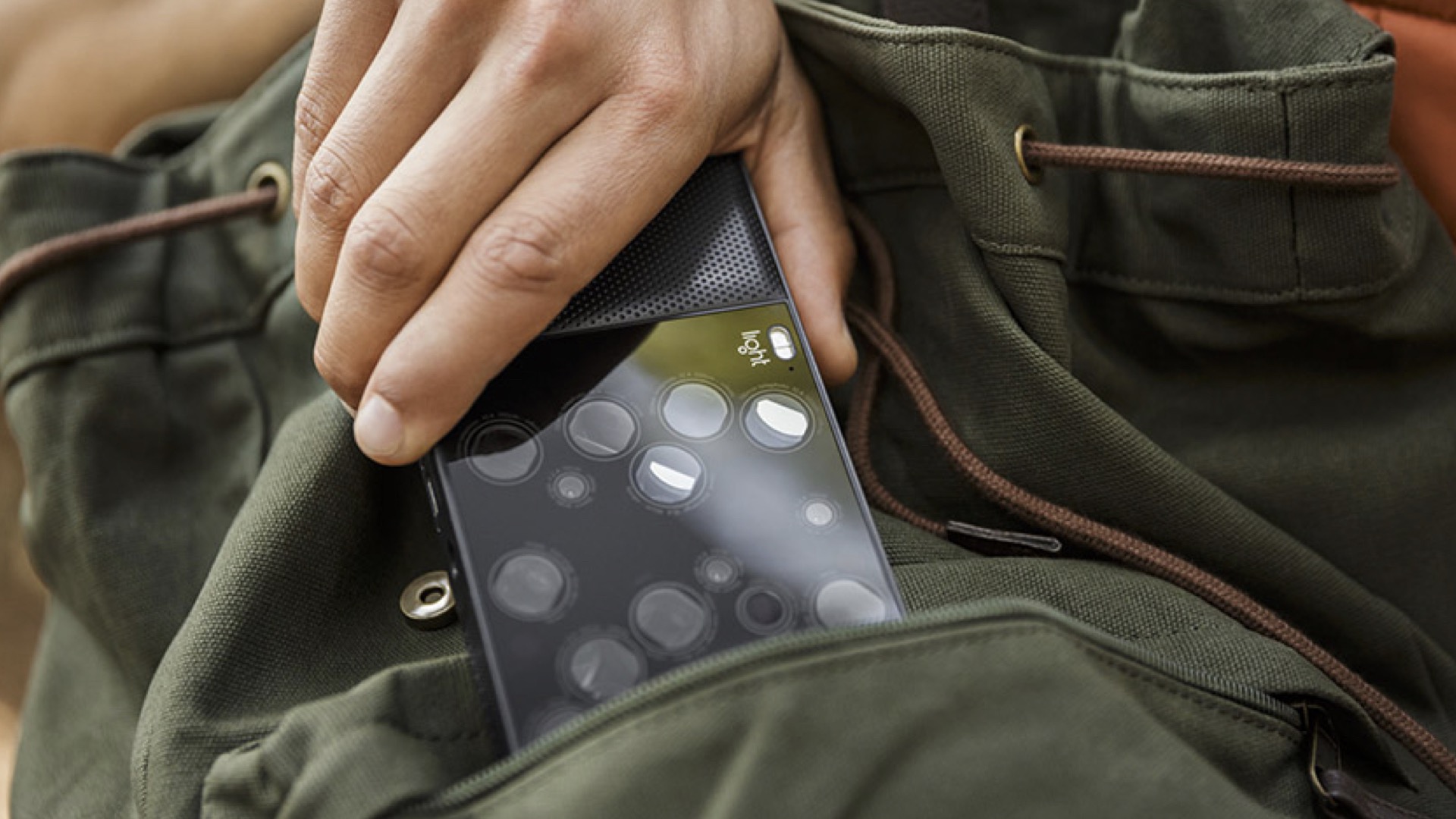
Based on all of these quirks and workarounds, could the Light Labs L16 camera really replace the DSLR? Yes, it could, but you will need all of the other tools, from a Raspberry Pi to an antique PC, to support your conversion to computational imaging.
Enjoy.
See more from DIYPhotography.net on Google
Add DIYPhotography.net as a trusted source. This makes
our stories more likely to appear in your Google Search results.
 Add as a preferred source on Google

David Prochnow
Our resident “how-to” project editor, David Prochnow, lives on the Gulf Coast of the United States in Ocean Springs, Mississippi. He brings his expertise at making our photography projects accessible to everyone, from a lengthy stint acting as the Contributing How-To Editor with Popular Science magazine. While you don’t have to actually build each of his projects, reading about these adventures will contribute to your continued overall appreciation of do-it-yourself photography. A collection of David’s best Popular Science projects can be found in the book, “The Big Book of Hacks,” Edited by Doug Cantor.



Join the Discussion
DIYP Comment Policy
Be nice, be on-topic, no personal information or flames.
2 responses to “The $2,000 Light L16 Camera Rises from the Dead for $170, but There’s a Catch”
ds
Uhm, no, Lumen is painful to use but it works in every part. I can see the pics and edit them on any Windows 11 PC with no workarounds. Also installing the update was super easy. About the camera, the post-production refocusing is… disappointing. Everything else is just fine for the price.