
























adobe premiere pro

How to effectively use Warp Stabilizer to make your shaky footage rock steady
Mar 1, 2017
John Aldred
Even if you’re trying to be as rock steady as possible with your footage, the camera almost inevitably moves in a way you hadn’t counted…

Advanced video stabilisation with Premiere and After Effects
Nov 29, 2016
John Aldred
One of the most off putting things for viewers of video is shaky footage. The best way to keep the camera steady is to use a…

How to create the dolly zoom effect without a zoom lens
Oct 7, 2016
John Aldred
The dolly zoom, also known as the “Vertigo Effect” or “Hitchcock Zoom” can be an amazing technique to add tension or drama to a scene….

An easy guide to colouring with LUTs in Adobe Premiere and DaVinci Resolve
Jul 25, 2016
John Aldred
Lookup Tables, or LUTs, are simply amazing. LUTs are like presets, but work across all platforms and software, for both video and stills. LUTs can be used for both…
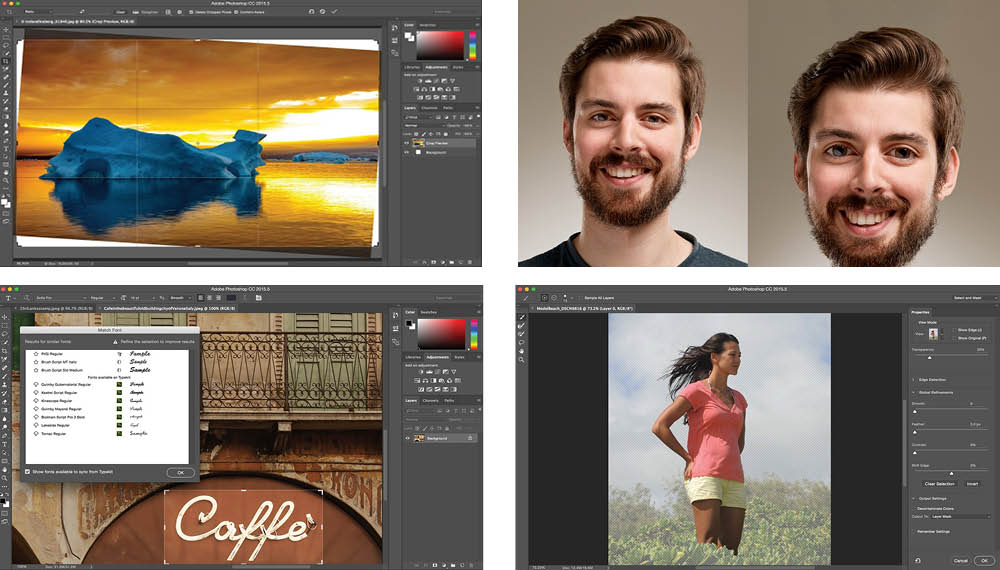
Adobe just dropped a CC2015.5 update with “Face-Aware Liquify” and a bunch of other cool features
Jun 21, 2016
John Aldred
Today, Adobe finally unleashes an update that many users have been waiting for. As well as giving us back the Legacy Healing Brush, this update to Adobe’s…

Adobe responds to QuickTime for Windows security flaw, offers native ProRes support
May 26, 2016
John Aldred
Many Windows based video users have been concerned lately regarding security flaws which led Apple to pull all support for Quicktime for Windows, with the Federal Government going…
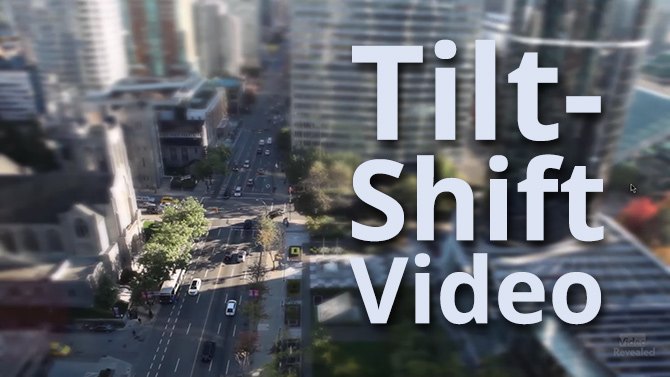
Faking the tilt-shift video look in Adobe Premiere Pro
May 16, 2016
John Aldred
Since the first tilt-shift timelapses started to appear online several years ago, it’s a look that’s been attempted, copied, and improved upon quite a bit….

A short video explaining the (insanely funny) seven steps of video editing
May 15, 2016
Udi Tirosh
John Aldred is DIYP’s video editor. If you liked our videos from the UK photoshow or our interviews with some of the worlds top creatives,…

Edit your videos using a game controller
May 15, 2016
Udi Tirosh
If, like some, you spend the same amount of time playing Doom 4K as you are editing videos, you will absolutely like this hack for using…

Create an entire new keyboard of shortcodes with this hack
Apr 10, 2016
Udi Tirosh
If you are editing a lot of videos, you know that shortcodes and hot-keys are essential for fast editing. We actually shared a tip on…