























The Future of the Grade: Imagen Video Brings Adaptive AI to Your Timeline
Apr 21, 2026

Share:
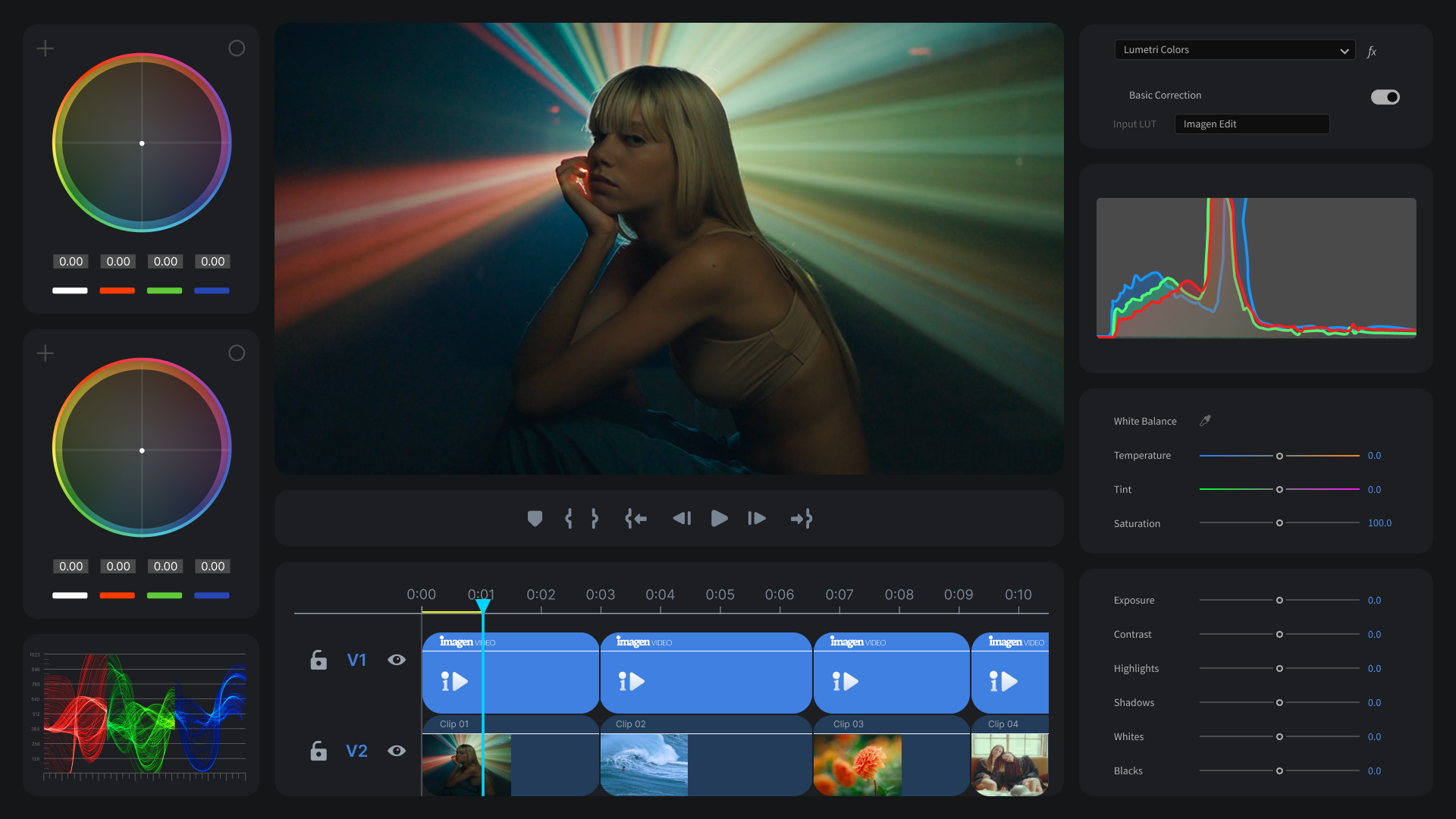
At NAB Show 2026 in Las Vegas, the landscape of post-production shifted. Imagen, the AI-driven platform already trusted by over 100,000 photographers to handle their high-volume workflows, officially announced the launch of Imagen Video. Moving out of its successful beta phase, Imagen Video is now available to the public, bringing adaptive AI color grading directly into the tools editors use every day: Adobe Premiere Pro and DaVinci Resolve.
Technical Correction vs. Creative Grading
For years, the leap from a “good” video to a “professional” one has been determined in the color suite. But for many editors, color grading is a double-edged sword. It is the stage where the story finally finds its mood and atmosphere, yet it is also the stage where hours disappear into the tedious “grind” of matching cameras, fixing exposure shifts, and balancing skin tones. Every editor knows the frustration of a “simple” three-camera shoot – even when using the same equipment, a slight shift in ISO or a cloud passing over a window can create a jarring visual disconnect between cuts. Traditionally, fixing these issues required frame-by-frame manual correction before the “creative” work could even begin. Now, as Imagen’s AI Video editor leaves beta, the company hopes to make these issues of the past and empower colorist and video editors uncompromising results in the blink of an eye.
What is “Adaptive” AI Color Grading?
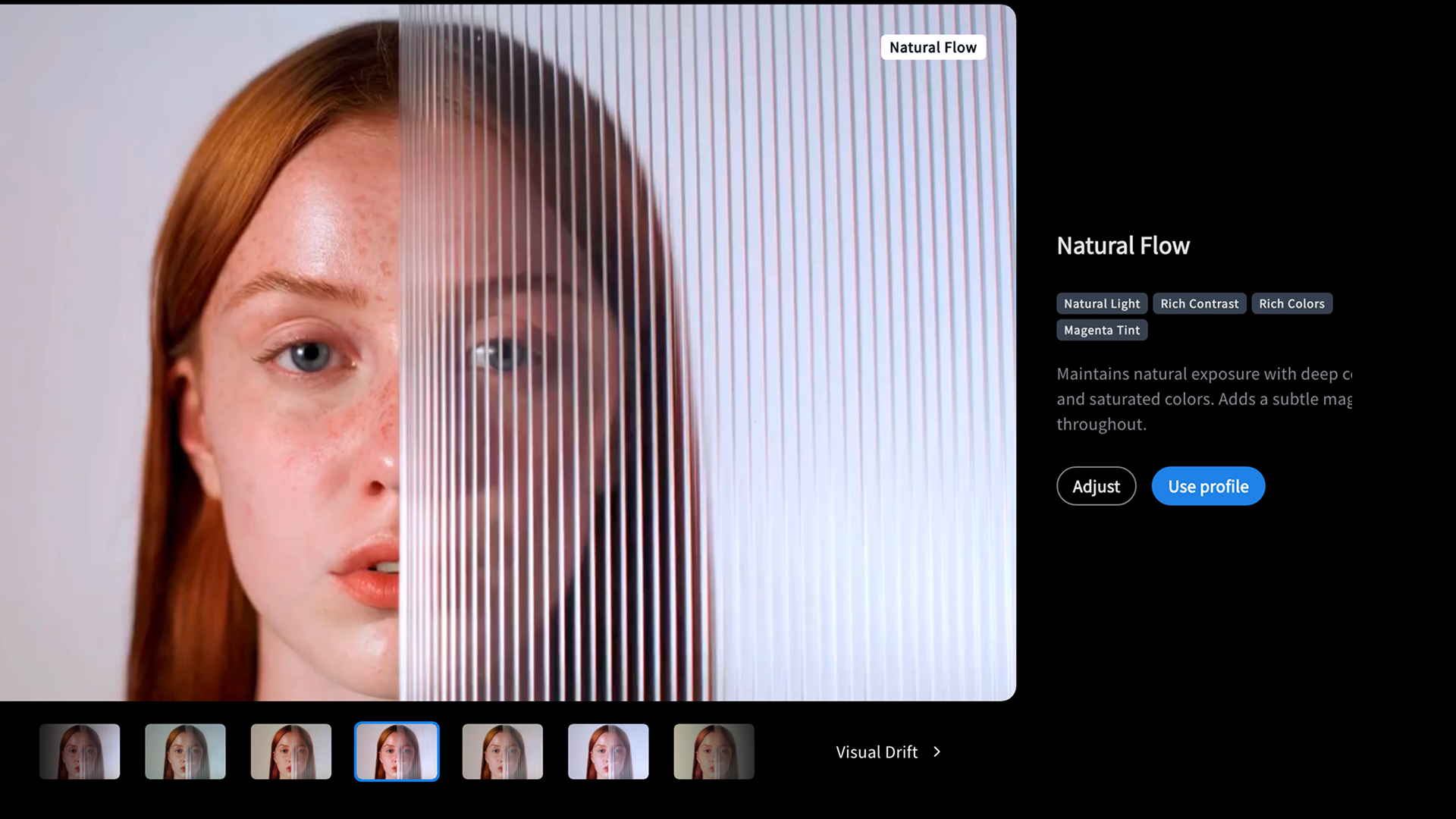
Unlike static filters or generic presets that apply the same math to every frame, Imagen Video’s AI is adaptive. It analyzes each individual clip in a sequence, acknowledging that a shot in the shade requires different treatment than a shot in the sun, even if they are part of the same scene. The result? A consistent, polished grade that is delivered up to 10 times faster than manual correction. For editors working under the crushing weight of tight deadlines, this speed isn’t just a luxury; it’s a competitive necessity.
Imagen Video: Built for the Professional Workflow
One of the most significant hurdles for any new AI tool is the “round-trip” problem. Editors are notoriously protective of their workflows; having to export XMLs, move to a separate application, and re-import files is often more trouble than it’s worth. Imagen Video solves this by running natively within Adobe Premiere Pro and DaVinci Resolve. There is no separate app to manage and no file swapping. Editors simply apply their chosen AI Profile or LUT, and the AI handles the technical layer automatically. This integration ensures that the tool respects the editor’s existing expertise while removing the friction of manual matching.
Your New Creative Co-Pilot
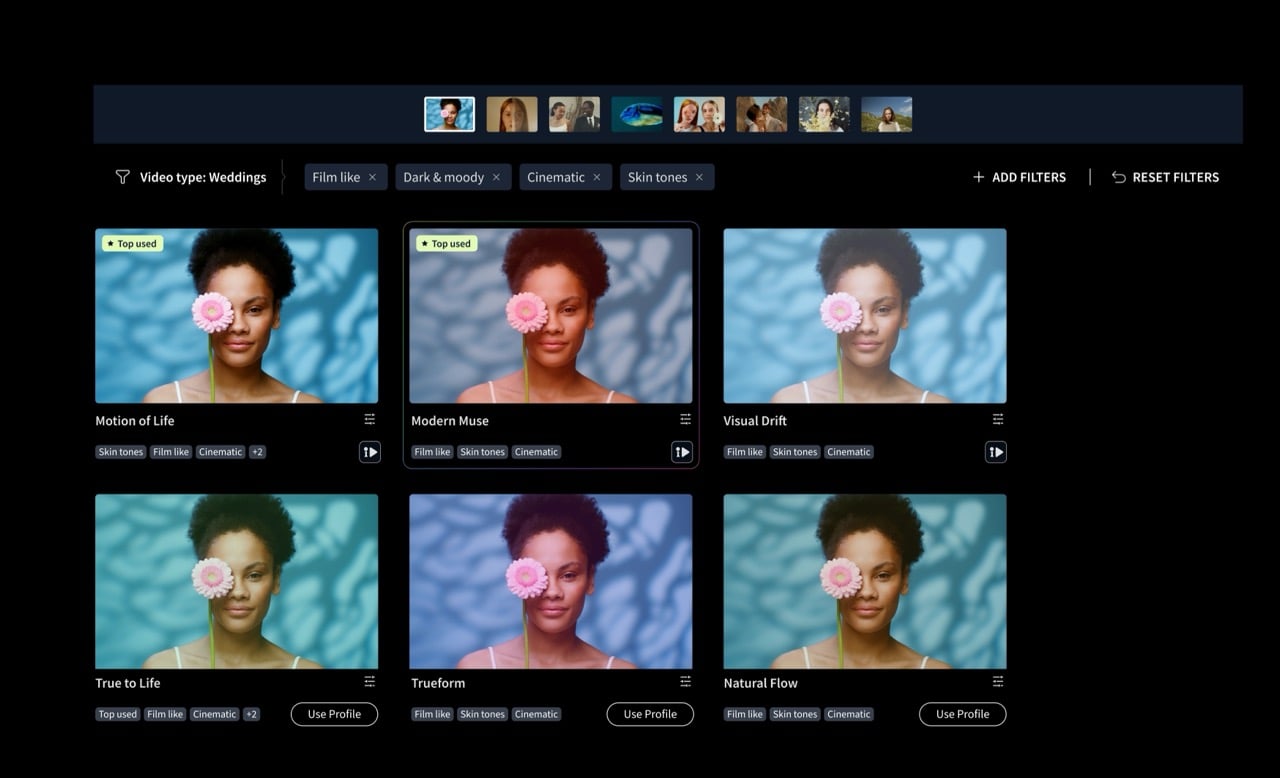
The launch of Imagen Video signals a broader trend in the industry: the rise of the “AI Co-pilot.” By handling the heavy lifting of ISO shifts, lens differences, and lighting inconsistencies, the platform empowers editors to focus on the narrative and the “feel” of the piece. Whether you are a wedding videographer trying to match five different cameras or a commercial editor working on a high-stakes campaign, the goal is the same: style-consistent, professional results without the manual labor.
Pricing and Availability
Imagen Video has officially exited beta and is now available for all editors looking to reclaim their time and elevate their output. With comprehensive support and training resources now live, there has never been a better time to see what adaptive AI can do for your timeline. Pricing plans start at $7/month with Imagen’s pay-as-you-go tier. Visit imagen-ai.com for detailed pricing that fits your needs as well as a free intro plan to get you started.
You can read more stories from NAB 2026 here.
See more from DIYPhotography.net on Google
Add DIYPhotography.net as a trusted source. This makes
our stories more likely to appear in your Google Search results.
 Add as a preferred source on Google
Filed Under:
Tagged With:




Join the Discussion
DIYP Comment Policy
Be nice, be on-topic, no personal information or flames.