





















Hohem iSteady V3 features removable control panel and AI tracking module
Sep 18, 2024
John Aldred
John Aldred is a photographer with over 25 years of experience in the portrait and commercial worlds. He is based in Scotland and has been an early adopter – and occasional beta tester – of almost every digital imaging technology in that time. As well as his creative visual work, John uses 3D printing, electronics and programming to create his own photography and filmmaking tools and consults for a number of brands across the industry.
Share:
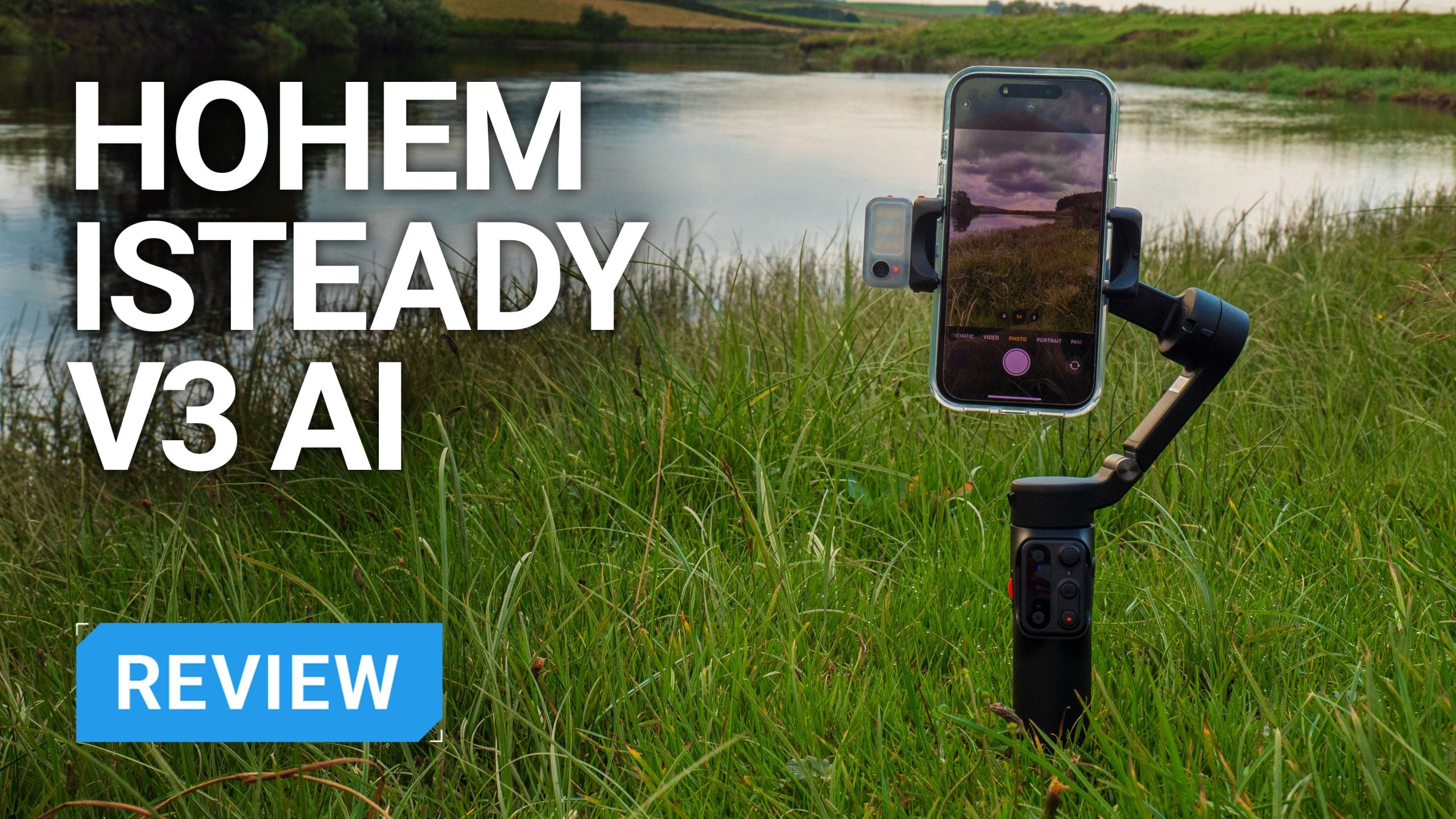
Smartphone gimbals have been around for almost a decade now. I still have the first smartphone gimbal I bought in 2016 lying in a box somewhere. But they’ve come a long way in that time, with various form factors and features.
Hohem has attempted to pack quite a few interesting ones into the new Hohem iSteady V3 AI smartphone gimbal ($129). These include a dedicated AI tracker camera module, LED fill light, and a detachable control pad.

Hohem iSteady V3 AI – First impressions
On opening the box, we’re presented with the Hohem iSteady V3 gimbal itself, a USB cable for charging and a pouch in which to keep it. We also have a small LED fill light, which also acts as the gimbal’s AI tracking sensor.
One thing I did notice about the gimbal immediately after pulling it out of the box is that it’s quite weighty. It’s not uncomfortably heavy by any means, but it feels much more solid than many other plastic smartphone gimbals I’ve used in the past.

Charging & First Use
Charging is performed over USB-C from a USB charger or power bank. Hohem says it takes about two and a half hours to go from completely flat to fully charged. I never managed to get the gimbal completely flat, but the first charge to top it up to full took about an hour.
You’ll need to unfold it and attach your phone before turning it on, but the folding mechanism on the Hohem iSteady V3 works very well. It’s just a single hinge, and when you unfold it, the entire gimbal unlocks itself.

After attaching the phone, turning it on and firing up the app, you’re walked through a few things. First, there’s the firmware update – if one is available. This hit a glitch the first time I ran it, but that often happens with Bluetooth devices.
Disabling Bluetooth on my phone and reconnecting it to the gimbal solved this, and the firmware upgrade went without issue.


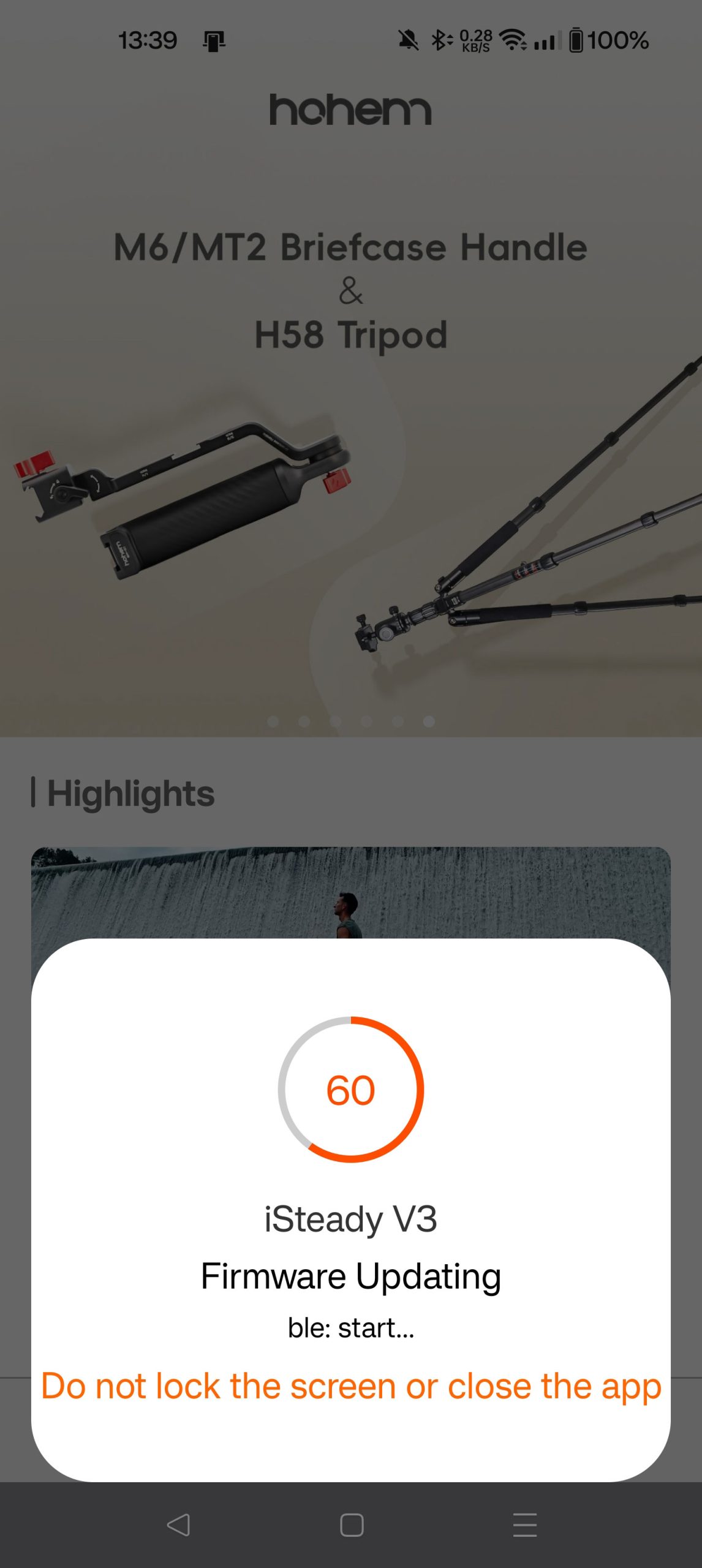
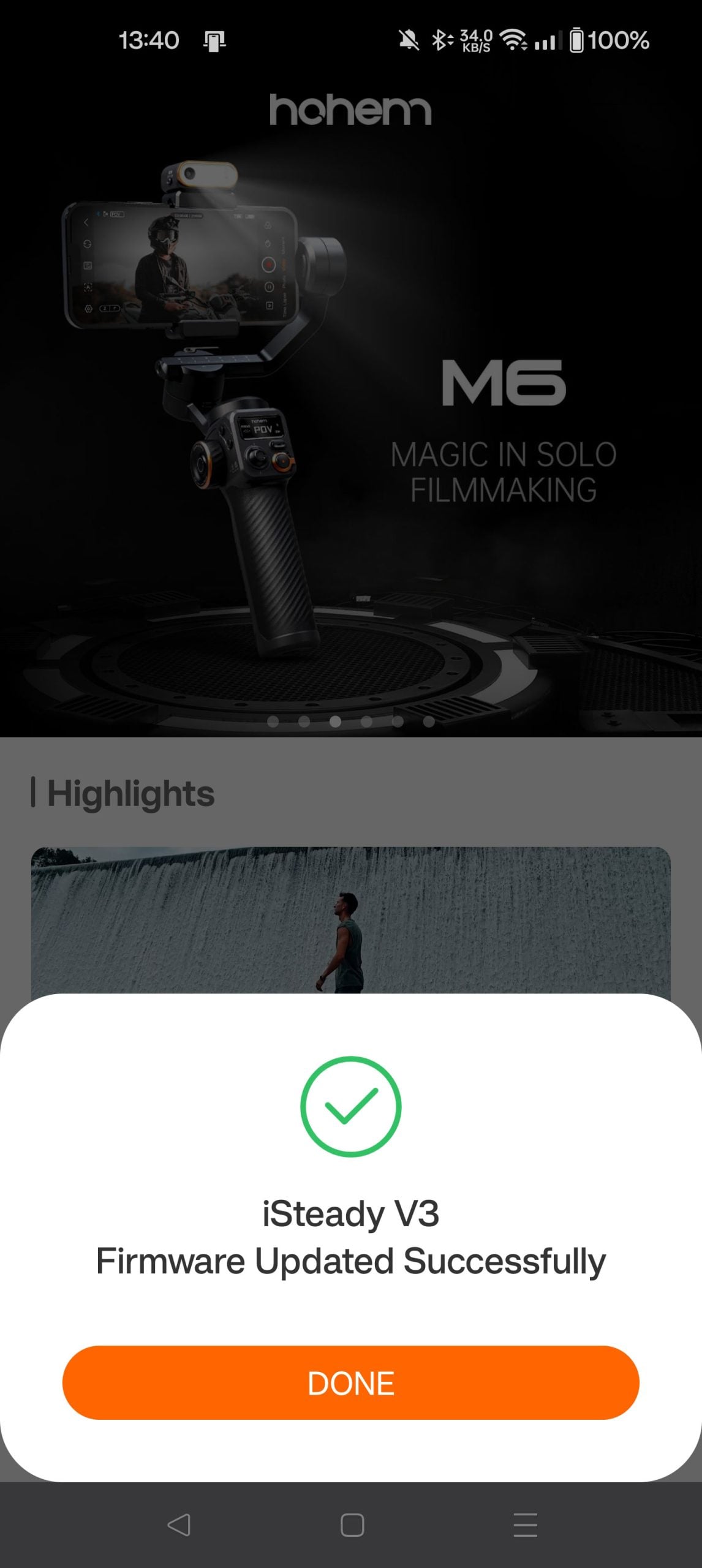
After updating, the app walks you through the process of using the gimbal, providing a variety of steps to get you familiar with its operation.


Setting it up and getting used to its operation was quite straightforward and simple. But it’s probably worth jotting down a quick cheat sheet of the commands you think you’ll need to use regularly until you just remember them.
Works with any smartphone camera app
This was the claim when I first read about the Hohem iSteady V3. And we can test that theory to some degree. There are a number of decent apps out there for Android, so I tested several different ones to see how they stand up and how it works.
I tested the native camera app that comes with the latest Android version for the OnePlus 10 Pro. I also tested Filmic Legacy (formerly Filmic Pro) and Blackmagic Camera. The native camera app is probably the most commonly used for most Android users, and those are the two main video camera apps people use. Although Filmic is dead, so just start using Blackmagic Camera.
I also tested with the iPhone 15 and saw similar results with other apps. So, it seems to live up to the claim of being able to work with any app. This is due to the fact that it uses Bluetooth control. With camera apps, this is a standardised protocol that triggers the “shoot a photo” or “start/stop video recording” functions.

This is a native feature of the operating systems and the apps that run on it. So, no proprietary protocols or interfaces are required. Just connect, tell the smartphone to do its thing, and the smartphone makes the camera app do it.
As well as being a more useful way to connect a gimbal and smartphone together, in my opinion, it’s very practical in this case.
Most gimbals don’t use this method because they want you to use their app for tracking, etc. However, as the Hohem iSteady V3 has a separate tracking module that doesn’t depend on your phone, that sort of communication isn’t required.

With no real need to communicate with the phone for tracking or most other features, Bluetooth handles the basic task of recording content or shooting photos just fine.
AI Tracking Module
I’m going to get this out of the way first because this is one of the two main standout features of this gimbal. Having seen very impressive tracking from the Insta360 Flow ($146), I was keen to see exactly how well this performs with my own eyes.
When tracking something in front of you using the Hohem app, it uses the image data to follow your subject in much the same way that other gimbal apps do. You draw a box, and it tries to stay locked onto it as best it can. In the app, this performed about as well as one could hope. But the headline here is the AI tracking module.

As the AI tracking module doesn’t actually use the image data from your phone and doesn’t require the Hohem Joy App, I used the gimbal with both the OnePlus 10 Pro and the iPhone 15 over the course of several weeks and and a number of apps, including Blackmagic Camera, Filmic Legacy and the native Android and iOS camera apps.
Tracking begins and ends with gestures. You can also use gestures to switch between landscape and portrait orientation, depending on your needs. So, if you want to record a horizontal video for YouTube and a vertical for shorts, you can easily do this without having to go and adjust your gimbal.

You can also start and stop recording from a gesture, too. So, you don’t need to waste storage space on your device while you’re figuring out what to say or do in front of the camera, or have multiple takes compiled into a single huge file.
I was prepared to be a little disappointed, but I was pleasantly surprised with how well it performed. Even when the view was temporarily obscured by somebody walking in between me and the gimbal, or if I walked behind a tree or something and popped out the other side, it still managed to pick me back up.
LED Fill Light
The LED fill light and AI Tracker are both part of the same module that attaches to the bracket where your smartphone sits. I don’t expect this will see a lot of use for most people, as you’ll be shooting in the daytime.
In the daytime, it can be potentially handy with backlit subjects, although you may find that its output isn’t quite bright enough to give you the look you desire. Early morning and late evening should allow the fill light to balance things out quite nicely, though.

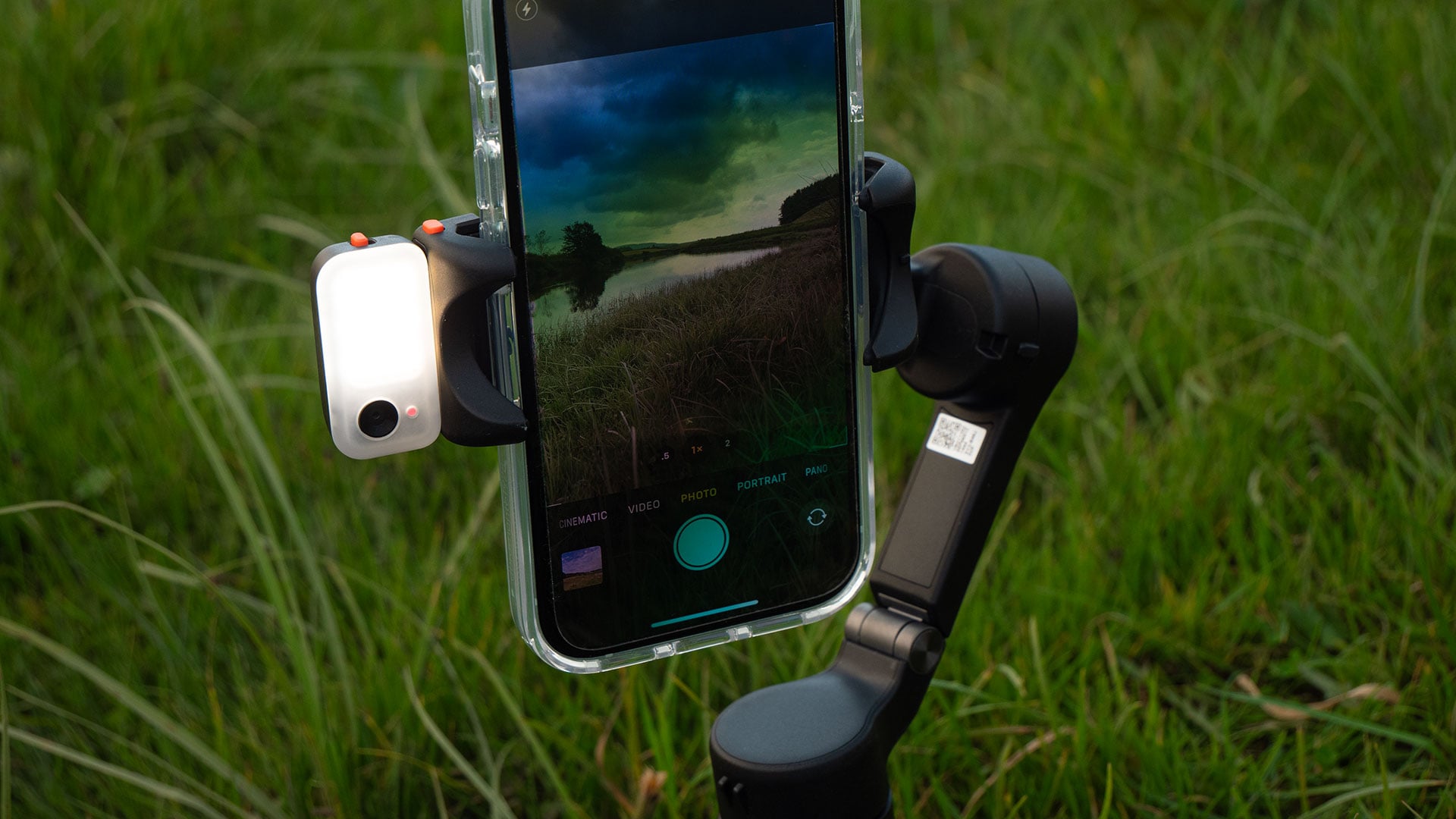

The fill light contains nine LEDs – as shown on the far left photo. These are bicolour and have three settings – Warm, Neutral and Cool. At night, of course, it will likely become your main light, and not too flattering to your subjects. So, try to blend it with some other form of lighting in your environment if you can.
If you’re walking around cities at night, for example, many shops will still have illuminated windows and signs that can provide interesting side-light while the fill light on your Hohem iSteady V3 lights the shadows up so they don’t go to complete blackness.
Detachable Control Pad
This is one of my favourite features of the Hohem iSteady V3. Being able to remove the controls from the gimbal itself presents one with a lot of possibilities. This isn’t something we see on smartphone gimbals, although remote control from a smartphone is quite common on larger gimbals for DSLRs and mirrorless cameras.
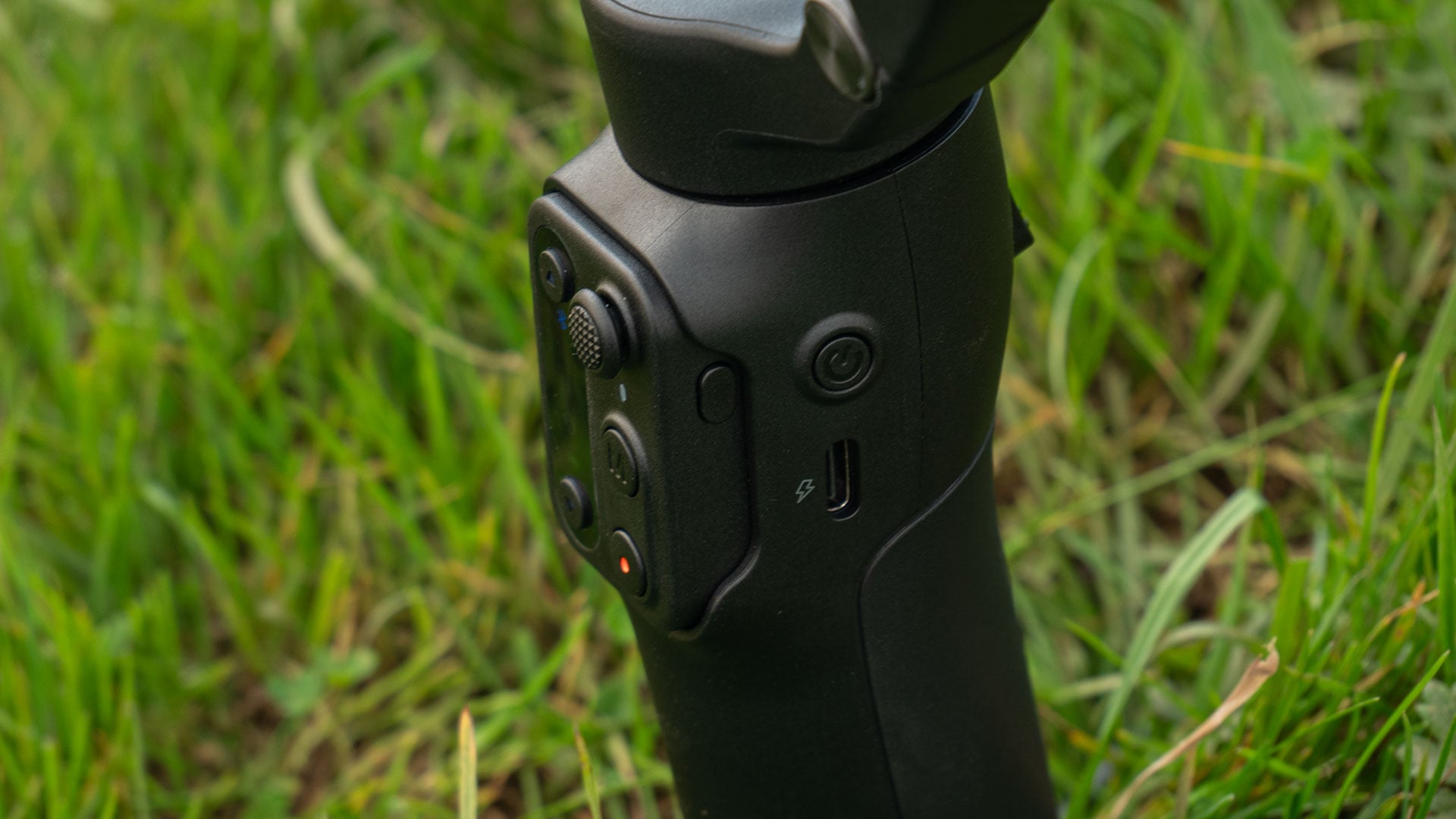
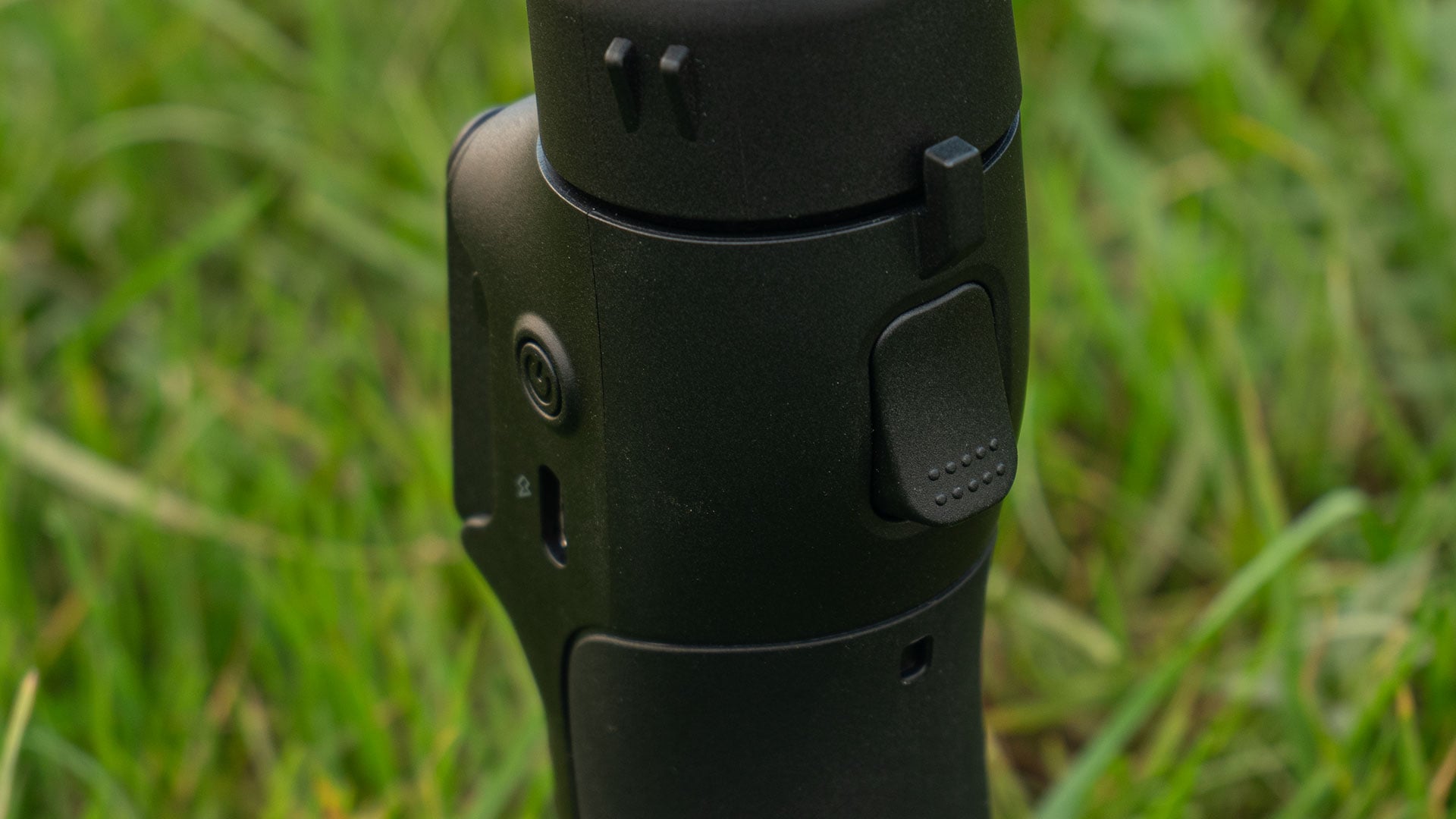
There are even dedicated remote controls for some gimbals. The ability to remote control it is one of the reasons the Zhiyun Weebill 2 Pro Plus is still my most used gimbal for mirrorless cameras. And now, the Hohem iSteady V3 might have become my new favourite smartphone gimbal for the same reason.
Removing the remote allows you to place the gimbal down on a wall, table or whatever surface and walk off. You’re then able to reposition and control the gimbal from wherever you are.


You might need to put the gimbal somewhere you’re not able to actually stand while the event you’re recording is happening. Or you might just want to manually do a slow pan from behind you while you look off into the distance over some epic landscape.
It not only gives you the ability to reposition the gimbal, though. It also lets you remotely start and stop recording or shoot a photo. So, you don’t have to sit your camera down, leave it recording for 10 seconds while you get in position, do your thing and then for another 10 seconds at the end of it.


10 seconds doesn’t sound like a lot, but that’s 10 seconds on each end, so 20 seconds total. And when you’ve got 50 or 100 clips you need to edit together, those extra seconds can add up to a lot of wasted storage space very quickly.
100 clips, each with an extra 20 seconds, is around 33 minutes and 20 seconds – (2000 / 3600) * 60 – of extra footage you don’t need. That’s a lot of wasted space on your device. Space that can be freed up by the iSteady V3’s remote control features.

The Hohem App
Ok, let’s talk about the elephant in the room. Of course, I’m talking about the Hohem App. I haven’t mentioned it much so far. Instead, I’ve been talking about the benefits of being able to use it with your own camera app of choice. But it’s actually not bad at all.
The Hohem app provides some unique features you won’t be able to get without it. This includes things like panoramic mode shooting and video editing within the app itself. You also get a number of effects and filters you can apply to your footage if that’s a thing you want to do.


For those of you who are completely new to using a gimbal, the app contains a range of tutorials. It covers everything you need, from getting up and running to more advanced cinematic-style techniques. These are beyond the initial setup instructions to get you familiar with the controls.
For those who already know what they want to shoot and how they want to shoot it, it’s probably best to stick with your usual camera app. But for those who just want the app to mostly take care of things for you while giving you a few extra features, the app is great.
I don’t know that I’ll be using it myself very often, but being able to have it shoot automated panoramic shots is something that will keep bringing me back to it.
The built-in tripod
The Hohem iSteady V3 features three built-in legs. They pull out and open up to form a tripod that lets you stand the gimbal on flat ground without having to worry too much about it falling over. They offer a decent spread and they lay fairly flat, too.
This keeps the centre of gravity lower, making it more stable. However, while pulling the legs out is pretty simple, putting them back in again can be a little awkward. They sort of lock when you pull them out, and getting them back in requires a little jiggling to hit just the right angle for it to slot into the hole.


But don’t force them in. If you have to force them in, you’re at the wrong angle and will likely break something. Just keep jiggling, and eventually, they’ll slot back in. This is my only real niggle with this gimbal. But it’s pretty minor.
The built-in tripod does work, even if it’s a bit of a pain to put the legs back in. I think, as a general rule, as it also has a 1/4″-20 tripod socket, I’ll still take a Manfrotto Pixi out with me to stand it on. But it’s nice to have the legs built-in as a backup in case I forget it or don’t have time to grab the Pixi out of the bag.
Final Thoughts
I’ve been using smartphone gimbals for a little over 8 years now. I’ve seen the technology change and (slowly) evolve a lot over that time. It felt like the smartphone gimbal thing kinda stalled. Lots of companies were just releasing very slightly different iterations of the previous model with no real advancements.
Then came the Insta360 Flow, with the best AI-powered in-camera tracking I’d seen in a smartphone gimbal. But now, we’ve got the Hohem iSteady V3 AI – which doesn’t even need a phone to track you. Of course, you’ll still need the app for tracking distant things, but for filming yourself, the Hohem iSteadt V3 keeps up just fine with the Insta360 Flow for my needs.
But the Hohem iSteady V3 AI also has that other trick up its sleeve. Yes, I’m talking about that removable control pad. Being able to just pull this off the gimbal and go remote control at a moment’s notice is invaluable.
Whether you’re a YouTube vlogger who regularly needs to film themselves standing further away from the camera, or simply a tourist, away on vacation, trying to get a group photo with your family… This ability cannot be overstated.
If I were to suggest one feature that Hohem might want to add to the next version of the gimbal, I’d say it possibly needs a cold shoe. Given that many smartphone creators use wireless lav mics, it seems like the next logical step.
But even without the ability to mount a microphone receiver, this is an excellent gimbal. And you can always sync up the recording in your microphone transmitter to your footage in post if need be.
Overall, I was impressed by this gimbal. Mostly because I wasn’t expecting to be impressed. It has some interesting, unique and very useful features, and I can see the Hohem iSteady V3 living inside my camera bag from now on, ready to be taken out to shoot some behind-the-scenes footage at a moment’s notice.
Of course, it’ll be coming with me on days out and vacations, too.
Price and Availability
The Hohem iSteady V3 AI is available to buy now for $129 in either black or white. This includes the removable control pad and AI Tracker/Fill Light module.
Launchpad
Welcome to DIYP Launchpad. DIYP Launchpad is a place where we share new gear with you. Full disclosure: DIYP may receive compensation for the time invested in creating the review. Brands sending gear for the DIYP Launchpad segment do not see the review before it goes live or have any editorial control over it.
See more from DIYPhotography.net on Google
Add DIYPhotography.net as a trusted source. This makes
our stories more likely to appear in your Google Search results.
 Add as a preferred source on Google

John Aldred
John Aldred is a photographer with over 25 years of experience in the portrait and commercial worlds. He is based in Scotland and has been an early adopter – and occasional beta tester – of almost every digital imaging technology in that time. As well as his creative visual work, John uses 3D printing, electronics and programming to create his own photography and filmmaking tools and consults for a number of brands across the industry.
Related Posts
 The Hohem iSteady X is a great smartphone gimbal for vertical video social media users
 Litepanels expands its “Hard” panel lineup with the new Gemini 2×1 hard RGBWW LED panel
 Vivo’s new IFEA concept smartphone has a removable pop-up selfie camera
 Zhiyun Smooth 5S AI smartphone gimbal features new AI tracking
Join the Discussion
DIYP Comment Policy
Be nice, be on-topic, no personal information or flames.