























Adobe’s Frame.io Drive Brings Cloud Media Straight to Your Desktop
Apr 28, 2026
Alex Baker
Alex Baker is a portrait and lifestyle driven photographer based in Valencia, Spain. She works on a range of projects from commercial to fine art and has had work featured in publications such as The Daily Mail, Conde Nast Traveller and El Mundo, and has exhibited work across Europe
Share:
There’s a familiar point in almost every production where things slow to a crawl. Someone is waiting for footage to download, a drive hasn’t arrived yet, or a project opens with half the media missing. For all the advances in cameras and editing software, the simple act of moving files around is still one of the biggest bottlenecks in creative work.
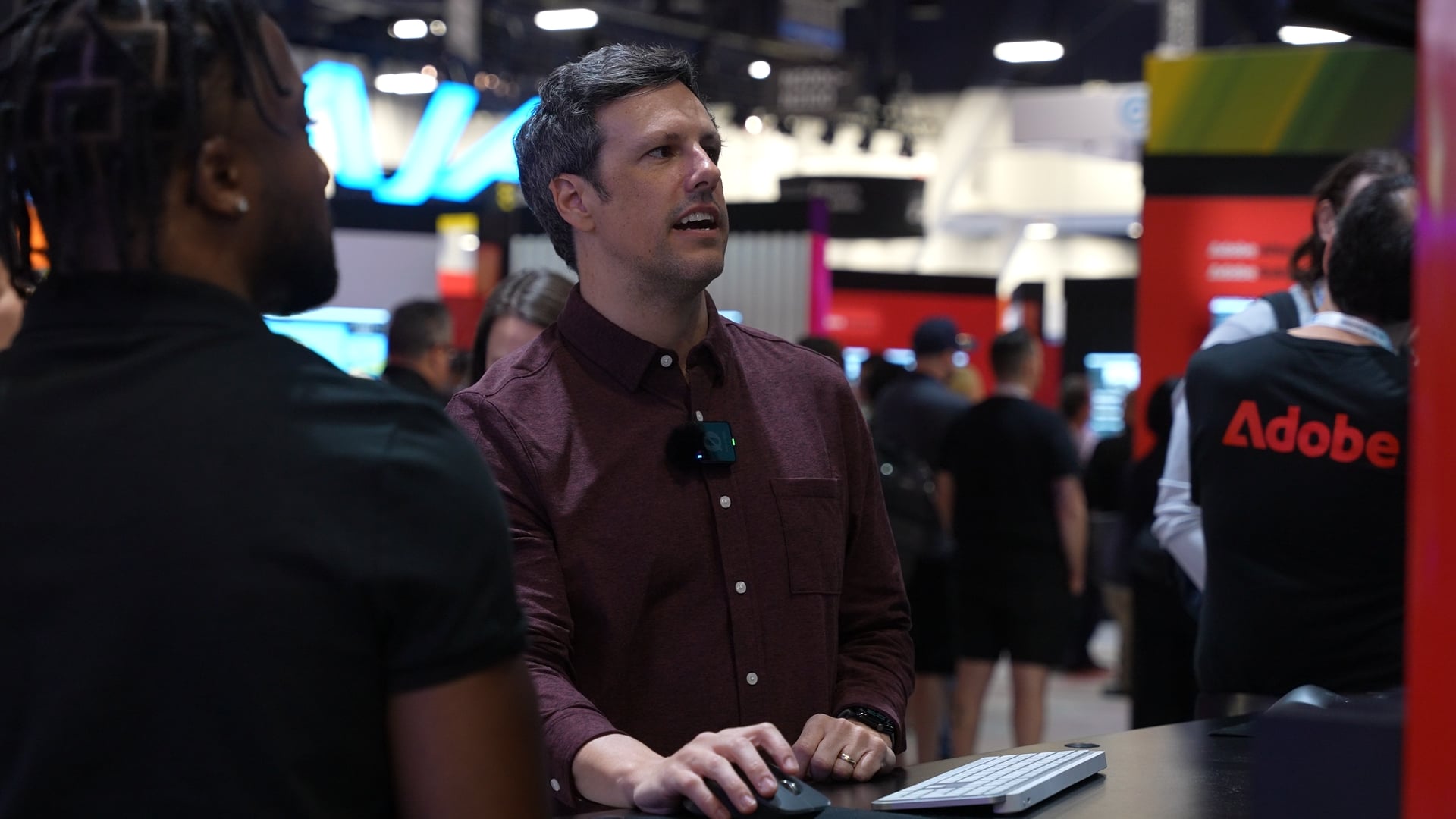
Adobe is trying to tackle that problem with Frame.io Drive, a new desktop application that aims to make cloud-based workflows feel as seamless as working from a local hard drive. DIYP chatted with JJ from Adobe to find out more at NAB 2026.
If you’ve used Frame.io before, you’ll probably know it as a review and approval tool. It’s where you upload edits, gather feedback, and manage versions. Over time, though, Adobe has been expanding it into something much broader, more of a central hub where media, collaborators, and project management all live together. Frame.io Drive is a significant step further in that direction.
Turning the Cloud Into a Hard Drive
At its simplest, Frame.io Drive allows you to mount your Frame.io projects directly onto your computer. Once mounted, they appear in Finder or File Explorer just like any other drive. The difference is that the files are not actually stored on your machine.
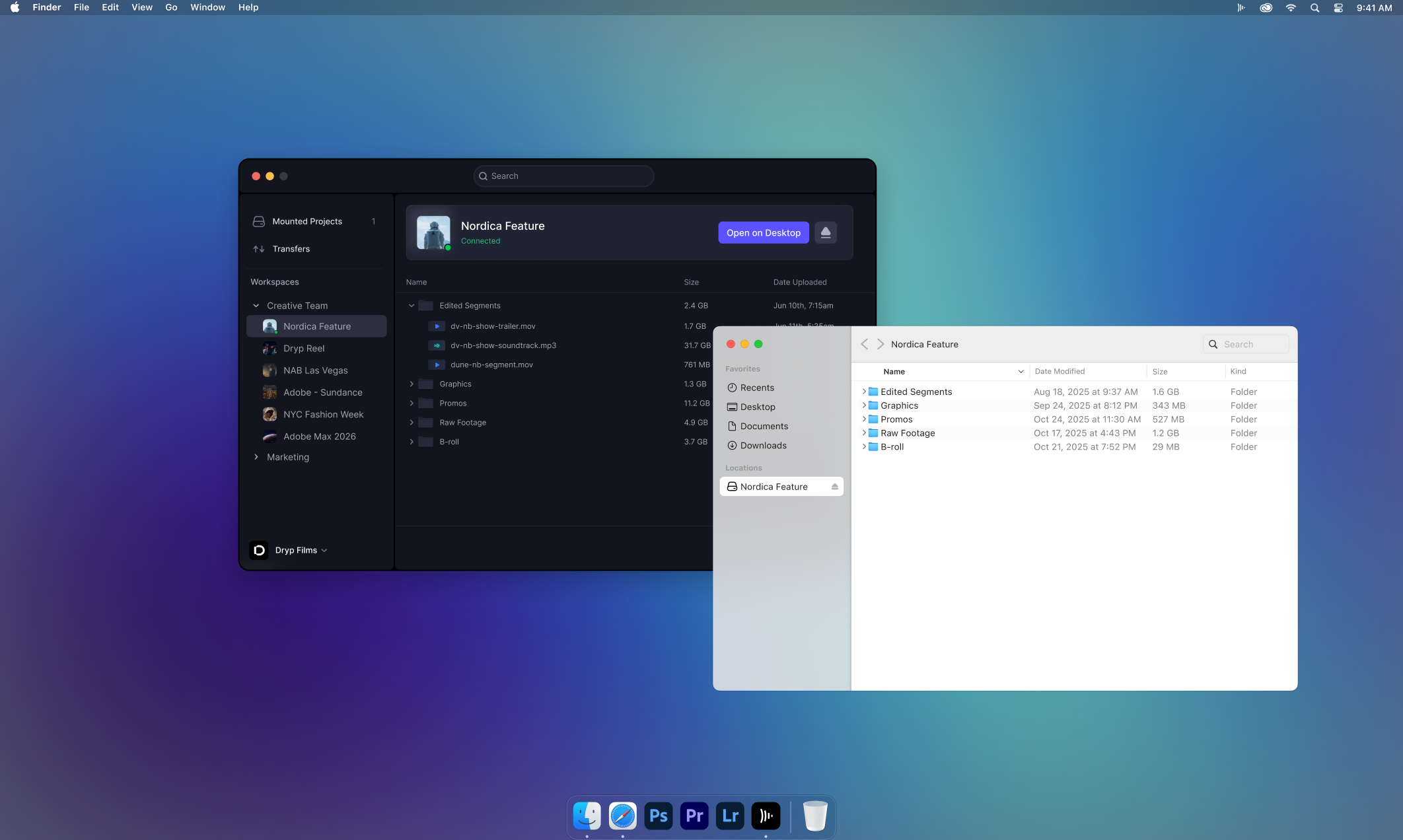
Instead of downloading or syncing media in advance, the system streams files on demand. You can open a 4K video clip and play it back instantly, with the application only pulling in the data it needs at that moment. It feels less like traditional file management and more like streaming media, except it is happening inside your editing workflow.
No Downloads, No Syncing, And No Relinking
This is where things start to become genuinely useful. When you bring Frame.io Drive into tools like Adobe Premiere Pro, you can open a full project and begin editing immediately, even though none of the media is stored locally.
Playback, scrubbing, and general responsiveness behave much like a standard workflow. The key difference is what is happening behind the scenes. Instead of managing local files, everything remains in the cloud, and your edits are saved directly back to Frame.io.
For collaborative teams, this removes several common friction points. Another editor can mount the same project, open it, and continue working without needing to relink media or download assets first. What used to be a multi-step process becomes much closer to simply picking up where someone else left off. This makes it much easier for teams working remotely, for example.
Not Just for Video
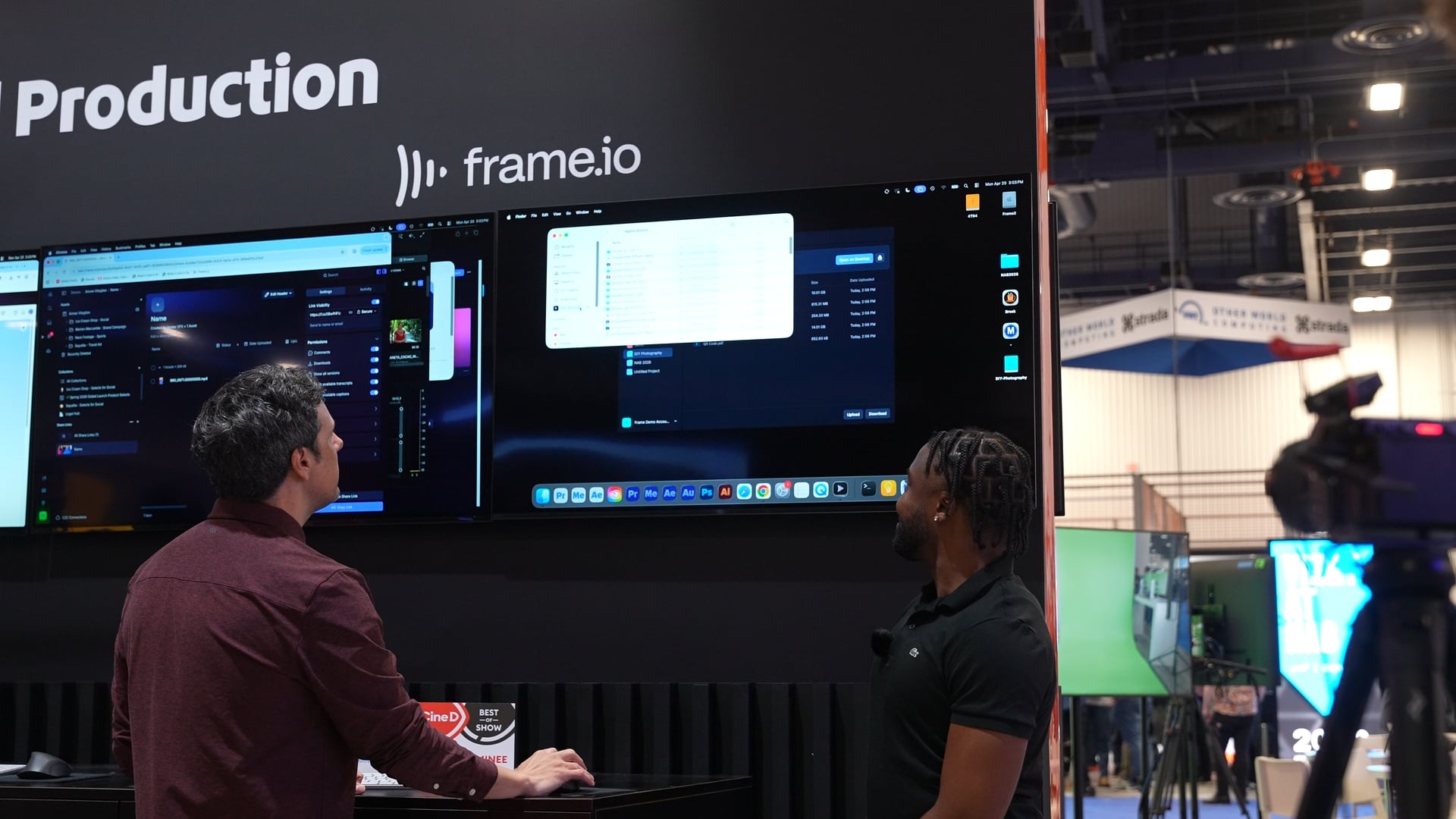
The same workflow extends beyond video editing. In applications like Adobe Photoshop, you can open a PSD file directly from Frame.io, make changes, and save it straight back to the cloud without exporting or re-uploading anything.
This effectively turns Frame.io into an extension of your desktop. If your software can access a network drive, it can access your Frame.io projects. That includes third-party tools as well, which makes the system more flexible than it might first appear.
The benefit here is consistency. Instead of juggling local files, cloud storage, and transfer tools, everything exists in a single environment where versions are always up to date.
One Project, One Source
This idea of a shared workspace is central to what Adobe is building. Rather than passing files between people, locations, or systems, the entire project lives in one place. Media, project files, feedback, and permissions all sit within the same structure.
For distributed teams, this can simplify collaboration significantly. Whether someone is editing in one city and another person is reviewing or designing assets elsewhere, they are all working from the same source. There is no need to duplicate files or manage multiple versions across different platforms.
It also removes many of the smaller interruptions that tend to slow projects down. There is no need to upload files after finishing an edit or download them before starting. The workflow becomes more continuous, which is often where the real time savings come from.
Where Firefly Fits Into All This
Frame.io Drive is not arriving in isolation. It is part of a broader push from Adobe to streamline the entire video workflow, and that includes significant updates to Adobe Firefly.
Firefly is evolving into a more complete video toolset, with a browser-based editor that allows you to generate, edit, and assemble footage in one place. New additions like integrated audio tools, such as Enhance Speech for cleaning up dialogue, and direct access to Adobe Stock assets mean more of the production process can happen without leaving the platform.
Adobe is also adding new AI video models, including Kling 3.0 and Kling 3.0 Omni, which are designed to give creators more control over generated footage, from shot composition to motion and timing. These tools are aimed at speeding up everything from ideation to rough cuts.
What ties this back to Frame.io Drive is the idea of connected workflows. You can generate or prepare assets in Firefly, move into editing, and collaborate through Frame.io without constantly exporting, downloading, or shifting between disconnected systems.
Performance and the Reality Check
Of course, the success of this kind of workflow depends heavily on performance. Streaming high-resolution media sounds great, but it needs to feel responsive in practice. Adobe is relying on local caching to keep playback smooth, even with larger files, but real-world results will vary depending on connection speed and stability.
That said, even reducing the need for large upfront downloads could make a noticeable difference. Being able to start working immediately, rather than waiting for files to transfer, is a meaningful shift in itself.
A Small Change That Could Have a Big Impact
Frame.io Drive does not radically change how you edit or design. Instead, it focuses on everything around those processes—the parts that are often the most frustrating but also the hardest to fix.
For solo creators, the benefits may feel incremental. However, for teams working across locations, the impact could be much more significant. Removing the need for constant file management, syncing, and relinking has the potential to streamline collaboration in a way that feels long overdue.
If it works as intended, Frame.io Drive will not stand out because of flashy features but because it removes one of the most persistent obstacles in modern production and lets people get on with the work.
See more from DIYPhotography.net on Google
Add DIYPhotography.net as a trusted source. This makes
our stories more likely to appear in your Google Search results.
 Add as a preferred source on Google

Alex Baker
Alex Baker is a portrait and lifestyle driven photographer based in Valencia, Spain. She works on a range of projects from commercial to fine art and has had work featured in publications such as The Daily Mail, Conde Nast Traveller and El Mundo, and has exhibited work across Europe



Join the Discussion
DIYP Comment Policy
Be nice, be on-topic, no personal information or flames.