



























Convert a RETO Ultra-Wide Camera into an Ultra-Wide-Wide Camera
Dec 16, 2025
David Prochnow
Our resident “how-to” project editor, David Prochnow, lives on the Gulf Coast of the United States in Ocean Springs, Mississippi. He brings his expertise at making our photography projects accessible to everyone, from a lengthy stint acting as the Contributing How-To Editor with Popular Science magazine. While you don’t have to actually build each of his projects, reading about these adventures will contribute to your continued overall appreciation of do-it-yourself photography. A collection of David’s best Popular Science projects can be found in the book, “The Big Book of Hacks,” Edited by Doug Cantor.
Share:
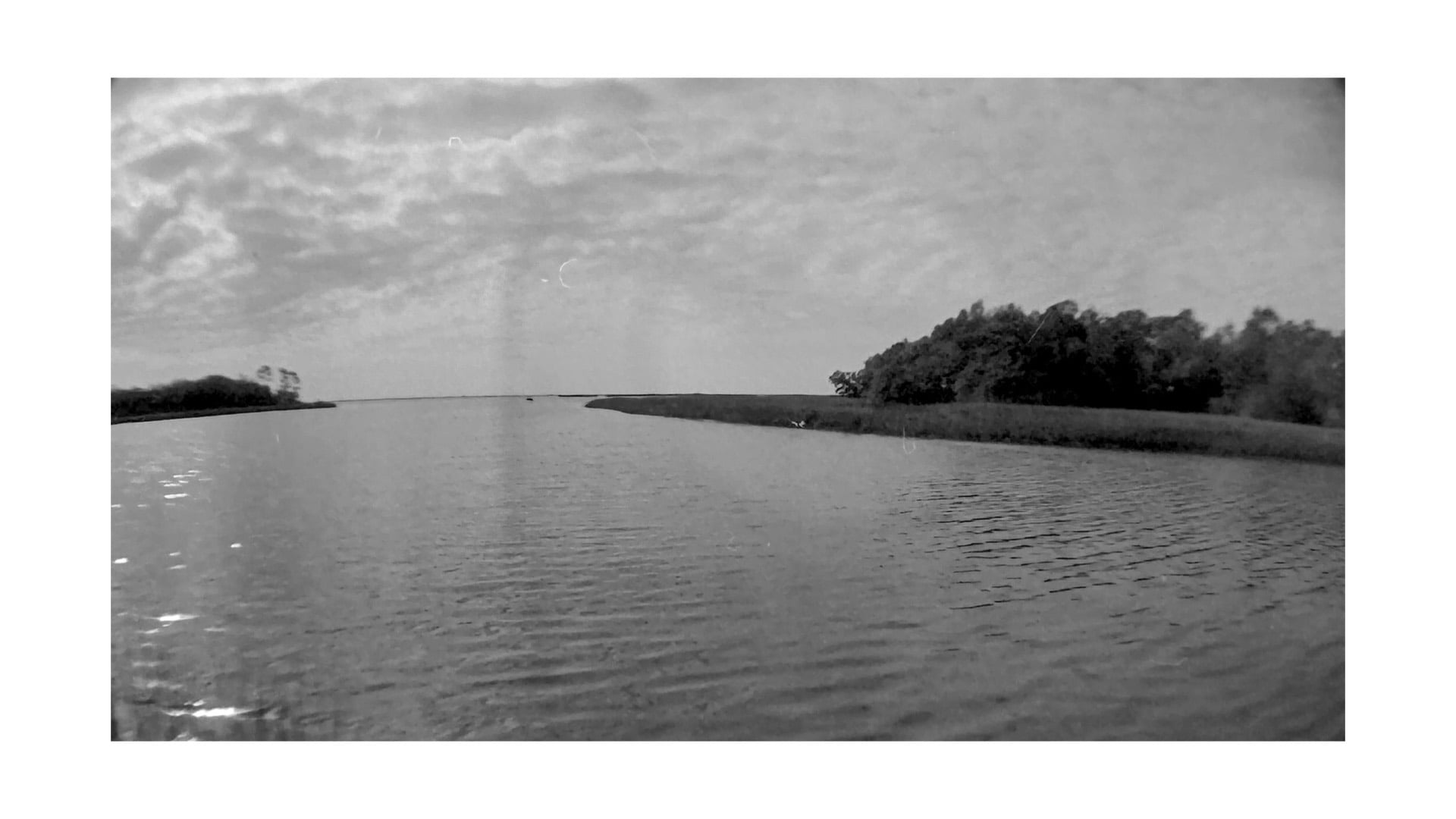
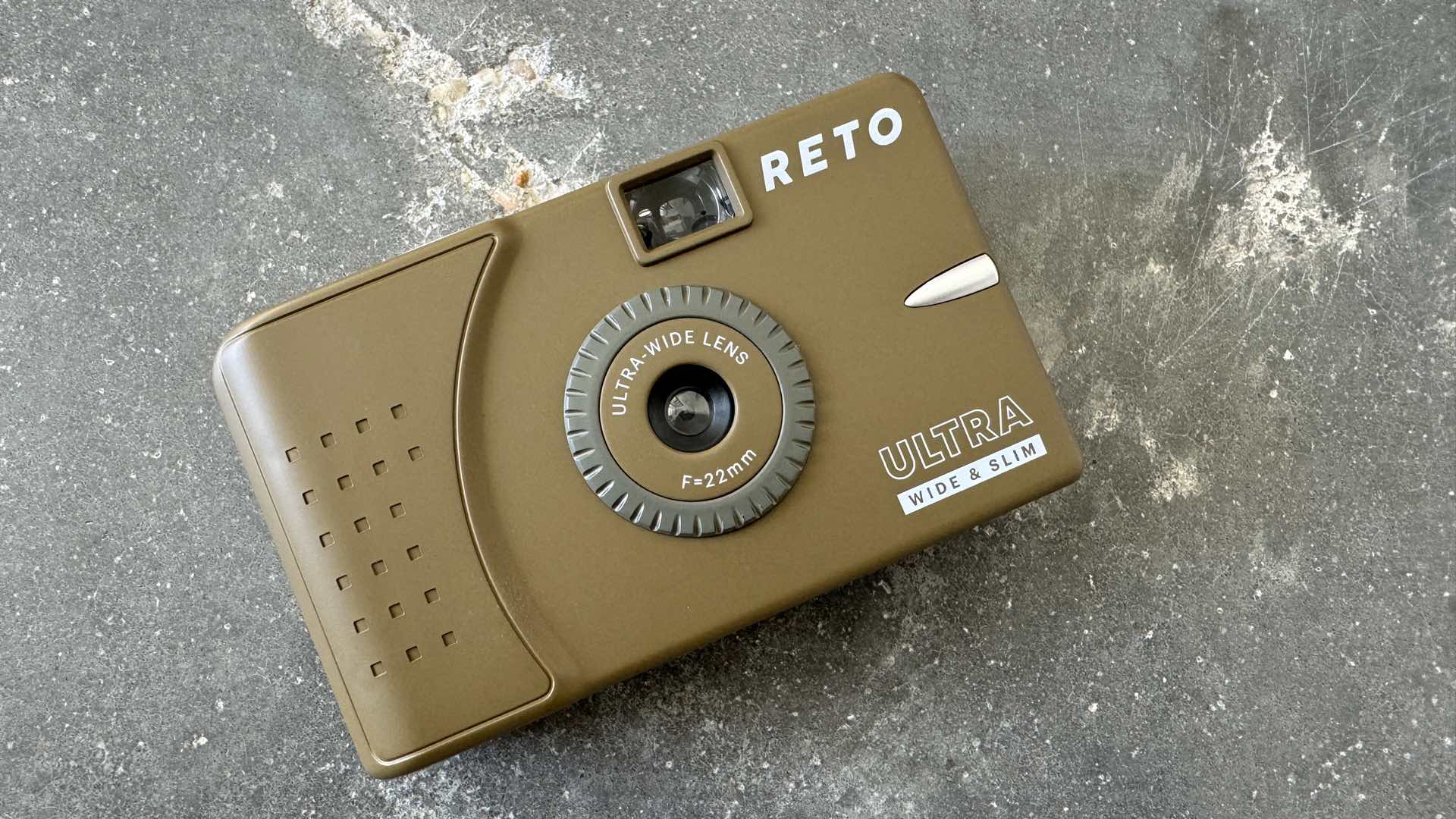
You’ve got to hand it to RETO Project, they certainly know how to accurately name a camera. Take the RETO Ultra Wide & Slim Camera, for example.
This very small, plastic bodied, 35mm film camera features a fixed, 22mm f/11 acrylic ultra-wide angle lens. Coupled with a single 1/125 of a second shutter speed that is able to shoot ISO 200 film in a wide variety of lighting conditions and you have a great ultra wide and slim camera. Ya see there, how aptly RETO Project named this camera?
Priced at $24.99 from Film Photography Project, the RETO Ultra Wide & Slim Camera steps outta the way and lets you click that shutter and advance the film without a care in the world about any “other” camera settings. Beware, however, during film advance, the film sprocket drive shaft can sometimes “stick” and tear a film sprocket hole.
All of this carefree camera shutter clicking can occasionally lead to an unexpected problem, however. There could come a time when an ultra-wide angle lens just isn’t wide enough! Sweeping landscape vistas, a cruise ship bon voyage, or a ballroom extension could leave you wishing for a wider ultra-wide angle lens.
Go Wider, or Go Home
Increasing the field of view of the RETO Ultra Wide & Slim Camera will neither break the bank nor is it a difficult DIY project. The basis for adding some more “wide” to the ultra-wide angle lens is a little-known conversion lens manufactured by Tiffen. Priced at $6.95 and called the Tiffen 37mm 0.65X Wide Angle Conversion Lens, this high quality accessory was originally made for threading onto a 37mm diameter digital camera lens.
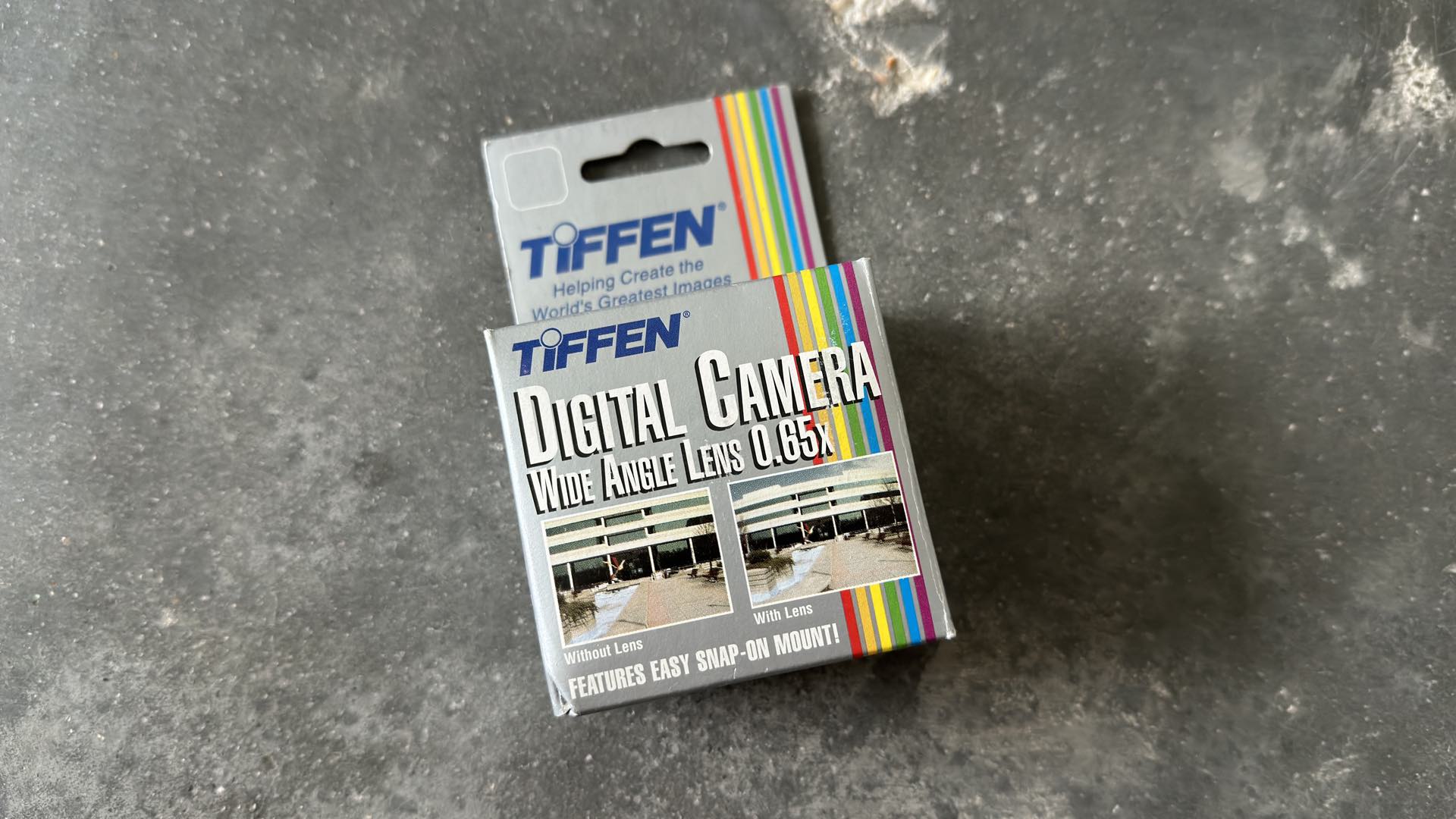
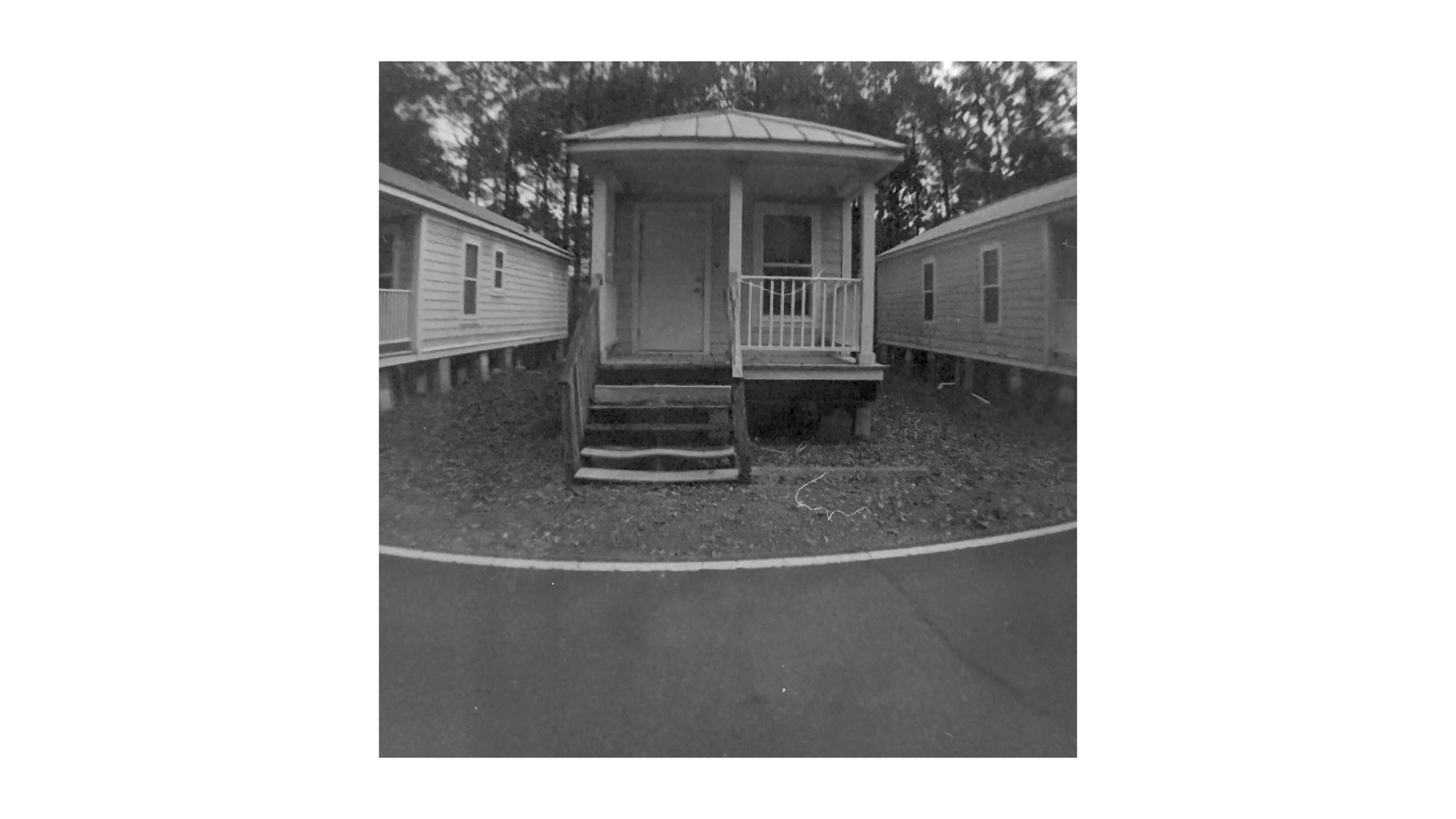
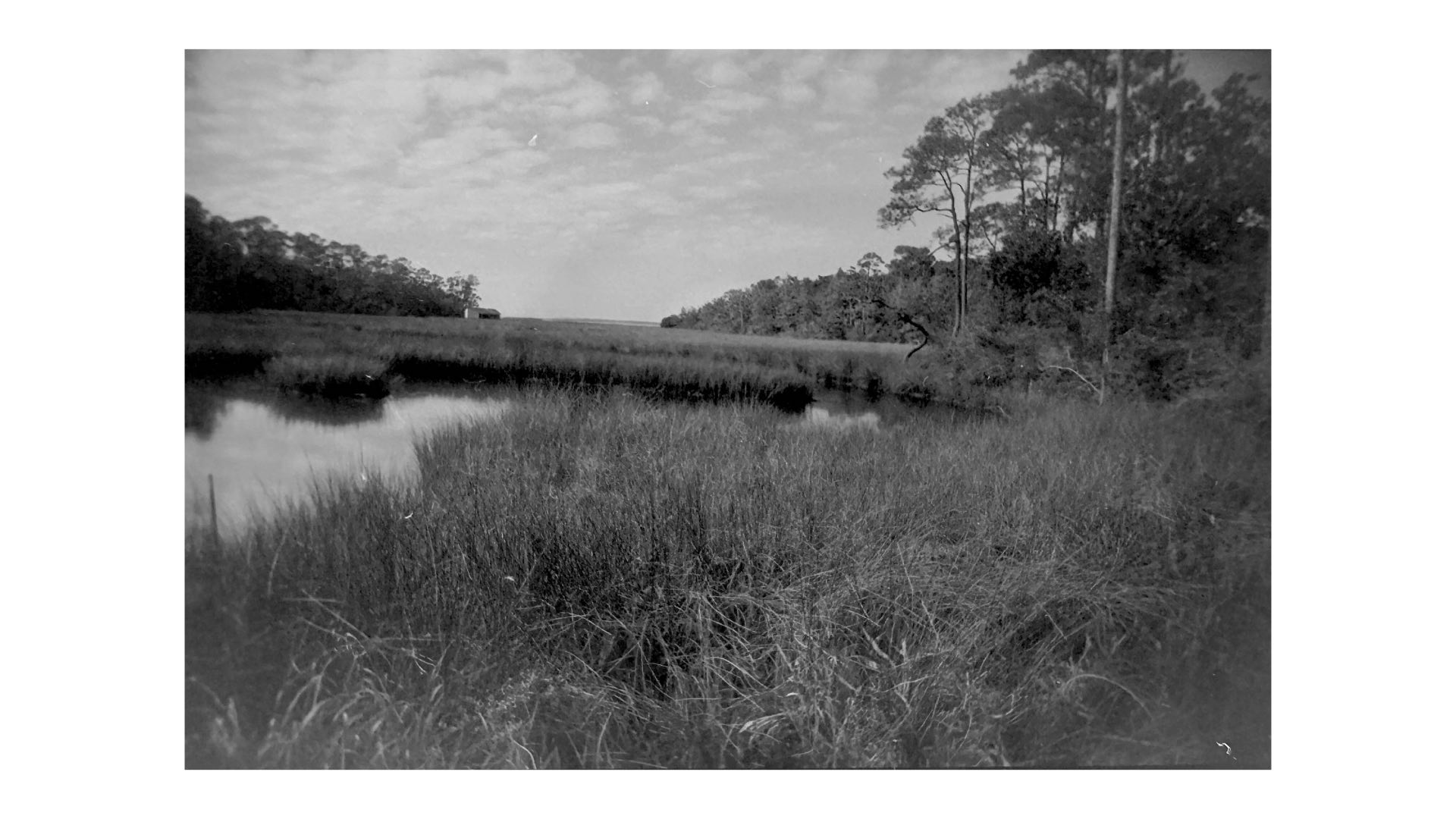
According to Tiffen, this conversion lens could increase the angle of view for a camera lens by approximately 45%. Adding it to the 22mm lens of the RETO Ultra Wide & Slim Camera does increase this film camera’s coverage. The amount of wide angle increase with this film camera will be demonstrated shortly. First of all, this Tiffen conversion lens must be added to the RETO Ultra Wide & Slim Camera.
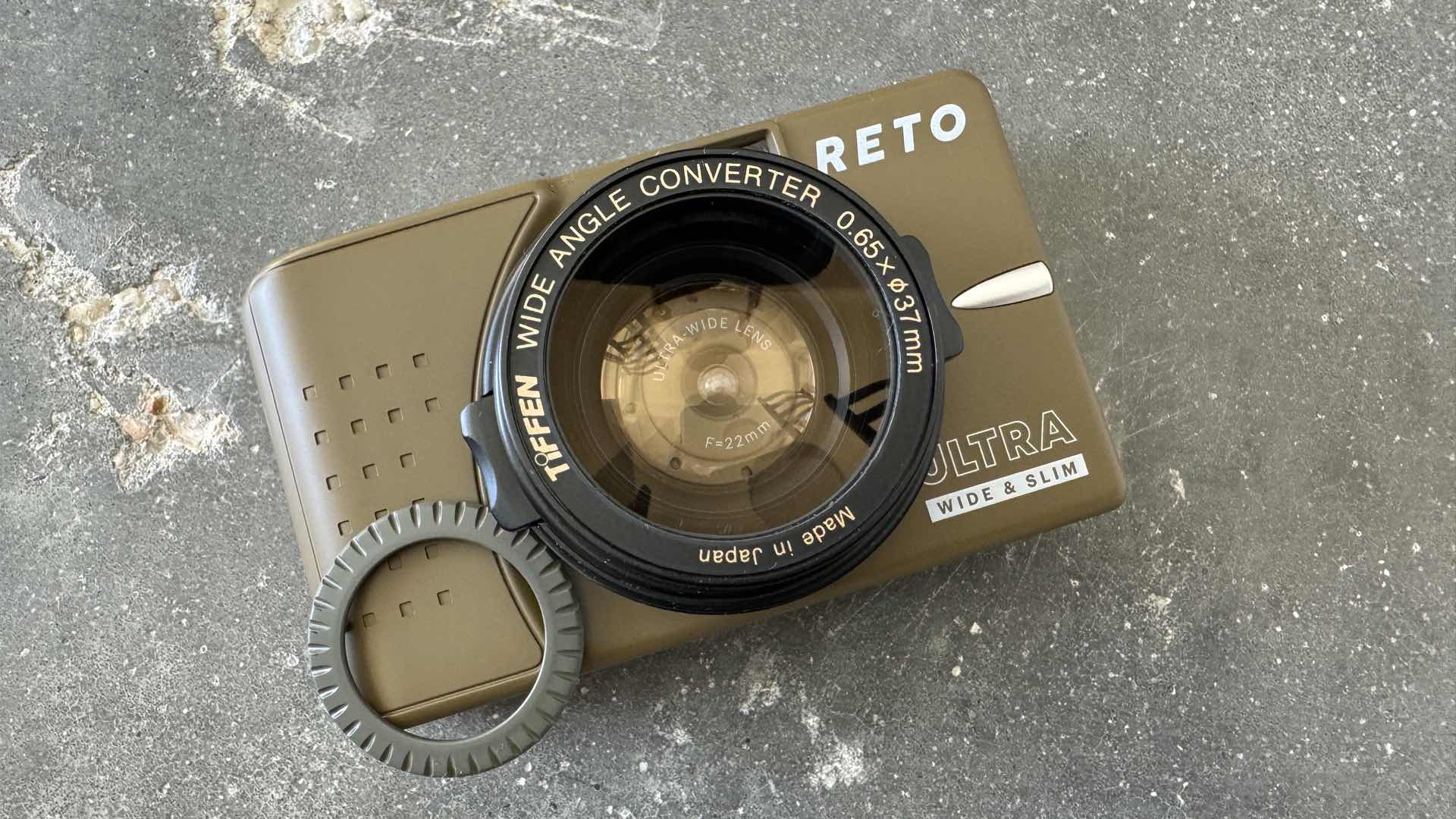
There are three simple steps for adding this lens accessory to this film camera:
1. Remove the trim ring. In order to ensure a snug fit over the camera’s lens, you must remove the trim ring that circles the lens. This ring is just snapped into the camera’s body and can be easily popped off by gently prying with a thin blade.
2. Center the conversion lens. The Tiffen lens must be centered over the camera’s lens and aligned horizontally with the camera’s body. These two careful adjustments will minimize unwanted distortion. Yes, there will be distortion with this ultra-wide angle lens stacking technique, but you’re trying to make the final optical effect “appear” natural for an ultra-wide-wide angle lens. Nonetheless, negatives that are captured with this accessory lens will have a circular frame on the left and right sides of each exposure.
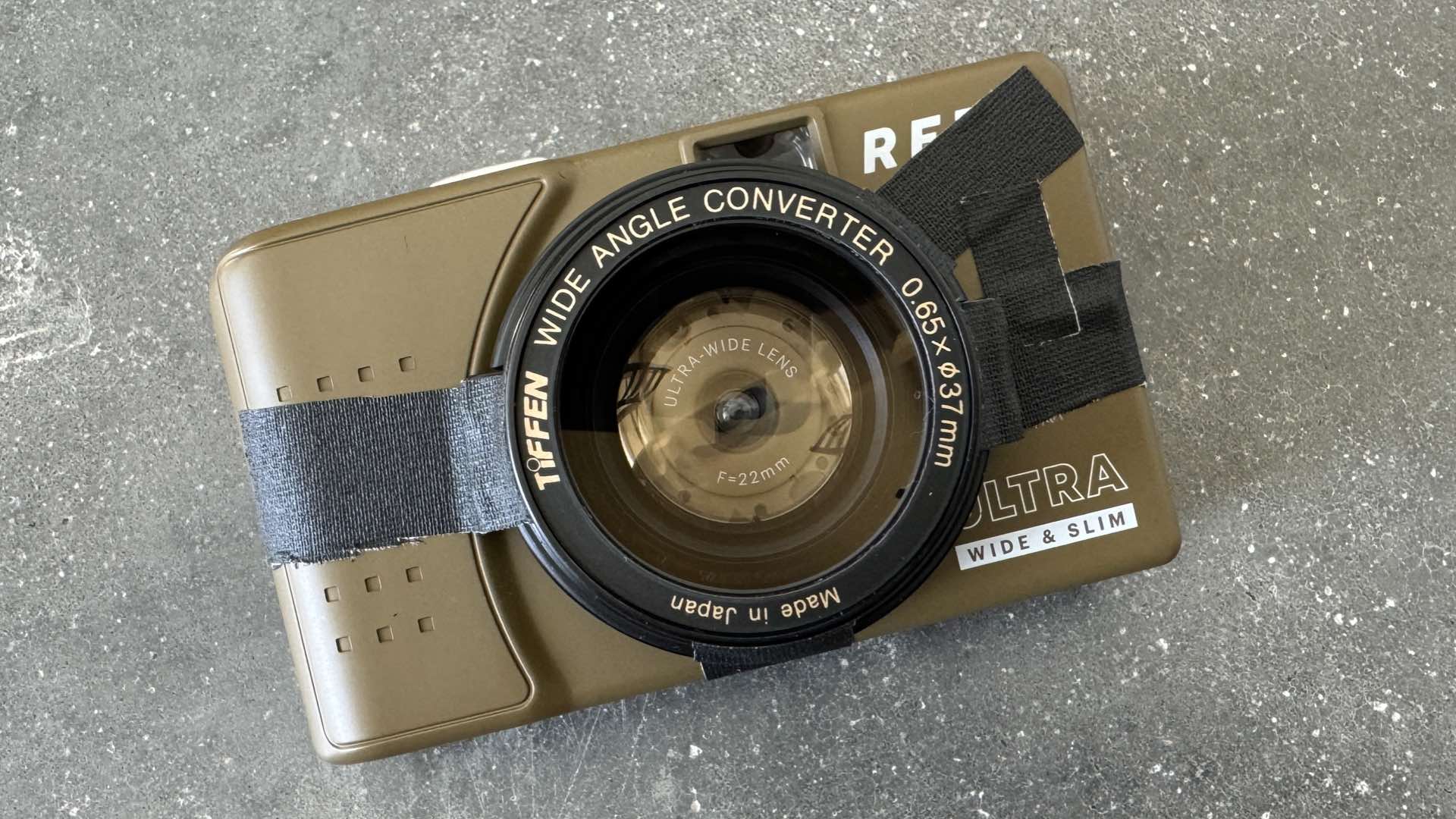
3. Tape ‘er down. Carefully apply several pieces of tape to securely hold the Tiffen conversion lens in place on the camera body. The two pinch release buttons on the sides of the conversion lens are ideal for holding two of these tape pieces.
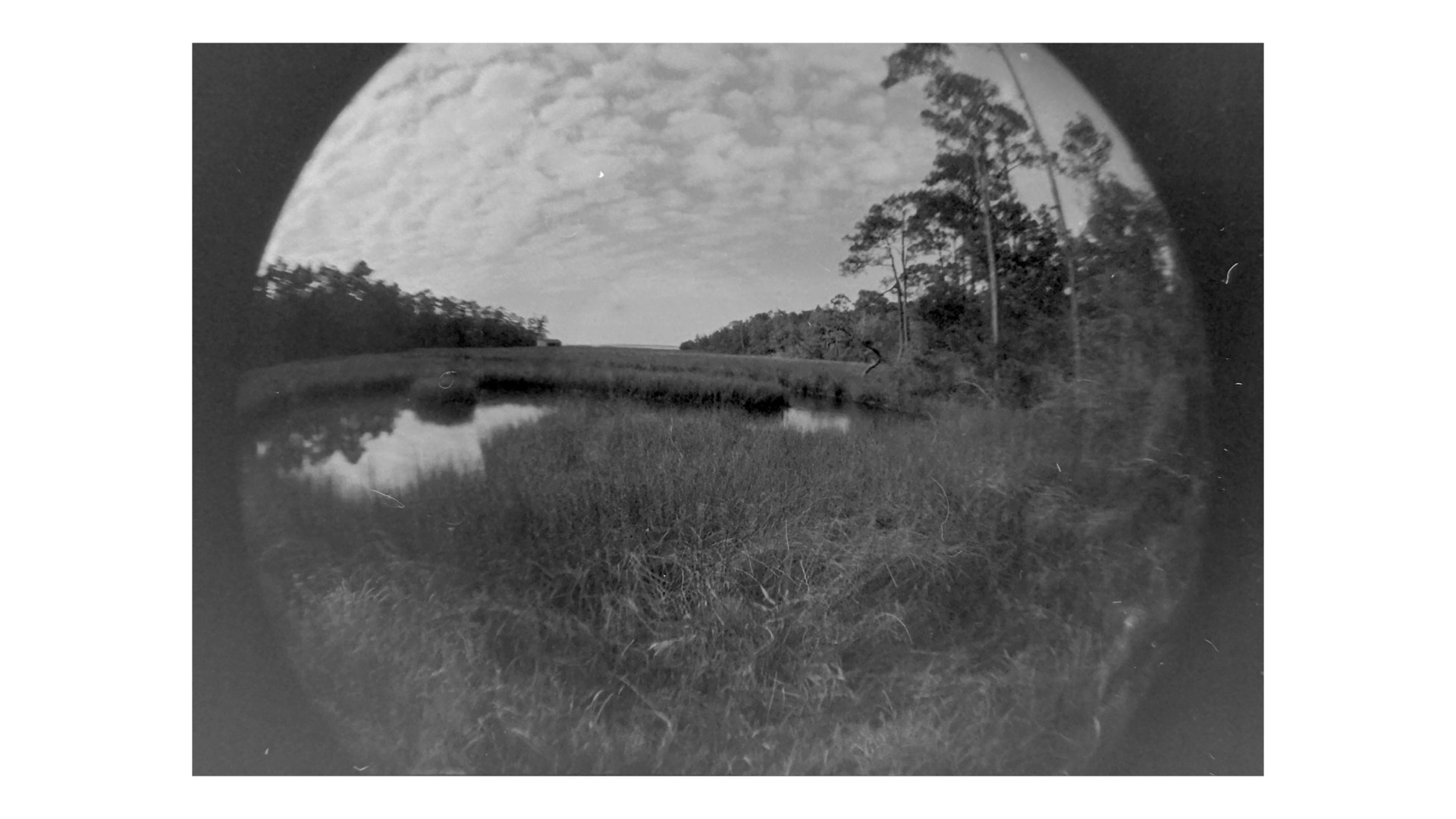
Test your final assembly by gently shaking the camera and watching for any movement of the taped conversion lens. If everything is still a snug fit, load a roll of ISO 200 film and record your world with your, now, RETO Ultra Wide Wide & Slim Camera.
Enjoy.
See more from DIYPhotography.net on Google
Add DIYPhotography.net as a trusted source. This makes
our stories more likely to appear in your Google Search results.
 Add as a preferred source on Google
Filed Under:
Tagged With:

David Prochnow
Our resident “how-to” project editor, David Prochnow, lives on the Gulf Coast of the United States in Ocean Springs, Mississippi. He brings his expertise at making our photography projects accessible to everyone, from a lengthy stint acting as the Contributing How-To Editor with Popular Science magazine. While you don’t have to actually build each of his projects, reading about these adventures will contribute to your continued overall appreciation of do-it-yourself photography. A collection of David’s best Popular Science projects can be found in the book, “The Big Book of Hacks,” Edited by Doug Cantor.
Related Posts
 Convert Your Old Camera To A Backdrop Projector In 10 Easy Steps
 The Motorola One Action forces you to shoot horizontal video with its ultra-wide “Action” camera
 How to convert a clothing rack into a DIY camera, light & monitor stand on wheels
 How to convert a Leica M2 into a digital camera – a guide
Join the Discussion
DIYP Comment Policy
Be nice, be on-topic, no personal information or flames.