






















YouTube Likeness Detection Now Lets Everyone Find Their AI Clone on the Platform
May 18, 2026
Dunja Đuđić Kalinin
Dunja Djudjic is a multi-talented artist based in Novi Sad, Serbia. With 15 years of experience as a photographer, she specializes in capturing the beauty of nature, travel, concerts, and fine art. In addition to her photography, Dunja also expresses her creativity through writing, embroidery, and jewelry making.
Share:
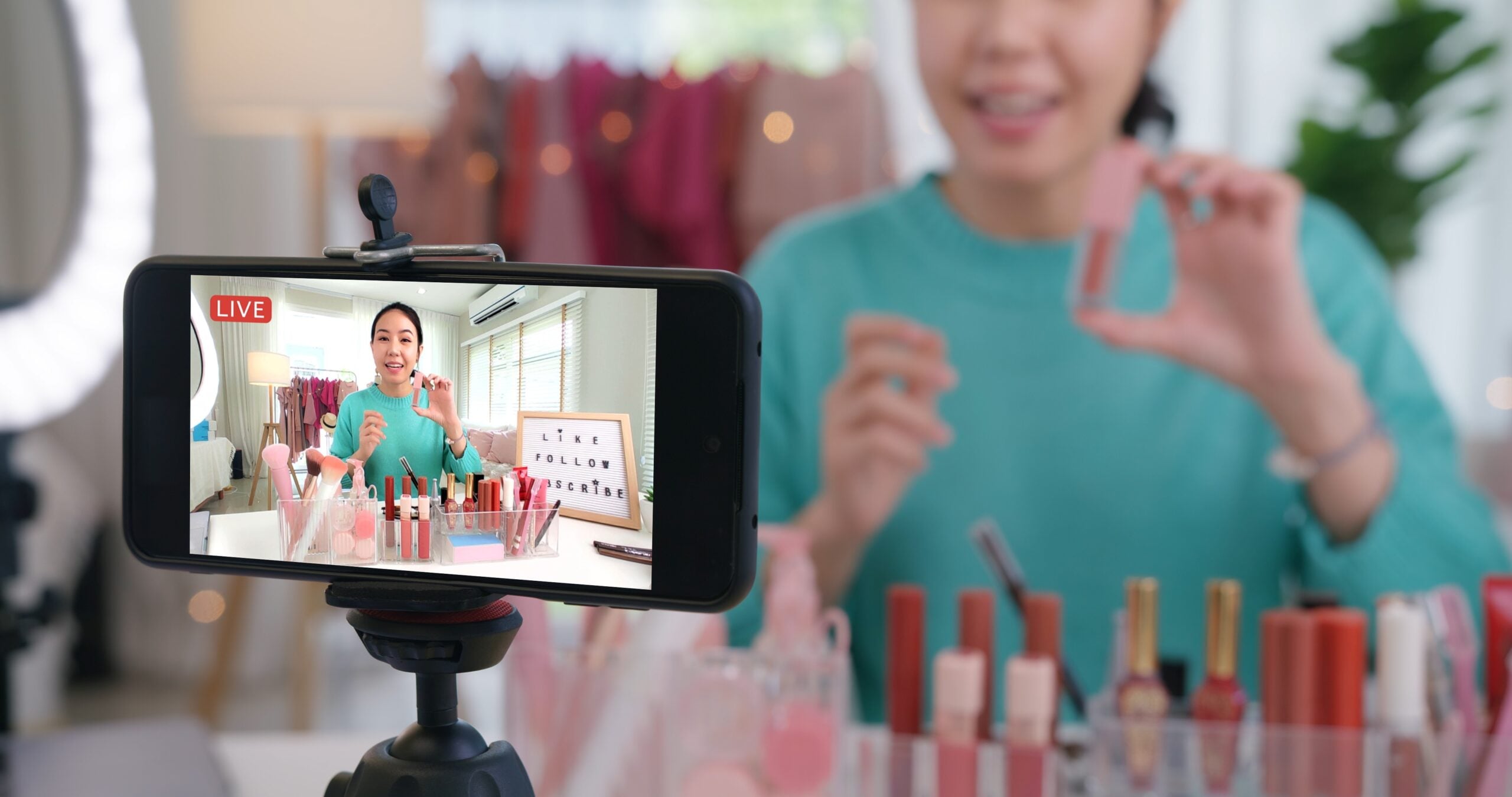
YouTube likeness detection, previously limited to YouTube Partner Program members, is expanding to all eligible creators aged 18 and over. This feature helps you find and remove AI-generated videos that use your face without permission. Aka, if someone makes your AI clone, you’ll now be able to track them down.
The tool lives inside YouTube Studio and is designed to help you find and remove AI-generated clones of your face. In a statement, the company calls it an “industry-first tool in YouTube Studio designed to help you detect and manage how AI is used to depict you on YouTube. “
Once enrolled, YouTube’s systems scan for videos featuring altered or synthetic versions of your face. According to YouTube, this allows you to:
- Identify where your likeness shows up: Understand if others are using your face in videos made with AI.
- Safeguard your identity: Request removal of unauthorized content that uses your likeness directly in YouTube Studio.
- Protect your audience: Keep your viewers from being misled about you.
How to Set Up YouTube’s Likeness Detection
Setting it up is straightforward. From YouTube Studio:
- From the left menu, select Content detection > Likeness > then Start now.
- Give YouTube permission to use likeness detection technology.
- Take a few minutes to complete a one-time verification process.
One thing worth knowing: if you don’t see matches right away, that’s not a bug. YouTube notes that “if altered or synthetic content featuring your face is infrequently uploaded to YouTube, you may see a limited number of detected videos.” This means the tool is running in the background even when it stays quiet.
“Our goal is to provide you with more peace of mind by giving you easy access to request the removal of unauthorized content that violates our Privacy Guidelines,” YouTube writes in the statement.
Likeness detection will roll out gradually for everyone over the next few weeks. You can find full setup details in YouTube’s Help Center.
[via PetaPixel]
See more from DIYPhotography.net on Google
Add DIYPhotography.net as a trusted source. This makes
our stories more likely to appear in your Google Search results.
 Add as a preferred source on Google

Dunja Đuđić Kalinin
Dunja Djudjic is a multi-talented artist based in Novi Sad, Serbia. With 15 years of experience as a photographer, she specializes in capturing the beauty of nature, travel, concerts, and fine art. In addition to her photography, Dunja also expresses her creativity through writing, embroidery, and jewelry making.




Join the Discussion
DIYP Comment Policy
Be nice, be on-topic, no personal information or flames.