


















Clean Up High-ISO Noise, Sharpen Details, and Upscale Both Photos and Video With Videoproc AI
Jul 31, 2026
Alysa Gavilan
Alysa Gavilan has spent years exploring photography through photojournalism and street scenes. She enjoys working with both film and mirrorless cameras, and her fascination with the craft has grown over the decades. Inspired by Vivian Maier, she is drawn to capturing everyday moments that often go unnoticed.
Share:
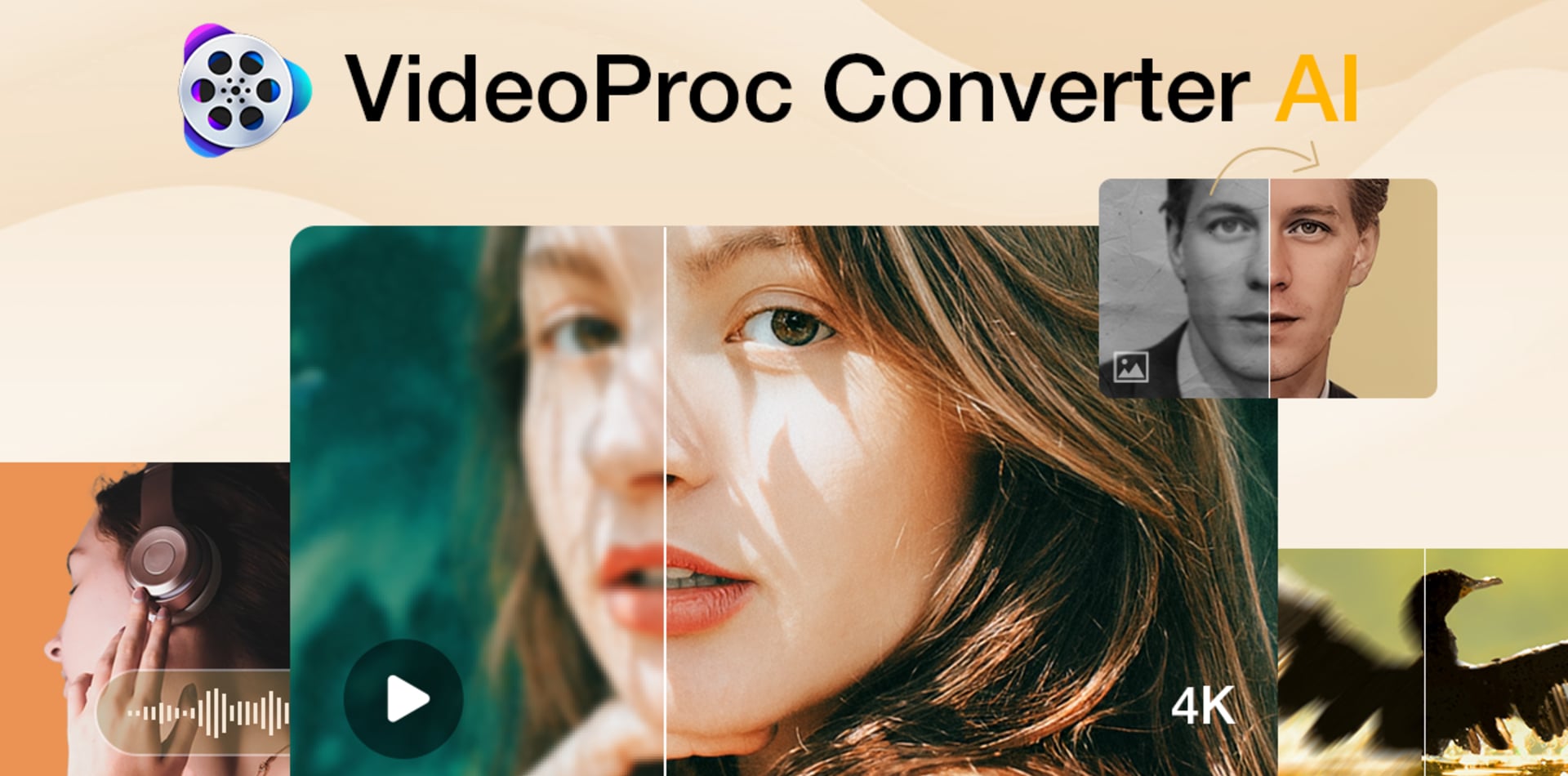
Ever opened a folder of photos after a shoot only to discover that the best shot is just a little too noisy, slightly blurry, or smaller than you’d like? Then you open one app to denoise it, another to upscale it, another to convert the video clips, and somehow spend more time managing software than actually editing your work.
If that routine sounds familiar, VideoProc Converter AI is trying to replace that pile of applications with a single, affordable tool.
Even better, the software is currently available through a limited lifetime license promotion, making it far less expensive than paying for multiple subscriptions. We’ll get to that offer later, but first, let’s see what the software actually brings to photographers and content creators.
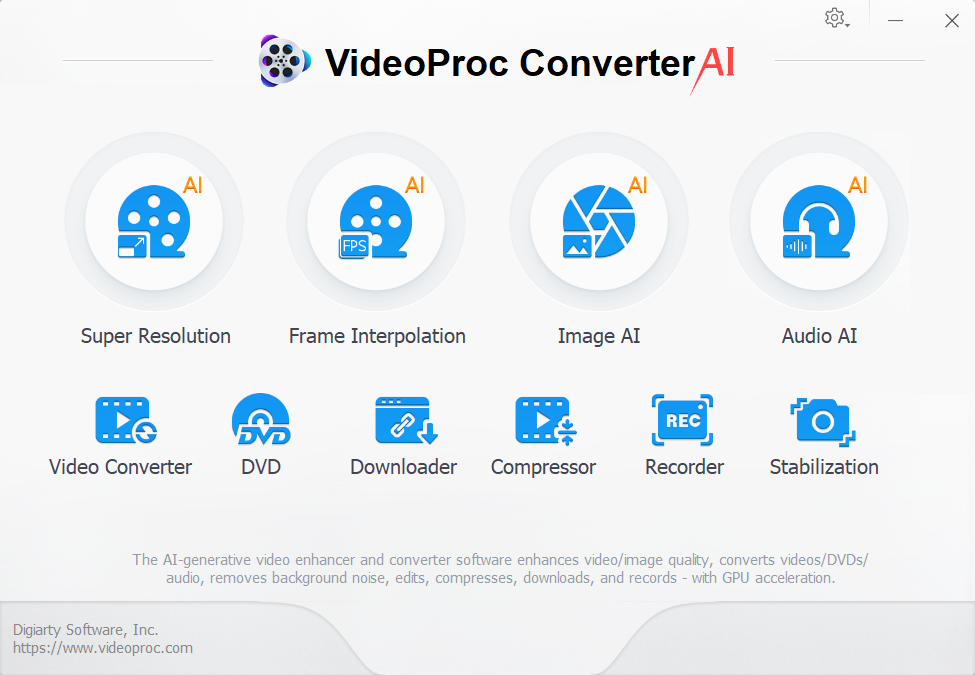
Developed by Digiarty Software, VideoProc Converter AI combines AI powered image enhancement, video upscaling, media conversion, editing, compression, and recording into one desktop application. It also offers practical tools for photographers who regularly work with high ISO images, aging archives, smartphone photos, drone footage, and mixed camera formats.
Here’s a closer look at what it offers and why it may be worth considering.
AI image enhancement is where photographers will notice the biggest difference
For photographers, the strongest feature of VideoProc Converter AI is its Image AI module.
Not every photo comes out exactly as planned. For example, indoor events often require higher ISO settings that introduce visible noise while wildlife shots may need heavy cropping. There is also the issue that older family photos can look faded after decades in storage while AI generated images may also lack fine detail that holds up under closer inspection.
Rather than relying on manual sharpening and noise reduction, VideoProc Converter AI uses dedicated AI models designed improve image clarity and to restore detail while keeping images looking natural.
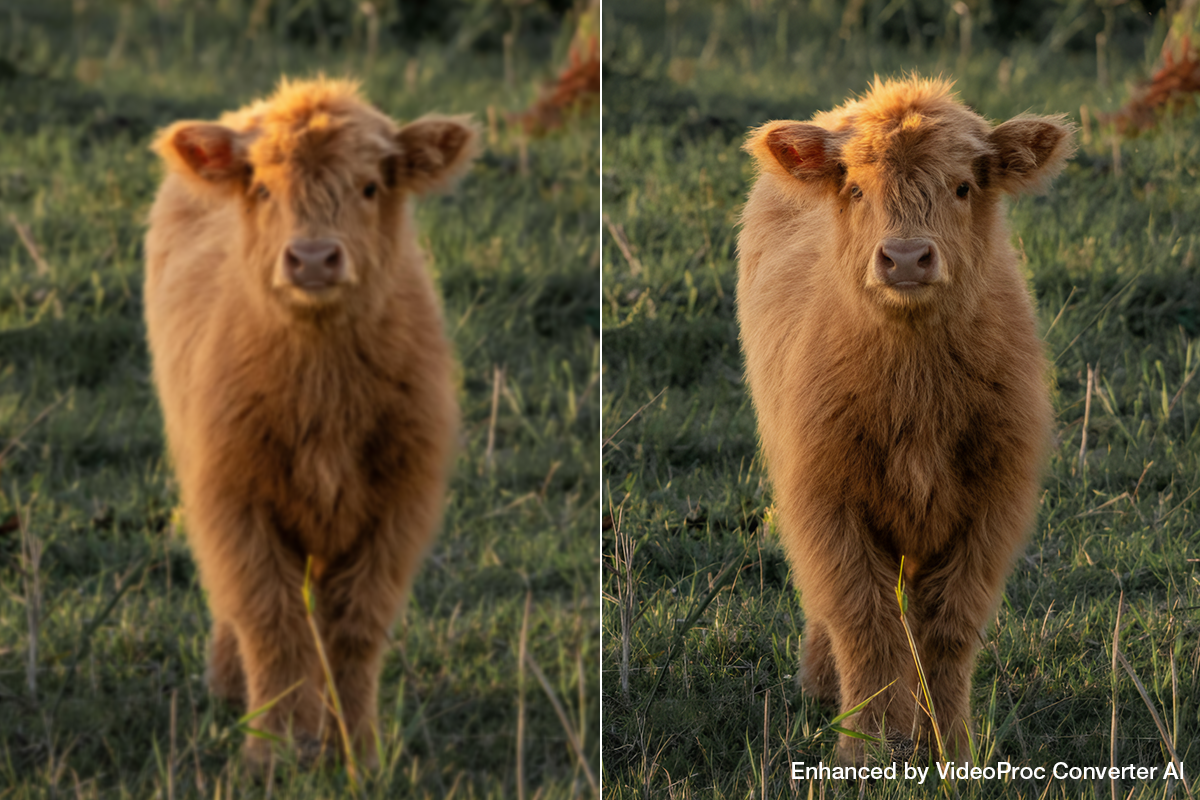
Super Resolution: Photos can be enlarged by two, three, or four times, reaching resolutions up to 10K. More importantly, the software attempts to rebuild texture instead of simply stretching pixels, producing results that look cleaner than traditional resizing methods.
Different AI models are optimized for different image types:
- Gen Detail: Best for most photos; enhances clarity, sharpness, and fine details.
- Real Smooth: Produces smoother, cleaner, and brighter results, especially for 2D artwork, cartoons, and line drawings.
- Anime: Optimized for anime and cartoon images; also runs well on older computers with modest GPU/CPU performance.
- Zyxt: A lightweight alternative for computers that do not support the Gen Detail or Real Smooth models.
Noise reduction is another everyday benefit. Night photography, concerts, indoor events, and wildlife photography often involve balancing shutter speed against ISO performance. All Super Resolution models in VideoProc can automatically remove much of that visible grain while maintaining details in clothing, hair, and textured surfaces.
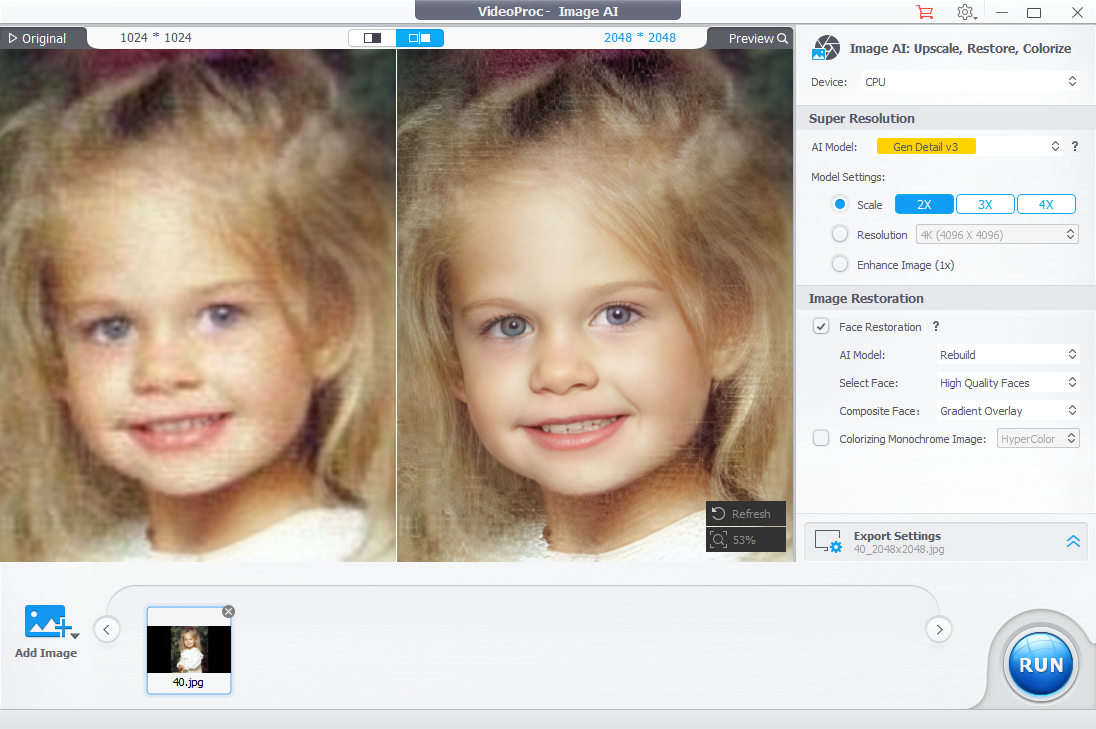
Another useful feature is AI face restoration. Portrait photographers, wedding photographers, and anyone digitizing old family albums will appreciate the ability to recover facial detail from soft or compressed images. Instead of producing an artificial look, the the Fidelity model in restoration focuses on improving clarity while preserving recognizable features. You can also choose the Rebuild or GFPGAN model for different level of facial reconstruction. This feature can be combined with Super Resolution, allowing you to freely select your preferred AI model and upscaling factor for the best.
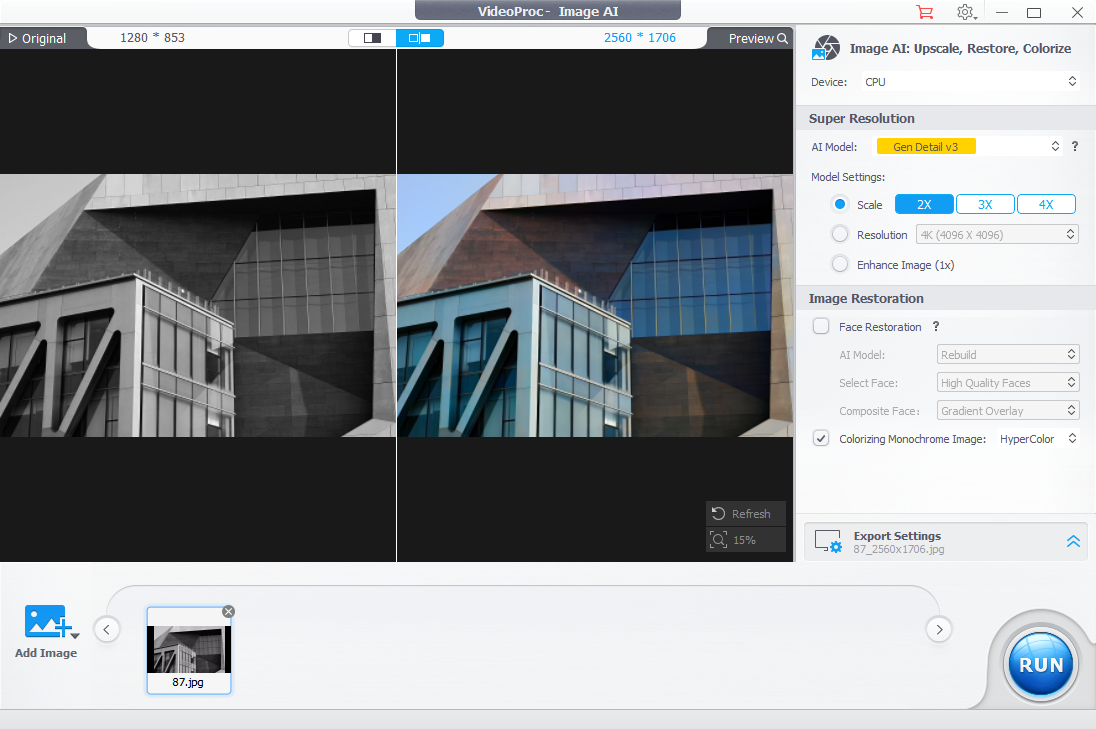
Older photographs also benefit from AI colorization. Black and white images or faded prints can be given new life through automatic color reconstruction, making archived collections more engaging for family projects or historical preservation.
Print photographers may also appreciate the option to correct DPI information, helping prepare PNG files for higher quality printing without additional editing.
For photographers looking to rescue imperfect images instead of throwing them away, these tools could become part of a regular workflow.
Video enhancement goes beyond simple upscaling
VideoProc Converter AI is more than an image restoration tool.
Its AI Video Super Resolution models focus on improving older or lower resolution footage by reconstructing details while reducing compression artifacts, blur, and digital noise.
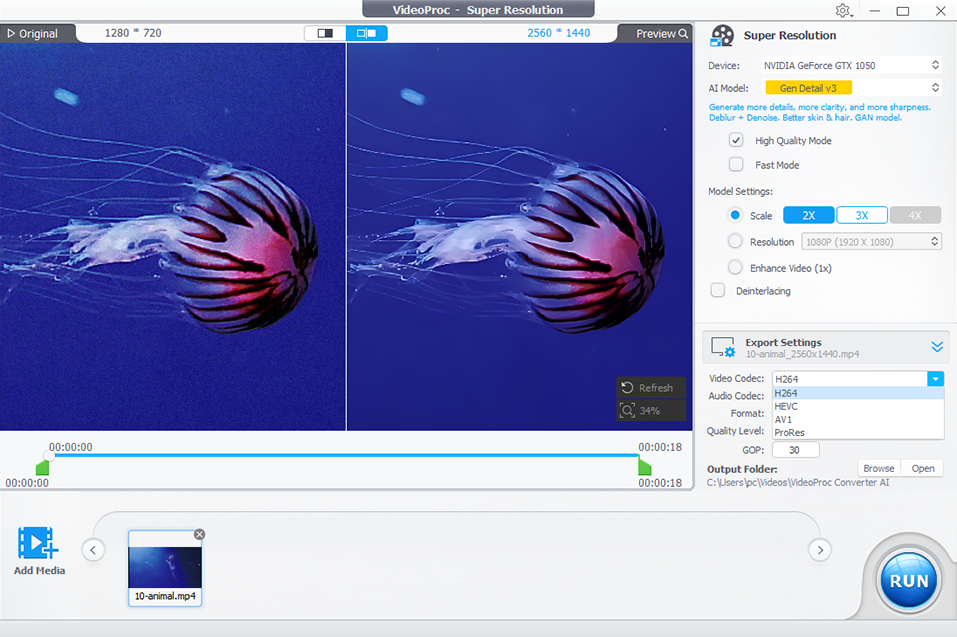
This is particularly useful for creators working with footage captured on older cameras in 480p or 720p, as well as videos downloaded from the internet or heavily compressed during uploading. These videos can be upscaled to higher resolutions with noticeably improved clarity, reduced grain, and enhanced detail.
One highlight in the latest Version 8.11 update is the new Keep Original Colors option.
One challenge with AI enhancement is that sharpening footage sometimes changes its colors. Skin tones may become slightly cooler, shadows can shift, and overall saturation may look different from the original recording. Digiarty’s latest update gives users more control by allowing them to preserve colors that more closely match the source footage while still benefiting from AI enhancement.
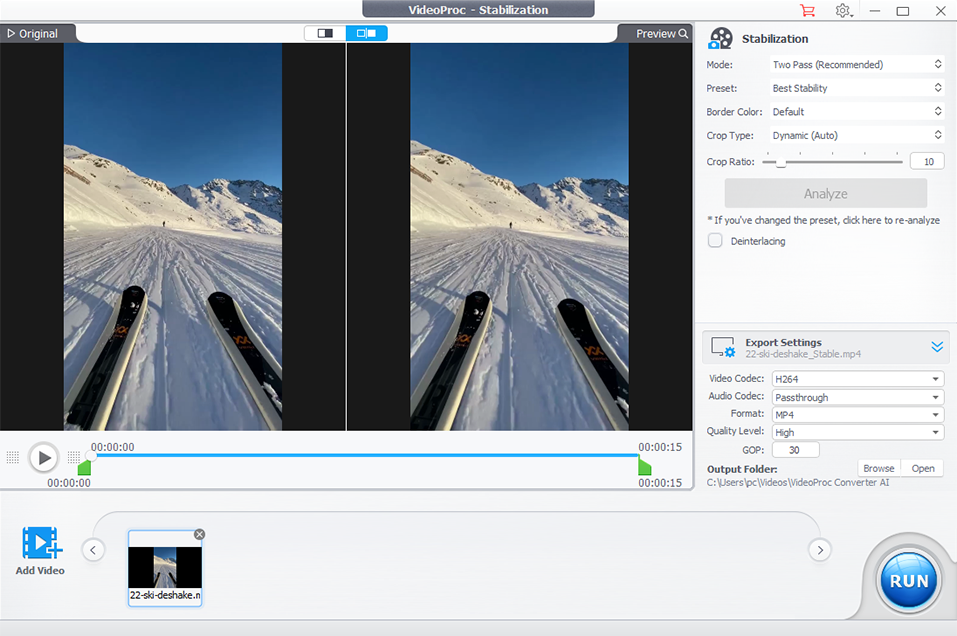
Other AI tools include video stabilization for handheld footage, frame interpolation for smoother playback, and AI powered audio cleanup that helps reduce unwanted background noise.
A media toolbox that handles everyday jobs
While AI enhancement grabs the headlines, the Media Toolbox may end up being the feature users open most often.
Modern photographers rarely work with just one device. A project may include files from a mirrorless camera, drone, smartphone, action camera, and screen recorder, all using different codecs and formats.
VideoProc Converter AI supports a wide range of formats, making it easier to convert files into something compatible with editing software, clients, or social media platforms.
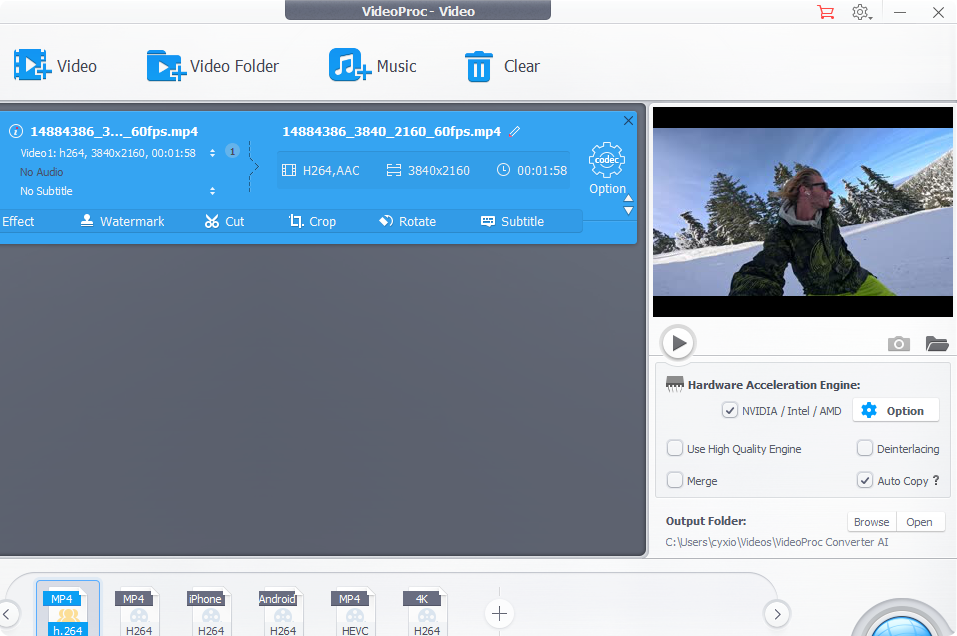
Large video files can also be compressed without requiring another application. This makes sharing footage with clients or uploading projects significantly easier, particularly when internet speeds become the bottleneck.
Basic editing features allow users to trim, crop, rotate, merge, and adjust clips before exporting. While it is not intended to replace a full non linear editor, it handles many quick editing jobs without opening larger software packages.
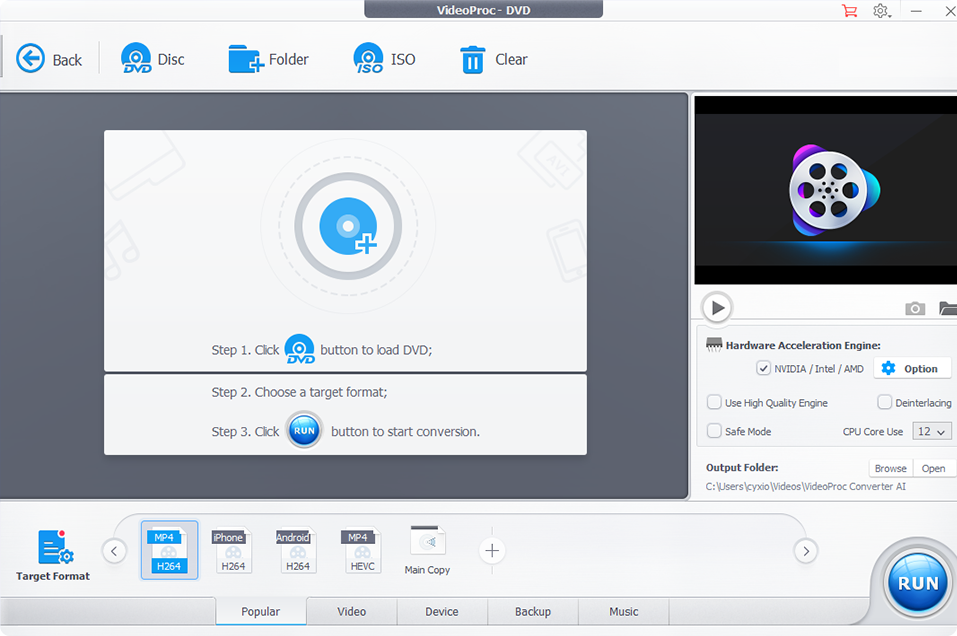
The software can also rip DVDs, record screens, download online videos where permitted, and process large batches of files.
Performance is another strength. VideoProc Converter AI supports Intel Quick Sync, NVIDIA CUDA, AMD hardware acceleration, and Apple Silicon processors. Instead of relying entirely on the CPU, compatible hardware can dramatically reduce processing times, especially when working with large 4K projects.
For all of these features, VideoProc Converter AI definitely makes a compelling case for becoming a permanent part of the editing toolkit. It may not replace every application on your computer, but it could replace far more of them than you expect.
If you’re interested in learning more, you can explore the software on the VideoProc Converter AI product page. Digiarty Software is also offering a one time payment, lifetime license promotion!
See more from DIYPhotography.net on Google
Add DIYPhotography.net as a trusted source. This makes
our stories more likely to appear in your Google Search results.
 Add as a preferred source on Google

Alysa Gavilan
Alysa Gavilan has spent years exploring photography through photojournalism and street scenes. She enjoys working with both film and mirrorless cameras, and her fascination with the craft has grown over the decades. Inspired by Vivian Maier, she is drawn to capturing everyday moments that often go unnoticed.


Join the Discussion
DIYP Comment Policy
Be nice, be on-topic, no personal information or flames.
One response to “Clean Up High-ISO Noise, Sharpen Details, and Upscale Both Photos and Video With Videoproc AI”
Pice of Sh.it software, waist of time even for testing this. You will end up with blurry, soap like image that looks fake as F. This article is a joke. But hope the money was good.