




















How to Digitize Old Photos: The Best Ways to Preserve Prints, Slides, and Negatives
Jun 26, 2026
Alysa Gavilan
Alysa Gavilan has spent years exploring photography through photojournalism and street scenes. She enjoys working with both film and mirrorless cameras, and her fascination with the craft has grown over the decades. Inspired by Vivian Maier, she is drawn to capturing everyday moments that often go unnoticed.
Share:
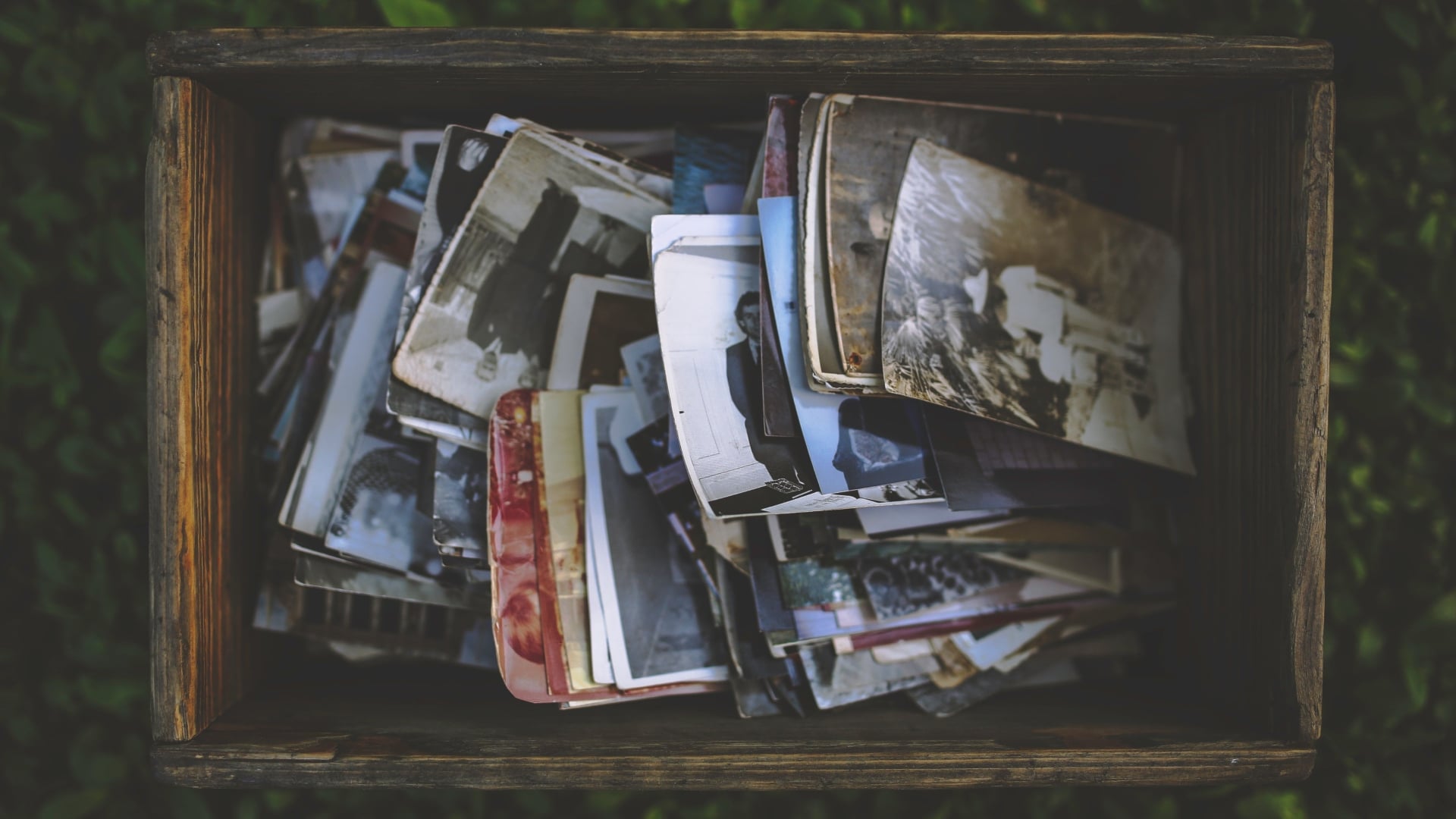
Old printed photographs tend to accumulate in boxes, albums, and drawers until one day they become difficult to ignore. Colors fade, corners curl, and memories start to feel physically fragile. That is usually when the question comes up: how can I digitize my photos in a way that preserves them properly?
The process is more accessible today than ever, but the quality of the result depends heavily on the method used, the condition of the originals, and how carefully the workflow is handled.
Digitizing photos simply means converting physical prints, negatives, or slides into digital image files. This can be done at home with basic equipment or through professional scanning services. Each approach has different strengths depending on volume, quality expectations, and budget.
Why Digitizing Photos Matters
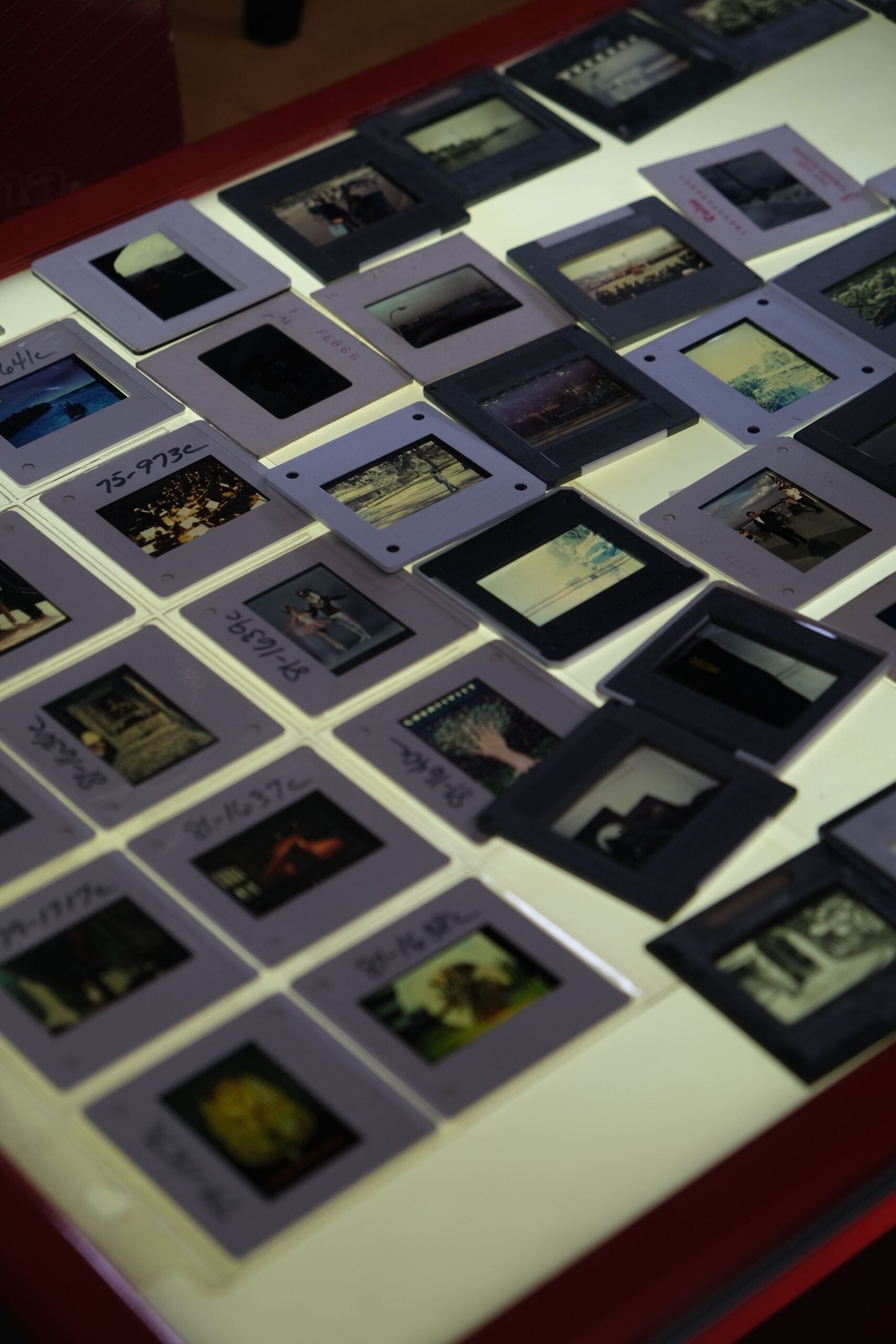
Photo digitization is also about preservation. Physical prints degrade over time due to light exposure, humidity, and handling. Long term image preservation relies on controlled environments and stable digital backups to prevent irreversible loss.
Once digitized, images can be duplicated, edited, shared, and stored in multiple locations without additional physical wear. This reduces the risk of losing irreplaceable family or historical images.
How Can I Digitize My Photos at Home
Home digitization is one of the most common methods, especially for personal photo collections.
Flatbed Scanners
A flatbed scanner is often considered the most reliable home option. Devices from brands such as Epson and Canon allow high resolution scanning of prints and documents. Scanning at 300 to 600 DPI is usually sufficient for standard prints, while higher DPI settings are useful for enlargements or archival work.
Mobile Phone Scanning
Smartphones have become a practical alternative. Apps from companies like Google Photos and Adobe Scan use computational correction to reduce glare, straighten edges, and enhance contrast. While convenient, results depend on lighting conditions and camera stability.
DSLR or Mirrorless Camera Copy Setup
A more advanced method involves photographing prints using a digital camera mounted above a flat surface. This setup, often used by archival photographers, can produce high resolution results if lighting is even and the camera is properly aligned. Consistent white balance and sharp focus are essential for accurate reproduction.
Professional Photo Scanning Services
For large collections or fragile images, professional services may be more suitable. Many print labs and archival companies offer scanning at high resolution using calibrated equipment.
These services often include dust removal, color correction, and restoration options. This is particularly useful for older prints that require careful handling or where consistency across a large archive is important.
How to Digitize Negatives and Slides
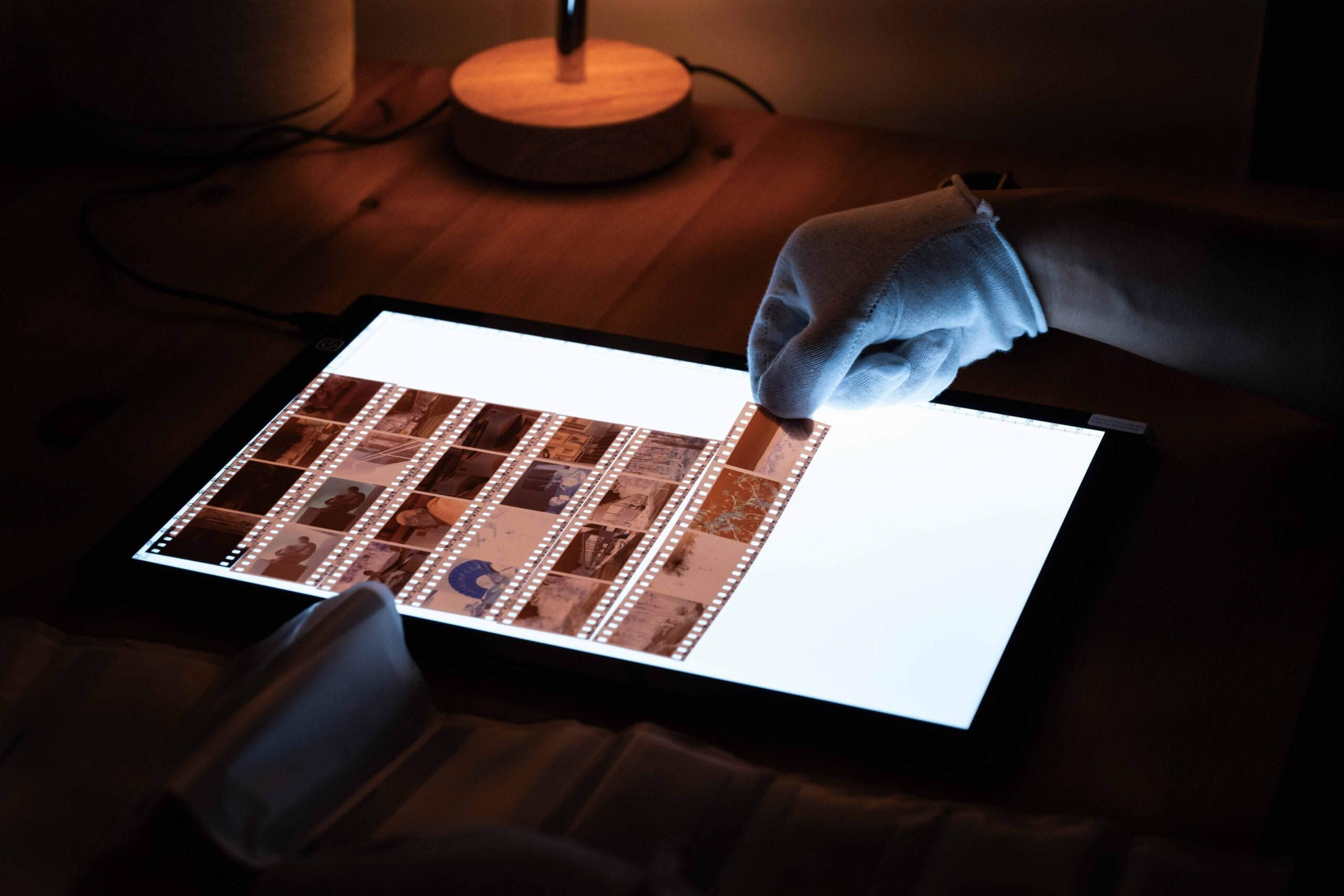
Film negatives and slides contain more detail than printed photos, which makes them ideal candidates for high quality digitization.
Dedicated film scanners are designed specifically for this purpose. Brands such as Epson and Nikon have produced models that handle 35mm, medium format, and slide film. Some labs also offer drum scanning or high end digital film conversion for professional results.
Care must be taken to avoid scratches and dust during handling, as film is more delicate than prints.
How to Know When Photos Cannot Be Digitized Properly
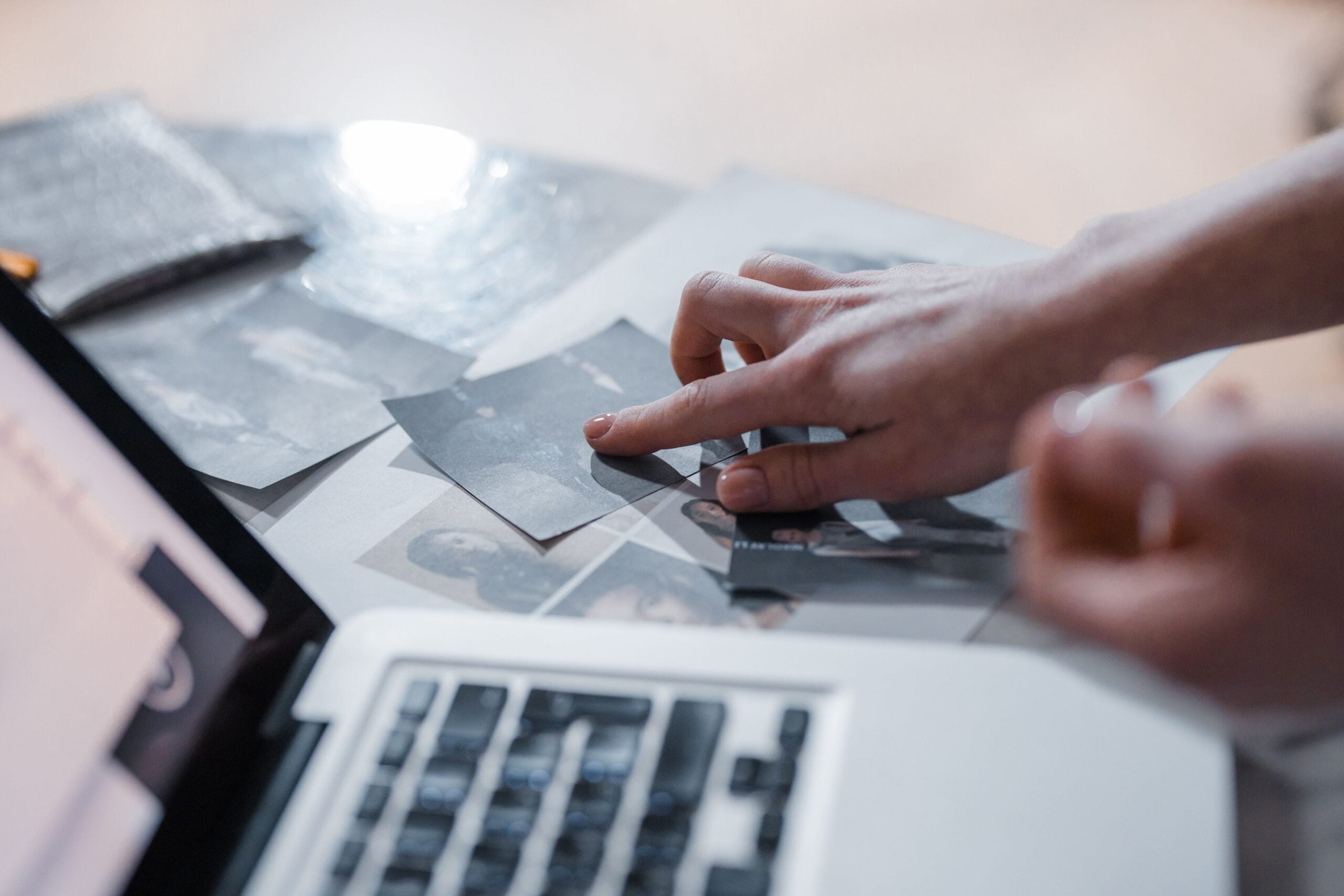
Not all physical photos can be fully restored or digitized with usable quality. Understanding limitations helps set realistic expectations.
Severe physical damage is one of the main barriers. Prints that are heavily water damaged, mold affected, or torn into missing fragments may not produce complete digital images. In some cases, scanning can capture what remains, but reconstruction may not be possible.
Extreme fading is another limitation. Photos exposed to sunlight for long periods may lose contrast and color information to the point where digital recovery tools cannot restore detail. While software can enhance visibility, it cannot recreate missing image data.
Highly reflective or glossy surfaces can also cause scanning issues if equipment is not properly calibrated. This can result in glare or uneven exposure across the image.
Negatives and slides that are chemically degraded or warped may also produce inconsistent results. Film vinegar syndrome or color shift over time can limit the accuracy of digitization.
In some cases, partial digitization is still valuable. Even if a photo is damaged, capturing what remains can preserve context, composition, or historical value.
As more households begin to preserve older images, the question is no longer just how can I digitize my photos, but how to ensure those digital versions will still be accessible decades from now. If you were digitizing your own archive today, would you prioritize speed, quality, or long term preservation first?
See more from DIYPhotography.net on Google
Add DIYPhotography.net as a trusted source. This makes
our stories more likely to appear in your Google Search results.
 Add as a preferred source on Google

Alysa Gavilan
Alysa Gavilan has spent years exploring photography through photojournalism and street scenes. She enjoys working with both film and mirrorless cameras, and her fascination with the craft has grown over the decades. Inspired by Vivian Maier, she is drawn to capturing everyday moments that often go unnoticed.



Join the Discussion
DIYP Comment Policy
Be nice, be on-topic, no personal information or flames.