
























OM-3’s Creative Recipes Let You Shoot With Style, Instantly
Oct 31, 2025
Alysa Gavilan
Alysa Gavilan has spent years exploring photography through photojournalism and street scenes. She enjoys working with both film and mirrorless cameras, and her fascination with the craft has grown over the decades. Inspired by Vivian Maier, she is drawn to capturing everyday moments that often go unnoticed.
Share:

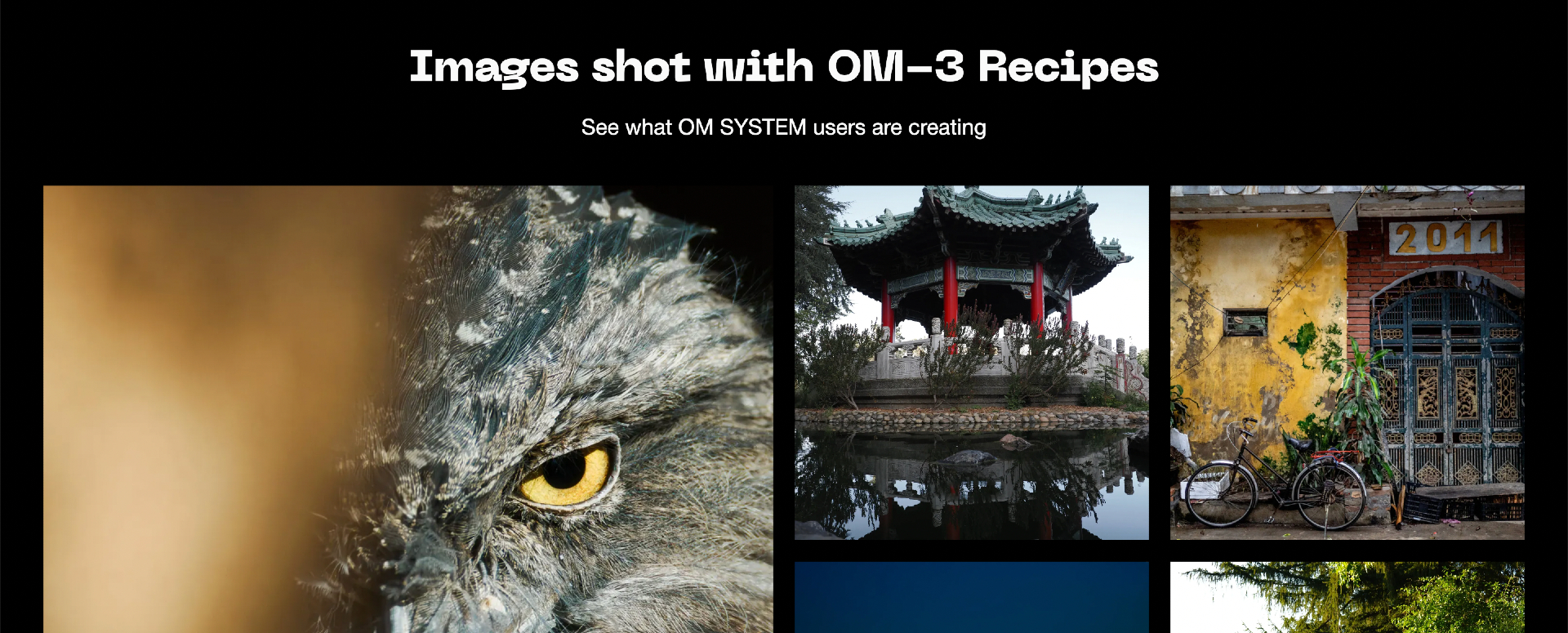
The new Creative Recipes feature from OM SYSTEM gives photographers an entirely new way to experiment with style. It lets you download and use other photographers’ custom in-camera looks, applying them directly as you shoot without the need for editing software or complicated workflows. With just a few clicks, you can turn your camera into a creative toolkit filled with color tones, contrasts, and moods crafted by a global community of photographers.
The feature is designed especially for OM-3 users, OM SYSTEM’s latest mirrorless camera, which was officially launched in February 2025. The OM-3 continues the company’s Micro Four Thirds legacy, which is compact, weather-sealed, and built for photographers who love to travel light without sacrificing image quality. The camera offers a powerful autofocus system, in-body image stabilization, and computational photography tools like Live ND and HDR shooting.
But what truly sets the OM-3 apart is how it encourages creativity right from capture — and that’s where Creative Recipes come in.
What Creative Recipes Are and What They Do
Think of Creative Recipes as ready-made color profiles you can load into your OM-3. Each recipe is a digital interpretation of a photographer’s aesthetic. It defines how your camera handles color, contrast, and tone to produce a specific visual feel. Some look cinematic and moody, others mimic the softness of film, while some go for bold, modern saturation.
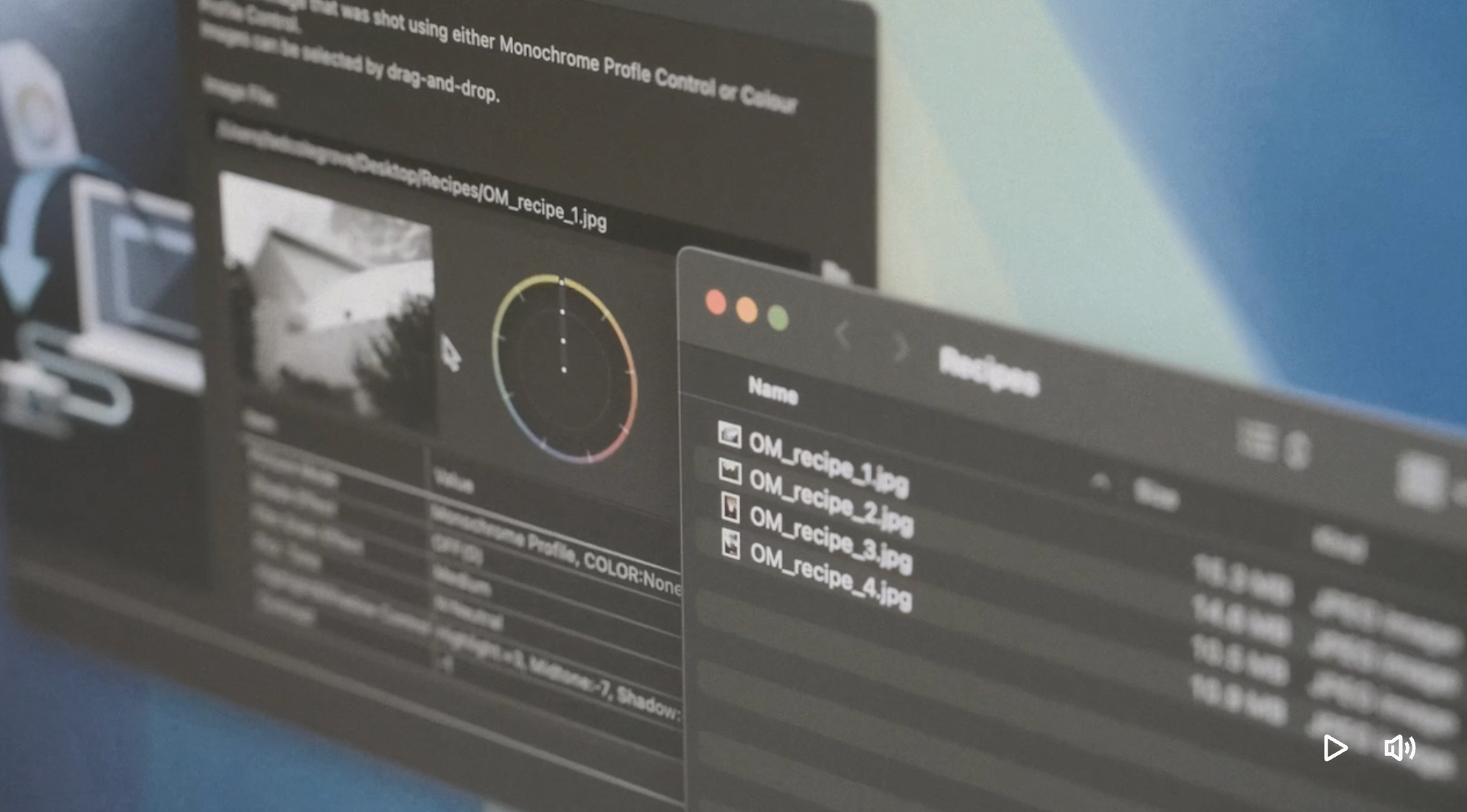
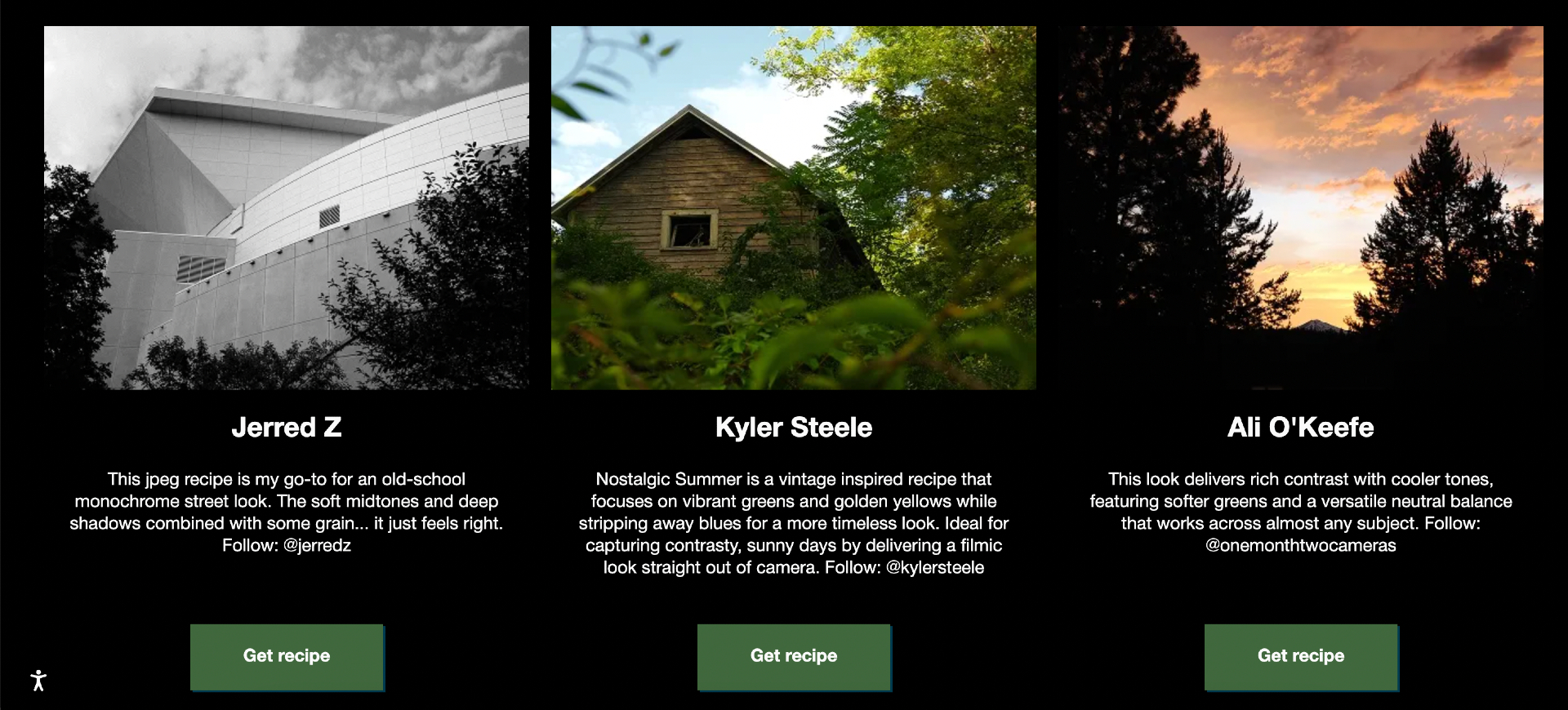
These recipes are available on OM SYSTEM’s Creative Recipes website, where you can browse and download looks created by other photographers. You’ll find names like Jerred Z, Kitty Marie, and Kyler Steele among the early contributors of their own signature visual approach. Once you download a recipe, you can import it into your camera through OM Workspace, OM SYSTEM’s companion desktop software.
Once installed, your recipes show up on the OM-3’s Creative Dial or within custom shooting modes. It’s almost like having multiple cameras in one. If you’re shooting city streets, you can load a high-contrast black-and-white recipe. If you’re in a forest, maybe a soft, pastel look that brings out greens and shadows. It’s fast, flexible, and more personal than applying a filter after the fact.
How to Use Creative Recipes
Using Creative Recipes with your OM-3 is refreshingly simple once you try it.
Start by visiting OM SYSTEM’s Creative Recipes page, where you can preview looks and read about the photographer behind each one. Once you find something that speaks to you, click “Get Recipe” to download the file.
Next, open OM Workspace on your computer. Import the recipe file, connect your OM-3 via USB, and select “Load Color/Monochrome Profile.” You’ll be able to choose which custom slot to assign it to, such as C1, C2, or C3.
After saving, unplug your camera and switch to that mode using the Creative Dial. From that moment, every image you capture reflects the recipe’s tone and color style.
You can load multiple recipes and switch among them easily depending on your mood or subject. Some users even tweak recipes slightly to make them feel more personal. And just like presets, you can export your own and share them back to the community.
Why It’s Useful
Creative Recipes stand out because they make the act of shooting more intuitive and expressive. You no longer need to wait until you’re in front of a computer to see how your photos might look with a certain tone or feel.
Instead, your camera becomes the creative space itself. This immediacy changes how you approach photography as it helps you visualize your final image as you shoot.
The feature also saves you time. Instead of spending hours color-grading or applying filters, you already have the mood you want straight from the camera. This is especially helpful for photographers who cover events, travel, or street scenes, where consistent tones and fast output matter. You can go from capture to sharing in minutes, with results that already feel polished and intentional.
More than efficiency, Creative Recipes make shooting fun again. You begin to see your surroundings differently when you experiment with different looks. You might even switch to a high-contrast monochrome recipe and suddenly notice light and shadow in a new way. Or use a vintage-inspired profile and find yourself chasing softer, warmer tones.
There’s also something inspiring about being part of a creative exchange. You’re engaging with a community beyond just using your camera. Each recipe, after all, carries another photographer’s interpretation of the world. B
y downloading it, you’re momentarily stepping into their perspective. On the other hand, you’re giving that experience back when you upload your own recipe. It’s a beautiful collaboration that turns the act of photography into a shared language.
Tips to Get the Most Out of Creative Recipes
When you first start exploring Creative Recipes, it helps to begin with just one or two looks that match your favorite subjects. This way, you can get a feel for how each one behaves under different types of light and scenes. Shooting a recipe in early morning light might bring out subtle color shifts you’d never notice at noon, and testing in varied conditions helps you understand its limits and strengths.
It’s also wise to shoot in both RAW and JPEG. Even if you love how a recipe renders your images, RAW files give you a safety net. You’ll still capture the full dynamic range and flexibility to make adjustments later if you change your mind.
Pay attention to lighting too. Every recipe is built with certain assumptions about light and color temperature. A look designed for golden hour can appear flat or too warm in shade. Take a few test shots throughout the day and adjust your exposure or white balance if needed. The more you understand how your recipes respond to natural conditions, the more confidently you’ll shoot.
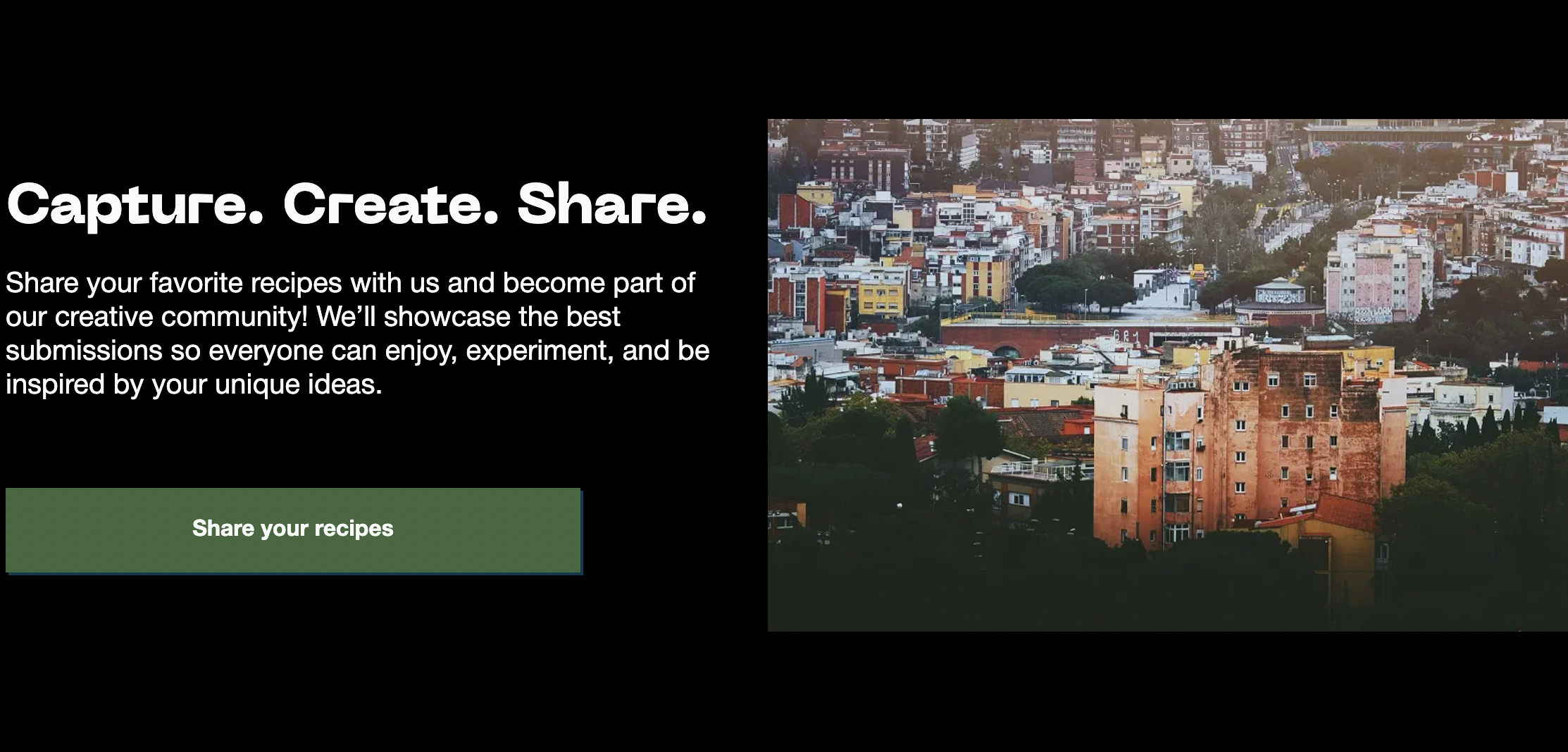
Lastly, make it your own. Keep notes about your favorite combinations of recipes and settings, and don’t hesitate to tweak them slightly. Once you’ve crafted something you love, share it. Uploading your own recipe is part of what makes this system thrive. You never know who might find inspiration in your look!
[Photos via OM-3]
See more from DIYPhotography.net on Google
Add DIYPhotography.net as a trusted source. This makes
our stories more likely to appear in your Google Search results.
 Add as a preferred source on Google

Alysa Gavilan
Alysa Gavilan has spent years exploring photography through photojournalism and street scenes. She enjoys working with both film and mirrorless cameras, and her fascination with the craft has grown over the decades. Inspired by Vivian Maier, she is drawn to capturing everyday moments that often go unnoticed.
Related Posts
 Here are 17 quick and easy off-camera lighting recipes to up your flash game
 Is personal editing style as important as photographic style?
 Virtual Lighting Studio Let You Light & Shoot With No Studio
 The LucAdapters Magicboost will let your Blackmagic Pocket 6K shoot full frame raw video with EF lenses
Join the Discussion
DIYP Comment Policy
Be nice, be on-topic, no personal information or flames.