




















Can the Google Pixel 11 Pro’s AI-Powered Camera Coach Make You a Better Photographer?
Oct 29, 2026

Share:
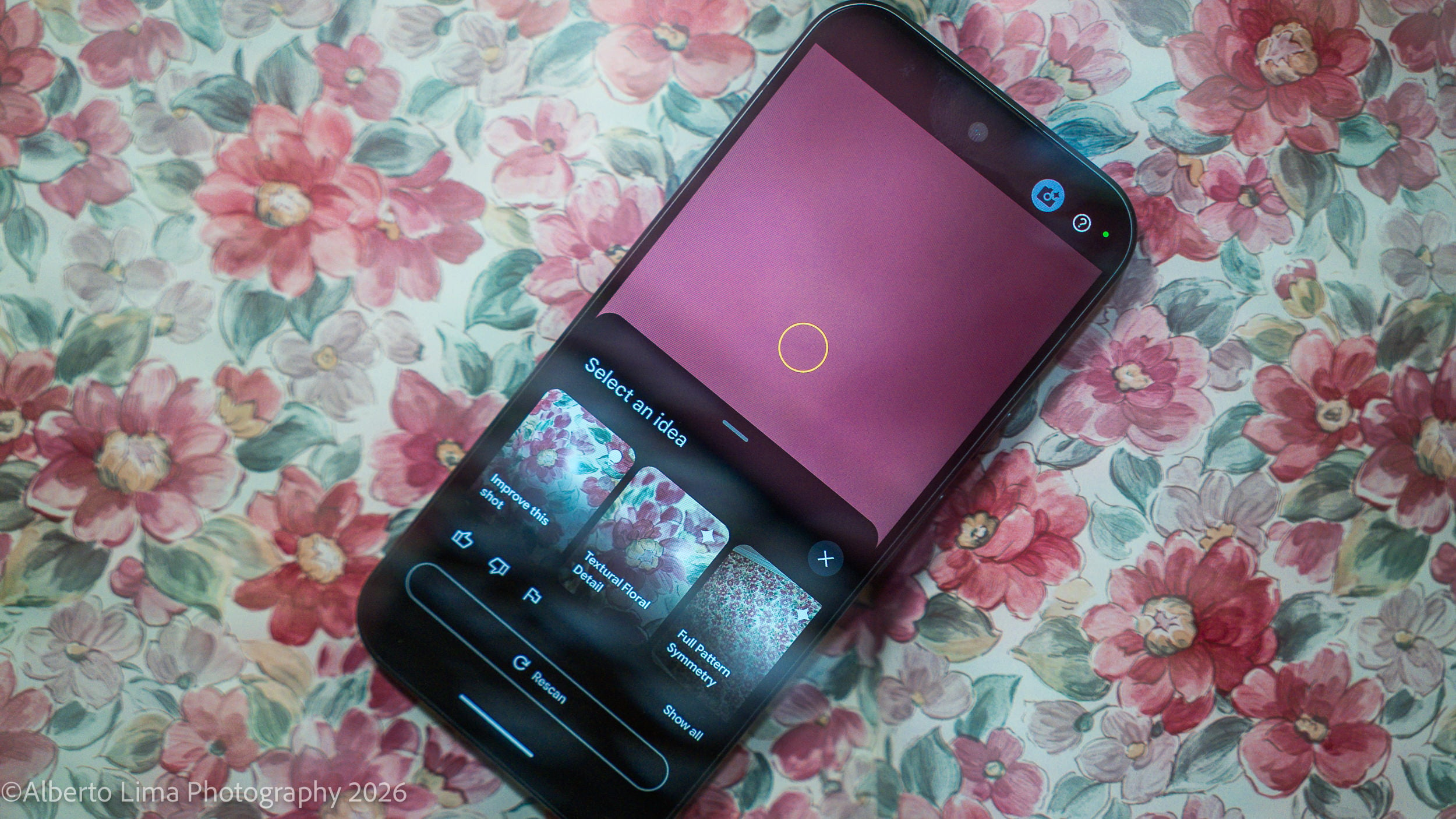
There are many ways to improve your photography – from the free/inexpensive like YouTube tutorials and websites like DIYPhotography, to more personalized and expensive options like courses and tutors. But what if your next photography lesson came from something you might already own: your phone. That’s exactly what Google’s AI-Photo Coach hopes to do – improve your photos by providing tips and guides on how to improve your snapshots, right in your camera app. We took it to the streets to see if it could help us make more compelling photographs.
A Better Coach: Camera Coach and the Google Pixel 11 Pro
A little over a year ago, Google invited me to check out the launch of their Google Pixel 10 Fold as they wanted to show off what the phone’s camera could do. One of the big new features was the addition of an AI helper that was intended to improve the technical aspects of your photography – namely, composition and exposure. Google’s Camera Coach at the time was in the early stages of development and the company tapped professional photographers to help them teach their AI what makes a good photograph.
Traditionally, getting a coach to improve your skill – photography or otherwise – requires finding a person, paying for their services, and finding time to get together to learn the techniques to improve. Google’s Camera Coach eliminates nearly all these hurdles or at least tries to. Camera Coach was introduced in the Google Pixel 10 series of phones late last year and has since continued to refine how it works.
In essence, the Camera Coach can be activated just as simply as you’d take any other picture – open your camera app, tap on the Camera Coach icon (a camera with a star stylized like the Gemini icon), and select your desired look. Camera Coach takes what’s in frame and analyze the scene making “creative” suggestions based on the context of the scene. Sometimes it’s a simple suggestion to reframe your image, sometimes it’s a much deeper process to highlight a specific detail or subject. The steps are easy enough to follow; once you’ve selected your target look, you follow each prompt and tap “Next” until you’re finally tasked with tapping on the camera UI’s shutter button.
Am I Uncoachable? (Image Results)

One of the biggest draws to Camera Coach may come from people who may have never considered the elements of photography beyond “well lit.” As someone who’s been a photographer longer than they’ve owned a smartphone, many of the elements of photographic style that the app attempts to explain are often second nature and at times exactly what I try to avoid when making certain kinds of photographs. A good example is photographing a bowl of produce on my table. The app gave me the option of a top-down perspective or going in close for details. There were no suggestions to adjust light (my guess is that the Camera Coach is largely dependent on available light) or to otherwise make the image more dramatic.
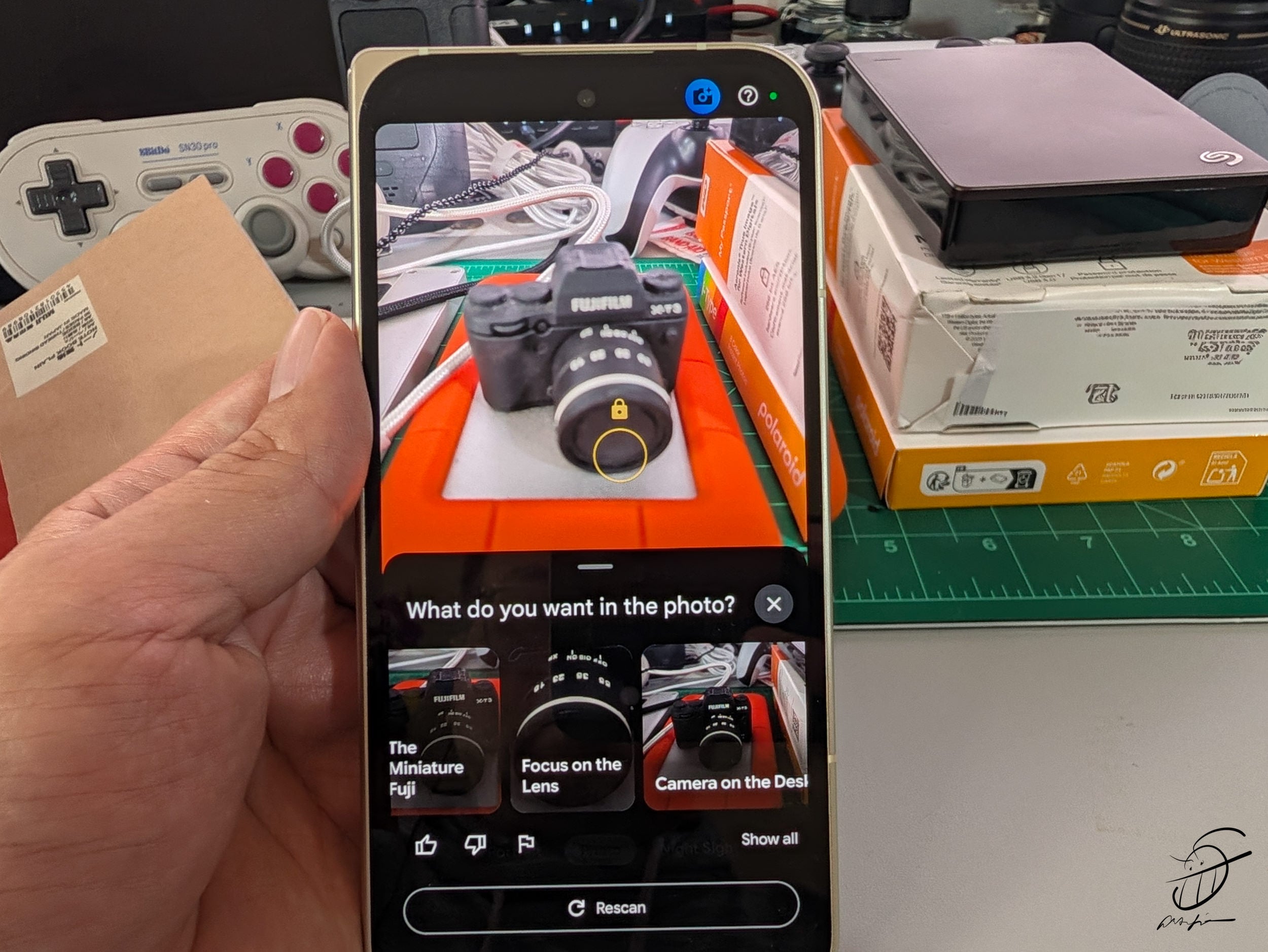
In my testing, the Camera Coach makes the best recommendations when photographing individuals versus the way the app makes suggestions for inanimate objects. It’s also very important to note that the camera’s default “look” on the Pixel 11 Pro is customizable from when you first setup your phone (this can be changed in your settings). Taking the time to customize your tones, sharpness, and contrast from setup goes a long way in getting better pictures with the help of Camera Coach.
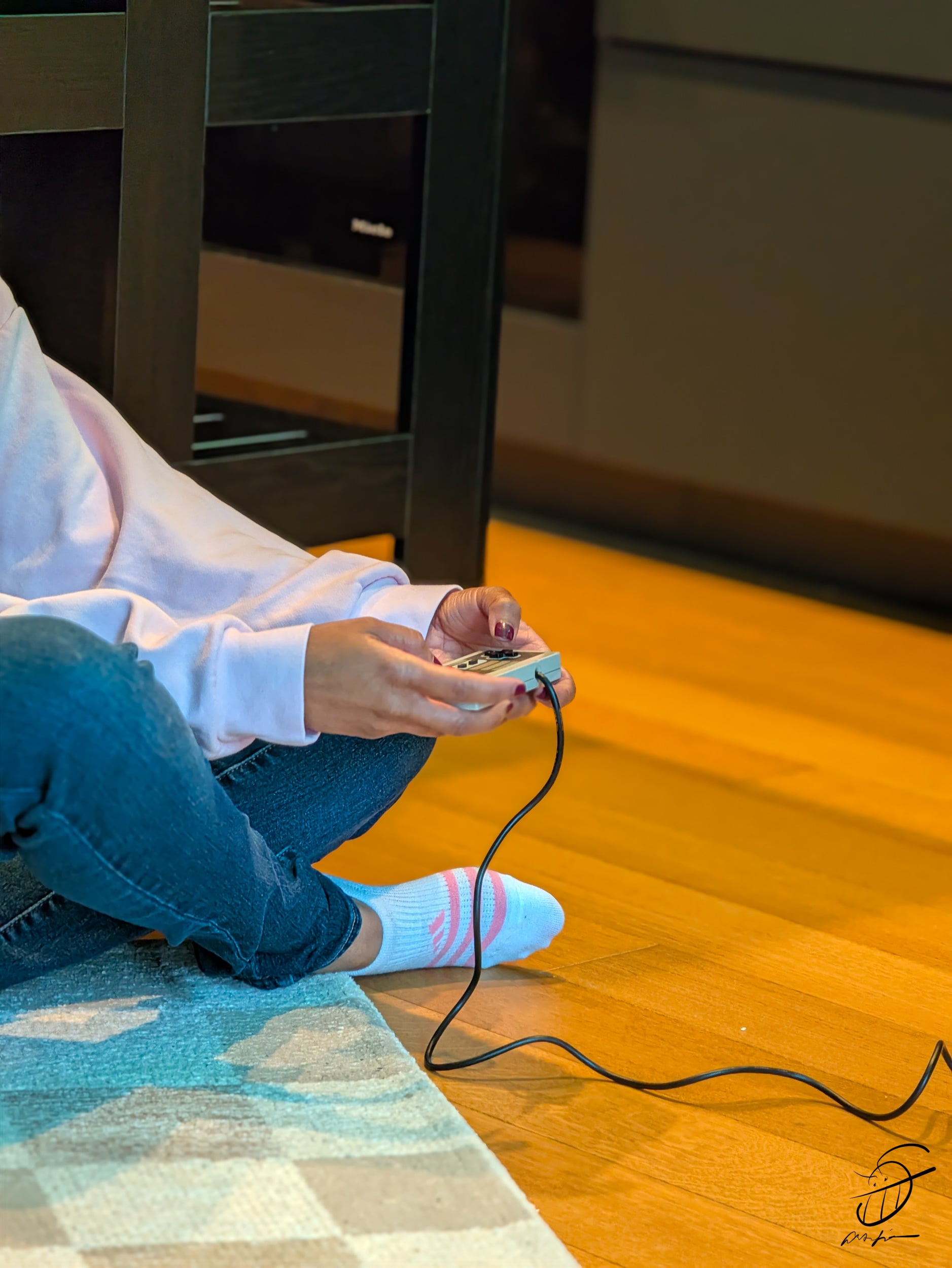
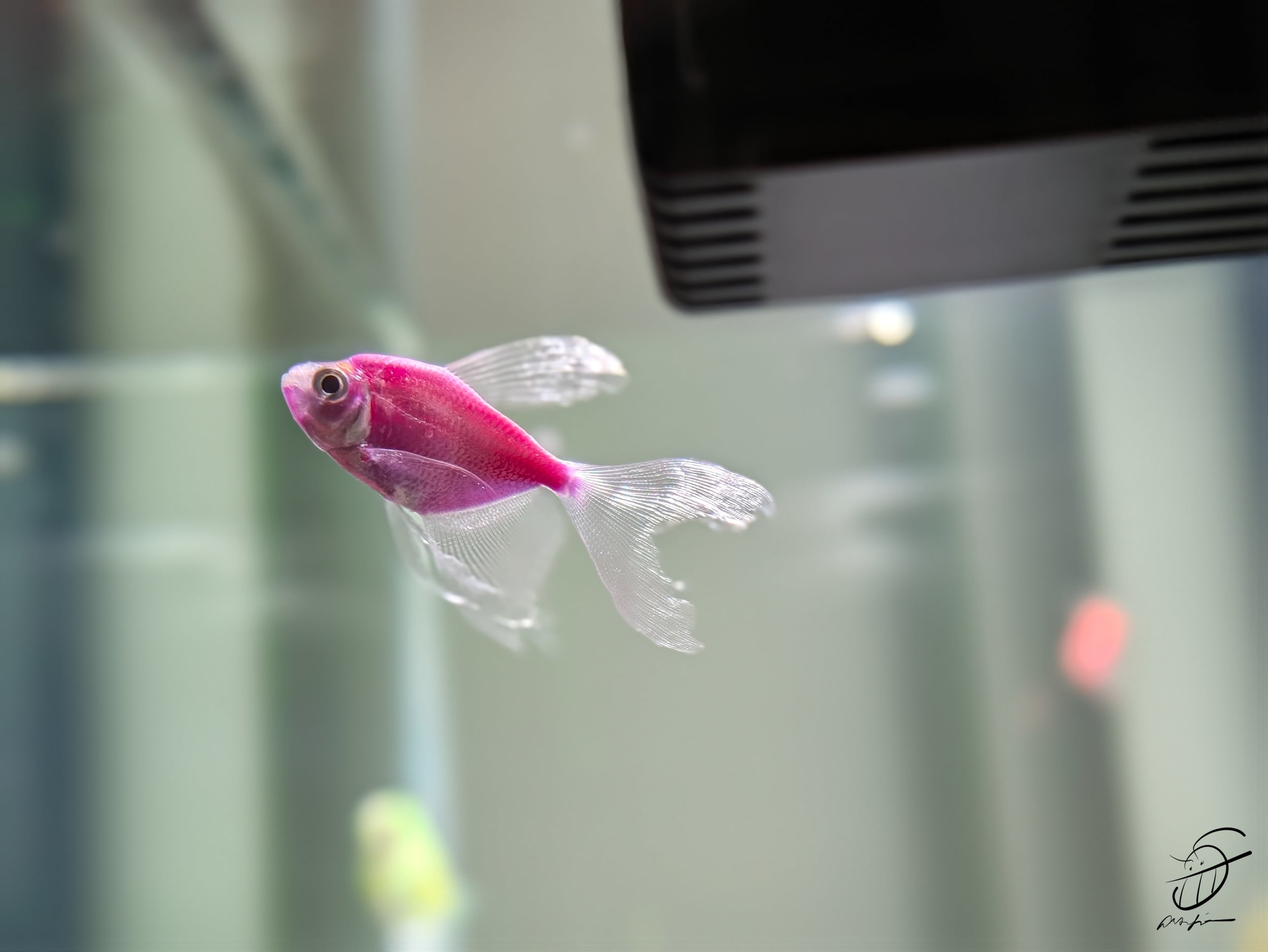
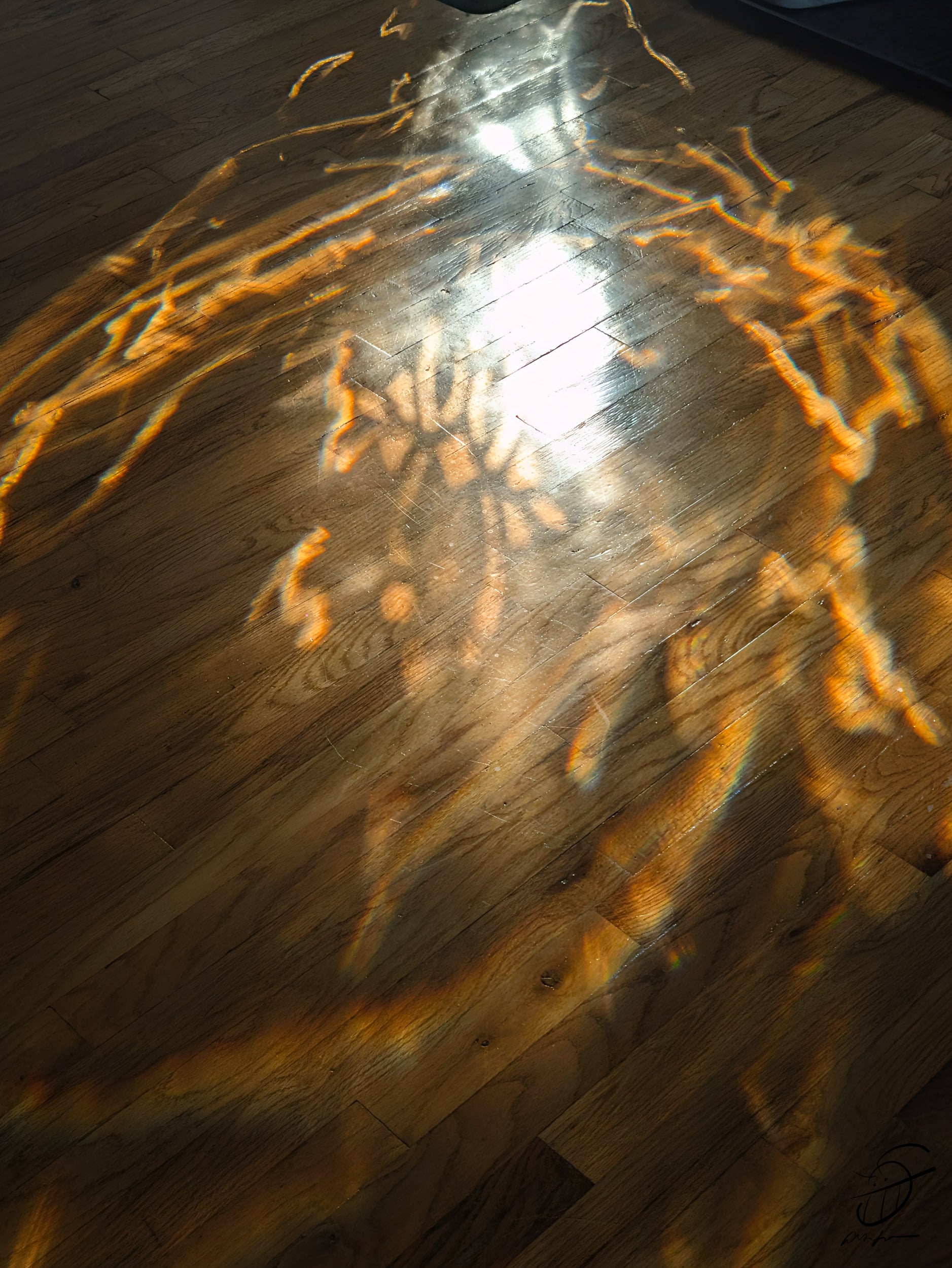
Here are a few sample images taken using the Google Pixel 11 Pro and Camera Coach:








The Verdict: Can Camera Coach Make you a Better Photographer?
When all is said and done, one of the things that I enjoyed about using Camera Coach has been its very laxed approach to teaching newbies the fundamentals of good photography. Not everyone who buys a smartphone is interested in becoming the next Gordon Parks, but having a better understanding of Photography will improve the images that they make. Ultimately, democratizing photographic knowledge, in my opinion, is a net positive for the art form; Google’s Camera Coach being baked into the latest Pixel phones helps make photography approachable to all.
See more from DIYPhotography.net on Google
Add DIYPhotography.net as a trusted source. This makes
our stories more likely to appear in your Google Search results.
 Add as a preferred source on Google
Filed Under:
Tagged With:
Related Posts
 Google goes ultra-wide with the new Pixel 5 and Pixel 4a phones
 iPhones get free original quality unlimited storage on Google Photos, but Google’s Pixel 4 doesn’t
 Google acknowledges lens flare on Pixel camera, plans software fix for hardware problem
 How Google built its “best ever” camera for the Pixel 2 smartphone
Join the Discussion
DIYP Comment Policy
Be nice, be on-topic, no personal information or flames.