















Apple’s Pixelmator Pro Can Now Edit Photos With a Text Prompt
Oct 29, 2026
Alysa Gavilan
Alysa Gavilan has spent years exploring photography through photojournalism and street scenes. She enjoys working with both film and mirrorless cameras, and her fascination with the craft has grown over the decades. Inspired by Vivian Maier, she is drawn to capturing everyday moments that often go unnoticed.
Share:
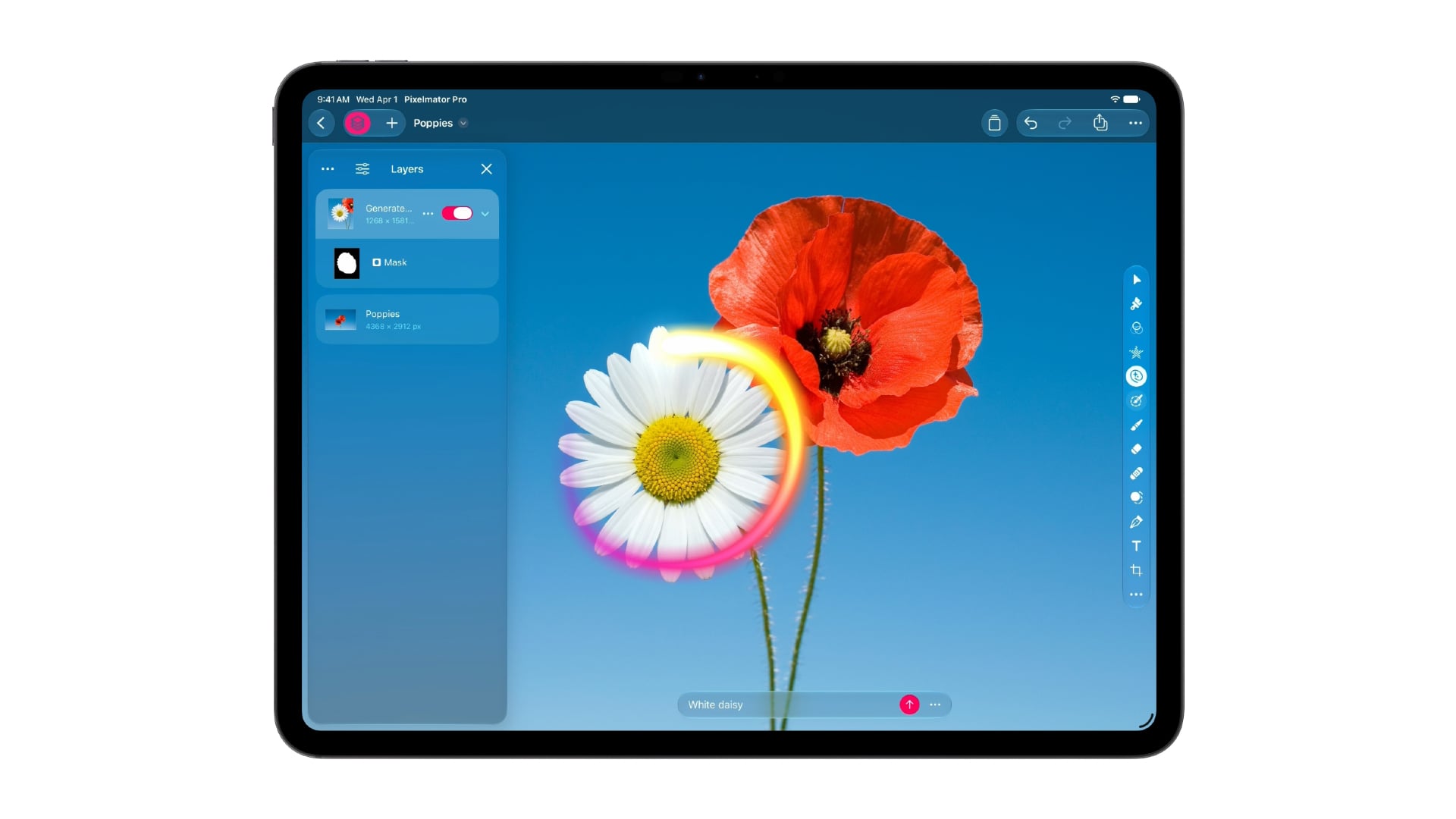
Removing an unwanted object from a photo can take minutes of careful editing, especially when the background has complicated textures, lighting, or patterns. Apple wants to make that process easier with Generate Fill, a new feature coming to Pixelmator Pro that lets users select part of an image and describe the change they want in plain language. It is one of several updates to Apple Creator Studio aimed at photographers, video editors, and other visual creators.
Announced as part of a wider software update, the new tools also connect Pixelmator Pro more closely with Final Cut Pro, allowing editors to move images between the two apps without manually exporting and importing revised files.
Pixelmator Pro gets generative image editing
The headline addition for photographers is Generate Fill. Users can select an area of an image and enter a text description of what they want to add or change. The tool then generates content intended to blend with the surrounding scene, matching elements such as lighting, perspective, and texture.
Photographers can make selections using Pixelmator Pro’s existing tools, including Free Selection, Quick Selection, and Magnetic Selection. Generated elements can be placed on separate layers or merged into existing ones, giving users room to refine the result instead of treating the generated image as a finished edit.
Apple is also adding Super Resolution to help upscale generated content while preserving sharpness. This could be useful when an edited image needs to be displayed at a larger size, although the announcement does not specify the feature’s limits or how well it handles different types of photographs.
As with other generative editing tools, the results will depend on the selection, prompt, and complexity of the original image. Photographers working on documentary images should also consider disclosure and editorial ethics before using generated content.
From photo editing straight into Final Cut Pro
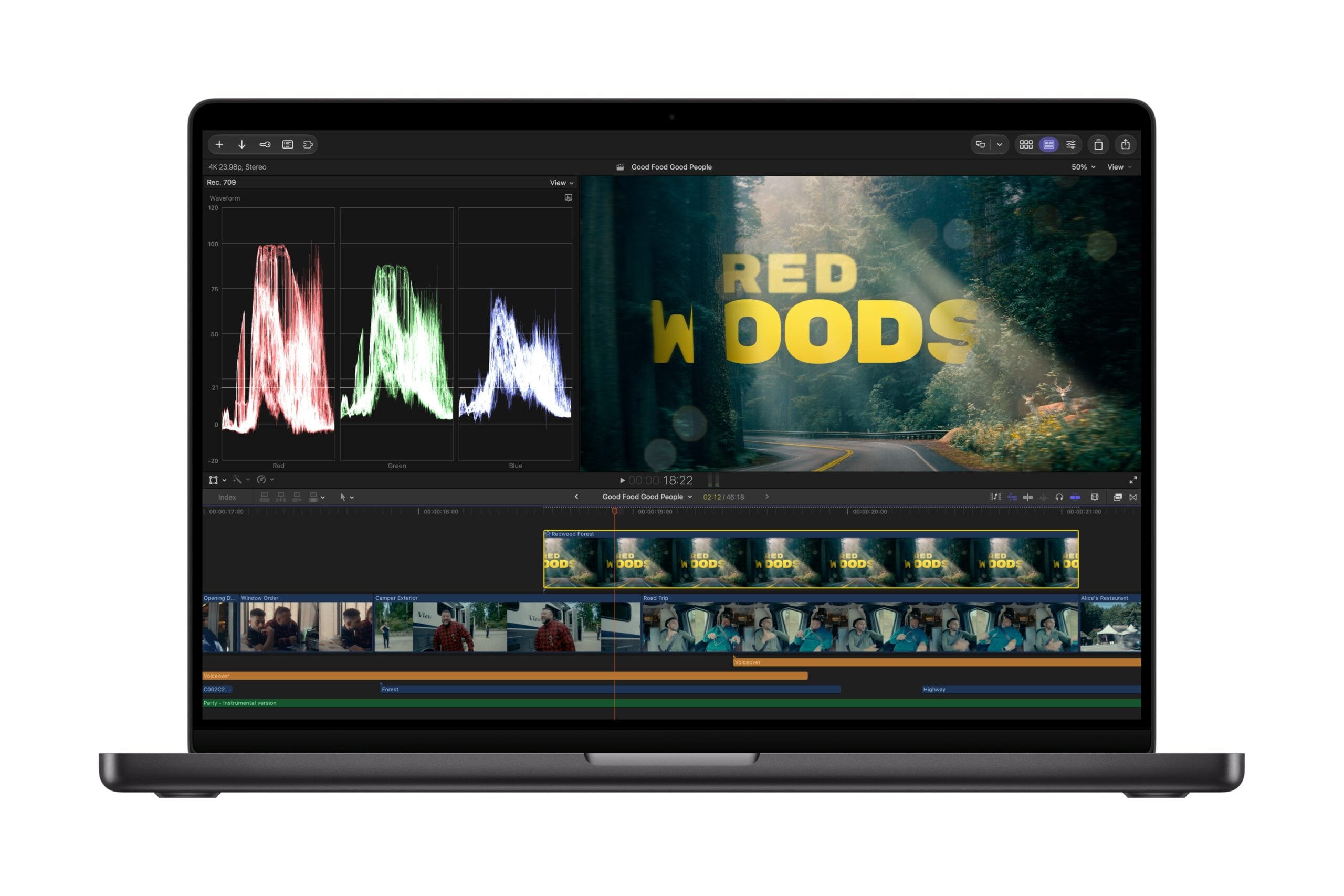
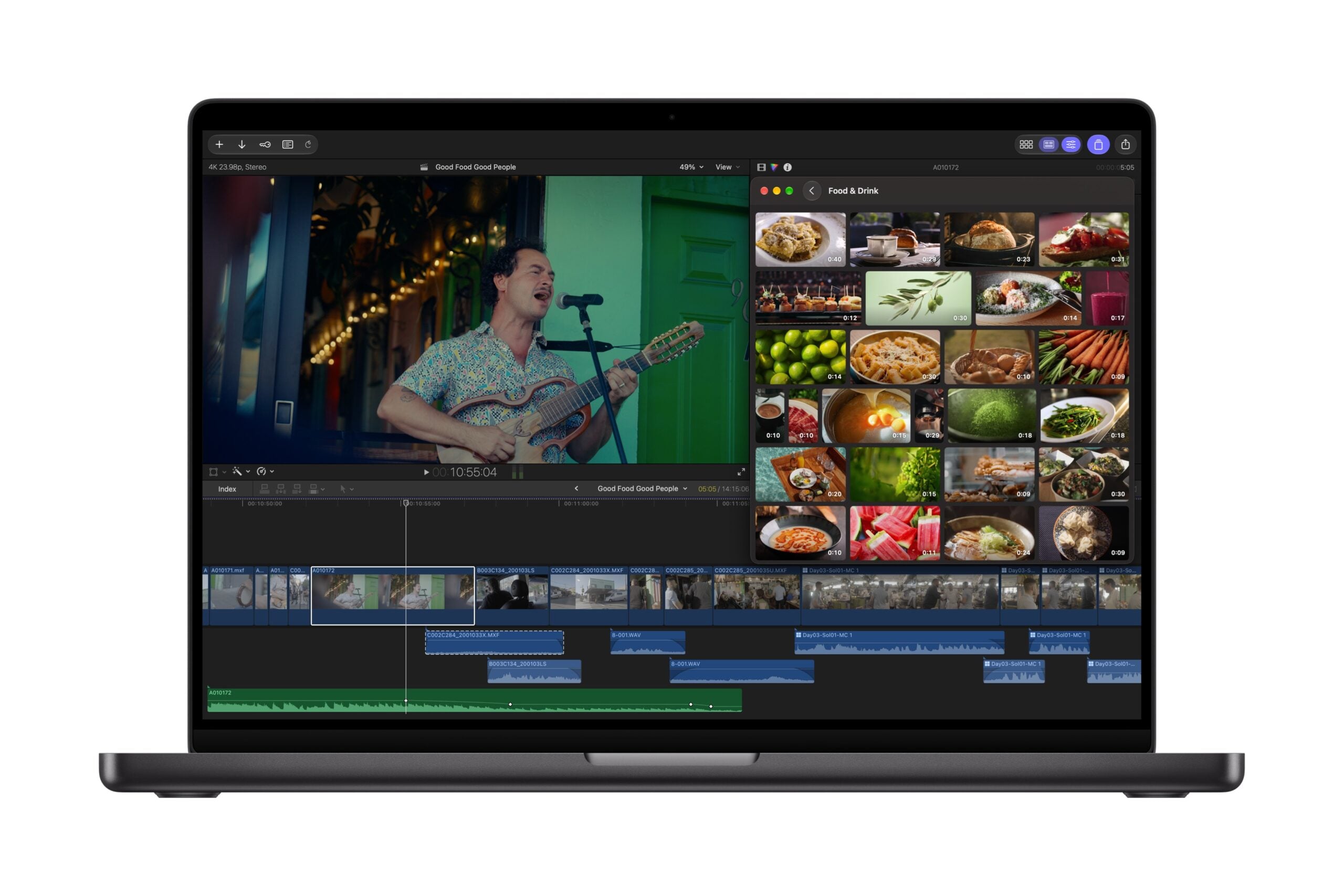
Apple is also making Pixelmator Pro part of a more connected editing workflow. Final Cut Pro users on Mac can open an image from their video timeline directly in Pixelmator Pro, make adjustments, and save the changes back to the project automatically.
That removes the need to repeatedly export, edit, and reimport still images when working on titles, graphics, or visual elements for a video. Editors can also access Apple’s Content Hub inside Final Cut Pro, where curated stock photos, videos, and backgrounds are available without leaving the application.
The update brings additional tools to Final Cut Pro, including thousands of MotionVFX effects, transitions, templates, and graphics. These additions are primarily aimed at video production, but they could also help photographers who produce reels, behind the scenes clips, and other social media content alongside their still images.
More creative tools, with a subscription attached
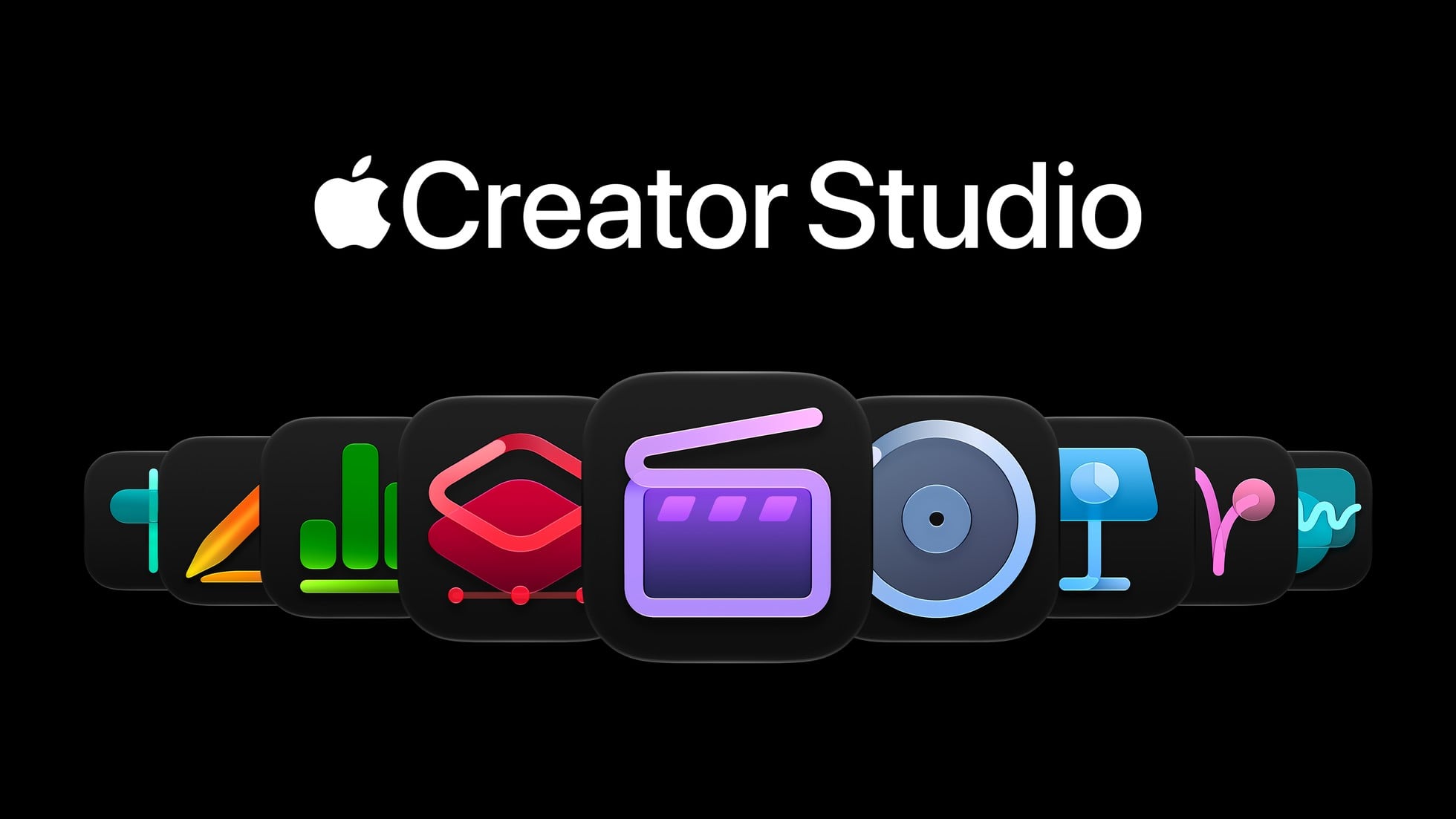
Apple Creator Studio also includes updates to Logic Pro, Keynote, Pages, Numbers, and Freeform. Existing subscribers will receive the new features as a free update in November 2026.
New subscriptions cost $12.99 per month or $129 per year in the US. Apple continues to sell standalone versions of Pixelmator Pro and its other professional apps, so photographers who only need image editing tools can compare the subscription with a one time purchase.
Generate Fill could make complex edits more accessible, while the tighter Pixelmator Pro and Final Cut Pro integration should help creators move between stills and video with fewer interruptions. The real test will be how naturally these tools fit into everyday editing, and how much control photographers retain over the final image.
See more from DIYPhotography.net on Google
Add DIYPhotography.net as a trusted source. This makes
our stories more likely to appear in your Google Search results.
 Add as a preferred source on Google

Alysa Gavilan
Alysa Gavilan has spent years exploring photography through photojournalism and street scenes. She enjoys working with both film and mirrorless cameras, and her fascination with the craft has grown over the decades. Inspired by Vivian Maier, she is drawn to capturing everyday moments that often go unnoticed.



Join the Discussion
DIYP Comment Policy
Be nice, be on-topic, no personal information or flames.