


















Capturing Sun, Moon and the Planets: How good is the Seestar S50 Pro?
Oct 24, 2026
Soumyadeep Mukherjee
Soumyadeep Mukherjee is an award-winning astrophotographer from India. He has a doctorate degree in Linguistics. His work extends to the sub-genres of nightscape, deep sky, solar, lunar and optical phenomenon photography. He is also a photography educator and has conducted numerous workshops. His works have appeared in over 40 books & magazines including Astronomy, BBC Sky at Night, Sky & Telescope among others, and in various websites including National Geographic, NASA, Forbes. He was the first Indian to win “Astronomy Photographer of the Year” award in a major category.
Share:
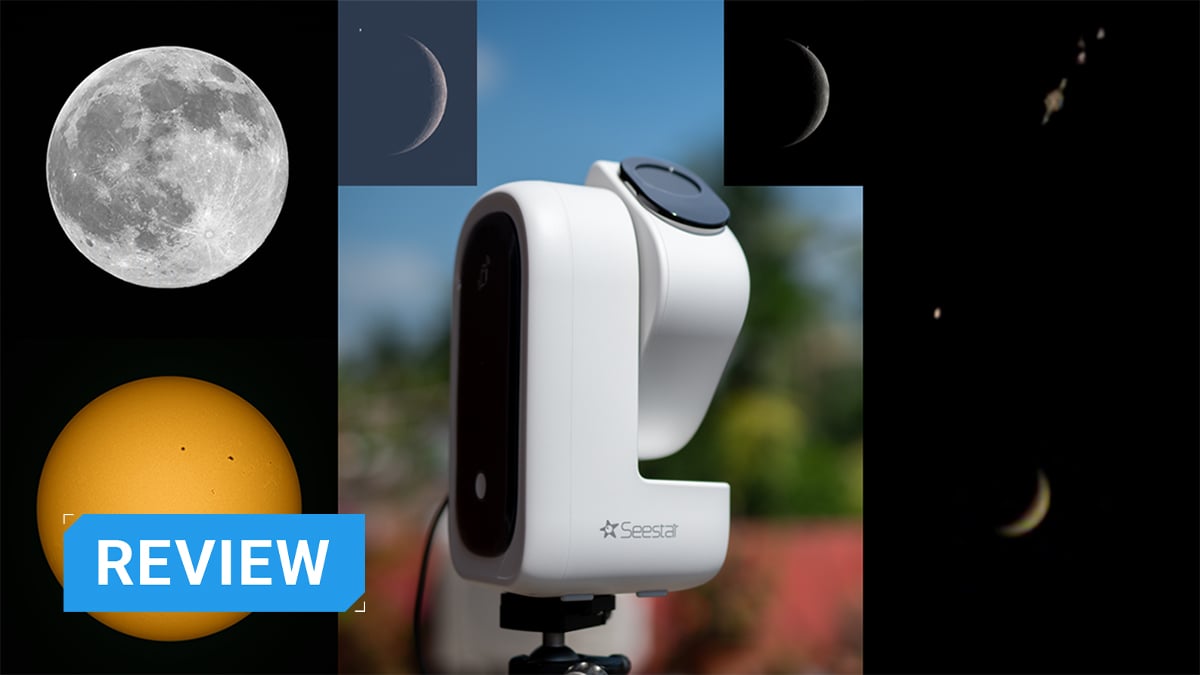
From manually pointing your telescope to the stars to getting an (almost) print-ready image on your mobile phone, astrophotography has come a long way. If we can call it a revolution, smart telescopes have taken a leading role in that over the last few years. While smart telescopes will and should go a long way in development, we can see they have reached a good height in just a few years. The Seestar S50 Pro is one of those smart telescopes. It is the latest from Seestar after their S50, S30, and S30 Pro models. In this article, we review the smart telescope, discover how good it is, what results it can give us, and find out if this is something for you.
Table of contents
Seestar S50 Pro: An overview
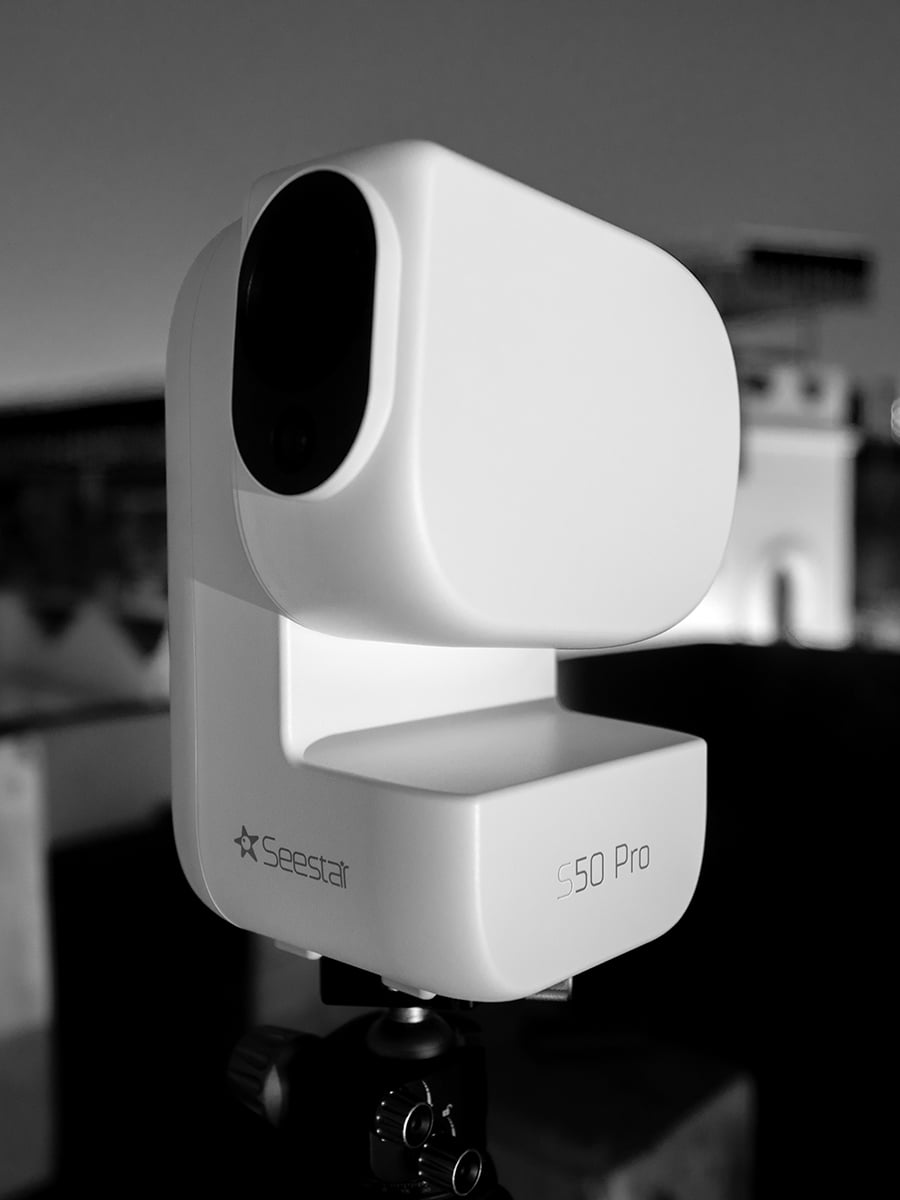
The S50 Pro uses a four-element APO optical design with a 50mm aperture and 260mm focal length. It has dual 4K cameras sitting inside. Its main telephoto camera has a 1/1.2-inch sensor and an 8.29-megapixel resolution of 3840 × 2160 pixels.
A second 1/2-inch camera provides the same 8.29-megapixel resolution but covers a much wider 63-degree field of view. The wide-angle camera supports autofocus, and the S50 Pro can perform live stacking through this camera.
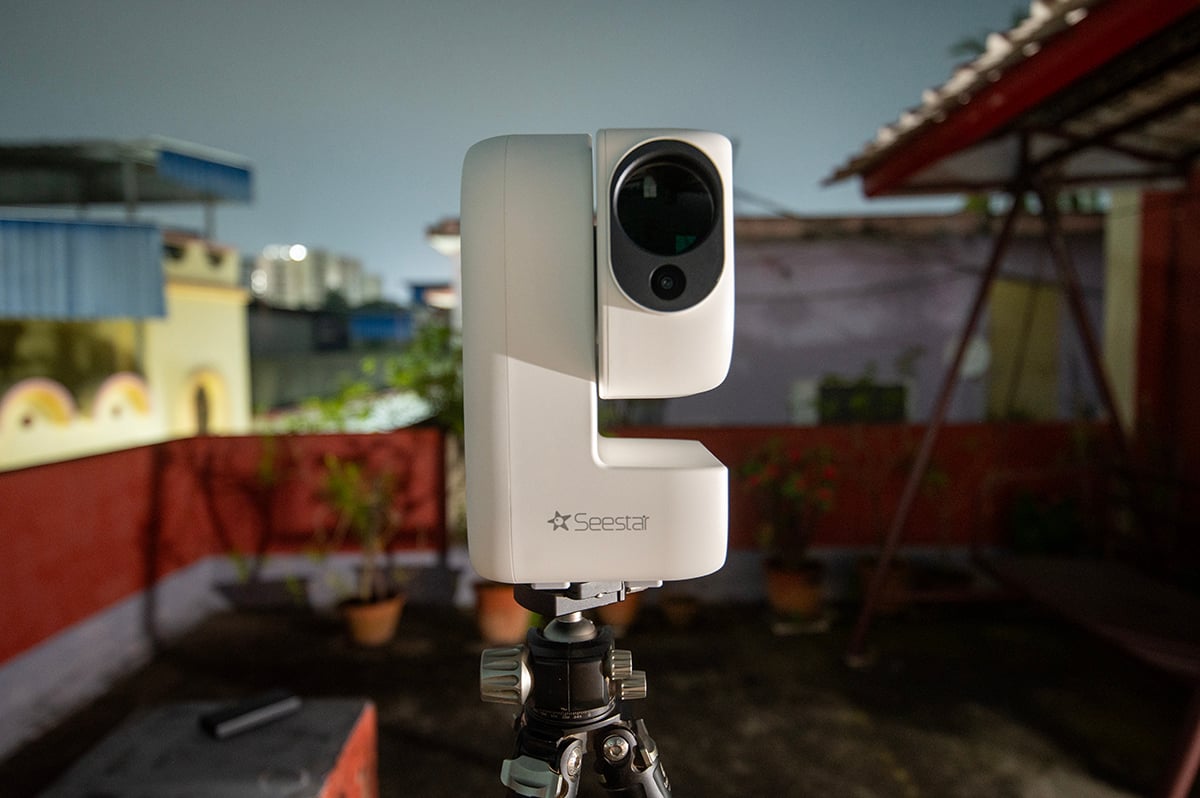
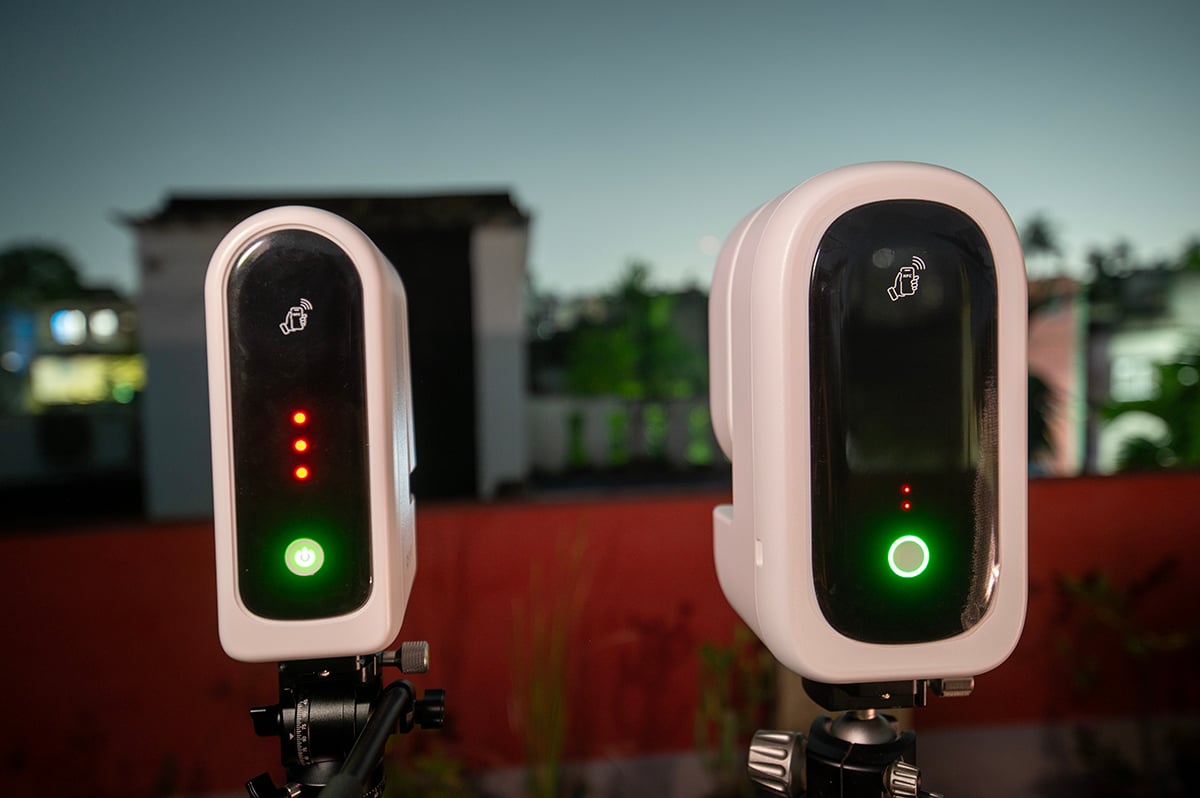
The S50 Pro also got a much larger battery than the original model. Its 10,000mAh battery has a capacity of 4,000mAh more than the 6,000mAh unit in the S50 and S30 Pro. Seestar quotes up to nine hours of astrophotography operation.
ZWO has added a zero-backlash precision drive system to the S50 Pro. According to them, the design improves tracking stability and resistance to wind. It also supports equatorial mode, where the improved mechanical stability can increase imaging efficiency.
[Related Reading: ZWO Launches Seestar S50 Pro: The Next Evolution of Smart Astrophotography]
The unboxing experience
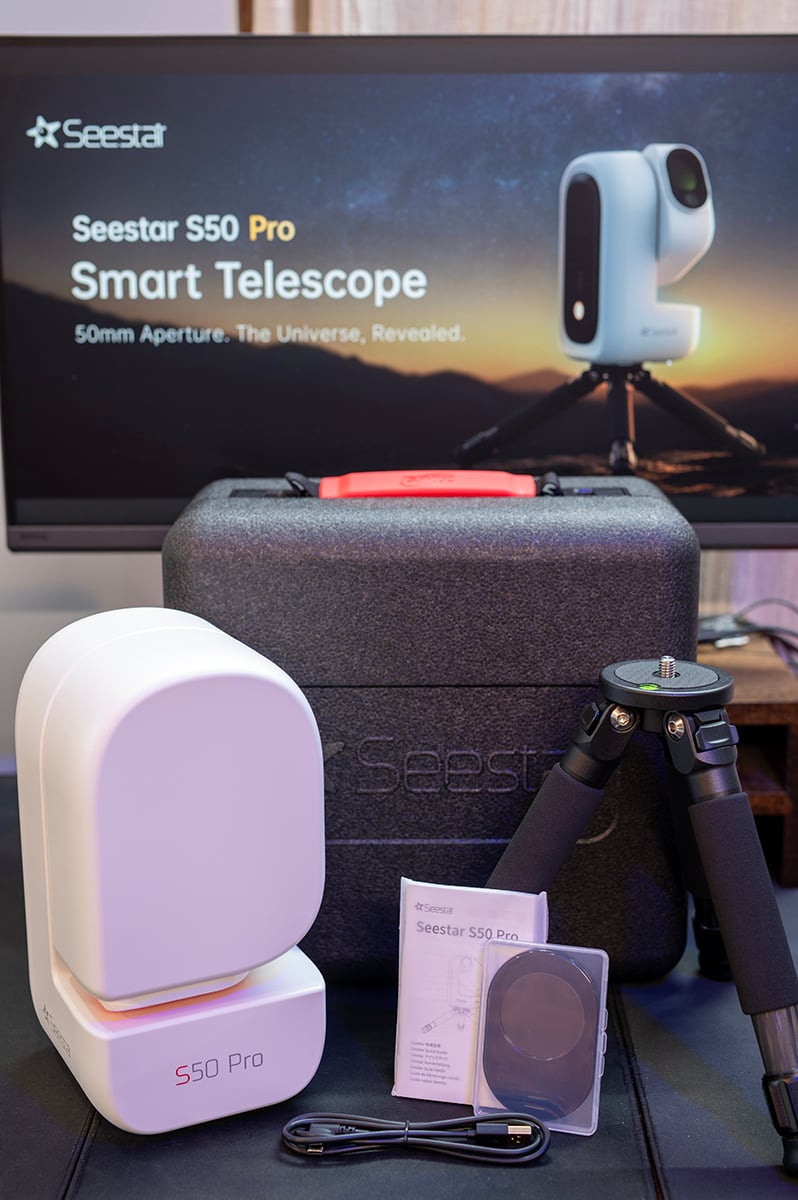
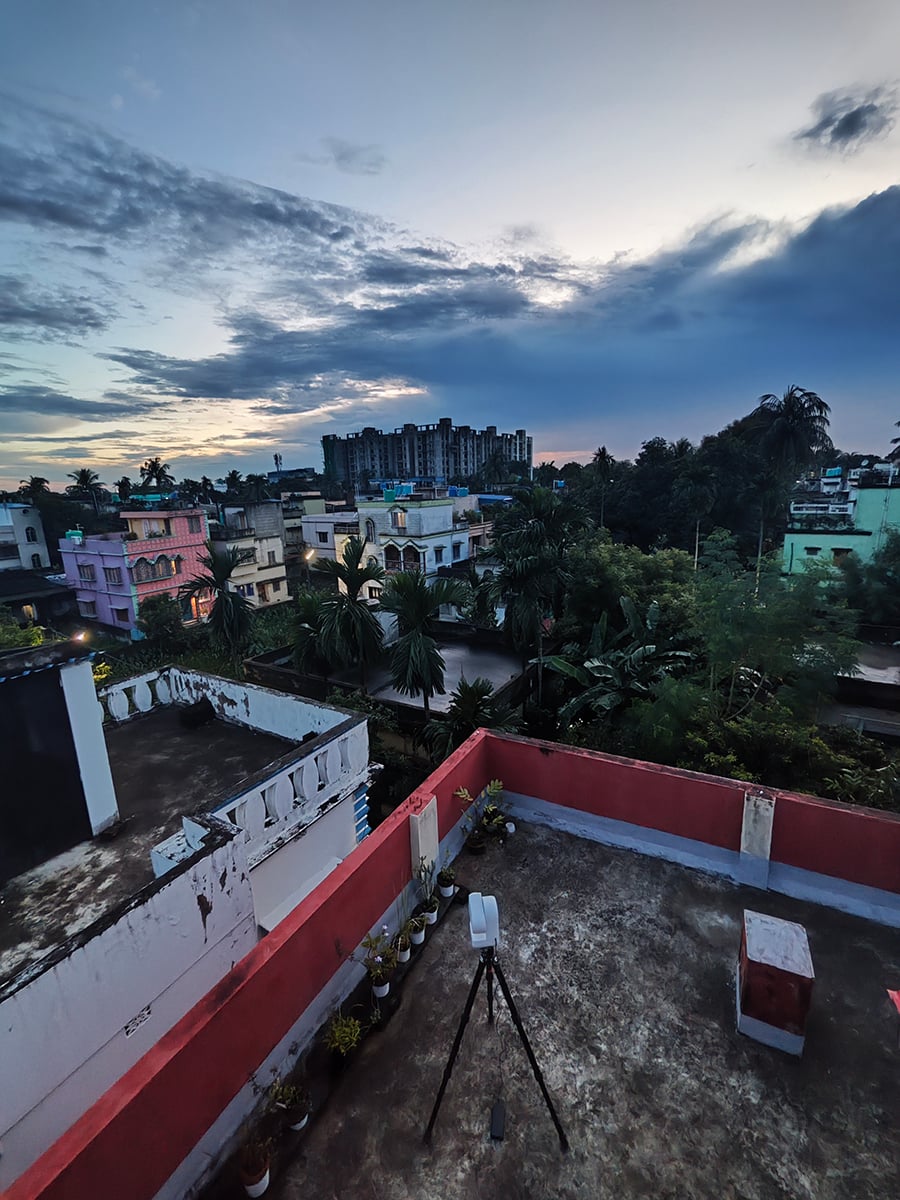
If I had to put the unboxing experience of the S50 Pro in a single word, I would use “complete”. Right out of the box, you get almost everything you need to get to the field and start using it. All you need is to download the Seestar App and connect it to the smart telescope. The only thing you would have to get separately is a ball head or a fluid head. But if you are using the smart telescope in alt-az mode. You are ready out-of-the-box.
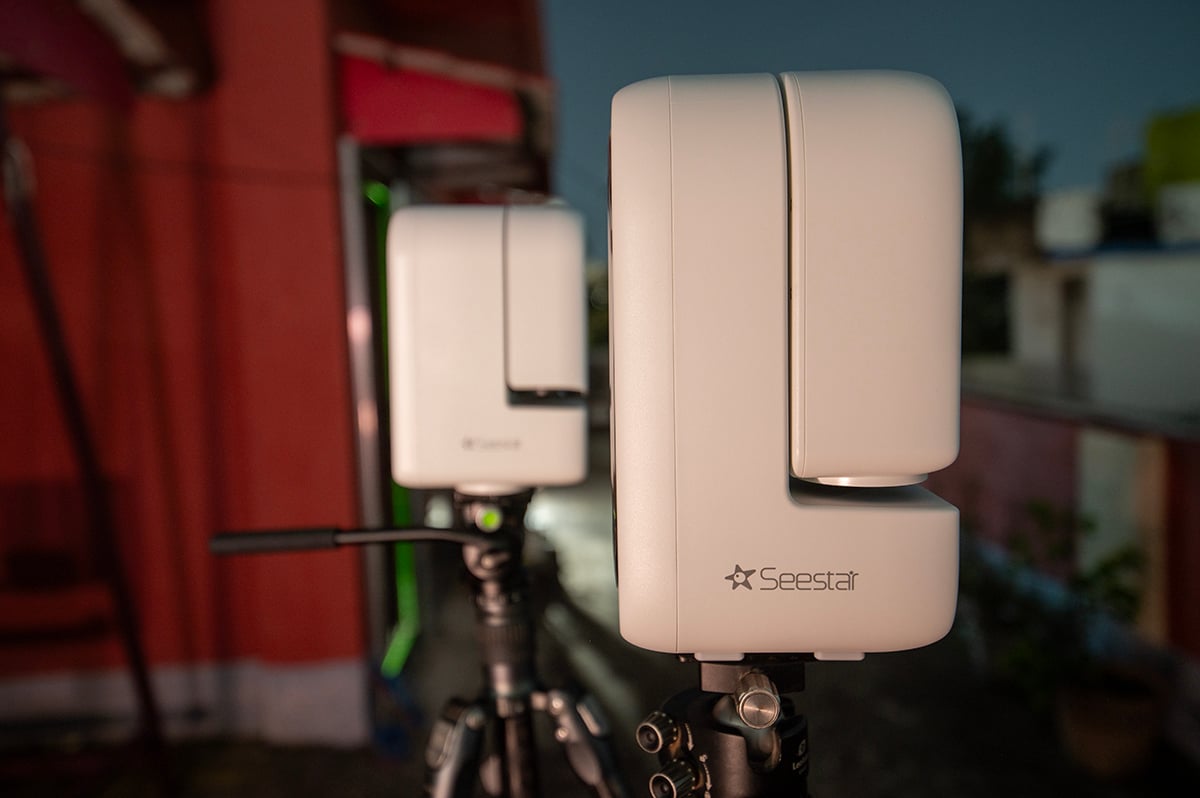
The package contains the smart telescope device, a small carbon-fiber tripod, a connecting cable, and a magnetic solar filter. The rest is in the smart telescope device itself: the telescope, the camera, the filter, and the mini computer for control.
The S50 Pro, however, can also be used in EQ mode. In this mode, the device has to be aligned to the Earth’s axis to get longer exposures. If you are getting the S50 Pro and use it for deep-sky photography (which you will since that is its primary usage), you will spend most of the time using it in EQ mode. For that, you will need a separate ball head.
[Related Reading: Unboxing S50 Pro: The Latest Smart Telescope from Seestar]
The usage experience: Baked for beginners
Setting up the S50 Pro felt quick and “easy”. This is true not only for an experienced astrophotographer, but even for complete beginners. I had the Seestar App downloaded for the previous S30 Pro, which saved me a few minutes. From connecting the app to the device, doing a couple of calibrations (level and compass), slewing it towards the target, and starting to capture images or videos, it took me less than five minutes.
All of these processes were guided by the app, making the process easier. With the EQ mode, I had to add another minute or two to the whole process. If you are doing all of these for the first time, I would assume it would take no more than 10 minutes. This supports the whole point of getting a smart telescope. It’s easy, convenient, and quick to set up.
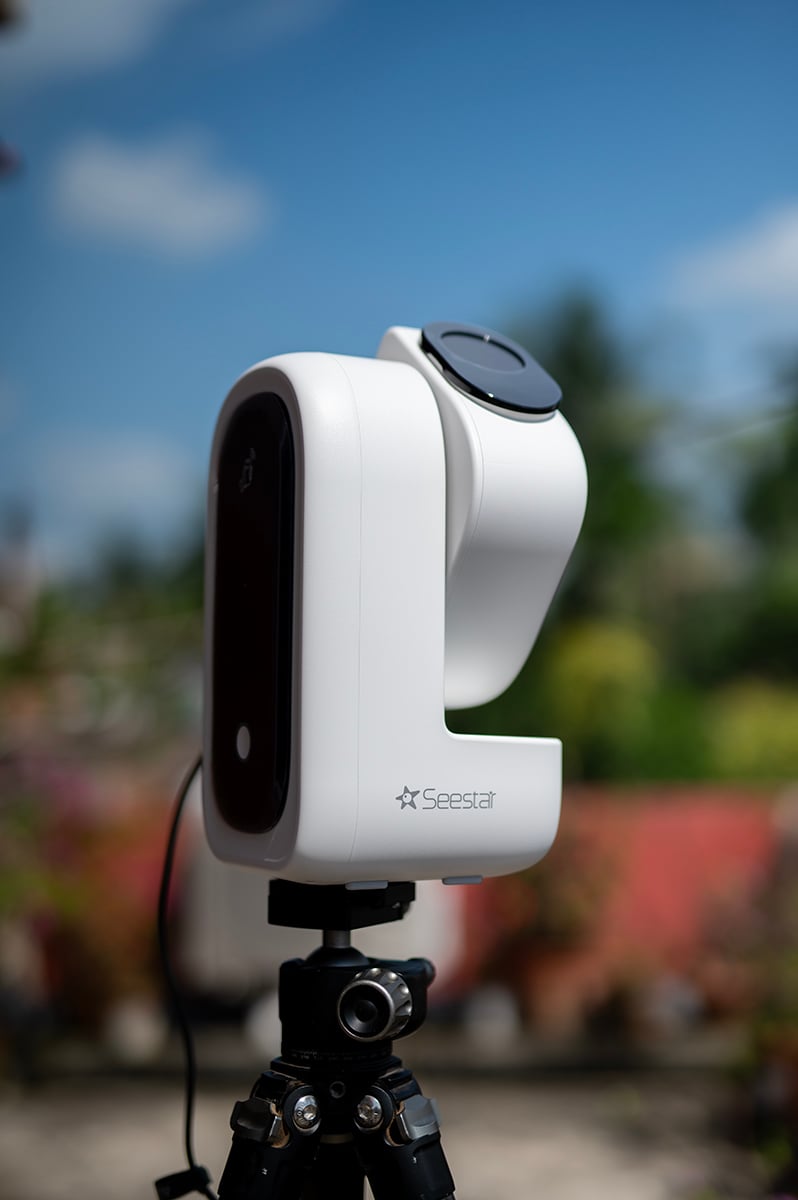
You can capture the images and videos in both RAW (AVI, FITS) and non-RAW formats (MP4, JPEG). I would definitely recommend the RAW formats. This would give you more flexibility and data to work with. The images and videos are saved inside the Seestar, which you can access through the app after connecting it to the S50 Pro. The device has an internal storage of 128 GB, which should take more than a few days to fill up.
The post-processing can be done inside the app itself. This is excellent if you are a beginner or if you are in a hurry to produce an image. For experienced astrophotographers, the in-app post-processing options will not feel sufficient. But then you have the individual RAW images or videos saved on the device. Connect it to your PC and process them with dedicated astrophotography software. I definitely appreciate this versatility.
Sun, Moon and Planets: The results from S50 Pro
The primary use of the Seestar S50 Pro would definitely be deep-sky photography. Thanks to the clouds and cyclones in my region, I barely got the opportunity to do that. Instead, with the limited partially clear window I got, I tested the device for planetary photography.
Venus
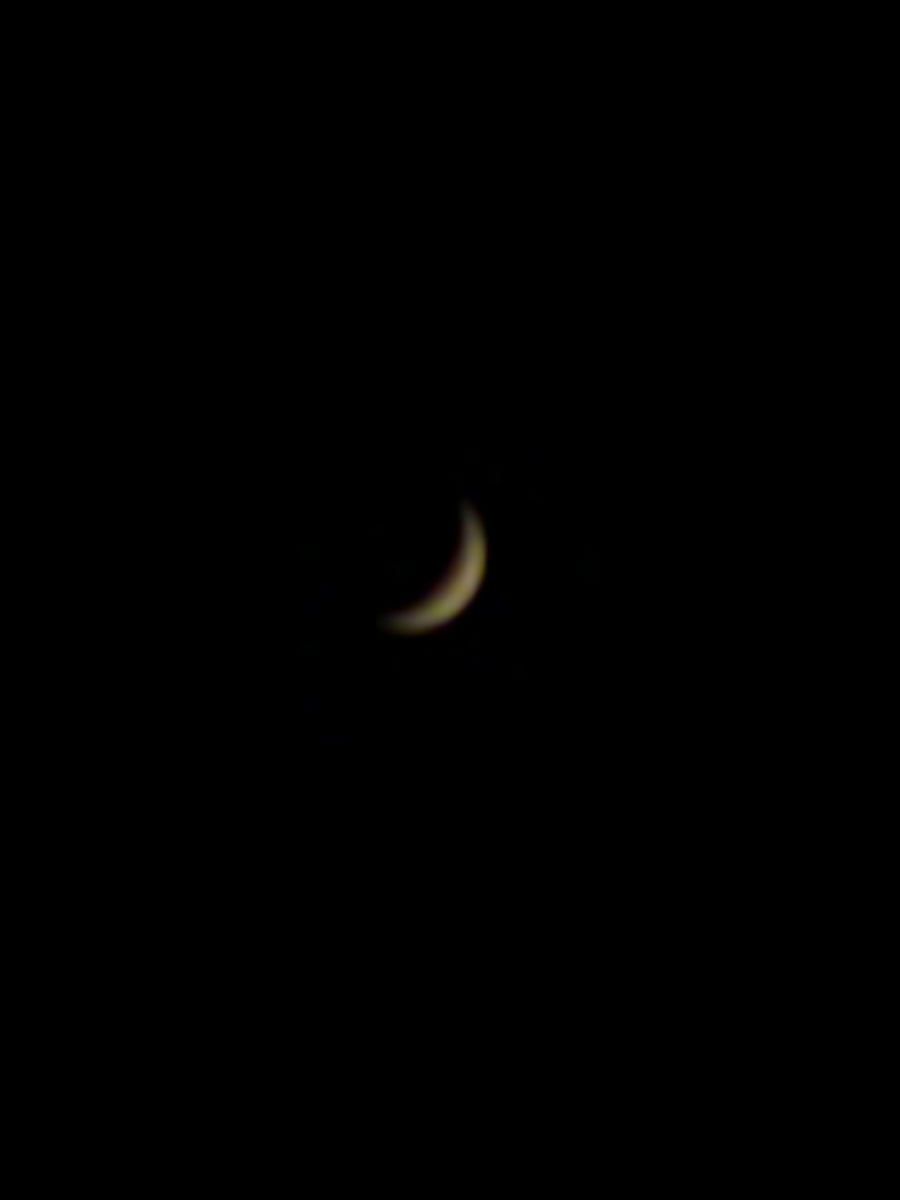
The first image I took with this was of Venus. In September 2026, Venus was shining brightly in the western evening sky, and it was in its crescent phase. I captured a 10-minute video in AVI format. The post-processing, including stacking, cropping, and other adjustments, was done inside the Seestar App.
Sun
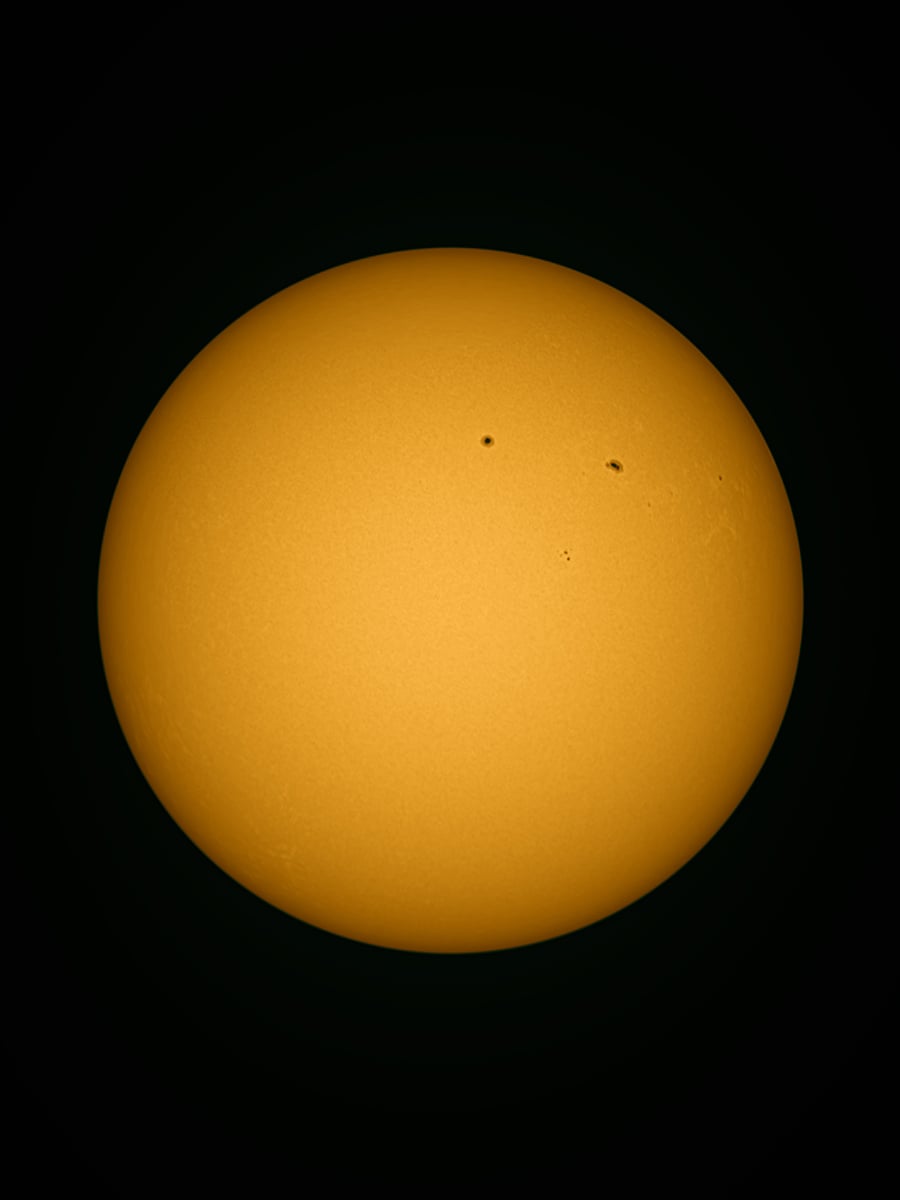
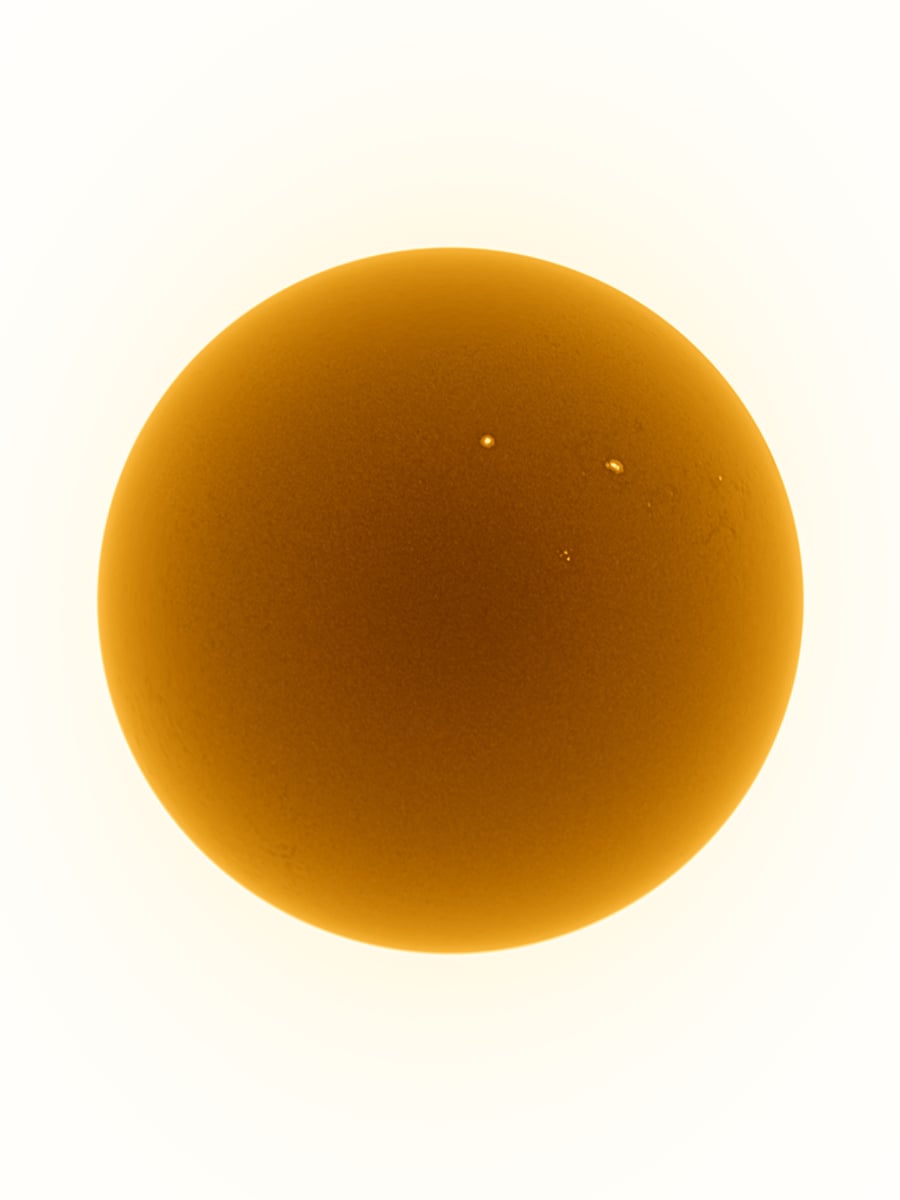
Next, I took the Seestar to capture the Sun. The capturing process was similar to that of the Venus. But this time, I processed it traditionally with PIPP, Autostakkert, and Photoshop.
Lunar Occultation of Venus
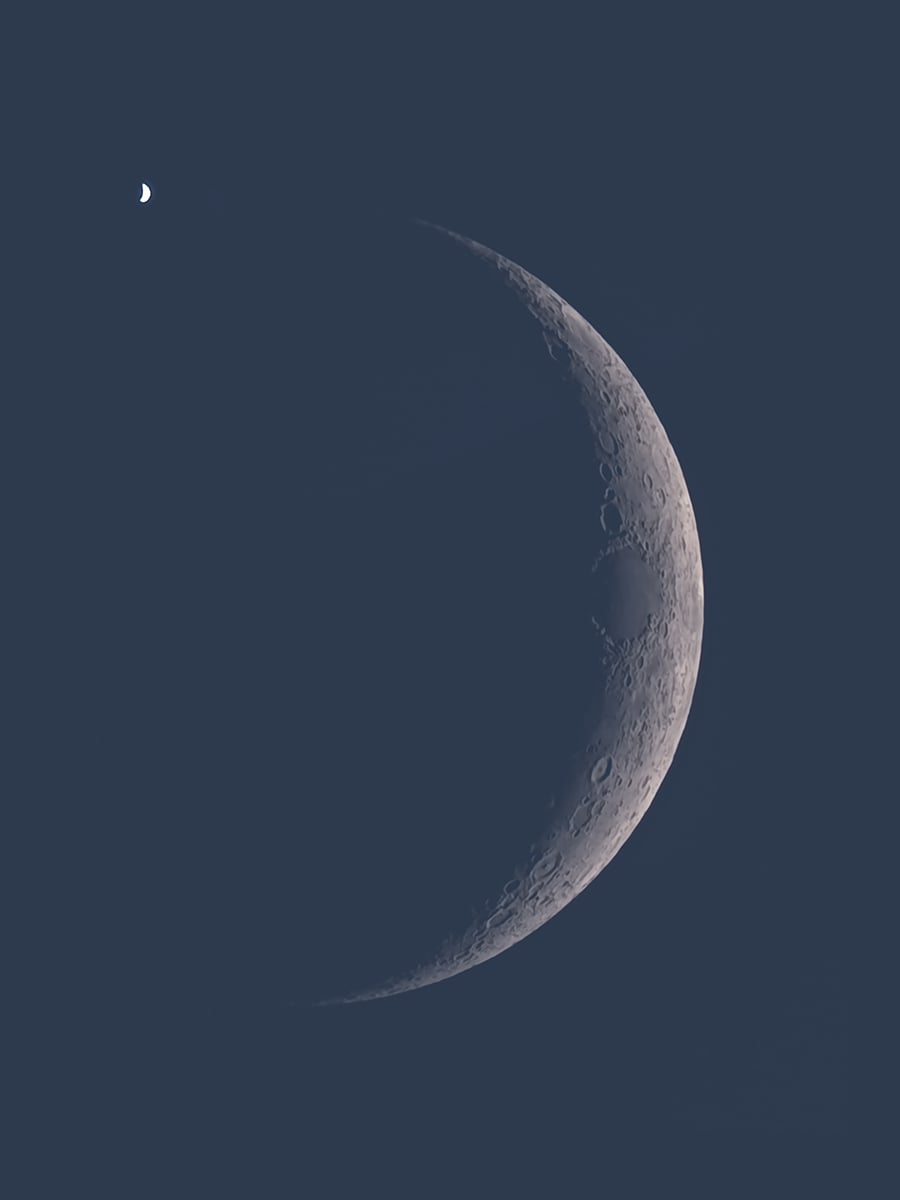
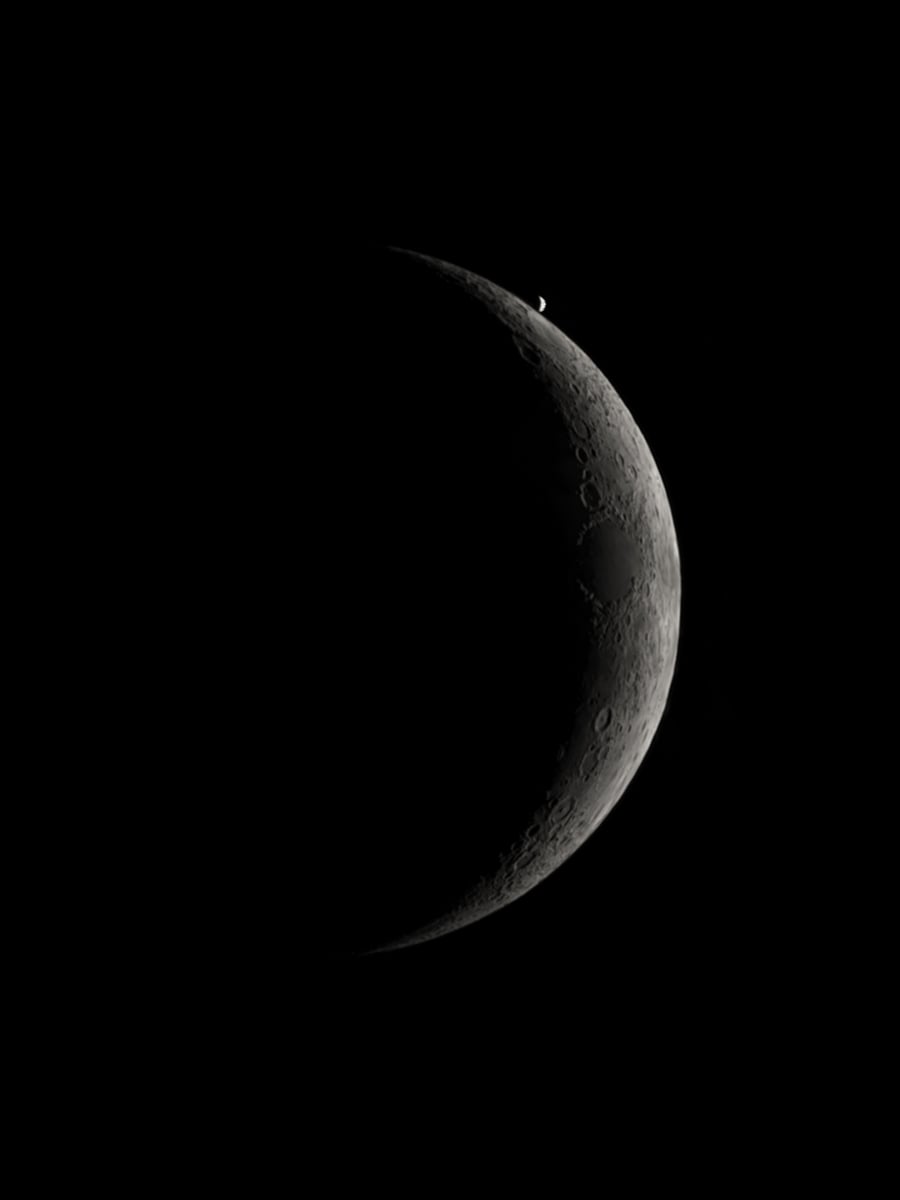
The next brilliant opportunity came in the form of a beautiful celestial event: Lunar Occultation of Venus. In the evening, Venus briefly disappeared behind the Moon and reappeared after 30 minutes. The two crescent celestial objects coming together were truly special. This time, I recorded the whole event in timelapse mode. For processing, I stacked multiple frames from the timelapse to create the images for both disappearance and reappearance.
Full moon
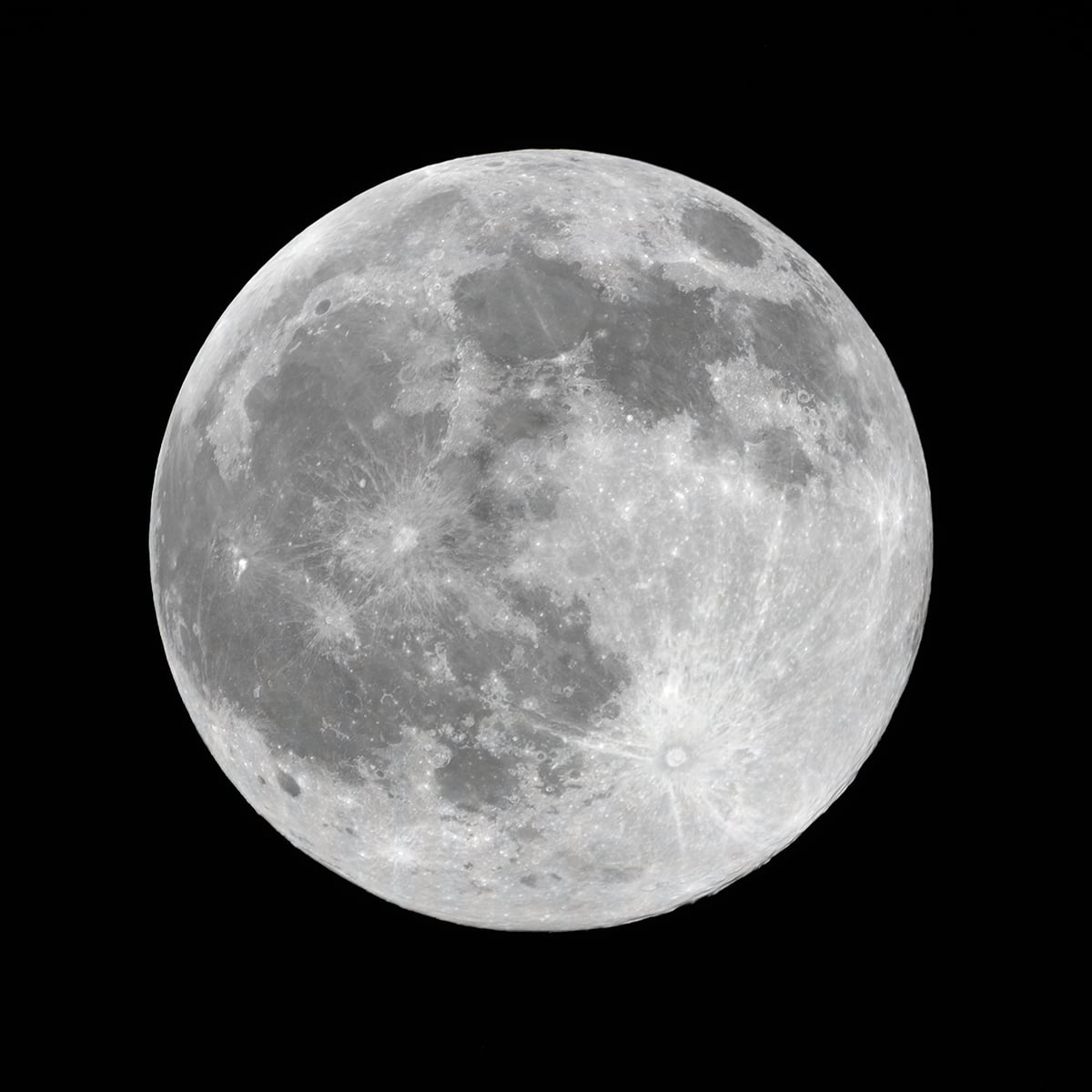
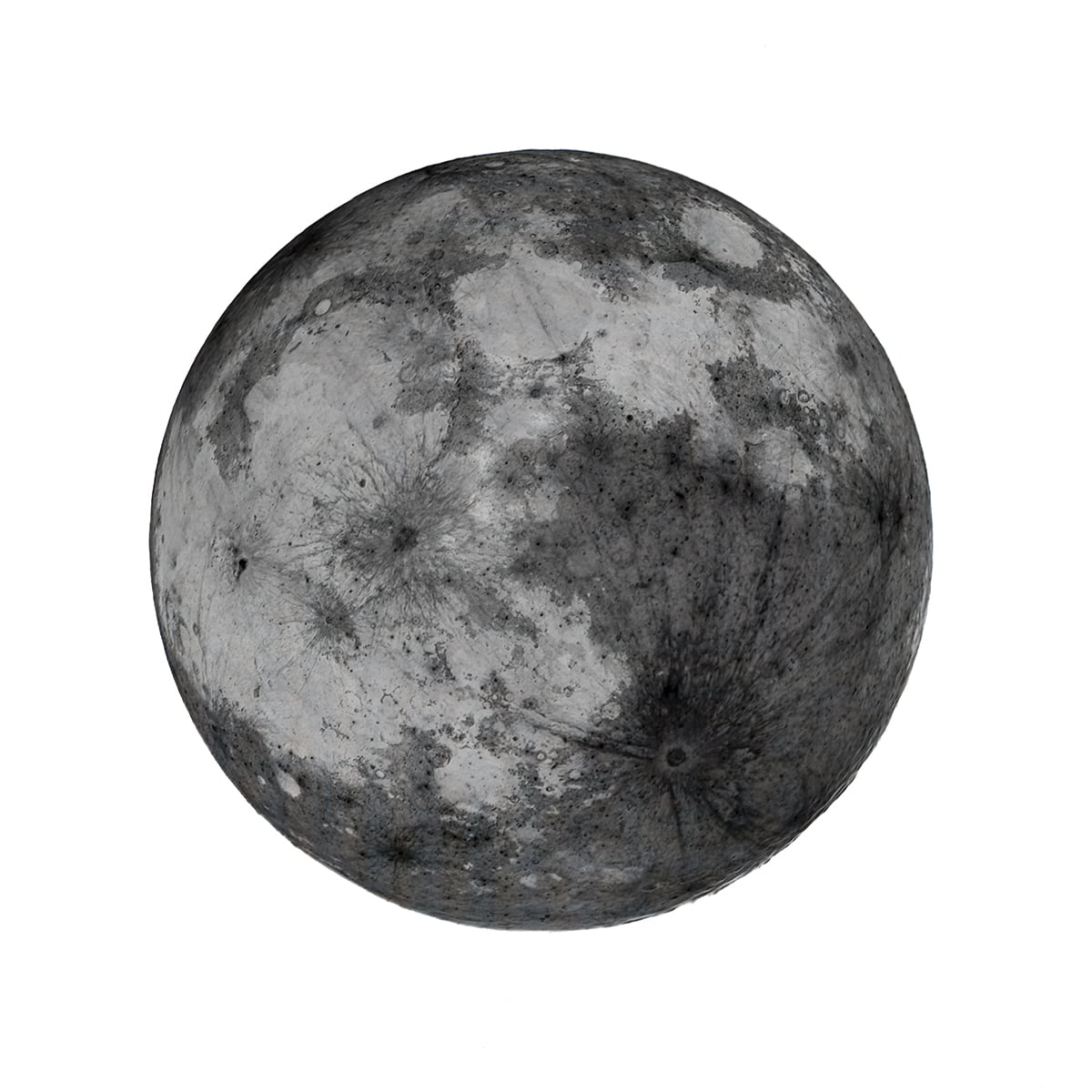
I also captured the September Full Moon (Harvest Moon) with the Seestar S50 Pro. The process was again straightforward: capturing a video of the Moon and processing it with dedicated astrophotography software.
Saturn
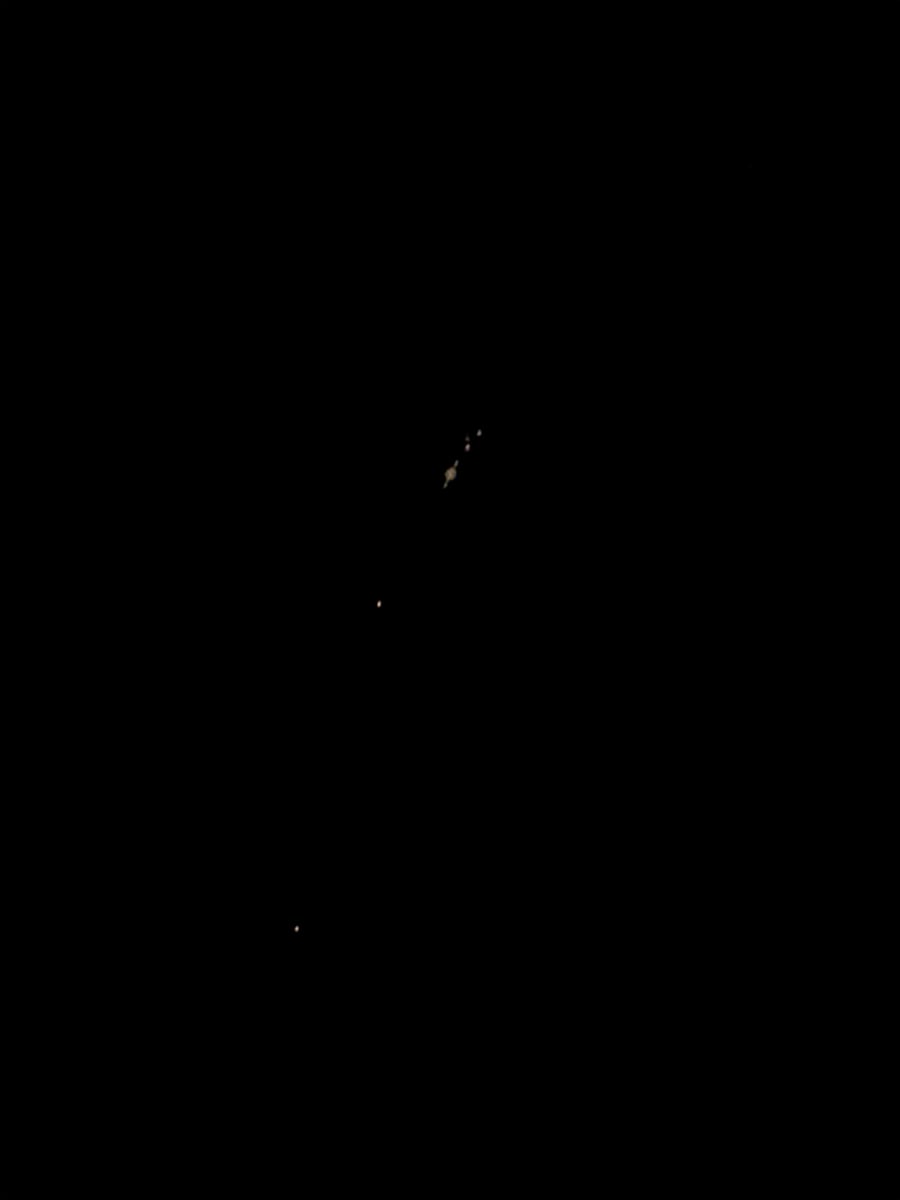
On 4th October, I used the S50 Pro to capture the ringed planet Saturn when it was at opposition on this day. Surprisingly, increasing the exposure revealed four moons of Saturn. I captured two sets of images, one for Saturn and one for its moons. The initial stacking and processing were done inside the Seestar app, and the two images were blended in Photoshop.
Review of the S50 Pro: A few thoughts
The S50 Pro is something I enjoyed using. Here is a list of things I liked about it:
- Using this smart telescope was easy and convenient. Most of the time I used it, I had a very small window before clouds rolled in. The quick setup definitely helped utilize even the shortest of windows.
- The package felt very complete. I did not have to run around for further accessories in order to use it.
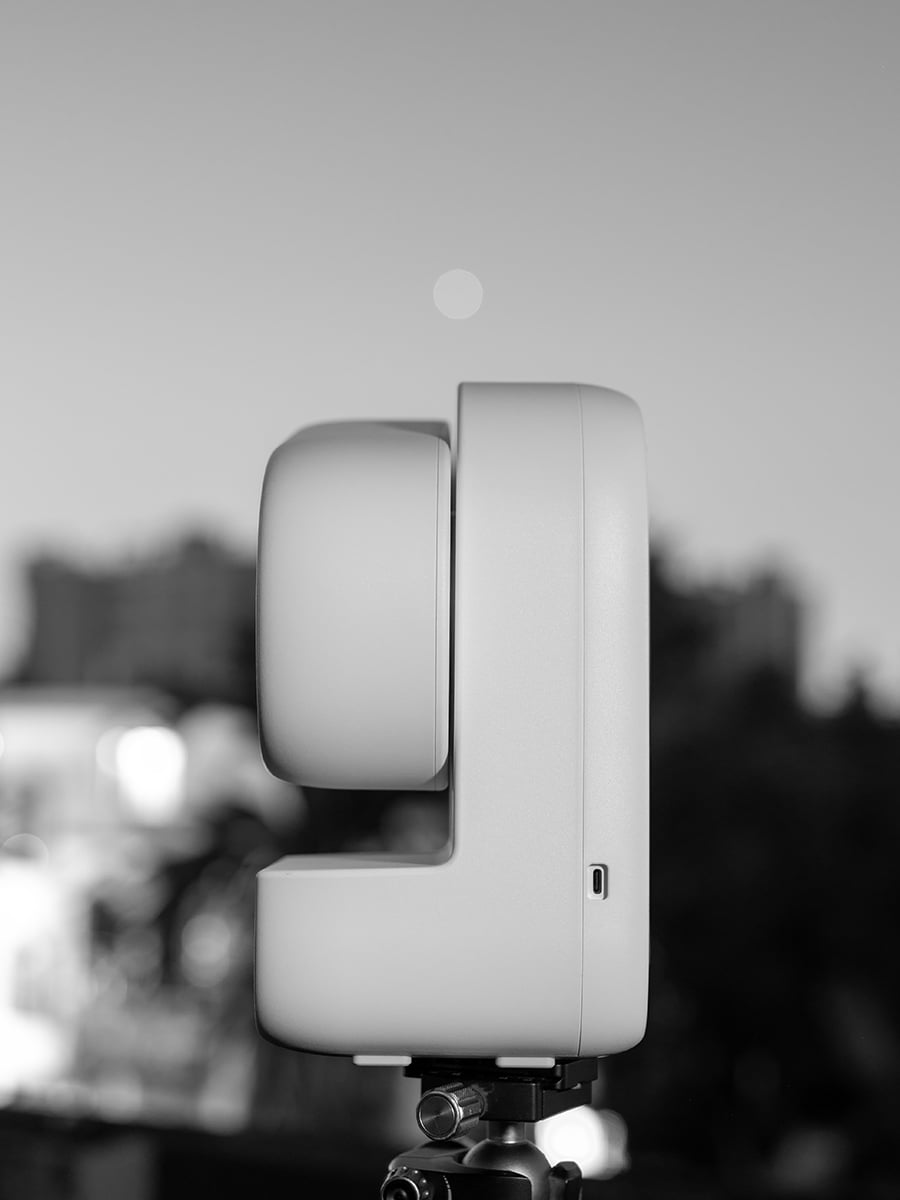
- At 2.5kg, it is light enough to carry around. The hard case provided with it is definitely a bonus.
- I was very impressed by the image quality. Resolving the crescent phase of Venus and the moons of Saturn was definitely not something I was expecting.
- Coming to the sharpness of the images, the sunspots and the moon craters were definitely sharp. I did not come across any noticeable chromatic aberration at the edge of the lunar disk.
- The Seestar app is definitely something I would rate highly. The interface is beginner-friendly and quite intuitive.
- The overall experience was very smooth, and the results did hold up to its claims.
Room for further improvement
The S50 Pro is the latest smart telescope from Seestar and comes after a few years of development following the first S50. I believe that the smart telescope technology is still very new and has a lot of growing ahead of it. There are a few things that I missed having in the S50 Pro:
A longer exposure option
Currently, the S50 Pro allows up to 60 seconds of exposure for deep-sky work. That is quite a long exposure compared to digital camera counterparts. But for deep-sky work, if you are capturing the faint details, a two- to five-minute exposure option would definitely be appreciated. If the tracking accuracy holds up, a future software update can increase that to at least two minutes.
Memory card option
The S50 Pro comes with 128 GB of internal storage, and that feels enough. At least for most usage scenarios. But if I’m out on a long dark sky trip and not carrying my laptop (that defeats the purpose of travelling light with a smart telescope), I would be very nervous about getting the internal storage filled up. With two camera options in the device, I would quickly fill up the storage with nightscape, planetary, and deep-sky images and videos. A memory card slot in this situation would have helped immensely.
Higher frame rate
The S50 Pro is mainly a deep-sky imaging device, at least for the most part. But at the same time, it has a great capability for planetary imaging, especially for the Sun and the Moon. For these purposes, you would be capturing RAW videos rather than individual images (a regular practice in astrophotography). While recording the videos, the frame rate felt a little limiting. For the Sun and Moon, I was using the 2x video mode (which crops the frame). In this mode, the recording was limited to around 15-17 fps in RAW format (AVI). To get a substantial amount of data for stacking, I had to capture very long videos, sometimes even 10-minute-long. A higher frame rate, for example, 50-60 fps, would allow a shorter video recording and achieve more data in less time.
All of these are more like “Ah, I wish it was there”, rather than “Oh no, why is it not there” features. I hope we get to see these in the next generation of smart telescopes from Seestar.
Should you get it?
If you are someone who wants to begin the beautiful journey of capturing the night sky, I would definitely recommend it. At $999, it is not very expensive, and if you consider what you are getting for that money, the S50 Pro will have a high score for “value for money”.
The best thing about this device is that it suits people with all levels of astrophotography skills. Experienced users can utilize the device to its fullest. It can be your travel buddy when going to a dark sky place, and it does not take up much space in your bag.
Now, what do you think about the Seestar S50 Pro? Let us know in the comments.
Clear skies!
See more from DIYPhotography.net on Google
Add DIYPhotography.net as a trusted source. This makes
our stories more likely to appear in your Google Search results.
 Add as a preferred source on Google

Soumyadeep Mukherjee
Soumyadeep Mukherjee is an award-winning astrophotographer from India. He has a doctorate degree in Linguistics. His work extends to the sub-genres of nightscape, deep sky, solar, lunar and optical phenomenon photography. He is also a photography educator and has conducted numerous workshops. His works have appeared in over 40 books & magazines including Astronomy, BBC Sky at Night, Sky & Telescope among others, and in various websites including National Geographic, NASA, Forbes. He was the first Indian to win “Astronomy Photographer of the Year” award in a major category.


Join the Discussion
DIYP Comment Policy
Be nice, be on-topic, no personal information or flames.