





















AI-Powered Streaming Makes Pro-Level Broadcasts Accessible: OBSBOT Tail 2 Review
Aug 22, 2025

Share:
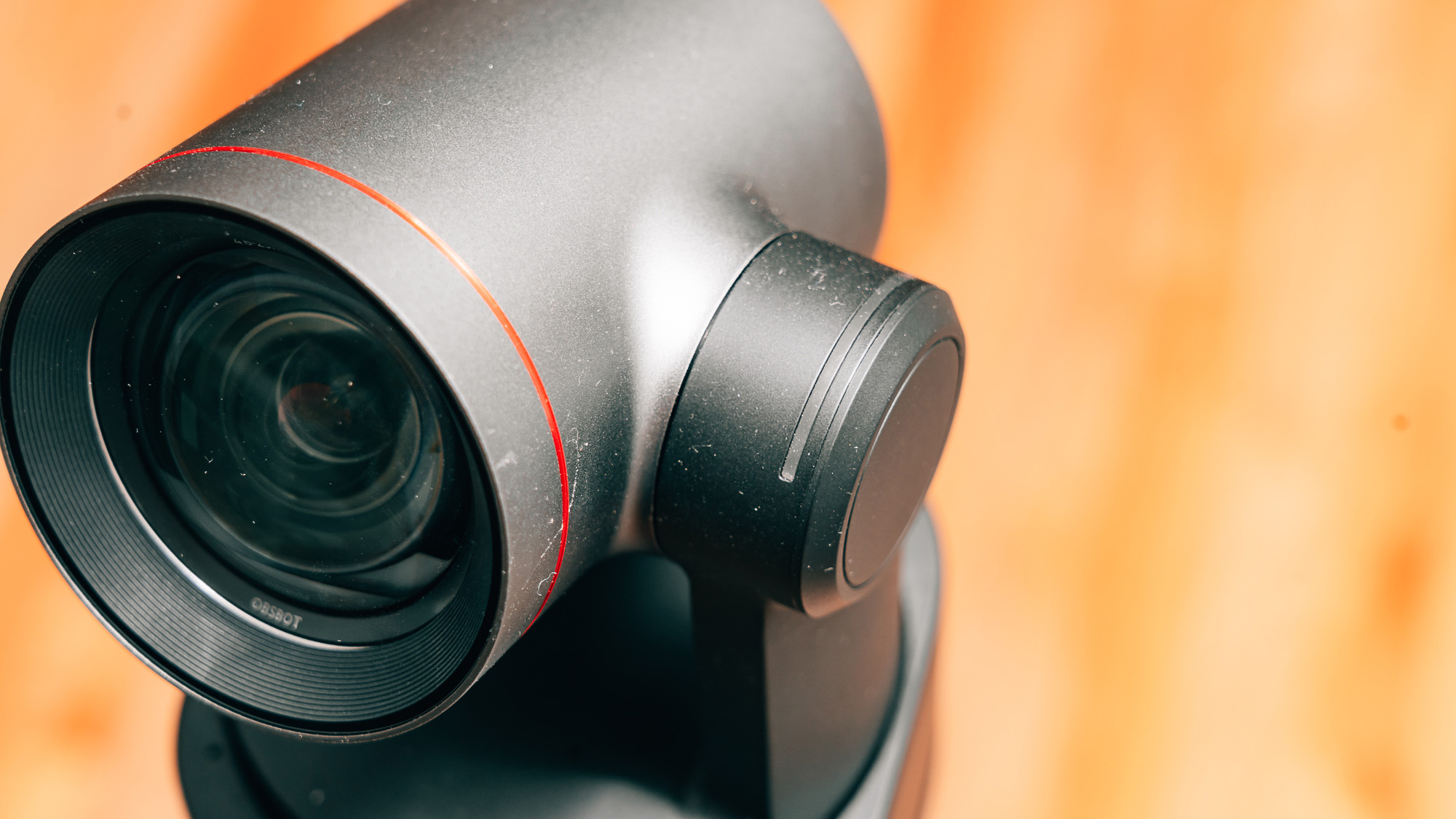
PTZ cameras have long been staples of very specific applications, whether as high-end security cameras, production cameras, for use in conference rooms, or even at conventions and trade shows. These cameras were often either too expensive to deploy and operate or required a team to monitor and manage them while in use. The OBSBOT Tail 2 offers potential users the ability to run a multi-cam, professional broadcast that can be run by a one-person band.
Tech Specs

- AI Tracking 2.0
- World’s First PTZR Camera: Hands-Free 90° Rotation
- High Resolution up to 4K@60fps & 1080P@120fps
- 12 Optical Lenses & 1/1.5″ CMOS
- 5x Optical Zoom & 12x Hybrid Zoom
- Wide Connections Including NDI, SDI, HDMI, Ethernet, and More
Getting to Know the OBSBOT Tail 2
The OBSBOT Tail 2 has one of the most intuitive designs you could ask for. There’s a single power button at the back, which will bring the device to life. There are also a ton of I/O ports: a full-sized HDMI out, SDI connection, gigabit ethernet, dedicated mic and line-in ports, and 2.5mm RS-232 in/out ports. In short, if there’s a specific connection that you might need for your broadcast, production, or stream, the Tail 2 will most likely have you covered.
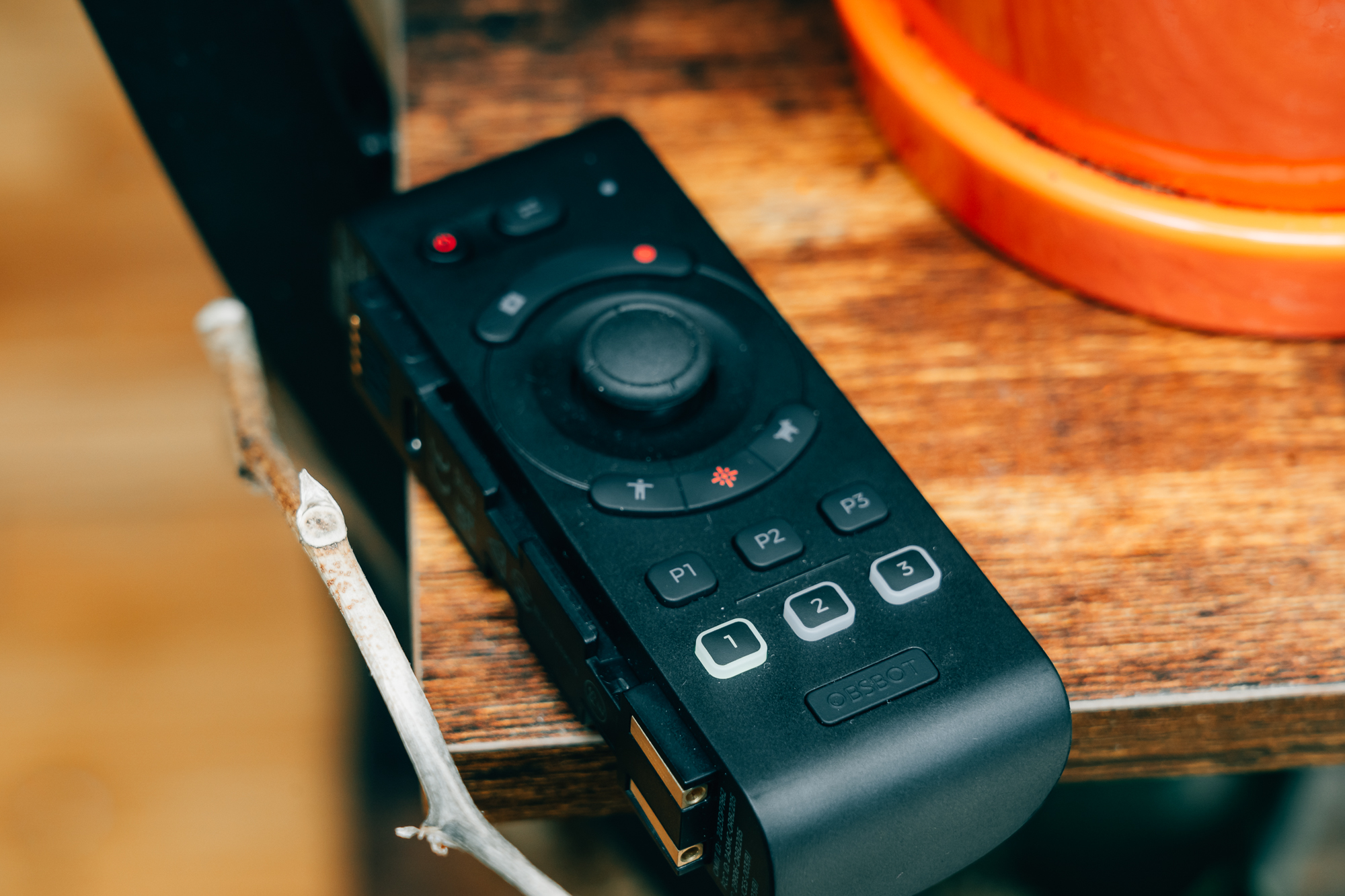
But the Tail 2 isn’t tied down by wires either; OBSBOT made sure that you could control and broadcast fully wirelessly as well. The OBSBOT Tail 2 is fully wireless compatible, boasting both WIFI 6 and Bluetooth 5.4 antennas with a working range of 80 meters using the 5.8GHz WIFI antenna. In terms of keeping things running while wireless, the Tail 2 has an internal 5000 mAh battery rated for nearly 6 hours of operation according to OBSBOT’s documentation, though your mileage will vary during operation.
The Tail 2 also includes a MicroSD card slot (compatible with cards up to 1TB in capacity), which can be used to record content without a computer or even an internet connection. To make the most of this fully tether-free AI camera, you’ll need to download the companion apps, which are available for both iOS and Android devices.
Lights, Camera, AI Action
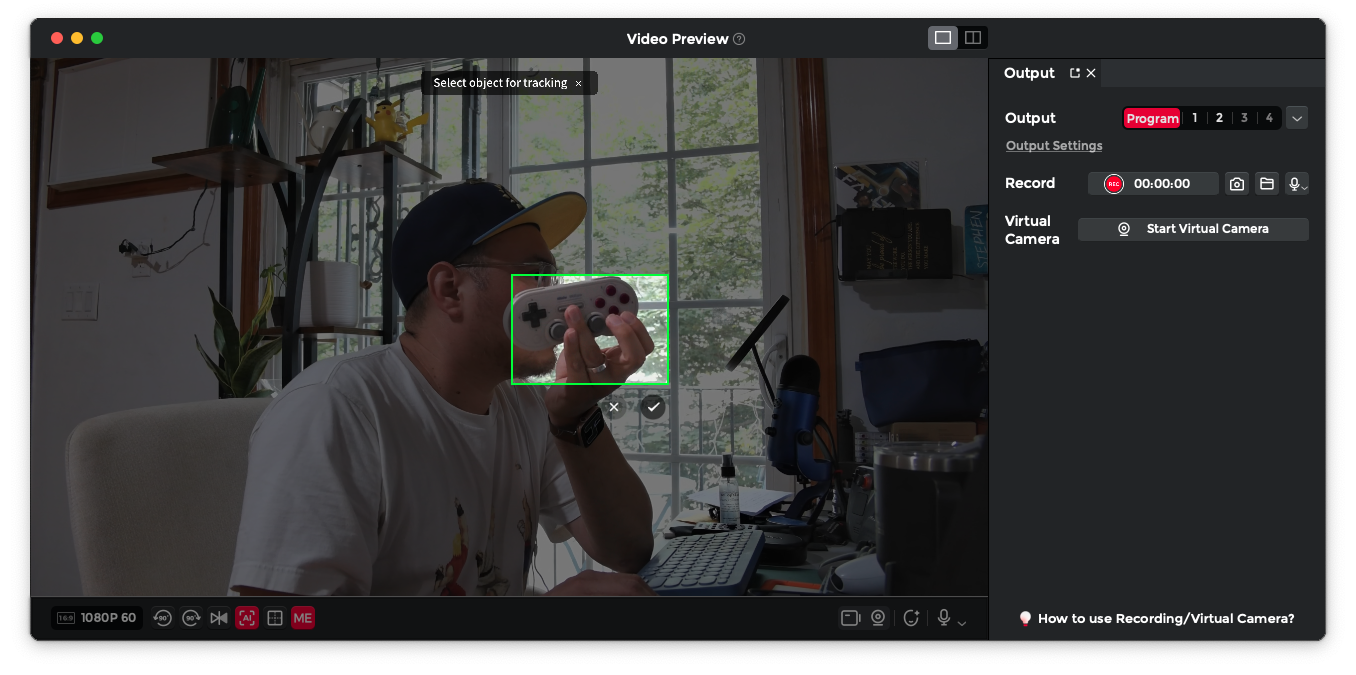
One of the biggest draws of the Tail2 is the AI tricks it can perform. While it is more than capable as a traditional PTZ camera – complete with a camera operator – what really makes the Tail 2 standout are the AI features that allow this camera to run nearly on full autopilot. AI-assisted face and subject detection aren’t necessarily new for cameras, but the Tail 2 will not only lock focus on the subject you determine, but it will track, pan, zoom, and even reframe your shots, all without or with minimal human input.
During my review period, I primarily used the OBSBOT Tail 2 as a replacement for my regular streaming camera, a Canon R8, and I may never return to it. I was incredibly pleased with the ability to focus on my stream instead of worrying about camera angles, focus, or reframing a shot. With the OBSBOT Center app running alongside OBS, I was able to manage a two-hour-long stream with very minimal extra work on my part and a better experience for my audience as a whole.

Where I truly found the OBSBOT Tail to shine was using it for a recent worship service. Outside of writing and event photography, I work with houses of worship to livestream their services. One of the biggest challenges many worship services encounter is the lack of available and trained volunteers to help capture a service. I set up the Tail 2 as the main camera for a recent service, and for the most part, let the camera take care of itself. With multiple presets available, I was able to help the volunteer team put together a clean and professional-looking broadcast. All they had to be trained on was finding the ideal placement for the camera.
Is the OBSBOT Tail 2 For You?
Depending on what your current needs might be, the OBSBOT Tail 2 will either be a perfect B camera for live broadcasts, a replacement for your content creation needs, or absolute overkill for something that could probably be done with the OBSBOT Meet 2. But if you’re a streamer, high-level presenter, or an event space that needs full broadcast quality without the broadcast team, the OBSBOT Tail 2 will take your livestreams and presentations to a whole new level.
See more from DIYPhotography.net on Google
Add DIYPhotography.net as a trusted source. This makes
our stories more likely to appear in your Google Search results.
 Add as a preferred source on Google
Filed Under:
Tagged With:
- AI camera
- |
- Camera
- |
- Livestreaming
- |
- Obsbot
- |
- OBSBOT Tail 2
- |
- Presentation
- |
- videography

Join the Discussion
DIYP Comment Policy
Be nice, be on-topic, no personal information or flames.