





















The INNOCN 27-inch 4K Professional Monitor Changed How I Work
Jul 28, 2026

Share:
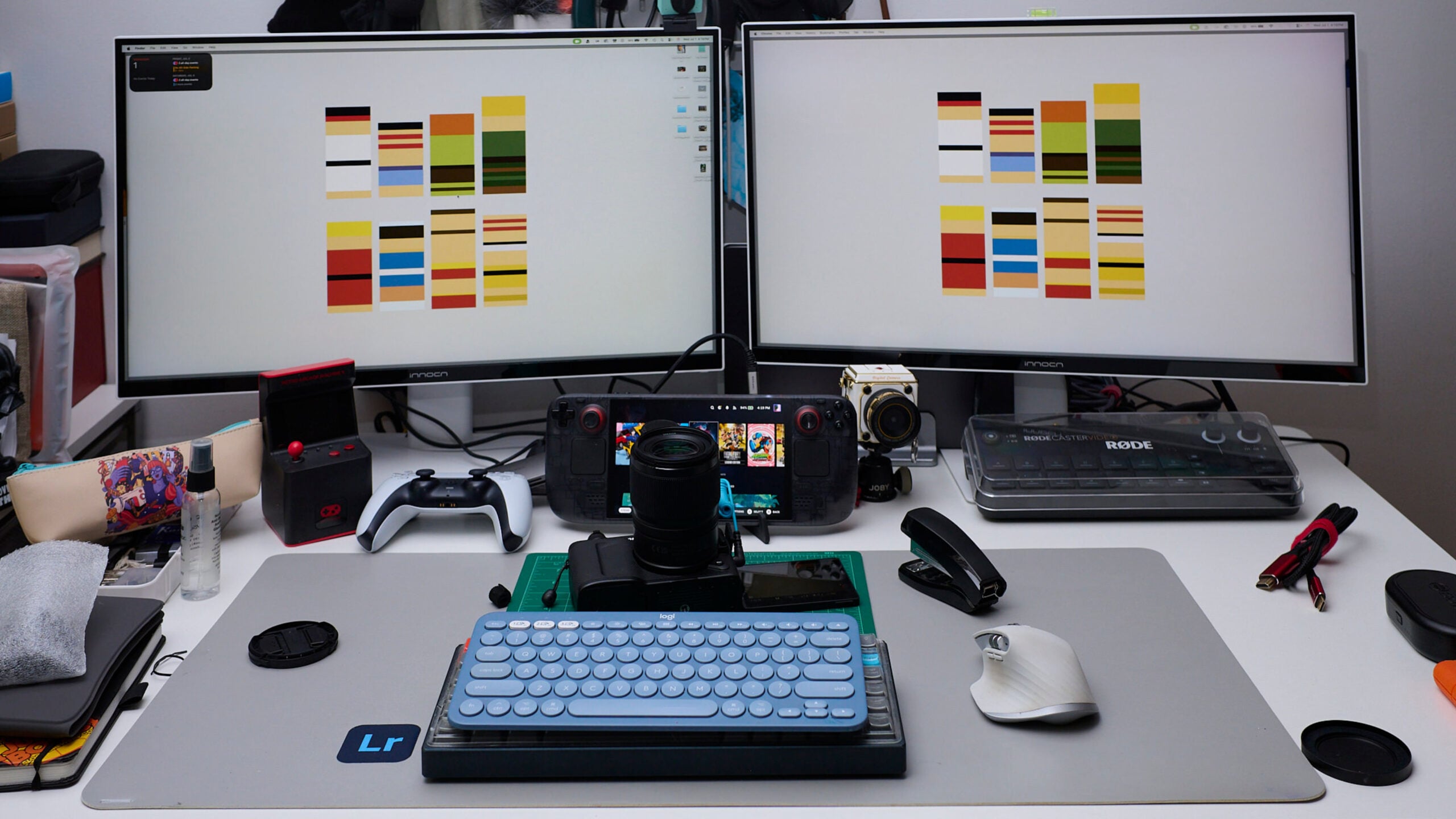
For years, I’ve worked with a laptop – various MacBook Pros – and often docked them to a monitor when working from my home office. I’ve often considered working with a dual-monitor setup but had largely been underwhelmed with non-Apple Studio Disply options, and I simply cannot justify the cost of an Apple Studio Display. Over my adult life, I’ve made several adjustments to my desktop workflow, often making various compromises along the way. All of that changed with the INNOCN 27-inch 4K Professional Monitor (CB27U1).
INNOCN 27-inch 4K Professional Montior (CB27U1) Tech Specs

The following spec list was copied from the official INNOCN product page:
| Specification | Details |
| Model Name | 2722A |
| Panel Size | 27″ |
| Panel Type | IPS |
| Form Factor | Flat |
| Aspect Ratio | 16:9 |
| HDR Support | HDR500 |
| Resolution | 3840×2160 |
| Bezel Type | 3-sided Frameless |
| Viewing Area | 596.736 x 335.664 mm |
| Backlight Type | ELED |
| Surface Treatment | Non-Glare |
| sRGB Coverage | 100% |
| DCI-P3 Coverage | 99% |
| Adobe RGB Coverage | 99% |
| NTSC Coverage | 96% |
| BT.2020 Coverage | 87% |
| Color Accuracy | Delta E < 1 |
| Pixel Pitch | 0.1554 x 0.1554 mm |
| Brightness | 400 nits (Typ.) |
| Contrast Ratio | 2000:1 (Typ.) |
| Dynamic Contrast Ratio | 1000000:1 |
| Viewing Angle | 178°/178° |
| Color Depth | 1.07B (8-bit + FRC) |
| Pixel Density | 163 PPI |
| Response Time | 7ms (OD) |
| Refresh Rate | 120Hz (UHD) / 240Hz (FHD) |
| HDMI 2.1 | 2 Ports |
| DisplayPort 1.4 | 1 Port |
| USB Type-C | USB 3.1 with 90W PD |
| Audio Out | via Type-C Adapter |
| FreeSync Range | 48-120Hz |
| MPRT | 1.0ms |
| VESA Mount | 100x100mm |
| Power Supply | 180W Adapter (19.5V, 12A) |
| Stand Dimensions | 613.4 x 552 x 195 mm |
| Net Weight | 5.2 kg |
The CB27U1 is a monitor that’s designed for working professionals in a variety of sectors including design, coding, animation, and of course photography. With an impressive 120Hz refresh rate, HDR500, and 4K Ultra-HD resolution, this monitor has you covered whether you’re banging out articles or editing photos and video. Thanks to a color accuracy score less than D1, you can be certain that the edits on screen will reflect the final image on paper (you should really be printing your photographs).
Update: There was a typo in the paragraph above incorrectly stating the monitor’s refresh rate was 20Hz. It’s now beeb corrected to reflect the correct rate of 120Hz. Additionally, INNOCN has updated their spec sheet and the color accuracy value is listed as D<1. This article has been updated to reflect the change.
Why I’m Never Going Back to a Single Display
If there’s one thing that I’ve learned from using the CB27U1 is that I don’t know how I could go back to anything less. From its single-cable connectivity solution (which I used during my initial testing, but not how my desk is currently configured), to its crisp colors and brightness I’ve completely changed my workflow for the better. Up to this point, I would either use a single 20-inch LCD display or a portable 16-inch 4K display when traveling as an extended display with my MacBook Pro. Both options left me with two very distinct issues: Firstly, the single display setup, I would have to create multiple virtual desktops to keep my various daily tasks in separate spaces. This would often require me having to use a gesture to reveal all my active desktops and jump from one task to another. For example, when I write a review like this, I like to keep my Word document open in its own screen and will occasionally keep a browser window open next to it to pull any relevant information from. Emails (another open browser window) are in their own space to prevent me from Inbox Zero distractions. Reviews need photos, and my Lightroom app lives in yet another space. My previous 20-inch display was larger than the 14-inch display on MacBook Pro, but not nearly enough to tile relevant apps/windows without becoming stressful on my vision after long periods.
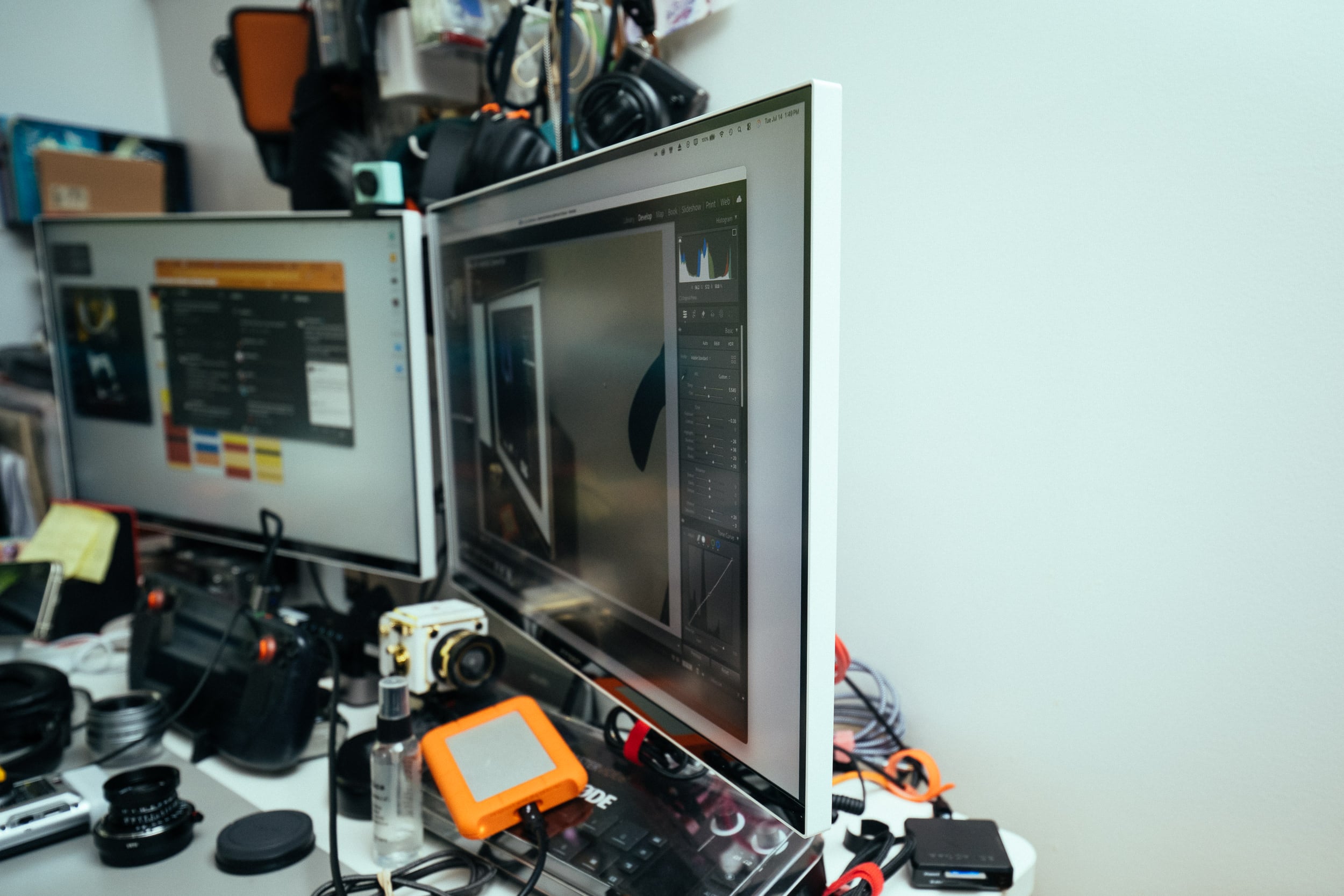
The second issue was trying to create an ad hoc dual display setup using either my laptop’s display or the 16-inch portable display – neither of which quite fit seamlessly into how I work. While both the MacBook Pro’s display (3024 x 1964 pixels) and the portable display (4K UHD) offered more screen real estate when used at their maximum resolution settings, it made it nearly impossible for reading most things on the screen. Adding to the frustrations, color calibration wasn’t very accurate on either external display.
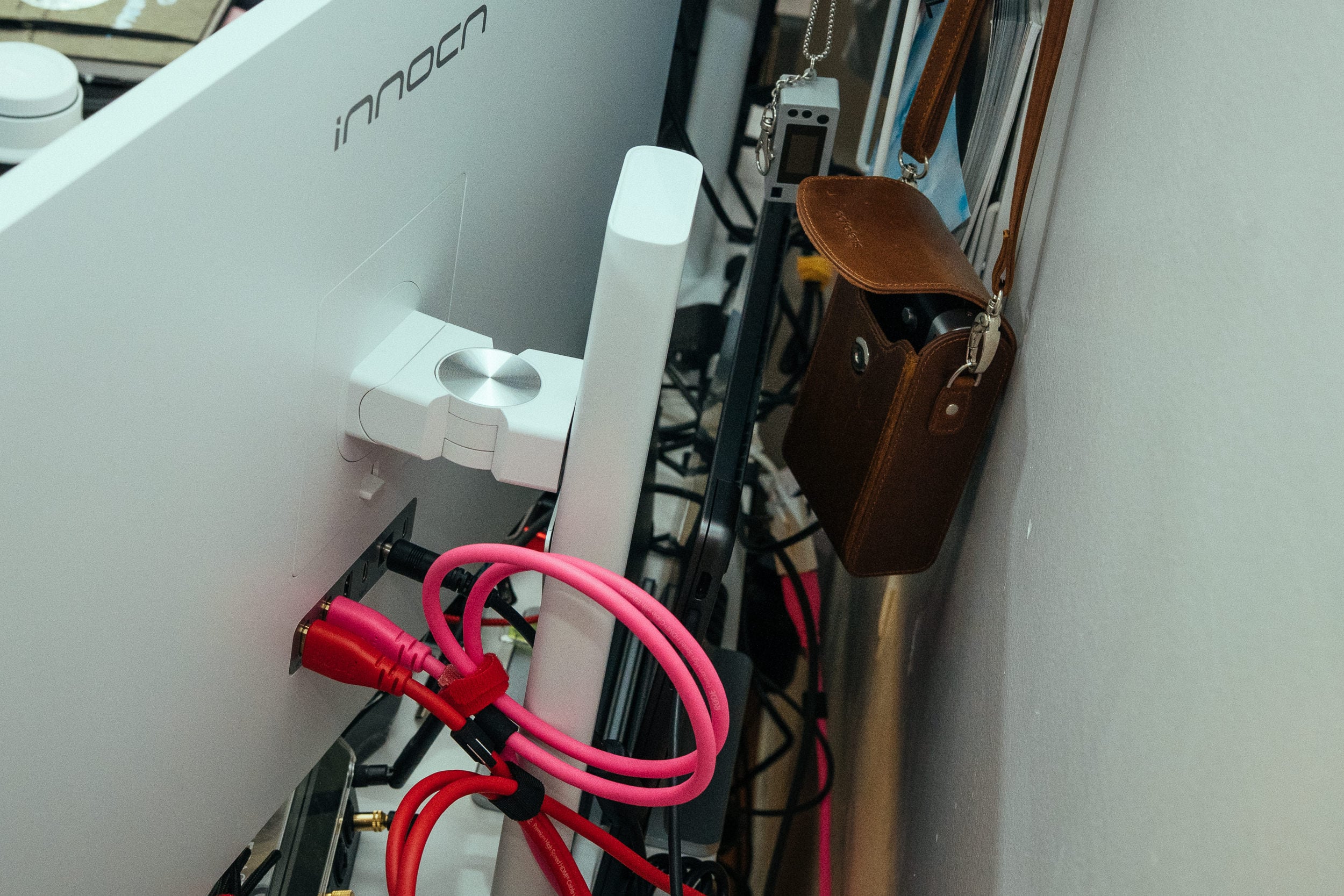
Using a single CB27U1 was game changing as it provided ample desktop space (visually) while also physically large enough to not have me squint for hours on end. Adding a second CB27U1, now that was life changing. Since I began using this setup, I’ve managed to cut down on the amount of time it takes for me to write, edit, and post my work. When I’m not writing for DIY Photography, I’ve been able to quickly create print materials or photographic prints that are so color accurate that I’m wasting less ink when creating test prints for client work. That’s the beauty of having two color-accurate displays in your workflow – it takes the guess work out of your physical media output.

I’ve been working on a personal project for the past couple of months – a zine – and while zines aren’t really known for their great print quality, at least not traditionally, it’s nice to know that when I finally do hit print, I know that the edits that I made on my computer are what I expect to see on the page.
Work Hard, Play Hard
Work isn’t all I do on the INNOCN CB27U1. Thanks to its multiple ports I was able to hook up my gaming consoles to the one of the two available HDMI ports. Because of its 4K resolution and 120Hz refresh rate, gaming on the INNOCN CB27U1 is visually better than even on my television. Again, here’s where having the extra screen size makes things like gaming, animation, or even just streaming movies and television, a delight on the CB27U1. While I don’t do it often, I do live stream games and tutorials on occasion, and the dual display has allowed me the ability to have a large, crisp main display and the secondary display to monitor the stream. My previous setup simply did not allow for this and now, I’m finding myself more willing to take the time to stream on a more consistent basis.
What Could be Better on the CB27U1
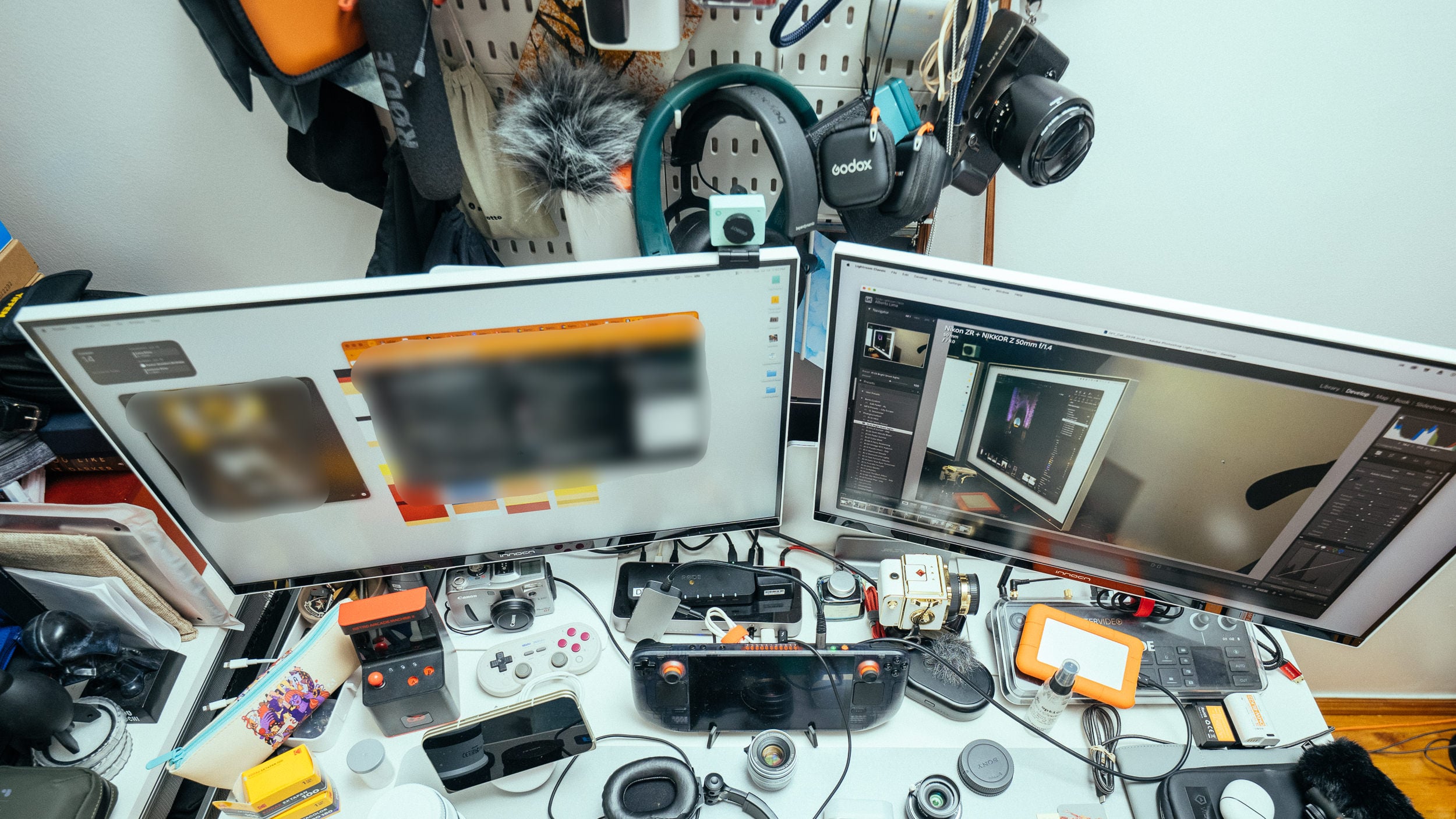
As I mentioned before, I’m a MacOS user, and with that there are some things that should be covered when talking about the CB27U1 as a dual-display setup. While pairing a single monitor to my laptop can easily be done with a single cord, adding a second 4K display isn’t quite as easy. One pain point during the setup process was getting my MacBook Pro to recognize a second display when using my docking station. For whatever reason, I could not use both my mini-DisplayPort out and Thunderbolt out for video at the same time. This resulted in errors where one or none of the monitors would be recognized, or would be recognized by the laptop, but no signal was recognized by the monitors. Because my workflow is so dependent on my docking station – used for connecting external hard drives, a video encoder, cameras, and memory cards – I could not simply use one of my laptop’s Thunderbolt ports and the HDMI port. The workaround I found was to use the docking station’s single DisplayPort out for one monitor and a direct Thunderbolt connection to the second monitor. I’ll continue to reconfigure this in the coming months.
Final Verdict: Is the INNOCN CB27U1 Right for Me?
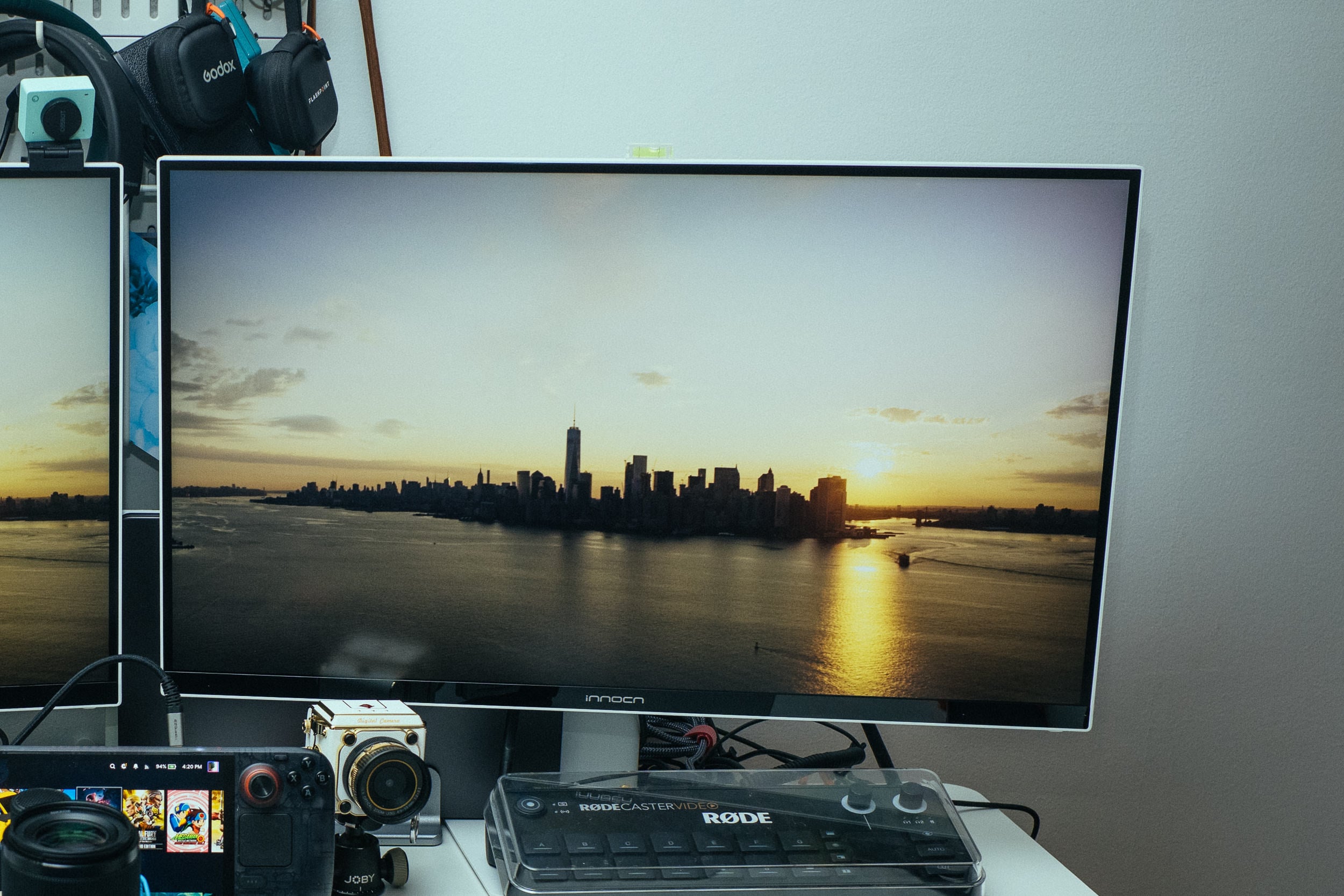
Despite some initial setup hiccups, I’ve found that the CB27U1 has completely become a central piece of my workflow. Whether it’s my work as a journalist, creative work like photography or graphic design, or simply enjoying some downtime streaming UHD video content and video gaming, the CB27U1 handles each task with the option of setting a profile for that task. Its physical navigation is extremely intuitive as is a single-cord/single-monitor setup; though be prepared to troubleshoot if you’re on team MacOS. Still, I can’t get over how much of a value the CB27U1 delivers – not just in price (MSRP of $449) but in how it’s not only changed but optimized my workflow. If you’ve been looking for a sign to upgrade your desktop setup, here it is.
You can purchase an INNOCN 27-inch 4K Professional Monitor directly from INNOCN for $449.
See more from DIYPhotography.net on Google
Add DIYPhotography.net as a trusted source. This makes
our stories more likely to appear in your Google Search results.
 Add as a preferred source on Google
Filed Under:
Tagged With:
Related Posts
 How street photography changed my lifestreet photography changed my lifeHow street photography changed my life
 Join the DIYP x INNOCN Photo Contest and Win a 4K Monitor!
 Photographer stops posting work on social media – Here’s what changed
 The PortKeys BM5 WR on-camera field monitor checks all the boxes of a great monitor
Join the Discussion
DIYP Comment Policy
Be nice, be on-topic, no personal information or flames.