


















Do iPhones Shoot in RAW? Here’s Everything You Need to Know
Jul 10, 2026
Alysa Gavilan
Alysa Gavilan has spent years exploring photography through photojournalism and street scenes. She enjoys working with both film and mirrorless cameras, and her fascination with the craft has grown over the decades. Inspired by Vivian Maier, she is drawn to capturing everyday moments that often go unnoticed.
Share:
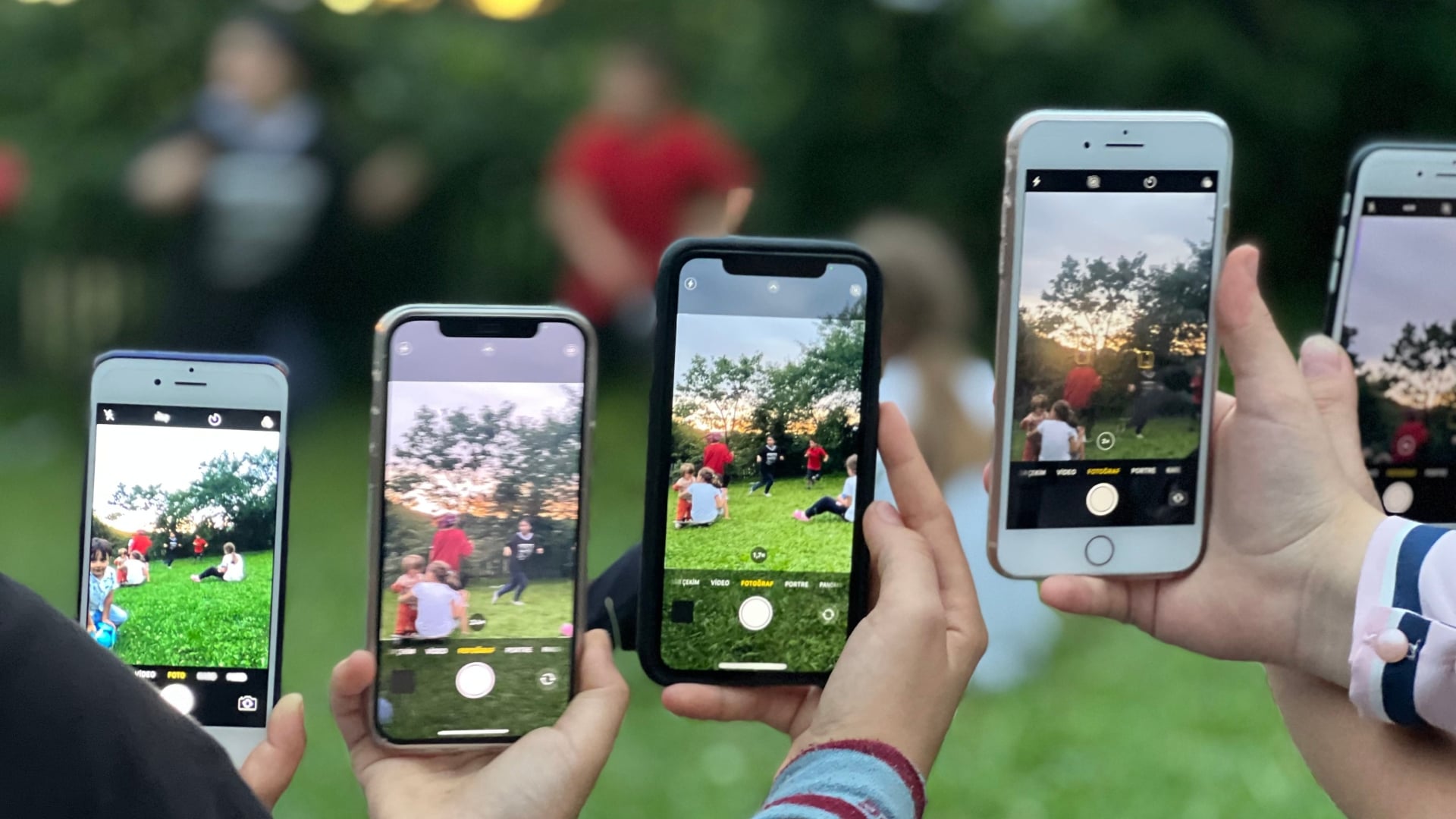
Your iPhone can take excellent photos straight out of the camera, but there are times when automatic processing is not enough. If you enjoy editing your images or want more control over color, exposure, and detail, shooting in RAW can make a significant difference.
The good news is that many modern iPhones support RAW photography, giving mobile photographers a level of flexibility once reserved for dedicated cameras.
If you’ve been wondering, do iPhones shoot in RAW? The answer is yes, but it depends on your iPhone model and the camera app you are using.
What Is RAW Photography?
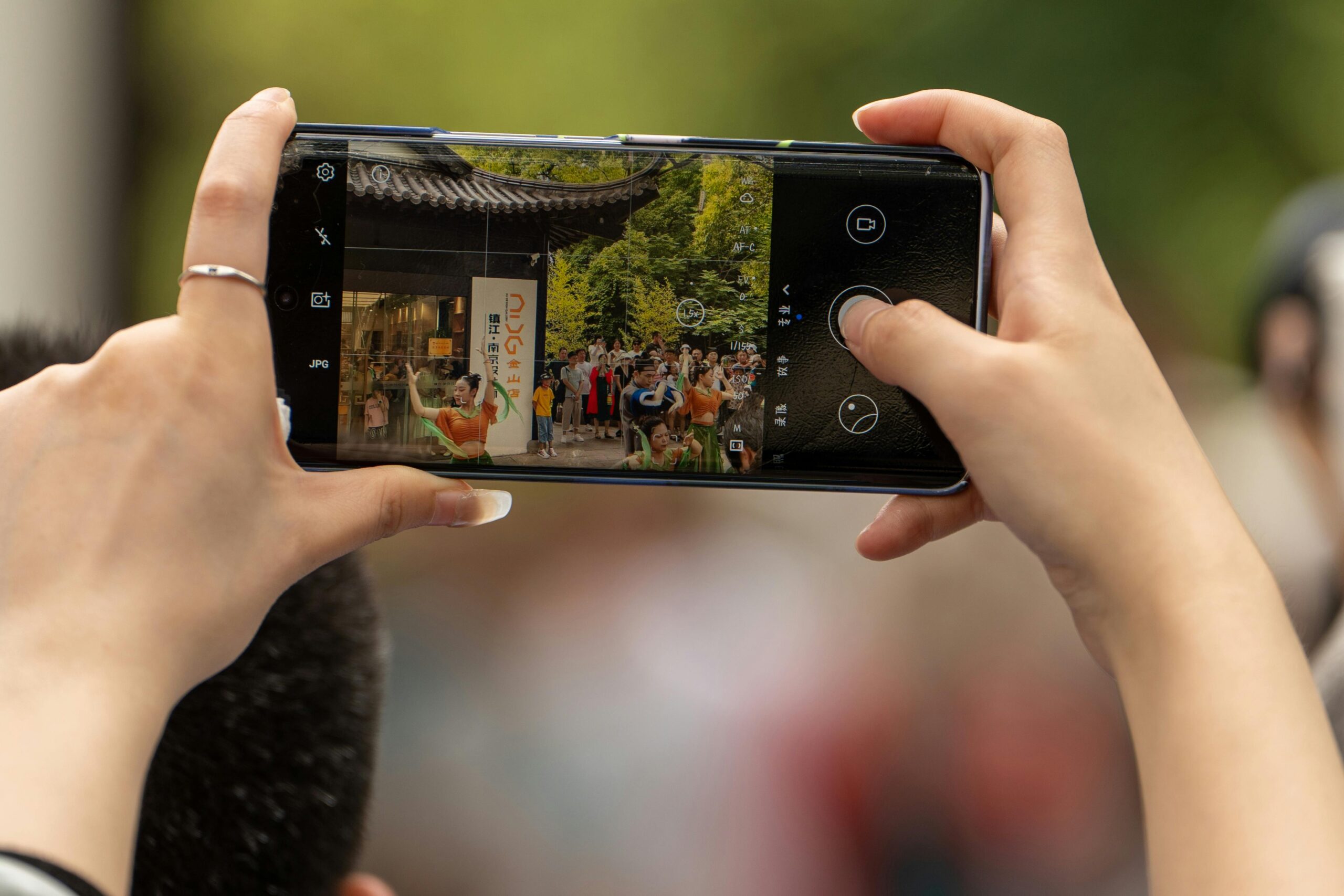
A RAW photo contains much more image data than a standard JPEG or HEIF file. Instead of heavily processing the image inside the camera, a RAW file preserves information captured directly by the camera sensor.
This extra data allows photographers to recover highlights, brighten shadows, adjust white balance, and make larger edits without noticeably reducing image quality. Because of that, RAW files are popular among photographers who edit their images in apps such as Adobe Lightroom, Capture One, or Apple Photos.
Which iPhones Can Shoot RAW?
Apple introduced support for RAW photography several years ago, but availability depends on the device.
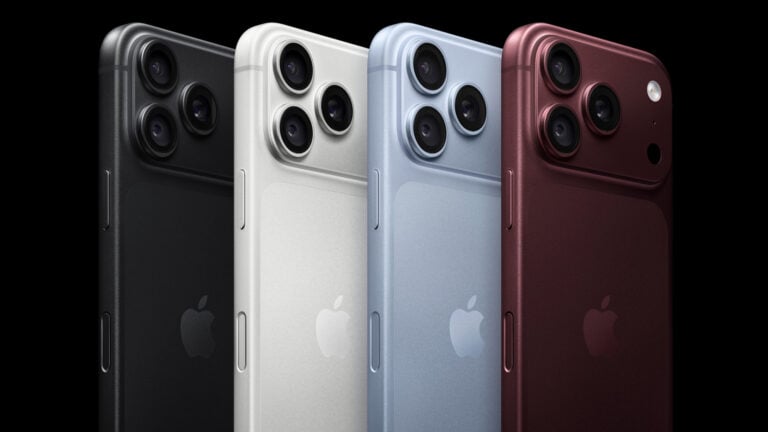
Many recent iPhone Pro models support Apple ProRAW, Apple’s version of the RAW format that combines traditional RAW data with computational photography features. Older models and non Pro devices may still capture RAW images through compatible third party camera apps.
If your iPhone supports ProRAW, you can enable it in the Camera settings before taking photos.

What Is Apple ProRAW?
Apple ProRAW is different from a standard RAW file.
Traditional RAW images contain minimal processing, leaving most editing decisions to the photographer. Apple ProRAW combines RAW image data with some of Apple’s computational photography technology, including Smart HDR and noise reduction.
The result is a file that offers greater editing flexibility while still benefiting from the iPhone’s image processing. For many users, it provides a practical balance between convenience and creative control.
When Should You Shoot in RAW?
RAW photography is most useful when image quality matters more than storage space.
Landscape photography often benefits from RAW because it preserves details in bright skies and darker foregrounds. Portrait photographers can fine tune skin tones and exposure during editing. Night photography also becomes easier because RAW files retain more shadow information that can be recovered later.
For quick snapshots or everyday social media posts, standard image formats are usually sufficient and require much less storage.
Are There Any Drawbacks?
RAW files are much larger than regular photos.
A single ProRAW image can occupy several times more storage than a standard HEIF or JPEG file. They also require editing to achieve their full potential, making them less convenient for users who simply want to take a photo and share it immediately.
Editing RAW files also demands more processing power and storage on your phone or computer.
How to Enable RAW on an iPhone
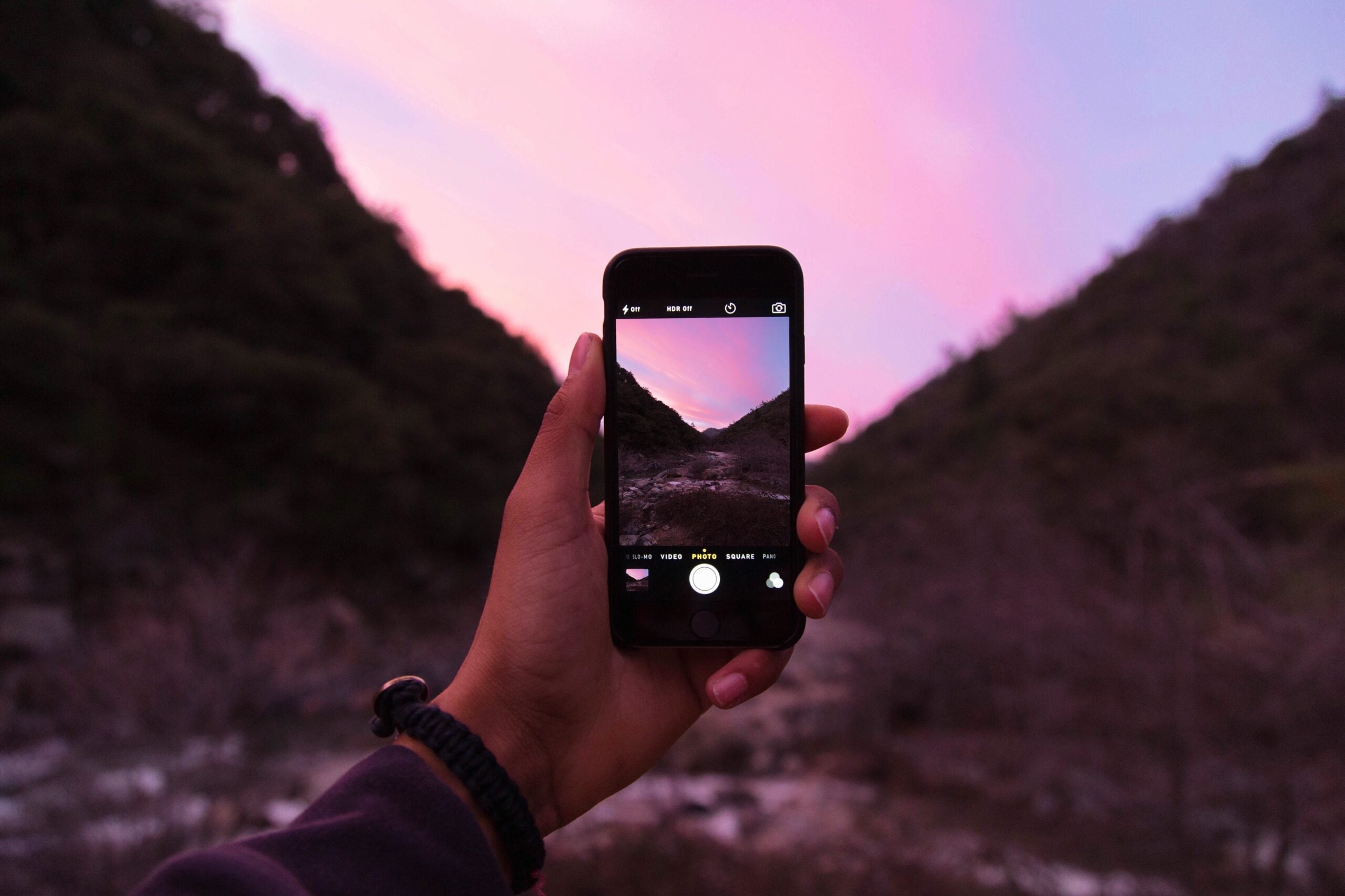
If your iPhone supports Apple ProRAW, open the Settings app, select Camera, then Formats, and enable Apple ProRAW. Once activated, a RAW button appears inside the Camera app, allowing you to turn RAW capture on or off before taking a photo.
Many photographers leave RAW disabled until they encounter scenes that require maximum image quality.
Is RAW Worth Using?
For photographers who enjoy editing, RAW is one of the best features available on modern iPhones. It provides more creative freedom and can rescue images that might otherwise lose detail in bright highlights or deep shadows.
That said, RAW is not necessary for every photo. Apple’s standard image processing already produces impressive results for everyday photography.
As iPhone cameras continue to improve, mobile photography is becoming increasingly capable of handling serious creative work. The next time you head out with your phone, you might discover that the biggest upgrade is not new hardware, but simply switching your camera to RAW.
See more from DIYPhotography.net on Google
Add DIYPhotography.net as a trusted source. This makes
our stories more likely to appear in your Google Search results.
 Add as a preferred source on Google

Alysa Gavilan
Alysa Gavilan has spent years exploring photography through photojournalism and street scenes. She enjoys working with both film and mirrorless cameras, and her fascination with the craft has grown over the decades. Inspired by Vivian Maier, she is drawn to capturing everyday moments that often go unnoticed.




Join the Discussion
DIYP Comment Policy
Be nice, be on-topic, no personal information or flames.