


















Lightroom or Photoshop: Do You Need to Use Both?
Jun 25, 2026
Dunja Đuđić Kalinin
Dunja Djudjic is a multi-talented artist based in Novi Sad, Serbia. With 15 years of experience as a photographer, she specializes in capturing the beauty of nature, travel, concerts, and fine art. In addition to her photography, Dunja also expresses her creativity through writing, embroidery, and jewelry making.
Share:
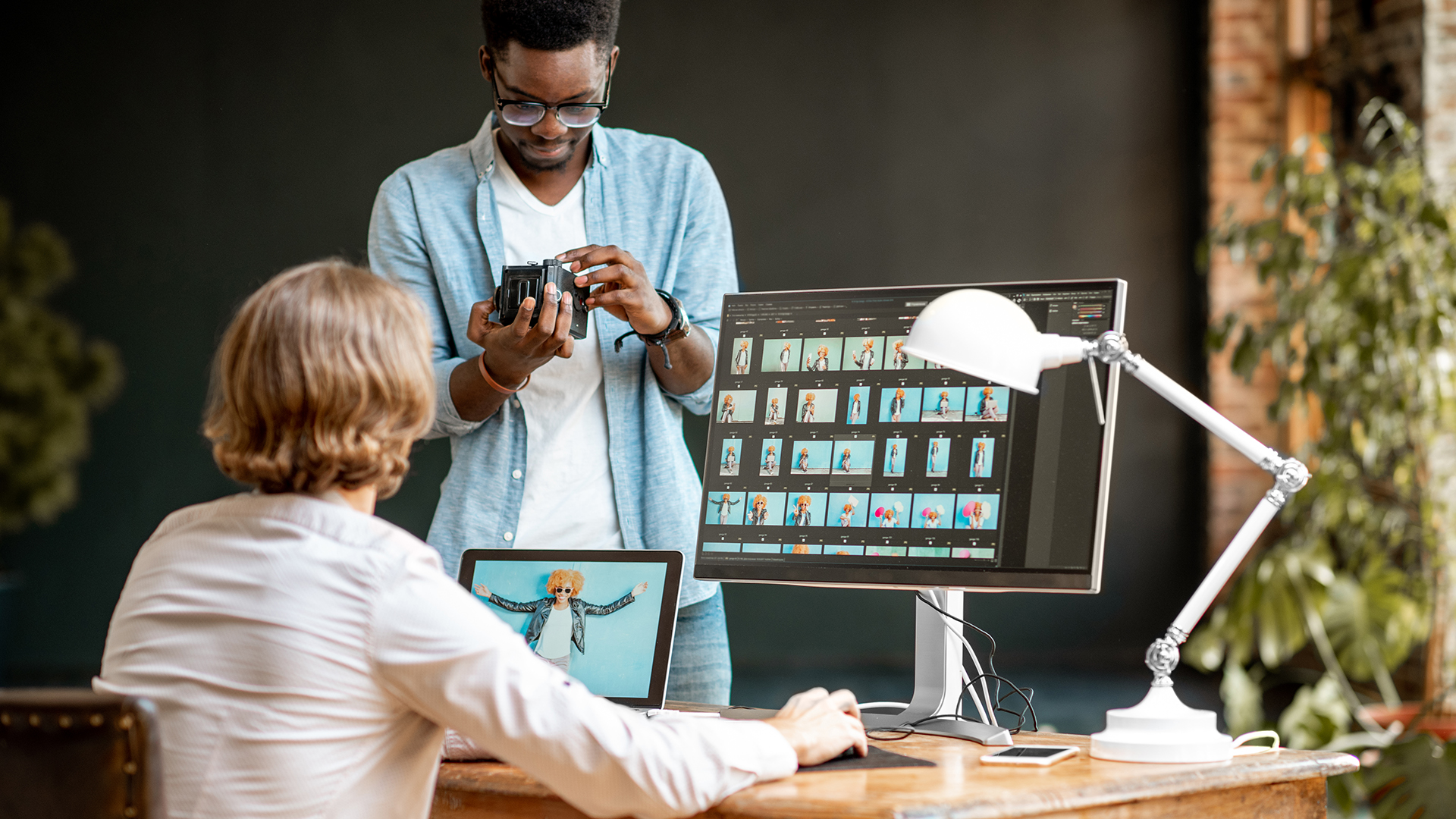
When it comes to image editing software, the debate often comes down to Lightroom vs Photoshop. Each program has its strengths, and most photographers end up using both.
The main difference between Lightroom and Photoshop is what each is built to do. Lightroom is a photo organizer and editor designed to apply adjustments – exposure, color, contrast – across lots of images quickly, without permanently altering the original file. Photoshop is a pixel-level editor built for deep, detailed work on single images: retouching, compositing, cloning, and anything that needs precise local control. In short, Lightroom is for managing and developing your photos; Photoshop is for intensively editing individual ones.
If you’re just starting out, it can be difficult to learn both programs simultaneously. And after all, do you really need to use both? In this video, Marc Newton of The School of Photography will answer this question and help you decide which of these is a better option if you must choose only one.
What Is the Difference Between Lightroom and Photoshop?
To illustrate his points, Marc uses a portrait and a landscape photo. He edits them both in Adobe Lightroom and Photoshop. He believes that you can choose only one of these programs. However, if you want to make your work really stand out, you should use them both together. And I tend to agree. Even though I largely batch-edit concert photos, I still use Photoshop for fine-tuning of at least a few selected images.
Portraits
In short, when editing a portrait photo in Lightroom, you can make many global adjustments: white balance, contrast, curves, exposure, cropping, etc. There are also some local adjustments you can work on. What’s more, they grow with each new Lightroom update. However, for some fine-tuning, retouching and more precise local adjustments, you need Photoshop. In my opinion, it’s not only more precise, but also more intuitive for things like cloning, fine color adjustments, and black and white. At least in my workflow, of course.
It’s worth noting that the gap has narrowed a lot recently. Lightroom’s AI-powered masking now handles many local adjustments – selecting skies, subjects, and backgrounds automatically – that used to send you straight to Photoshop. For a growing number of edits, you may not need to leave Lightroom at all.
Landscapes
When it comes to landscape photos, you can apply the same global adjustments in Lightroom. When it comes to merging HDR, this is where you also might wanna use Lightroom rather than Photoshop. That’s because it gives you a higher dynamic range, resulting in cleaner, more natural-looking images. However, if you want to clone out some unnecessary elements from an image, this is way better to do with Photoshop. Even after Lightroom updates, cloning still stays way better in Adobe Photoshop.
Do You Really Need Both Lightroom and Photoshop?
In summary, it turns out that you need to use both Photoshop and Lightroom for best results. But if you really want to choose only one, Marc would go for Lightroom. It enables a fast workflow, especially if you edit batches of photos (think concert or wedding photography). There are also plenty of editing options within the Develop module that let you edit photos and achieve a professional look.
Personally, I use both Lightroom and Photoshop and I wouldn’t know which one to choose. I edit my raw files in Lightroom, and I love it because of the fast workflow. I don’t edit my photos too much, so I’m pleased with the results I get using only Lightroom.
However, I use Photoshop for some “fine-tuning” I mentioned above. Also, I can’t imagine doing my job without it because I often use it to create lead images for DIYP articles. I know how to use both programs, but for beginners, I’d personally recommend learning Lightroom first because I find it much more intuitive. And if I really had to choose just one, I think I’d stick with Lightroom.
Of course, it’s just my two cents, and I’d love to hear your thoughts. Which of these two programs do you use more? And if you had to choose only one, which one would it be?
[Lightroom or Photoshop? – Why you need to use both | The School of Photography]
See more from DIYPhotography.net on Google
Add DIYPhotography.net as a trusted source. This makes
our stories more likely to appear in your Google Search results.
 Add as a preferred source on Google

Dunja Đuđić Kalinin
Dunja Djudjic is a multi-talented artist based in Novi Sad, Serbia. With 15 years of experience as a photographer, she specializes in capturing the beauty of nature, travel, concerts, and fine art. In addition to her photography, Dunja also expresses her creativity through writing, embroidery, and jewelry making.

Join the Discussion
DIYP Comment Policy
Be nice, be on-topic, no personal information or flames.
11 responses to “Lightroom or Photoshop: Do You Need to Use Both?”
I use RawTherapee instead Lightroom. It’s free.
Yes, you need to use both.
I used to only use Ps, but during the past few weeks I’ve started to use Lr too. So far the combination of the two is pretty good.
Still need to figure out the workflow side of things in Lr. But I’m sure there’s plenty of tutorials for that. ?
Had previously only been using LR for RAW workflow, but just recently have started opening files from LR into PS, running raw filters there, adjustment layers etc, and then letting it come back into LR all sorted ready for export.
Sometimes yes! PS for heavy editing and LR for routine editing. Even exporting back and forth.
There are too many things PS does that LR doesn’t to do without it. I might only need it on a small percentage of images, but when you need it you need it. But for most editing, LR is faster, easier, and better, and non-destructive.
So yes, if you’re invested in the Adobe ecosystem, and are serious about editing, you need both.
Neither
You need two similar products, not necessarily those two. Lightroom (or an equivalent product just much faster) is great when you edit more than a few to few thousands photos. The ability to apply edits and modifications on multiple photos in one click is absolutely a must. Also, Lightroom is a pure photography tool. The sliders and the tools in it are made to go through editing photos not only quickly but also creatively.
Photoshop is used for everything from photo manipulation, heavy retouching to web design and desk-top publishing. It’s not a pure photography tool.
I use Lightroom for over 90% of my work (more like 98%). Photoshop is used when doing photo manipulation, photo montages, wall composites and such.
As I said, these two are just part of quite a few very competent group of tools out there, few are free. GIMP is a worthy alternative to Photoshop and RawTherapee and DarkTable are great alternatives to Lightroom.
LR 90%+ of the time
As a real estate photographer I find that I need to composite ambient and flash photographs quite a bit and there is nothing like the workflow of exporting to Photoshop as layers from Lightroom for me. I get through 150 photos in just a few hours using both.
I use ON1 2019. More than enough for just about any photographer. Does global and local with just about all the bells and whistles that Photoshop has got. Non destructive, RAW conversion, layers etc. And NO monthly fees. You own the program.