






















How SANDMARC Mobile Lenses Bridge the Gap Between Phone and Pro Camera
Sep 30, 2026

Share:
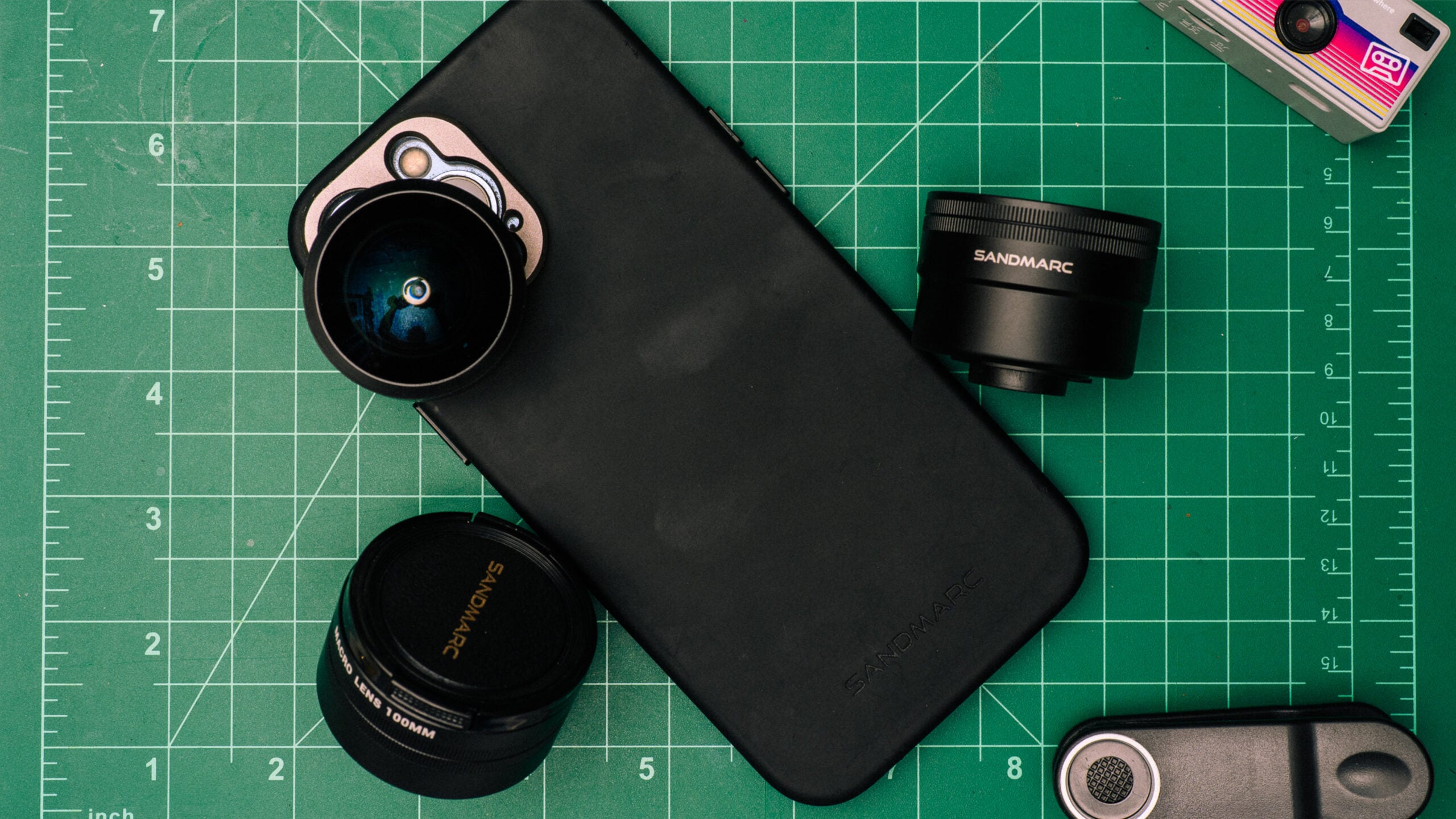
Access to photo/video gear is often cited as the biggest hurdle for would-be photographers and videographers. It’s easy to look at social media and instantly think that without pro-level gear, you simply can’t produce quality work. This couldn’t be any further from the truth. Recently, I was given the opportunity to test some of SANDMARC’s latest lenses for mobile photography and videography, and the results are impressive to say the least. Here’s how you can use the camera that’s always with you, to create images that rival what’s possible on pro gear.
SANDMARC Mobile Photography Lenses Features
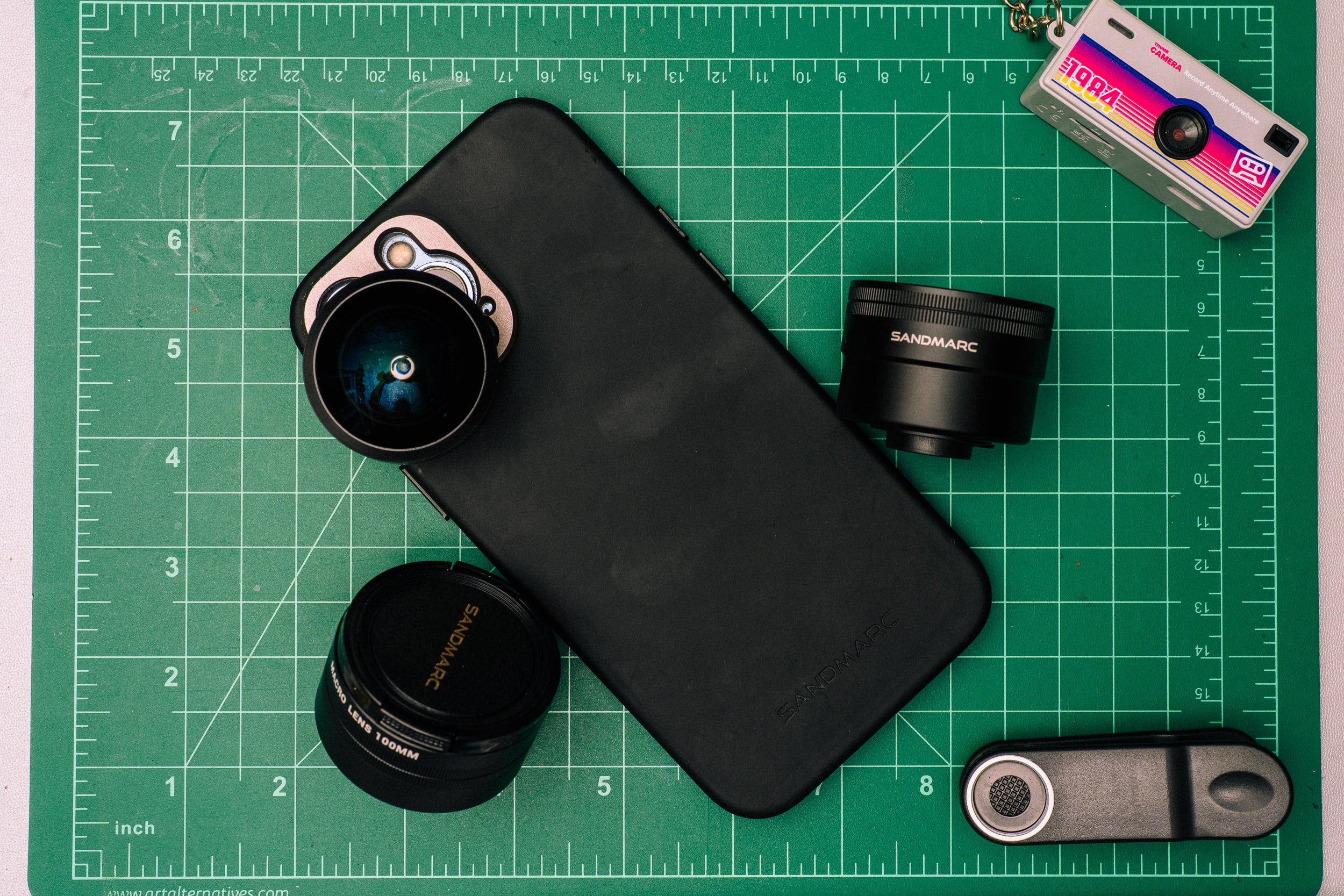
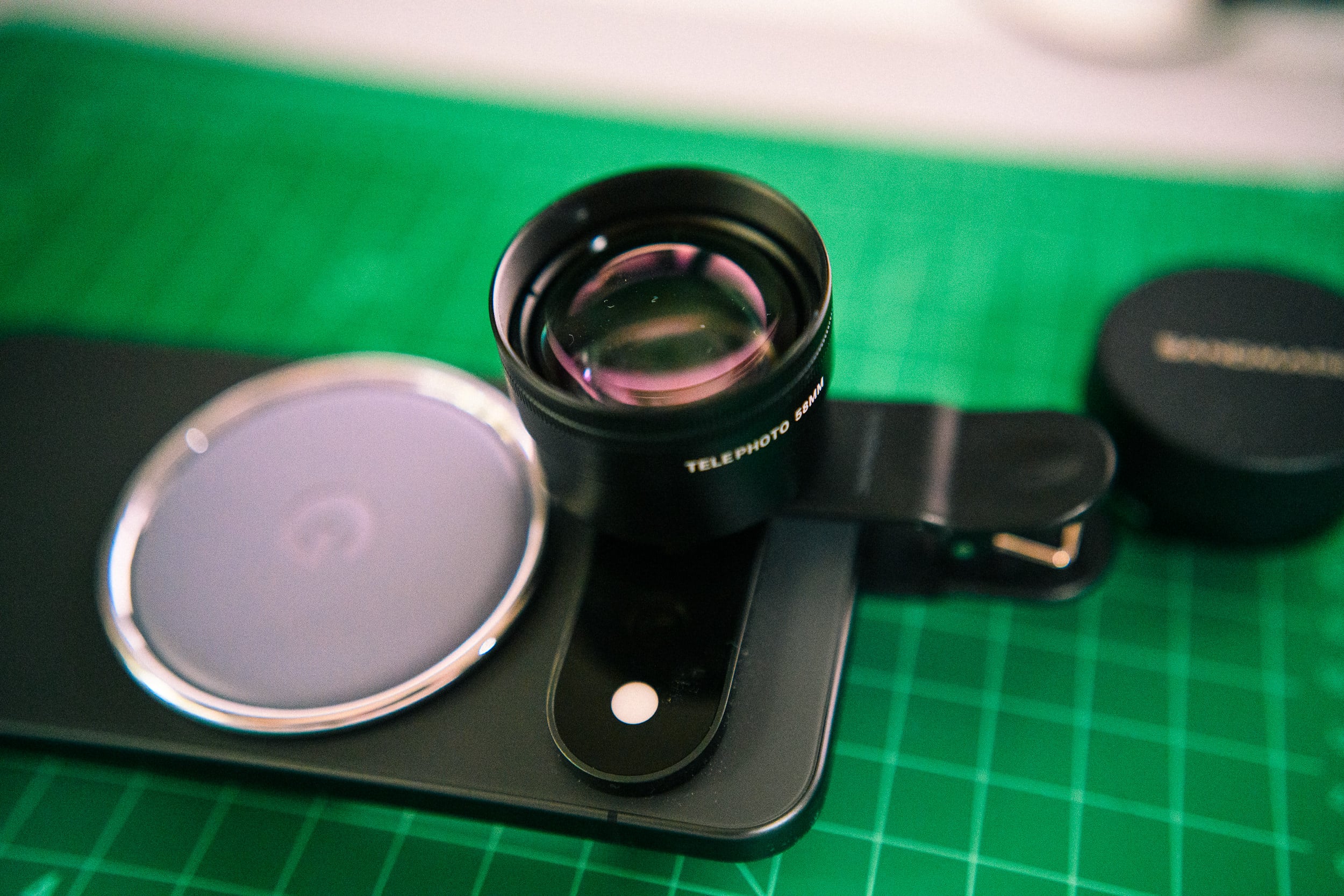
For this review, SANDMARC sent me the following lenses: the 58mm Telephoto, 100mm Macro, and the Fisheye lens. The features were copied and pasted below from their respective product packaging, but you can also check them out on Sandmarc’s website.
SANDMARC Macro 100mm Lens
- Focal Length: 100mm
- Height: 39mm
- Diameter: 48mm
SANDMARC Fisheye Lens
- Focal Length: 10mm
- Magnification: 0.2x
- Field of View: 210-degrees
SANDMARC Telephoto Lens
- Focal Length: 58mm
- Magnification: 2x
- Field of view: 52-degrees
- Inner Thread: 17mm
Each lens provided by SANDMARC also included a lens pouch, clip-on mount, cleaning pouch, and lens caps. The Clip-on mount allows you to use these lenses without a phone-specific case and allows for the use on some non-iPhone devices (like my Google Pixel Fold 2 and Apple iPad).
Returning to Mobile Photography Felt Like a New Experience
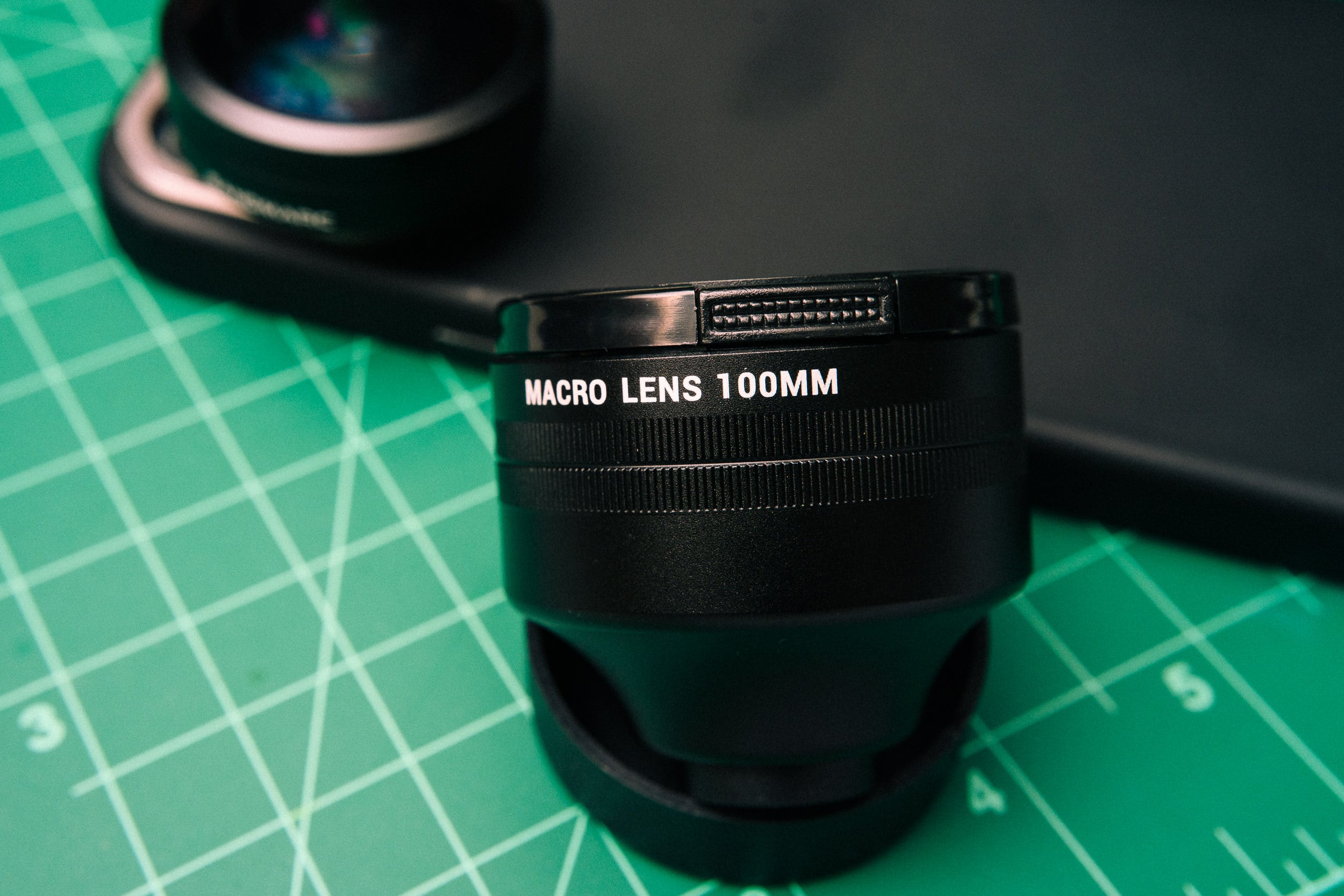
The lens system is as straight-forward as it gets: You can either use a SANDMARC iPhone case and screw the lenses into the appropriate mount – for example the 100m Macro lens will only work on the 1x lens – and use the SANDMARC Camera App to capture images or video. That’s it.
It’s that simplicity that allows anyone to quickly pick up their iPhone and begin to capture the world around them in unique new ways. For example, while something like the iPhone 17e claims to give mobile photographers up to 10x digital zoom, using it can often feel like a shaky, washed-out mess – even with improved imaging software. And on the wider side, it’s hard to get wider than a 10mm fisheye – something that cutesy filters rarely do well with. For me, using the SANDMARC Mobile Photography kit felt like giving my aged iPhone 13 Pro Max’s camera some much needed new life. Although this is my daily-driver device, it’s admittedly a terrible camera, even when it first launched. But with the SANDMARC lenses in tow, suddenly I found myself wanting to use my iPhone for photography a whole lot more.
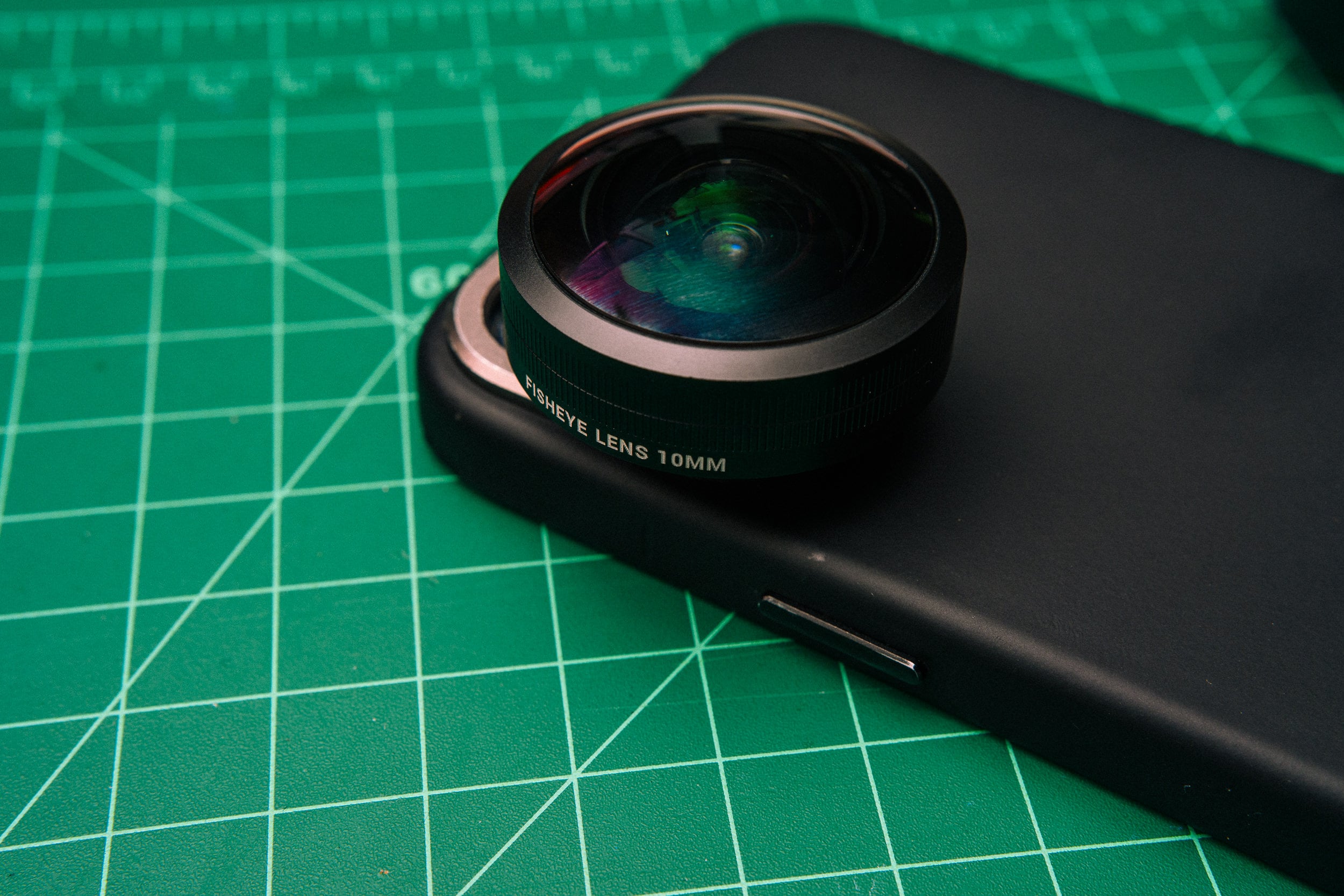
Over the summer I found myself considering new ways to use these lenses along with my iPhone for simple use cases ranging from dinner with friends and loved ones to b-roll for videos. It meant that even if I needed a “proper” camera for a job, I could easily use my iPhone (the camera that’s always with me) to act as a jobber – a camera that could fill equipment holes that I hadn’t considered.
What Could be Better
Despite the system’s simplicity, ultimately the experience comes down to just how much you enjoy using your phone for photography. When I shared the lenses and case with my wife, who primarily uses her phone for taking snapshots and video, she found the experience to be enjoyable – even with some of the additional weight the lenses add to your phone. As for myself, I primarily make photographs with larger camera bodies and found the phone a bit too cramped until I got reacclimated to using my phone as my primary camera. I’m sure I could rig my phone to a cage or add a cheap remote grip, but at that point I would most likely consider packing a second camera.
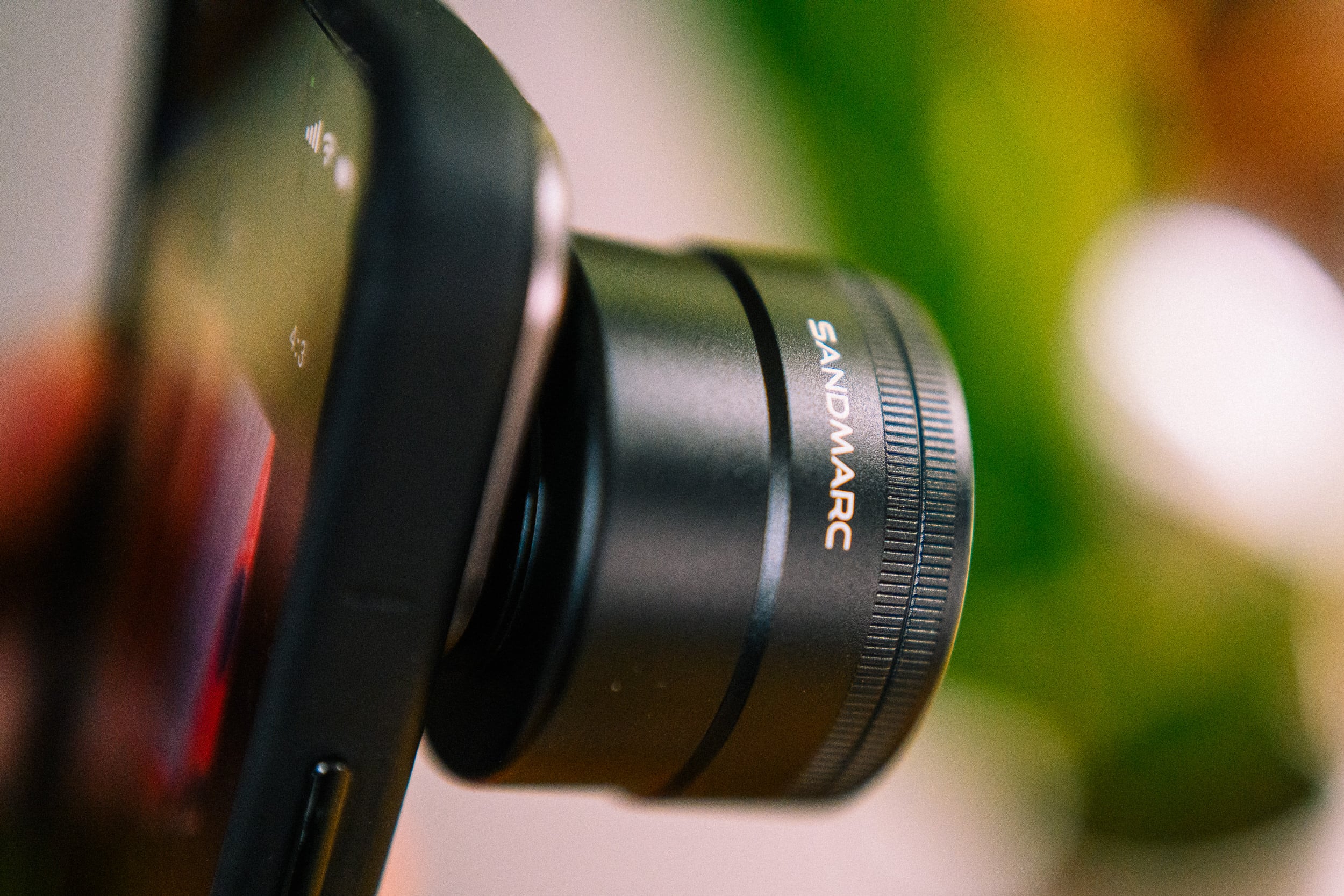
While the clip-on mount adapters help you bring these lenses to phones that currently do not have cases, like my Pixel 11 Pro, they don’t always stay put when you’re out and about. This means you’ll have to keep checking to ensure that you’re not blocking the camera or caused your camera app to automatically switch over to another camera because your active camera was obstructed. Lastly, the SANDMARC app should come to Android phones – the newly updated video features would help make it one of the best advanced camera apps for mobile devices.
How do the Images Stack up?
At the end of the day, the only question that should matter is how well (or not) do the resulting images look. One of the biggest issues with mobile photography lenses in the past was the degradation in quality and sharpness that would occur when adding another glass element in front of your phones’ camera. Several years ago, this would’ve been a dealbreaker – many of the early mobile photography lenses degraded the images from the camera and older phones struggled with overall picture quality. Today, this is less of an issue thanks to better optical build and at least in the case of the SANDMARC lenses, all-metal construction including at the mount end (no more worrying about breaking the mount point between lens and phone).
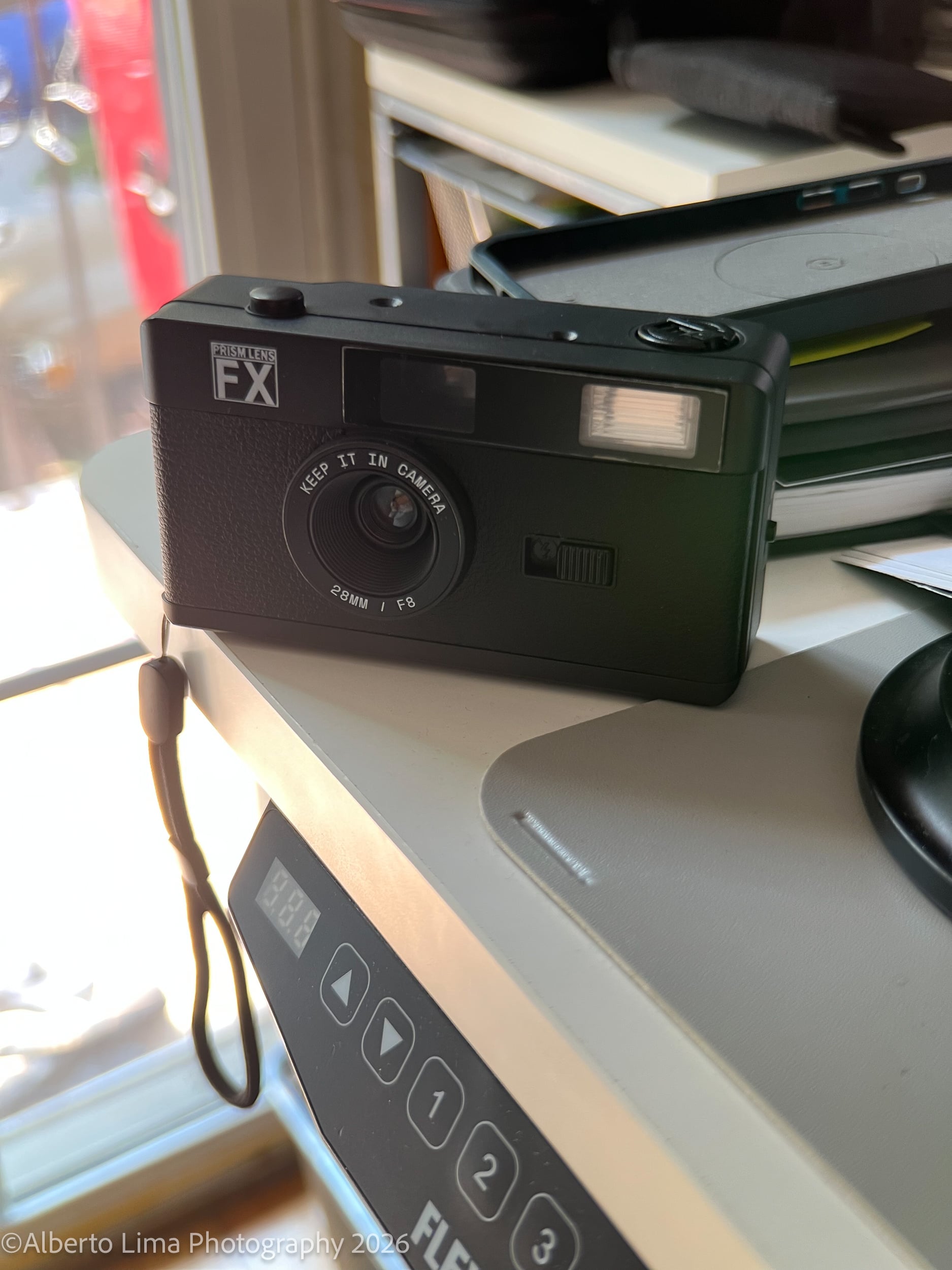
Here are some of my favorite images taken with these lenses:
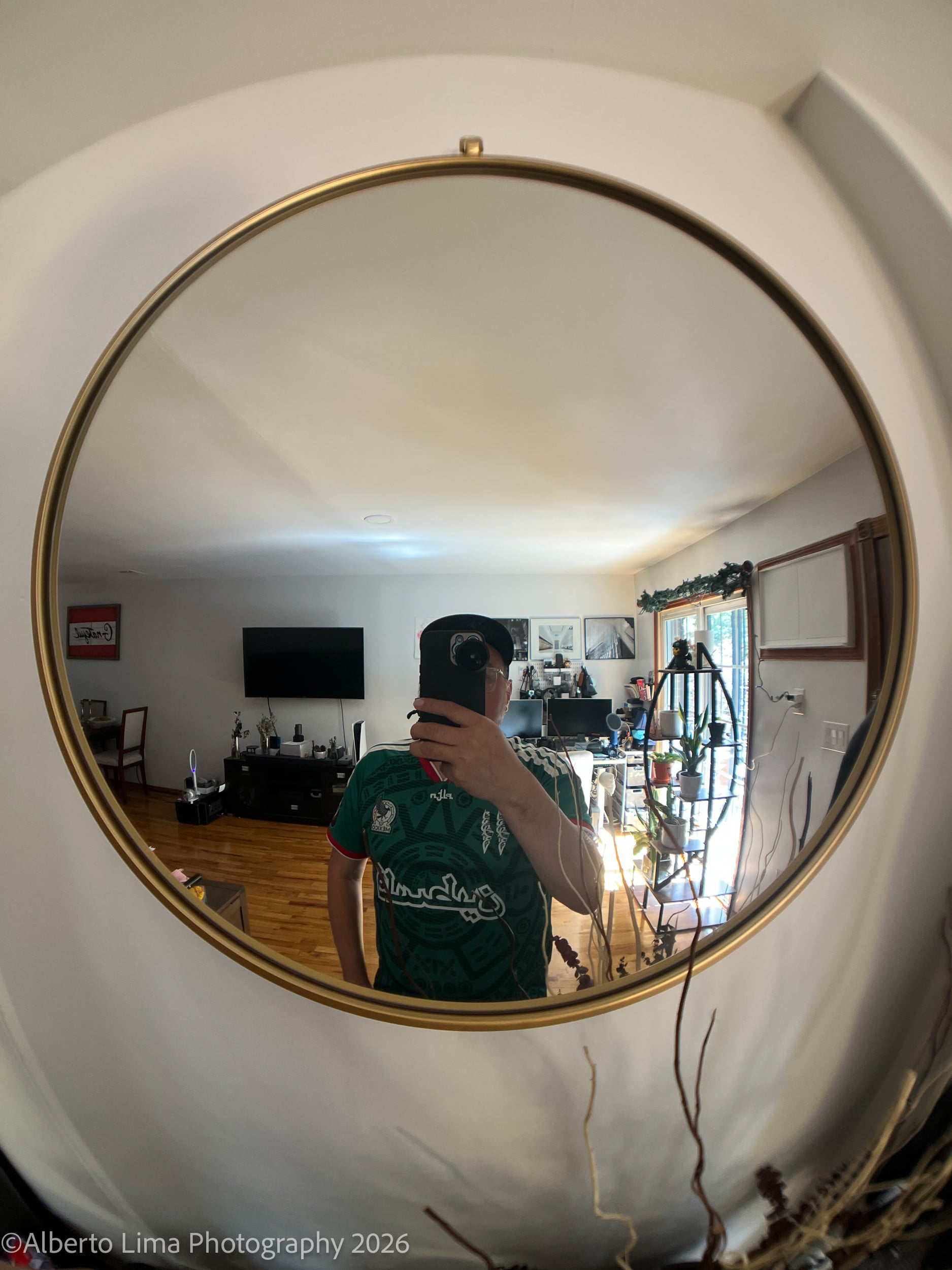
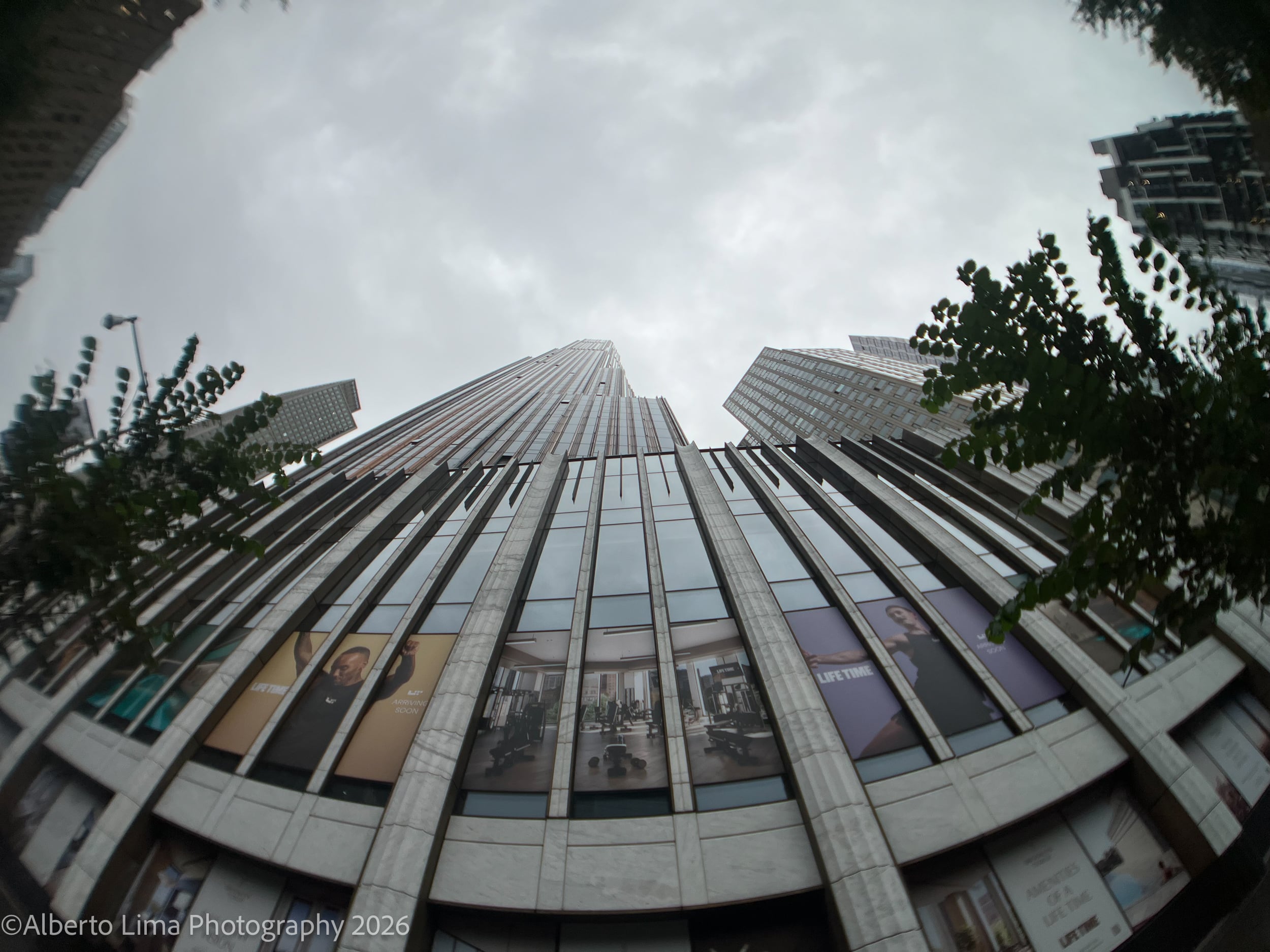


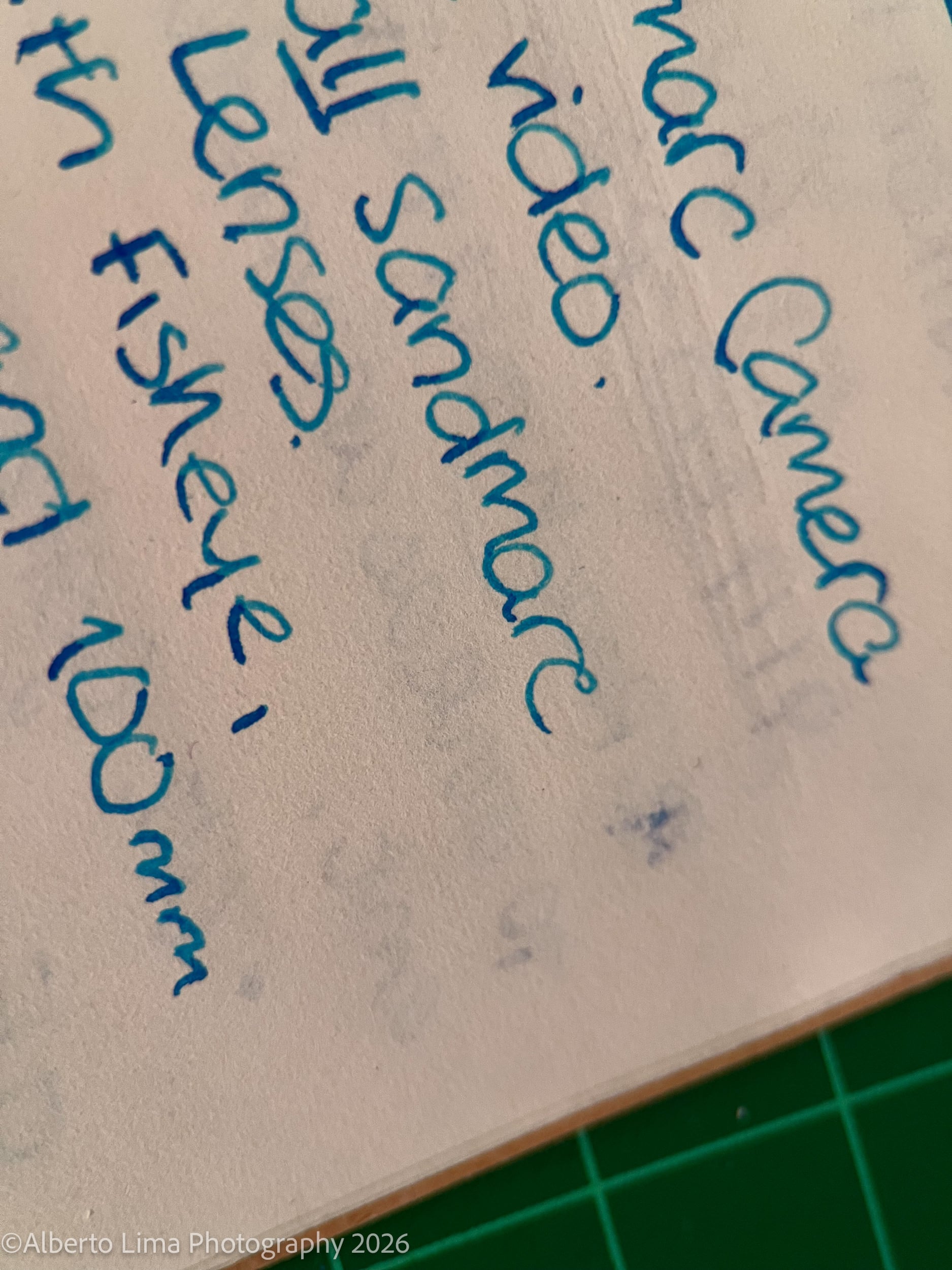




No More Excuses
As I initially mentioned, gear is usually the main reason people cite for not starting their creative journey. Whether it’s photography or videography, you don’t need to be held back by a lack of “professional” gear, not when things like the SANDMARC Lens kits exist. These lenses can help you do so much more than take snapshots with your phone and can open a world of creative possibilities. They are also significantly more affordable that most entry-level camera systems – just in case you learn you’re not that into your new hobby.
See more from DIYPhotography.net on Google
Add DIYPhotography.net as a trusted source. This makes
our stories more likely to appear in your Google Search results.
 Add as a preferred source on Google
Related Posts
 Canon’s New EOS R6 V Bridges the Gap Between Mobile Video and Cinema Cameras
 Bridge District threathens photographer after noticing he shot the Golden Gate Bridge from an “illegal angle”
 This device from the 1990s bridged the gap between film and digital
 This phone case acts like a “mobile airbag” to protect your phone when dropped
Join the Discussion
DIYP Comment Policy
Be nice, be on-topic, no personal information or flames.