






















Imagen’s Intelligent Studio Lets You Edit and Cull in Any Order, With a Full Editor Built In
Sep 29, 2026
Dunja Đuđić Kalinin
Dunja Djudjic is a multi-talented artist based in Novi Sad, Serbia. With 15 years of experience as a photographer, she specializes in capturing the beauty of nature, travel, concerts, and fine art. In addition to her photography, Dunja also expresses her creativity through writing, embroidery, and jewelry making.
Share:
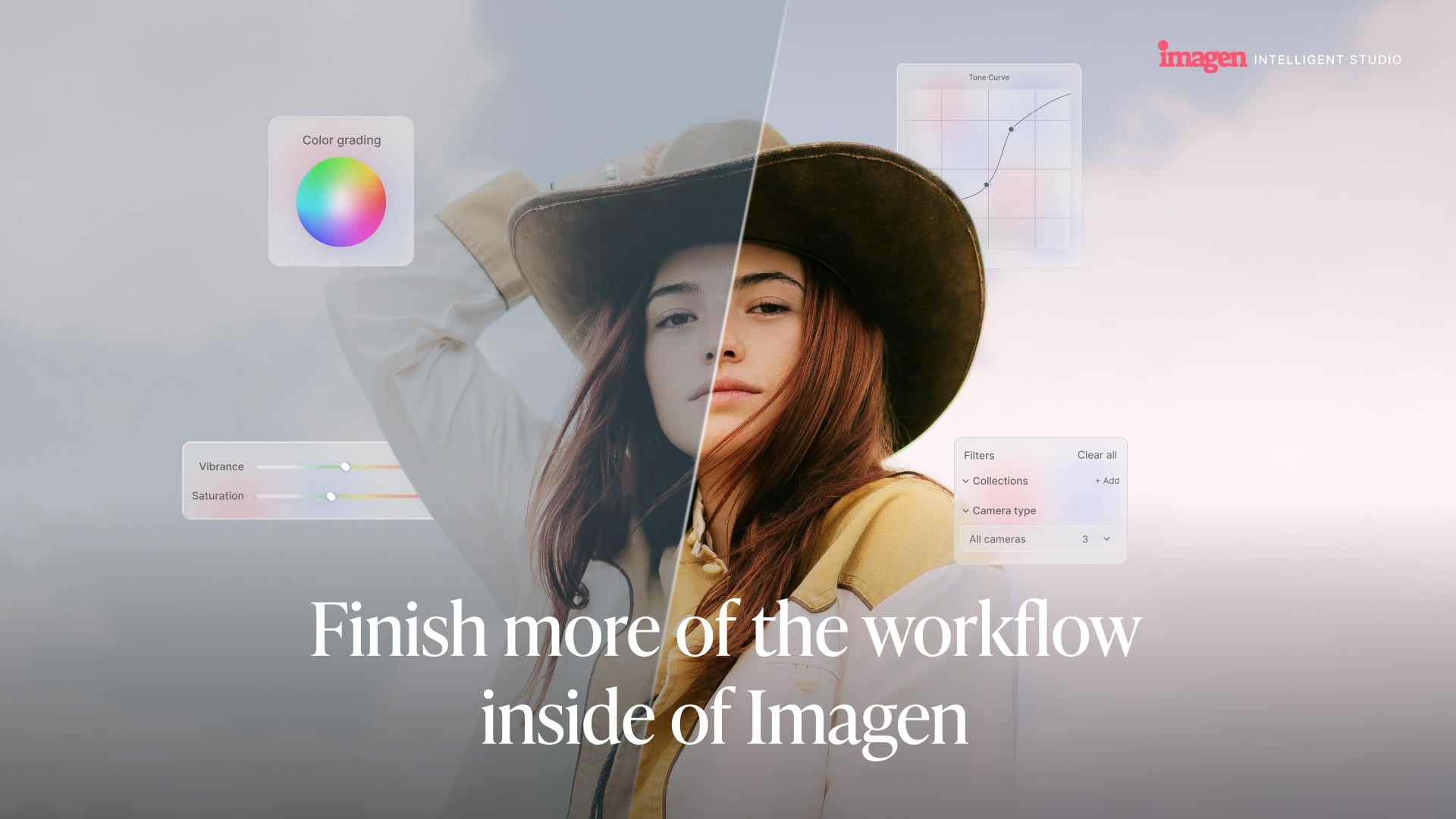
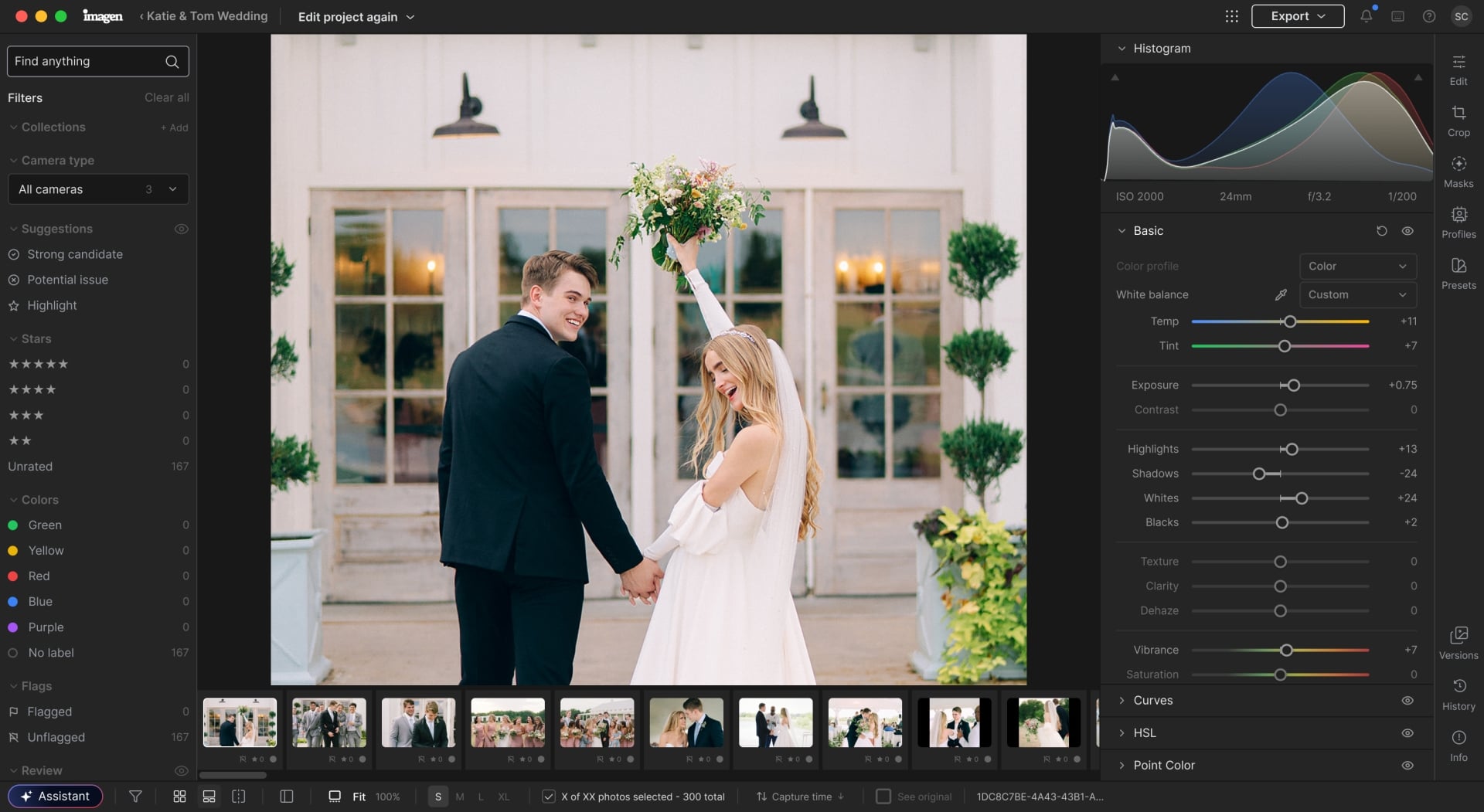
Imagen is launching Intelligent Studio, a significant update to its AI-powered post-production platform. It does two things at once. First, it adds a full manual editor built directly into Imagen. And second, pretty interesting: it removes the assumption that culling and editing have to happen in a fixed order. Let us tell you more.
Culling Order
Most editing workflows follow the same sequence: cull first, edit second, export third. Imagen’s new workspace lets you do any of those in any order, or move between them mid-project. Start editing before you’ve made final selects, pull together a client preview from a few key shots, then go back and finish culling. The software adapts to how you’re working rather than waiting for you to finish one phase before it lets you start the next.
Built-In Editor
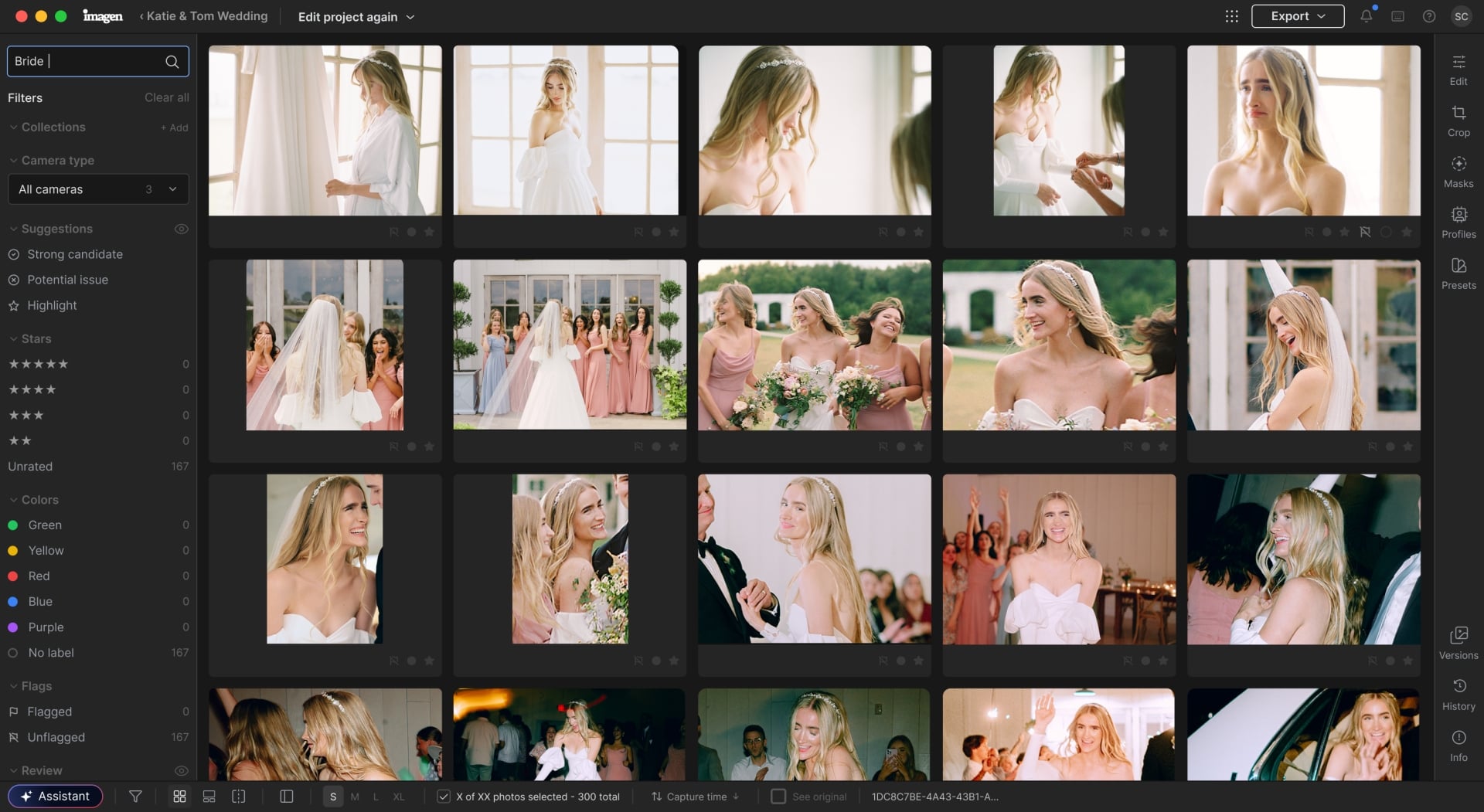
The built-in editor covers the full range of manual adjustments: tone and color, curves, HSL, point color, color grading, detail, lens corrections, geometry, and creative effects like vignette and grain. You can draw masks manually or edit the ones Imagen’s AI creates. Any set of edits can be saved as a preset. Lightroom is still fully supported: AI Profile edits and AI tool adjustments export as XMP to Lightroom Classic, Bridge, Photoshop, or Camera Raw. Manual edits made inside Imagen’s editor stay in Imagen and aren’t included in that download.
What Else is New in Imagen Studio
The other new addition is the Assistant, which takes plain-language requests and handles multiple steps at once. Instead of finding a set of images, selecting them, and making an adjustment one step at a time, you can type something like “warm up everything shot on the 25mm” or “increase contrast in all the yellow-labeled photos” and Imagen handles the rest. It also picks up on metadata like lens, camera, ISO, and capture time, and anything you’ve already flagged with star ratings or color labels.
AI Filters round out the update, surfacing photos by people or by moments in the shoot automatically, without manual tagging. Wedding-day scenes are supported now, with other shoot types planned. Standard filters like star rating, color label, and focus quality are in there too.
Pricing and Availability
Imagen offers two plans: pay-as-you-go, with a $7 monthly minimum plus usage-based charges, and Limitless, a flat monthly rate for photographers who’d rather not track individual charges.
Pricing changes with Imagen’s Intelligent Studio for pay-as-you-go customers. Instead of paying for each AI action, you can explore and continue editing freely, then pay for the images you ultimately export.
The update begins rolling out to customers in stages starting September 29, and you can learn more here.
See more from DIYPhotography.net on Google
Add DIYPhotography.net as a trusted source. This makes
our stories more likely to appear in your Google Search results.
 Add as a preferred source on Google

Dunja Đuđić Kalinin
Dunja Djudjic is a multi-talented artist based in Novi Sad, Serbia. With 15 years of experience as a photographer, she specializes in capturing the beauty of nature, travel, concerts, and fine art. In addition to her photography, Dunja also expresses her creativity through writing, embroidery, and jewelry making.



Join the Discussion
DIYP Comment Policy
Be nice, be on-topic, no personal information or flames.