















Adobe MAX 2026 Sneaks Shows Ten Futuristic Tools: You Can Try Two Yourself
Nov 11, 2026
Dunja Đuđić Kalinin
Dunja Djudjic is a multi-talented artist based in Novi Sad, Serbia. With 15 years of experience as a photographer, she specializes in capturing the beauty of nature, travel, concerts, and fine art. In addition to her photography, Dunja also expresses her creativity through writing, embroidery, and jewelry making.
Share:
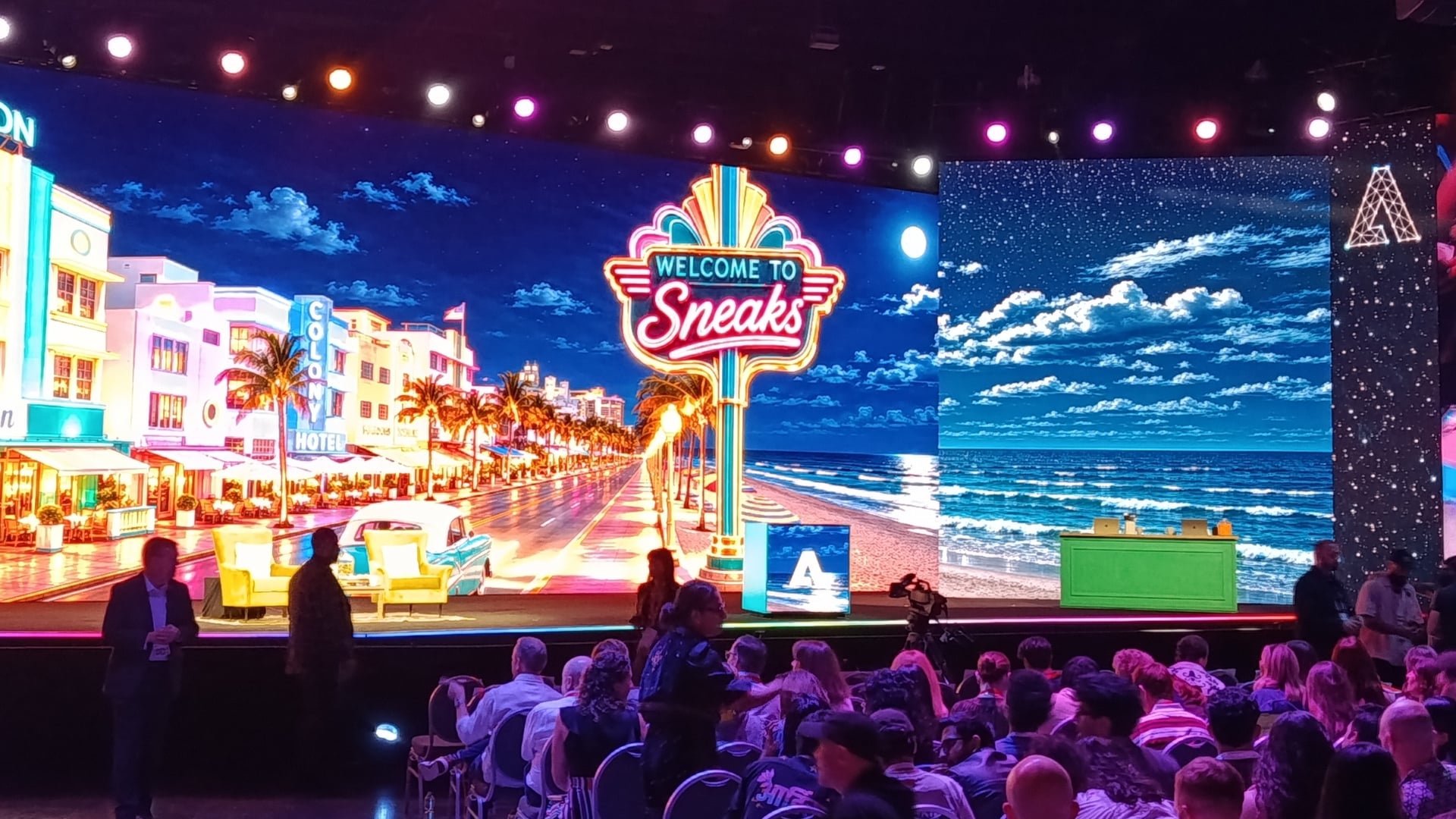
This year’s Adobe Max conference is in full swing and with it the company has laid out its future: and like much of the software we all use, AI is a big part of Creative Cloud’s future.
For their part, Adobe is acutely aware of the increased attention and interest in Agentic AI and this latest Sneaks preview feels like a direct response to that.
The company has demonstrated the possibilities of new AI tech that could become a part of its apps, and to an old-school Photoshop user like me, they look like science fiction.
The Adobe MAX 2026 Sneaks Features List
The Adobe MAX 2026 Sneaks showcase features experimental generative AI and workflow technologies designed to test the future of creativity across imaging, video, and audio.
- Project Scene SweepThis feature tracks characters, locations, and scenes across a video sequence so that a single creative edit or adjustment can be applied consistently across cuts and multiple camera angles.
- Project Screen Test: This tool allows creators to develop a fictional character’s look, voice, and personality, and then engage in natural-language voice chat and virtual auditions with the AI character to explore how they respond in various scenes.
- Project Live Set: This experimental capability lets creators dynamically alter subjects, transform environments, or redirect camera angles while a video scene is actively playing.
- Project On Cue: This feature provides an editable timing signal—drawn by hand or extracted from video and audio tracks—that allows creators to precisely direct the timing of generated visual actions and effects.
- Project Sound Bender: This tool lets users describe custom sound effects with text prompts, extract or generate audio within a mix, and shape them interactively in real time using a spatial control surface.
- Project Deep Brush: This feature uses AI to understand an image’s underlying shape, color, and lighting so that brushstrokes dynamically follow surface contours and natural shadows are preserved.
- Project Sight Span: This tool transforms flat 2D images, photos, or illustrations into navigable 3D environments, allowing users to explore new camera angles and generate contextually accurate content beyond the original frame.
- Project Hands On: This experimental interface creates on-canvas controls driven by AI understanding, enabling creators to directly manipulate elements of a scene by hand.
- Project Rinse Repeat: This tool captures specific edits and retouches made to one element in an image and automatically adapts them across other people or objects using native Photoshop tools for easy further refinement.
Adobe’s Agentic AI MCP Integration
For more commercial and enterprise users, Adobe is leaning into Agentic AI with the announcement of its new Model Context Protocol (MCP). At its core, MCP will grant specific high-volume users connect their creativity suite with other business-critical software like Slack, Drive, and Jira. Unlike Blackmagic Design’s implementation of an Open MCP protocol, Adobe MCP initiative focuses on hand-offs across disparate apps—allowing an agent to round-trip graphics, motion design, video, and enterprise brand assets across the entire Creative Cloud.
For Marketing Teams, Commercial Studios and Production Houses, and Technical Engineers, the idea is to give these corporate teams build bridges across their entire tech stacks to more easily enforce “house standards” – like branding – or complete complex, repeatable processes – think logo replacements across multiple campaign documents – using automated, natural language prompts instead of hours of human effort.
First Impressions and Thoughts
Some of these features might become a part of Adobe apps in the future, and some will never see the light of day beyond the Sneaks session at Adobe MAX 2026. But nevertheless, it’s fun, albeit a bit scary, seeing how far the technology has come in such a short time.
And check this out: for the first time, anyone can try two of this year’s projects. Project Deep Brush and Project Hands On are available in the new Adobe Labs Playground if you wanna see for yourself what they can do. I am difficult to impress, but Project Deep Brush has left me speechless.
I really wish you could try Project Rinse Repeat, as that was the one that blew my mind the most. Product, fashion and portrait photographers would love this one, as it makes tedious edits so much simpler. Imagine cleaning up a beauty shot with several people in it, or removing pimples from the faces of teenagers in a group shot… You clean up one face, and the tool does the rest. But hey, who knows, we may see this in some future version of Photoshop.
Out of these features, are there some that you’d like to see implemented?
See more from DIYPhotography.net on Google
Add DIYPhotography.net as a trusted source. This makes
our stories more likely to appear in your Google Search results.
 Add as a preferred source on Google

Dunja Đuđić Kalinin
Dunja Djudjic is a multi-talented artist based in Novi Sad, Serbia. With 15 years of experience as a photographer, she specializes in capturing the beauty of nature, travel, concerts, and fine art. In addition to her photography, Dunja also expresses her creativity through writing, embroidery, and jewelry making.
Related Posts
 Hobolite’s new Max series kicks off with 80W Avant Max and 40W Mini Max
 Adobe shows off powerful new masking tools coming to Lightroom and Adobe Camera Raw
 8 creative camera hacks in under 90 seconds that you can try yourself
 Photographer sneaks inside wrecked Costa Concordia to shoot these haunting photos of the ghost ship
Join the Discussion
DIYP Comment Policy
Be nice, be on-topic, no personal information or flames.