









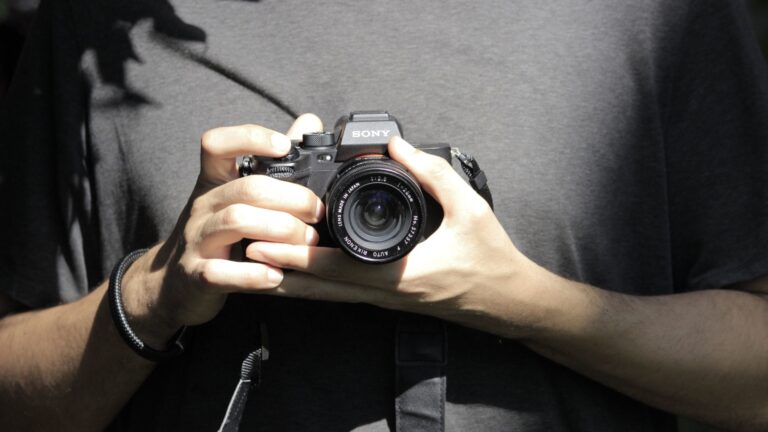














Maximize Your Lomography DigitaLIZA Max
Jan 11, 2026
David Prochnow
Our resident “how-to” project editor, David Prochnow, lives on the Gulf Coast of the United States in Ocean Springs, Mississippi. He brings his expertise at making our photography projects accessible to everyone, from a lengthy stint acting as the Contributing How-To Editor with Popular Science magazine. While you don’t have to actually build each of his projects, reading about these adventures will contribute to your continued overall appreciation of do-it-yourself photography. A collection of David’s best Popular Science projects can be found in the book, “The Big Book of Hacks,” Edited by Doug Cantor.
Share:
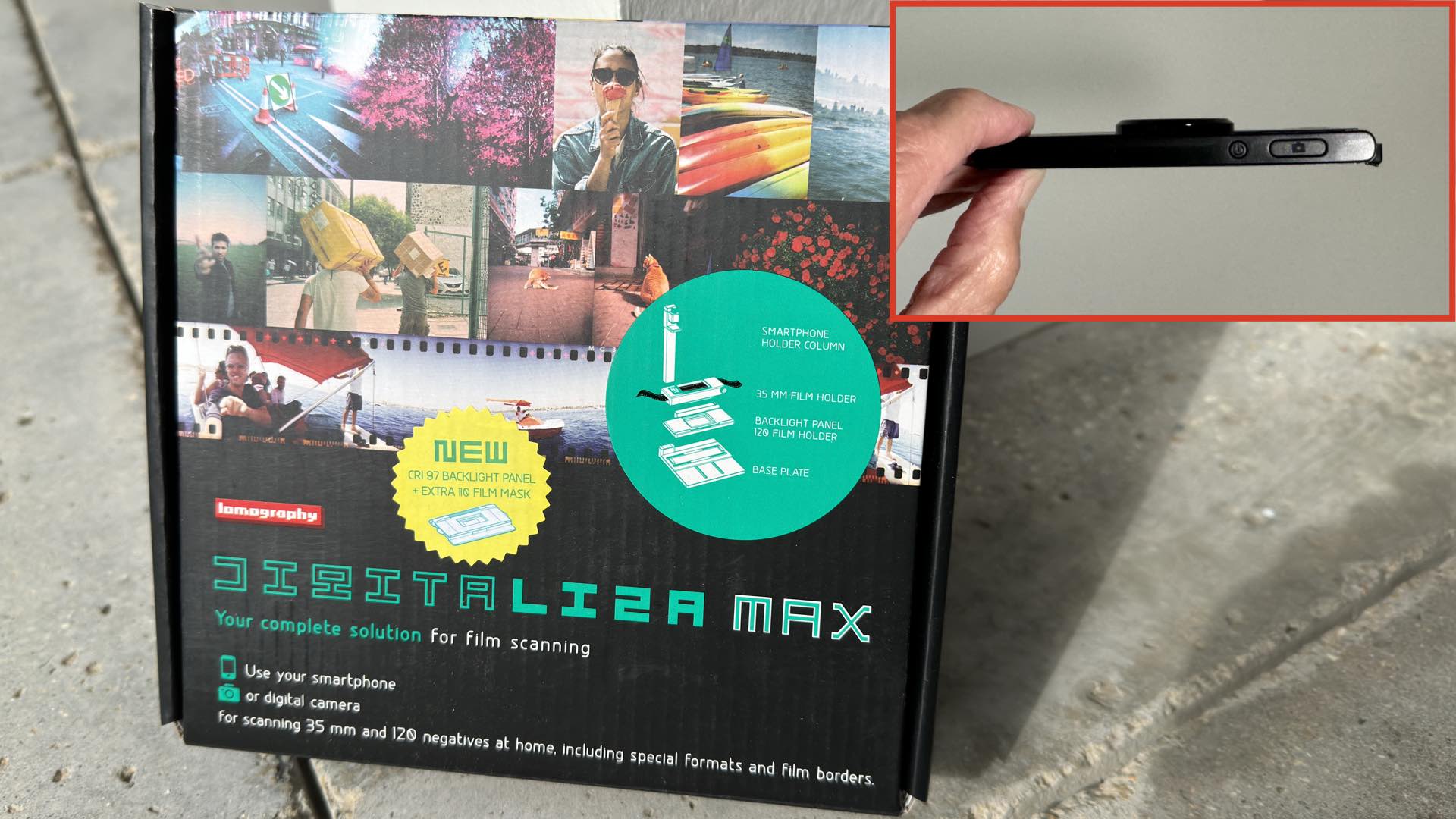
While Lomography recommends the use of a smartphone with the DigitaLIZA Max, there are a couple of reasons why this selection isn’t the best option. For example, your smartphone might have an inadequate camera or a limited amount of storage capacity.
Paramount among your decisions for not using your smartphone for scanning your negatives could be your need for your smartphone to behave as, well, a smartphone. In other words, you might not want to anchor your beloved social network conduit to a laborious digitizing task while chat/like/comment commitments are beckoning your attention.
The answer to this dilemma might actually be hanging around your neck! The Badgera is a 48MP digital camera that has three potent characteristics that make it an excellent alternative for anchoring to the DigitaLIZA Max.
First, there’s the device’s incredible price of $9.95. That’s right; for about the same price as a custom-prepared coffee drink, you can make the Badgera a dedicated digitizer.
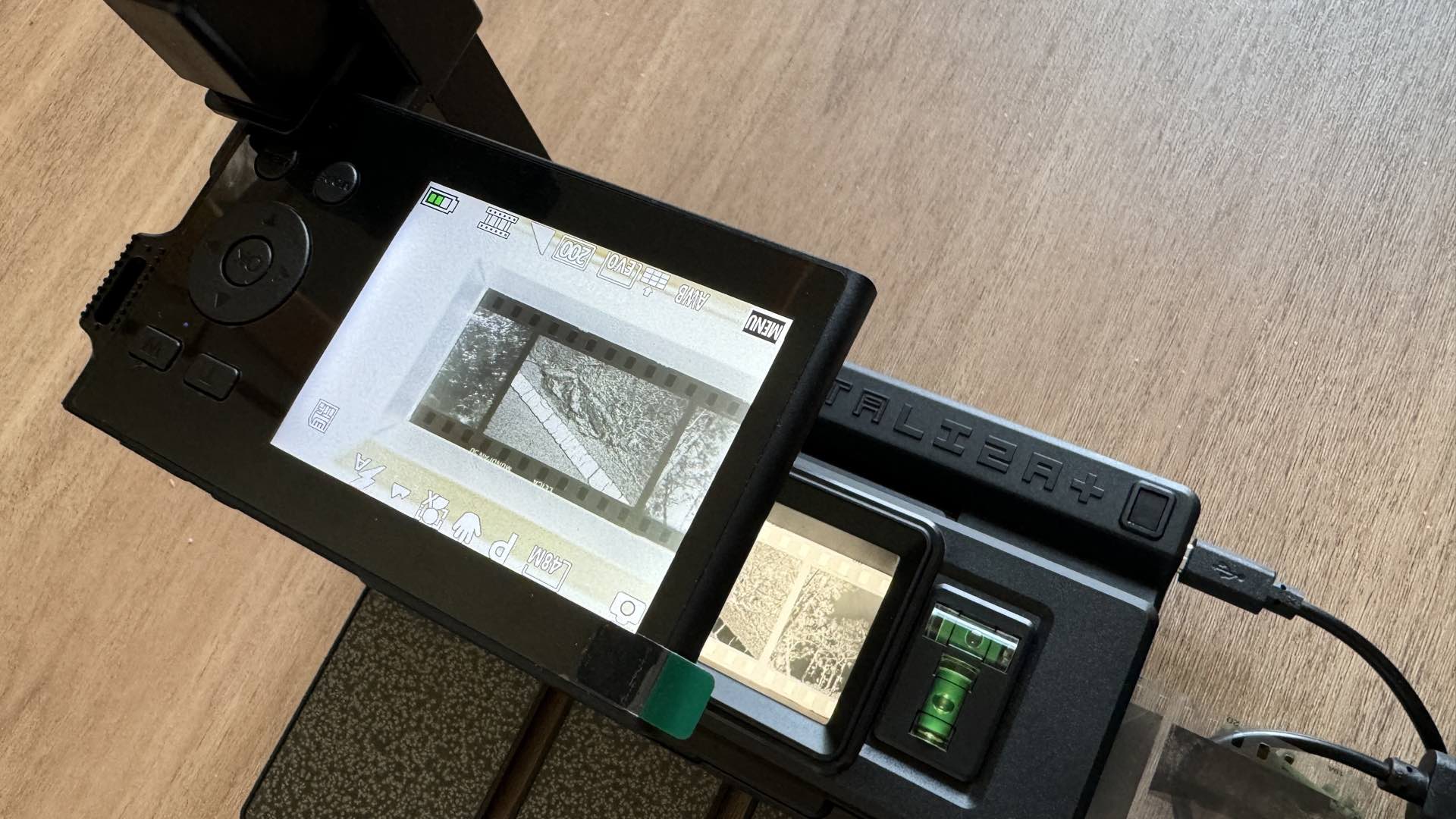
Second, the 48MP resolution of a scanned negative photograph promises to make your film images retain all of their grainy glory. Just don’t expect miracles from a $10 camera. These results will not be equivalent to a professional lab’s scans.
Finally, the Badgera has a secret weapon that makes it ideally suited for negative digitizing and elevates it above most smartphones. Built inside this ultra-thin camera is a negative filter mode. This mode when exposed to a film negative results in a positive print–no PC, required.
Taking it to the Max
In theory, all of these super specs sound, err, well, super. But, how well does the Badgera actually perform the task of digitizing negatives with the Lomography DigitaLIZA Max? Regardless of whether you’re scanning 120-, 35mm-, or 110-format films the process is well documented in the Lomography instructions.
By inserting the Badgera, with its negative filter mode, however, into this film digitizing recipe, you won’t be using a PC for post-exposure processing or uploading your negative scans to an online conversion site. The Badgera becomes a one-stop service shop.
In order to clearly define the digitizing capabilities of the Badgera, please study these examples:
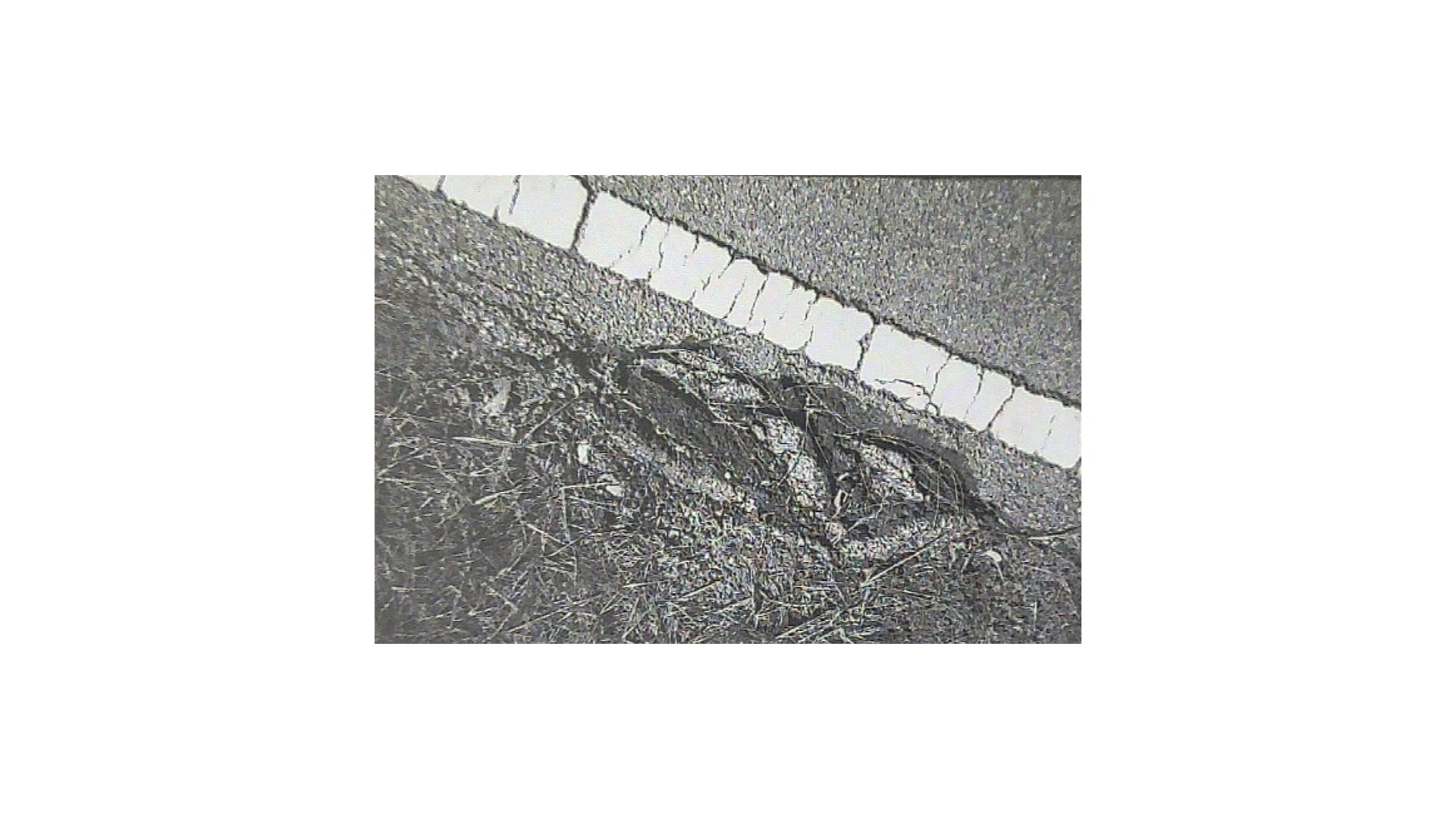
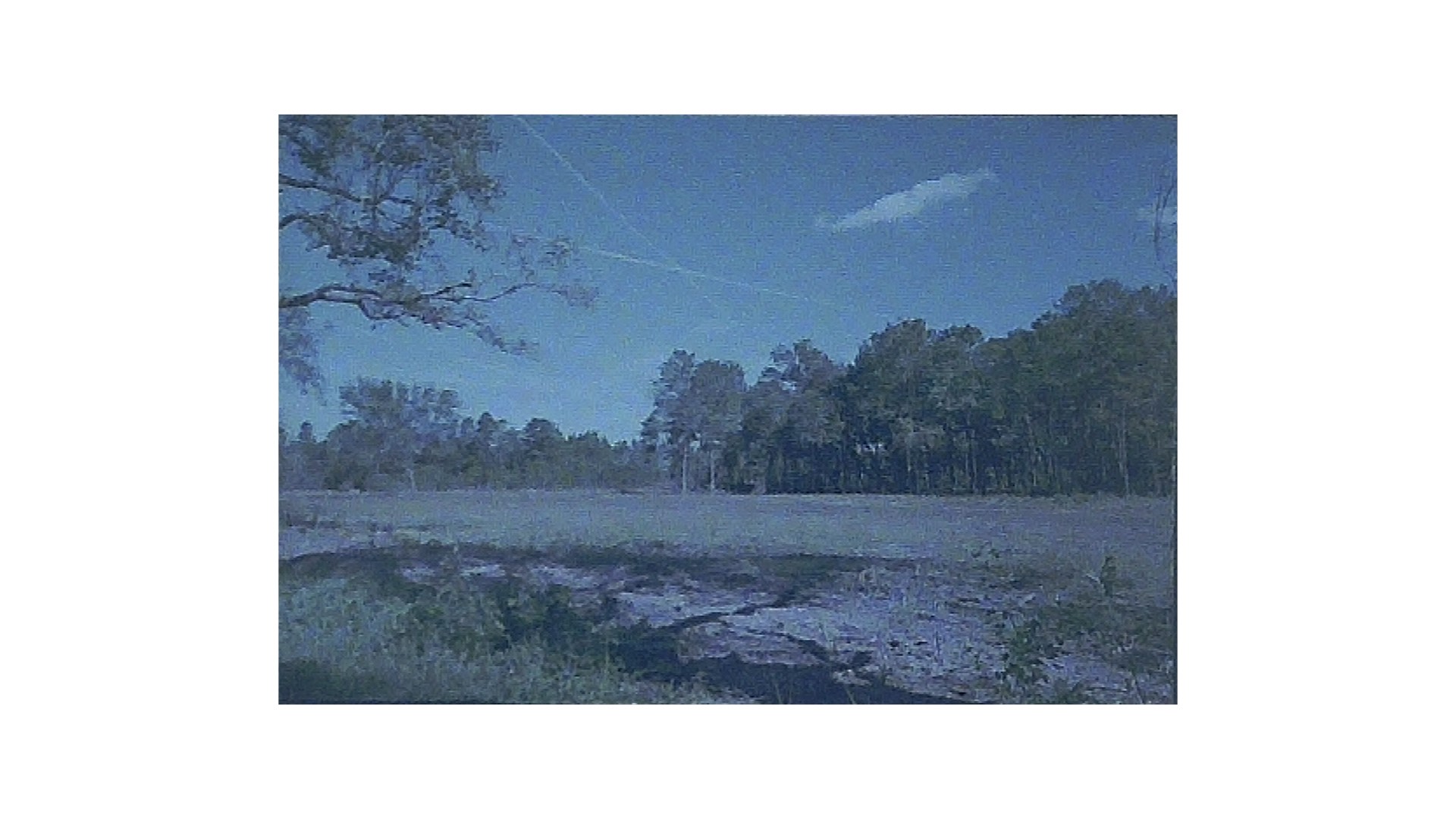
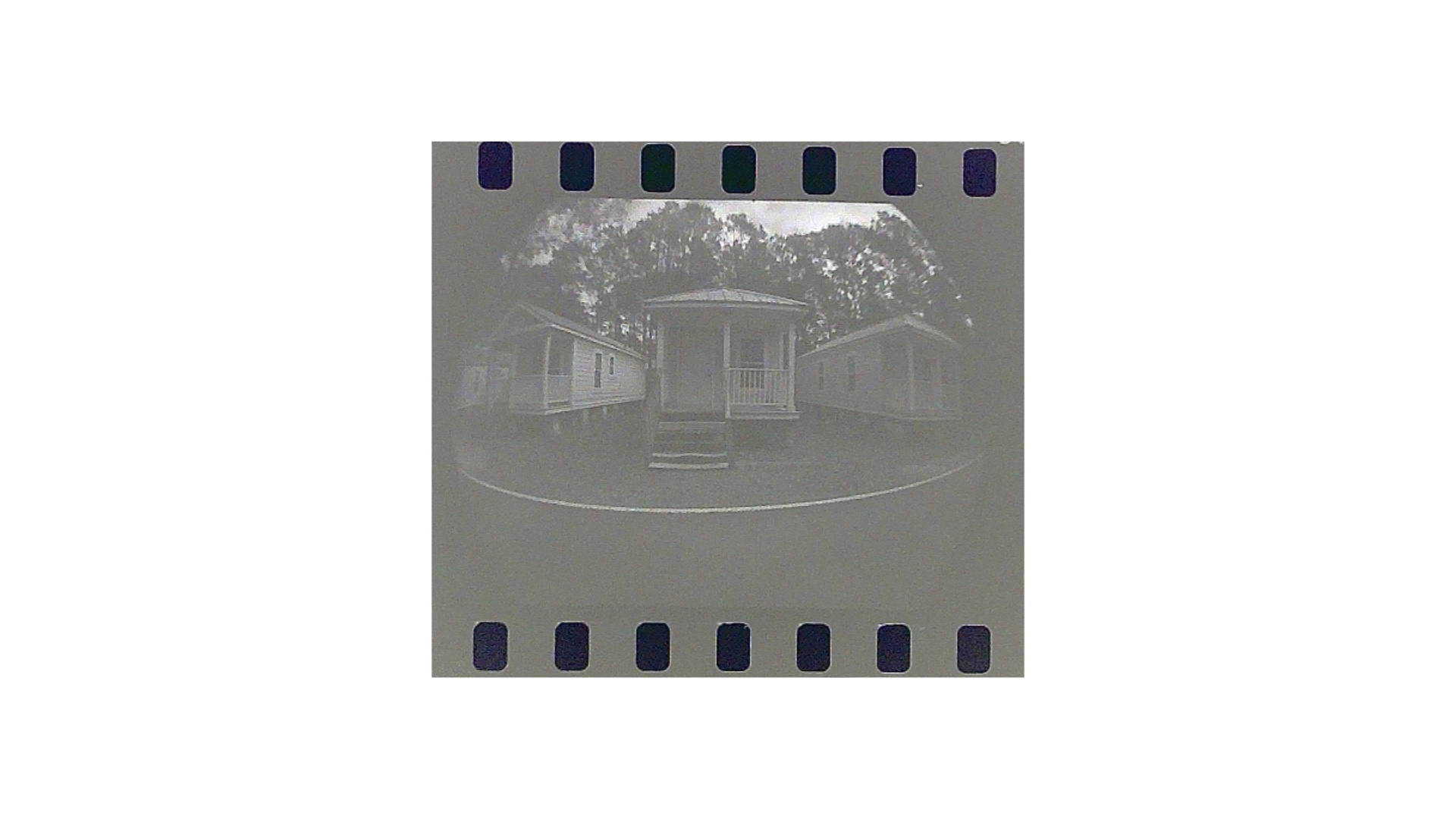
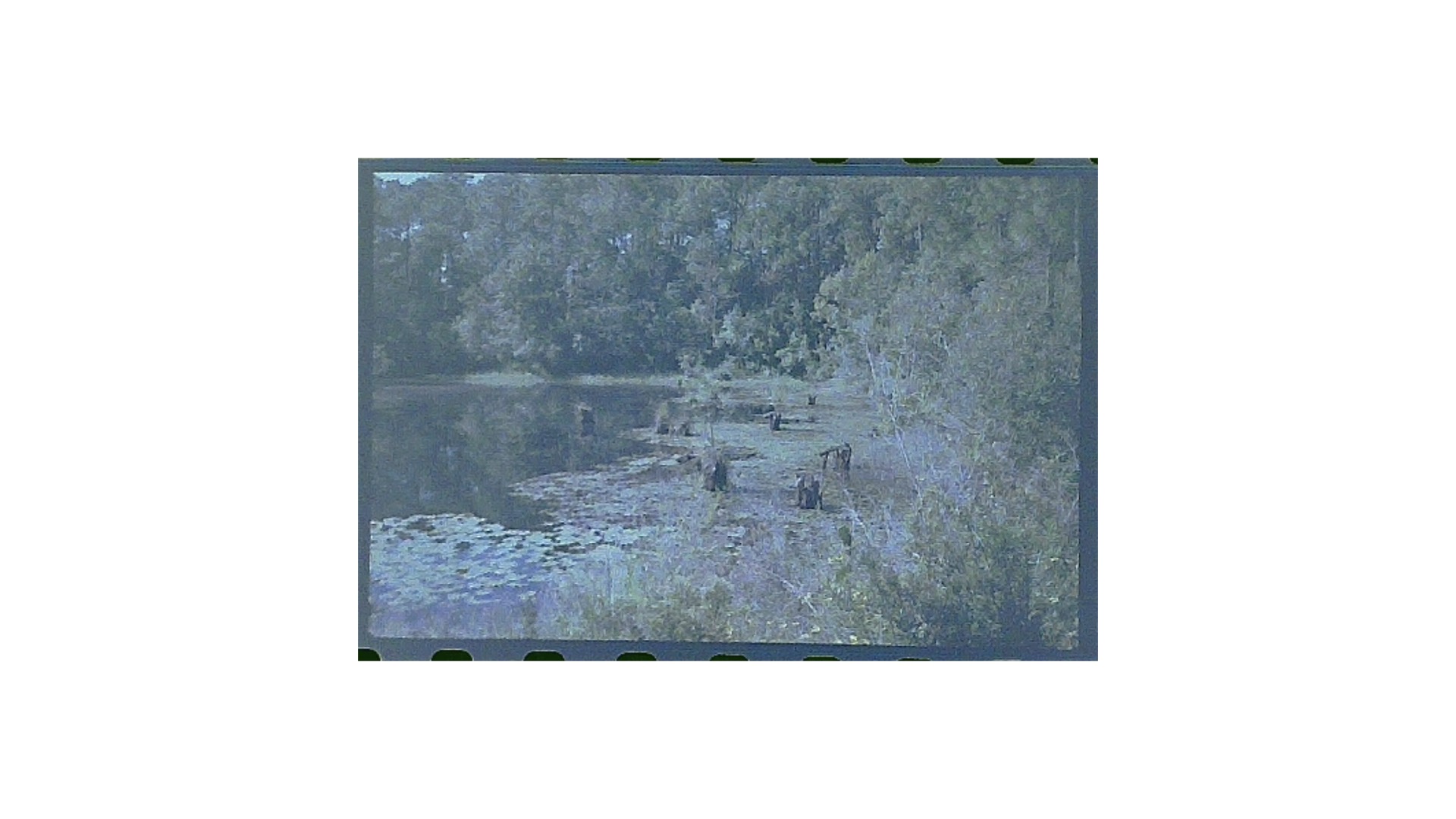
Don’t you just love a one-stop service shop? In this case, you remove your smartphone from the Lomography system and insert a wisp-of-a-camera into the DigitaLIZA Max for instant scan gratification. Even better is the turnaround time between raw film, developed film, and digital print…all in your own studio without waiting for deliveries or missing an important text message.
Enjoy.
See more from DIYPhotography.net on Google
Add DIYPhotography.net as a trusted source. This makes
our stories more likely to appear in your Google Search results.
 Add as a preferred source on Google
Filed Under:
Tagged With:

David Prochnow
Our resident “how-to” project editor, David Prochnow, lives on the Gulf Coast of the United States in Ocean Springs, Mississippi. He brings his expertise at making our photography projects accessible to everyone, from a lengthy stint acting as the Contributing How-To Editor with Popular Science magazine. While you don’t have to actually build each of his projects, reading about these adventures will contribute to your continued overall appreciation of do-it-yourself photography. A collection of David’s best Popular Science projects can be found in the book, “The Big Book of Hacks,” Edited by Doug Cantor.




Join the Discussion
DIYP Comment Policy
Be nice, be on-topic, no personal information or flames.