


























Here is a thermal camera that connects to your phone for under $80
Dec 15, 2024
David Prochnow
Our resident “how-to” project editor, David Prochnow, lives on the Gulf Coast of the United States in Ocean Springs, Mississippi. He brings his expertise at making our photography projects accessible to everyone, from a lengthy stint acting as the Contributing How-To Editor with Popular Science magazine. While you don’t have to actually build each of his projects, reading about these adventures will contribute to your continued overall appreciation of do-it-yourself photography. A collection of David’s best Popular Science projects can be found in the book, “The Big Book of Hacks,” Edited by Doug Cantor.
Share:

So, you have a fever of a hundred and three? You could just dance over to a thermometer and check your temperature. But that’s not going to give you the whole picture. Using this thermal imaging camera will make you feel like a foreigner from another planet. So let’s make a secret rendezvous and take some photographs that only a predator could love.
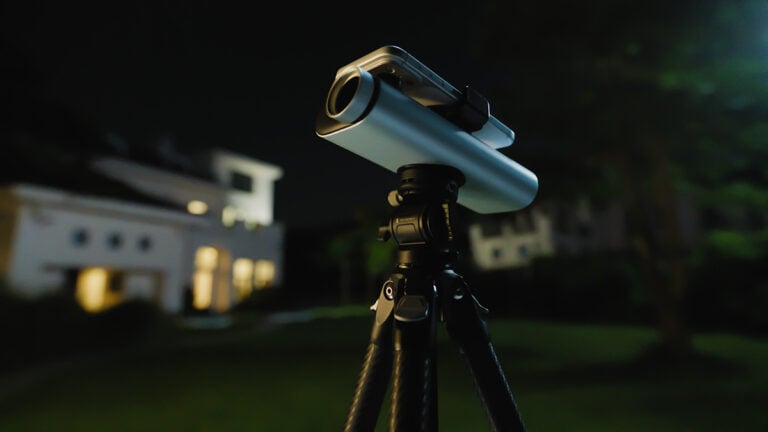
Ladies and gentlemen, this remarkable device is the M5stick T-Lite Thermal Camera Dev Kit by M5Stack. Priced at a ridiculously low $79, this is a thermal camera that is truly for the rest of us.
Yes, there are a lot of thermal imaging cameras on the market. There are even modular versions that will plug into the USB-C port of a smartphone. Yet, this diminutive device stands above all of the rest. Why? There are three landmarks features about the T-Lite that could leave you scrambling to add thermal photographs to your repertoire.

First of all, it goes almost without saying, that the price of the T-Lite is a terrific selling point. Shockingly, there is another thermal camera system that is priced less at $69.90. This budget model is a barebones sensor module from M5Stack, too, but it’s intended for incorporating into your own DIY project. Both the T-Lite and its stripped down cousin use the same infrared (IR) MLX90640 sensor.
Granted, the T-Lite is a low resolution thermal imaging camera with 32×24-pixels, but its second landmark feature is a complete, powerful, honest-to-gosh WiFi broadcasting system that has been crammed inside this human finger-sized device. This system is able to generate both an Access Point (AP) mode (Please note: the password for this AP connection is “12341234.”), as well as linking into any Internet-based WiFi server. It’s this second connection that enables T-Lite to automatically connect to the M5Stack Internet-of-Things (IoT) Cloud network and effortlessly upload thermal data to a unique dashboard that you can access with any Internet-connected phone, tablet, and PC.
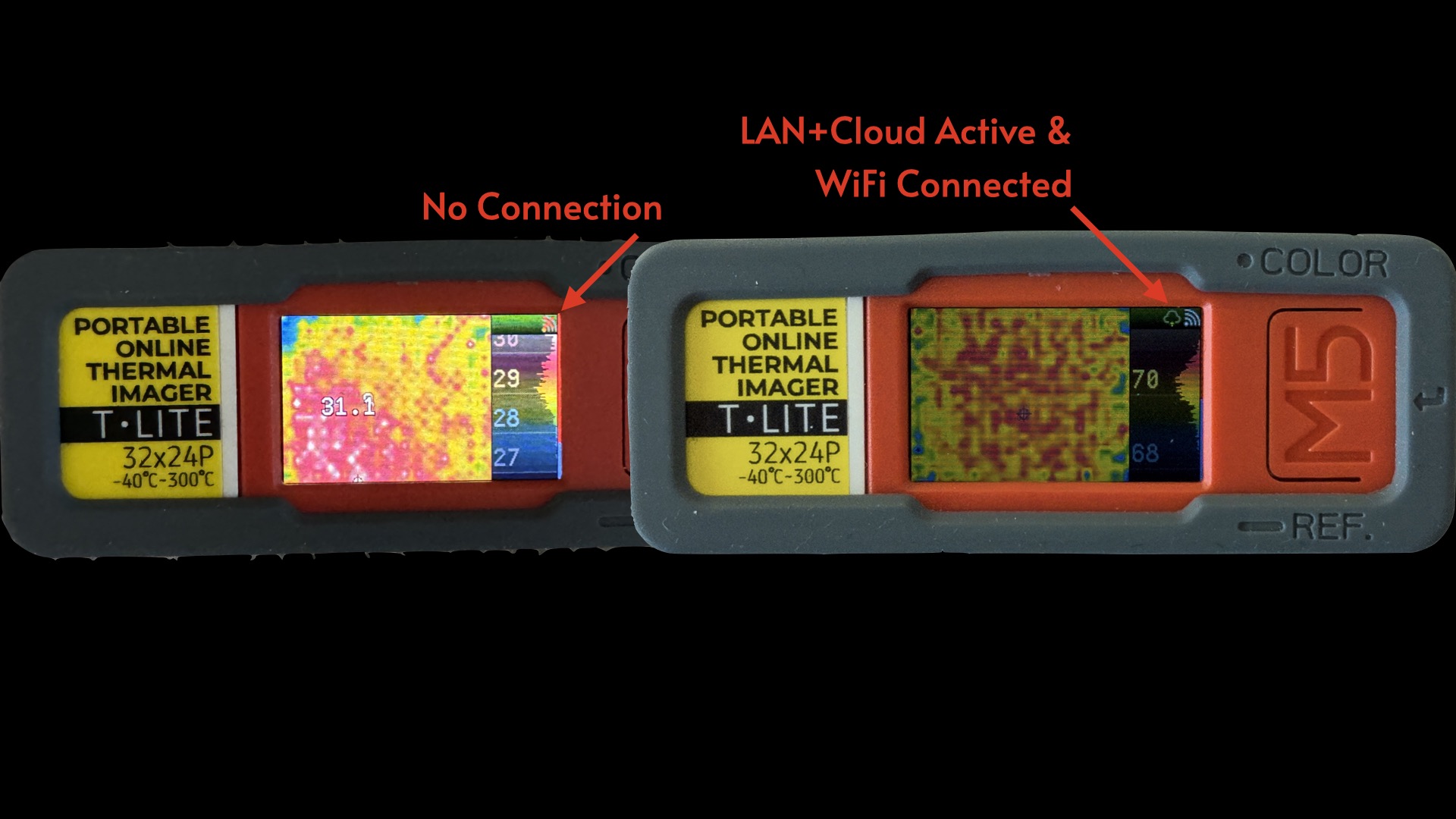
Yes, that’s right; finally, a device that doesn’t mandate that you install yet another user-data stealing App onto your poor beleaguered smartphone. Plus, there’s no registration, monthly fees, or subscription required for using this powerful IoT Cloud capability. Thanks M5Stack!
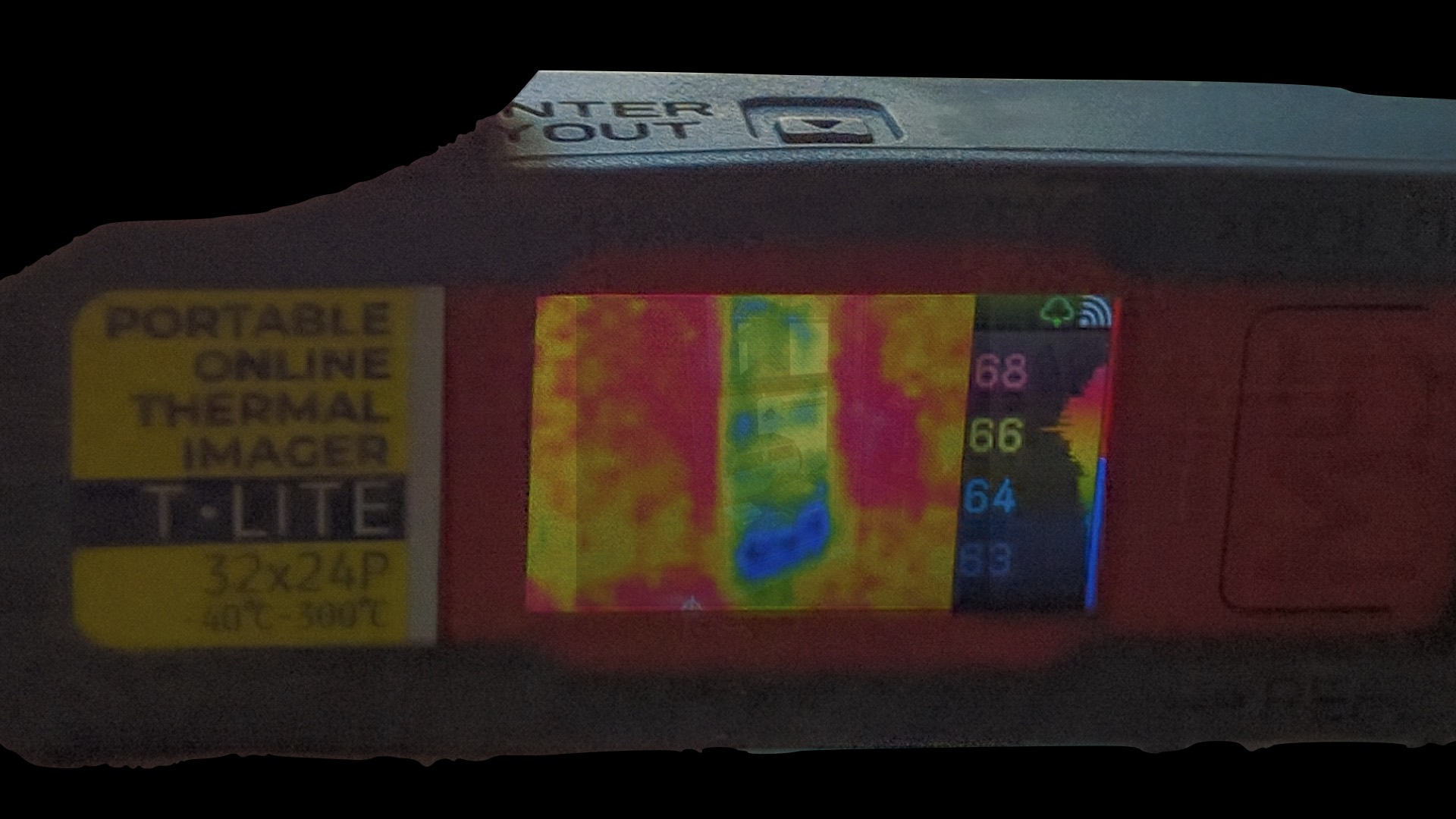
What if you don’t have a nearby WiFi Internet connection? No problem, T-Lite can also be used in an “offline” mode. This second landmark feature utilizes a built-in crisp, color OLED screen for showing continuous, streaming thermal imagery. In use, the offline mode is a gorgeous display that you could just sit and stare at all day. Well, better make that 15-20 minutes worth of staring. The teensy onboard battery can run for about that long before the T-Lite quietly and safely shuts down. Naturally, you can opt to add a power bank for juicing your dancing color show for as long as you need to scan your area for any hot-blooded bodies.
Maybe those two features aren’t enough for meriting your exploring thermal imaging with a T-Lite, but, wait, there’s one more feature that could leave you reaching for your credit card. Unlike all of those other thermal systems on today’s marketplace, the T-Lite can be easily programmed and configured into any kind of thermal camera that fits your requirements. Just head over to the M5Stack GitHub site and download a copy of the T-Lite firmware. From there, it’s just a matter of programming changes to the provided M5Stack code and installing it into the T-Lite with the free EasyLoader, M5Burner, program.
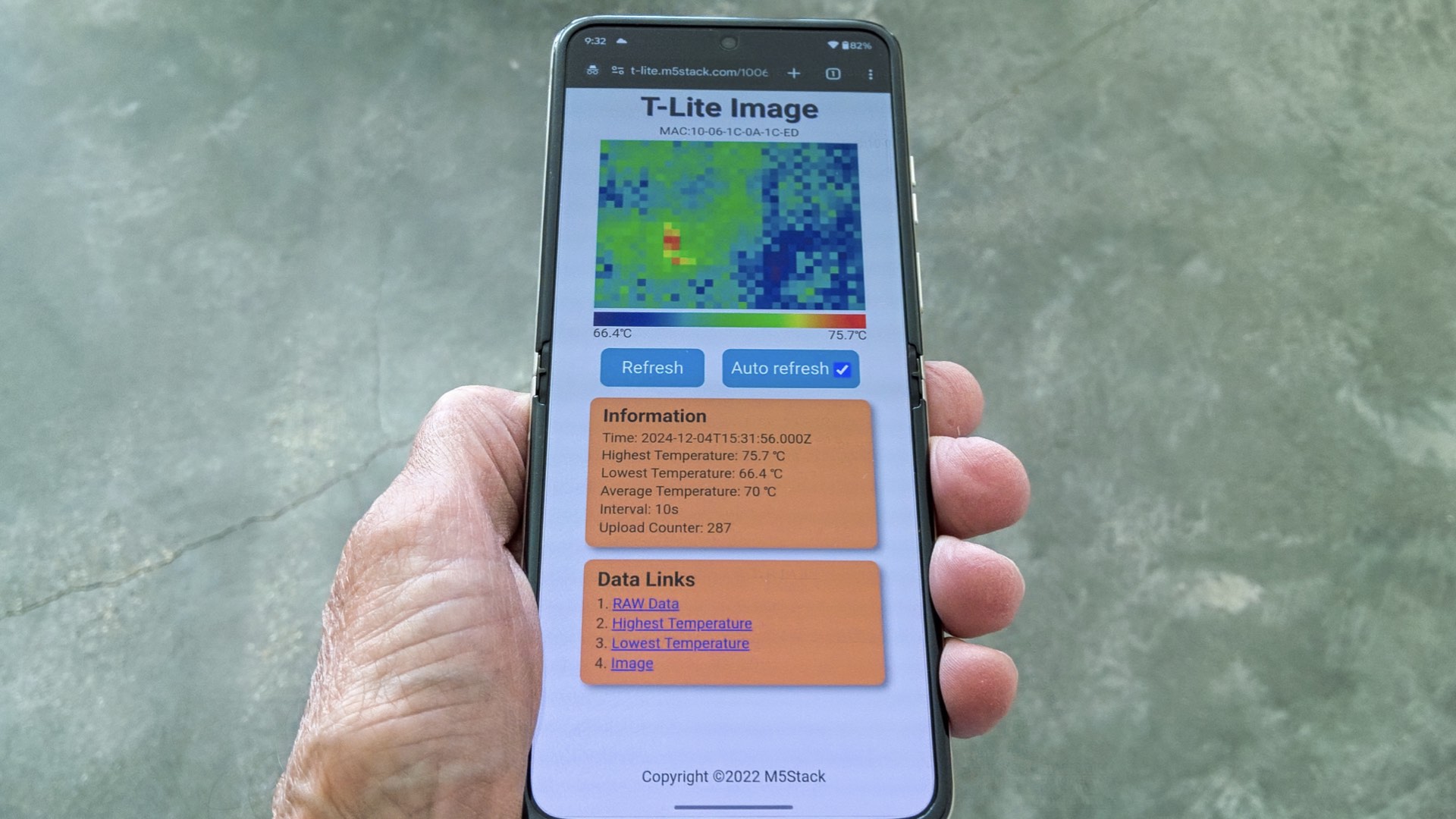
That’s a “win-win-win” for anyone who is intrigued by the visual opportunities that dancing thermal imagery can provide. Equipped with T-Lite you’ll not only know that you’re hot blooded, but you’ll actually be able to see your fever of a hundred and three.
Enjoy.
See more from DIYPhotography.net on Google
Add DIYPhotography.net as a trusted source. This makes
our stories more likely to appear in your Google Search results.
 Add as a preferred source on Google

David Prochnow
Our resident “how-to” project editor, David Prochnow, lives on the Gulf Coast of the United States in Ocean Springs, Mississippi. He brings his expertise at making our photography projects accessible to everyone, from a lengthy stint acting as the Contributing How-To Editor with Popular Science magazine. While you don’t have to actually build each of his projects, reading about these adventures will contribute to your continued overall appreciation of do-it-yourself photography. A collection of David’s best Popular Science projects can be found in the book, “The Big Book of Hacks,” Edited by Doug Cantor.
Related Posts
 Photographer connects human and geometric shapes into mind-bending photos
 Megadap’s new ETZ21 AF adapter connects Sony E lenses to Nikon Z body with more speed and accuracy
 This DIY thermal camera is built around a Raspberry Pi and a $60 camera module
 Build your own instant camera with a Raspberry Pi and a thermal printer
Join the Discussion
DIYP Comment Policy
Be nice, be on-topic, no personal information or flames.