








Can the new Portrait Mode on iPhone 7 Plus make you a better photographer?
Oct 1, 2016
Simon Ellingworth

We love it when our readers get in touch with us to share their stories. This article was contributed to DIYP by a member of our community. If you would like to contribute an article, please contact us here.
Share:

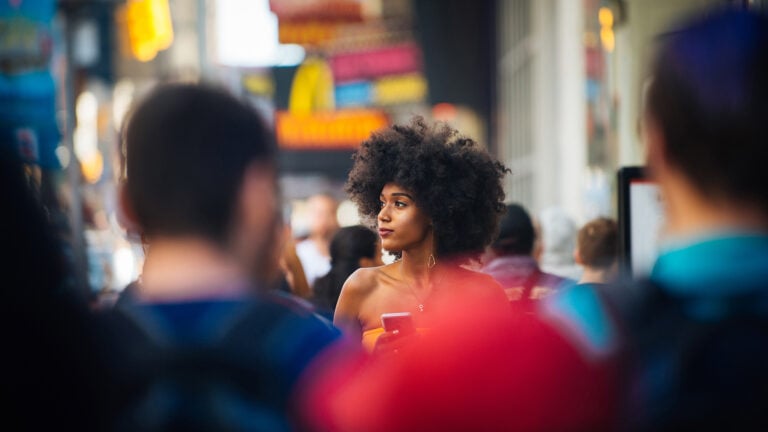
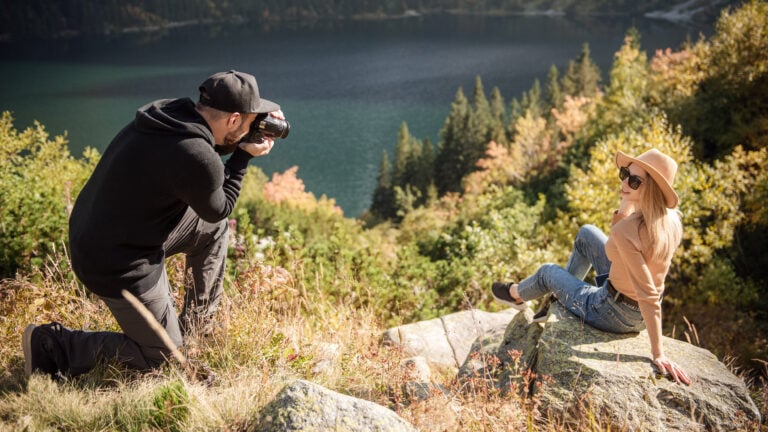
One of the primary lessons I teach in portraiture is how to control the viewer’s eye, and how depth of field is one of the key methods to do that. This is normally the preserve of expensive fast lenses, but soon anyone will be able achieve this with some new technology I’ve been trailing on the iPhone 7 plus.
This new IOS 10.1 software, currently in beta and available later this year uses the twin cameras built into the iPhone 7 plus. It basically provides you with a new and super simple ‘portrait’ camera mode which takes two image and uses software to artificially create a creamy depth of field….and it’s great!
[use the slider to see the regular/portrait version compared side by side]


Sure, it’s not perfect and is still in beta. Sure, the technology is only currently built into the newly released flagship iPhone 7 plus, which is a large phone. Not to mention it does cost nearly as such as an entry level camera, but it has the potential to really take iphoneography to a whole new level.
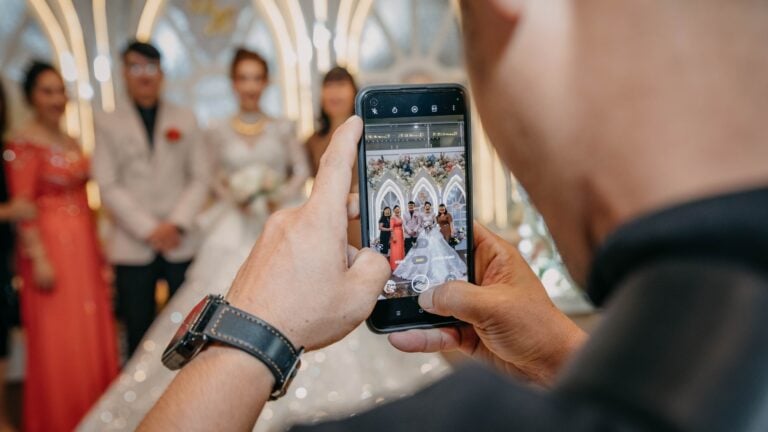
The first this you’ll notice when you use portrait mode, is it uses the longer of the two lenses, and you have to immediately step back some distance and recompose. Also unlike other camera modes, portrait mode guides you through the process with prompts like “more light required”, “move further away” which is quite un-apple like, but really well done. (or if you think that apple wants to rule us all, this is actually very Apple-esq)


Portrait works best with reasonable amounts of light and currently overall the images do look a little noisey / digitised, but this is beta version one. Like all new tools, it takes a little getting used to and you have to remember not to neglect your subject whilst experimenting.
In a couple of these images you will notice odd bits of hair around the subject’s head which should be sharp, but it has blended. On a couple of the others it’s clearly understood the distance of all parts of the image and the blur is adjusted accordingly.


The good news is that it produces two separate versions of each image with are particularly well labelled, this helps you to start to understand what it’s done and how it ‘thinks’. I’ve included both version of each test shot into this article so you can see the results and they are all straight out of camera. I’m still finding the 7 plus a little bit to hold comfortably and my perspective and cropping is slightly off, so apologies in advance (I’m British, so clearly LOVE to apologise for everything).
It is named portrait mode with good reason, as it has been designed with that in mind. Of course you can take pictures of inanimate objects and pets, etc. but it currently doesn’t work with moving objects. Nor does it add depth of field overall and as much as I tried to do a little street photography with it, it really didn’t bend to my will.


I’m running another sold out portrait workshop for the Royal Photographic Society next week and I’m sure that the students will love to play with it and in many ways it does make a rather brilliant teaching aid. One which removed the complication of cameras and allows you to focus (excuse the pun) on the craft of portraiture instead of fiddling with your camera whilst your model looses interest.
I’ve tried it in a variety of scenarios over 24 hours and I have no plans to sell of my camera and fast primes just yet, but it truly does have the potential to make apple users better photographers.


About the Author
Simon Ellingworth is an educator and owner of UK based Trade Secrets Live whos delivering Trade secrets from the world’s greatest photographers and digital artist, In person, Live or on-demand.

We love it when our readers get in touch with us to share their stories. This article was contributed to DIYP by a member of our community. If you would like to contribute an article, please contact us here.



Join the Discussion
DIYP Comment Policy
Be nice, be on-topic, no personal information or flames.
17 responses to “Can the new Portrait Mode on iPhone 7 Plus make you a better photographer?”
how about NO
how about NO
how about NO
how about NO
No.
lol I guess shallow depth of field = better photographer
no
Not necessarily, it might teach people about depth of field but in order to be a better photographer they need to learn the skills and techniques first.
No!
Lets not get off on the wrong tangent, the iPhone is just doing a slightly better job of producing what most want from a ” portrait” but it’s not going to make you or anybody else anything, aside of course from a little bit richer or poorer, depending on which side of the equation your on. #misleadingheadlines
No.
I’m doubled up pishin myself wae laughter reading that headline. If that was told at the Edinburgh festival fringe it certainly qualify as the best joke of the festival!!!! :D :D :D
better equipment will never make you a better photographer!
a “better photographer” ? a phone !? are you kidding !? :-(
Argh.
A better iPhotographer.
“it truly does have the potential to make apple users better photographers.” “Apple users”? You know the iPhone is used by people who don’t use “apple’s” products, right? That’s leaving aside your basic premise that “a better camera makes you a better photographer” – no, it doesn’t.