


















Taking A Step Back To Snap Your Setup
Feb 15, 2011
Udi Tirosh
Udi Tirosh is an entrepreneur, photography inventor, journalist, educator, and writer based in Israel. With over 25 years of experience in the photo-video industry, Udi has built and sold several photography-related brands. Udi has a double degree in mass media communications and computer science.
Share:
 A shot while back I featured a post called 21 Photographs And Lighting Setups For Every Occasion. Not surprisingly the post featured a collection of amazing photographs along with a snap of the setup that was used to capture those photographs.
So… what’s up with all those photographers taking setup pictures with no artistic value whatsoever. gotta be a reason for that, right? Right.
Why Do You Need A Setup Picture?
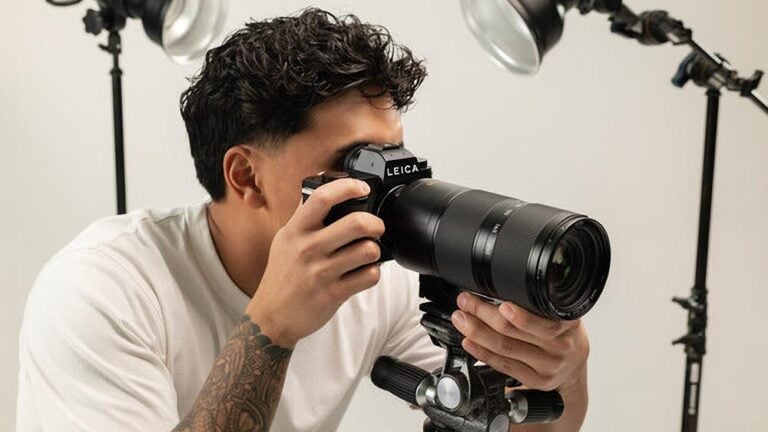
So, the shoot is done, the winning image taken and you’re going to pack it up and go home. What if there was one more picture you could take that will make a big difference? I mean, go wide and grab that setup shot. There are many reasons you may want to do this. Here are the ones I think matter most:
Reproduction – On elaborate setups where you have tons of lights, each in a different distance, different power, with a different modifiers, it would be very easy to remember them all if you just had a picture. Way easier than to reverse engineer the shot.
This is kinda similar to what a script girl supervisor does on movie sets.
Post mortem – are you happy with the photograph? a bit more rim lights would be great, right? see how they were before, and adjust for the next shoot.
Same goes for the height of your pipet on that water drops shot.
Teaching / Learning – that was the actual purpose of the 21 setups post. Setup images are great to see if you got your reverse engineering right, to show how a shot was taken and to discuss the goods and bads of a shot.
How to Take A Good Setup Picture
Now that you really want to take those setup pictures, here are some of the tips that I find to be working well for setup shots
Include The Entire Setup – This one’s is a no brainer. Make sure your setup image include as much of the scene as possible. If you cannot back up far enough, consider using a wide lens.
Be As Leveled As You Can / Go Overhead – For the sake of after learn it is beneficial to have the picture in good perspective, try to keep the horizontals horizontal and the verticals vertical. It will help you when you need to asses distances later.
If possible, consider to grab a picture from the overhead position.
Lights On / Lights Off? – Why choose? Take an image of each.
Camera Location – It’s best to have the original camera in the shot if possible. Camera location is a part of the setup and has impact on light, perspective, and flare among other things. If not consider using the tripod as a marker.
This, of course, does not apply for the times when the shoot is hand held.
Consider Annotating – If your aim to to use the setup as an instructional tool, consider annotating it with the type of light you used, flash settings as power and zoom, or any other relevant info.
Do you take setup pictures? Would love to hear if it’s working out for you.

Udi Tirosh
Udi Tirosh is an entrepreneur, photography inventor, journalist, educator, and writer based in Israel. With over 25 years of experience in the photo-video industry, Udi has built and sold several photography-related brands. Udi has a double degree in mass media communications and computer science.


Join the Discussion
DIYP Comment Policy
Be nice, be on-topic, no personal information or flames.