






















Xencelabs Next-Gen Pen Display 24+ Adds Built-In Hardware Colour Calibration
Aug 6, 2025
John Aldred
John Aldred is a photographer with over 25 years of experience in the portrait and commercial worlds. He is based in Scotland and has been an early adopter – and occasional beta tester – of almost every digital imaging technology in that time. As well as his creative visual work, John uses 3D printing, electronics and programming to create his own photography and filmmaking tools and consults for a number of brands across the industry.
Share:
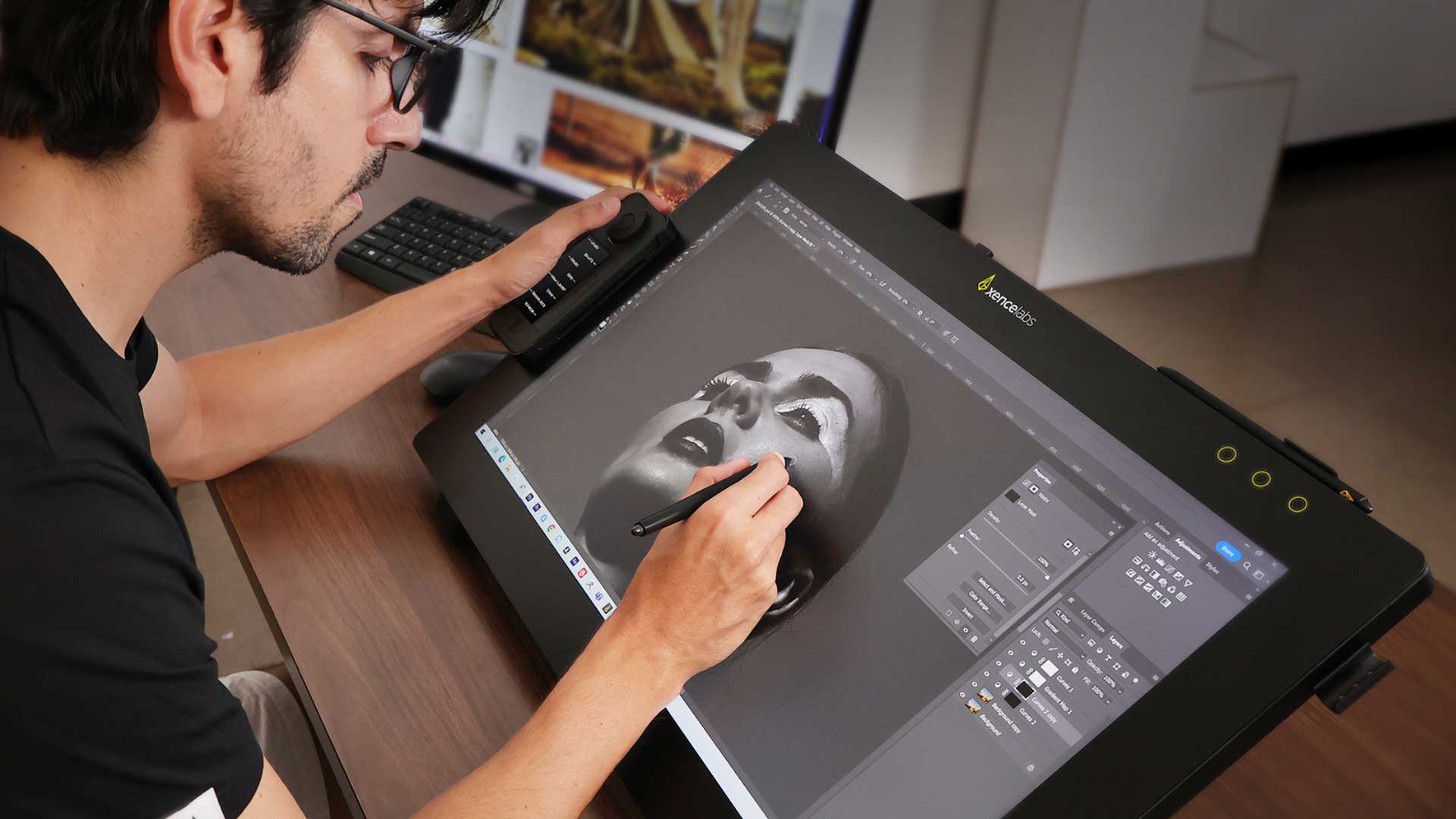
It’s been a couple of years since Xencelabs launched their first large high-end display tablet, the Pen Display 24. A popular tablet that gives Wacom a good run for its money. Now, the company has followed it up with the Xencelabs Pen Display 24+.
The new Pen Display 24+ brings some significant updates over its predecessor. Clearly targeted towards the highest end photographers, editors, colourists and filmmakers, the PD24+ boasts a new industry first; Calman Ready colour calibration technology is built right into the device.
Industry Leading Colour Management
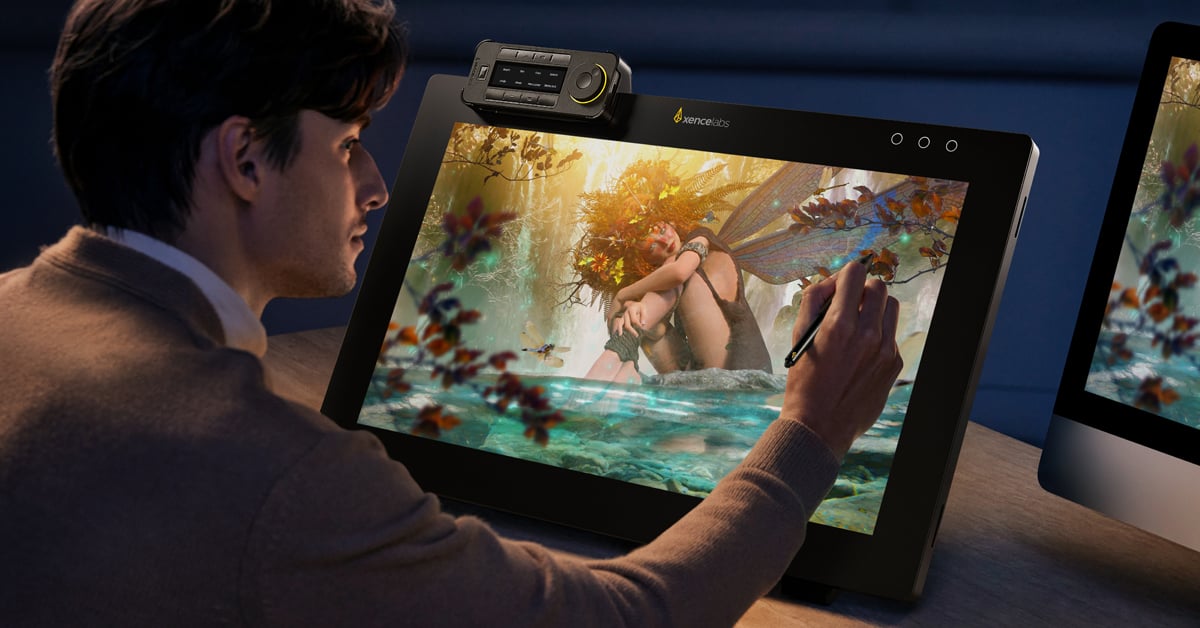
The built-in Calman Ready colour features of the Xencelabs Pen Display 24+ provide for hardware-level calibration directly on the display. This means that the profiles are stored within the device, not your operating system. This means you get consistent (and accurate) colour across different computers.
It sports a 3840×2160 4K display, capable of rendering over 1.07 billion colours. And they’re not just arbitrary colours, offering 99% Adobe RGB, 99% sRGB and 93% DCI-P3 coverage. It also supports Rec.709, Rec. 2020, Pantone-validated palettes and SkinTone-certified realism.
This makes it ideally suited to high-end studios, including those working with the online streaming giants.
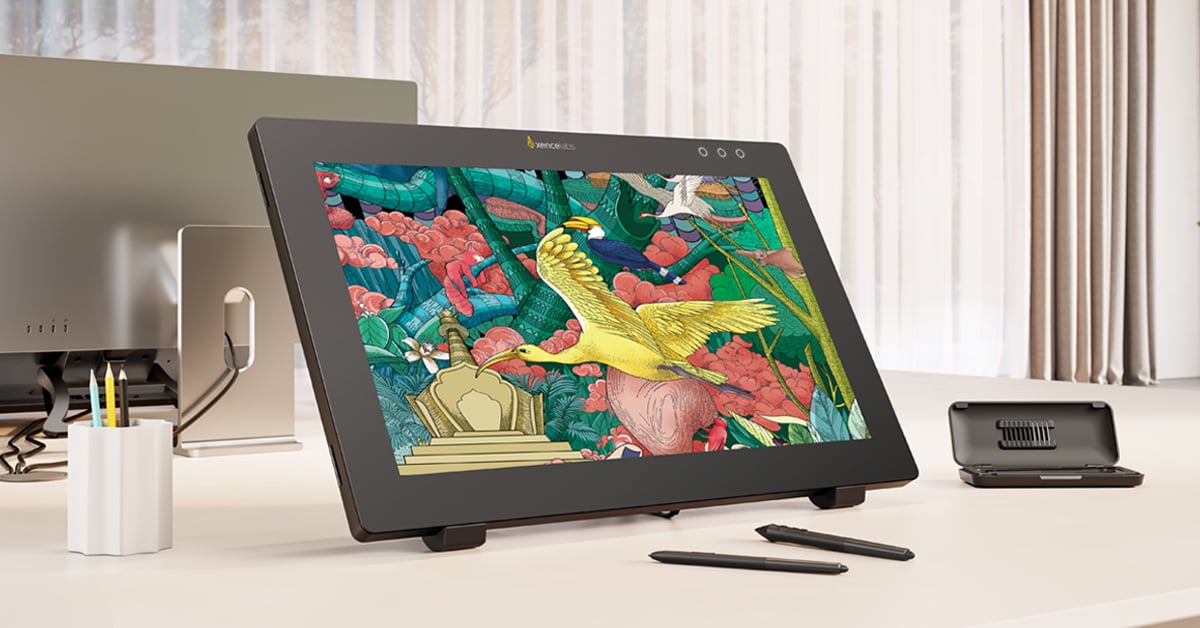
Super AG Etching glass surface
With a Super AG Etching glass surface, the PD24+ eliminates glare and mimics the pen-on-paper feeling that allows for a smoother and more comfortable interaction. This is enhanced even further with 8,192 levels of pressure sensitivity for both thick bold strokes and fine nuanced lines.
Two pens are included with the PD24+ for different workflow styles. There’s the 3 Button Pen + Eraser and the 2 Button Pen + Eraser, offering customisable shortcuts. Both felt and standard interchangeable nibs are included for different use cases. These pens are compatible with the entire Xencelabs v2 Pen tablet series.
Of course, we also get the Xencelabs Quick Keys Remote. This provides up to 44 application-specific shortcuts, with 5 sets of 8 shortcut keys and 4 dial modes. This auto-switches between your apps, without having to manually reconfigure it.
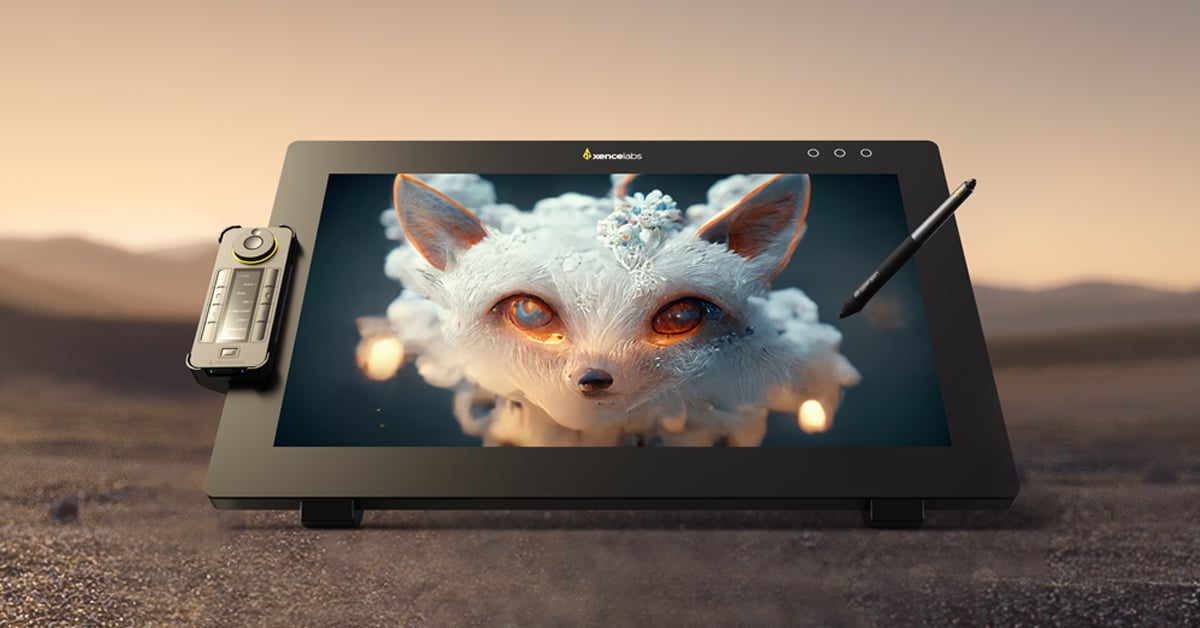
Control Multiple Displays with Virtual Tablet Mode
Virtual Tablet Mode allows for the control of multiple displays as one seamless canvas using just your pen. You’re able to drag, draw and interact across multiple screens easily with custom over colour, transparency, size and position for different software workspaces.
The supplied tilt-stand provides use angles from 16° to 72°. So, you can lower it more parallel to your desk when using it as a drawing surface or angle it more towards the user for use as a standard monitor. There’s also an optional multi-axis stand, offering rotation and positioning with Off-The-Desk Mode.
Like its predecessor, the Xencelabs Pen Display 24+ is fanless, so it remains silent. Its high-conductivity backplate draws heat away from the unit and out the back, keeping the display cool to touch while using it, letting you focus on the work.
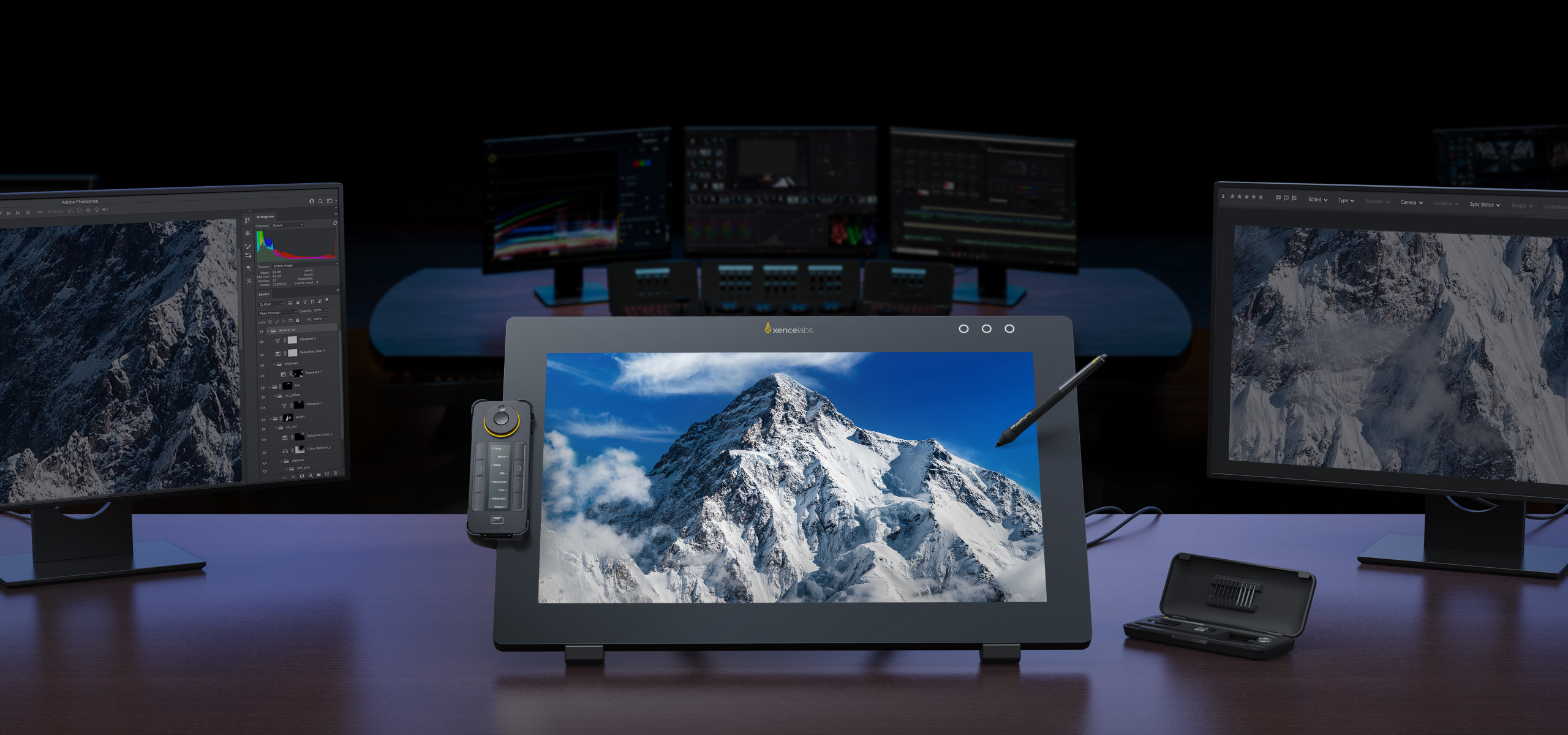
Xencelabs has come a long way in a very short space of time. Having initially launched in 2019, they were already competing with Wacom in just a couple of short years. Their range continues to grow, with new devices being released regularly for different users and needs.
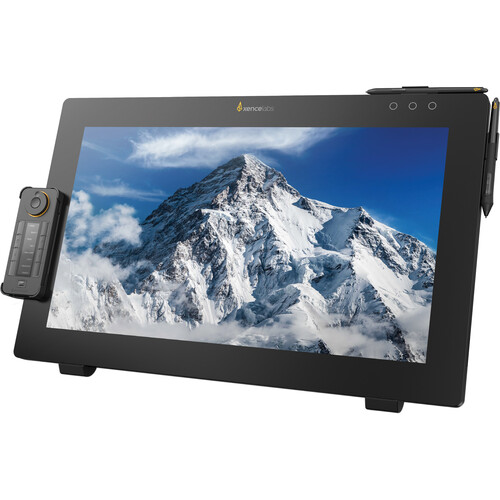
Price and Availability
The Xencelabs Pen Display 24+ is available now for $1,899 USD. The Pen Display 24+ includes two v2 Pens, Quick Keys remote, Tilt Stand, Pen Case, Bluetooth dongle, nibs, drawing glove, cleaning cloth, and all required cables.
See more from DIYPhotography.net on Google
Add DIYPhotography.net as a trusted source. This makes
our stories more likely to appear in your Google Search results.
 Add as a preferred source on Google

John Aldred
John Aldred is a photographer with over 25 years of experience in the portrait and commercial worlds. He is based in Scotland and has been an early adopter – and occasional beta tester – of almost every digital imaging technology in that time. As well as his creative visual work, John uses 3D printing, electronics and programming to create his own photography and filmmaking tools and consults for a number of brands across the industry.



Join the Discussion
DIYP Comment Policy
Be nice, be on-topic, no personal information or flames.