























Search Results for: node/slider or dolly
Didn’t find what you’re looking for? Try searching again.

Photo Editing Mistakes That Make Your Photos Look Fake
Nov 9, 2025
Anzalna Siddiqui
There’s usually that one image in our collection that screams “edited” and feels fake. It’s disappointing when you aim for a natural look that reflects…
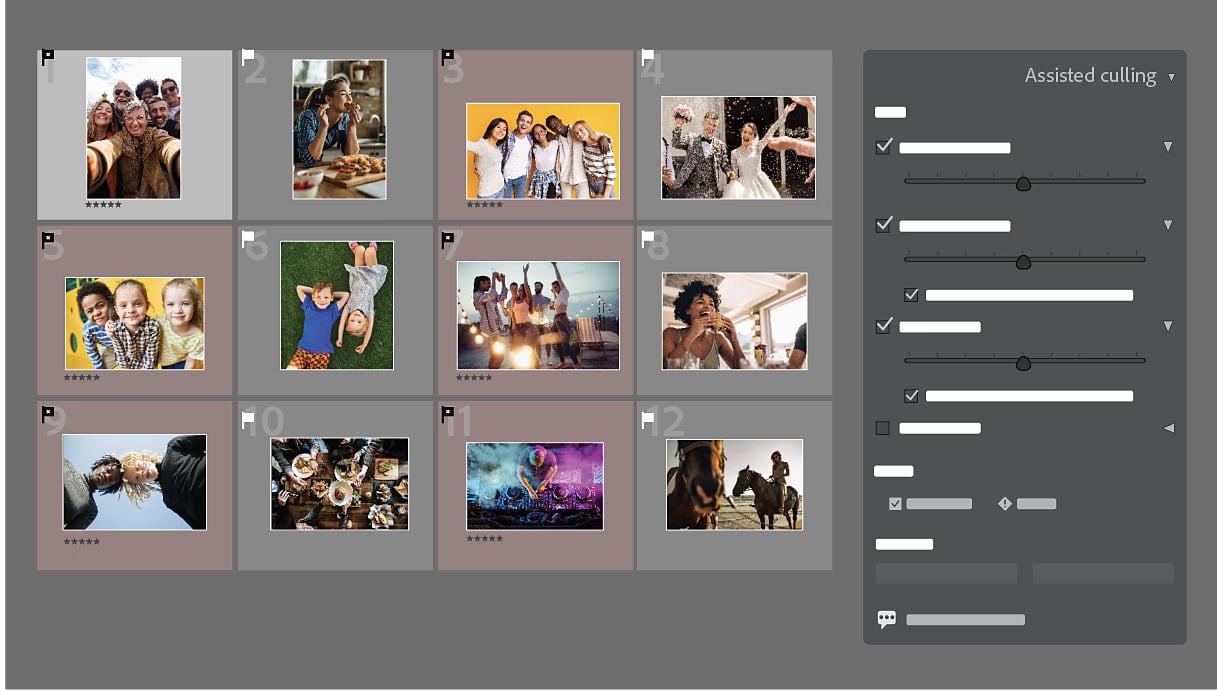
The Lightroom Update You’ve Been Waiting For: Assisted Culling, Auto Stacking & More
Nov 6, 2025
Alysa Gavilan
Lightroom Classic October 2025 update is here! Discover Assisted Culling, Auto Stacking, smarter Dust Removal, color precision tools, and performance boosts that make photo editing faster, cleaner, and more addictive.

Adobe wants to be the Apple of creative, and it’s awesome. And dead scary
Nov 6, 2025
Udi Tirosh
I was at Adobe MAX last week in LA, and witnessed a literal Tour De Force from the company. Aside from sharing a space with…

Lightroom’s New Color Variance Slider: A Game-Changer for Photo Editing
Nov 3, 2025
Anzalna Siddiqui
When Adobe reveals new features at their Max conference, as a loyal Lightroom user, you sit there hoping for something that could really enhance your…

Selective Exposure Adjustment: Dodging and Burning in Lightroom Like a Pro
Oct 31, 2025
Darlene Lleno
Selective exposure adjustment allows you to control light and shadow in specific areas of your photos through dodging and burning. This Lightroom technique uses masking tools, adjustment brushes, and gradients to create dimensional images that guide viewer attention and fix exposure problems that global adjustments cannot address.

Turn Words Into Edits: Polychrome’s AI Lightroom Preset Generator
Oct 30, 2025
Alysa Gavilan
Polychrome’s AI Lightroom Preset Generator turns your words into ready-to-use looks.

Skin Retouching Technique: Frequency Separation That Looks Natural Not Plastic
Oct 27, 2025
Darlene Lleno
Skin retouching technique using frequency separation separates texture from color for independent editing. This method lets you fix skin tones and remove blemishes while preserving natural texture that keeps portraits looking authentic instead of artificially smooth.

ISO Invariance Explained: When Underexposing Works Just As Well
Oct 22, 2025
Darlene Lleno
ISO invariance means your camera produces similar noise levels whether you expose properly at high ISO or underexpose at low ISO and brighten later in post-processing. This characteristic allows photographers to protect highlights by underexposing without the typical noise penalty when recovering shadows.
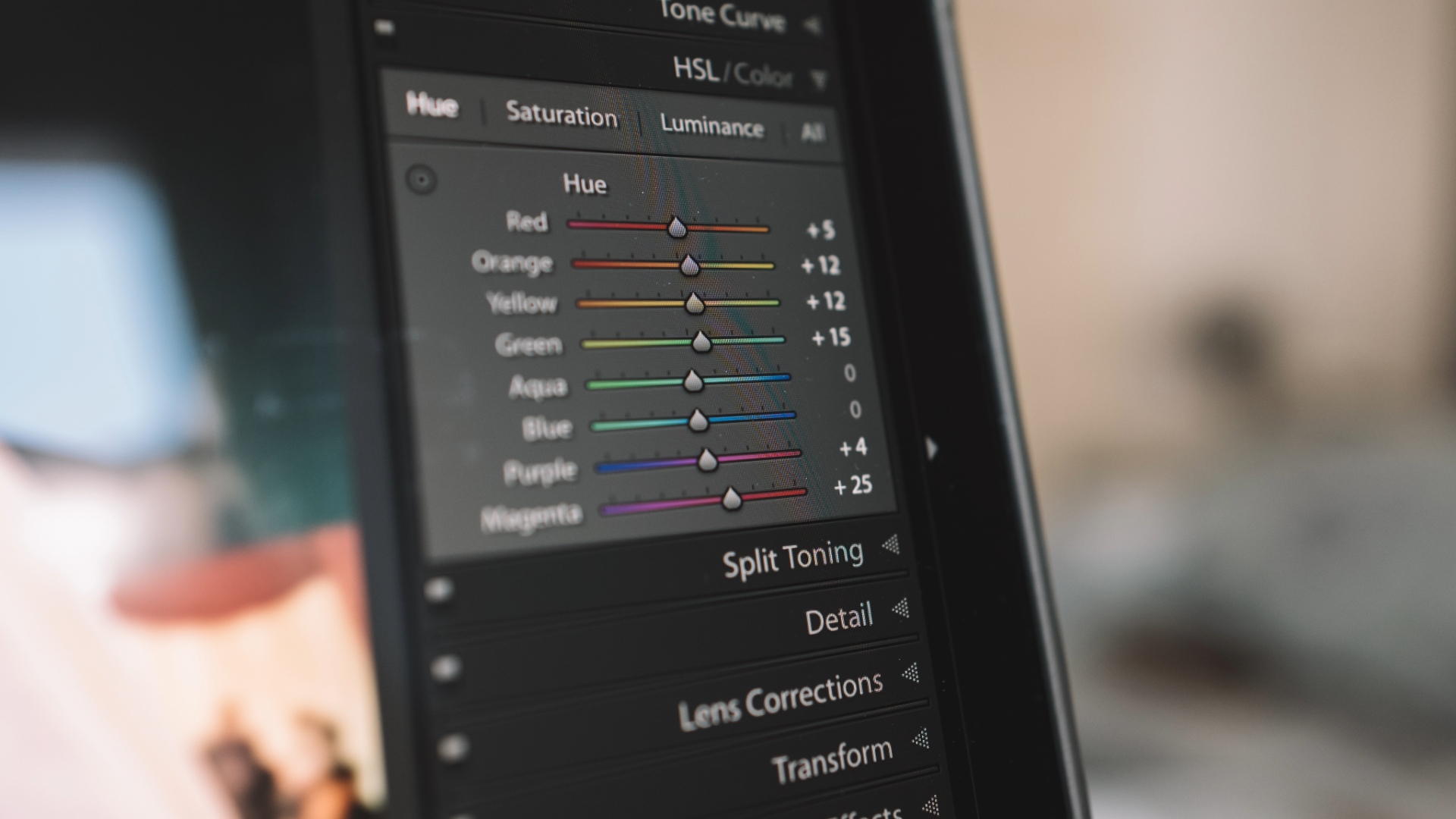
Use This Lightroom Masking Trick to Instantly Bring Focus to Your Subject
Oct 15, 2025
Anzalna Siddiqui
The reality is that even a great photo can seem dull if you haven’t effectively set your subject apart from the background during editing. This…

Still Photographer’s Guide to Creating Engaging Video Content
Oct 8, 2025
Darlene Lleno
Video content creation builds on existing photography skills while adding new technical elements like audio and motion. Still photographers can successfully transition to video by understanding key differences in equipment, editing, and storytelling approaches.