


























This One Fuji Trick Will Make Your Photos Look Like They Were Shot by a Time-Traveling Hipster
Oct 26, 2025
David Prochnow
Our resident “how-to” project editor, David Prochnow, lives on the Gulf Coast of the United States in Ocean Springs, Mississippi. He brings his expertise at making our photography projects accessible to everyone, from a lengthy stint acting as the Contributing How-To Editor with Popular Science magazine. While you don’t have to actually build each of his projects, reading about these adventures will contribute to your continued overall appreciation of do-it-yourself photography. A collection of David’s best Popular Science projects can be found in the book, “The Big Book of Hacks,” Edited by Doug Cantor.
Share:

If you’ve got a Fujifilm camera and you’re not using its film simulations, congratulations—you’re leaving about 75% of your camera’s charm untapped. Fujifilm’s film sims aren’t just filters; they’re meticulously crafted digital reincarnations of classic analog film stocks. It’s like having a time machine strapped to your camera, except instead of meeting your ancestors in the roaring ’20s, you’re meeting their aesthetic.
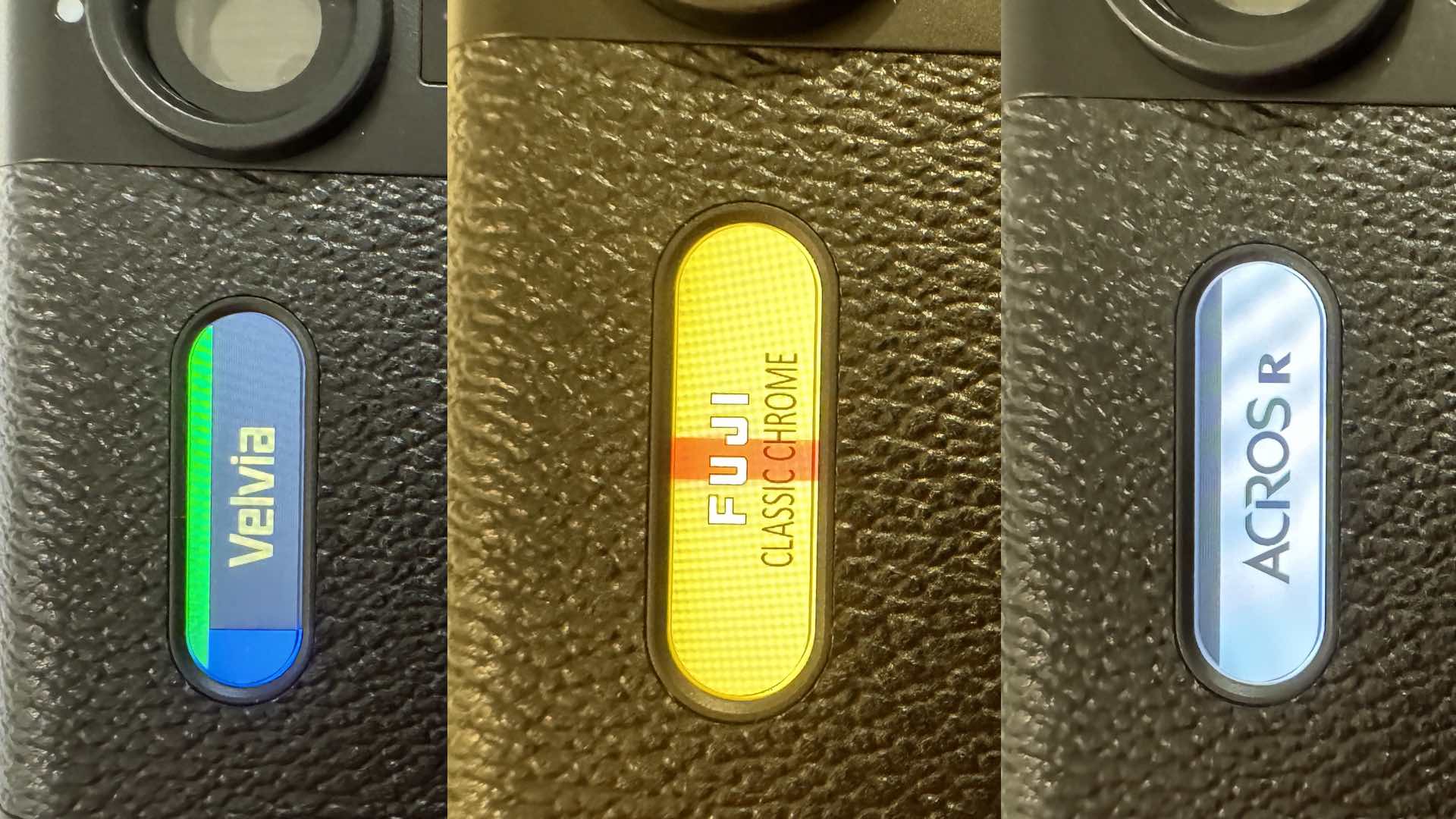
Let’s start with knowing some of your sims. Each one has its own unique personality. Velvia is the overdramatic cousin who shows up to brunch wearing neon clothing and sunglasses… indoors—saturated, bold, unapologetic. Classic Chrome is the opposite: your understated, moody aunt, who devours overpriced coffee table book. Oh, and what about Acros? That’s your artsy black-and-white loving brother who only listens to vinyl and refuses to use emojis. Learn their quirks before you take them out in public.
Next, you need to tweak like a mad scientist. The real magic of Fujifilm digital cameras isn’t just selecting a film simulation—it’s customizing it. Adjust highlights, shadows, grain, and color chrome effects until your photo looks exactly like your previsualized image (or, the dream you had after too much espresso). Some photographers even make “recipes”—customized combinations that sound like they’ve came from a foodie blog; “Cinematic Kodachrome Latte 400” anyone?
Don’t Get a Raw Deal
But here’s the golden rule: commit to your JPEGs! Fujifilm shooters pride themselves on “getting it right in camera.” It’s not laziness—it’s a philosophy. Shoot JPEG + RAW, if you must, but try living dangerously with just JPEG. It’s oddly liberating, like throwing away the training wheels on your first bicycle or deleting Lightroom.
Another pro tip: embrace the vibe, not the specs. Film sims are about storytelling, not pixel-peeping. So, if your photo feels like a 1970s road trip or a lost Polaroid from your parents’ honeymoon (nudge-nudge), you’ve nailed it.
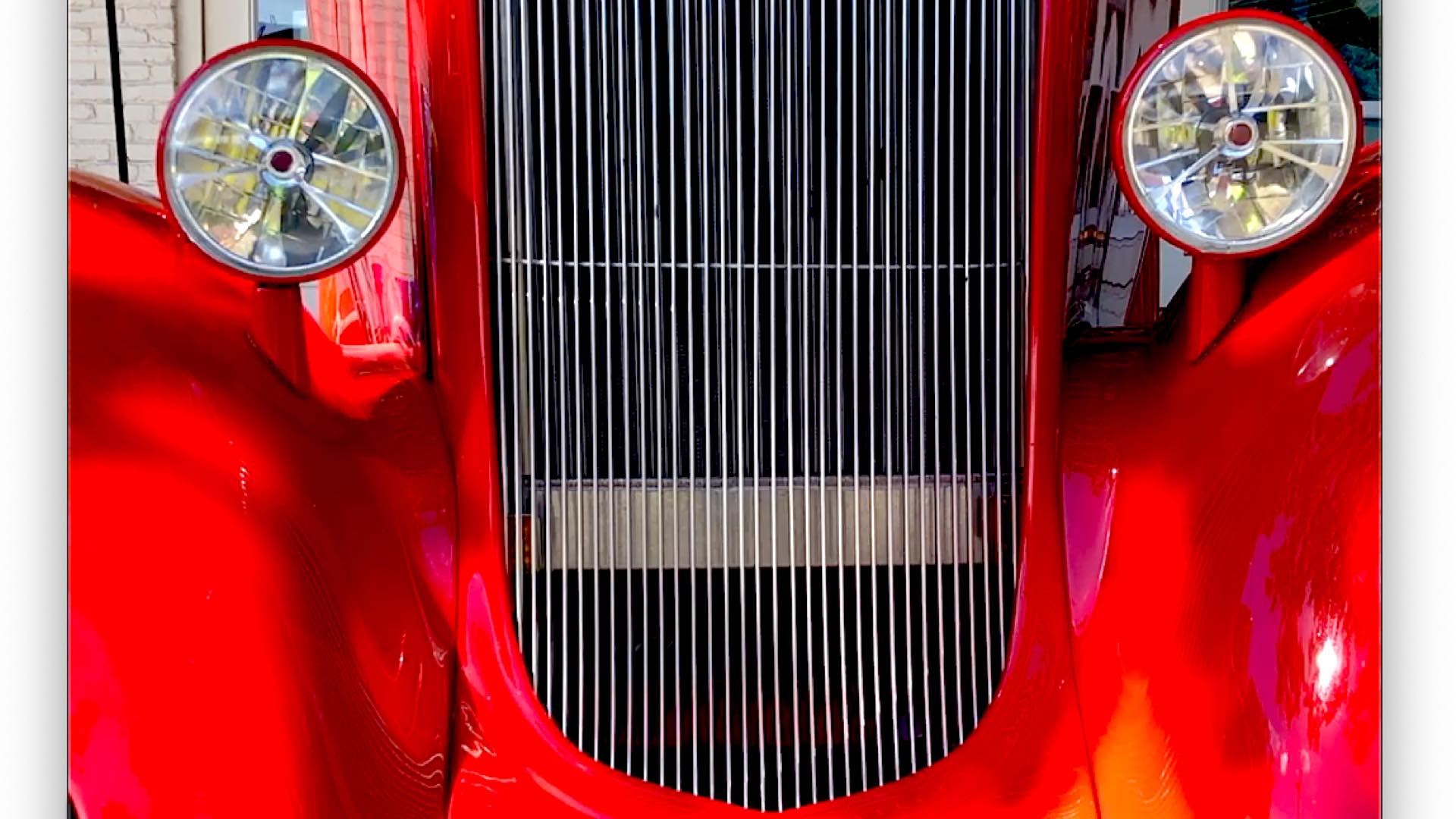
Finally, remember to shoot with both intention and mild smugness. When someone asks how you got that dreamy look, lean in and whisper, “It’s straight outta the camera.” Then watch them question their entire workflow.
So go forth, Fuji faithful. Play, experiment, and let your camera’s inner film nerd shine. After all, life craves for sparkling colors—and it’s too short to spend it in post-processing.
Enjoy.
See more from DIYPhotography.net on Google
Add DIYPhotography.net as a trusted source. This makes
our stories more likely to appear in your Google Search results.
 Add as a preferred source on Google
Filed Under:
Tagged With:

David Prochnow
Our resident “how-to” project editor, David Prochnow, lives on the Gulf Coast of the United States in Ocean Springs, Mississippi. He brings his expertise at making our photography projects accessible to everyone, from a lengthy stint acting as the Contributing How-To Editor with Popular Science magazine. While you don’t have to actually build each of his projects, reading about these adventures will contribute to your continued overall appreciation of do-it-yourself photography. A collection of David’s best Popular Science projects can be found in the book, “The Big Book of Hacks,” Edited by Doug Cantor.



Join the Discussion
DIYP Comment Policy
Be nice, be on-topic, no personal information or flames.