



















Leica Wants Your iPhone to Feel Like a Leica Camera
Sep 29, 2026
Alysa Gavilan
Alysa Gavilan has spent years exploring photography through photojournalism and street scenes. She enjoys working with both film and mirrorless cameras, and her fascination with the craft has grown over the decades. Inspired by Vivian Maier, she is drawn to capturing everyday moments that often go unnoticed.
Share:
Leica has spent years making cameras that photographers carry because they want a particular shooting experience. Now it is trying to recreate some of that feeling on a device most people already have in their pockets.
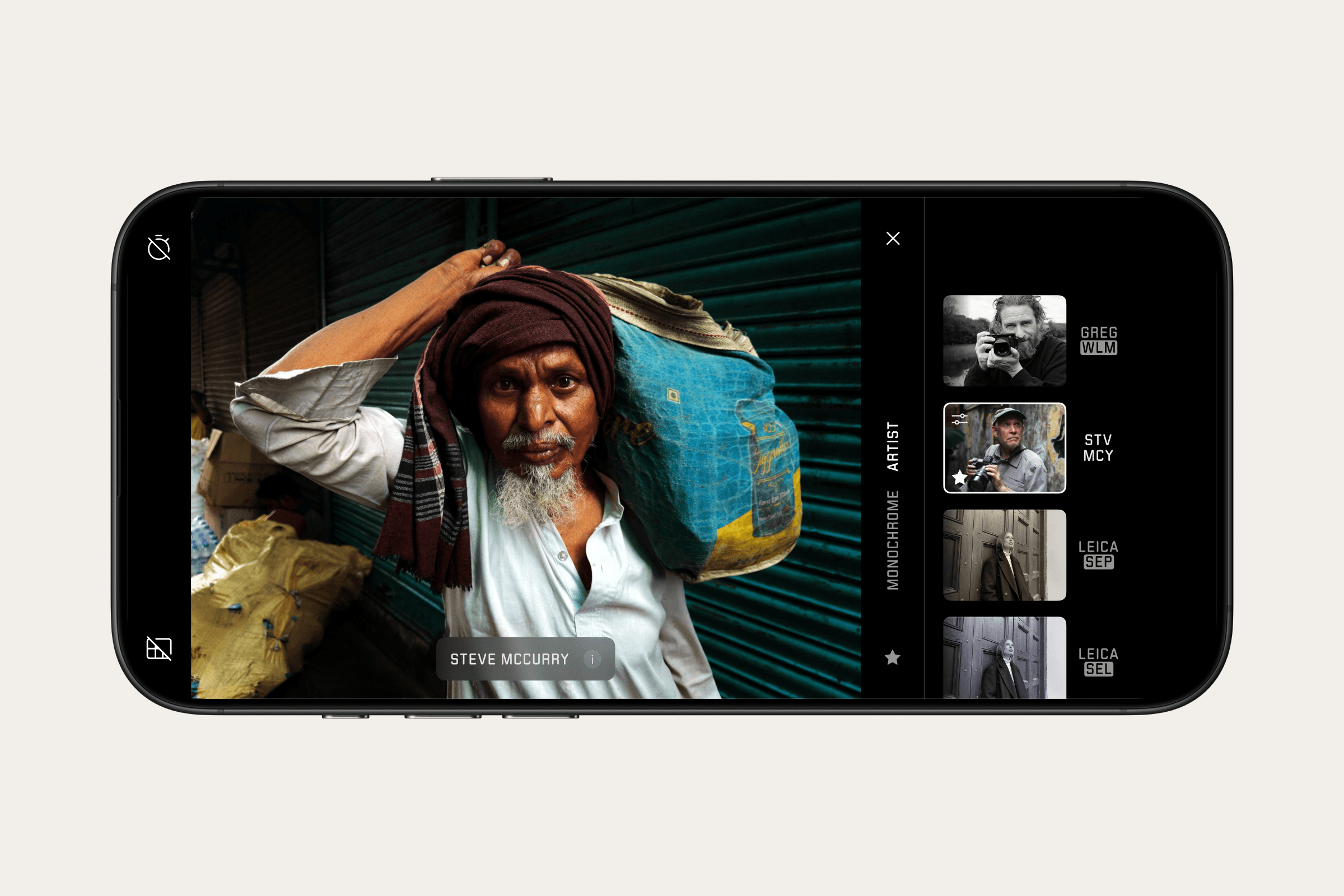
Leica LUX 2.0 is the biggest update yet to the company’s iPhone photography app, adding support for the iPhone 18 Pro series, a redesigned gallery and a new Artist Look developed with photographer Steve McCurry.
Leica LUX Gets a New Gallery
One of the biggest changes in Leica LUX 2.0 is not a new shooting mode but the way photographers manage their images.
The app now uses the same gallery interface as Leica FOTOS, the company’s app for connecting compatible Leica cameras to smartphones and tablets. A new filmstrip allows photographers to select individual images directly from the detail view, while grid view now supports selecting multiple images at once.
Leica is also adding direct access to external editing apps. Adobe Lightroom, Capture One, and Darkroom can now be launched from Leica LUX, making it easier to move images into a more familiar editing workflow.
The interface itself has also been redesigned, with new icons inspired by Leica cameras and some visual elements based on Apple’s Liquid Glass design language.
Steve McCurry Gets His Own Look
The more photography focused addition is an Artist Look developed with Steve McCurry.
McCurry is known for his documentary, portrait, travel and landscape photography, with color playing a prominent role in his work. Leica says the new Artist Look focuses on the relationship between color, light, subject and composition rather than trying to reproduce a specific photograph.
That distinction is important. The company describes the look as a starting point rather than an automatic recipe for making an image resemble McCurry’s work.
It is the second Artist Look in Leica’s series, following one created with photographer Greg Williams. The McCurry look is available through Leica LUX PRO and can also be used with the Leica Q3 and Leica SL3 through Leica FOTOS.

Built for the iPhone 18 Pro
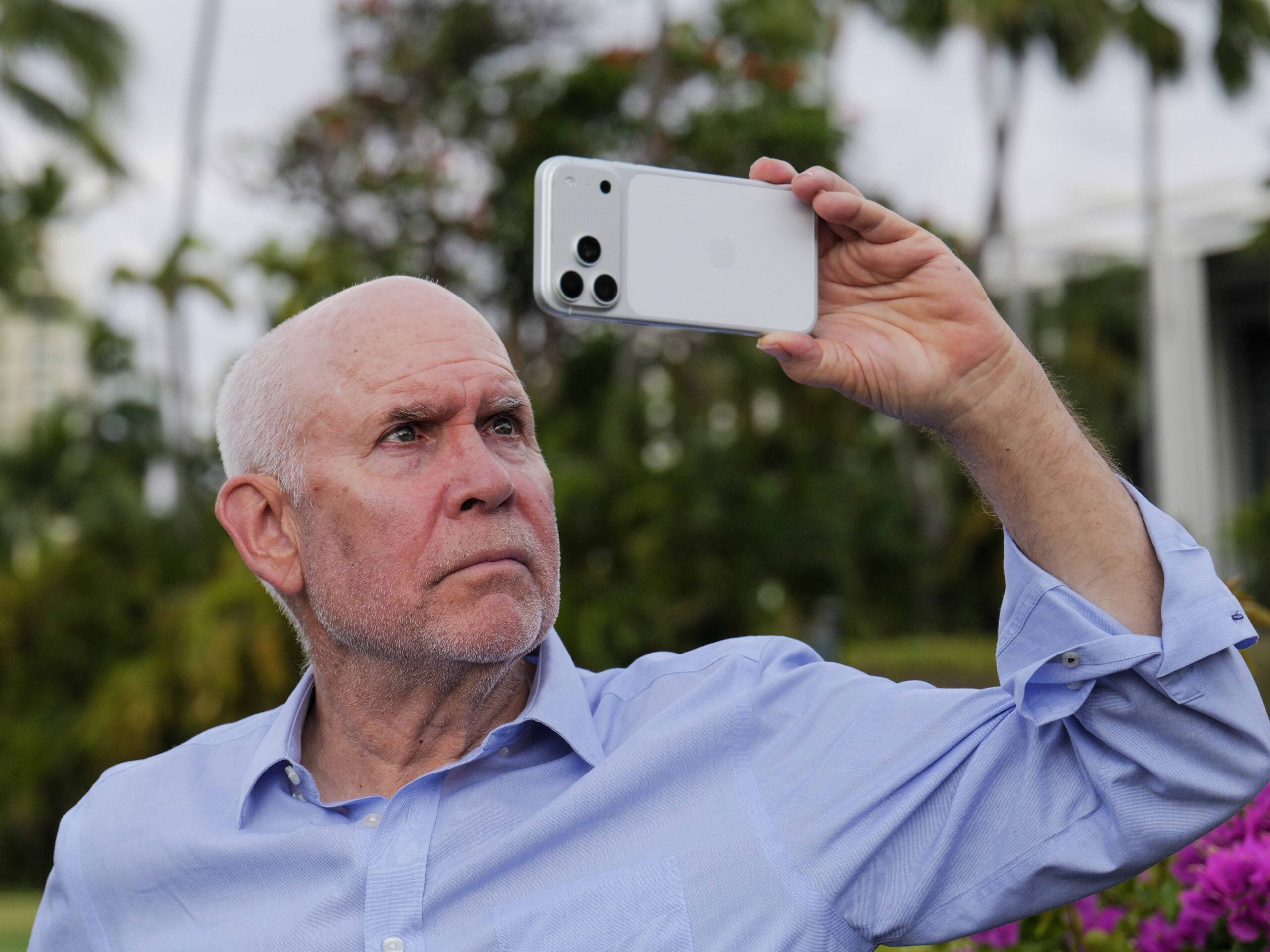
Leica LUX 2.0 also arrives with support for the iPhone 18 Pro and iPhone 18 Pro Max. Leica says the app has been optimized for the photographic capabilities of the new phones.
Existing LUX features include simulations of Leica lenses alongside manual controls for focus, exposure, ISO, and white balance. Leica has also continued adding features since the app launched in 2024, including Perspective Control, halation effects and monochrome color filters.
Leica says LUX has been downloaded millions of times and is used by hundreds of thousands of photographers each month. That gives the company a substantial audience for an app that is increasingly designed to feel like part of the wider Leica ecosystem.
The interesting part is how far Leica takes that idea. An iPhone will still be an iPhone, but LUX gives photographers another way to control how they use it. And if Leica can make people forget they are shooting with a phone, that could be the app’s most interesting trick.
[Photos via Leica]
See more from DIYPhotography.net on Google
Add DIYPhotography.net as a trusted source. This makes
our stories more likely to appear in your Google Search results.
 Add as a preferred source on Google

Alysa Gavilan
Alysa Gavilan has spent years exploring photography through photojournalism and street scenes. She enjoys working with both film and mirrorless cameras, and her fascination with the craft has grown over the decades. Inspired by Vivian Maier, she is drawn to capturing everyday moments that often go unnoticed.




Join the Discussion
DIYP Comment Policy
Be nice, be on-topic, no personal information or flames.