
























How to Take Better Photos With Your Phone Without Buying a New One
Jul 21, 2026
Alysa Gavilan
Alysa Gavilan has spent years exploring photography through photojournalism and street scenes. She enjoys working with both film and mirrorless cameras, and her fascination with the craft has grown over the decades. Inspired by Vivian Maier, she is drawn to capturing everyday moments that often go unnoticed.
Share:

Have you ever looked at a photo on your phone and wondered why it looked so much better in real life? The sunset felt brighter, the food looked more inviting, and your pet was definitely cuter than the blurry blur staring back at you.
The good news is that taking better photos with your phone usually has less to do with buying a new device and more to do with changing a few simple habits. Modern smartphones already have impressive cameras. Learning how to use them well is often the biggest upgrade you can make.
If you’ve been searching for how to take better photos with your phone, these practical tips can help you capture sharper, more interesting, and more memorable images without carrying a dedicated camera.
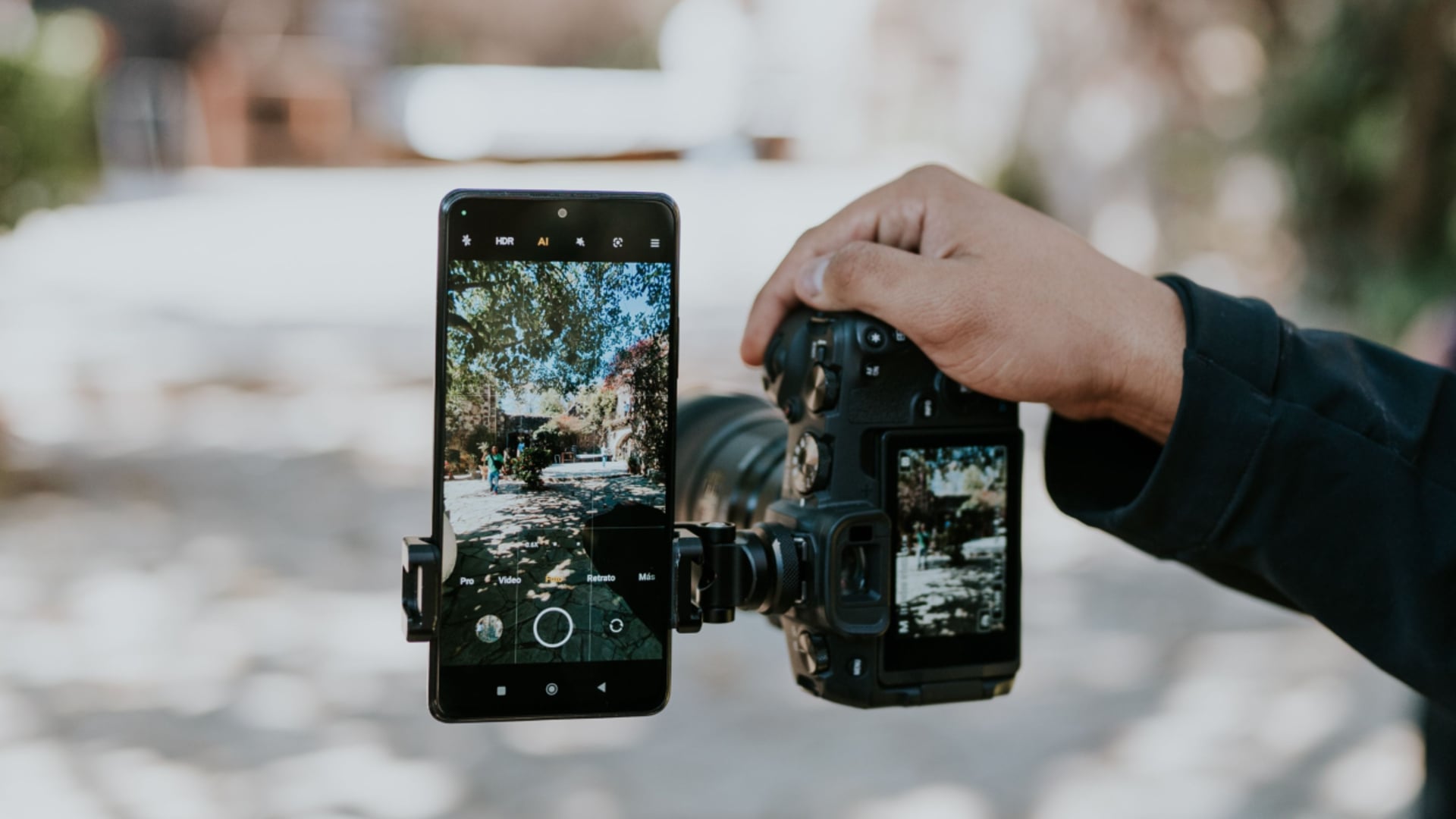
Clean your camera lens first
It sounds almost too obvious, yet it is one of the most common reasons for soft or hazy photos.
Your phone spends the day in your pocket, bag, or on a table. Dust, fingerprints, and smudges quickly collect on the camera lens. Before taking a picture, wipe the lens with a clean microfiber cloth or a soft cotton shirt. It only takes a few seconds, but it can noticeably improve sharpness and contrast.
Use natural light whenever possible
Light shapes every photograph, no matter what camera you use.
Instead of relying on your phone’s flash, look for natural light coming through a window or shoot outdoors during the morning or late afternoon. Soft light creates more flattering portraits, richer colors, and fewer harsh shadows.
If you’re indoors, move your subject closer to a window rather than standing under bright overhead lighting. A small change in position can make a surprisingly big difference.

Hold your phone steady
Even the best smartphone camera cannot completely fix shaky hands.
Grip your phone with both hands and keep your elbows close to your body for extra stability. If possible, lean against a wall, rest your arms on a table, or place your phone on a stable surface.
Many phones also include a timer feature, which helps reduce camera shake when you tap the shutter button.
Tap to focus before taking the photo
Your phone does not always know what you want people to notice.
Before pressing the shutter, tap your subject on the screen. This tells the camera where to focus and often adjusts the exposure at the same time.
For portraits, tap on the person’s eyes. For close ups of flowers, food, or small objects, tap directly on the main subject instead of letting the phone choose automatically.
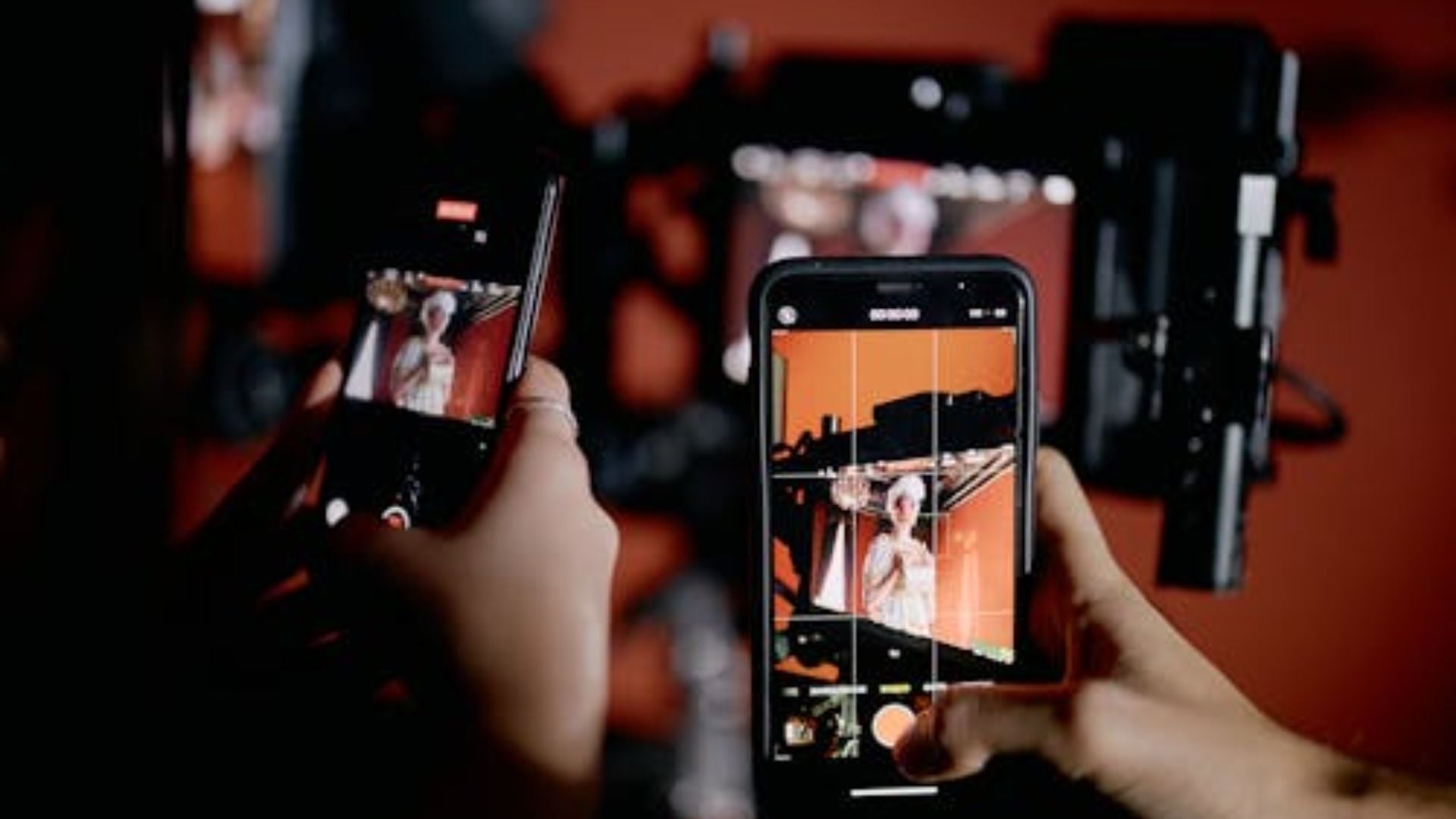
Pay attention to composition
A great subject deserves thoughtful framing.
Many smartphones let you turn on grid lines in the camera settings. These lines help you use the rule of thirds, a classic photography technique that places your subject slightly off center instead of directly in the middle.
You can also simplify your background by taking a few steps to the left or right. Removing distractions often makes a photo feel much more polished.
Get closer instead of zooming
Digital zoom often reduces image quality.
Instead of pinching the screen to zoom in, move closer to your subject whenever possible. This preserves more detail and produces a cleaner image.
If your phone has a dedicated telephoto lens, switching to that camera is usually a better choice than relying on digital zoom.
Use Portrait mode carefully
Portrait mode can create attractive background blur, but it works best in the right situations.
Give your subject a little space from the background so the effect looks more natural. Take a quick look around the edges of your subject after capturing the image. Hair, glasses, and hats can sometimes confuse the software, so it is worth checking before moving on.
Try different angles
Most phone photos are taken from eye level, which can make every picture feel the same.
Crouch lower for photos of children or pets. Raise your phone for a wider view of a crowd or landscape. Shoot through leaves, windows, or doorways to add depth and make the image feel more immersive.
Changing your angle often has a bigger impact than changing your camera.
Edit with a light touch
A little editing can improve a good photo, but too much can make it look artificial.
Adjust brightness, contrast, shadows, and color gradually. Small changes usually produce more natural results than pushing every slider to its limit.
Most smartphones already include capable editing tools, so you may not need additional apps for everyday adjustments.
Practice before chasing new gear
It is easy to believe that better equipment automatically creates better photographs.
In reality, photographers improve by paying attention to light, timing, composition, and storytelling. A smartphone gives you countless opportunities to practice because it is almost always within reach.
Challenge yourself to photograph the same subject at different times of day or from different angles. Over time, you’ll begin to notice what works and what doesn’t.
Better phone photos start with better habits
Learning how to take better photos with your phone is not about memorizing camera settings or buying the newest device every year. It comes from noticing light, slowing down before pressing the shutter, and thinking about what you want your photo to say.
The next time you pull out your phone, try just one or two of these techniques and compare the results. You may be surprised by how much your photography improves before you ever upgrade your camera.
See more from DIYPhotography.net on Google
Add DIYPhotography.net as a trusted source. This makes
our stories more likely to appear in your Google Search results.
 Add as a preferred source on Google

Alysa Gavilan
Alysa Gavilan has spent years exploring photography through photojournalism and street scenes. She enjoys working with both film and mirrorless cameras, and her fascination with the craft has grown over the decades. Inspired by Vivian Maier, she is drawn to capturing everyday moments that often go unnoticed.
Related Posts
 How to shoot cinematic footage with your smartphone without buying a whole bunch of accessories
 Starting photography in 2025? Here are some tips for buying gear without breaking a bank
 This phone case acts like a “mobile airbag” to protect your phone when dropped
 How to Resize Images on Phone on iPhone and Android Without Losing Quality
Join the Discussion
DIYP Comment Policy
Be nice, be on-topic, no personal information or flames.