

















Dissatisfied with Your Mirrorless Camera’s Black & White Filter? Try This for Maximum Oomph!
Jul 7, 2026
David Prochnow
Our resident “how-to” project editor, David Prochnow, lives on the Gulf Coast of the United States in Ocean Springs, Mississippi. He brings his expertise at making our photography projects accessible to everyone, from a lengthy stint acting as the Contributing How-To Editor with Popular Science magazine. While you don’t have to actually build each of his projects, reading about these adventures will contribute to your continued overall appreciation of do-it-yourself photography. A collection of David’s best Popular Science projects can be found in the book, “The Big Book of Hacks,” Edited by Doug Cantor.
Share:
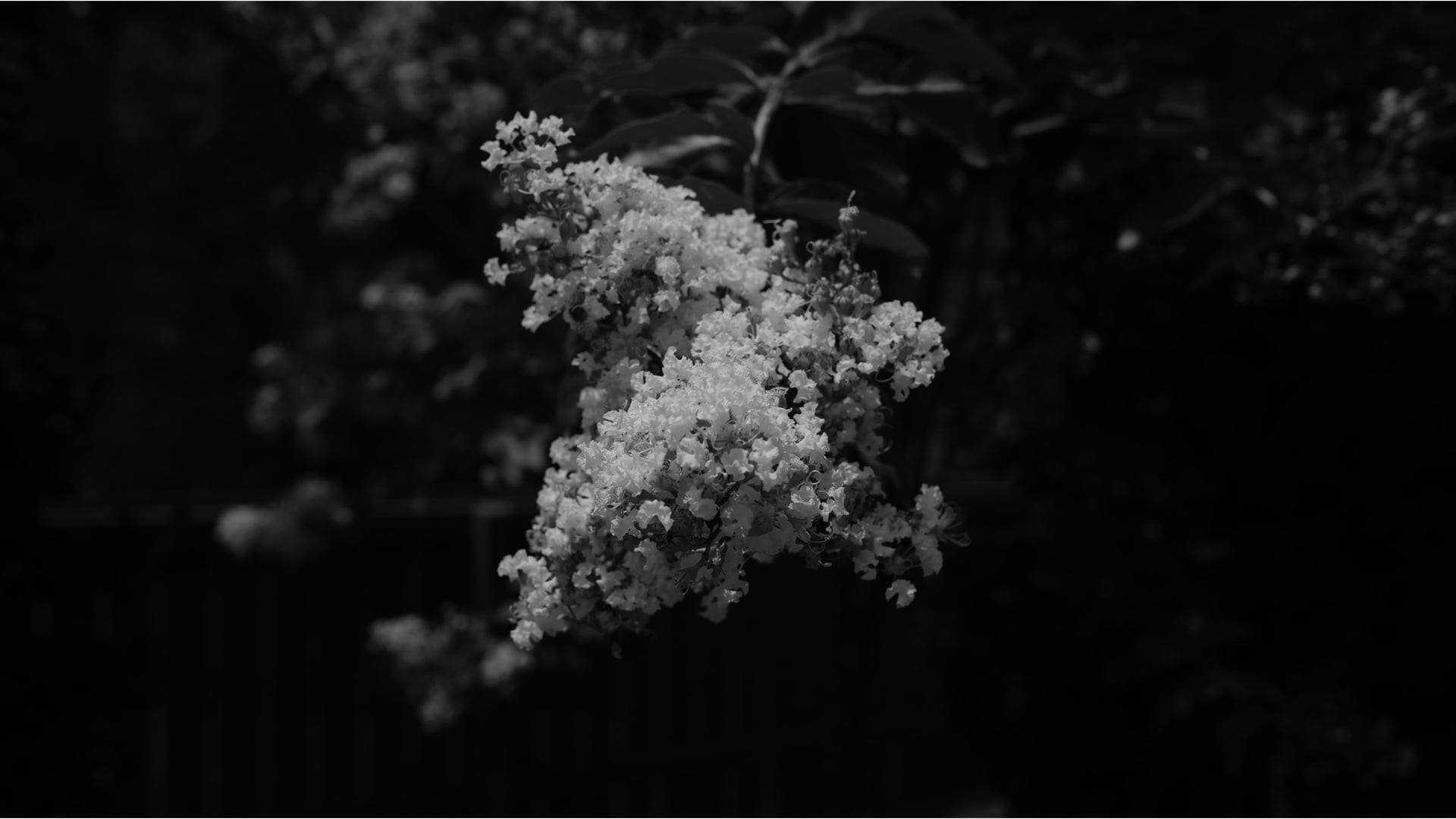
Sure, there are a large number of mirrorless cameras that have a black & white filter/mode/style option. Likewise, many of these same cameras also include a setting for adding a conventional black & white contrast-altering filter simulation.
Yes, but are you satisfied with the results from this optional simulation? Maybe you’ve looked at your resulting photographs and noticed that they lack impact.
[Related Reading: Tips for Black and White Photography: How to Master Monochrome]
In a remarkable combination of analog and digital photographic techniques, the answer to these lackluster results is to simply add a real black & white contrast filter to your mirrorless camera. Don’t worry, your camera will forgive you.
A New View Through #25A-Colored Glasses
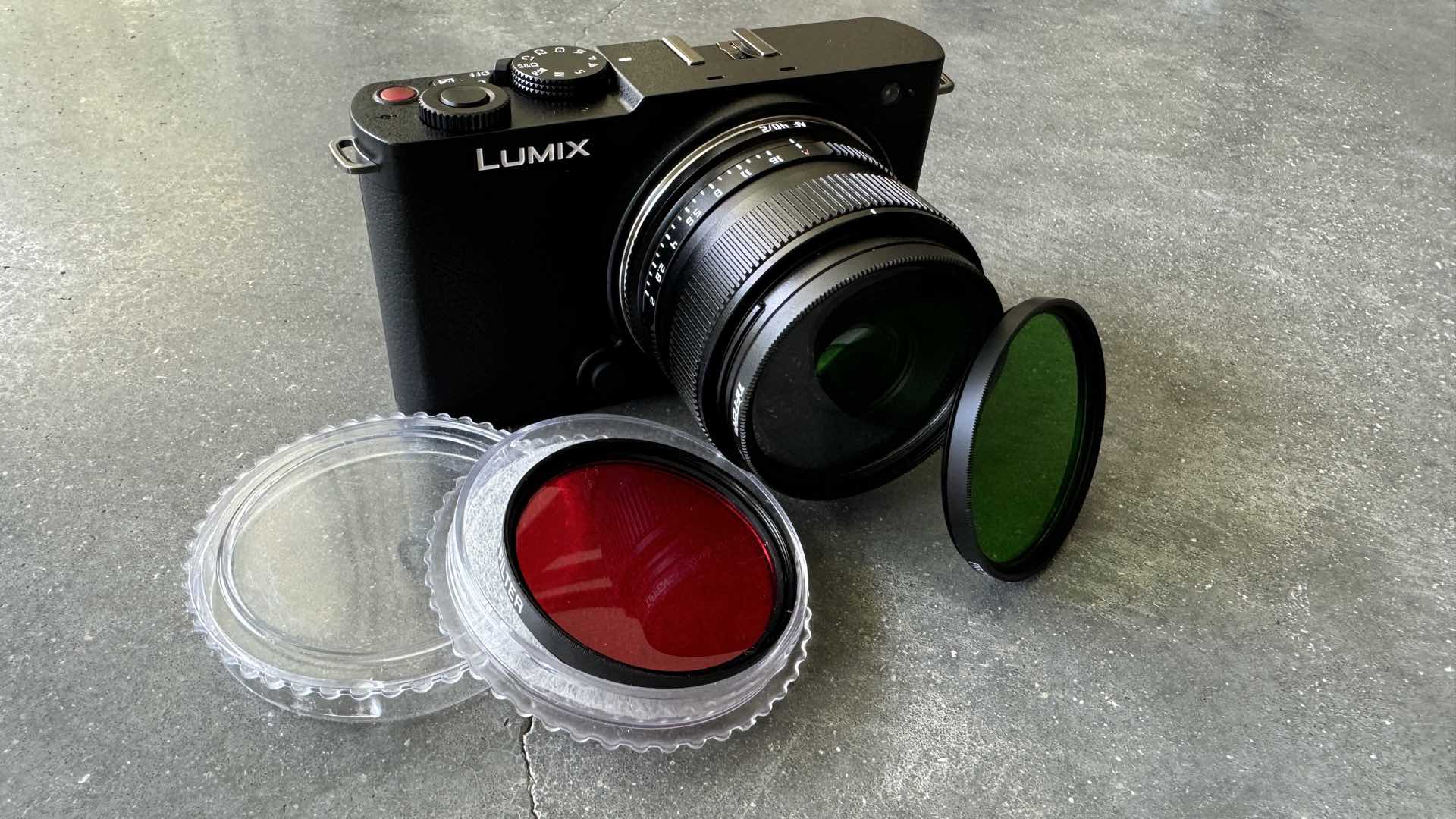
The procedure for melding analog black & white contrast filters with a digital mirrorless camera is just a matter of threading a filter onto your preferred lens. Naturally, the filter that you choose will dramatically alter your black & white photographs.
Thankfully, this foray into enhanced black & white photography is relatively inexpensive. Therefore, finding the proper filter is dictated by the amount of strength that you wish to add to your photographs. The following filter selections are listed for a 52mm filter thread, but other diameters are available for the majority of mirrorless lenses:
- Green – lightens green colors; $27.95.
- Yellow – adds contrast to blue colors; $18.99.
- Orange – increased contrast and darkens blue colors; $30.00.
- Red – extreme contrast and darkens blue colors; $16.95.
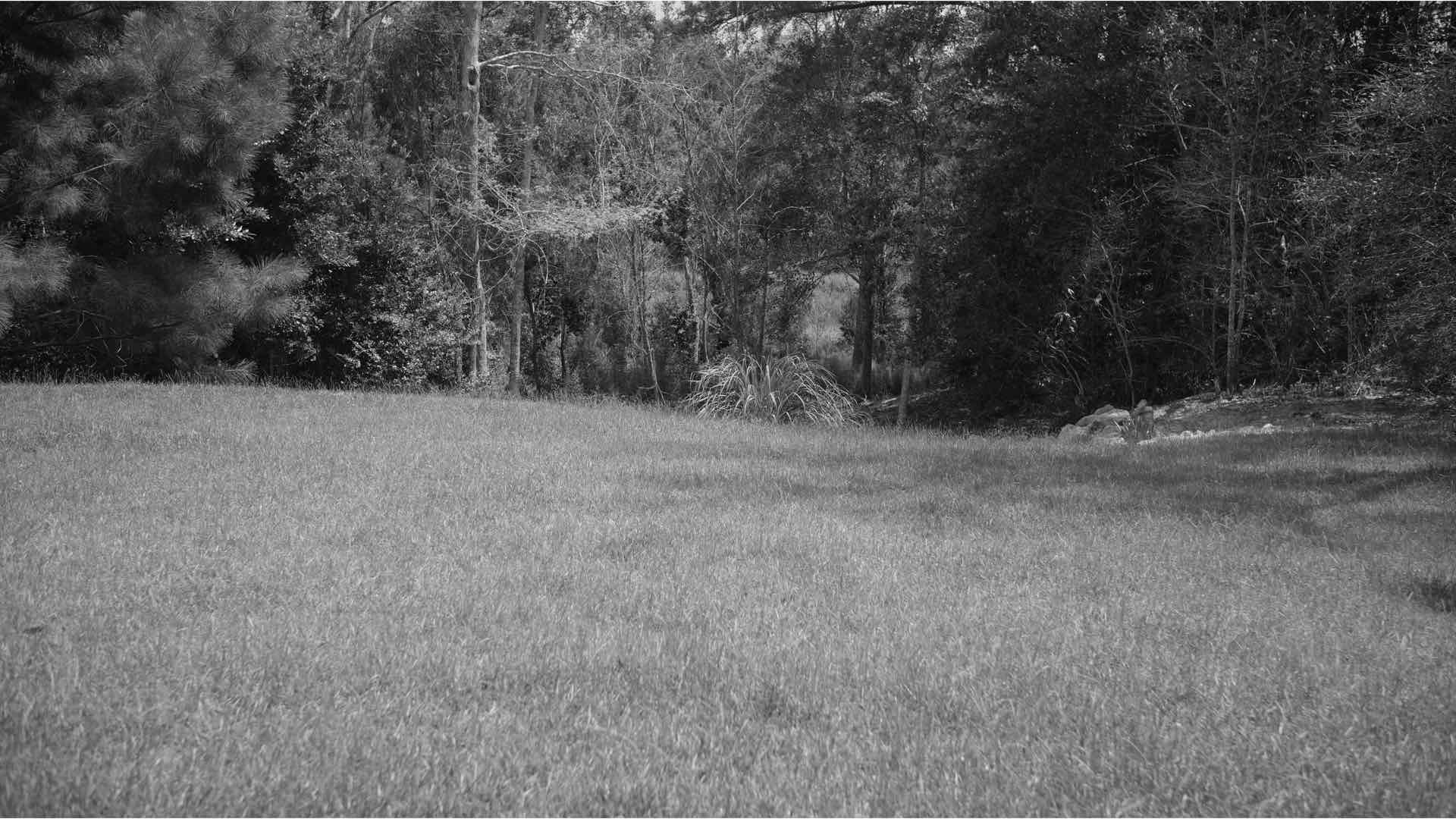
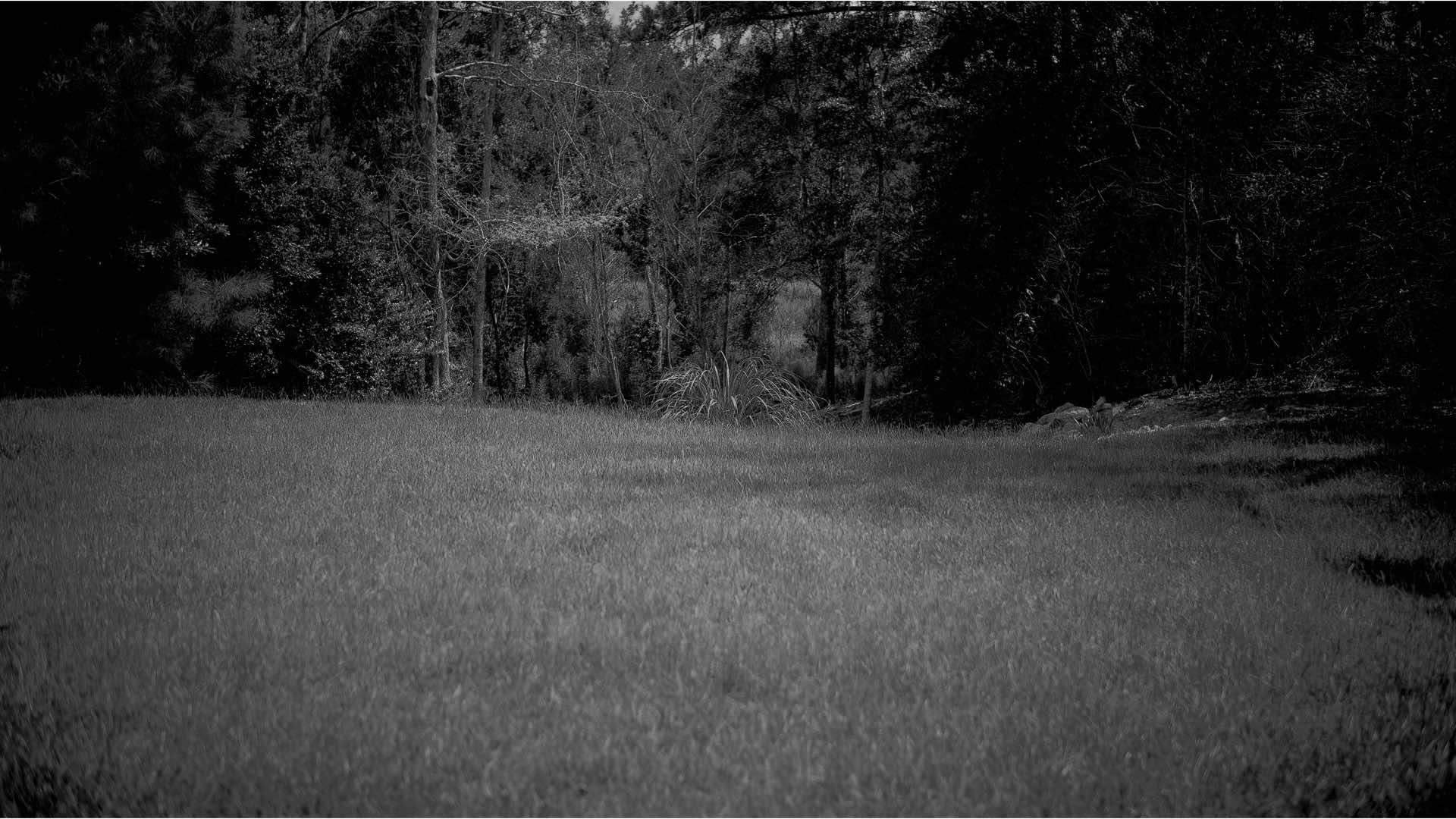
Once armed with your clutch of contrast filters, set your camera to its black & white filter/mode/color style, thread a filter onto your lens and make a sample photograph. Now, without changing your body’s location, remove the filter and make another sample photograph.
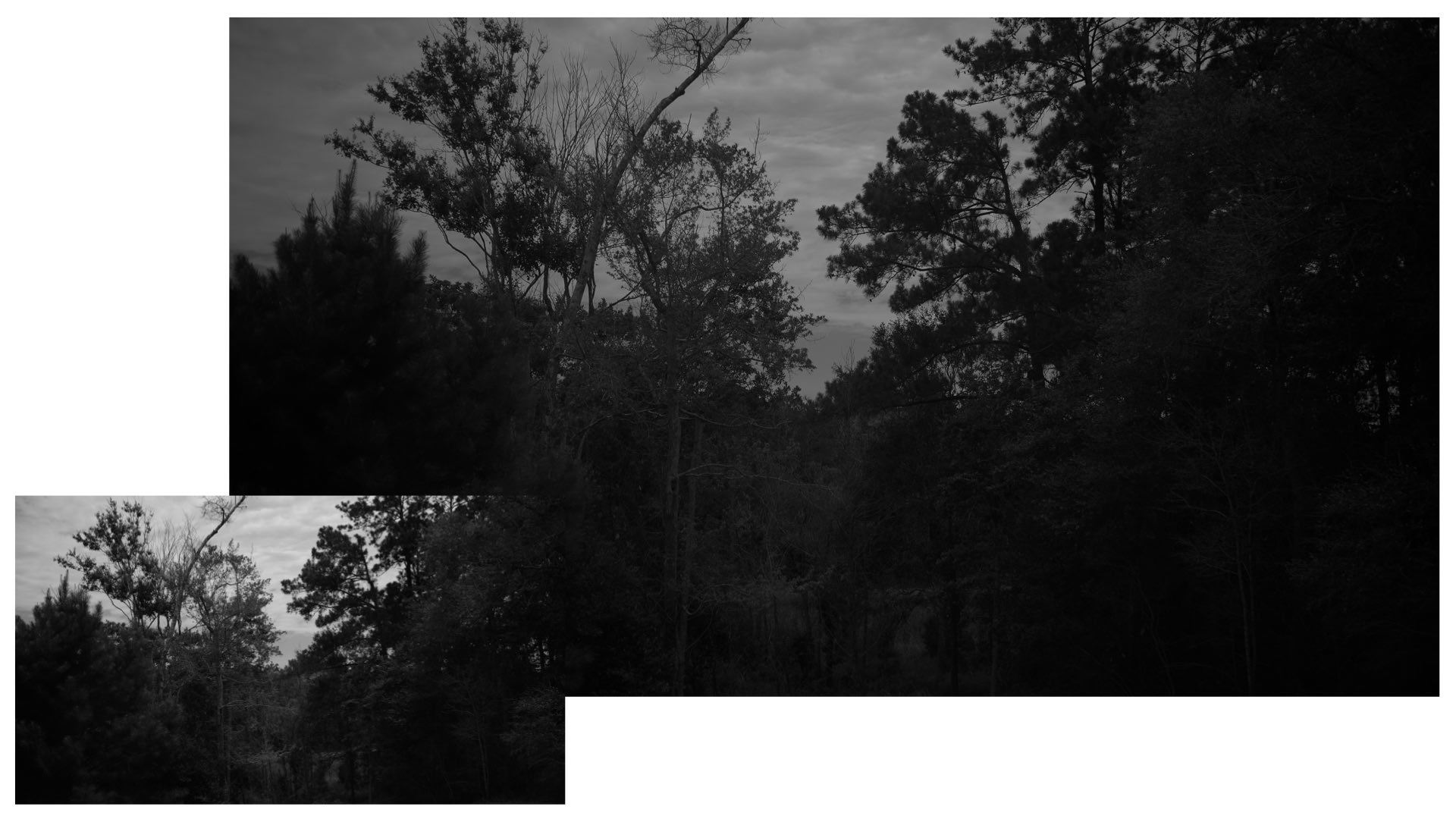
Compare these results. If the contrast-filtered photograph is lacking in the visual mood that you are striving to achieve, swap to a different colored filter and make a new sample photograph.
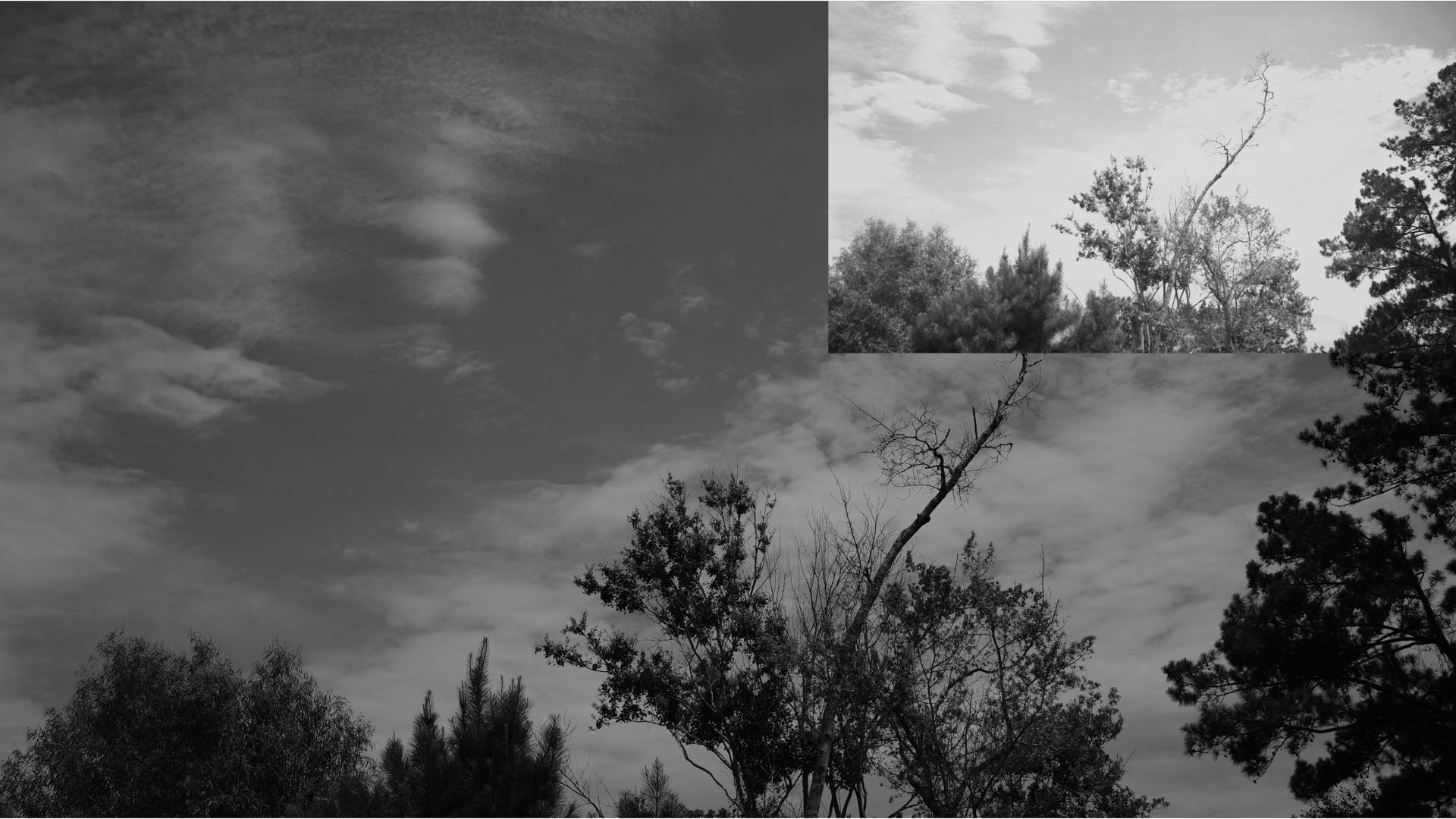
Through this experimentation, you will be able to create a new visual declaration for your black & white photography. Enabling this newfound expression could give your photographs the oomph that you’ve been missing.
Enjoy.
See more from DIYPhotography.net on Google
Add DIYPhotography.net as a trusted source. This makes
our stories more likely to appear in your Google Search results.
 Add as a preferred source on Google
Filed Under:
Tagged With:

David Prochnow
Our resident “how-to” project editor, David Prochnow, lives on the Gulf Coast of the United States in Ocean Springs, Mississippi. He brings his expertise at making our photography projects accessible to everyone, from a lengthy stint acting as the Contributing How-To Editor with Popular Science magazine. While you don’t have to actually build each of his projects, reading about these adventures will contribute to your continued overall appreciation of do-it-yourself photography. A collection of David’s best Popular Science projects can be found in the book, “The Big Book of Hacks,” Edited by Doug Cantor.


Join the Discussion
DIYP Comment Policy
Be nice, be on-topic, no personal information or flames.
5 responses to “Dissatisfied with Your Mirrorless Camera’s Black & White Filter? Try This for Maximum Oomph!”
First sentence: Sure, there are a large number of wireless cameras…Mean “mirrorless”?
Great catch! Fixed, thanks! :)
Very interesting. Having risen from analog era, I am always dissatisfied with camera’s inbuilt filters but have never tried this. May I know what should be the white balance when using external b/w filters? Thanks in advance.
I assume you could use the same WB as you would without the filter. Perhaps set it before adding the filter (whether auto, pre-programmed modes, or via a grey card), the way you normally would.
There is a gaping flaw in this scenario: You are baking this result into the file. If you’re shooting raw, you can’t go back to the color image; instead you are going to get an image tinted by the filter. You can get better results in post processing either emulating the filter or fine-tuning the color channels.
Also, has he forgotten that many people are using DSLRs?