


















How to shoot portraits with constant light
Sep 25, 2024
Glyn Dewis
Alex Baker is a portrait and lifestyle driven photographer based in Valencia, Spain. She works on a range of projects from commercial to fine art and has had work featured in publications such as The Daily Mail, Conde Nast Traveller and El Mundo, and has exhibited work across Europe
Share:
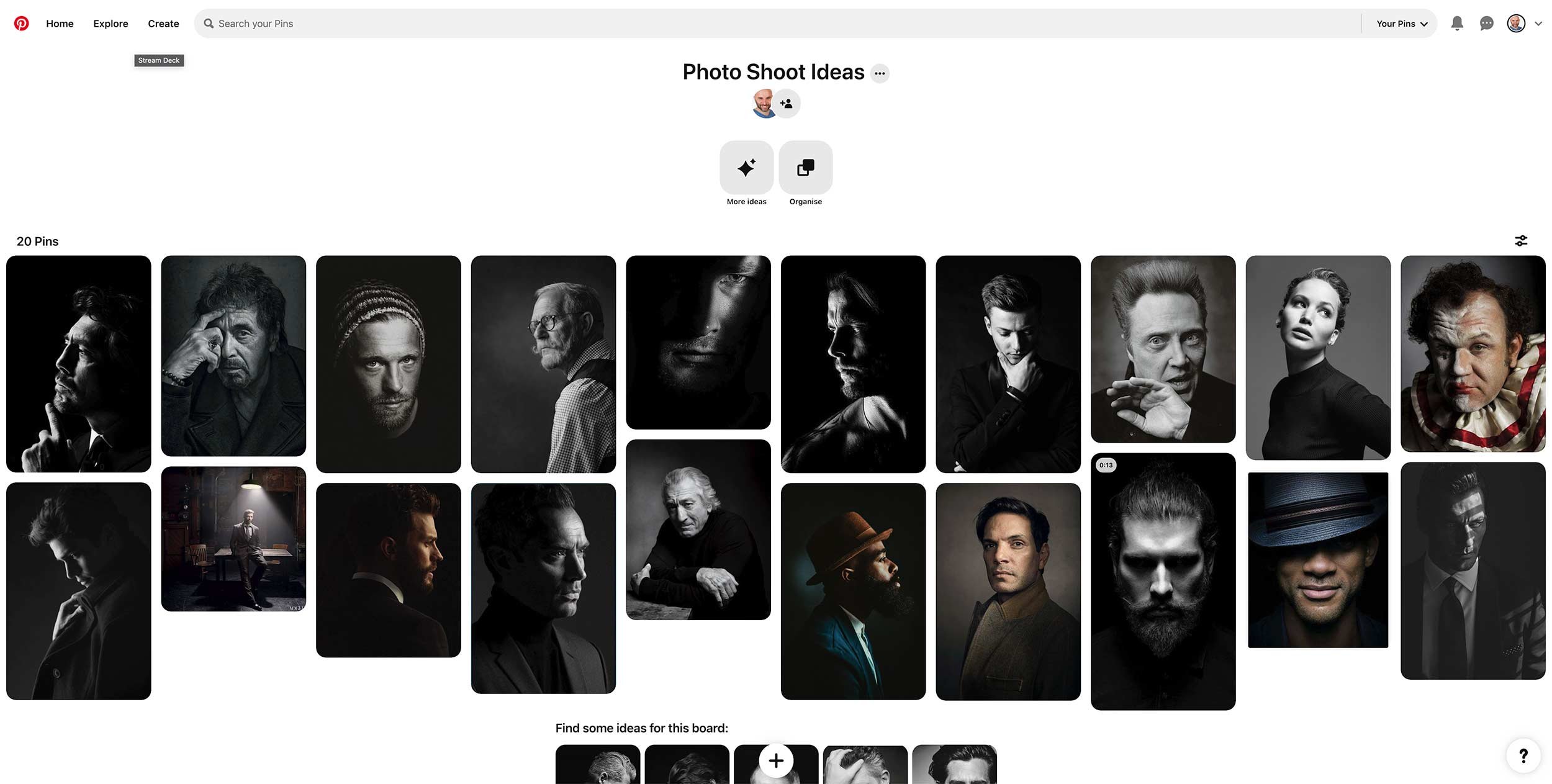
Recently, I was back with friends in the studio taking portraits, and this time getting Steve in front of my camera to try out some ideas I’d stumbled across when browsing Pinterest that I thought would be another good excuse to get my L60-B constant light out for.
I’ve used Pinterest for years as a great place for not only finding inspiration by looking at the work of photographers I admire, like Annie Leibovitz and Mark Seliger but also a great tool for looking at how other photographers pose their subjects, which, let’s face it can be awkward at times.
Finding a balance between what you want but also making the pose look natural and the subject comfortable can be challenging to get right but I’ve always found it a massive help when you can guide your subject on what you’re looking for by showing them a picture.
Anyway, here are some of the looks and poses I was really interested in:
Model for the day
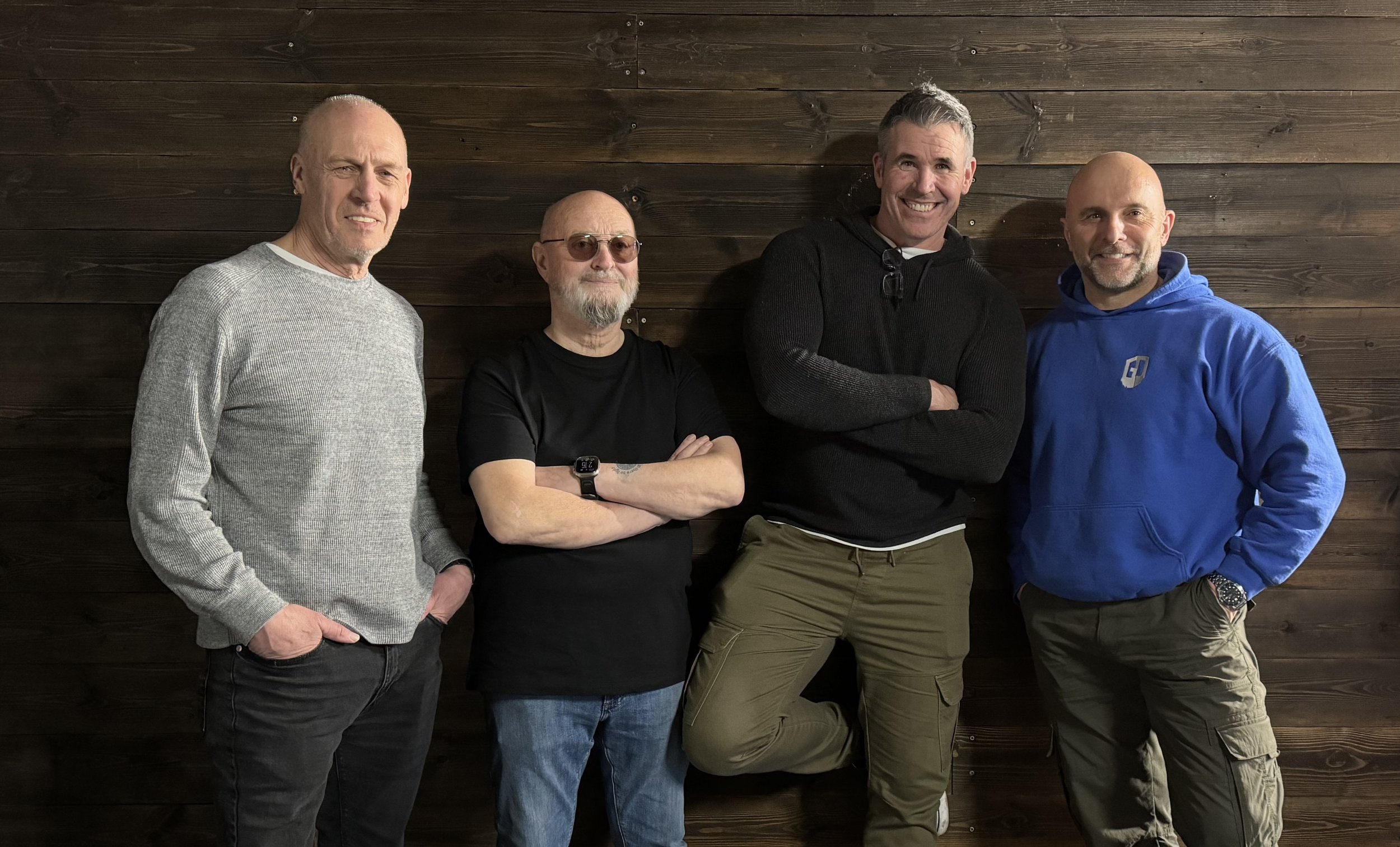
Model for the day was my dear friend Steve Healy whom I’ve known for years.
There was a time when, for quite a while, we’d not met up because of Steve moving away to Devon, but I’m glad to say that when we finally made the move to the South West, we’re now able to meet up fairly regularly to just hangout out and take photographs. This we will certainly be doing more and more of!
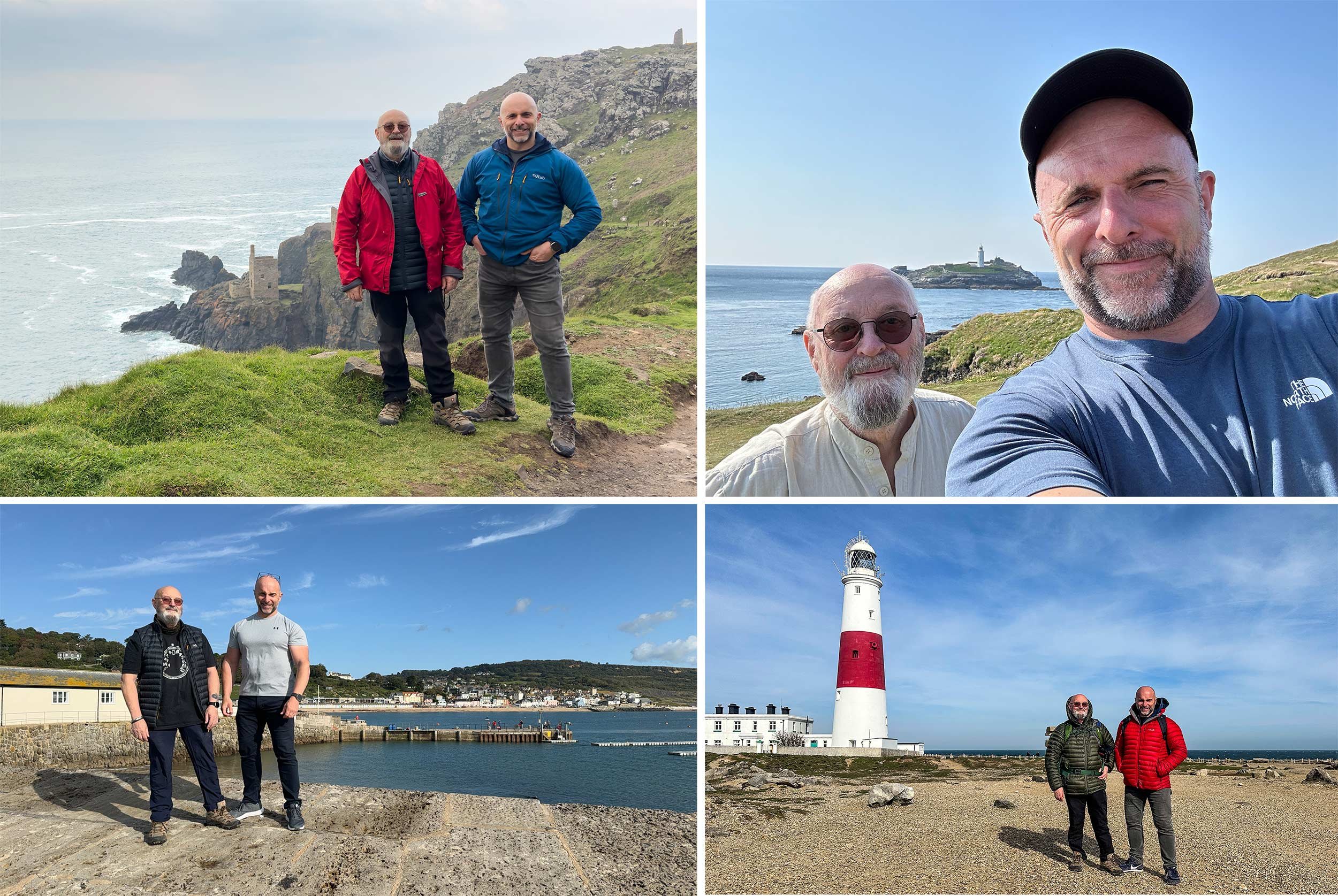
Anyway, Steve drove over to my house in the morning and then we both jumped into my car and headed to South Wales to catch up with the gang; some of my closest friends which to be honest are more like family … Ian Munro and Anthony Crothers.
This was the first time Steve had met up in person with Ian and Anthony, even though I’m sure they felt like they knew each other anyway, having messaged back and forth many times on social media and also in the chat room during my Sunday LIVE Broadcasts on YouTube. Needless to say … Steve instantly became ‘one of the gang’ 😃
So after a traditional meet-up at Costa in Brynmawr, South Wales, to fuel up on coffee, we then went to the studio and cracked on …
Portrait 1
So the first portrait I really liked the look of doing was the one inspired by this portrait of Robert De Niro taken by Mark Seliger:
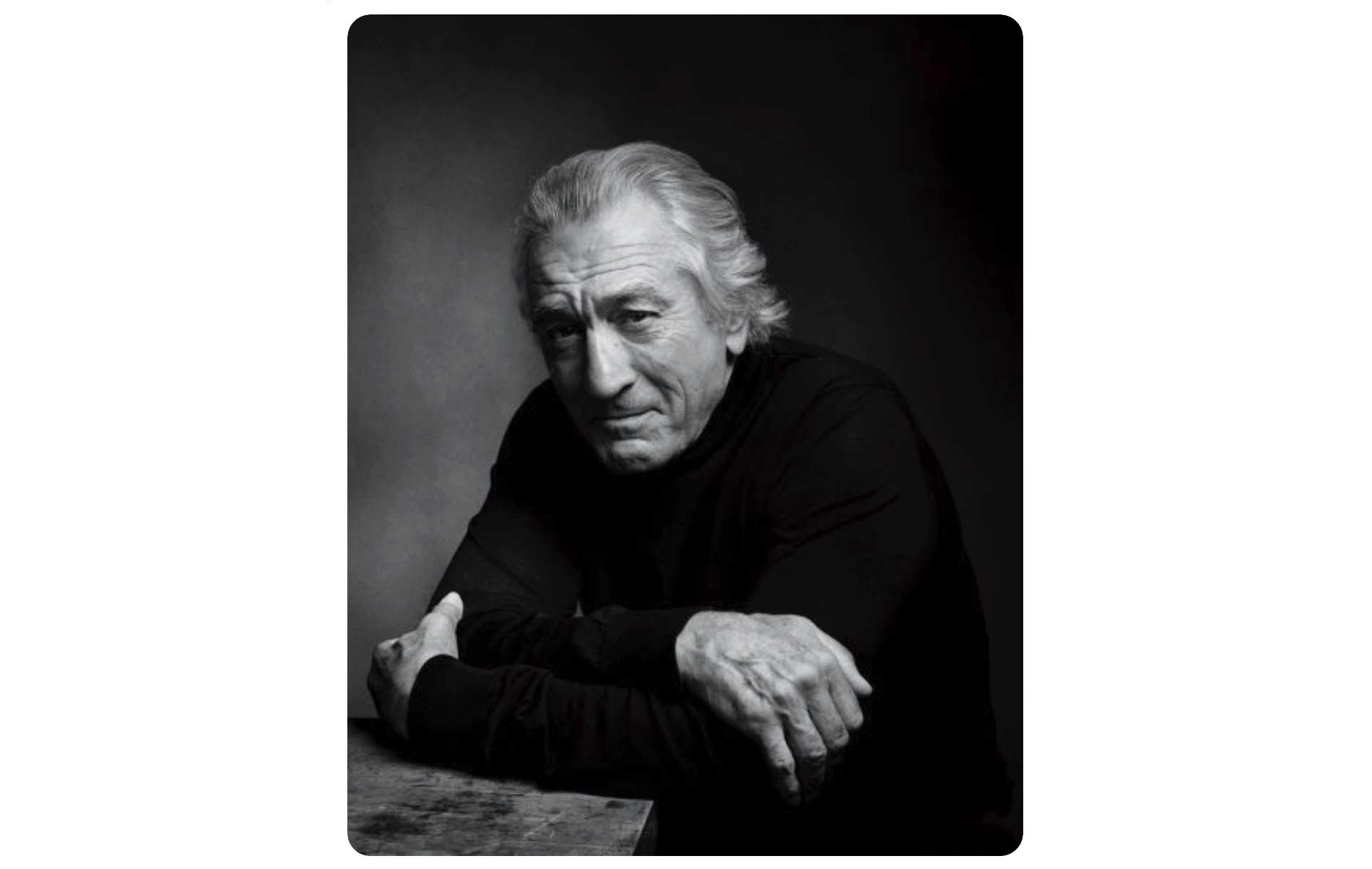
Steve had brought along a dark grey casual suit-type jacket, which was ideal. He’d also bought a white shirt to wear underneath, but when setting up, we all felt that even though you’d only seen a small portion of it, it would be too distracting, so instead, Steve kept with the black T-shirt he was wearing.
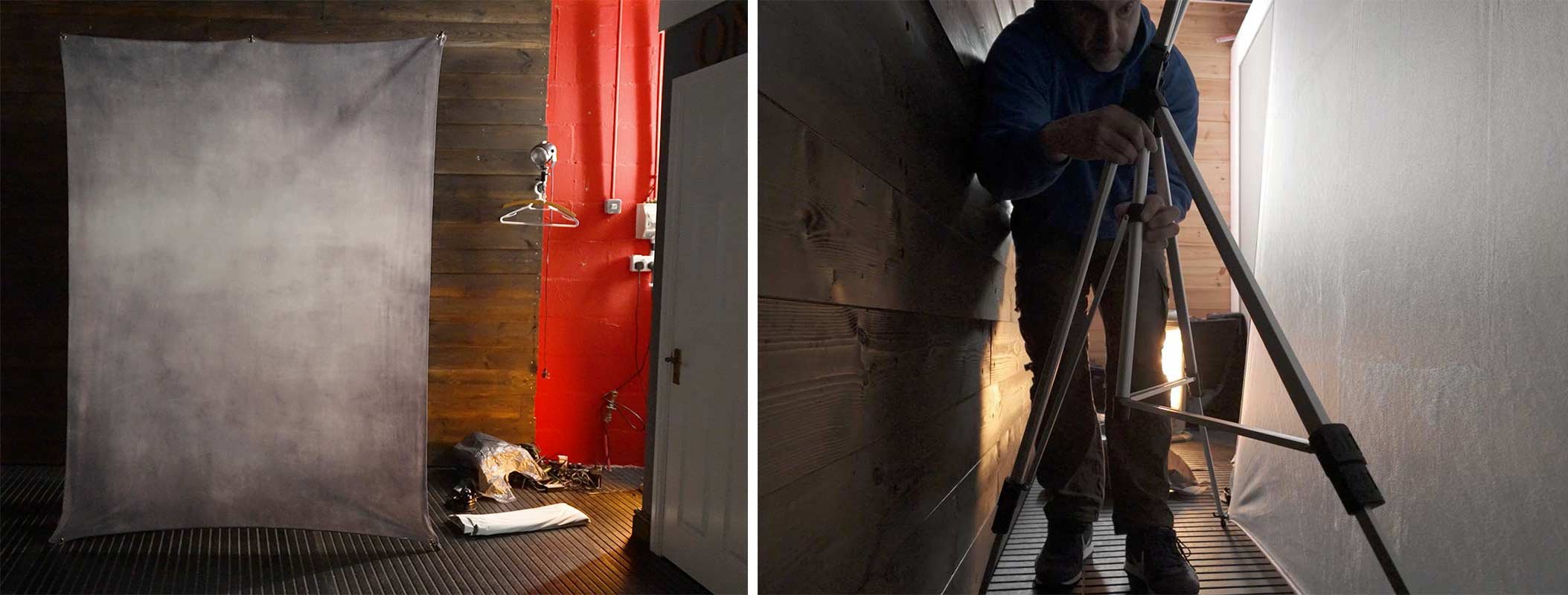
Background
For this portrait, as it was to be a fairly tight crop of Steve on one side and just a little bit of ‘dead space’ to the left, the 7’ x 5’ background would be plenty big enough so this was set up with the rear supporting leg shortened so that the background took up less floor space and could be closer to the wall.
Click here to check out my gear.
Light and Modifier
I’ve said it before, and I’ll say it again … I absolutely LOVE this light!
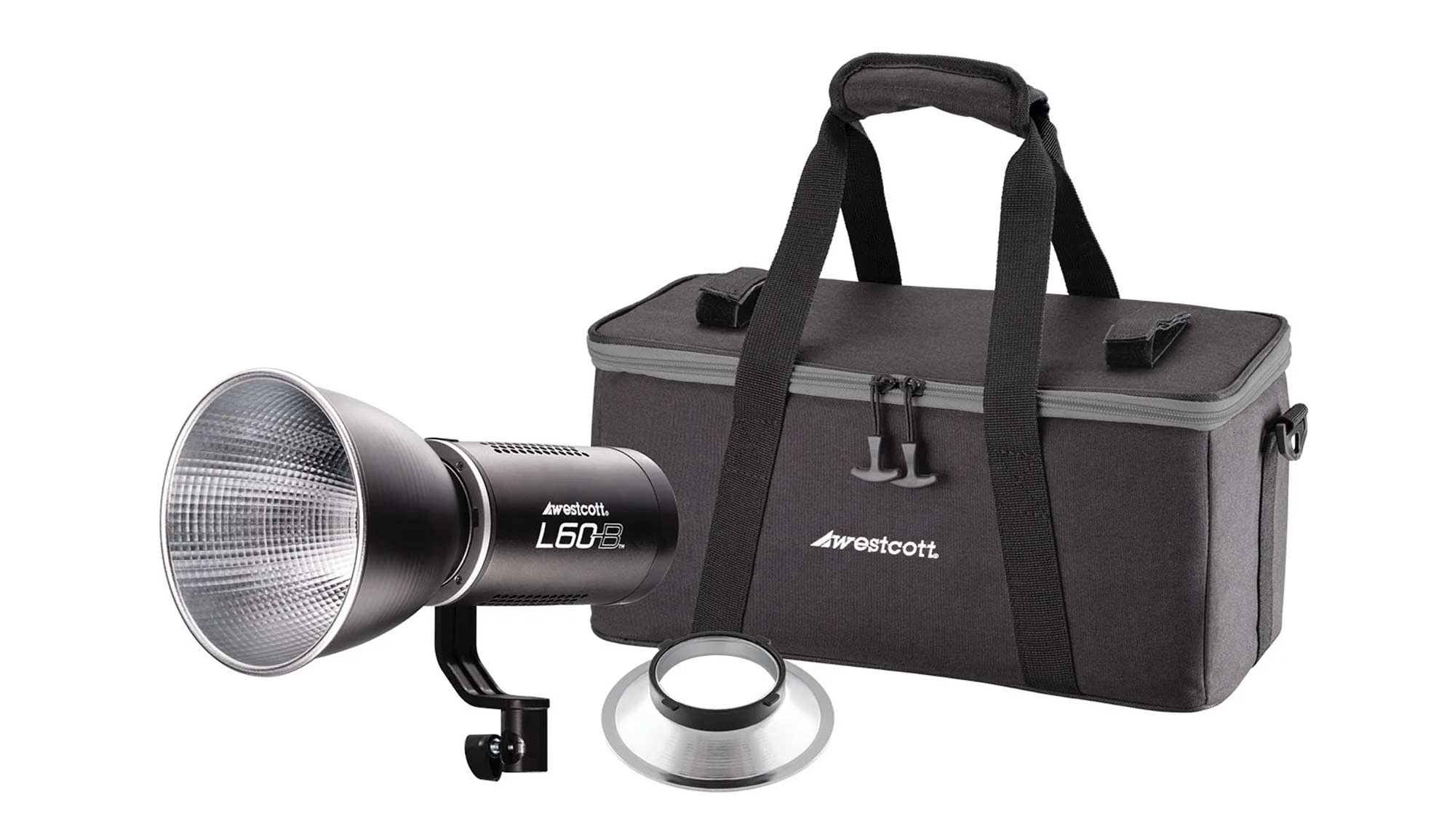
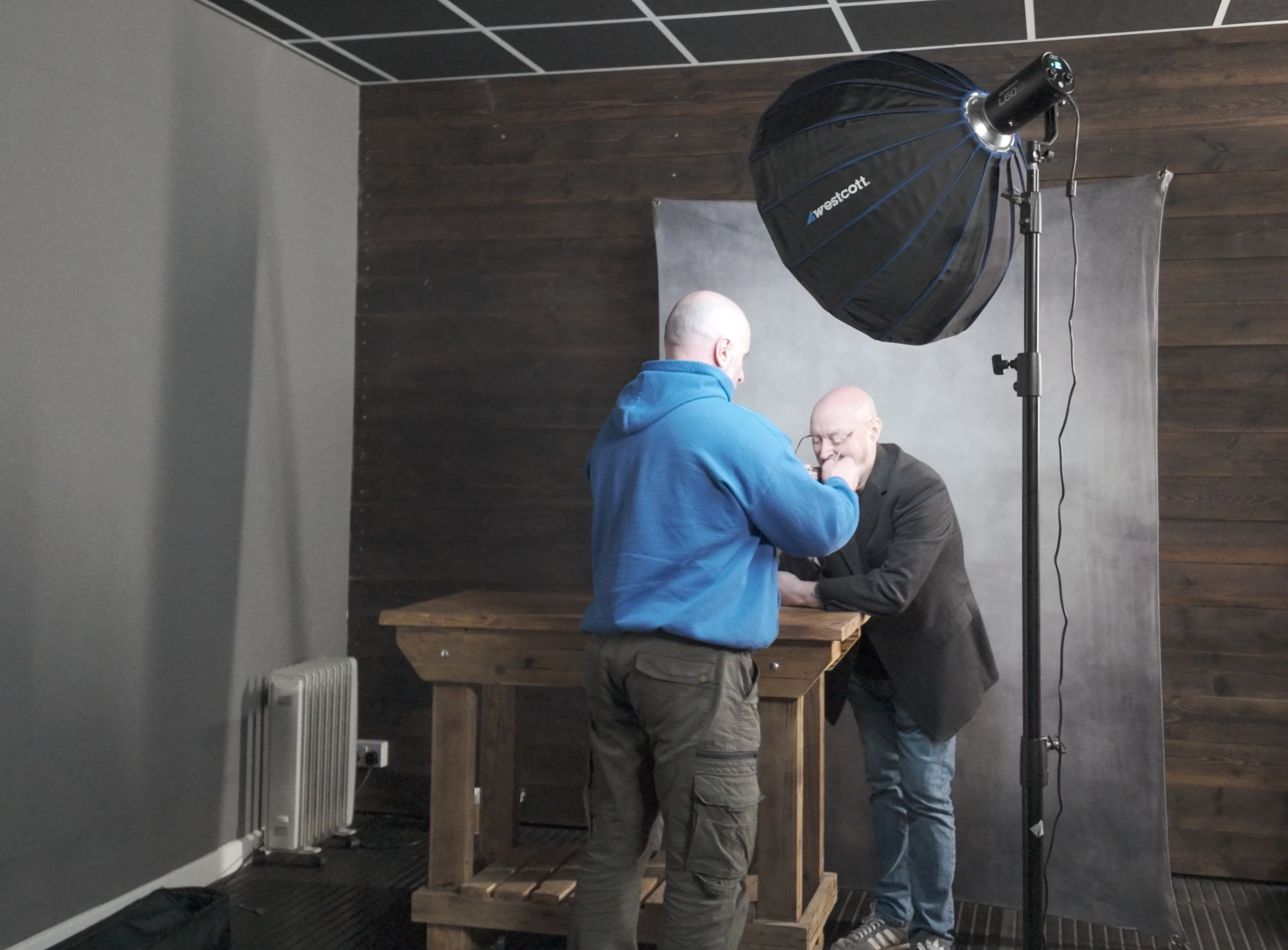
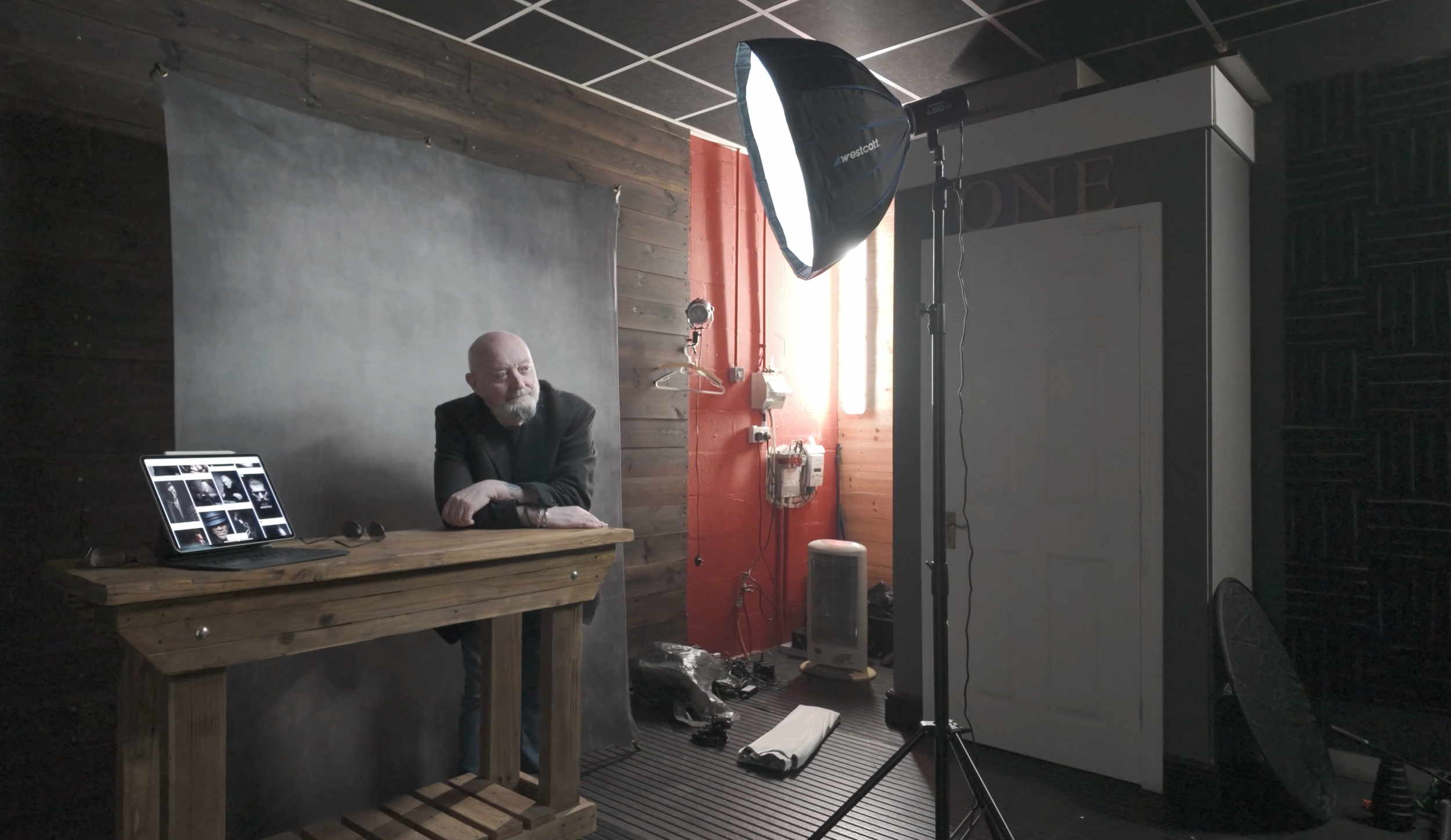
I wouldn’t be exaggerating when I say that positioning the light (L60-B) to get the Rembrandt Lighting Pattern 100% BANG ON took just a few seconds; such is the convenience and ease of doing so when using because … What You See Is What You Get
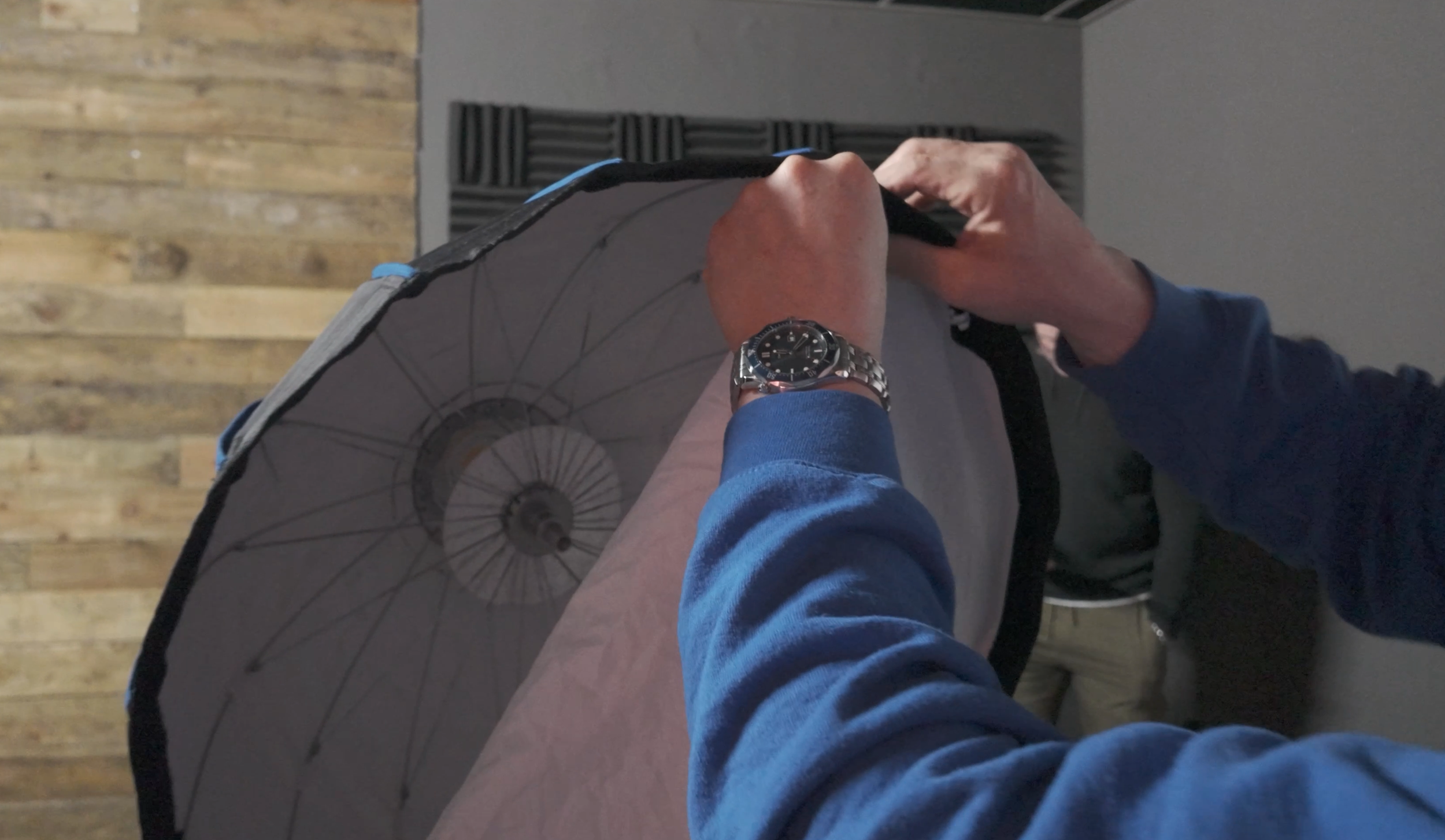
To achieve a quality of light that was neither hard or soft but somewhere in between, and also to minimise the amount of light that would spill onto the background, I opted to use the Westcott 24” Rapid Box Switch Beauty Dish and with the outer diffusion panel fitted.
Camera and lens
- Sony A7RIV
- Sony 85mm f/4.0 G Master
Camera settings
- Aperture: F/4.0
- Shutter Speed: 1/60sec
- ISO 1250
Once set up and with any light in the studio that wasn’t contributing to the portrait turned off, I could then start taking portraits of Steve, but what was really useful here was that everyone could see EXACTLY what the shots would be like without having to look at the back of my camera each time or look at my iPad Pro that I was tethering to; again because What You See Is What You Get
This made it so easy for anyone who wanted to make a suggestion and move in to maybe get Steve to angle himself differently or change the position of a hand.
It just worked and worked so incredibly well, making EVERYONE feel involved.
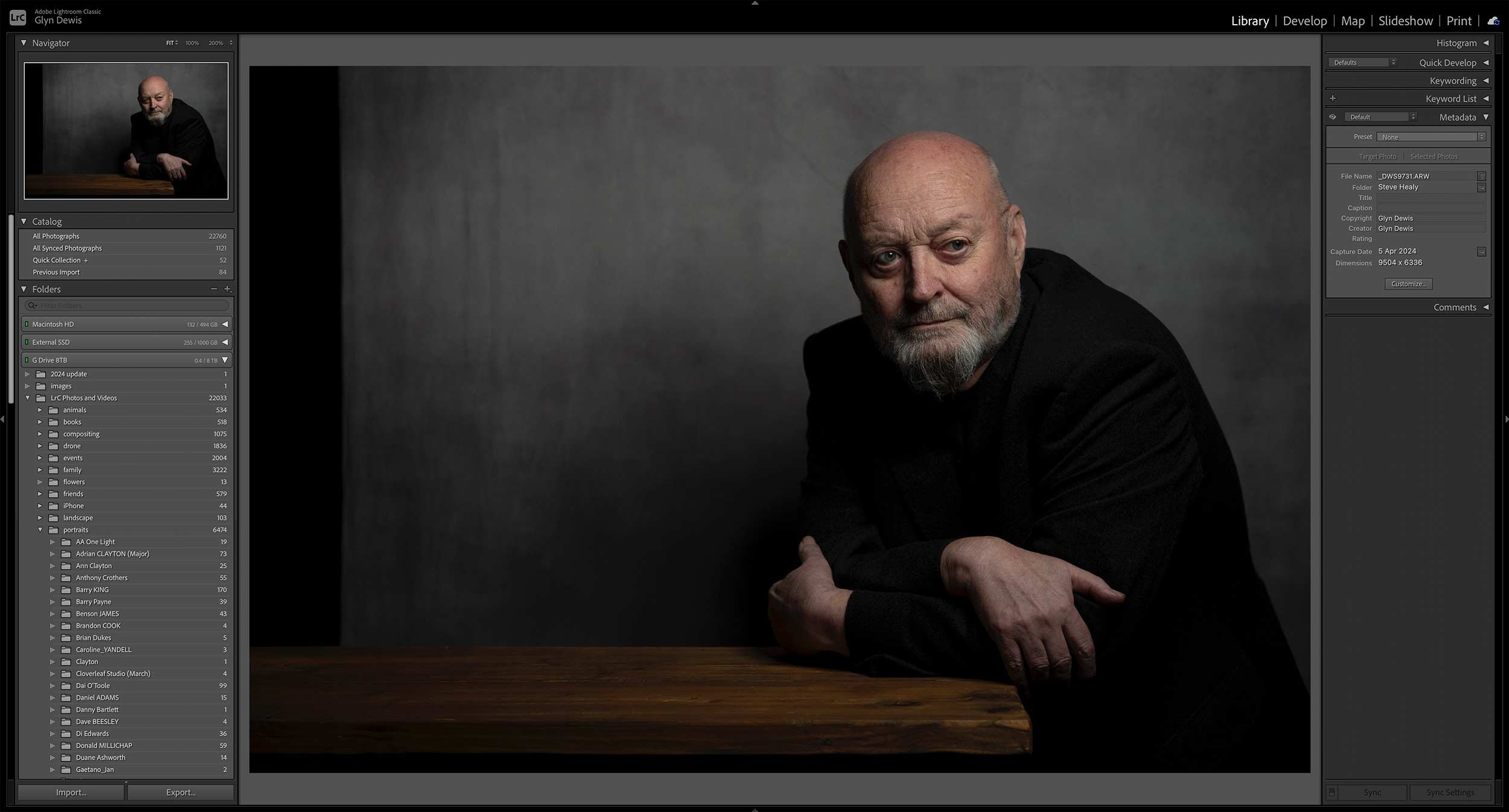
Out of camera
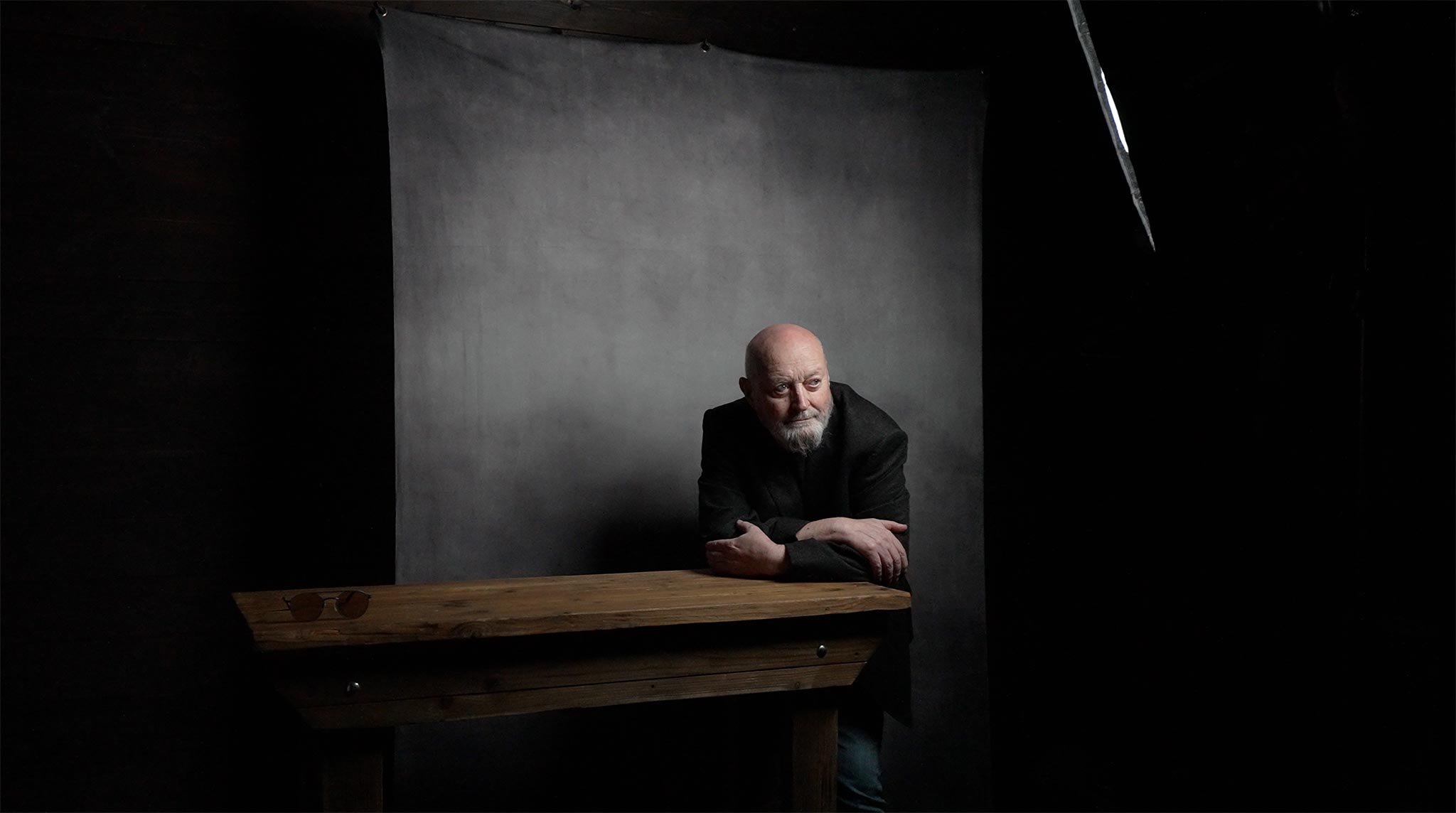
Here’s the out-of-camera Raw file:
Final edit
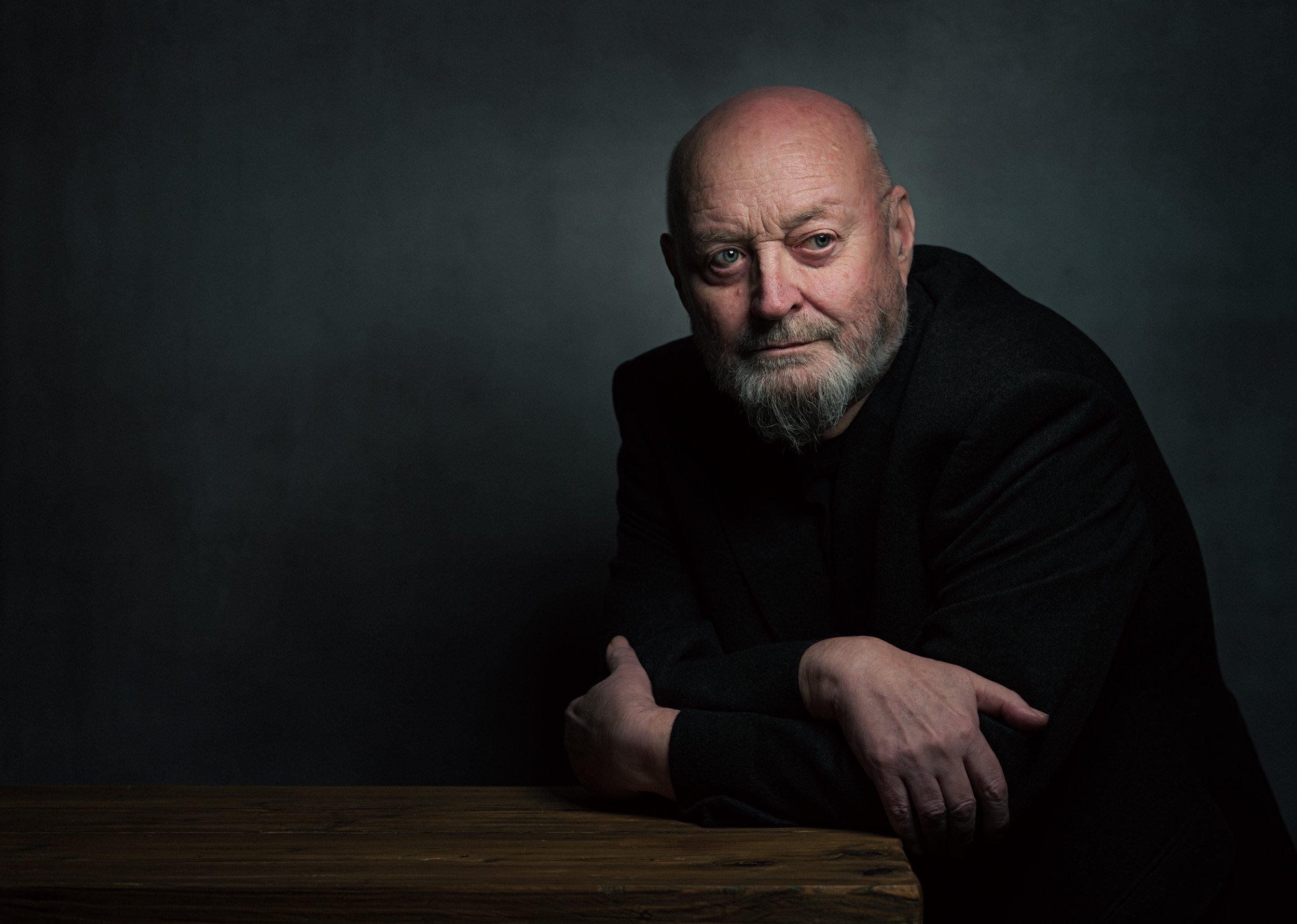
Here’s the final retouched image, which was worked on using both Lightroom and Photoshop:
Lightroom Classic and Photoshop
Here’s a summary of the retouching steps carried out in both Lightroom Classic and Photoshop:
Lightroom
- Straighten & Crop
- Colour Correction*
- Denoise
- Masking (Enhance eyes – Iris and Pupil only)
*Had to do this manually as ‘somehow’ I forgot to use my Colour Checker Passport … Doh!
Photoshop
- Clean Up
- Dodge & Burn
- 2010
- Dreamy Glow (20%)
Lightroom
- Colour (CN16)
- Color Mixer (Reduce Orange & Red Saturation on Steve’s face)
- Masking (Radial Gradient to Shape Light)
- Masking Exposure on Face
- Add Grain
Portrait 2
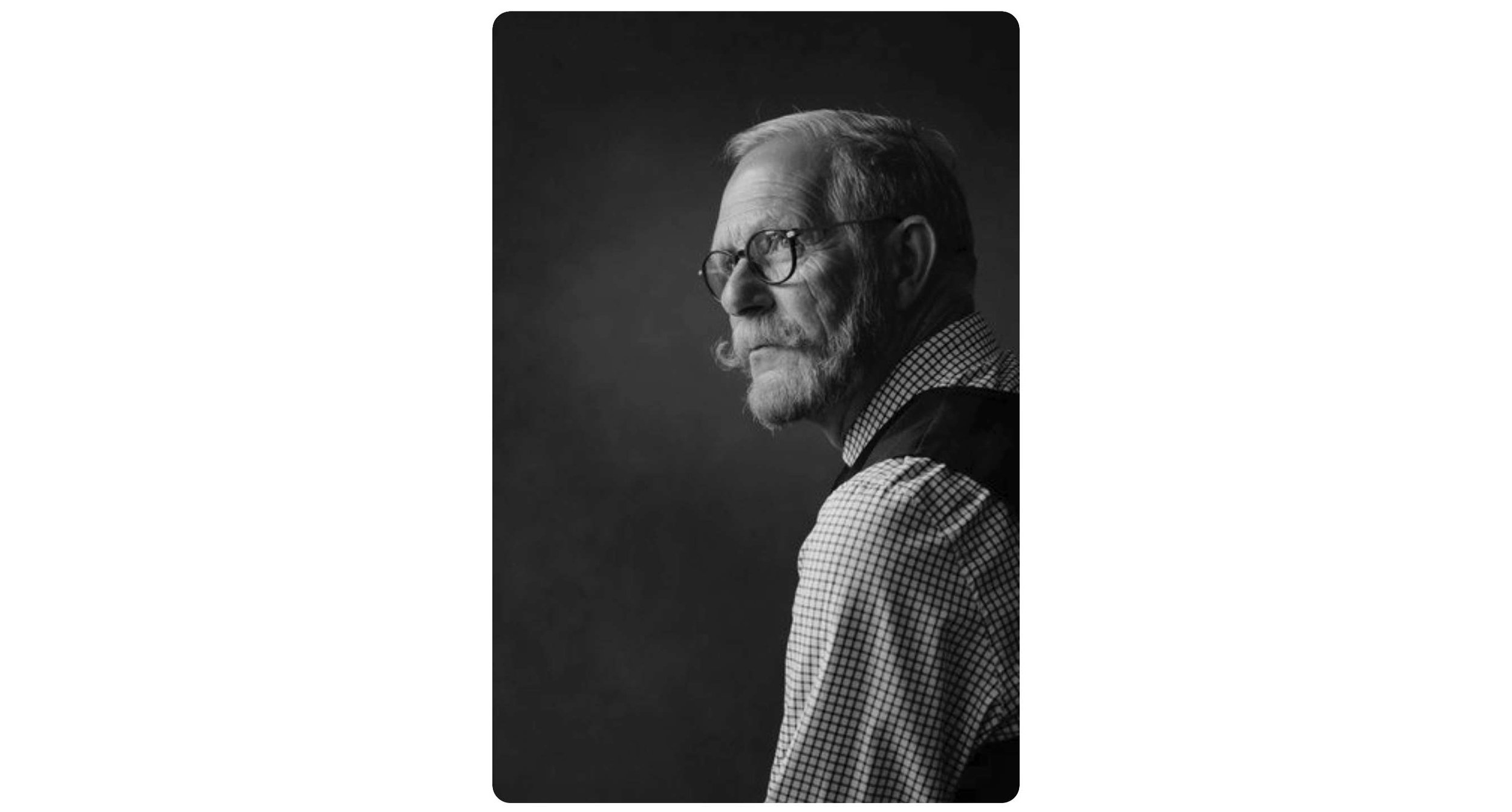
For the 2nd portrait of Steve, this was the photograph I used as the initial inspiration / idea:
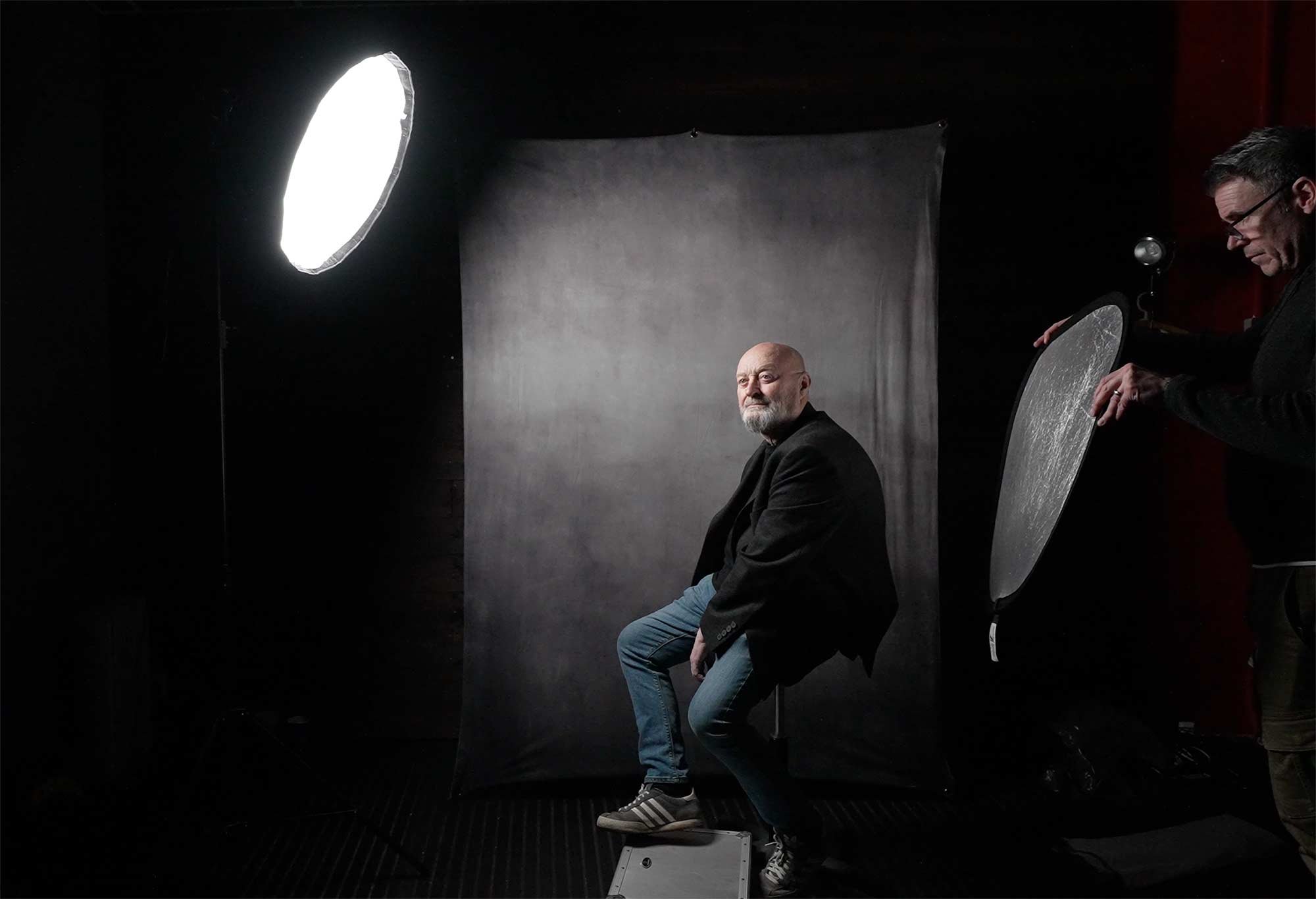
For this we went with the exact same set up albeit positioning the light camera left this time as opposed to camera right as it was for the first portrait.
Below is what the set-up looked like before turning off the lights in the studio that weren’t contributing to the portrait.
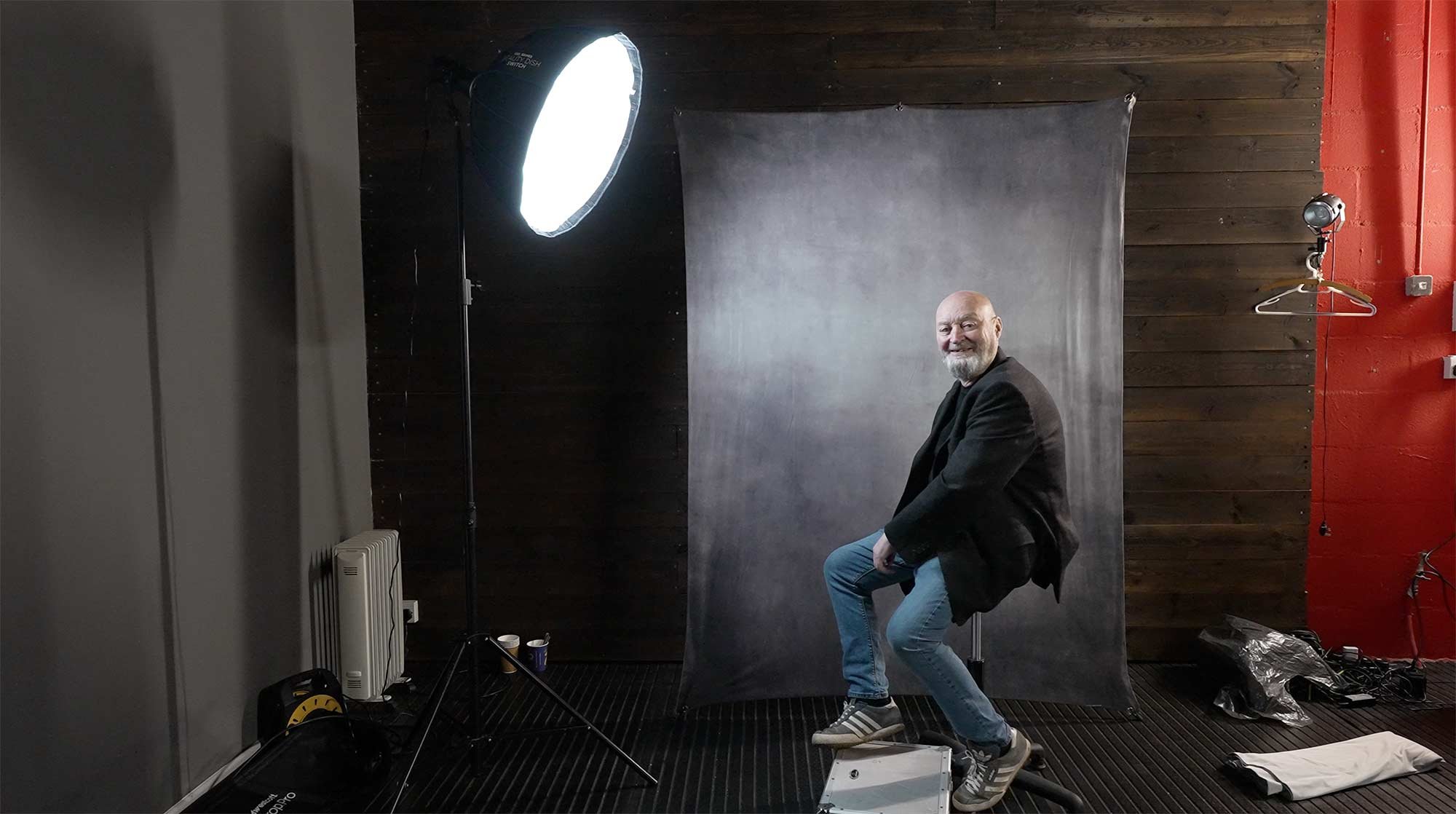
Using the single L60-B coming in from high up and angled down produced exactly the lighting that was wanted (below); however, I felt that the shadow side of Steve’s head was a touch too dark.
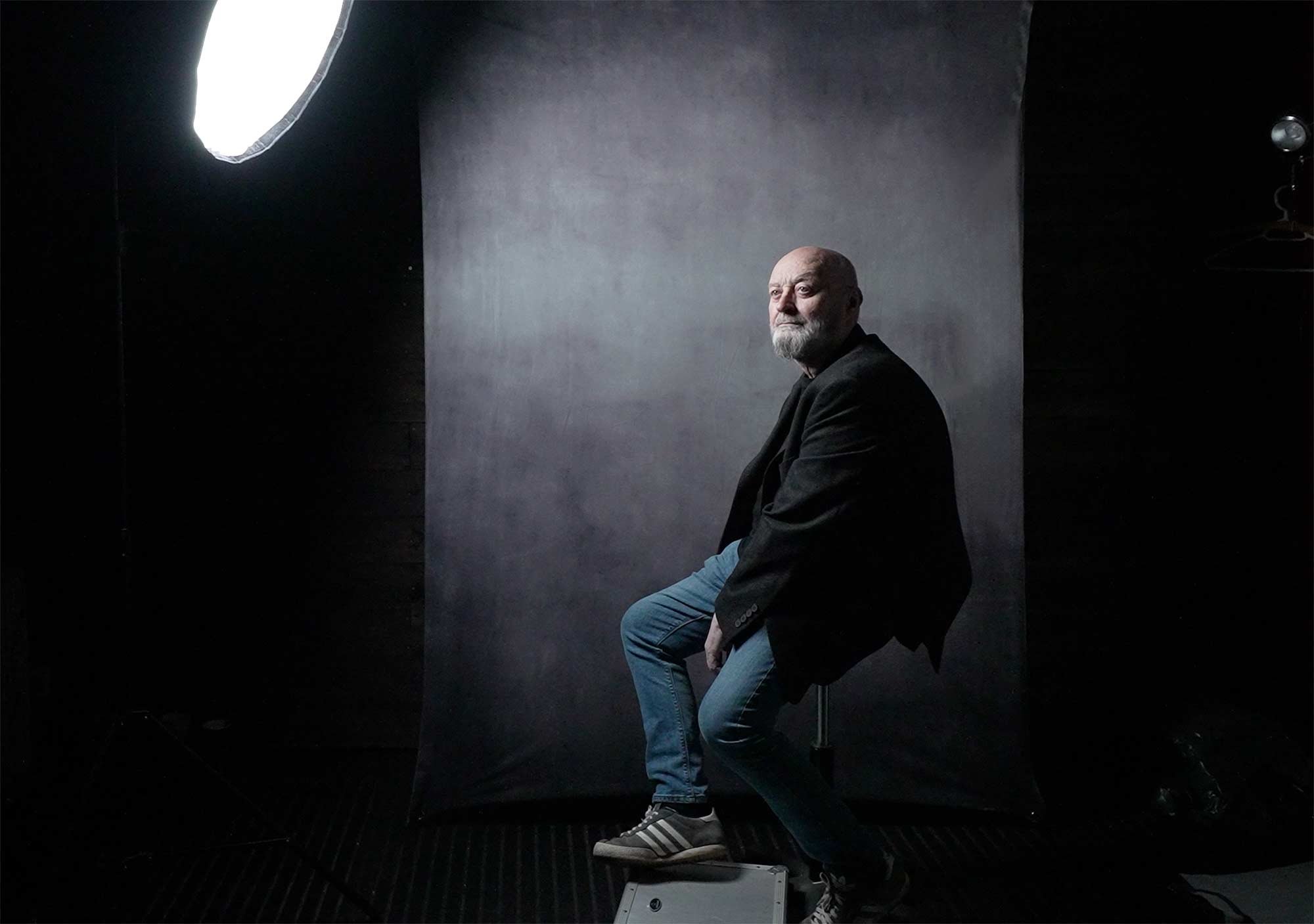
To add a touch more light onto the shadow side of Steve’s head, rather than use a 2nd L60-B we just used a Silver Reflector which also had a white side to it, however between the two surfaces, the silver side gave the best result.
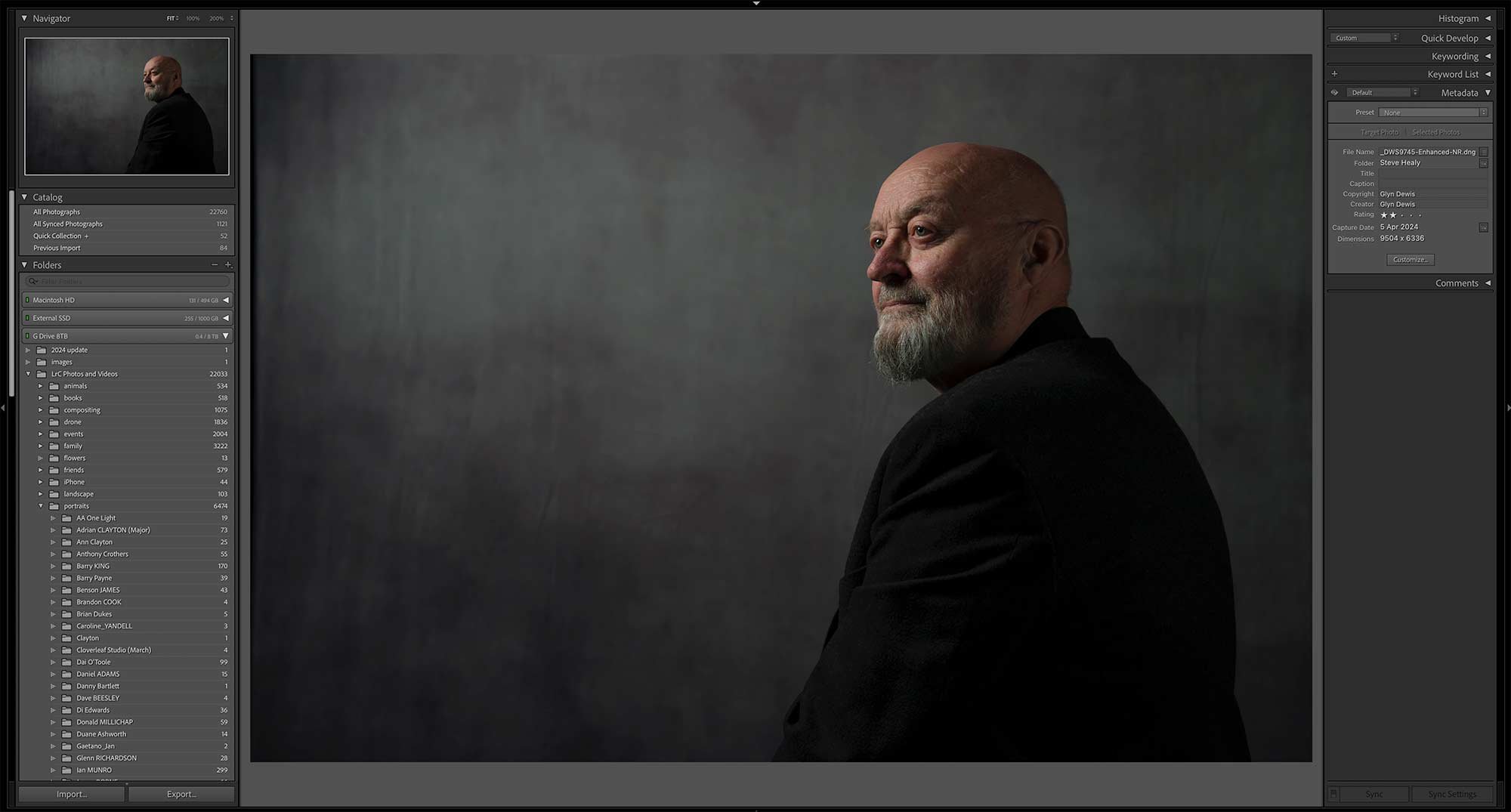
Out of camera
Here’s the ‘out of camera’ Raw file:
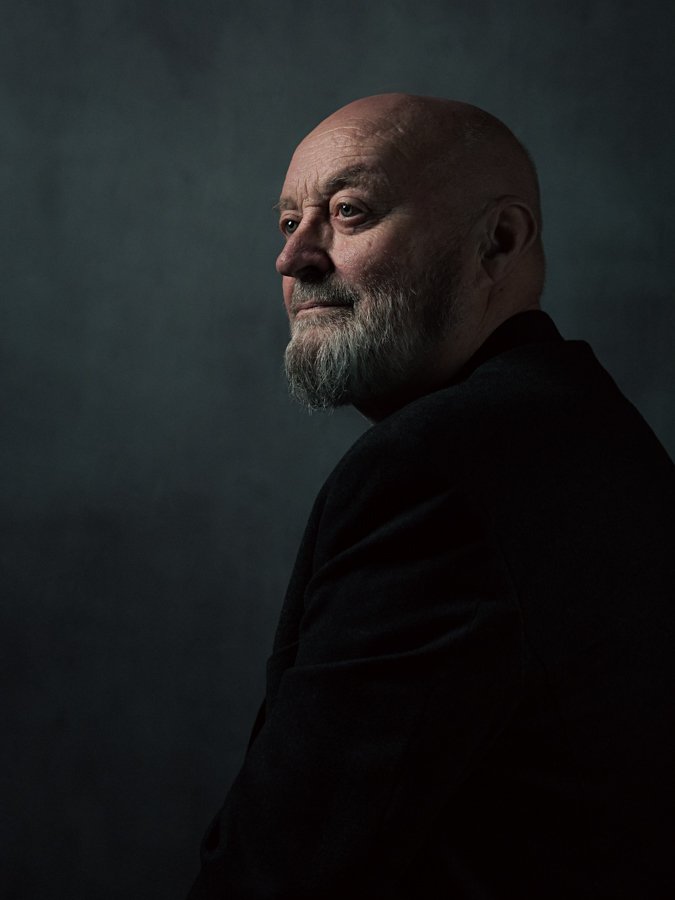
Final edit
Here’s the final retouched image, which was worked on using both Lightroom Classic and Photoshop:
Lightroom Classic and Photoshop
Retouching steps in both Lightroom Classic and Photoshop were pretty much the same as in the first portrait, however there was one very definite difference.
When taking the 2nd portrait, we all felt that although Steve sitting on a stool worked, it did make him look a little squashed because of the height of the stool he was sitting on and also how his jacket sat, so we also tried a few shots with Steve standing.
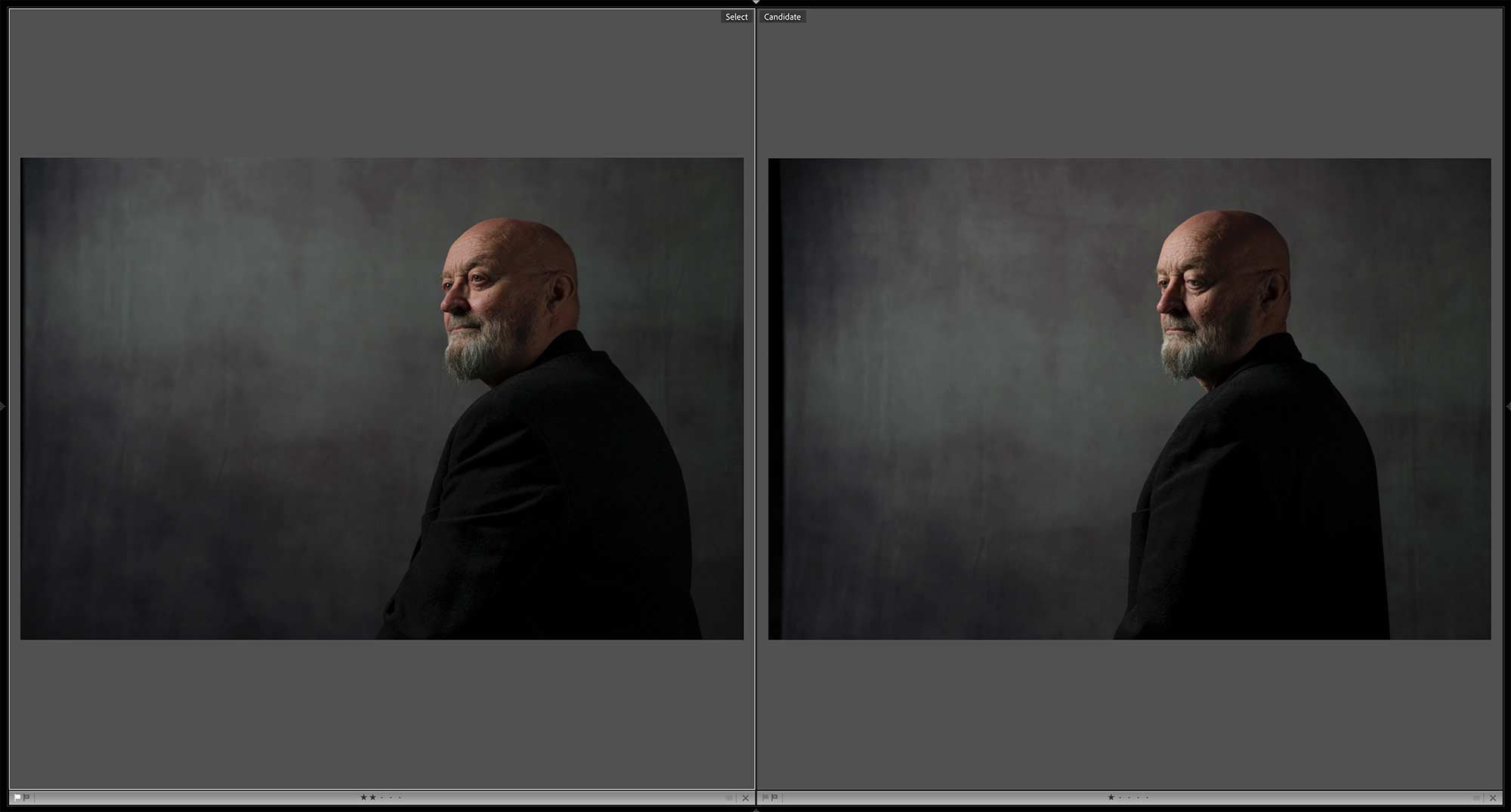
With Steve standing, it definitely stopped him and looked squashed; however, when looking at the images later in Lightroom Classic, I was torn because I liked the pose and expression on Steve’s face from the seated shots.
So now, in the retouching, I was thinking I could either (a) do a head swap or (b) do the opposite of a technique I used to do when photographing physiques … and that’s what I chose to do.
Wrap up
Following the photo shoot, we all headed over to Abergavenny for what was a delicious bite to eat at The Angel … THANK YOU, Steve!
So there you go, all of the steps that I went through from the initial idea, the kit, the set up and the final edit.
See more from DIYPhotography.net on Google
Add DIYPhotography.net as a trusted source. This makes
our stories more likely to appear in your Google Search results.
 Add as a preferred source on Google

About Glyn Dewis
Glyn Dewis is a photographer, educator, YouTuber, and best-selling author known for his expertise in photography and Photoshop techniques. As an instructor, Glyn has been part of the Photoshop World Dream Team and has taught at the Lightroom and Photoshop Virtual Summits. He serves as a BenQ Ambassador, Westcott Top Pro, and was honored as an Adobe Max Master in 2017 after presenting in Las Vegas. His clients include the BBC and Sky TV, and he regularly presents at global events, sharing insights on photography and post-production. This article was also published here and reposted with permission.
We love it when our readers get in touch with us to share their stories. This article was contributed to DIYP by a member of our community. If you would like to contribute an article, please contact us here.



Join the Discussion
DIYP Comment Policy
Be nice, be on-topic, no personal information or flames.