






















Which Free Lightroom Alternatives Actually Work Well?
Oct 2, 2025
Darlene Lleno
Darlene Lleno brings a unique perspective to DIY Photography as someone who grew up surrounded by camera gear but chose words over lenses. With five years of writing experience, she specializes in photography content that’s both technically informed and genuinely passionate. Growing up with a photographer twin brother meant camera talk was everyday conversation in her household. While he mastered capturing moments, Darlene discovered she preferred being the subject and the storyteller behind the scenes. As a travel enthusiast and mother of two, she understands the importance of preserving life’s precious moments. When not exploring new destinations or writing for DIY Photography, you’ll find her reading or tending to her garden. Her approach to photography writing is refreshingly authentic, she may not be behind the camera, but she knows exactly what it takes to help others capture the shots that matter most.
Share:
Lightroom alternatives are everywhere these days. Many photographers want to escape Adobe’s monthly fees without losing editing quality. Several free options now deliver results that match expensive software.
Adobe keeps raising subscription prices every year. Smart photographers find free photo editing programs that handle professional work. These alternatives save money while providing powerful editing features.
Read more: Which Free Lightroom Alternatives Actually Work Well?Basics of RAW Processing
Free editing software has improved significantly over recent years. Modern programs process RAW files with smart algorithms. They produce results that rival paid software.
RAW file processing makes or breaks professional photography workflows. The best free alternatives handle RAW data with advanced algorithms. They maintain accurate color profiles too. Photographers keep full creative control over their images.
Color Management
Professional color management requires accurate ICC profile support. Top free alternatives implement these features correctly. Colors stay consistent throughout the editing process.
Understanding dynamic range ensures your photos look the same on different devices. Free software like darktable and RawTherapee include comprehensive color tools. These match professional standards.
File Format
Modern photography workflows use multiple file formats beyond JPEG and RAW. The best Lightroom alternatives support extensive format libraries. This includes proprietary RAW formats from major camera manufacturers.
Camera manufacturers regularly update RAW formats with new releases. Free alternatives that stay current work seamlessly in professional workflows. You get compatibility without worrying about format support.
Top Free Lightroom Alternatives That Actually Work
Several free photo editing programs stand out for their professional capabilities. These alternatives offer real advantages while fitting professional photography workflows.
Free alternatives have matured into serious professional tools. Each program brings unique strengths to the table. Some excel at RAW processing while others focus on creative editing.
1. darktable: The Professional’s Choice
darktable represents one of the most advanced free alternatives available today. This open-source RAW processor includes editing tools that compete with expensive options.
The program uses a node-based processing system. Each edit creates a separate processing step. This non-destructive approach gives photographers more flexibility than traditional editing methods.
darktable includes over 60 processing modules covering everything from basic exposure correction to complex color science. The tone mapping and local adjustments rival professional software features.
2. RawTherapee: The Detail Master
RawTherapee focuses on getting maximum quality from RAW files. This program excels at noise reduction and detail extraction. Professional photographers praise its demosaicing algorithms.
The interface looks complex at first. Once you learn the layout, RawTherapee becomes incredibly powerful. The program handles difficult lighting situations better than many expensive alternatives.
Noise reduction in RawTherapee produces clean images without losing detail. The wavelet-based approach preserves texture while removing unwanted grain. Low light photography benefits greatly from these advanced algorithms.
3. GIMP: Beyond Basic Editing
GIMP works differently from traditional RAW processors. This program excels at creative editing and composite work. Photographers use GIMP for advanced retouching and artistic effects.
The latest GIMP versions include better color management and 16-bit processing. These improvements make it suitable for professional photography work. GIMP handles portrait photography retouching with precision.
GIMP’s layer system provides unlimited creative possibilities. Photographers can combine multiple exposures and add textures. They can create complex compositions too. The program supports professional printing workflows.
Browser-Based Lightroom Alternatives
Web-based editors have improved dramatically in recent years. These programs run in your browser without installing software. They work on any device with internet access.
Cloud-based editing offers flexibility for photographers who work across multiple devices. Processing happens on remote servers with powerful hardware. This approach works well for photographers with slower computers.
4. Photopea: The Online Powerhouse
Photopea mimics Photoshop’s interface while running completely in browsers. The program supports RAW files and professional editing features. Photographers can work on images without downloading software.
The program includes advanced selection tools and layer blending modes. Selective color adjustments work smoothly in Photopea. The interface feels familiar to Adobe users making transitions easier.
5. Canva’s Photo Editor
Canva expanded beyond templates to include serious photo editing tools. The program handles RAW files and offers professional adjustment options. The cloud-based system syncs across devices seamlessly.
Recent updates added histogram displays and precise color correction tools. Photographers can make accurate exposure adjustments using visual feedback. The program maintains quality while offering convenience.
Mobile Lightroom Alternatives for Photographers
Mobile editing has become part of professional workflows. These free apps provide serious editing power on phones and tablets.
Professional photographers increasingly rely on mobile editing for quick turnarounds. Modern smartphones have enough processing power for serious editing work. Mobile apps offer convenience without sacrificing quality.
6. Snapseed: Google’s Hidden Gem
Snapseed offers professional editing tools in a mobile app. The program includes selective adjustments and advanced healing tools. Photographers can complete full edits on mobile devices.
The perspective correction and HDR tools work particularly well. Snapseed handles landscape photography edits with precision. The interface stays simple while providing powerful features.
7. VSCO: Creative Mobile Editing
VSCO combines editing tools with film emulation presets. The program appeals to photographers who want analog looks. Advanced tools include selective color adjustments and grain control.
The community features help photographers discover new editing styles. VSCO’s film emulation presets provide authentic vintage looks. This eliminates the need for additional software or plugins.
Specialized Lightroom Alternatives for Specific Needs
Different photography styles benefit from specialized editing software. These programs excel in particular areas while providing general editing capabilities.
Specialized tools often outperform general-purpose software in specific areas. Astrophotography requires different processing than portrait work. Choosing specialized alternatives can improve results significantly.
8. Luminar Neo: AI-Powered Editing
Luminar Neo uses artificial intelligence to speed up common editing tasks. The sky replacement and portrait enhancement tools work automatically. Photographers save time on routine adjustments.
The AI masking creates precise selections without manual work. Sky replacement looks natural thanks to smart lighting adjustments. The program learns from editing patterns and improves over time.
9. Capture One Express: Professional RAW Processing
Capture One offers a free version with limited features. The Express edition handles specific camera brands professionally. Photographers get excellent RAW processing without monthly fees.
The color grading tools in Capture One Express surpass many free alternatives. Color grading capabilities help create distinctive photo styles. The tethering support works well for studio photography.
Making the Switch: Practical Migration Tips
Moving away from Lightroom requires careful planning. These strategies help photographers transition smoothly to free alternatives.
Migration success depends on proper preparation and realistic expectations. Learning new software takes time but pays off long-term. Planning reduces frustration during the transition period.
Export and Import Workflows
Most photographers have years of Lightroom catalogs built up. Exporting images with metadata preserves editing history effectively. XMP sidecar files contain adjustment information that some alternatives can read.
darktable imports Lightroom development settings from XMP files. This feature speeds up migration by preserving existing edits. Photographers don’t need to restart their editing work completely.
Learning Curve Management
Each alternative has different interfaces and workflows. Starting with simple edits helps build confidence gradually. Photographers should practice with non-critical images first.
YouTube tutorials and community forums provide excellent learning resources. Many professional photographers share their techniques with free software. The learning investment pays off with increased editing flexibility.
Preset and Profile Migration
Lightroom presets don’t work directly in other programs. Many alternatives include similar preset systems though. Some third-party tools convert presets between different programs.
Creating custom profiles in new software takes time but provides better results. Photographers can develop unique editing styles without depending on preset packs. This approach offers more creative control.
Performance and Hardware Considerations
Free alternatives have different hardware requirements than Lightroom. Understanding these needs helps photographers choose appropriate software for their systems.
Hardware optimization becomes more important with free software. These programs often lack the optimization that commercial software receives. Proper hardware setup ensures smooth performance.
System Requirements Comparison
darktable performs best with modern processors and plenty of RAM. The program uses OpenCL acceleration when available. Graphics cards can significantly speed up processing times.
RawTherapee runs well on older computers but benefits from multiple CPU cores. The program efficiently uses available system resources. Photographers with older hardware can still achieve professional results.
Storage and File Management
Free alternatives handle file management differently than Lightroom. Some programs use database catalogs while others work with folders directly. Understanding these approaches helps photographers organize their work effectively.
File organization becomes more important without Lightroom’s catalog system. Consistent folder structures and naming conventions prevent confusion. Good organization habits save time during editing sessions.
Long-Term Considerations for Free Alternatives
Switching to free software involves more than immediate cost savings. These factors affect long-term photography workflows significantly.
Professional photographers must consider sustainability and support when choosing software. Free alternatives offer different advantages and challenges than commercial options.
Software Development and Updates
Open-source alternatives depend on volunteer developers and community contributions. Update schedules vary compared to commercial software. Most programs maintain active development with regular improvements though.
darktable releases major updates annually with frequent bug fixes. The development team includes professional photographers who understand workflow needs. Community feedback drives feature development directly.
Community Support and Learning Resources
Free alternatives often have passionate user communities. Forum discussions and tutorials provide extensive learning opportunities. Photographers can get help directly from experienced users.
The open-source nature allows photographers to request specific features. Many suggestions become part of future updates. This responsiveness often exceeds commercial software support quality.
Professional Integration
Some photography clients and agencies expect specific file formats or standards. Free alternatives must integrate with existing professional workflows smoothly. Compatibility with industry standards matters for commercial photography work.
Most free alternatives export standard file formats that work with professional systems. Color management ensures consistent results across different output methods. Professional integration remains possible with proper setup.
Advanced Features That Rival Professional Software
Modern free alternatives include sophisticated tools that match expensive software capabilities. These features make professional photography workflows possible without subscription costs.
Advanced features in free software often exceed commercial alternatives. Open-source development allows for innovative approaches to common problems. Photographers gain access to cutting-edge technology without licensing fees.
Focus Stacking and HDR Processing
darktable includes automatic HDR processing with tone mapping controls. The program combines multiple exposures intelligently. Photographers can create high dynamic range images without additional software.
Focus stacking capabilities in specialized free software handle macro and landscape needs. The automated alignment and blending produce sharp results throughout images. This technique works especially well for macro photography.
Advanced Masking and Selection Tools
Sophisticated masking tools enable precise local adjustments throughout images. Free alternatives include gradient masks and radial selections. They also offer luminosity-based adjustments. These tools provide the same flexibility as expensive professional software.
The parametric masking in darktable creates selections based on color or brightness. It can also select by location within the image. Photographers can target specific image areas without manual selection work. This automation speeds up professional workflows significantly.
Batch Processing and Automation
Professional photographers often edit hundreds of images with similar settings. Free alternatives include batch processing capabilities that apply edits to multiple images. This happens simultaneously across entire folders.
Batch processing saves hours of repetitive work for busy photographers. Wedding photography and event photography particularly benefit from automated workflows. The time savings translate directly into increased profitability and efficiency.
Integration with Photography Workflows
Professional photography requires seamless integration between different software tools. Free alternatives must work within established workflows without creating bottlenecks.
Workflow integration determines software success in professional environments. Tools that disrupt existing processes create problems despite their capabilities. The best alternatives enhance workflows rather than complicate them.
Tethering and Studio Integration
Some free alternatives support tethered shooting for studio work effectively. darktable connects with many professional cameras for live image capture. It provides immediate processing capabilities too. This eliminates the need for separate tethering software entirely.
The tethering workflow helps photographers and clients review images immediately. Color accuracy on calibrated monitors ensures consistent results. This spans from capture to final output without quality loss.
Print Preparation and Color Management
Professional printing requires accurate color management and proper file preparation. Free alternatives include soft proofing capabilities that preview printed results. This happens on screen before actual printing.
The ICC profile support in modern free software ensures accurate color reproduction. Photographers can prepare files for various printing processes. This includes fine art papers and commercial printing systems. Color spaces remain consistent throughout the process.
Choosing Your Best Lightroom Alternative
Free Lightroom alternatives offer genuine professional capabilities without subscription costs. darktable and RawTherapee lead for advanced RAW processing. GIMP excels at creative editing and retouching work.
The choice depends on specific photography needs and workflow requirements. Portrait photographers might prefer different tools than landscape photographers. Street photography has different needs too. Testing multiple alternatives helps identify the best fit for individual workflows.
Success with free alternatives requires learning investment but provides long-term benefits. Many photographers discover capabilities that exceed their original Lightroom experience. The freedom from subscription costs allows budget allocation toward camera equipment. Other photography investments become possible too.
Modern free photo editing software has matured into professional-quality tools. Photographers willing to invest learning time often find superior flexibility. They gain more control compared to commercial alternatives. The active development communities ensure these programs continue improving. They remain free while offering professional capabilities.
See more from DIYPhotography.net on Google
Add DIYPhotography.net as a trusted source. This makes
our stories more likely to appear in your Google Search results.
 Add as a preferred source on Google

Darlene Lleno
Darlene Lleno brings a unique perspective to DIY Photography as someone who grew up surrounded by camera gear but chose words over lenses. With five years of writing experience, she specializes in photography content that’s both technically informed and genuinely passionate. Growing up with a photographer twin brother meant camera talk was everyday conversation in her household. While he mastered capturing moments, Darlene discovered she preferred being the subject and the storyteller behind the scenes. As a travel enthusiast and mother of two, she understands the importance of preserving life’s precious moments. When not exploring new destinations or writing for DIY Photography, you’ll find her reading or tending to her garden. Her approach to photography writing is refreshingly authentic, she may not be behind the camera, but she knows exactly what it takes to help others capture the shots that matter most.


Join the Discussion
DIYP Comment Policy
Be nice, be on-topic, no personal information or flames.
2 responses to “Which Free Lightroom Alternatives Actually Work Well?”
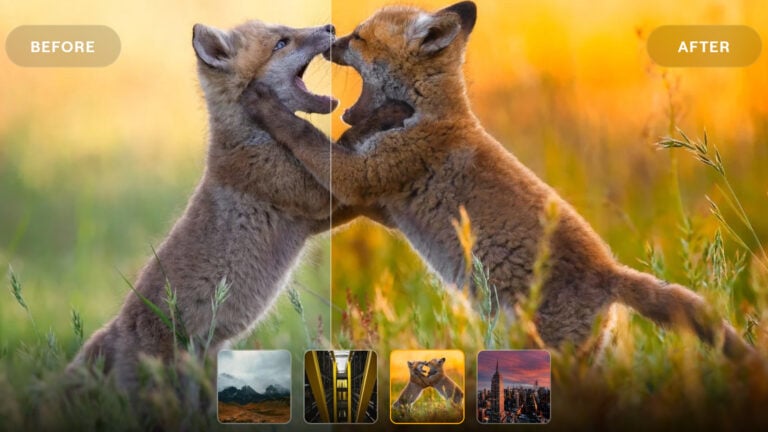
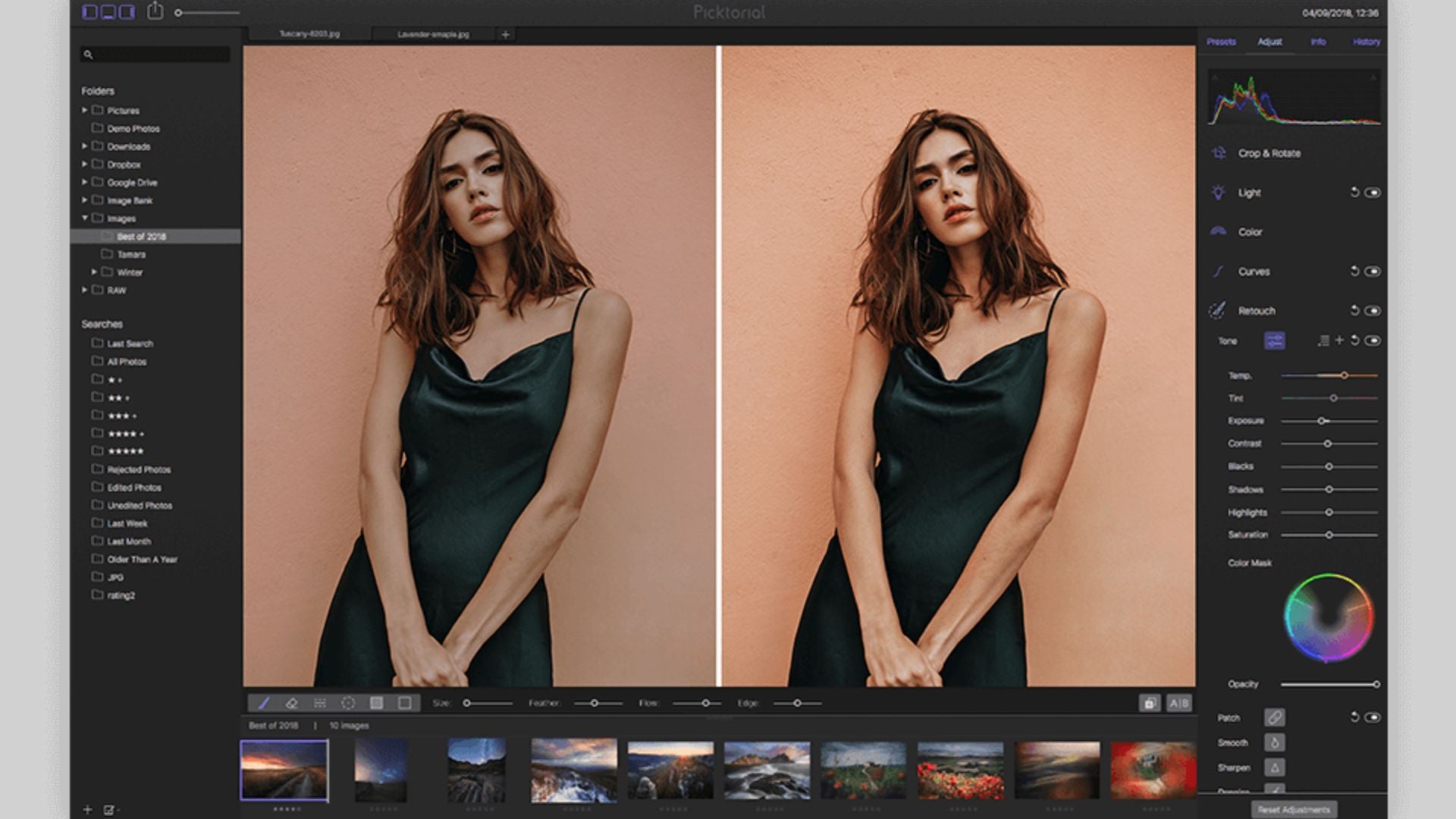
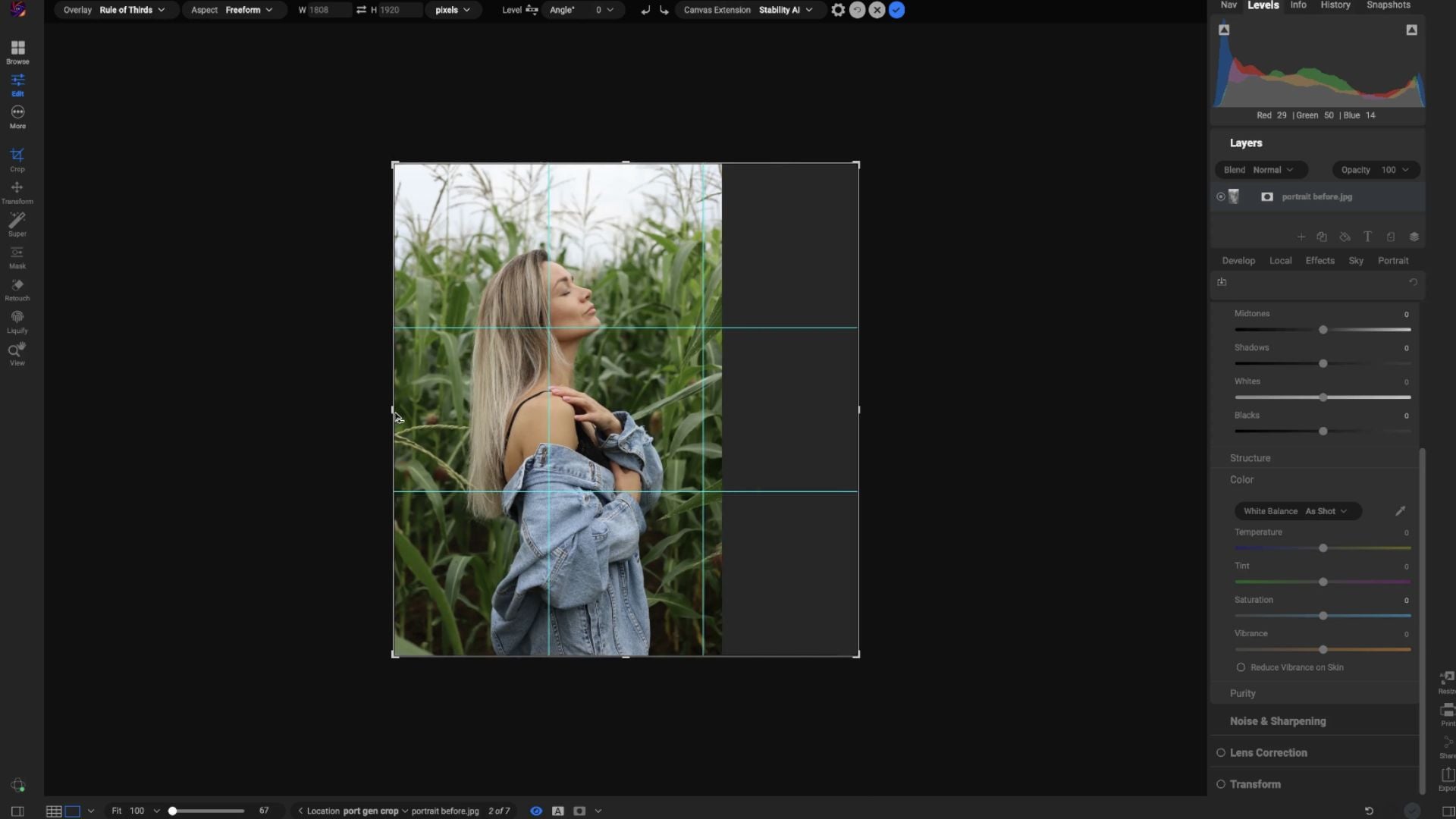
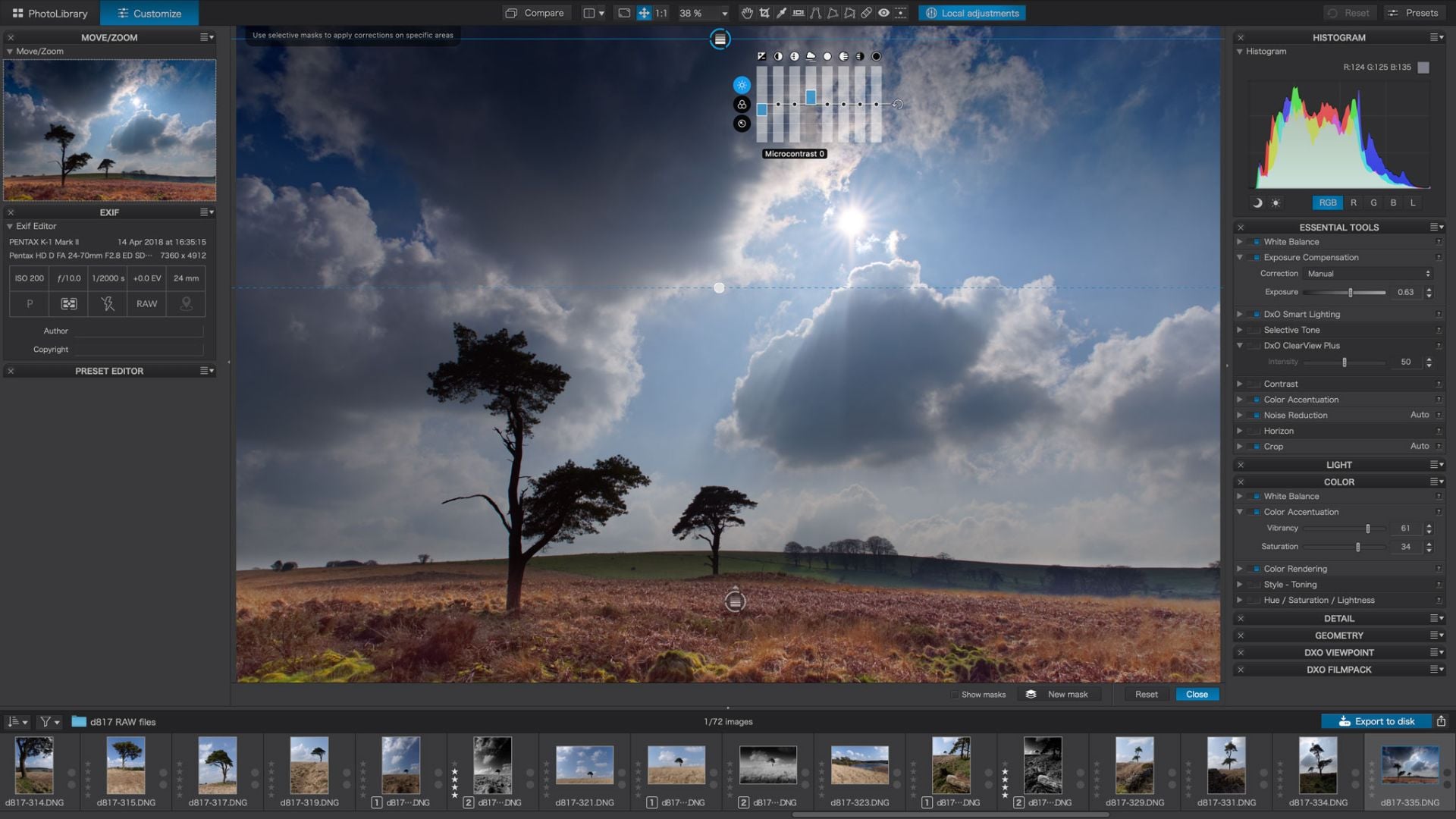
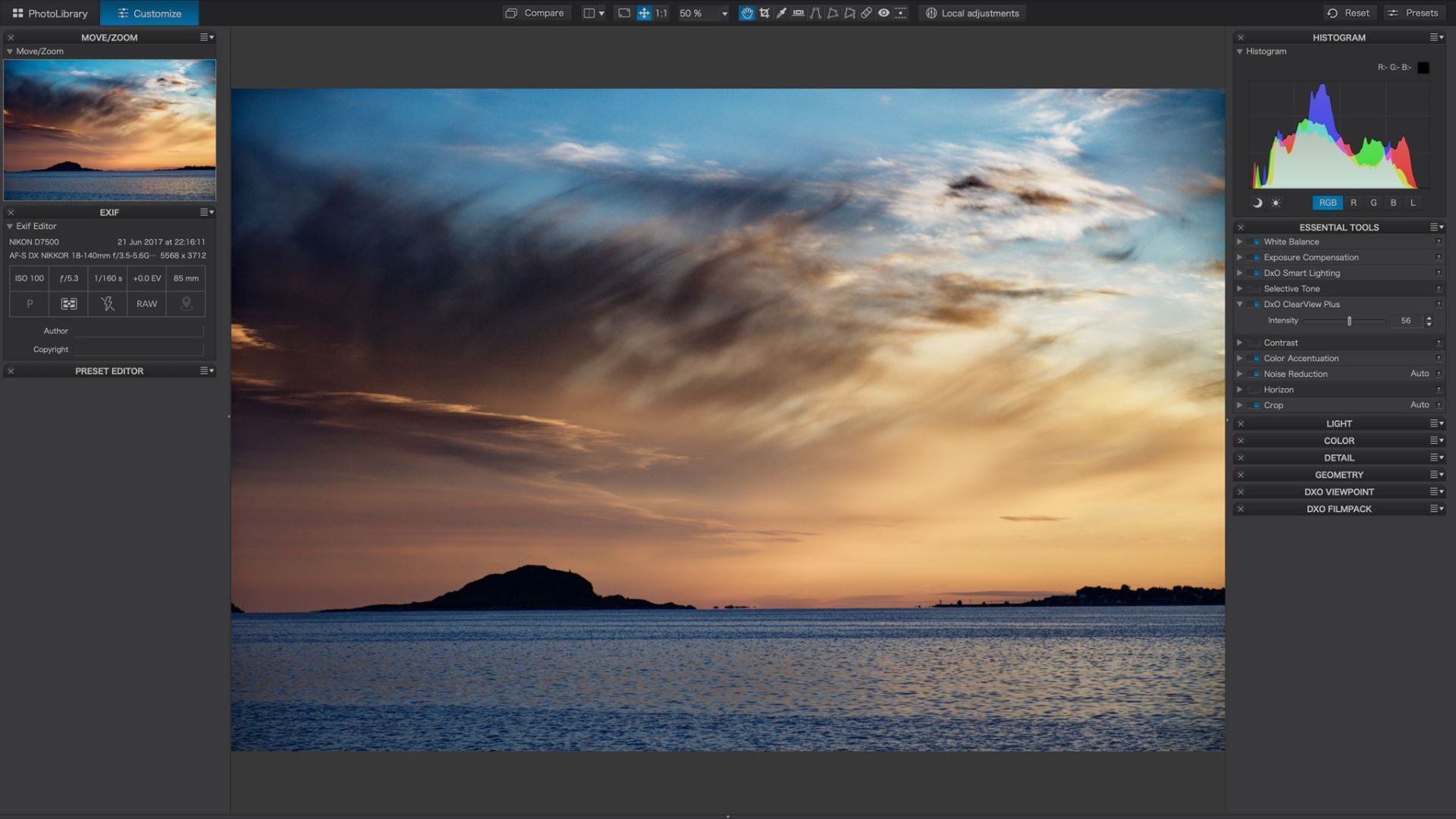
I wonder why you illustrated this article with screenshots of DXO Photolab when it’s not mentioned anywhere in the text?
Capture One Express isn’t a thing anymore, right? One can’t find it in the Apple App Store.