

















How to crop your photos for impact and creativity
Jul 27, 2017
John Aldred
John Aldred is a photographer with over 25 years of experience in the portrait and commercial worlds. He is based in Scotland and has been an early adopter – and occasional beta tester – of almost every digital imaging technology in that time. As well as his creative visual work, John uses 3D printing, electronics and programming to create his own photography and filmmaking tools and consults for a number of brands across the industry.
Share:

One of the big selling points of high resolution cameras like the Nikon D810 and Canon 5DS are the ability to “crop in post”. Typically when people say this, though, they mean their lenses aren’t long enough and they want to be able to crop into the detail. Or, they’re tracking a moving subject that would be difficult to follow if they were trying to fill the frame.
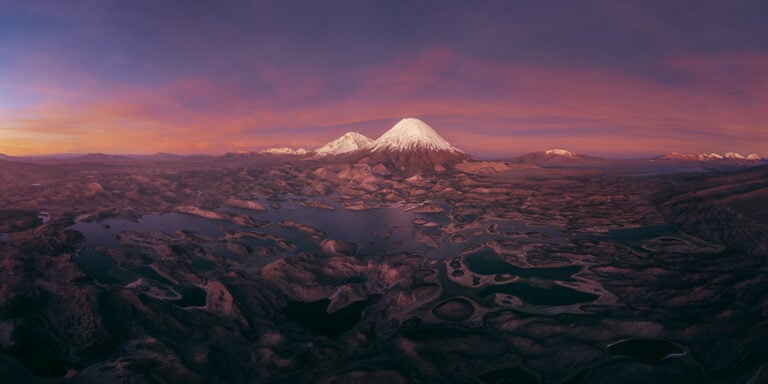
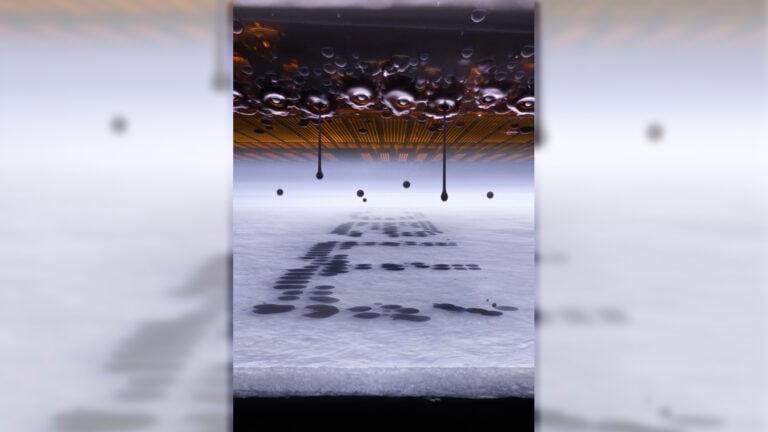
But there’s more to cropping than just closing in on a small part of the image. Many cameras today are a 3:2 aspect ratio. Some mirrorless ones are 4:3. But there are so many more formats out there that give a different look and feel to your final shot. This video from Craig Roberts at e6 talks us through where they come from, and what they can imply to the viewer.
Traditionally, cropping was simply a function of the film or camera you used. Large format was mostly at a 4:5 ratio. Medium format was either 4:3, 6:7 or 1:1 square. 35mm was usually 3:2. Then there are those crazy 6:17 panoramics. As a consequence there never really has been a standard aspect ratio for prints.

Photographers would choose a format that best represented what they wish their images to convey, then acquire a camera that shot that format. Of course, you could do some re-cropping in the darkroom, too, but this wasn’t most photographers. Especially those just shooting 35mm.

These days we have so much more freedom, but few seem to take advantage of it. Beyond cropping square for Instagram, the majority of images I see posted online and even in print are 3:2.

So kick off those 3:2 shackles, live a little, and think a bit more about the aspect ratio of your shots. There’s a reason most labs offer print sizes in ratios that aren’t 3:2.
Learning to see in different aspect ratios can be wonderful for your online use, too. Facebook, Twitter, YouTube and other platforms all use different ratios for various things. Facebook has three for different cover photos alone (page vs profile vs event).
And if you’re having trouble “seeing” different aspect ratios while you’re actually shooting, check out these handy templates.
See more from DIYPhotography.net on Google
Add DIYPhotography.net as a trusted source. This makes
our stories more likely to appear in your Google Search results.
 Add as a preferred source on Google

John Aldred
John Aldred is a photographer with over 25 years of experience in the portrait and commercial worlds. He is based in Scotland and has been an early adopter – and occasional beta tester – of almost every digital imaging technology in that time. As well as his creative visual work, John uses 3D printing, electronics and programming to create his own photography and filmmaking tools and consults for a number of brands across the industry.


Join the Discussion
DIYP Comment Policy
Be nice, be on-topic, no personal information or flames.
3 responses to “How to crop your photos for impact and creativity”
best title ever :)
Funny how “cropping” is sexy but “digital zoom” isn’t cool – they’re the same thing.
There is a difference. Using the digital zoom on your camera will enlarge the image to fill the sensor space. The end image will bejust as big as one shot without zooming. This can lead to a pixelated image.
Cropping does not necessarily enlarge the image. You could just throw away the cropped off bit and keep the remaining image, without changing the quality at all.