
























Back Button Focus Setup: Why Most Pro Photographers Use This Technique
Oct 24, 2025
Darlene Lleno
Darlene Lleno brings a unique perspective to DIY Photography as someone who grew up surrounded by camera gear but chose words over lenses. With five years of writing experience, she specializes in photography content that’s both technically informed and genuinely passionate. Growing up with a photographer twin brother meant camera talk was everyday conversation in her household. While he mastered capturing moments, Darlene discovered she preferred being the subject and the storyteller behind the scenes. As a travel enthusiast and mother of two, she understands the importance of preserving life’s precious moments. When not exploring new destinations or writing for DIY Photography, you’ll find her reading or tending to her garden. Her approach to photography writing is refreshingly authentic, she may not be behind the camera, but she knows exactly what it takes to help others capture the shots that matter most.
Share:

Back button focus separates your autofocus from your shutter button, giving you total control over focusing. This simple setup change transforms how you shoot by letting you lock focus without taking a picture. Most beginners never learn this technique, but pros use it every single day for faster and more accurate shots.
The default shutter button setup forces your camera to refocus every time you press halfway. This works fine for easy scenes but creates problems in tricky situations. Your camera hunts for focus on the wrong thing. You lose your carefully chosen focus point. You miss the shot while your lens searches around uselessly. Back button focus fixes all of this instantly.
The Back Button Focus
Back button focus moves autofocus activation from your shutter button to a button on your camera’s back. You’ll typically use the AF-ON button or reprogram the AE-L/AF-L button for this job. Your thumb controls focusing while your index finger only releases the shutter.
This separation creates a powerful change in how you work. Press and hold the back button to autofocus continuously. Release the button and your focus locks at that exact distance. Take as many photos as you want without the camera refocusing between frames. This gives you precision control that’s impossible with default settings.
The technique works with all autofocus modes including single shot and continuous AF. You decide when to activate autofocus instead of letting the shutter button make that choice. This flexibility proves valuable in almost every shooting situation you’ll face.

How It Changes Your Shooting
Traditional focusing requires half-pressing the shutter button, waiting for focus confirmation, then pressing fully to shoot. This two-stage process feels natural at first but really limits your options. Every time you release pressure, you lose your focus lock. Recomposing forces you to repeat the entire process again.
Back button focus lets you separate these actions completely. Focus once with your thumb, then fire away with your index finger. Your focus point stays locked exactly where you set it. Recompose freely without worrying about losing focus. This workflow becomes second nature surprisingly fast.
The mental shift matters just as much as the physical technique. You start thinking about focus as separate from exposure timing. This conscious separation improves your technical skills and creative control at the same time.
Setting Up Back Button Focus on Your Camera
Every major camera brand supports back button focus but hides the settings in different menu spots. The setup takes just a few minutes once you know where to look. Most cameras offer several buttons you can assign to autofocus activation.
Canon Setup
Canon cameras typically use the AF-ON button for back button focus. Navigate to your custom functions menu and look for shutter button settings. Turn off autofocus on the shutter button completely. Then make sure the AF-ON button activates autofocus when pressed.
Different Canon models organize these settings slightly differently. Older DSLRs might list this under Custom Function IV. Newer mirrorless cameras like the R5 and R6 put it in the shooting menu. The R3 and R1 offer even more customization for button assignments.
Nikon Setup
Nikon cameras often use the AE-L/AF-L button for back button focus by default. Access your custom settings menu and find the button assignment section. Change the AE-L/AF-L button to activate AF-ON only. Then turn off autofocus from the shutter button in the autofocus menu.
Z-series mirrorless cameras from Nikon provide tons of button customization options. You can assign autofocus to multiple buttons if you want. This flexibility lets you pick the most comfortable button position for your hand size.
Sony Setup
Sony mirrorless cameras place autofocus button assignments in the custom key settings menu. The AF-ON button exists on most models but you can also use the AEL button. Turn off autofocus from the shutter button through the AF with shutter setting.
Sony’s menu system feels confusing at first but the setup stays consistent across models. The a7 IV, a7R V, and a9 III all use basically the same configuration steps. Once programmed, the settings stick even after firmware updates.
Universal Setup Tips
Start by finding your camera’s AF-ON button or something similar. Most cameras position this button where your right thumb naturally rests. If your camera lacks a dedicated AF-ON button, reassign another button like AE-L instead.
Practice the new button position before shooting anything important. The muscle memory takes a few hundred shots to develop fully. Keep using back button focus even when it feels awkward at first. The benefits become clear once the technique becomes automatic.
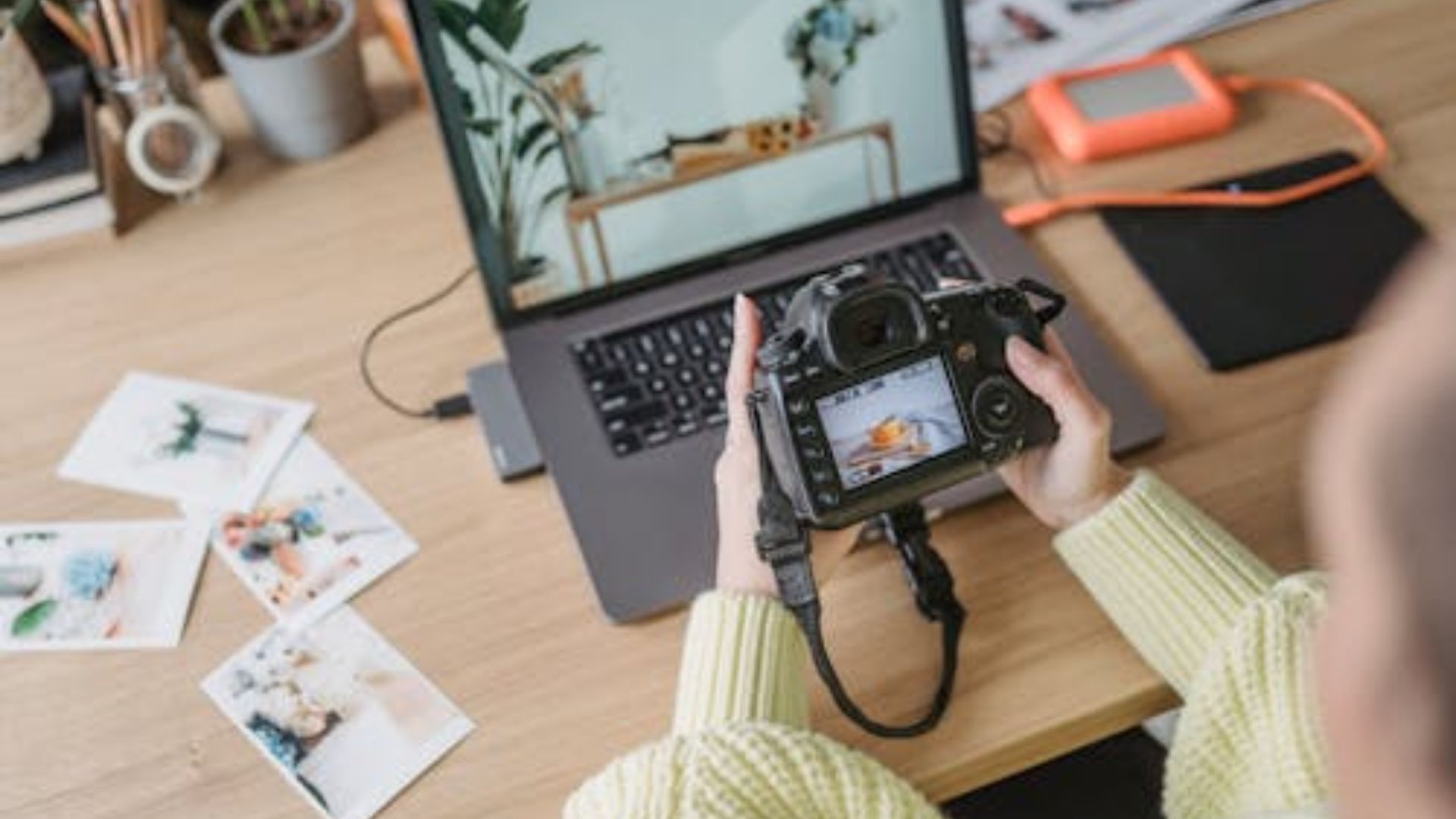
Why Professional Photographers Prefer Back Button Focus
Professional photographers adopt back button focus because it solves real problems they face daily. The technique isn’t just a preference but a practical solution to focusing challenges. Professional photography communities and forums consistently show overwhelming preference for this focusing method.
Precise Control in Tough Situations
Wildlife photographers tracking moving animals need focus control that responds instantly. Back button focus lets them lock onto their subject and track continuously by holding the button. They stop tracking by releasing it while the shutter button stays free to capture moments.
Sports photographers face similar demands with athletes moving unpredictably around the field. They use continuous autofocus activated by the back button to track players. When action moves out of frame, releasing the button prevents hunting on backgrounds or spectators.
Wedding photographers juggling different subjects in changing light benefit enormously from this setup. They focus on the couple, lock that focus, then recompose without refocusing. This speeds up their workflow during time-sensitive moments that never repeat.
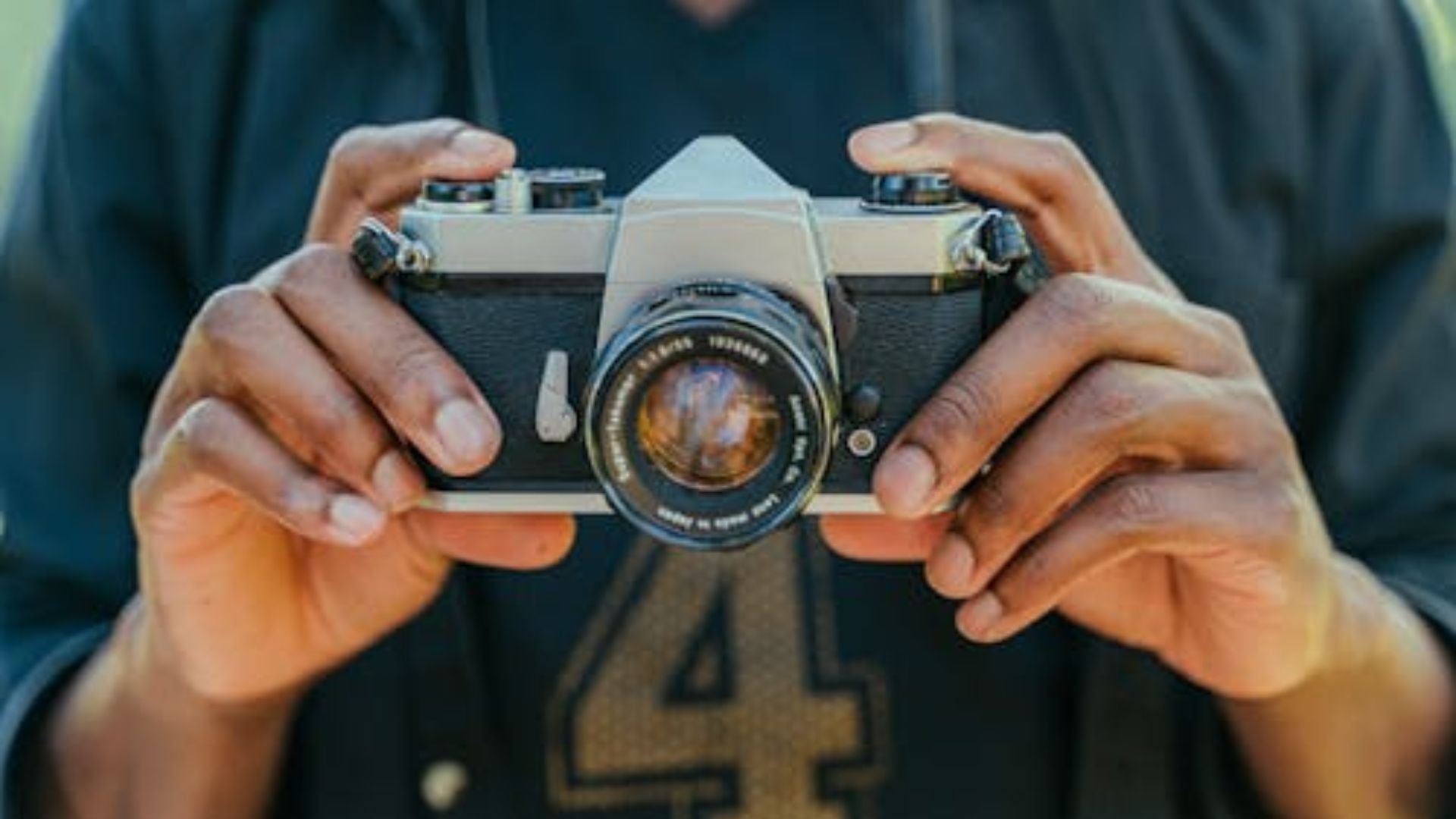
Focus and Recompose Method
The focus and recompose technique becomes way easier with back button focus. This classic method puts your subject on a focus point, locks focus, then recomposes. Traditional shutter button focusing makes this awkward and unreliable for consistent results.
Portrait photographers use focus and recompose constantly throughout their sessions. They focus on the subject’s eye using their center focus point for best accuracy. Then they recompose to place the subject according to composition rules. Back button focus makes this seamless and reliable every time.
Landscape photographers benefit when focusing on specific distances for maximum sharpness. They focus on the optimal point for depth of field, lock that focus, then shoot multiple compositions. This consistency proves especially valuable when focus stacking multiple images together.

Eliminating Focus Hunting
Focus hunting ruins shots when your camera can’t decide what to focus on. Low contrast scenes, busy backgrounds, and low light all trigger this frustrating behavior. Traditional focusing offers no escape once hunting starts except switching to manual focus.
Back button focus prevents hunting from affecting your shots at all. Lock focus on something contrasty, then release the back button completely. Your focus stays exactly where you set it regardless of what the camera sees. This control saves countless shots that would otherwise be totally ruined.
Macro photographers shooting tiny subjects deal with hunting constantly because of shallow depth of field. Their magnified subjects create focusing nightmares for autofocus systems every time. Back button focus lets them find focus manually if needed, lock it, then shoot confidently.
Practical Applications Across Photography Genres
Different photography specialties benefit from back button focus in unique ways throughout their work. Understanding these applications helps you apply the technique effectively to your own shooting. The flexibility adapts to virtually any situation you encounter in the field.
Portrait and Wedding Photography
Portrait sessions move quickly with clients who don’t stay perfectly still for long. Back button focus lets you track your subject’s eyes using continuous AF mode. When you get the expression you want, fire multiple frames without refocusing between shots.
Group portraits become significantly easier to manage with locked focus at middle distance. Focus on the person in the middle distance, lock that focus, then shoot away. Everyone stays sharp without the camera jumping focus between different faces randomly. This reliability matters when you can’t ask fifteen people to freeze for twenty minutes.
Wedding ceremonies present unique challenges with restricted movement and absolutely no second chances. Focus on the couple before the ceremony starts at all. Lock your focus at that distance, then shoot throughout without worry. The couple rarely moves more than a step or two from their position anyway.
Sports and Action Photography
Sports photographers tracking fast-moving subjects need responsive autofocus that doesn’t interfere with shutter timing. Back button focus with continuous AF mode creates the perfect setup for this. Hold the button to track athletes, release when action moves elsewhere or pauses.
The technique works brilliantly for panning shots showing motion blur in the background. Lock focus on your subject, then pan smoothly while firing the shutter rapidly. Your focus stays exactly where you set it throughout the entire pan sequence. Traditional focusing often ruins panning shots by refocusing mid-sequence on backgrounds.
Anticipating action becomes easier when focus and shutter operate independently from each other. Pre-focus on a spot where you expect action to happen soon. Wait with your thumb off the back button completely. When your subject enters that zone, fire away without any focusing delays.
Wildlife and Nature Photography
Wildlife photographers often wait for hours or even days for a single good shot. Back button focus lets them prefocus on a perch, nest, or likely position. When an animal appears, they shoot immediately without autofocus delays or hunting problems. This advantage often means the difference between getting the shot and missing it entirely.
Birds in flight require continuous autofocus tracking with precise timing throughout the sequence. Hold the back button to track the bird across the sky smoothly. Release briefly if the bird moves behind an obstacle like trees. This prevents the camera from refocusing on trees or clouds instead. Resume tracking immediately when the bird clears the obstruction and returns to view.
Camouflaged or low-contrast subjects challenge even the best autofocus systems available today. Focus manually or on a nearby contrasty subject at the same distance first. Lock that focus using back button technique, then recompose for your actual subject. The camera won’t hunt or jump focus to the wrong area anymore.
Landscape and Architecture Photography
Landscape photographers need precise focus control for maximum sharpness throughout the entire frame. They calculate the optimal focus distance for their aperture and focal length combination. Back button focus locks that precise distance, allowing multiple compositions without refocusing between individual shots.
Architecture photography benefits when shooting structures with repeating elements that confuse autofocus. Focus once on your subject building, lock it firmly, then shoot various compositions. Windows, columns, and decorative elements won’t distract the autofocus system at all. It’s not even active during shooting once you release the button.
Low light scenes at dawn or dusk often defeat autofocus completely no matter what. Use your camera’s LCD or manual focus aids to nail focus during brighter moments. Lock that focus using the back button technique for the rest of the shoot. Then shoot throughout the darker periods without any focusing issues coming up.
Common Mistakes and How to Avoid Them
Switching to back button focus creates adjustment challenges even for experienced photographers at first. Understanding common mistakes helps you avoid frustration during the learning period ahead. Most problems resolve themselves naturally with practice and awareness of what to watch for.
Forgetting to Focus Before Shooting
The most common beginner mistake is pressing the shutter without pressing the back button first. You end up with completely out-of-focus images because the camera hasn’t focused at all. This happens frequently during the first few weeks of using the new technique.
Develop a conscious habit of focusing before every single shot you take. Press the back button, confirm focus visually or through focus confirmation beep, then shoot. This sequence becomes automatic with practice but requires deliberate attention initially. Think “thumb then finger” as your shooting mantra until it sticks.
Keep your thumb near the focus button at all times while actively shooting. Resting it on the button makes focusing a natural motion rather than searching. This positioning speeds up your workflow significantly and reduces missed shots from fumbling around.
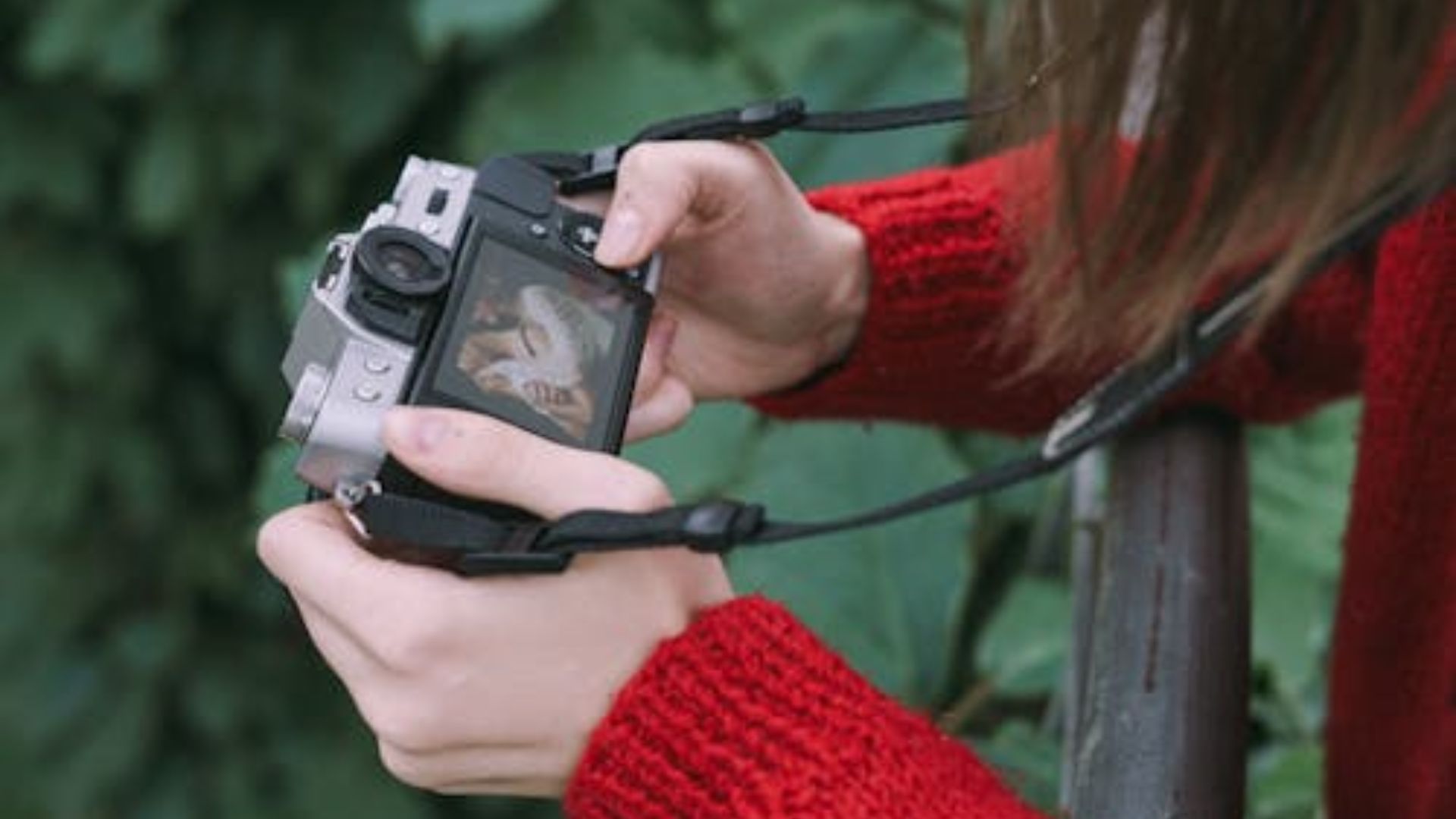
Using Wrong Autofocus Mode
Back button focus works with all autofocus modes but each mode behaves quite differently. Single-shot AF focuses once when you press the button, then stops completely. Continuous AF keeps adjusting focus while you hold the button down throughout. Choosing the wrong mode for your subject creates focusing problems you don’t need.
Match your AF mode to your subject’s movement characteristics for best results. Stationary subjects need single-shot mode for precise focus control every time. Moving subjects require continuous mode for tracking them accurately across the frame. Some cameras offer AF-Auto mode that switches between these automatically based on movement.
Test your autofocus mode selection with practice shots before important moments happen. Verify that focus behaves exactly how you expect it to work. Switch modes if necessary based on what you’re actually shooting right now. Modern cameras make mode changes quick and easy through external control dials.
Inconsistent Technique Application
Some photographers revert to shutter button focusing in certain situations, creating confusion and mistakes. Using both techniques interchangeably prevents you from building solid muscle memory that sticks. This inconsistency leads to missed focus when you forget which method you’re currently using.
Commit fully to back button focus for at least one full month minimum. Disable autofocus from your shutter button completely during this entire learning period. Force yourself to adapt rather than falling back on old comfortable habits. The adjustment period passes quickly with consistent use across all shooting situations.
After mastering the technique completely, you can re-enable shutter button autofocus for specific situations. Some photographers use both methods depending on the exact shooting scenario at hand. However, starting with exclusive back button focus builds the strongest foundation for long-term success.
Making the Switch to Back Button Focus
Mastering back button focus may take a bit of practice, but the payoff is immense. By separating focusing from the shutter button, you gain unmatched precision and flexibility in any shooting situation. Within a few weeks, this technique will feel completely natural, allowing you to shoot faster and more confidently without worrying about missed focus.
Once you experience the control it offers, you’ll understand why professional photographers across every genre swear by it. Back button focus isn’t just a clever trick—it’s a workflow upgrade that improves focus accuracy, speeds up your shooting, and helps you capture consistently sharper, more intentional images.
See more from DIYPhotography.net on Google
Add DIYPhotography.net as a trusted source. This makes
our stories more likely to appear in your Google Search results.
 Add as a preferred source on Google

Darlene Lleno
Darlene Lleno brings a unique perspective to DIY Photography as someone who grew up surrounded by camera gear but chose words over lenses. With five years of writing experience, she specializes in photography content that’s both technically informed and genuinely passionate. Growing up with a photographer twin brother meant camera talk was everyday conversation in her household. While he mastered capturing moments, Darlene discovered she preferred being the subject and the storyteller behind the scenes. As a travel enthusiast and mother of two, she understands the importance of preserving life’s precious moments. When not exploring new destinations or writing for DIY Photography, you’ll find her reading or tending to her garden. Her approach to photography writing is refreshingly authentic, she may not be behind the camera, but she knows exactly what it takes to help others capture the shots that matter most.



Join the Discussion
DIYP Comment Policy
Be nice, be on-topic, no personal information or flames.
5 responses to “Back Button Focus Setup: Why Most Pro Photographers Use This Technique”
I switched to back button focus years ago on my Nikon gear and have never looked back, so to speak. Not so much with my FUJI XT’s sad to say, as the ergonomics of the body and button placement make it pretty well impossible for me to hold the camera comfortably.
I love it! I set it up years ago, and I’ve never gone back!
Nope. It’s unproductive and almost no one uses it any longer. You can simply tap on the screen these days and the camera will focus and shoot.
Kamen Kunchev I don’t use back button focus, either, but tapping on the screen is even less efficient and unproductive unless your camera’s on a tripod. Otherwise, you’re holding your camera with two hands, so what do you touch the screen with?
I never use back button focus because my hands are too big and I get camera shake that don’t need what may works for others doesn’t always work for pro. I am a professional photographer and my 90D does and that button but I don’t use it.