




























Adobe Brings Clarity, Dehaze, and Grain to Photoshop in Latest Update
Jan 28, 2026
Dunja Đuđić Kalinin
Dunja Djudjic is a multi-talented artist based in Novi Sad, Serbia. With 15 years of experience as a photographer, she specializes in capturing the beauty of nature, travel, concerts, and fine art. In addition to her photography, Dunja also expresses her creativity through writing, embroidery, and jewelry making.
Share:
Adobe is introducing a new round of updates to Photoshop to to hep you edit faster, but at the same time have more control. The changes focus on non-destructive adjustments, higher-quality generative tools, and small workflow improvements that reduce manual work. So, let’s dive in and see what’s new.
Adjustment Layers Expand With Clarity, Dehaze, and Grain
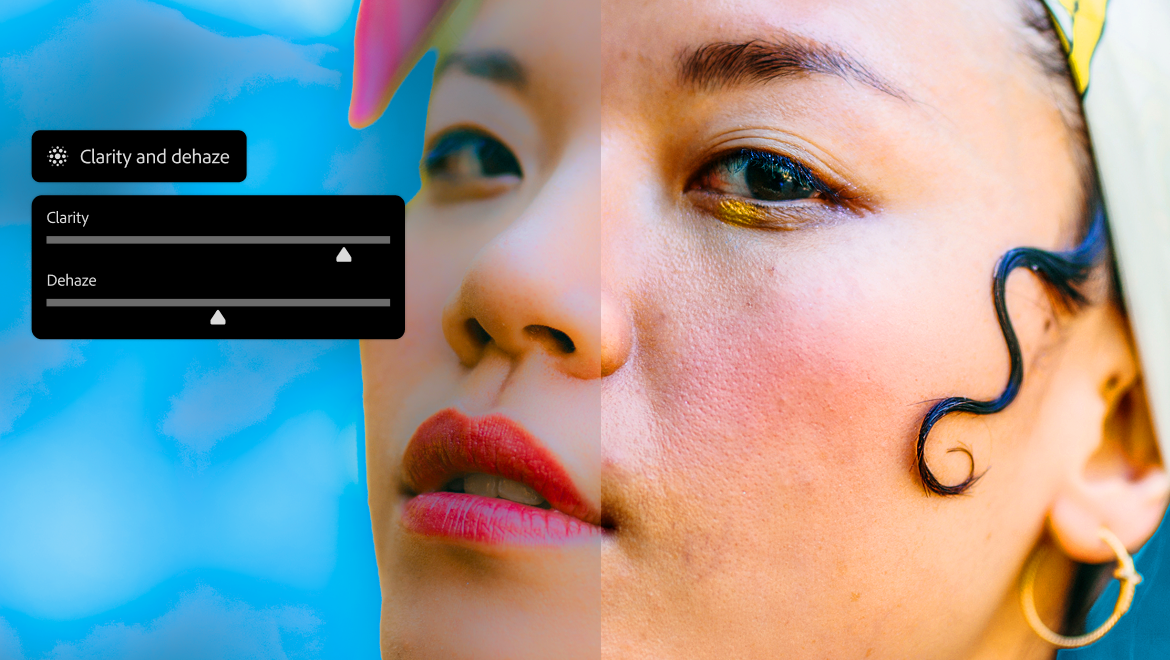
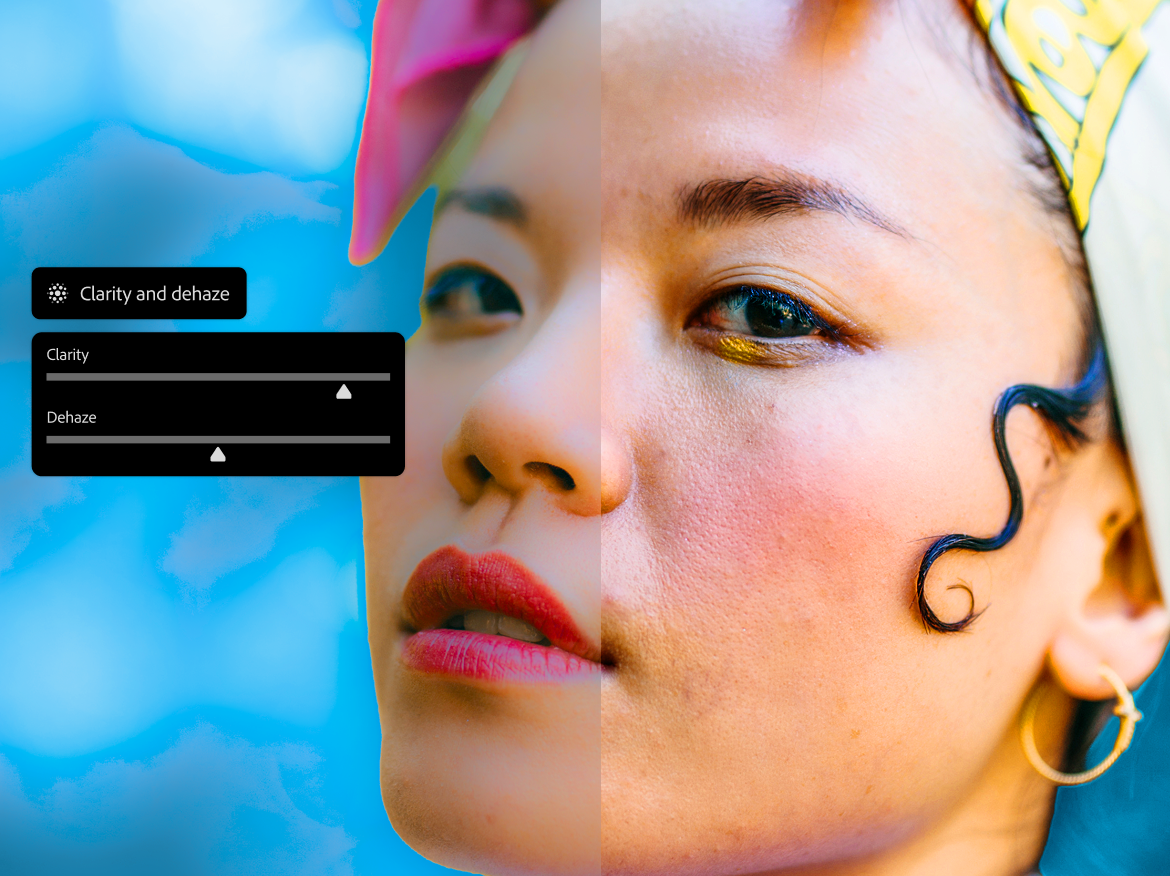
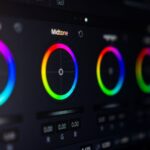
Photoshop now includes Clarity, Dehaze, and Grain as dedicated adjustment layers. As you probably know, these tools already exist in other Adobe apps like Lightroom. But bringing them into Photoshop as layer-based, non-destructive adjustments changes how you can use them. If your workflow relies more on Photoshop than Lightroom, this sure is good news.
Because each adjustment lives on its own layer, you can mask effects precisely and revisit them at any point. Dehaze can help correct flat skies or atmospheric conditions in landscape images, Clarity allows for localized contrast adjustments without affecting the entire image, and Grain adds texture and “film look” if that’s your thing.
Generative Tools Focus on Cleaner Results
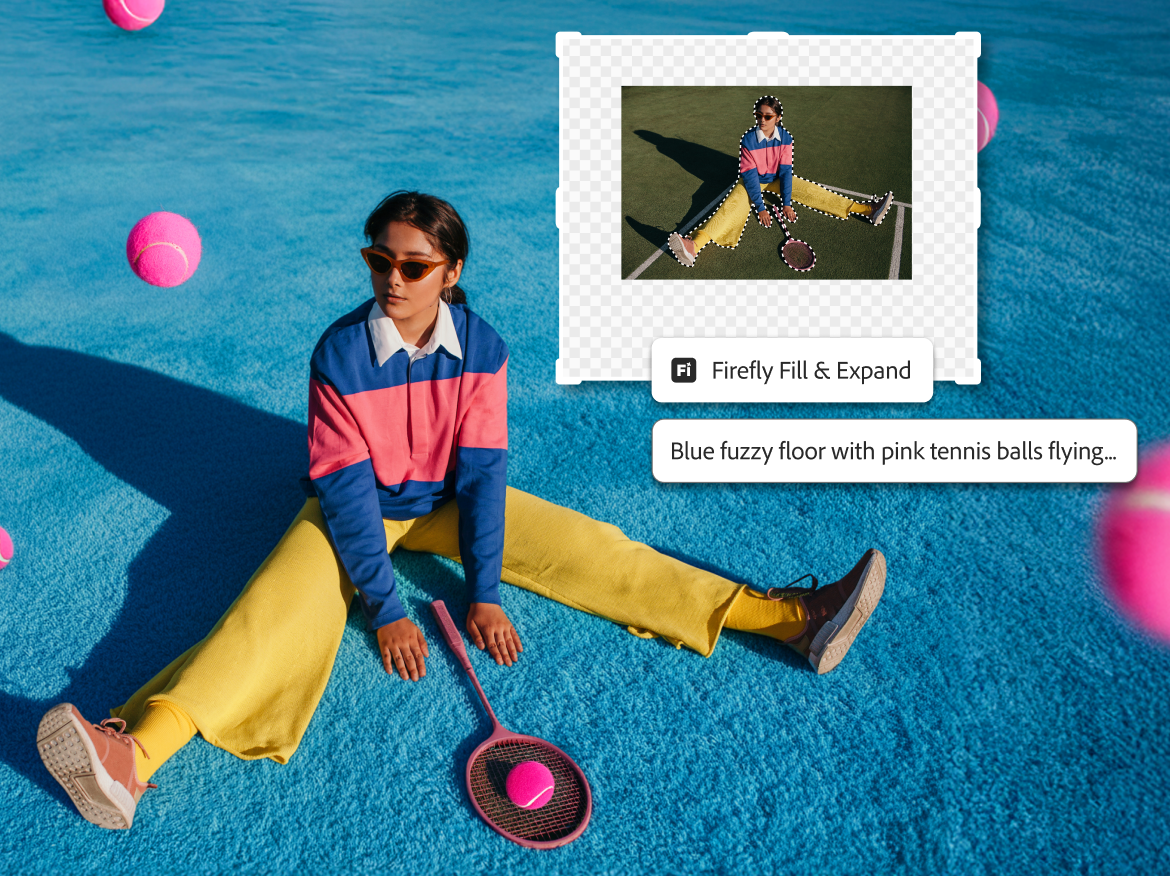
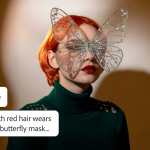
Adobe is also updating its Firefly-powered Generative Fill, Generative Expand, and Remove tools. The company says these tools now output images at up to 2K resolution and produce fewer visible artifacts.
In practical terms, this should reduce the amount of manual cleanup after using generative features. Photographers who use these tools to remove distractions, extend backgrounds, or adjust framing may see more consistent lighting and smoother transitions. The updates also aim to improve how closely results match written prompts, which has been a common limitation in earlier versions.
These tools remain optional, but the quality improvements make them more usable in final images rather than just rough edits.
Reference Images Gain More Predictable Behavior
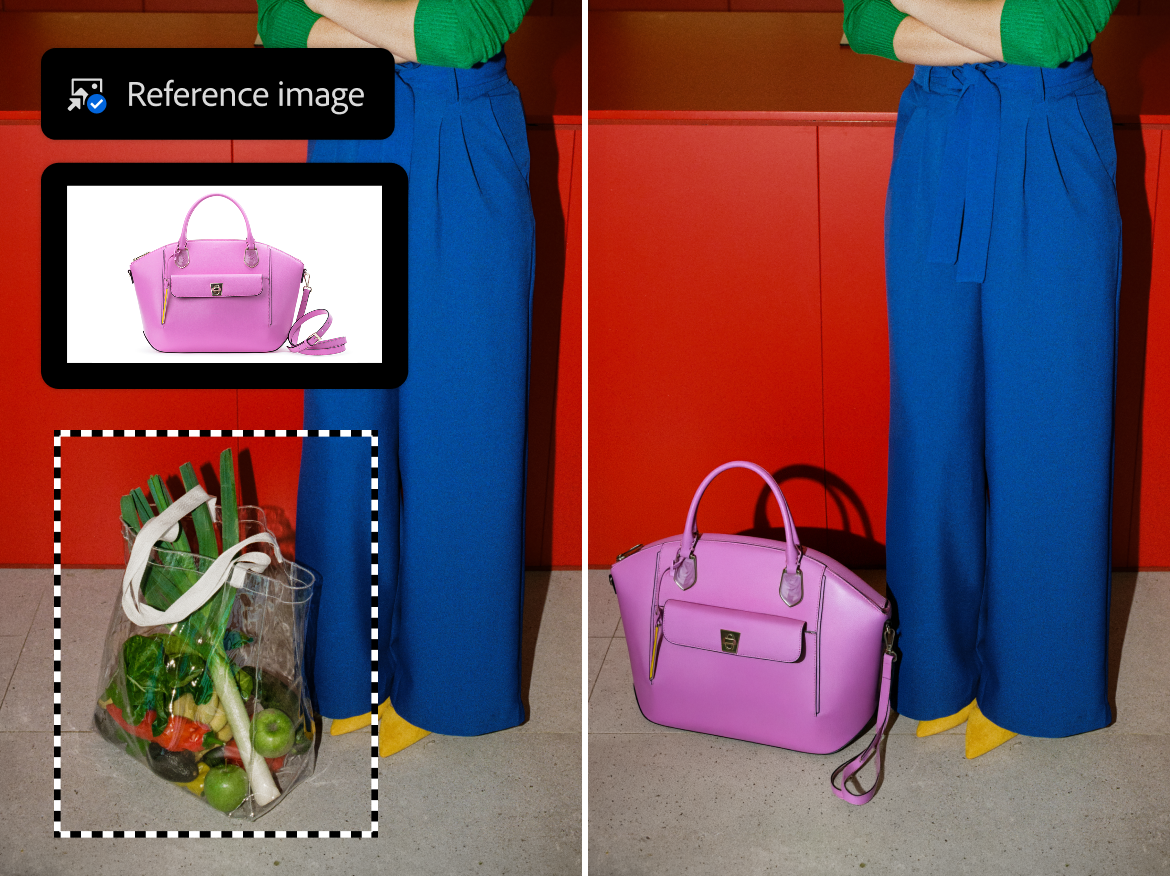
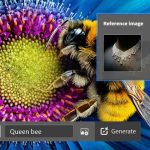
Generative Fill now handles reference images with more structure. When you add a reference object, Photoshop now does a better job preserving its identity, scale, and perspective.
As you can probably imagine, this matters most for compositing and product-style work. Matching lighting, color, and proportions has often required manual correction. The updated system aims to reduce those mismatches by interpreting geometry and scene context more accurately. Sure, it doesn’t eliminate the need for review, but it may shorten the adjustment process.
Dynamic Text Arrives in Beta
Adobe is also testing Dynamic Text, a feature that reshapes text into curved or arched layouts with a single click. The text remains fully editable and adjusts automatically as it moves or changes.
This tool is more relevant to designers, but photographers who create promotional graphics, album layouts, or social media posts may find it useful as well.

Photoshop Updates Availability
All of the updates are available in Photoshop desktop, and Firefly-powered tools are also coming to Photoshop on the web. Just go and update the program on your PC.
Overall, the changes focus less on dramatic new features and more on reducing friction in everyday editing. For photographers, the value lies in better control, fewer irreversible edits, and tools that require less correction after use.
See more from DIYPhotography.net on Google
Add DIYPhotography.net as a trusted source. This makes
our stories more likely to appear in your Google Search results.
 Add as a preferred source on Google

Dunja Đuđić Kalinin
Dunja Djudjic is a multi-talented artist based in Novi Sad, Serbia. With 15 years of experience as a photographer, she specializes in capturing the beauty of nature, travel, concerts, and fine art. In addition to her photography, Dunja also expresses her creativity through writing, embroidery, and jewelry making.

Join the Discussion
DIYP Comment Policy
Be nice, be on-topic, no personal information or flames.