



















Lightroom’s AI Can Open Closed Eyes and Expand Your Photos
Oct 21, 2026
Alysa Gavilan
Alysa Gavilan has spent years exploring photography through photojournalism and street scenes. She enjoys working with both film and mirrorless cameras, and her fascination with the craft has grown over the decades. Inspired by Vivian Maier, she is drawn to capturing everyday moments that often go unnoticed.
Share:
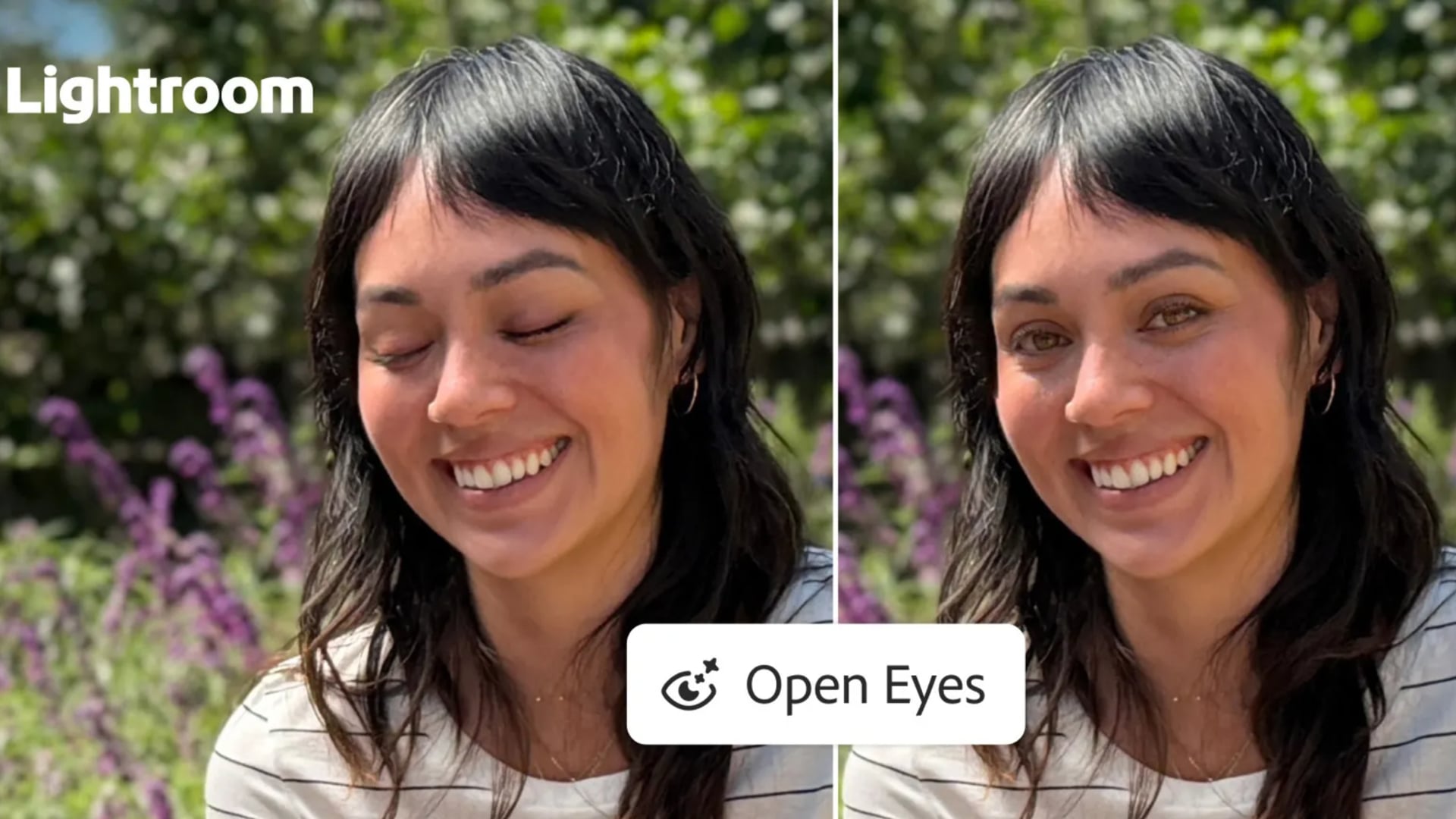
Getting the perfect photo often comes down to timing, and even a split second can ruin an otherwise great shot. Someone blinks during a group portrait, a candid expression disappears before you can take another picture, or a tightly framed image leaves too little room for a social media crop.
Adobe is addressing these common frustrations with two new tools in Lightroom on mobile: Open Eyes, which uses AI to correct closed eyes, and Generative Expand, which extends images beyond their original borders to fit different compositions and aspect ratios.
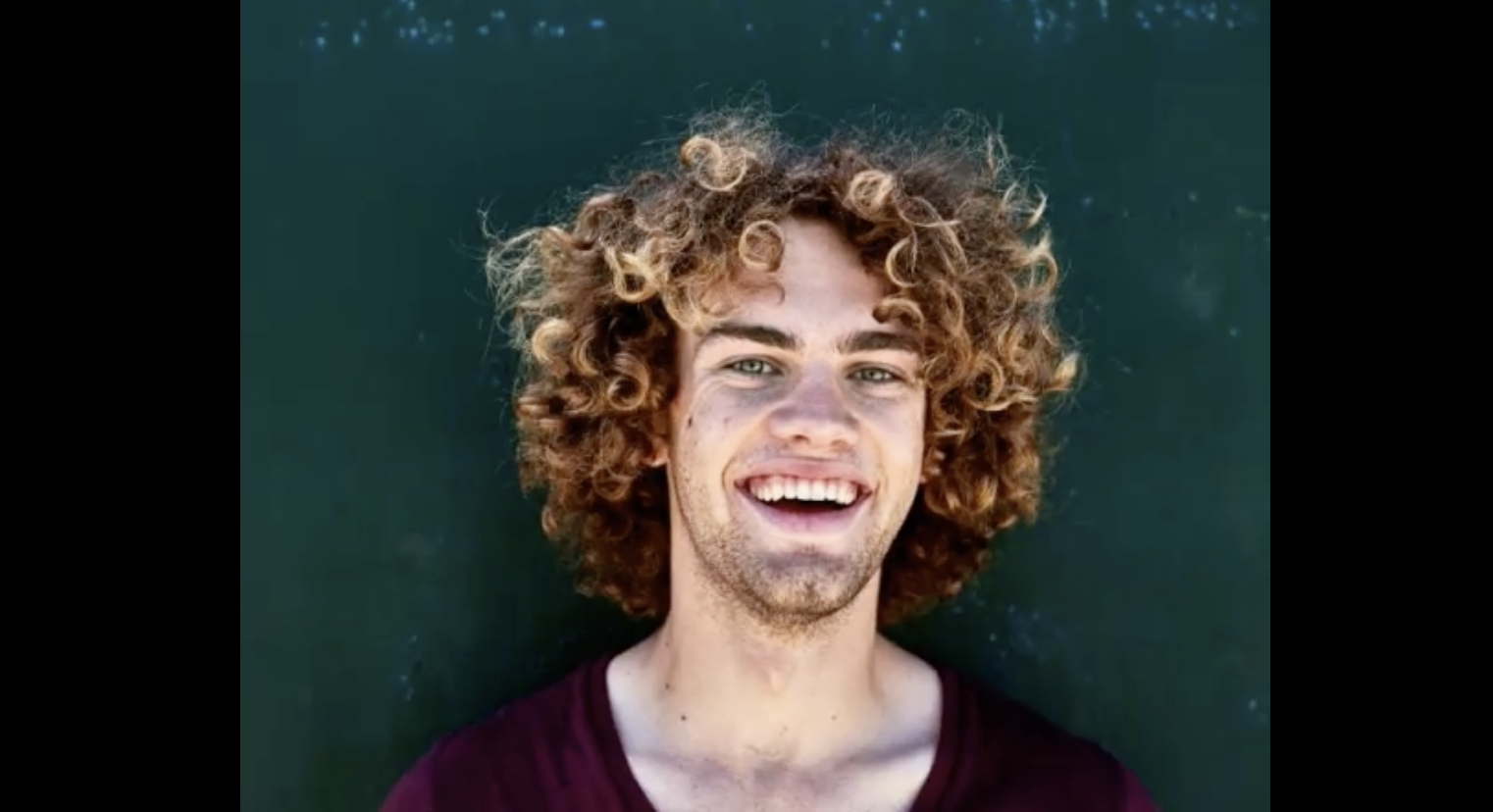
Lightroom adds an Open Eyes tool
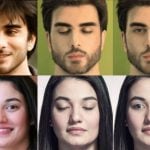
Adobe’s new Open Eyes feature lets users correct closed eyes in photos without manually editing them. When Lightroom detects closed eyes, it displays an Open Eyes icon among its Quick Actions, allowing users to generate a correction with a single tap.
The tool can also draw on other photos of the same person in the user’s . Adobe says this helps it match the person’s eye color, shape, and size, producing a result that more closely resembles their appearance.
The feature could come in handy for family portraits, group shots, and candid photographs where retaking the picture is difficult. Instead of manually editing facial details, users can let Lightroom generate a correction.
Adobe says Open Eyes is available for free in Lightroom on mobile. However, AI generated edits may not always look natural or accurately represent the original moment. Reviewing the result before sharing it is still important, particularly for photographs intended to document real events.
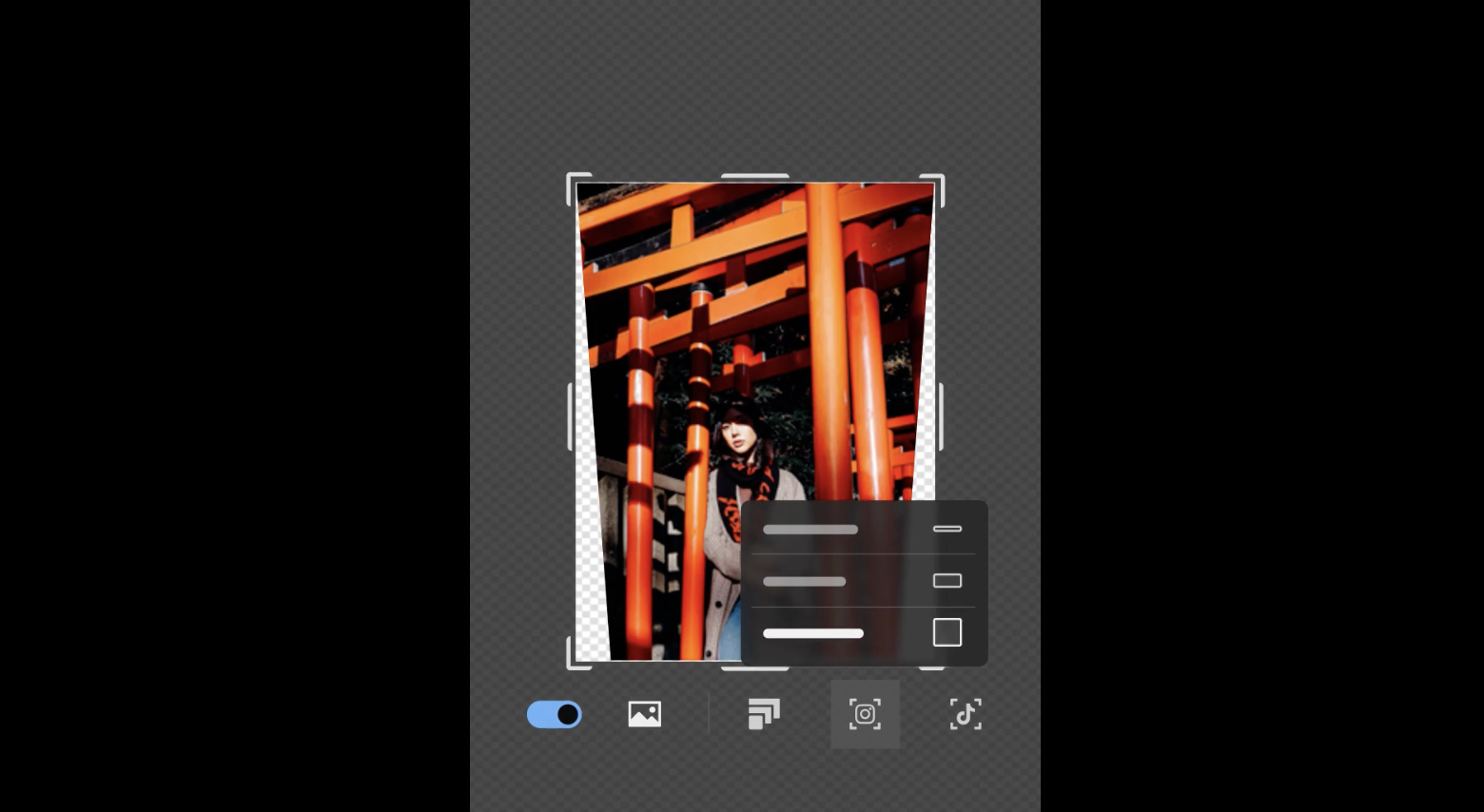
Generative Expand gives photos more room
Lightroom’s second new tool, Generative Expand, tackles a different problem: images that do not fit the desired aspect ratio or have been framed too tightly.
The feature uses generative AI to extend a scene beyond the original edges of a photo, creating additional background to accommodate a different composition. A landscape photograph, for example, can be expanded to fit a square social media post, while a portrait can gain extra space around its subject for a vertical story.
The tool may also help with travel photography, architecture, and other images that need more room around the main subject. Rather than cropping away parts of the original image, users can generate additional surroundings to fit their intended layout.
There is an important distinction, though. Generative Expand creates new visual content rather than recovering details outside the original frame. The added areas may contain objects or background elements that were never present in the actual scene, so photographers should inspect the results for inconsistencies.
Can AI save your favorite shot?
Open Eyes and Generative Expand address two familiar editing problems. One can help rescue a photograph spoiled by a blink, while the other gives photographers more flexibility when adapting images for different formats.
Both tools are available through Lightroom on mobile, according to Adobe’s announcement. They offer additional editing options for people who prefer working on their phones instead of switching to desktop software.
Still, convenience comes with a trade off. AI can make a photograph more usable, but its edits can also change details of the original image. Would you let AI fix a blink in your favorite photograph, or would you rather keep the imperfect original?
See more from DIYPhotography.net on Google
Add DIYPhotography.net as a trusted source. This makes
our stories more likely to appear in your Google Search results.
 Add as a preferred source on Google

Alysa Gavilan
Alysa Gavilan has spent years exploring photography through photojournalism and street scenes. She enjoys working with both film and mirrorless cameras, and her fascination with the craft has grown over the decades. Inspired by Vivian Maier, she is drawn to capturing everyday moments that often go unnoticed.
Related Posts
 Thinking about closed and open form pictures; or how old art history terms can still be useful
 Luminar Neo’s GenExpand lets AI expand your image beyond its borders
 SmugMug rescues nearly 200 million photographs from closed cloud service Picturelife
 Facebook introduces AI that opens your eyes when you blink in photos
Join the Discussion
DIYP Comment Policy
Be nice, be on-topic, no personal information or flames.