

















Don’t Buy a Laptop for Photography Until You Check These Things
Aug 13, 2026
Alysa Gavilan
Alysa Gavilan has spent years exploring photography through photojournalism and street scenes. She enjoys working with both film and mirrorless cameras, and her fascination with the craft has grown over the decades. Inspired by Vivian Maier, she is drawn to capturing everyday moments that often go unnoticed.
Share:
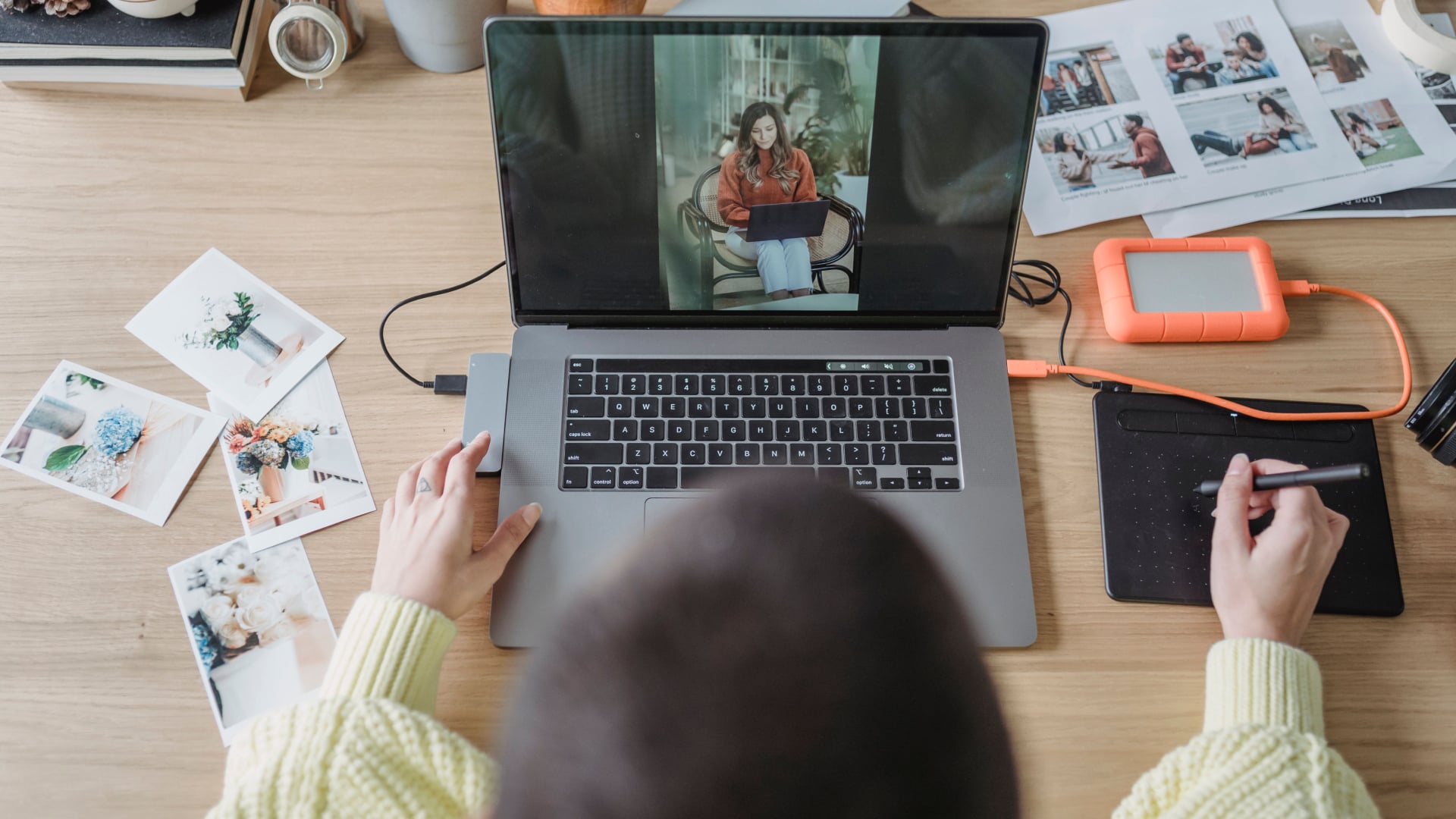
A photographer can spend hours choosing a camera, lens and memory card, then pick a laptop because it happens to have a nice looking screen. That can get expensive fast.
For photographers, a laptop is part editing workstation, part photo archive and part emergency backup machine, so the right choice depends on much more than how thin it looks in a store.
Start With the Processor
The processor affects how quickly your laptop can handle many everyday photography tasks, including importing images, generating previews, applying edits, and exporting finished files.
You do not necessarily need the most expensive processor available. A recent multicore CPU is a sensible starting point for photographers who work primarily in Lightroom and Photoshop. Those working with large RAW files, high megapixel cameras or heavy batch processing have more reason to spend on a faster processor.
Adobe’s current Photoshop requirements specify a multicore Intel, AMD or compatible Windows ARM processor, while Lightroom also recommends a modern 64 bit processor.
Get Enough RAM
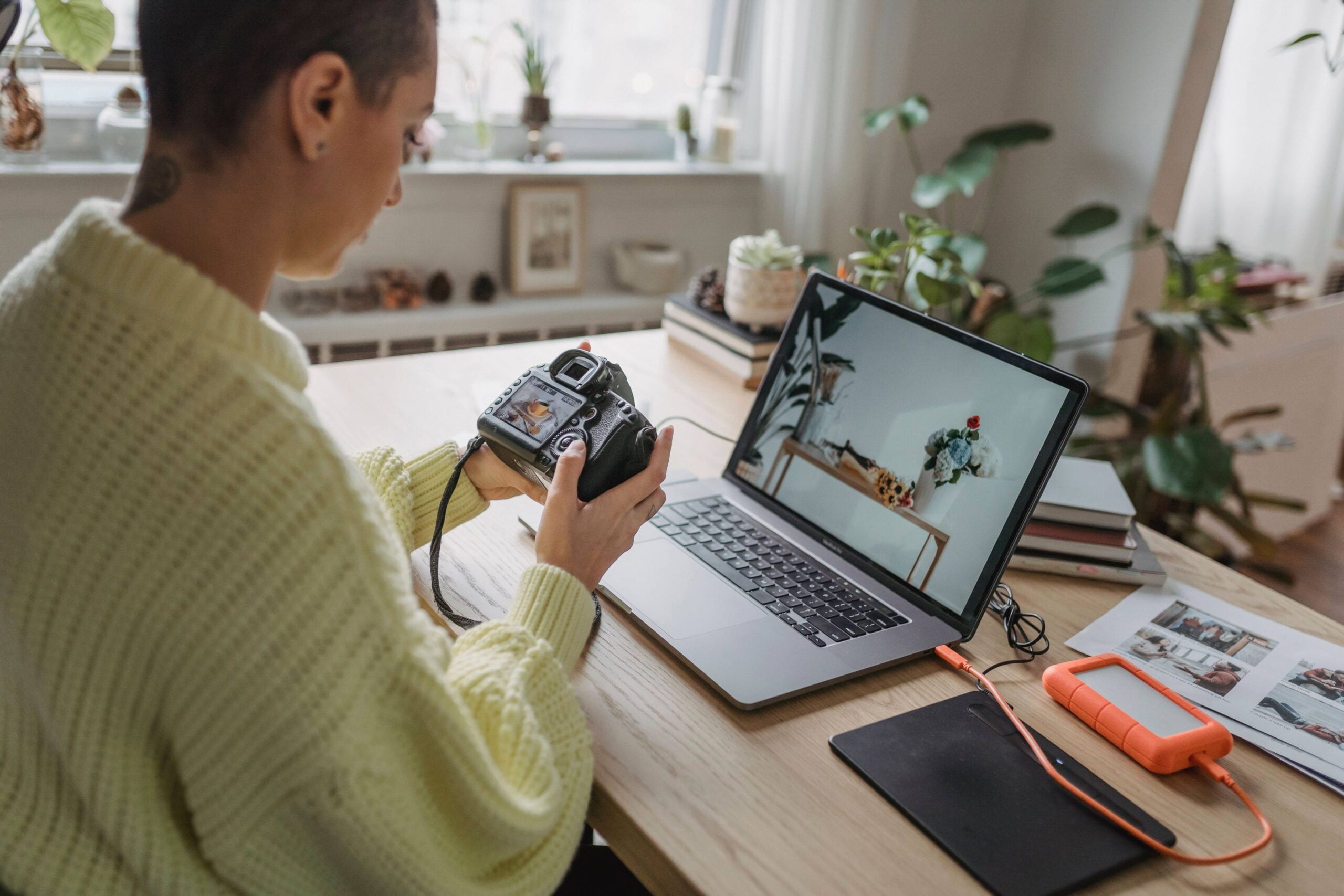
RAM becomes important when you have Lightroom, Photoshop, a browser and other applications open at the same time.
For a new photography laptop, 16GB is a sensible target. Adobe lists 16GB or more as the recommended RAM level for both current Lightroom and Photoshop.
Photographers working with very large RAW files, complex Photoshop documents or multiple demanding applications may benefit from more. The important point is to avoid buying a machine with the minimum specification simply because the software can technically run on it.
Pay Close Attention to the Display
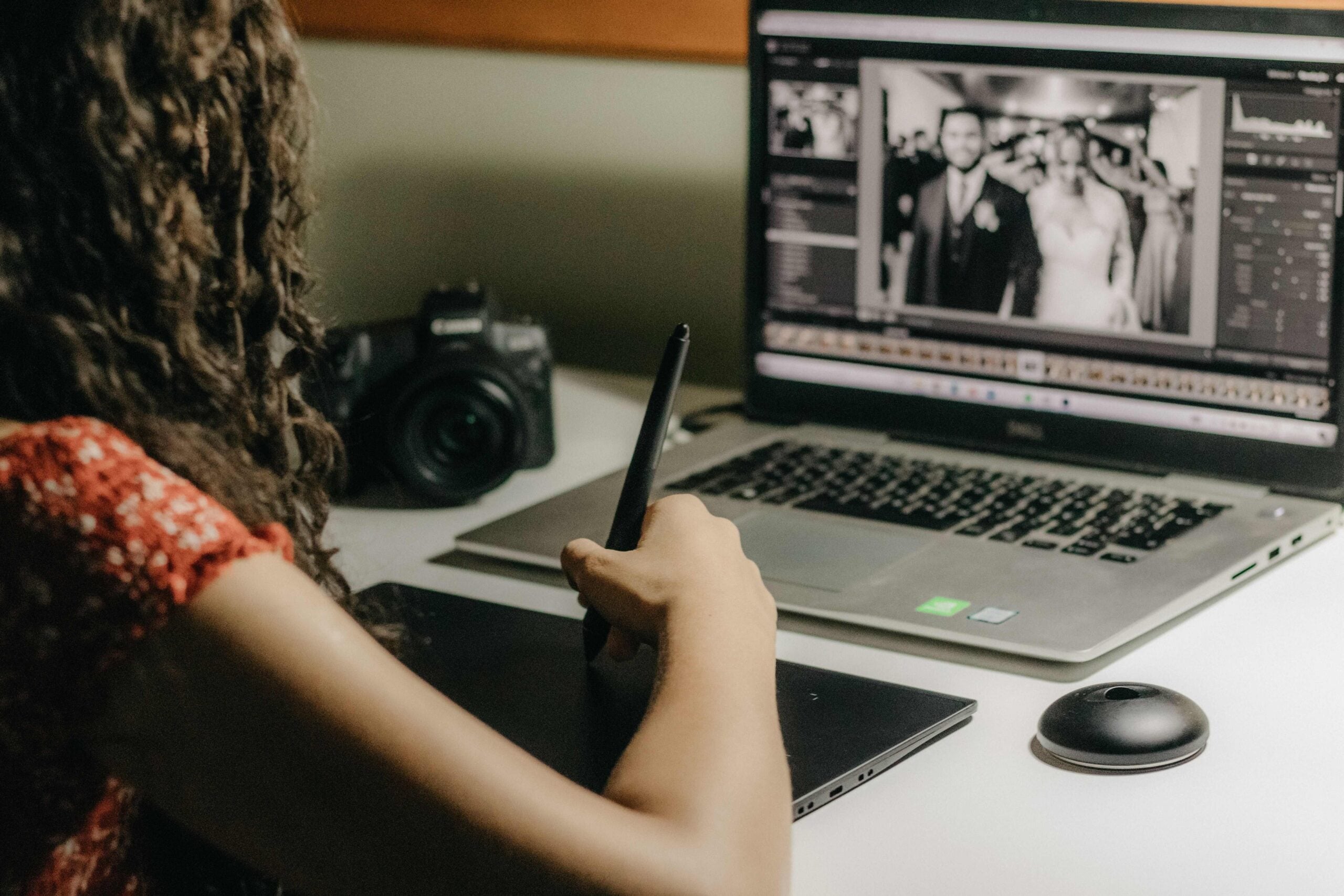
For photographers, the screen is arguably one of the most important parts of the laptop.
You are making decisions about exposure, shadows, highlights, and color while looking at it. A screen with poor color reproduction can make a carefully edited photograph look different when viewed on another properly calibrated display.
Look for a panel with good color coverage and accurate reproduction. A higher resolution display can also make detailed images easier to inspect, although you do not necessarily need a 4K panel on a laptop.
Adobe recommends a display of at least 1920 x 1080 for current Photoshop and Lightroom configurations.
Brightness matters too, particularly if you regularly edit photographs in different locations. A screen that looks great indoors may be difficult to judge in a bright room or outdoors.
Do Not Ignore the GPU
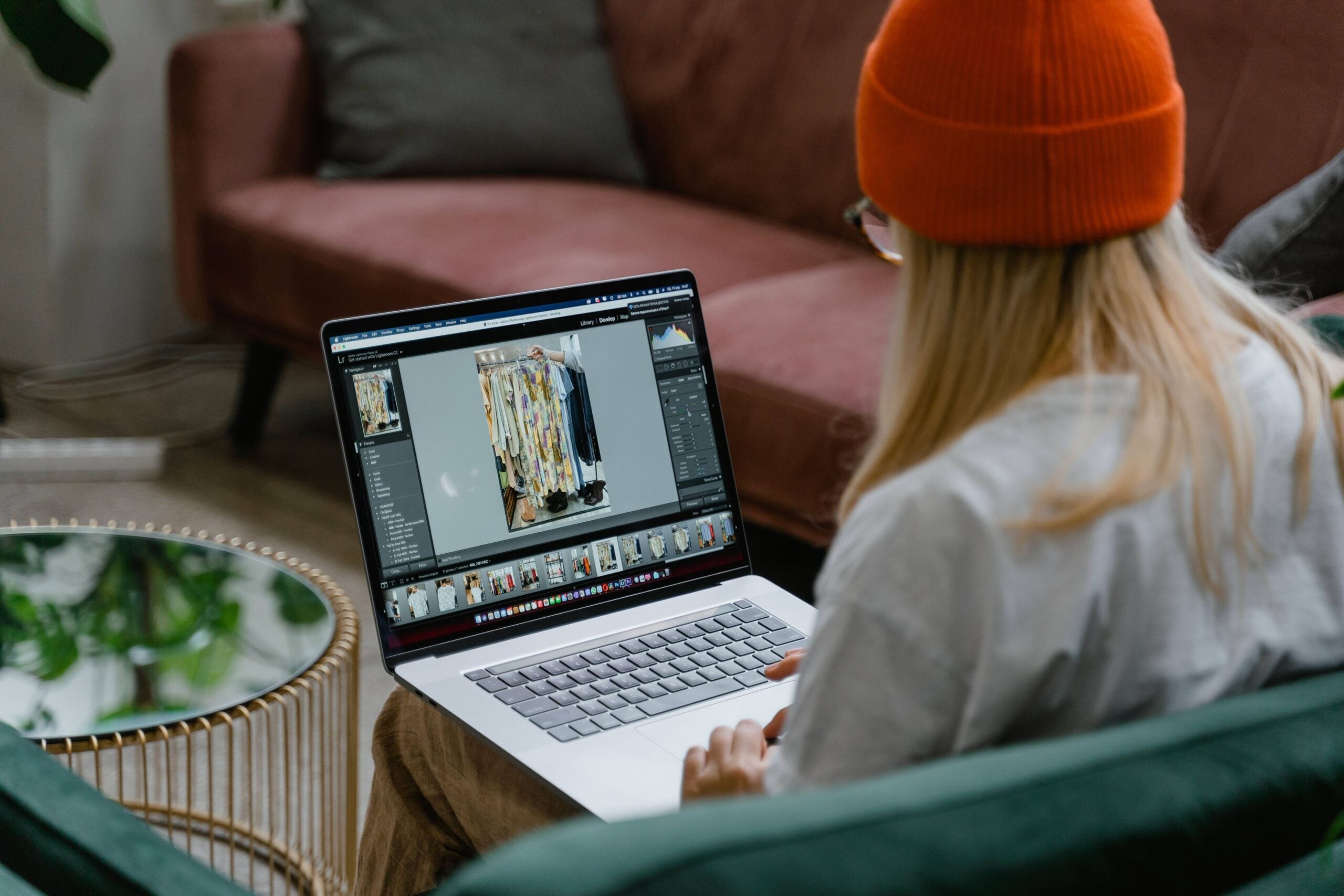
A dedicated graphics processor is not essential for every photographer, but it becomes increasingly useful for demanding workflows.
Lightroom uses GPU acceleration for image processing and features such as Denoise, Lens Blur and Reflection Removal. Adobe currently recommends 4GB of GPU memory for 4K displays and higher, with additional memory recommended for full GPU acceleration and AI features.
Photoshop also benefits from GPU acceleration. Adobe recommends a DirectX 12 capable GPU with 4GB of GPU memory for systems using 4K displays or larger.
If your work involves AI powered noise reduction, large files, frequent exports or video alongside photography, a stronger GPU can make the laptop considerably more useful.
Choose Fast and Sufficient Storage
Photography generates files at an alarming rate. A single shoot can produce hundreds or thousands of RAW images, and video files can consume storage even faster.
An SSD should be considered essential for a modern photography laptop. It makes starting applications, opening catalogs and moving files considerably more responsive than an old mechanical hard drive.
Capacity is just as important. A smaller SSD may be enough if you keep your main photo library on external drives or network storage, but photographers who want to carry their catalog and current projects with them should consider a larger internal drive.
Remember that the laptop should not be your only copy of important photographs. A separate backup remains essential.
Think About Ports and Portability
Photographers regularly connect cameras, card readers, external SSDs, displays, and other accessories. A laptop with too few useful ports can turn a simple editing session into a hunt for adapters.
USB ports, fast USB C connections and an SD card reader can be particularly convenient. If the laptop lacks a built-in card reader, check the availability of compatible external readers before buying.
Portability also matters. A powerful laptop can be excellent at editing but less appealing if you have to carry it through airports, shoots and coffee shops every week.
Match the Laptop to Your Photography
The best laptop for photographers is not necessarily the one with the biggest processor, most powerful GPU or highest resolution screen.
A photographer who mainly edits JPEGs for social media has very different requirements from someone processing 60 megapixel RAW files, running AI noise reduction and building large Photoshop composites.
Start with your camera, software and workflow. Then prioritize a good display, sufficient RAM, fast storage and enough processing and graphics performance for the work you actually do.
Get those basics right, and your laptop becomes something photographers rarely think about while working. And honestly, that is probably the best sign that you bought the right one.
See more from DIYPhotography.net on Google
Add DIYPhotography.net as a trusted source. This makes
our stories more likely to appear in your Google Search results.
 Add as a preferred source on Google

Alysa Gavilan
Alysa Gavilan has spent years exploring photography through photojournalism and street scenes. She enjoys working with both film and mirrorless cameras, and her fascination with the craft has grown over the decades. Inspired by Vivian Maier, she is drawn to capturing everyday moments that often go unnoticed.


Join the Discussion
DIYP Comment Policy
Be nice, be on-topic, no personal information or flames.