















Imagen Intelligent Studio Now Available; Makes Culling Almost Enjoyable
Nov 9, 2026
Dunja Đuđić Kalinin
Dunja Djudjic is a multi-talented artist based in Novi Sad, Serbia. With 15 years of experience as a photographer, she specializes in capturing the beauty of nature, travel, concerts, and fine art. In addition to her photography, Dunja also expresses her creativity through writing, embroidery, and jewelry making.
Share:
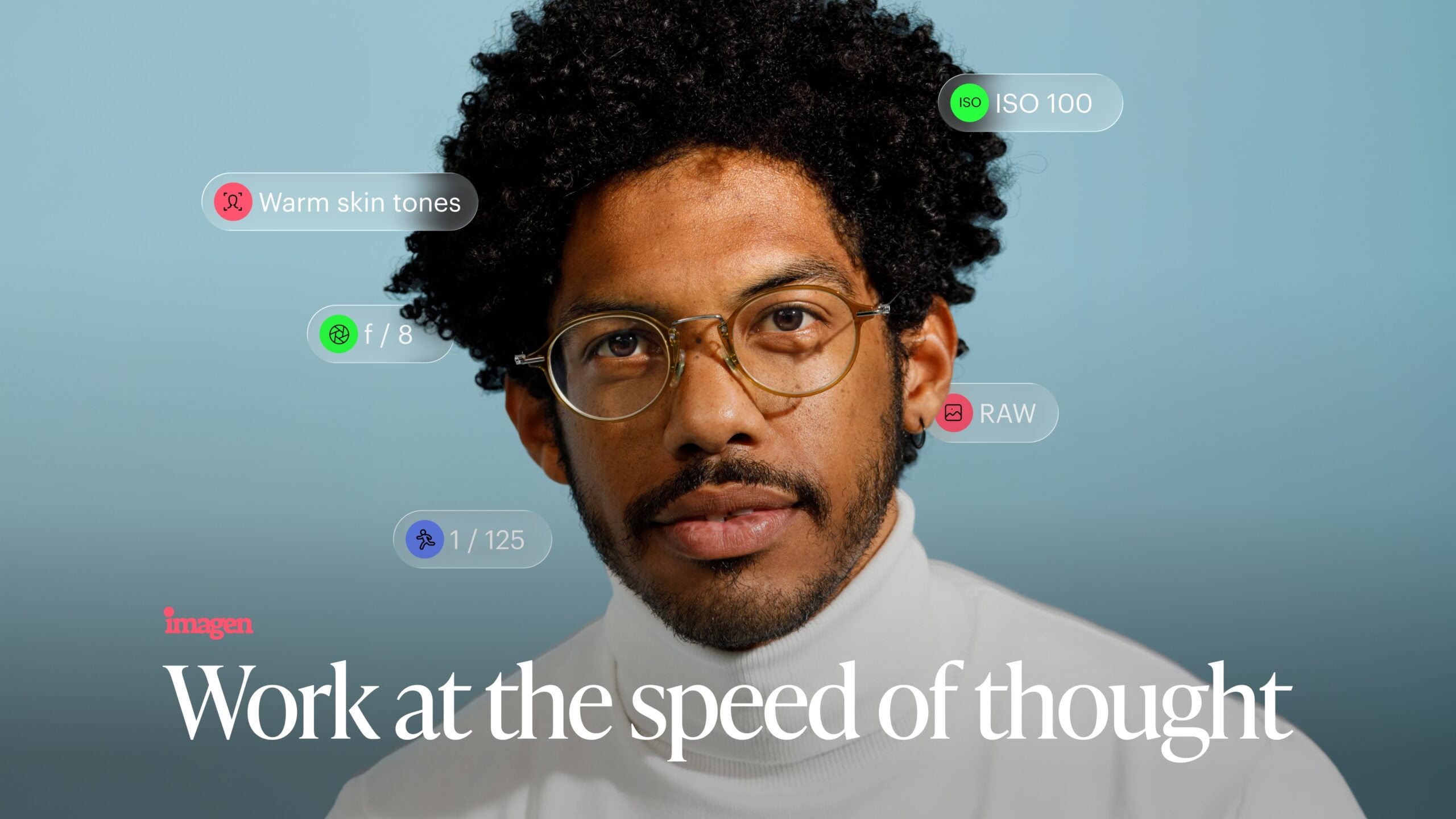
Imagen’s Intelligent Studio is opens to all users with some new and improved features. For wedding, concert, and event shooters, the useful part is culling: you can now cull and edit in one app, and the Assistant remembers what you’ve already rejected.
Studio launched on September 30 as a phased rollout. It comes as an update to the existing Imagen app, with no new sign-up. According to Imagen, you can move between culling and editing in any order instead of the usual cull, edit, export sequence. Since launch, the company has added more AI tools, full culling support, and new Assistant features. So let’s see what you get.
[Related Reading: The Future of the Grade: Imagen Video Brings Adaptive AI to Your Timeline]
What’s New in Imagen Intelligent Studio?
Culling and Editing Are Now One Workflow
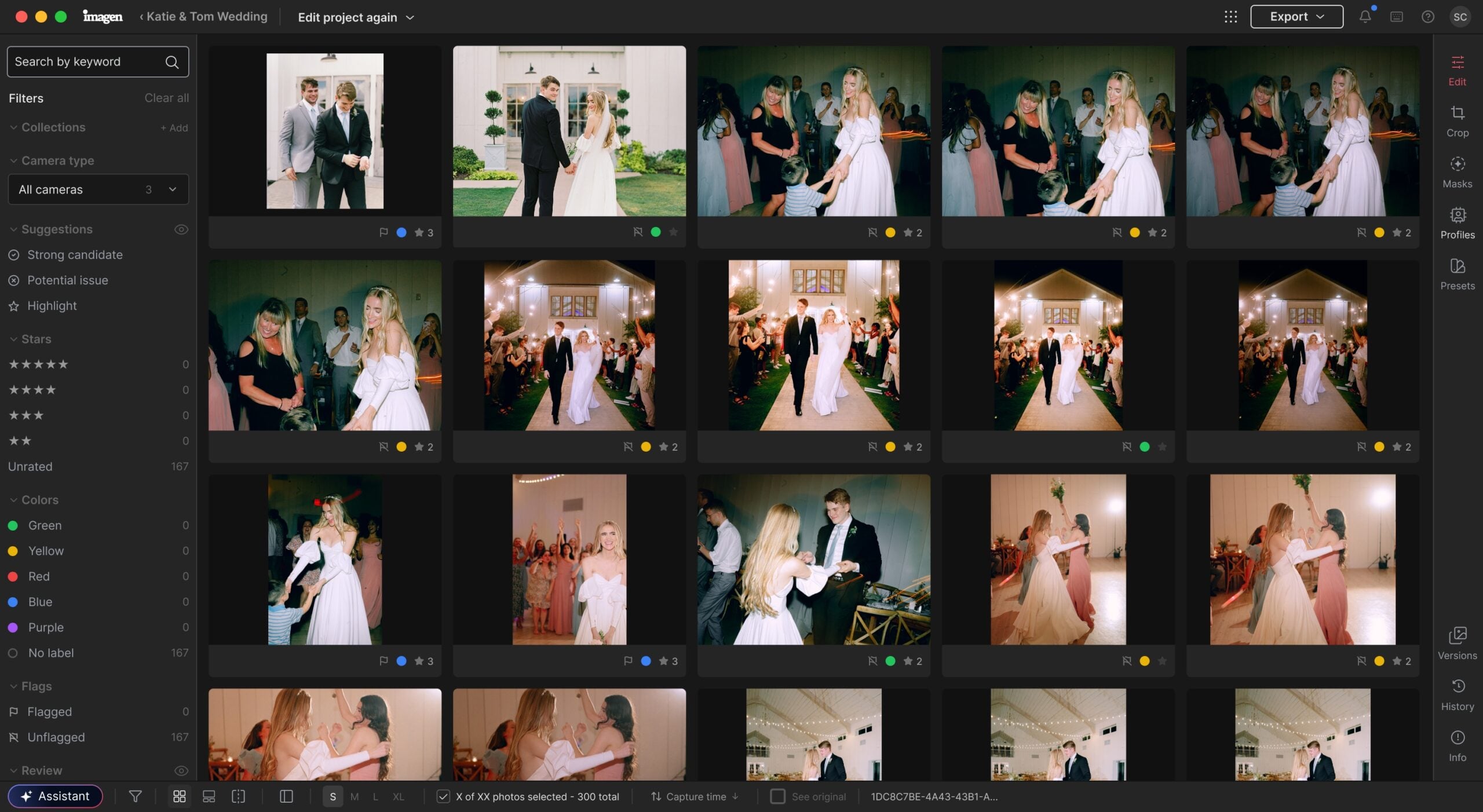
If you come home from a wedding or a gig with thousands of frames, you know how culling eats your evening. Personally, that’s the part of editing I hate most. Studio now handles culling and editing as one workflow.
The Assistant now remembers your culling decisions, so a request like “set all closed-eye and out-of-focus shots to 1 star” builds on what you’ve already done. Also new:
- Re-cull without re-uploading the gallery.
- Closed-eye and out-of-focus markers in the full-size view.
- Faster results on large culling jobs.
New AI Editing Tools
Imagen Intelligent Studio has also added these AI tools:
- Crop and straighten
- Portrait and headshot crops
- Subject and background masks
- Smooth Skin
- Whiten Teeth
They apply across the whole gallery, so one fix covers every photo. But worry not, you don’t need to let AI do all the work if you like to have control over your edits, like most of us does. You can adjust the auto-generated masks by hand.
A More Capable Assistant
The Assistant takes plain-language requests. It can now fine-tune color, apply, save, and rename presets, undo and reset, work with collections, and build on culling results.
It isn’t generative. It doesn’t regenerate or alter the image, but moves the same sliders you would, so every change stays visible and easy to undo.
Studio launched with Imagen’s first built-in editor: manual sliders, masks, presets, and retouching for RAW and JPEG files, plus export from the same workspace. It also has AI filters for finding photos by people, scenes, or moments, and AI Profiles that learn your editing style. Imagen says it’s building its own editor model that learns from how you edit inside Imagen.
Pricing is export-based, so you pay per exported image rather than per AI tool use. Studio works on its own or alongside Lightroom. You can check it out here and see how it works for you and whether it fits your workflow.
See more from DIYPhotography.net on Google
Add DIYPhotography.net as a trusted source. This makes
our stories more likely to appear in your Google Search results.
 Add as a preferred source on Google

Dunja Đuđić Kalinin
Dunja Djudjic is a multi-talented artist based in Novi Sad, Serbia. With 15 years of experience as a photographer, she specializes in capturing the beauty of nature, travel, concerts, and fine art. In addition to her photography, Dunja also expresses her creativity through writing, embroidery, and jewelry making.




Join the Discussion
DIYP Comment Policy
Be nice, be on-topic, no personal information or flames.