
















FREE TOOL: Get Picture-Perfect Prints – Try Our Free Print Size Calculator
Nov 4, 2025
John Aldred
John Aldred is a photographer with over 25 years of experience in the portrait and commercial worlds. He is based in Scotland and has been an early adopter – and occasional beta tester – of almost every digital imaging technology in that time. As well as his creative visual work, John uses 3D printing, electronics and programming to create his own photography and filmmaking tools and consults for a number of brands across the industry.
Share:
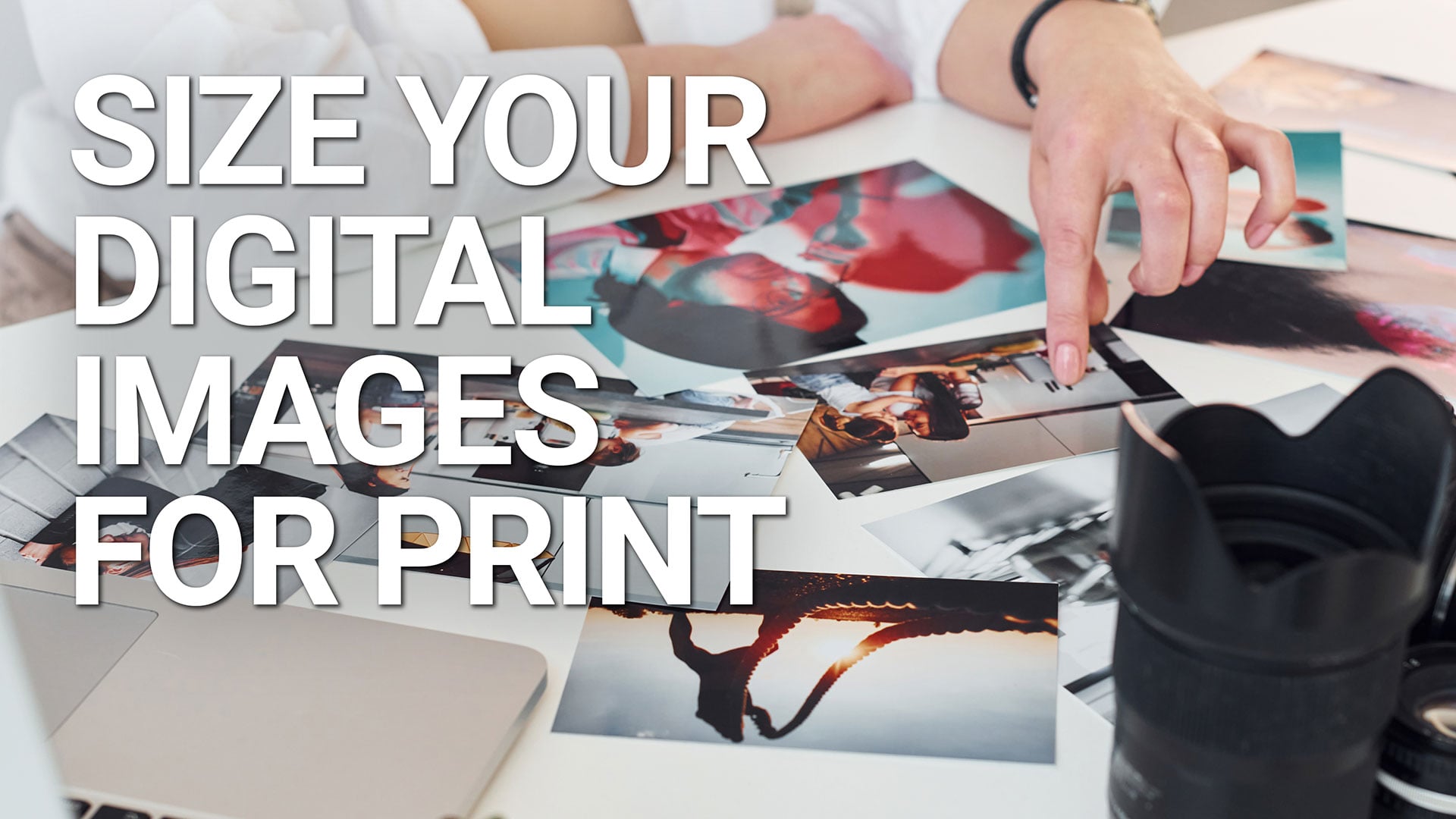
Printing our photos is on the rise. Do your prints look soft or blocky when they come back from the lab? Let our Print Size Calculator help.
Just enter the dimensions of the physical size you require, along with the PPI your lab requires, and it will tell you the pixel dimensions your file should have for a sharp result.
How to use the calculator:
- Enter the Width and Height of the print.
- Choose Units (in/cm/mm).
- Set PPI. 300 is a good all-round choice; 240–360 is common, but your print lab will tell you what they need.
- Read the required pixels.
- Resize (and crop if necessary) your image in Photoshop, Affinity or another editor to conform to those pixel dimensions.
- Upload to your lab and order your prints.
PPI vs DPI (quick explainer)
- PPI (pixels per inch) describes your image. It’s how many pixels you want per inch of print.
- DPI (dots per inch) describes the printer’s dot grid. It’s a hardware/ink setting, not your file’s resolution.
- Many websites/labs say “DPI” when they mean PPI. In practice, when you see “300 DPI” on a photo upload page, assume they mean 300 PPI for the image. This calculator uses PPI to compute required pixel dimensions.
Now, you should never see blocky-looking prints again. You’ll know exactly how big your digital image needs to be in order to print a certain size.
If you found this tool helpful, let us know in the comments. If you found something broken, missing or confusing with this tool, or have any suggestions for future iterations, also leave us a comment, and we’ll take a look.
This is the first in a new series of web tools we’re releasing for photographers and filmmakers. So, let us know what problems you’re facing that we might be able to help solve with a new tool!
For website owners: embed this on your site
Quick start
Paste this where you want the calculator to appear (WordPress “Custom HTML” block is fine):
<div class="diyp-print-calculator"></div>
<link rel="stylesheet" href="https://www.diyphotography.net/diyptools/diyp-print-calc.min.css">
<script src="https://www,diyphotography.net/diyptools/diyp-print-calc.min.js" async defer></script>
You can add multiple calculators on a page – just add more <div class="diyp-print-calculator"> blocks. All logic runs client-side.
Optional parameters (data-attributes)
Add these to the <div class="diyp-print-calculator"> to set defaults or theme.
| Attribute | Values | Default | What it does |
|---|---|---|---|
data-title | Any text | DIYPhotography.net Print Size Calculator | Sets the visible header title. |
data-ppi | Integer (e.g. 240) | 300 | Sets the starting PPI. |
data-units | in | cm | mm | in | Sets the starting units for width/height. |
data-theme | light | dark | light | Chooses the color theme. |
Examples
Dark theme, centimetres, PPI 240:
<div class="diyp-print-calculator" data-theme="dark" data-units="cm" data-ppi="240"></div>
Custom title:
<div class="diyp-print-calculator" data-title="Acme Lab — Print Size Helper"></div>
Notes for embedders
- Pixel math: pixels = inches × PPI (the tool converts cm/mm to inches for the calculation).
- Rounding: pixel values are rounded to whole numbers; megapixels are shown to 2 decimals.
- Styling: CSS is namespaced under
.diyp-print-calculatorto reduce conflicts. - Multiple instances: the script auto-initialises any
.diyp-print-calculatorit finds, including ones added later via AJAX. - Performance: no network calls after the CSS/JS files load; everything runs in the browser.
Last updated: December 6th, 2025
See more from DIYPhotography.net on Google
Add DIYPhotography.net as a trusted source. This makes
our stories more likely to appear in your Google Search results.
 Add as a preferred source on Google

John Aldred
John Aldred is a photographer with over 25 years of experience in the portrait and commercial worlds. He is based in Scotland and has been an early adopter – and occasional beta tester – of almost every digital imaging technology in that time. As well as his creative visual work, John uses 3D printing, electronics and programming to create his own photography and filmmaking tools and consults for a number of brands across the industry.
Related Posts
 FREE TOOL: Dial In the Perfect ND Exposure – Try Our Free Long Exposure (ND) Calculator
 FREE TOOL: Nail Your Focus Every Time – Try Our Free Depth of Field Calculator
 FREE TOOL: Get Reliable Pinhole Exposures – Try Our Free Pinhole Camera Exposure Calculator
 FREE TOOL: Use Our Free Hyperfocal Distance Calculator for Sharper Landscapes
Join the Discussion
DIYP Comment Policy
Be nice, be on-topic, no personal information or flames.
One response to “FREE TOOL: Get Picture-Perfect Prints – Try Our Free Print Size Calculator”
On behalf of all Balkan people, I truly appreciate the centimeters included in the tool! :)