




























We review Envato – Complete asset solution for video and social media creators
Dec 8, 2024
John Aldred
John Aldred is a photographer with over 25 years of experience in the portrait and commercial worlds. He is based in Scotland and has been an early adopter – and occasional beta tester – of almost every digital imaging technology in that time. As well as his creative visual work, John uses 3D printing, electronics and programming to create his own photography and filmmaking tools and consults for a number of brands across the industry.
Share:

Creative projects demand high-quality assets, and Envato claims to deliver. It offers a wide range of stock footage, photography, graphics, music, and more in a single subscription. But how well does it really support serious creators?
Here, we’ll look at Envato through the lens of professionals. We’ll go over its strengths for video creators, unexpected resources, and how to get the most out of it. By the end, you’ll know if it’s a tool worth adding to your creative kit.
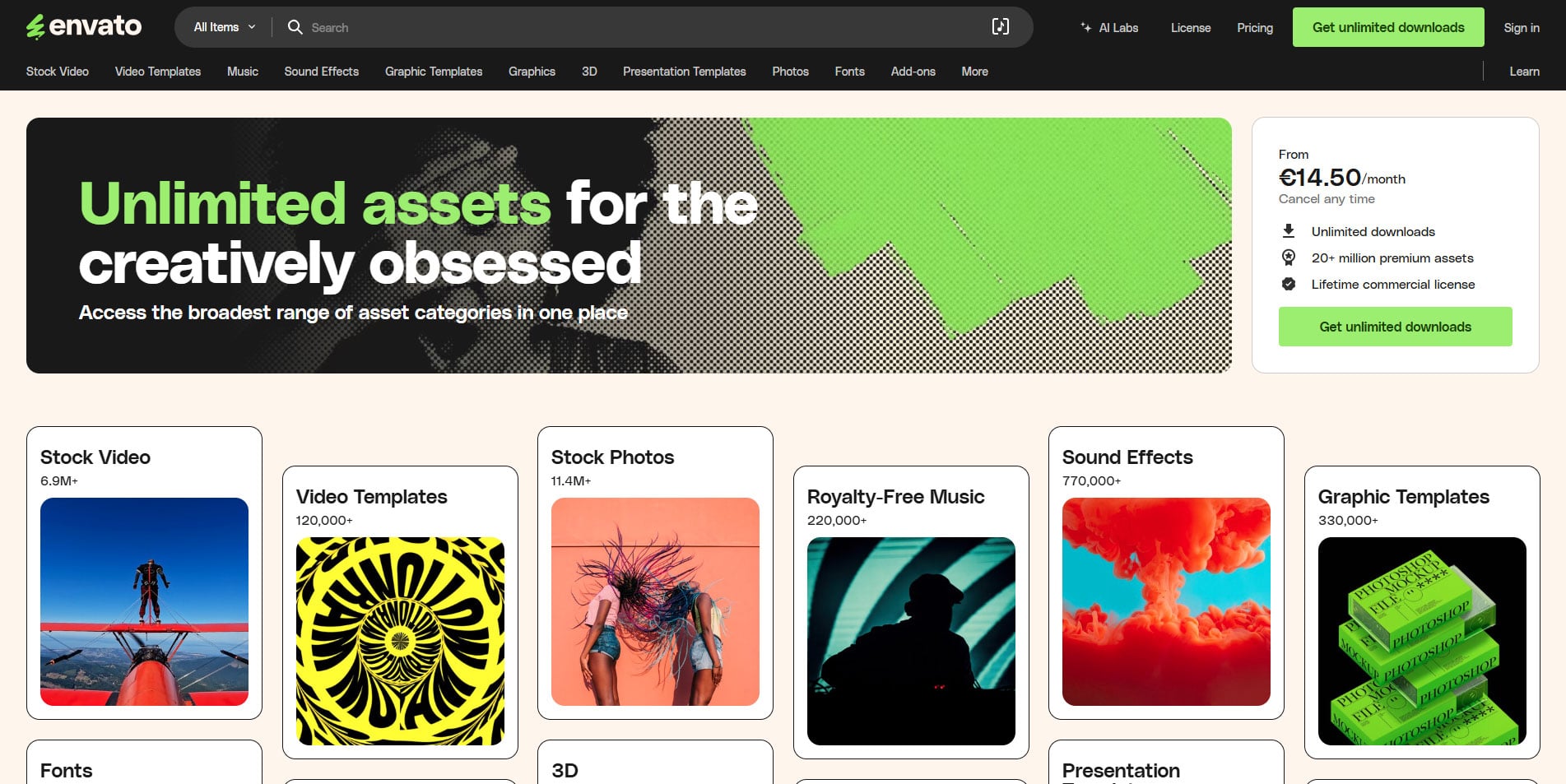
What is Envato?
Envato is a subscription-based resource hub built for solo creators and teams. It offers a wide range of assets all in one subscription. For filmmakers, photographers, and designers, it’s a practical solution that cuts down time spent hunting for quality materials.
The platform’s biggest advantage is its flexibility. With unlimited downloads across all assets, Envato fits the needs of creators of all kinds of projects. For those building a YouTube series, commercial campaign, or film, it removes the hassle of individual licensing fees and restrictions. In fact, the licencing fees are valid for commercial use of almost any type, so anything you get from Envatom you are in the safe zone.

Envato adapts well to different creative needs. Whether you need cinematic footage, storyboard stills or motion graphics, music for your final production, or even a website for your premiere, its wide collection probably has you covered. With a wide set of assets for creators, it’s a very valuable resource.
Benefits for video and YouTube creators
For video creators, Envato brings speed and efficiency to your day-to-day needs. It’s packed with stock footage, motion graphics, and sound effects, all in one place. No more jumping between sites to piece things together – just quick access to what you need when you need it.
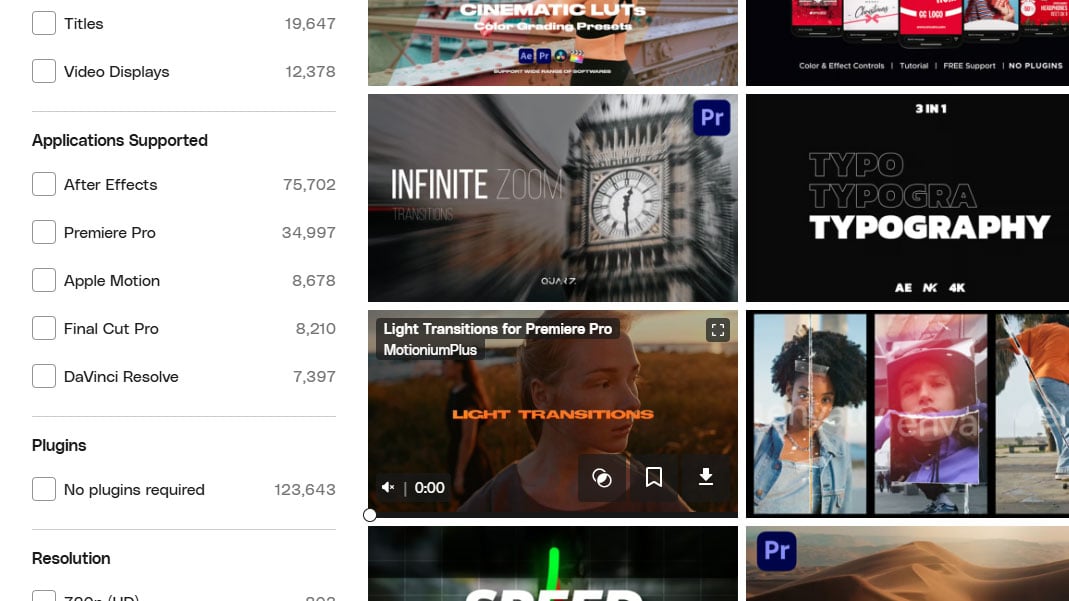
Everything is easy to navigate through dropdown menus, and finding content is easy, too. You’re able to search just specific categories, like video templates, music, graphics, or stock video. And when the results come up, you can filter by app, resolution and more to find what you need.
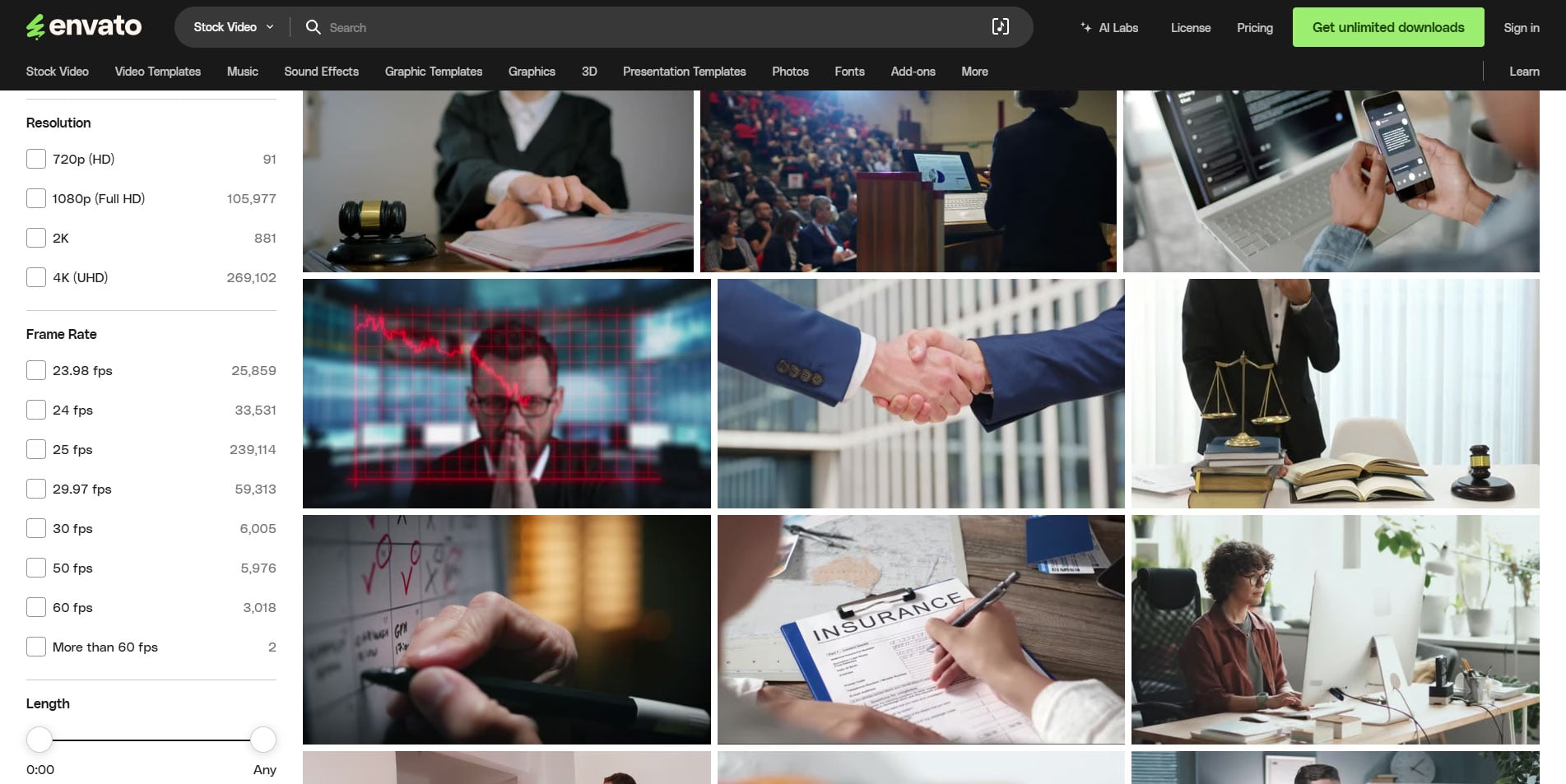
Video and video templates
The video templates are where Envato really shines, particularly for YouTubers and social media content creators. They’re packed full of lower thirds, intros, and transitions. And they’re all easy to customise. This means less time reinventing wheels and more time creating.
These templates help provide consistency. Consistency across online content is crucial, especially on YouTube. Envato helps creators maintain a professional look and feel in videos while speeding up the time it takes to make them.
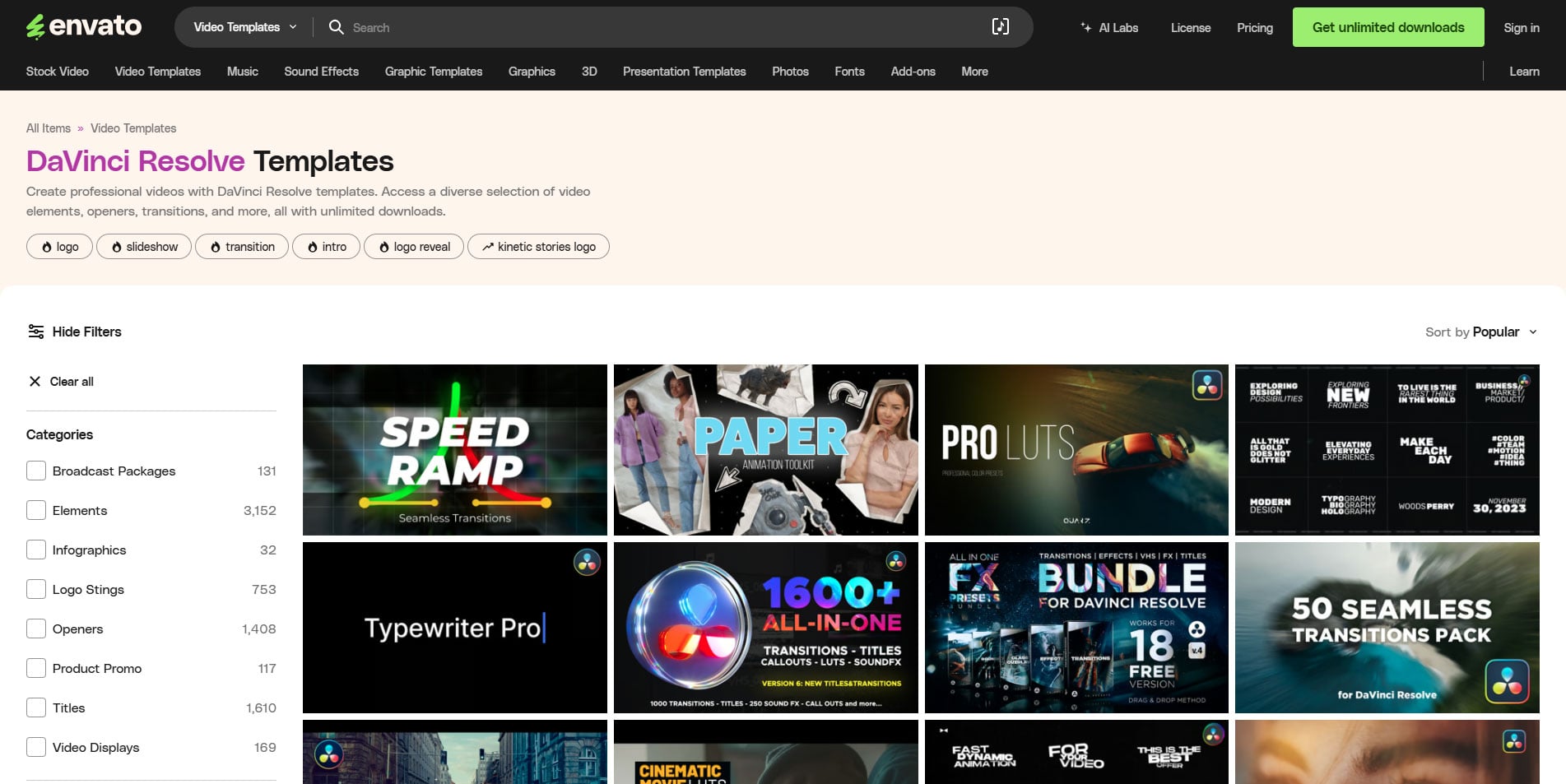
Templates are available for all of the mainstream editing and effects apps, including Adobe Premiere Pro and After Effects, Apple Motion and Final Cut Pro, as well as DaVinci Resolve. Within these software options, you’ve got resolutions up to 4K, and a deeper depth of categories for specific things.
Broadcast Packages, for example, often include a whole range of graphics, titles and transitions that match a theme. If you want to create different types of content with a consistent look and feel, this could be a good way to do it.
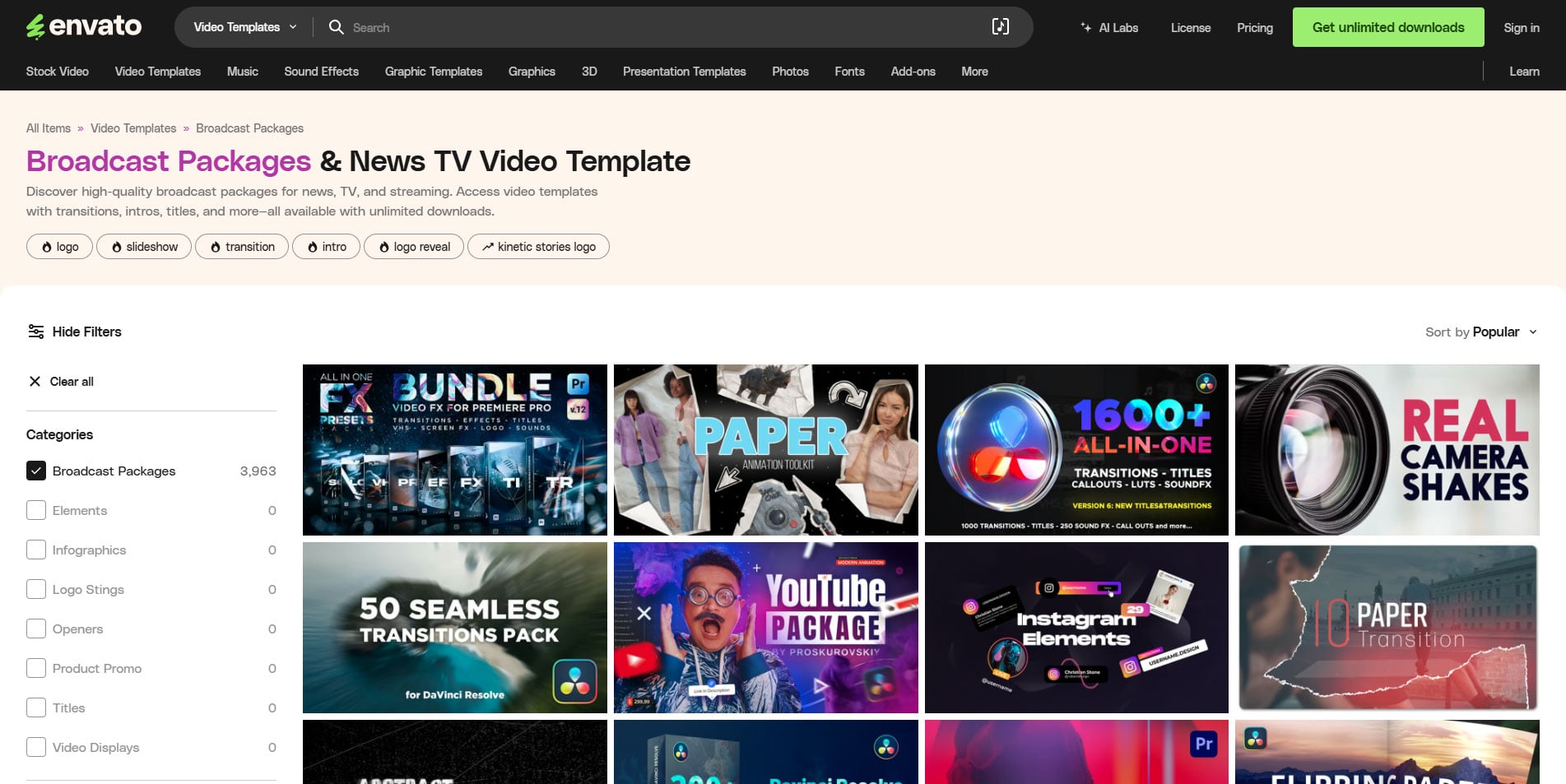
But you can also search for titles, lower thirds, and animated overlays that work great for interviews. There’s a whole category dedicated to product promo. If you’re creating online store content for social media, that potentially saves a lot of time.
And, of course, if you just need some quick b-roll, there are plenty of video clips to choose from, too. You can filter by resolution, genre, frame rate, and even whether it’s horizontal or vertical. And with almost 6 million videos included in your subscription, you shouldn’t run out of new things to find.
Music and Sound Effects
Envato’s music selection is wide and varied. Whether you’re looking for an epic cinematic theme for your short film or a happy little background tune for your latest tech review, you will have a lot of options.
As you listen to music, you’re able to organise them into collections for later retrieval. This is very handy for me. I’ll often sit and just leave music playing in the background while I work. When a particular song catches my ear or inspires an image in my head, I’ll add it to an ever-growing playlist. That playlist is usually the first place I go to look for music when working on new projects. So, collections are very useful.
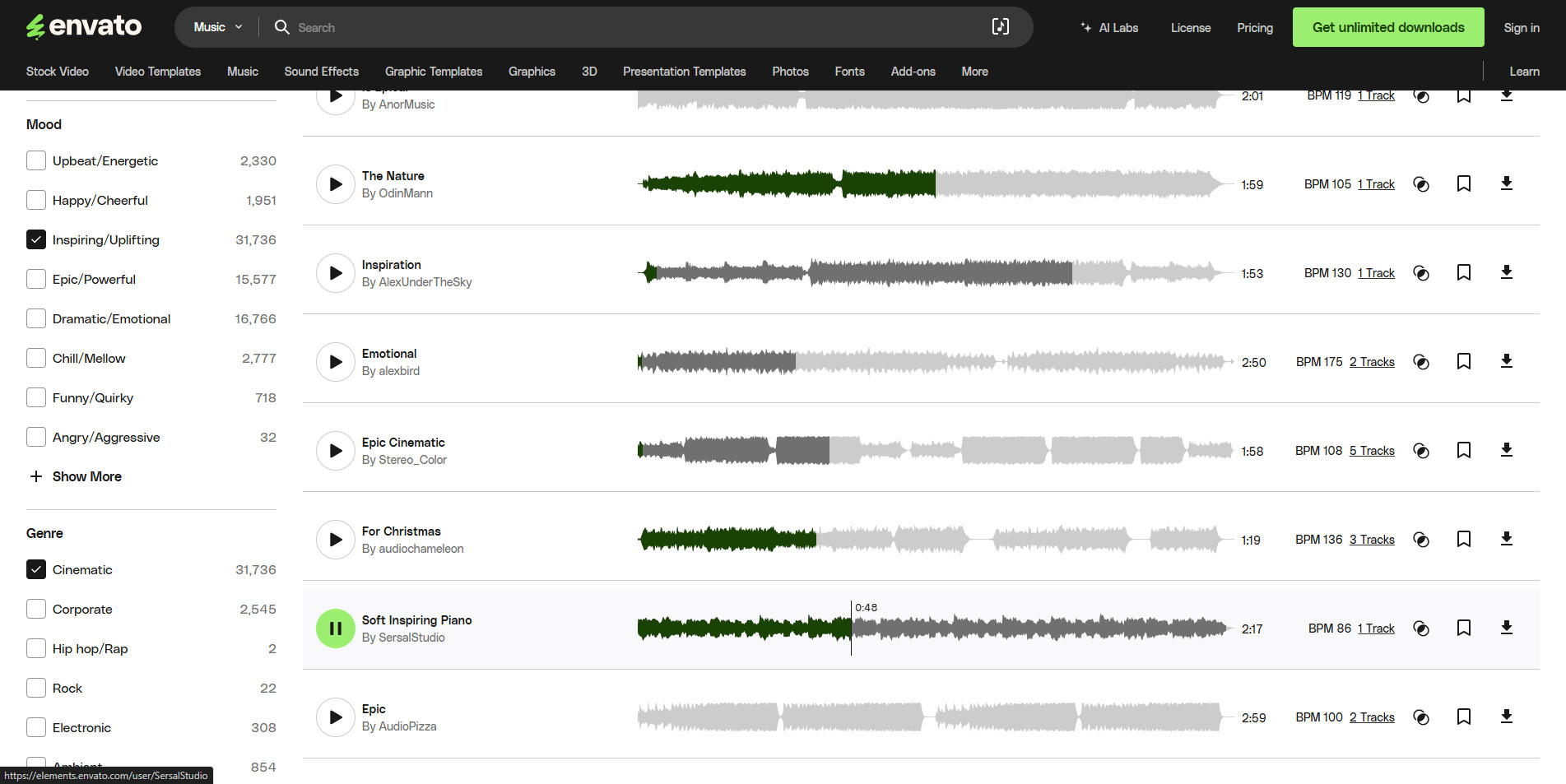
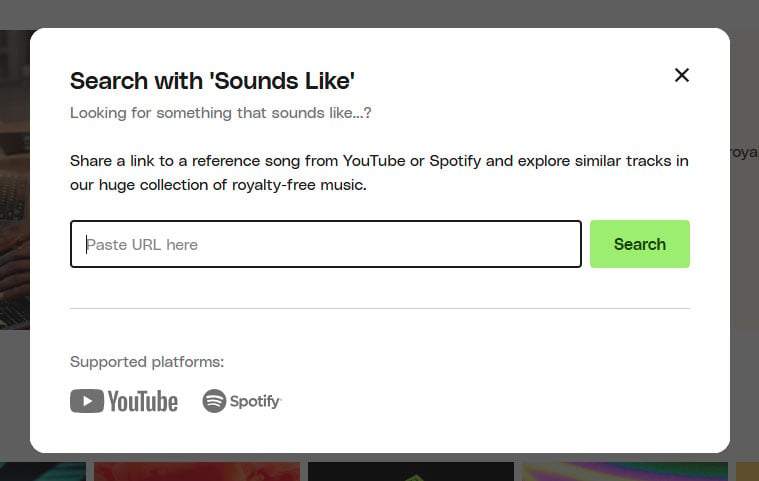
For each song, Envato features a “Show Similar” link. This goes and finds music similar to the piece you’re currently listening to and presents them all to you on a new page. This can be a massive timesaver when you need multiple pieces for your video, and you want them all to have a similar style or vibe.
Of course, Envato isn’t neglecting your sound design. They have an extensive sound effects library of over 650,000 items covering everything from nature and urban to digital and cartoon sounds.
Photos, Graphics, and Graphics Templates
While not used as commonly for video, Envato offers a huge resource of photographs, graphics and graphic templates. These can help fill in frames on a storyboard or even clips on a pre-viz proof of concept video.
The graphics can provide backgrounds for your videos, with Photoshop and Illustrator templates potentially helping you to come up with movie posters – or the social media equivalent – and YouTube thumbnails. After all, you’ve got to be able to promote!
Unexpected Resources for Creatives
Beyond the basics, Envato has a few surprises for creators. Some of these things have already been mentioned, like using the graphics and graphics templates for your marketing materials and movie posters. But there is more.
Fonts
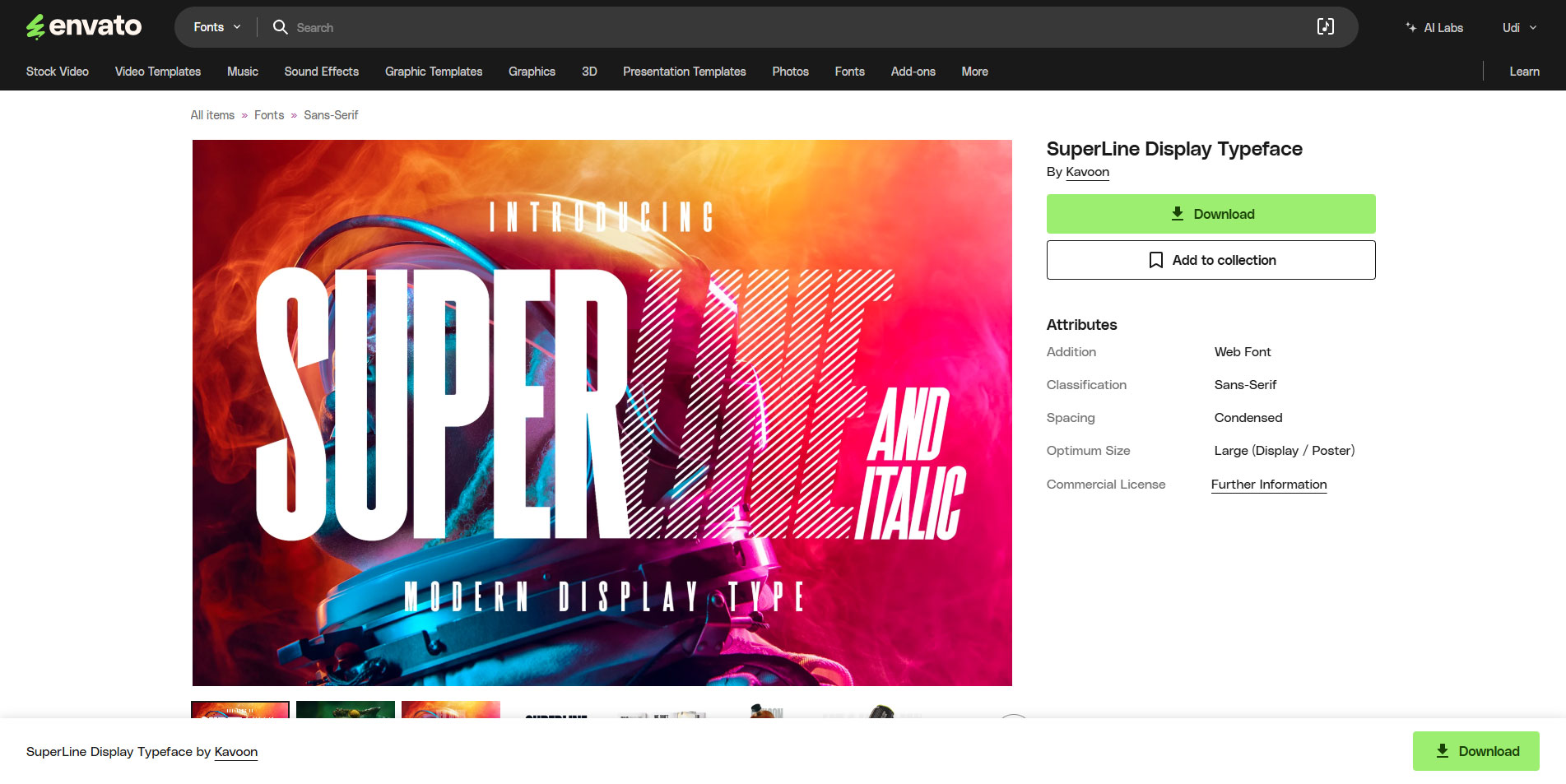
As well as the graphics and templates, we have a wide array of fonts. A good font can make or break your movie – although some movies survive a bad font. Most of us aren’t James Cameron, so we need good fonts.
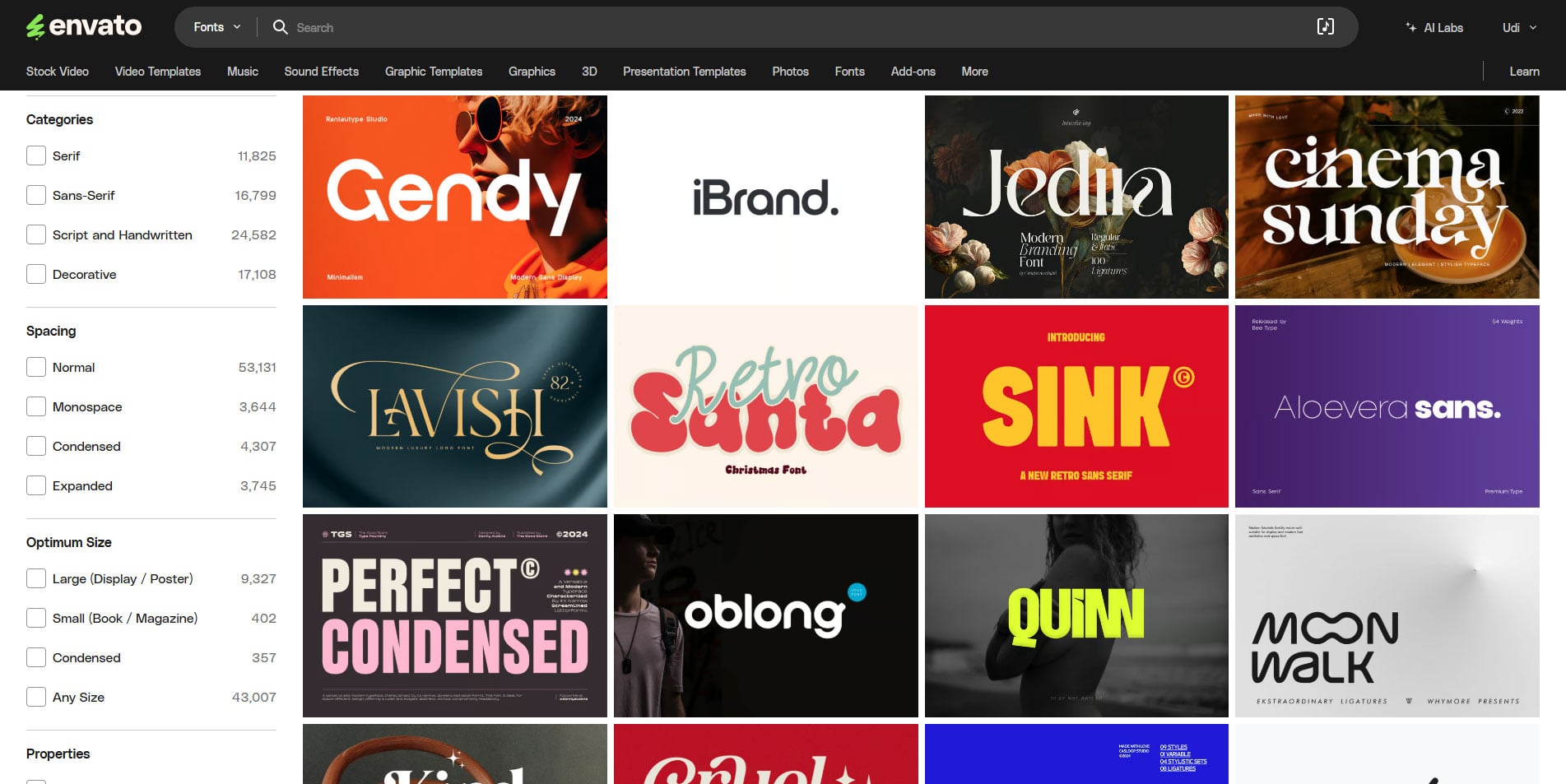
Envato boasts almost 58,000 of them at the time of writing. And, of course, there will be all kinds of italic, bold, extra-bold, etc. variations of those. That’s a lot of font options. And if you get one that’s close to what you need but it’s not quite there, you’ve got the “Show Similar” link here, too.
Fonts aren’t usually something that sticks in a video creator’s head. Even with videos destined for YouTube and social media, most of us still don’t put too much thought into the font used. Picking the right fonts and sticking with them throughout your project – or your social media content – is also part of the consistency I mentioned earlier.
Website Templates
For content creators and filmmakers, there are usually two reasons we make a website. The first is to show off who we are, what we do, what our work looks like. We build these kinds of websites in order to attract clients to pay us money to do what we love to do.
The other reason we make a website is to promote one of our projects. Movies, short films, and entire YouTube channels will have websites dedicated to them. They serve to help promote the videos, answer fan questions, or build new online communities.
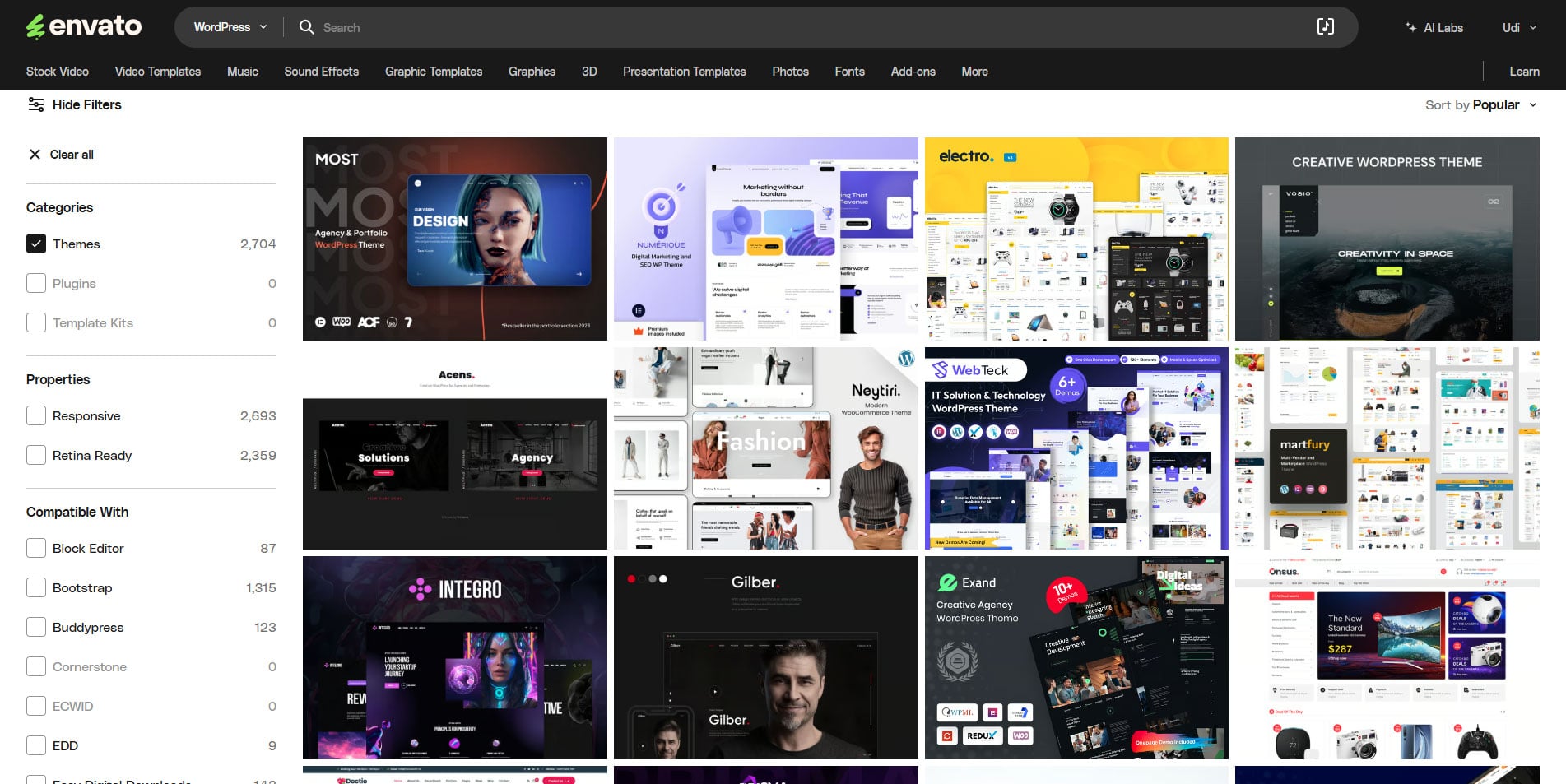
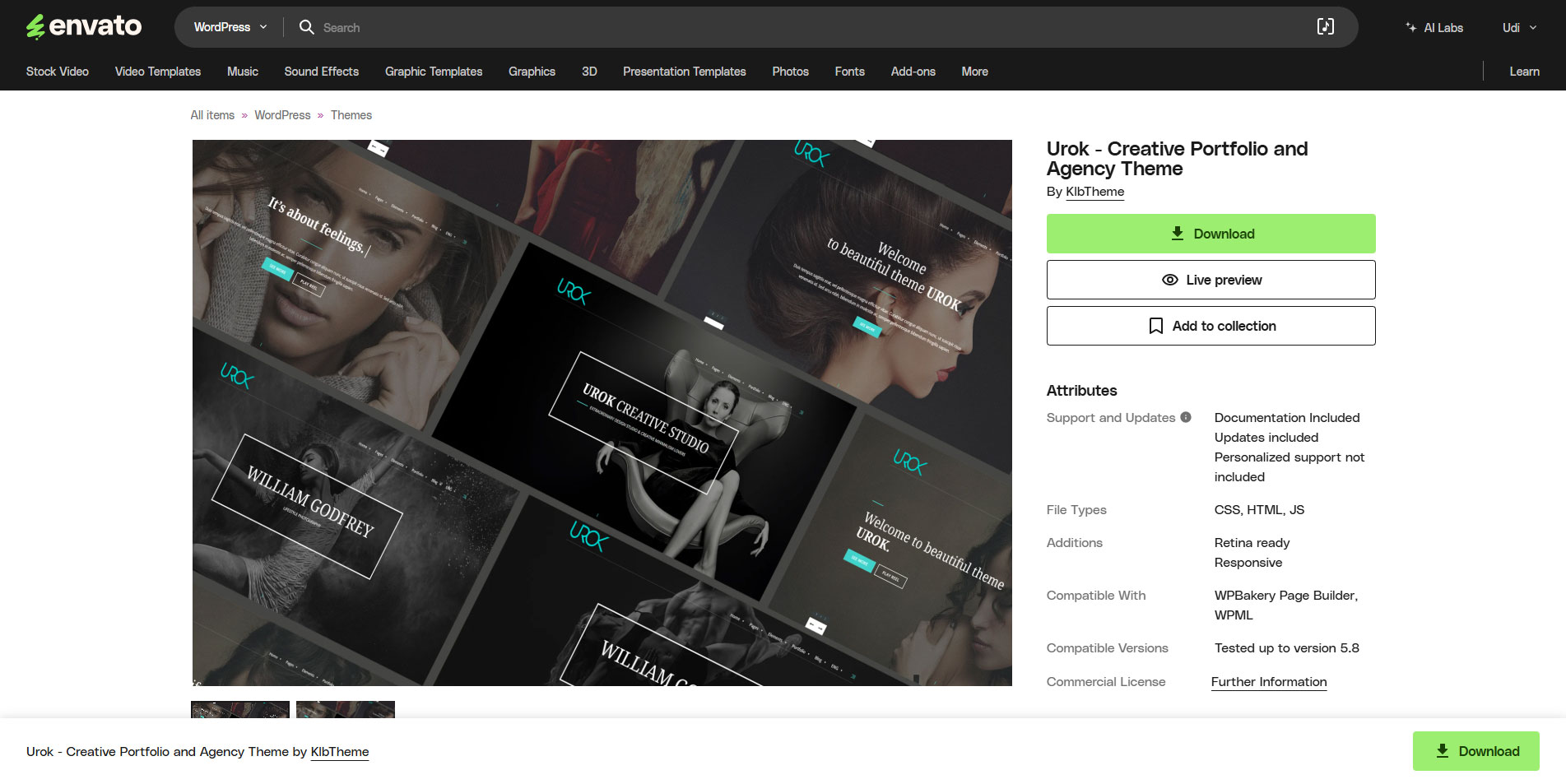
Envato features a wide range of website templates covering both of these situations and a whole lot more besides. We’ve got WordPress themes and plugins, templates for Drupal, Joomla, and more, as well as templates for email, websites and the admin side of things.
If you want to promote yourself or your project, there’s almost certainly going to be something here that fits the bill. And most of the ones I’ve downloaded and tried for myself come with all of the PSD and other files needed to modify it.
Other useful features
Envato includes several other useful features for video professionals and content creators. One of the most useful is the Microsoft Word graphical templates. These can help you to organize, layout, and present your ideas in a more effective way.
Word isn’t the only Microsoft app to get the Envato treatment, either. Many of us need to make a PowerPoint presentation at some point. Perhaps we’re seeking funding from investors. Or maybe we’re hoping to catch a sponsor for our YouTube video or podcast.
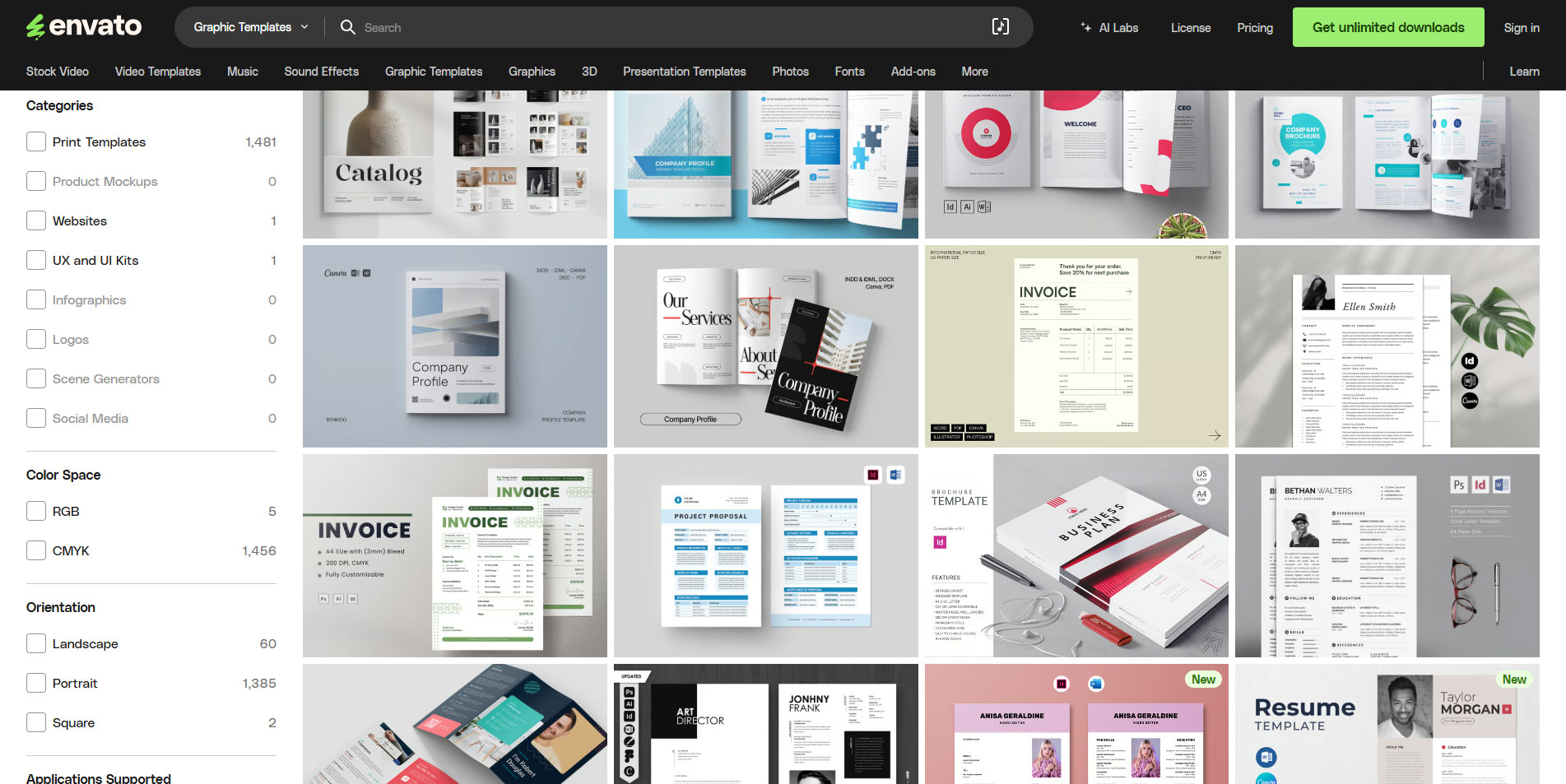
As with the Word templates, the PowerPoint templates will also help you to get your point across more effectively – and quickly because most of the work’s been done already. I mean, really, who has the time to learn PowerPoint again every couple of years when we need to do something with it?
User experience and interface
Envato is built for ease of use. The interface is clean and intuitive, with straightforward navigation that gets you to assets quickly. Some elements might not be quite where you expect them compared to other sites on the web, but they’re easy to get used to.
At the top of every page of Evato is a search box and a list of resource types the site holds. Mousing over each of these presents a dropdown menu where we can narrow our search a little. Upon clicking one of these, we get to our list of assets.
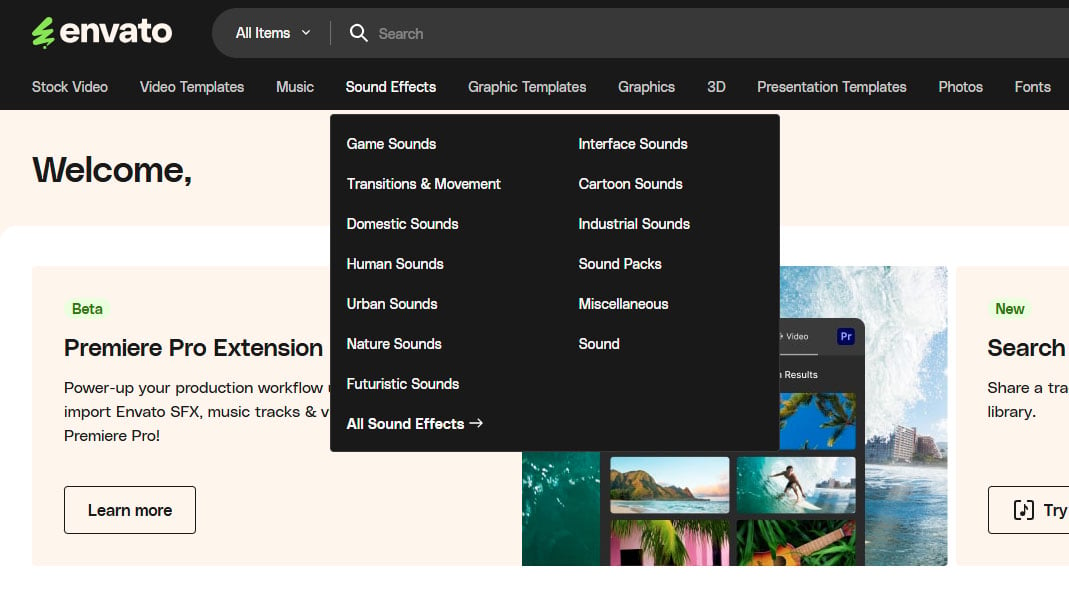
This is where Envato’s filtering really helps. You’re able to narrow down the content based on various factors based on what the asset is. It wouldn’t make sense to have a “4K” filter for their music library, for example. Of course, for stock footage, you may often need a 4K filter.
But each of the categories is organised logically with a nice substructure underneath to help you find what you’re looking for. And because you get unlimited downloads, you can keep downloading and testing different assets as often as you need.
I’ve already mentioned them briefly above, but Envato lets you store assets in your own collections. One of the things I really like about Envato’s collections, though, is that they’re not limited to a single media type.
This means you can create a collection for each project. You can have a “Short Film 1” project with all of the music you want to use in there, the stock clips you won’t be able to shoot yourself, the WordPress template for the website, along with all the icons and graphics you need for social media and marketing.
The platform also makes organization easy. You can save assets in collections for quick access, a big help when working on larger projects with multiple elements. Overall, the interface supports a quick, fairly frustration-free workflow.
Quality of assets
Envato offers a solid range of high-quality assets. Of course, not every piece is a perfect fit for every project. For the most part, video files, templates, and graphics maintain a good standard, though. There are plenty of options for both casual and high-end projects. Filmmakers and YouTubers will find a good mix of styles to match their unique visual needs.
Stock footage quality is generally high. It does vary slightly, however, depending on the niche. There’s everything from cinematic B-roll to more straightforward clips. Sound effects and music tracks also hold up well, with clean, polished audio that fits most video needs.
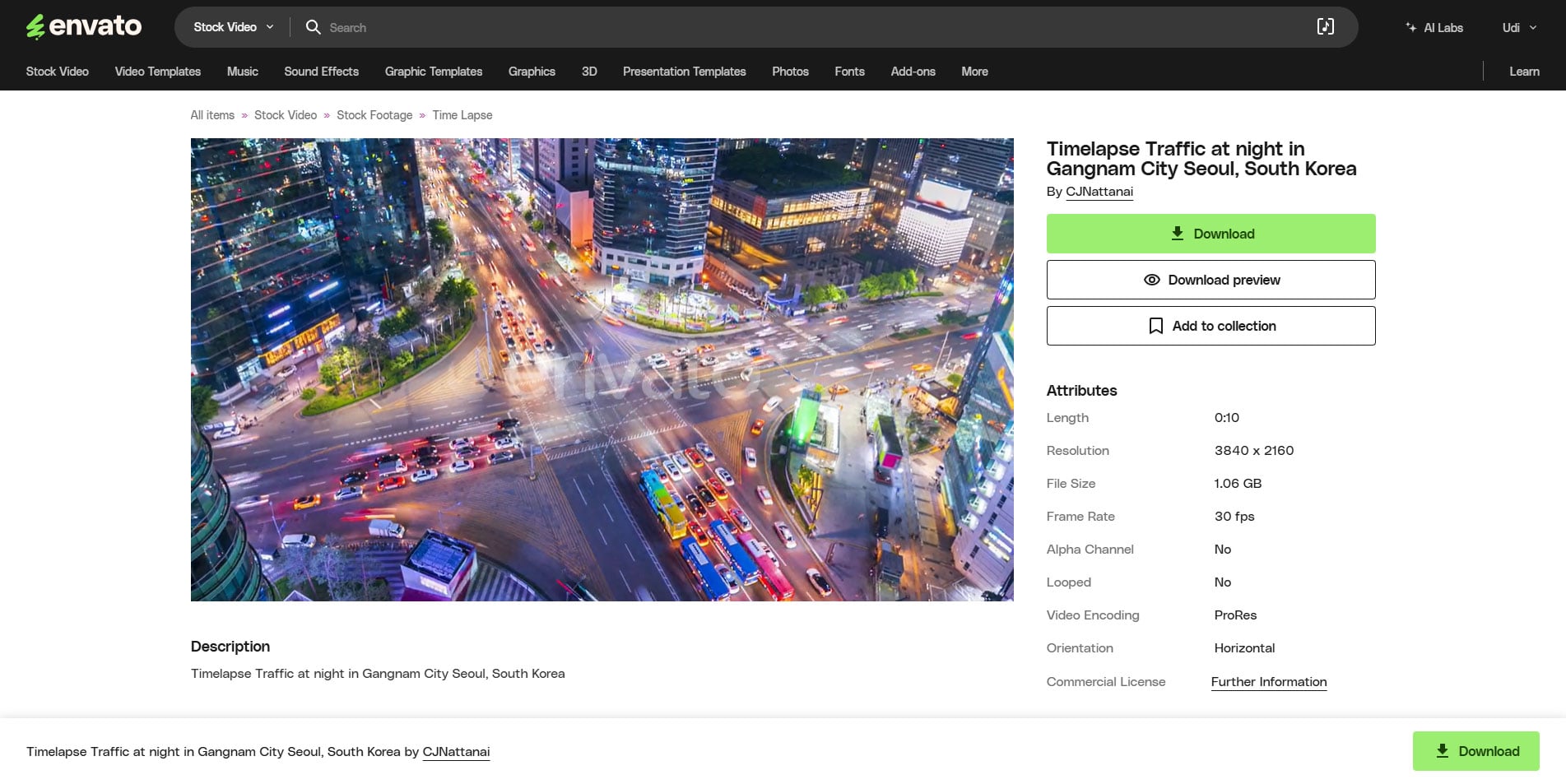
One thing to note: while the variety is extensive, it’s wise to double-check assets for compatibility, especially if you’re working with specific software and specific versions of that software. Many newer resources, such as video templates, may not run in older versions of software.
Overall, though, the quality is reliable. And, with unlimited downloads, you can explore and download as many options as you need to find exactly what works best for your projects.
Tips for maximizing Envato for video editing
Create Collections
To get the most out of Envato, start by creating collections for your projects. And as I’ve mentioned, there are a couple of ways you can go in this.
You can create collections to gather like assets. Perhaps you’ve got one for all your DaVinci Resolve transitions, another for cinematic theme music, and another for icons you use for your social media posts.
That’s fine, there’s nothing wrong with that – and with many similar things that can be categorised, that’s how I do it. It’s a great way to store things you want to refer back to later.
But the Envato structure also means you can assign a collection on a per-project basis. You can put all of your music, b-roll, sound design, fonts for titles, etc., into one collection and then have your work Christmas party video assets in another. This helps to prevent clutter and lets you easily find these assets again in the future.
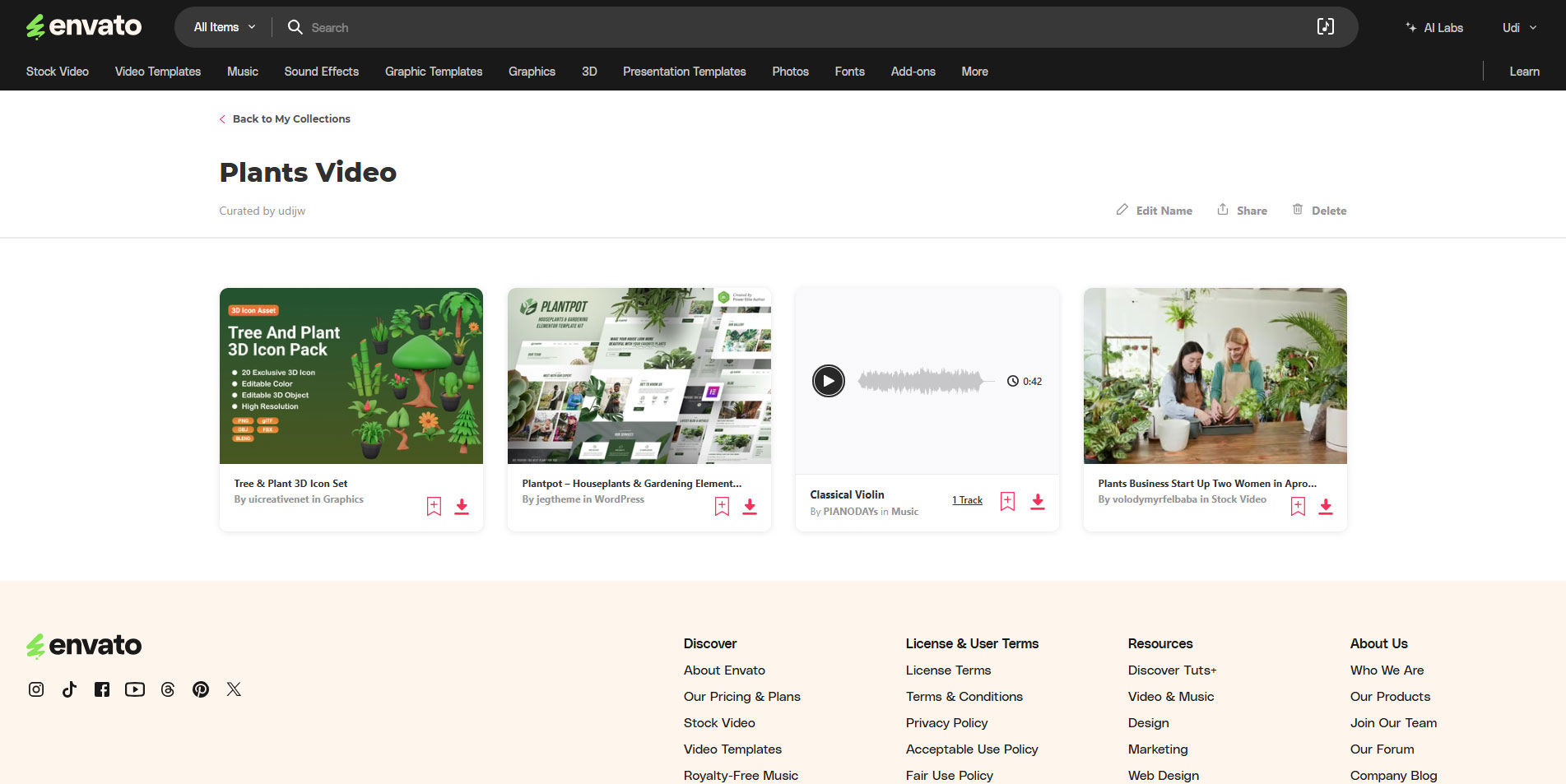
You can also do a mix of the two, which is the best of both worlds. As well as creating collections on a per-project basis, I also have collections for different styles of music.
This is what I mentioned earlier about listening to music in the background while I do other work. This way, when I need music for a project, I probably have a playlist of the style I want with some of my favourites already on it. This saves a massive amount of time in the music selection process.
Explore the templates
Explore the templates and pre-made graphics first. These can serve as a foundation for your project. They can save time on basic edits and let you focus more on custom tweaks. If you’re new to editing, these can help get you off to a good start while you learn.
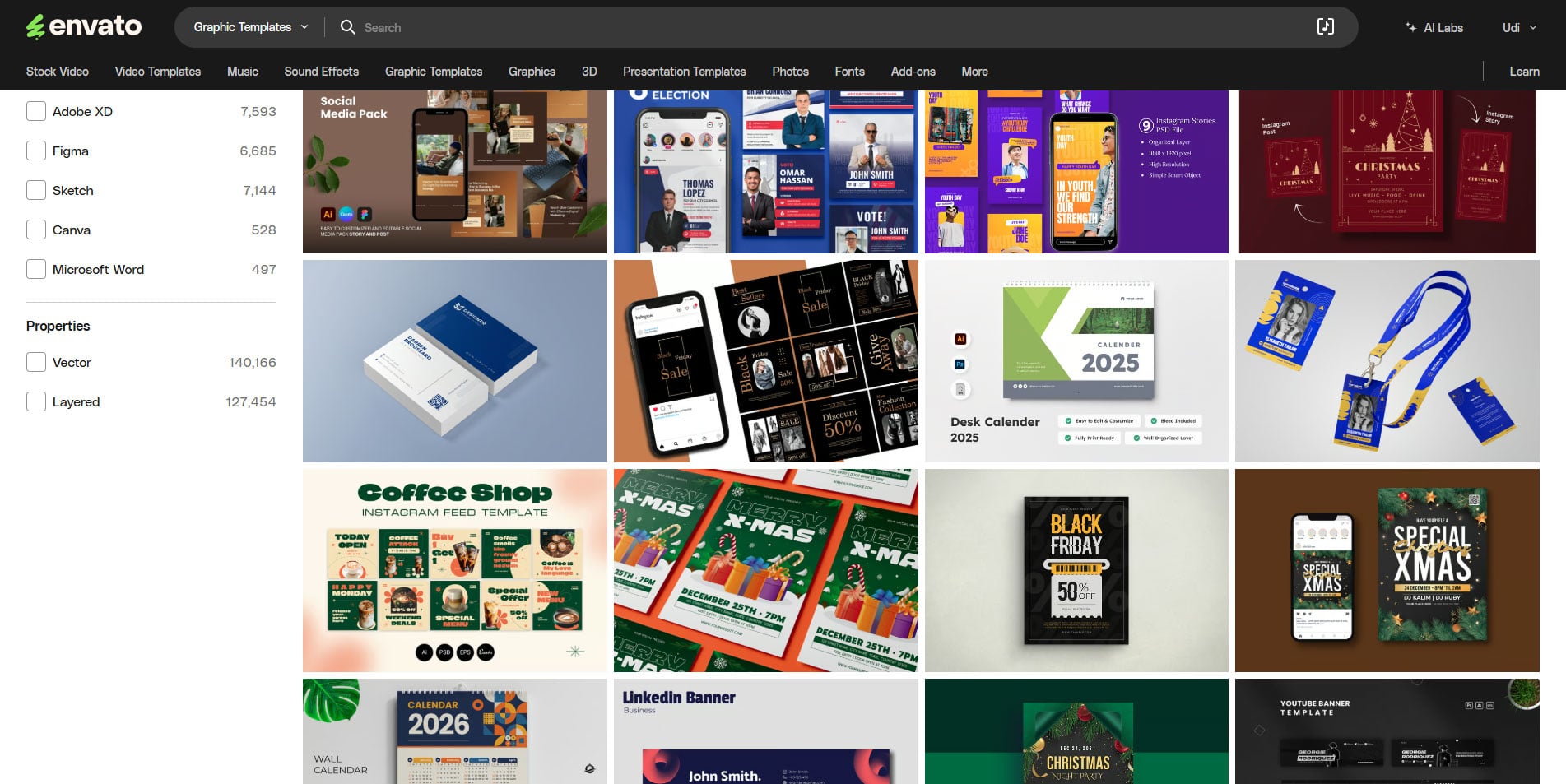
Even if you’re an old hat with DaVinci Resolve or Premiere Pro, such templates can save you hours of work on every video. Titles, transitions and intros, too, will help to free up some of your time to dedicate to tasks you enjoy more.
And those titles, transitions, and intros are typically customizable.
Titles, transitions, and intros are often customizable. So you can quickly match them to your brand without starting from scratch.
Download more than you need
Finally, download extra assets to experiment with. As you’ve got unlimited downloads, you can download a few variations on your theme and test what works best. Or you can try several different styles to see if it tells your story better.
It doesn’t cost any extra to download more. So, don’t hold back if something interests you. Download it and play with it.
Conclusion: Is Envato worth it for video creators?
For video creators, Envato delivers solid value. The variety and quality of assets make it a practical choice for content creators. With unlimited downloads, you’re free to explore different styles or test out new ideas.
If you’re a YouTuber or filmmaker, you’re often juggling several projects. The single monthly subscription gets you an all-you-can-eat buffet of media and other assets. It’s a large library that streamlines your workflow, boosts production value and helps you to make better content.
Overall, Envato is a worthwhile investment for serious creators. It brings all the creative assets you need (more than 20 million of them) for professional-level projects under one roof. For anyone looking to simplify asset sourcing and maximise creativity, it’s a tool that I think justifies its cost.
And all of their content is made by human creators.
Price and Availability
Envato Elements goes for $16.50 a month if you are a solo creator. In a team of three or more, the price drops to about $12.5 per person per month. (And slightly goes down for each additional member). So if you are in a team, definitely opt for this option.
There is no yearly plan, but there is also no commitment, so you just “pay as you go” ” That said, you retain the licenses even after you end your subscription, so you don’t need to worry about any live project.
Launchpad
Welcome to DIYP Launchpad. DIYP Launchpad is a place where we share new gear with you. Full disclosure: DIYP may receive compensation for the time invested in creating the review. Brands sending gear for the DIYP Launchpad segment do not see the review before it goes live or have any editorial control over it.
See more from DIYPhotography.net on Google
Add DIYPhotography.net as a trusted source. This makes
our stories more likely to appear in your Google Search results.
 Add as a preferred source on Google

John Aldred
John Aldred is a photographer with over 25 years of experience in the portrait and commercial worlds. He is based in Scotland and has been an early adopter – and occasional beta tester – of almost every digital imaging technology in that time. As well as his creative visual work, John uses 3D printing, electronics and programming to create his own photography and filmmaking tools and consults for a number of brands across the industry.
Related Posts
 The Social Media Fallacy – Does Social Media Generate Business Income?
 Media companies can’t use your social media photos without permission, court rules
 Accsoon SeeMo Pro review – connect any camera to Frame.io and social media
 The Hohem iSteady X is a great smartphone gimbal for vertical video social media users
Join the Discussion
DIYP Comment Policy
Be nice, be on-topic, no personal information or flames.
One response to “We review Envato – Complete asset solution for video and social media creators”
Thanks for reviewing this. As a video producer, I’ve been using the Envato Elements over 2 years for the same reasons you’ve mentioned. It’s a great value for the money and it keeps growing. I would definitely recommend it.