

























It’s a Printer; No; It’s a Camera; No; It’s a Memo Maker; No…It’s All Three!
Aug 8, 2025
David Prochnow
Our resident “how-to” project editor, David Prochnow, lives on the Gulf Coast of the United States in Ocean Springs, Mississippi. He brings his expertise at making our photography projects accessible to everyone, from a lengthy stint acting as the Contributing How-To Editor with Popular Science magazine. While you don’t have to actually build each of his projects, reading about these adventures will contribute to your continued overall appreciation of do-it-yourself photography. A collection of David’s best Popular Science projects can be found in the book, “The Big Book of Hacks,” Edited by Doug Cantor.
Share:
A Swiss Army Knife is an amazing collection of various blades, tools, and a magnifying glass all housed inside a single pocketable case. It’s the de facto do anything, anywhere device. It’s too bad that a similar device doesn’t exist for photographers…or, does it?
In this context, a photographer’s “do anything, anywhere” device would have to combine more than just a potent camera along with an equally versatile printer. Both Polaroid and Fujifilm have created a large number of cameras with built-in printers. Rather, a photographer’s multi-faceted tool would have to add one more useful feature to its repertoire. Well, in the case of the Kodak answer to this challenge, a user-configurable memo maker is the missing feature.
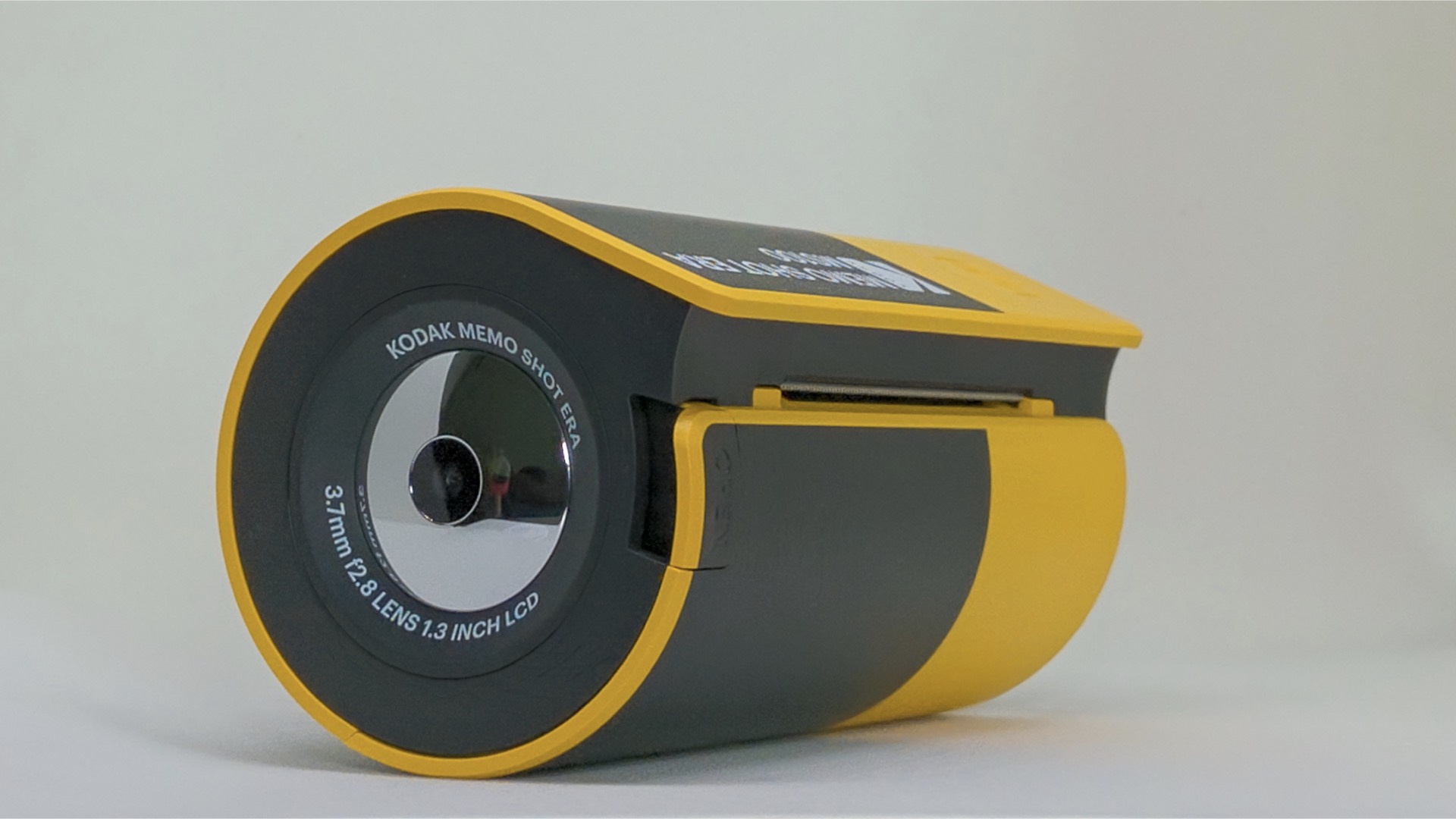
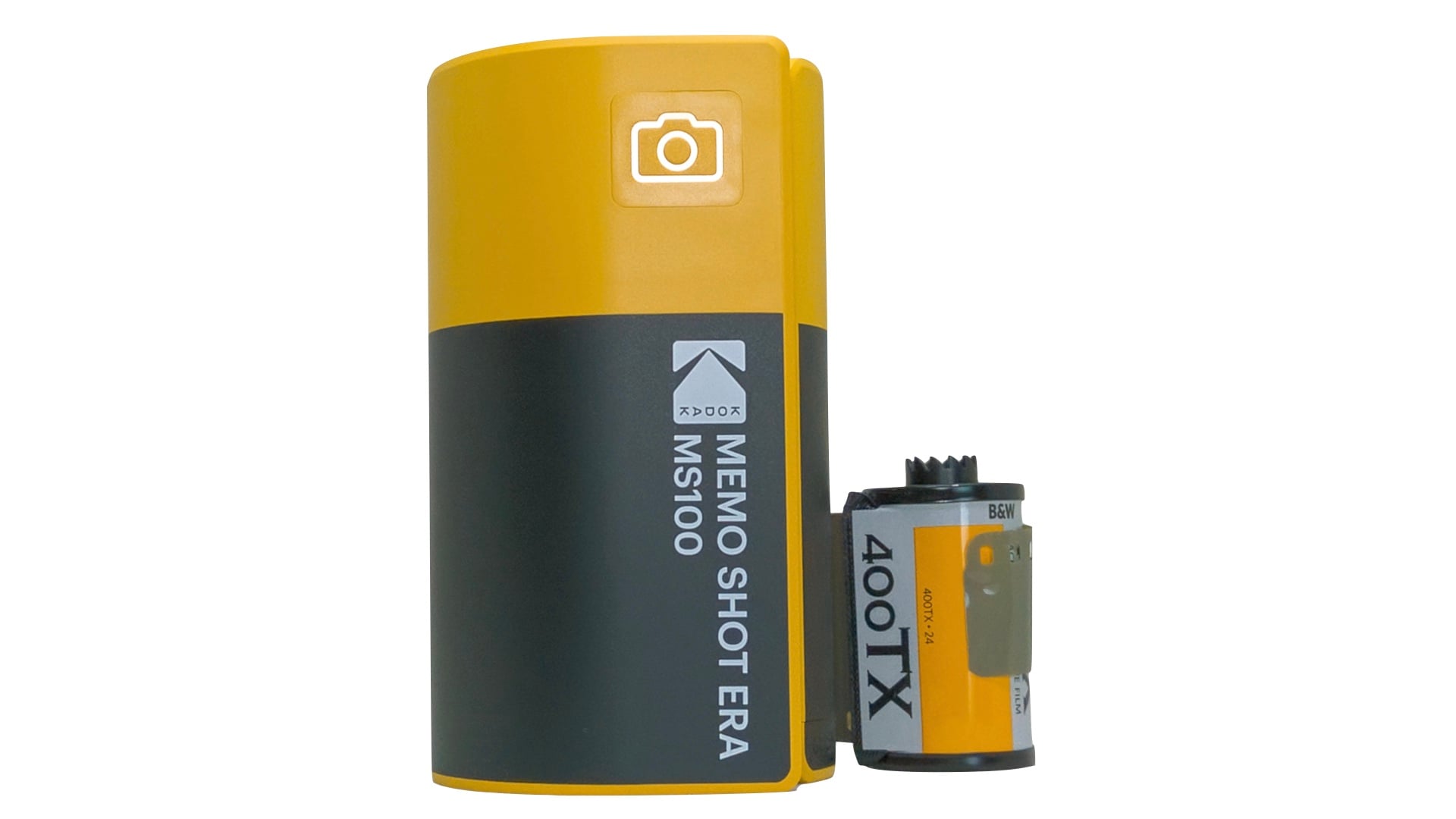
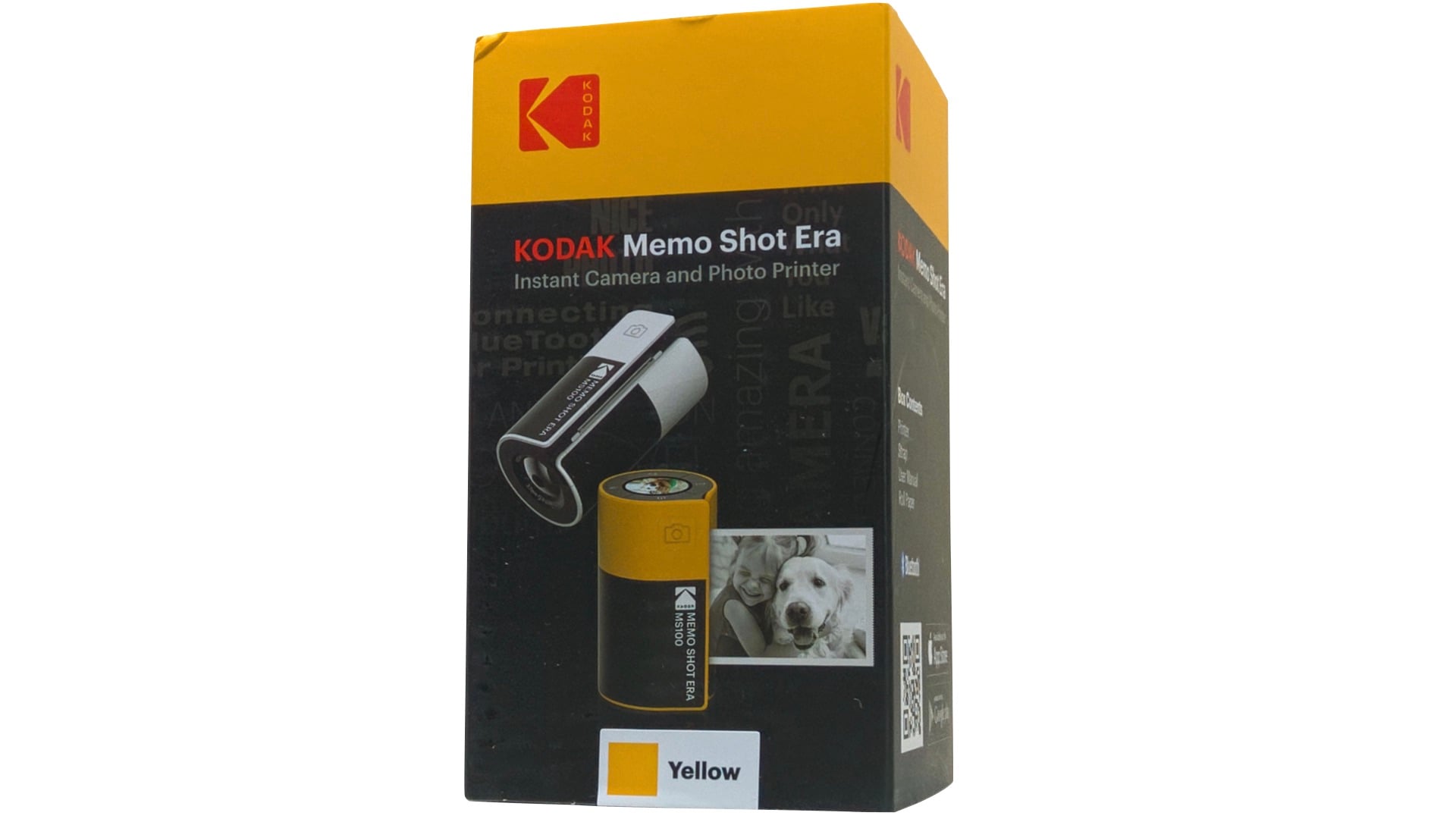
Shaped like a Paul Bunyan-sized roll of 35mm film, the Kodak Memo Shot Era MS100 is officially known as an instant camera and photo printer. Naturally, ensconced within the product’s name is the third feature, “memo shot,” or, specifically, a memo maker. Remarkably, these three, seemingly dissimilar features are all bundled up neatly into an easy to use and versatile product.
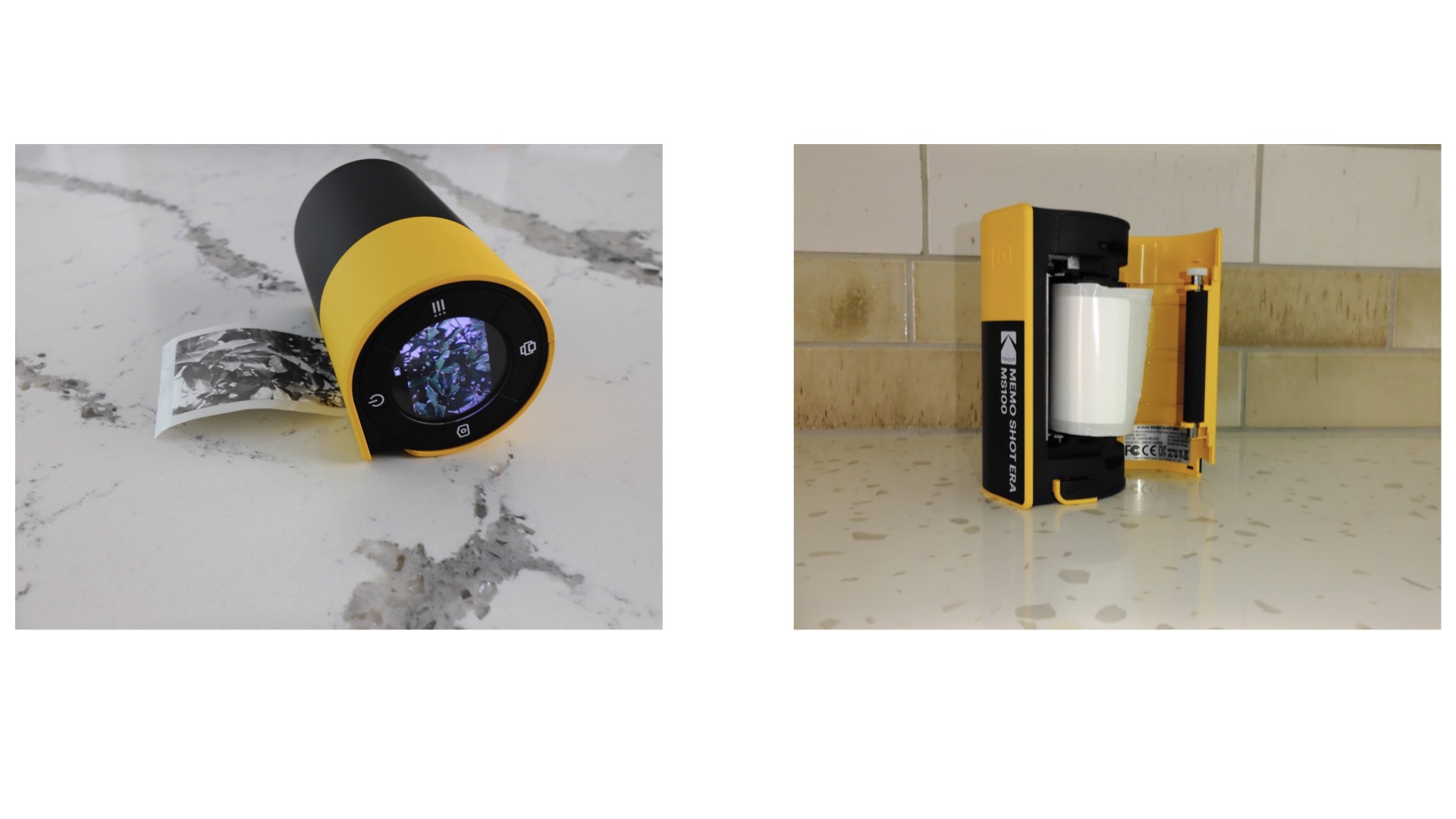
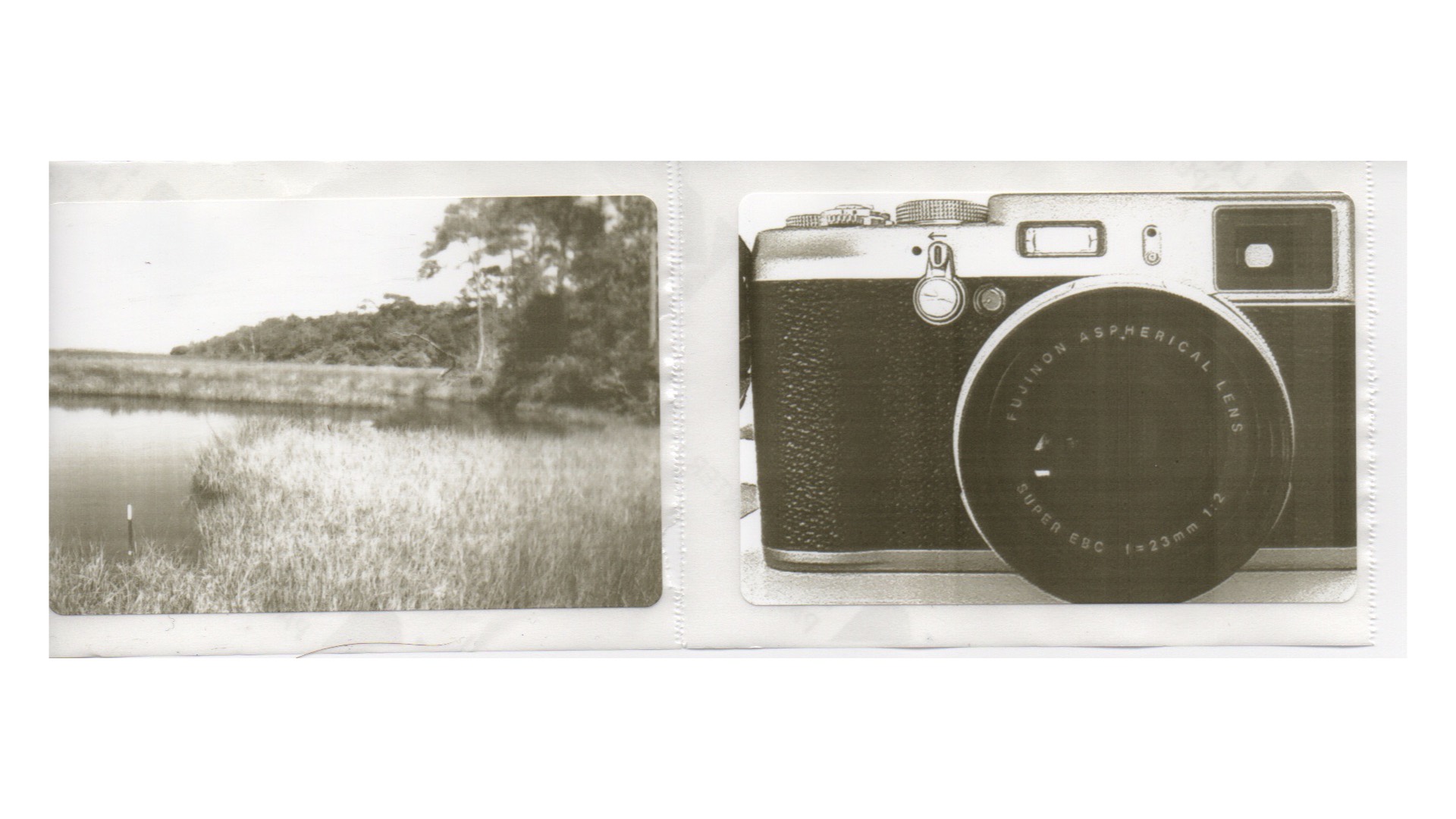
The secret sauce for making the Memo Shot a competitive product is the employment of an onboard micro-sized thermal printer. No, this isn’t a point-of-sale (POS) sales receipt-type printer, this is a revolutionary, high resolution, grayscale photographic printer. Prints made with the Kodak MS100 measure 2.7- x 1.8-inches on a glossy paper that has an adhesive backing. Each roll of user-replaceable paper can print 30 images.
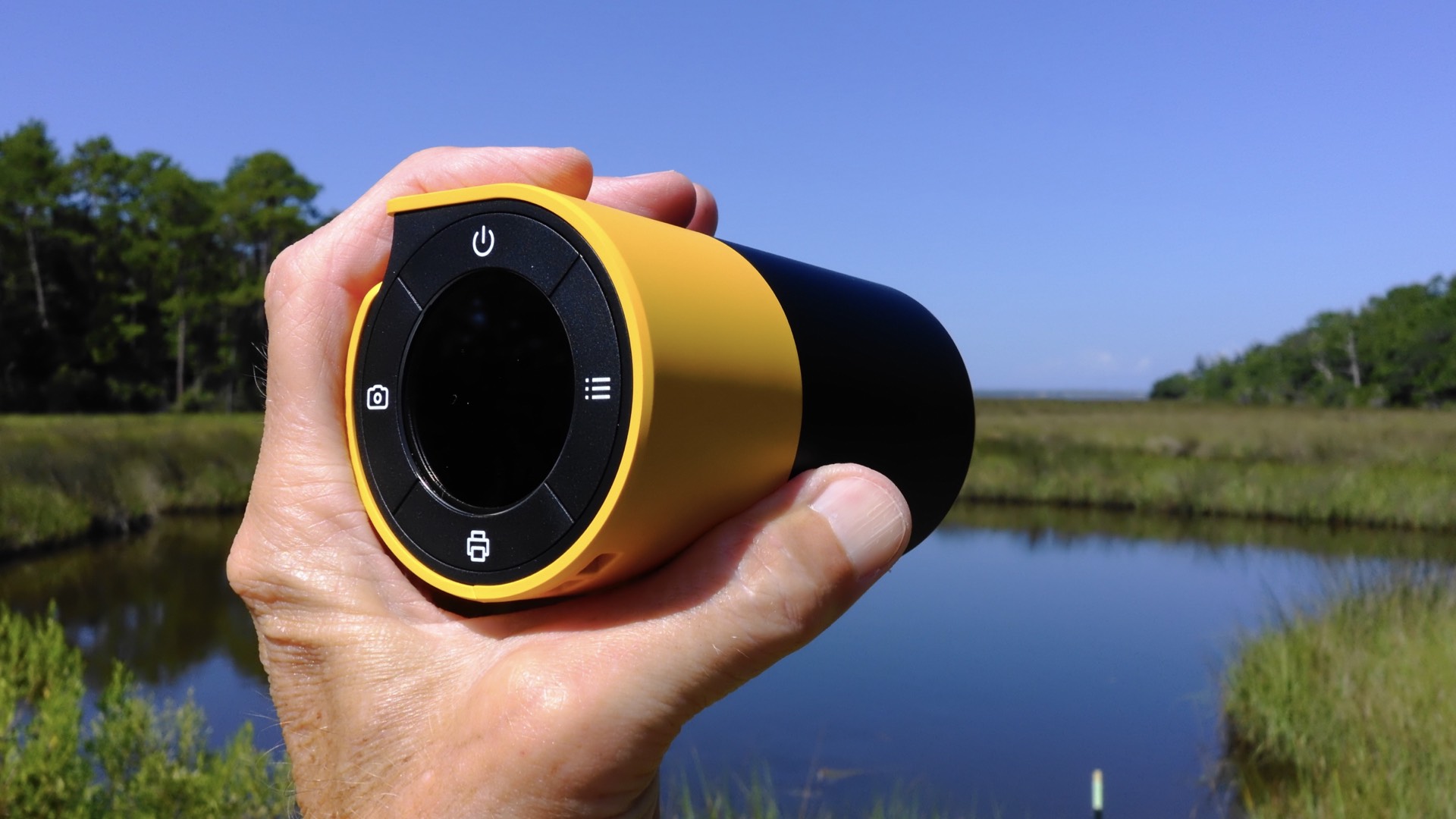
There are two distinctly different methods for printing with the Kodak Memo Shot. First, you can use the MS100 camera for capturing an image and printing it immediately onto the photographic paper. This works via a two button sequence: the camera button captures the image and freezes it on the LCD, while the printer button prints the image. It’s simple and direct, but lacks any editing capability.
[Please note: you are NOT able to save or transfer any photograph from the MS100 to your smartphone. In other words, if you take a photograph with the Memo Shot camera, you must print it immediately or you’ll never see it again.]
Printing Sticker Magic
Secondly, a more advanced option lets you print any photograph in your smartphone’s gallery. In order to better utilize the full potential of the thermal printer, you will need to install an App called Kodak Memo for your Android or iOS smartphone. Using a Bluetooth connection that is initiated on the MS100 by pressing the text button, you must pair with your smartphone: for Android called Kodak Memo_xxxx and for iOS called Kodak Memo_xxxx_iphone.
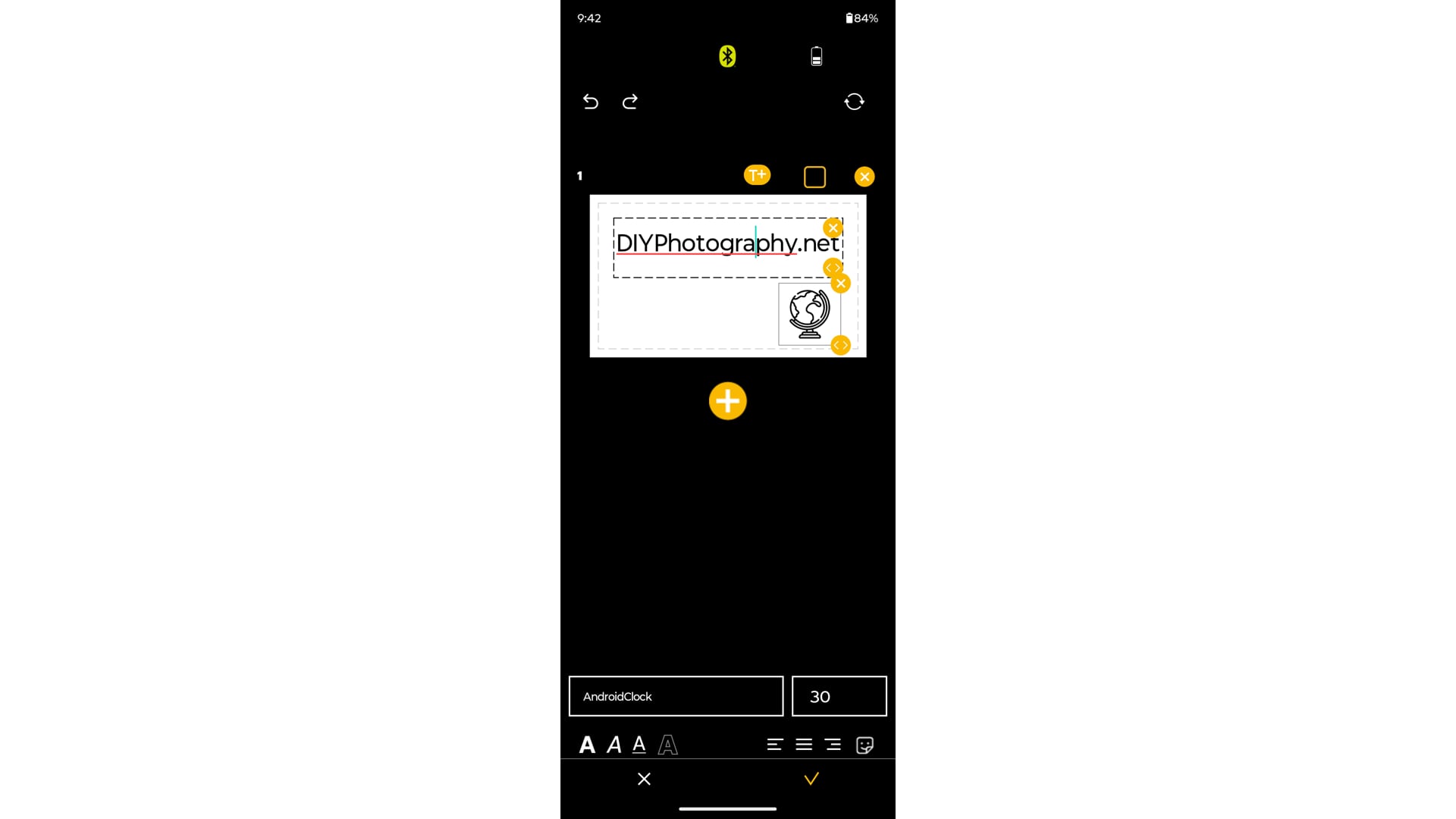
This is a full-featured App that enables editing any gallery photograph prior to printing. You’ll also use the App to create and print labels. It’s easy, fun, and pretty darn flexible for adding text to symbols and EMOJIs and then printing a glossy/sticky label. Think of all of those labels you can now add to camera bags, pouches, and boxes for identifying the items that are hidden inside.
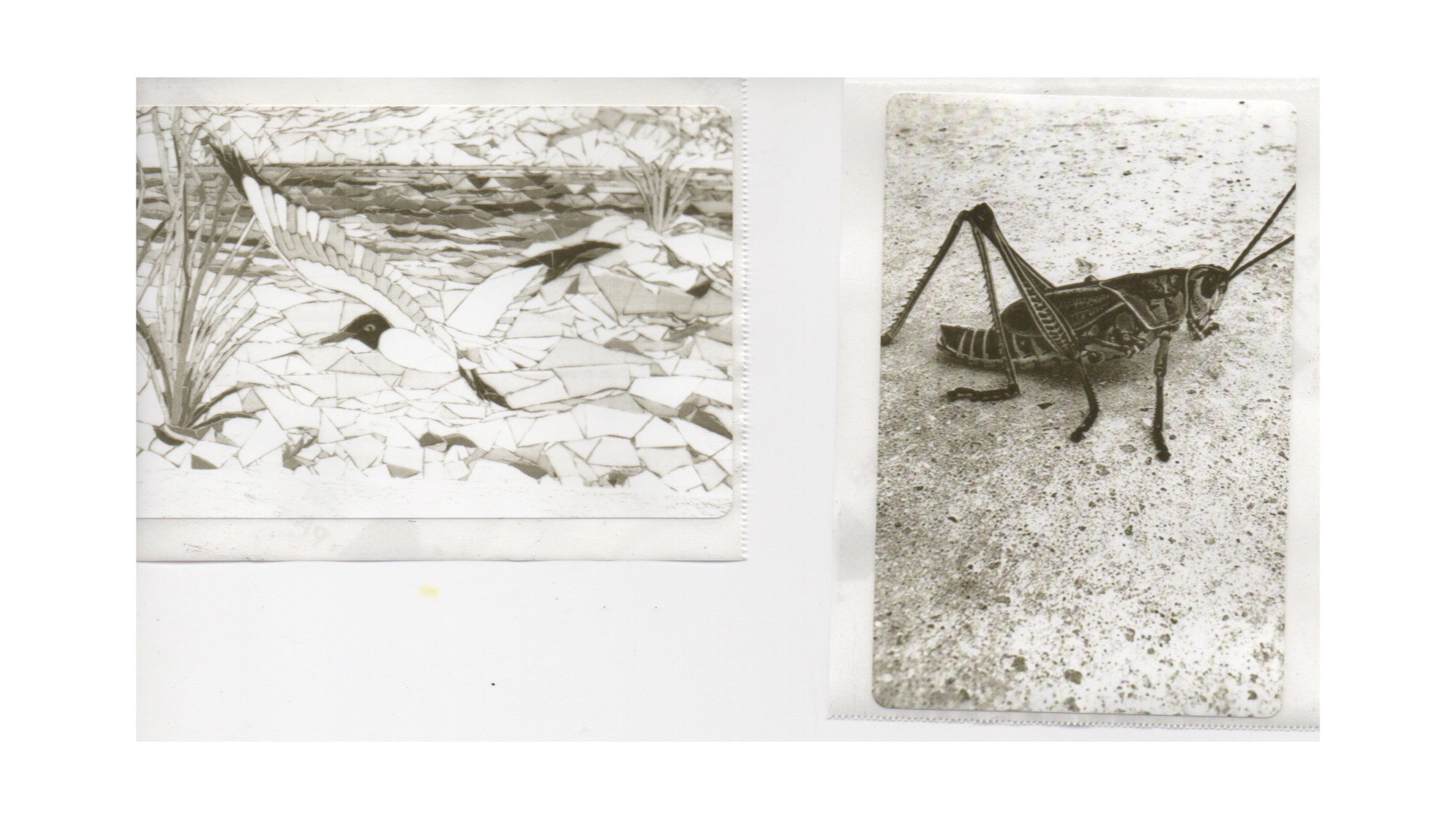
Priced at $49.99, the Kodak Memo Shot Era MS100 comes with one roll of thermal photographic paper inside the camera. Additional rolls of paper can be purchased as a higher priced package that is combined with the MS100.
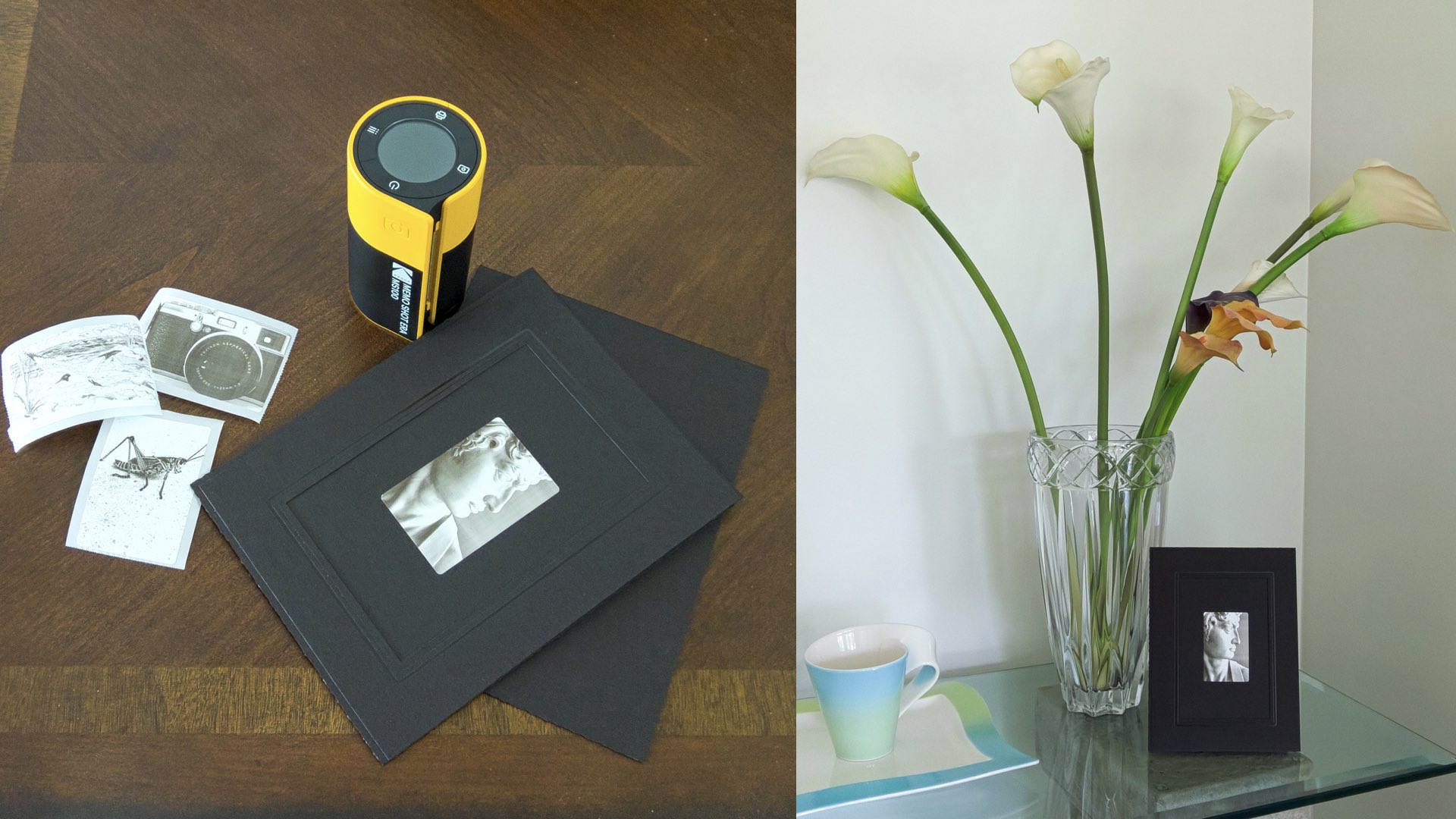
Just like that Swiss Army Knife, the Kodak Memo Shot Era can be carried in your backpack. Unlike the knife, however, the Memo Shot can also be used for capturing a photograph of the elusive Bigfoot. Just remember to immediately make a print, otherwise, your viral proof will be gone.
Enjoy.
See more from DIYPhotography.net on Google
Add DIYPhotography.net as a trusted source. This makes
our stories more likely to appear in your Google Search results.
 Add as a preferred source on Google

David Prochnow
Our resident “how-to” project editor, David Prochnow, lives on the Gulf Coast of the United States in Ocean Springs, Mississippi. He brings his expertise at making our photography projects accessible to everyone, from a lengthy stint acting as the Contributing How-To Editor with Popular Science magazine. While you don’t have to actually build each of his projects, reading about these adventures will contribute to your continued overall appreciation of do-it-yourself photography. A collection of David’s best Popular Science projects can be found in the book, “The Big Book of Hacks,” Edited by Doug Cantor.
Related Posts
 Become a camera maker on the super-cheap: DIY Pinhole Camera + Template
 Build your own instant camera with a Raspberry Pi and a thermal printer
 Polaroid launches new “Mint” digital pocket printer & 2-in-1 instant digital camera
 Canon enters the instant camera market with two new cameras with built-in printer
Join the Discussion
DIYP Comment Policy
Be nice, be on-topic, no personal information or flames.