



















Get Free, Open Source, Full Frame Focus Stacking for Everyone
Feb 17, 2026
David Prochnow
Our resident “how-to” project editor, David Prochnow, lives on the Gulf Coast of the United States in Ocean Springs, Mississippi. He brings his expertise at making our photography projects accessible to everyone, from a lengthy stint acting as the Contributing How-To Editor with Popular Science magazine. While you don’t have to actually build each of his projects, reading about these adventures will contribute to your continued overall appreciation of do-it-yourself photography. A collection of David’s best Popular Science projects can be found in the book, “The Big Book of Hacks,” Edited by Doug Cantor.
Share:
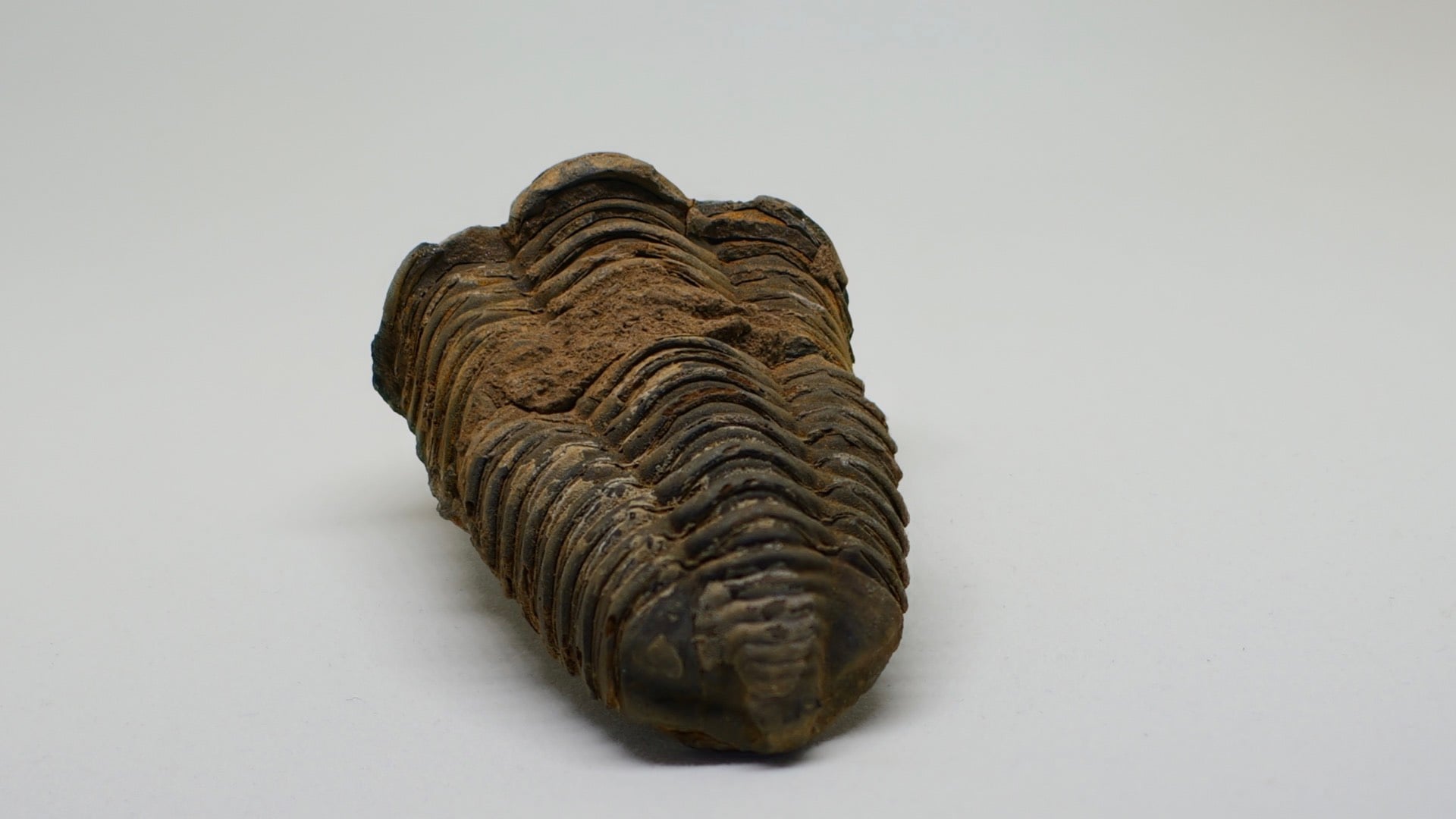
When it comes to focus stacking or focus bracketing, forget about using proprietary software and subscription-fee based programs. Right? You want a nice, simple, and FREE method for combing your multiple exposures into one single solid photograph. Right? Unfortunately, finding this type of product has been generally confined to Android smartphones and in-camera computational photography. Right?
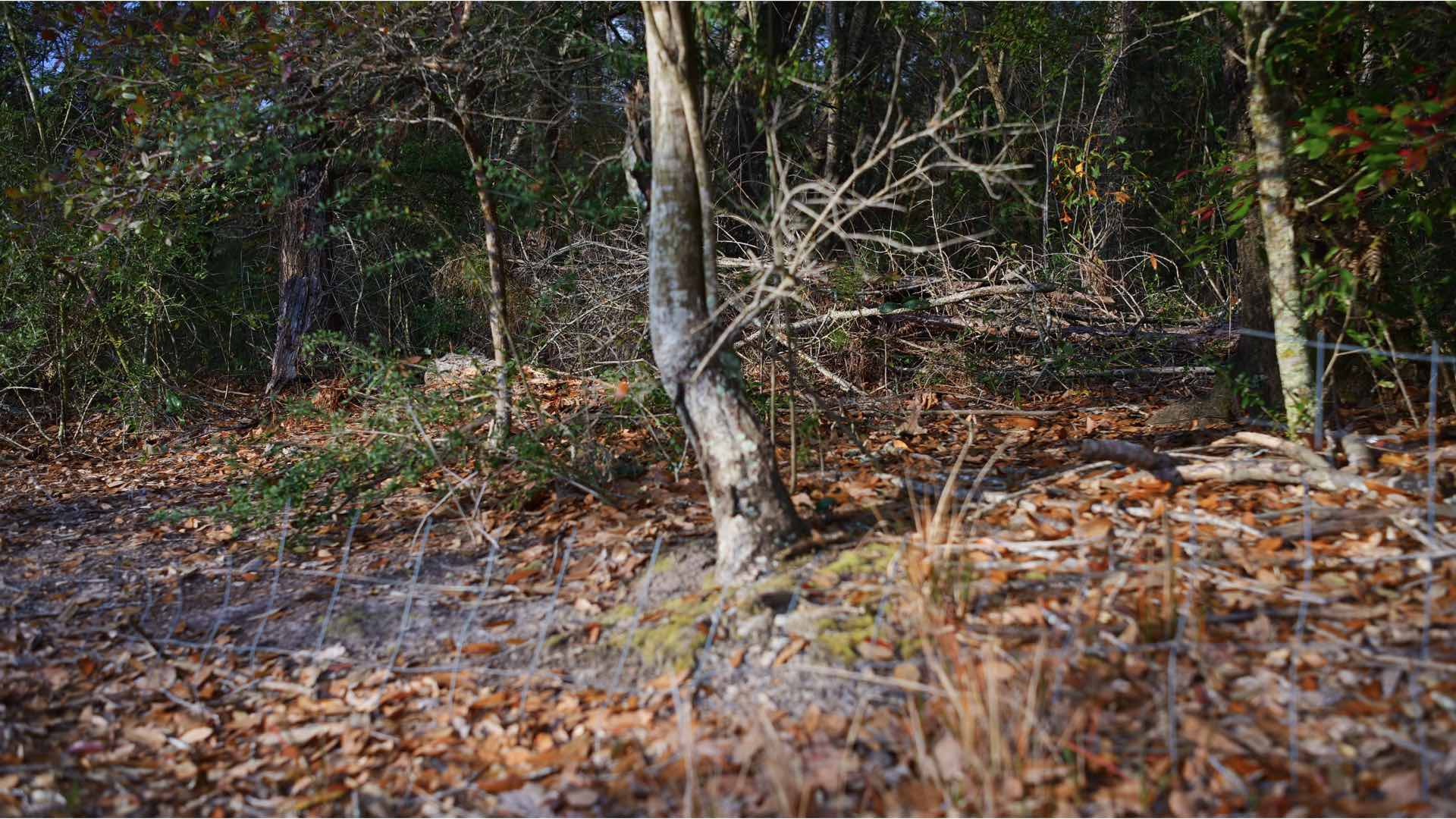
Well, that’s three “rights” and you’re right on target. A ridiculously simple, full-featured, open source, multi-platform, FREE, focus-stacking program does exist. And it’s called, “focus-stack!” Duh! Oh, don’t let that eponym lull you into thinking that this is an amateur product that is best avoided.
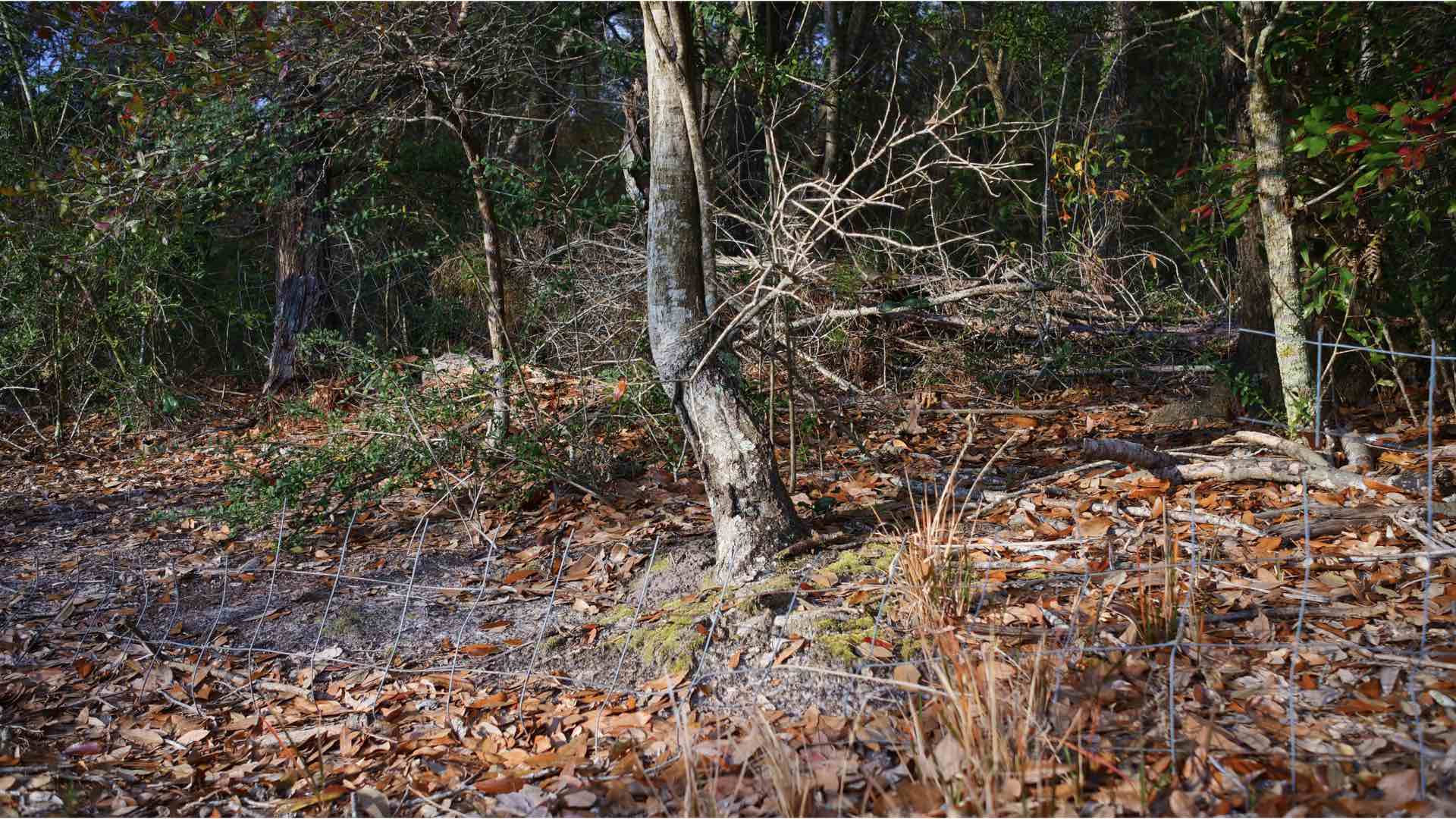
Focus-Stack is the brainchild of Petteri Aimonen. Configured for Linux, MacOS, and Windows PC platforms, you can download your desired software flavor from his GitHub site.
Released in 2019, this powerful cross-platform offering has been largely overshadowed by its numerous competitors. Fear not, this software is just as capable today as any other focus-stacking product that you’re currently using.
Easy Focus Stacking
In its current downloadable/installable state, Focus-Stack enables powerful command line options that can be added to your workflow for any camera/computer combination.
Yes, you can start the program and it will prompt you for your focus-bracketed image sequence. Alternatively, you can drag-and-drop your files onto the Focus-Stack program and they will be automatically processed.
Both of these “simplified” tacts will leave you at the mercy of the “stock” parameters that are used by Focus-Stack. A much better and more actively controlled usage of Focus-Stack is achieved by using your computer’s terminal or command line interface (CLI).
DIY Focus Stacking
An easy way to make your computer’s CLI work for you is to “temporarily” copy your focus-bracketed sequence of images to the Focus-Stack program folder. Once everything is lodged inside the same folder, you can use the following command sequences. This procedure has a distinctly DIY vibe.

Start your computer’s Terminal program and navigate to the Focus-Stack folder by using the “change directory” command (cd) for example,
- cd ../../Applications/Utilities/focus-stack
By default, Focus-Stack will only use 8 images for creating a merged output image. You can change this default behavior using the CLI. Inside the Focus-Stack folder add a batch size option and append the list of files to the program’s execution filename, as in,
- execution filename –OPTION filename. jpg filename.jpg filename.jpg …
or, using an 11 image focus-bracketed sequence, for example,
- focus-stack.app/Contents/MacOS/focus-stack –batchsize=11 image1.JPG image2.JPG image3.JPG image4.JPG image5.JPG image6.JPG image7.JPG image8.JPG image9.JPG image10.JPG image11.JPG
This is a MacOS example. Although this command sequence will work, it can be greatly simplified by using a wildcard for the photograph filenames, like,
- focus-stack.app/Contents/MacOS/focus-stack –batchsize=11 *.JPG
Using this technique, after completion of the program’s run, you can move/save the merged output file and delete those copied JPG images. You are now ready to process another batch of focus-bracketed images. Leave the computer’s terminal open and repeat the above procedure by temporarily copying the image sequence to the Focus-Stack program’s folder.
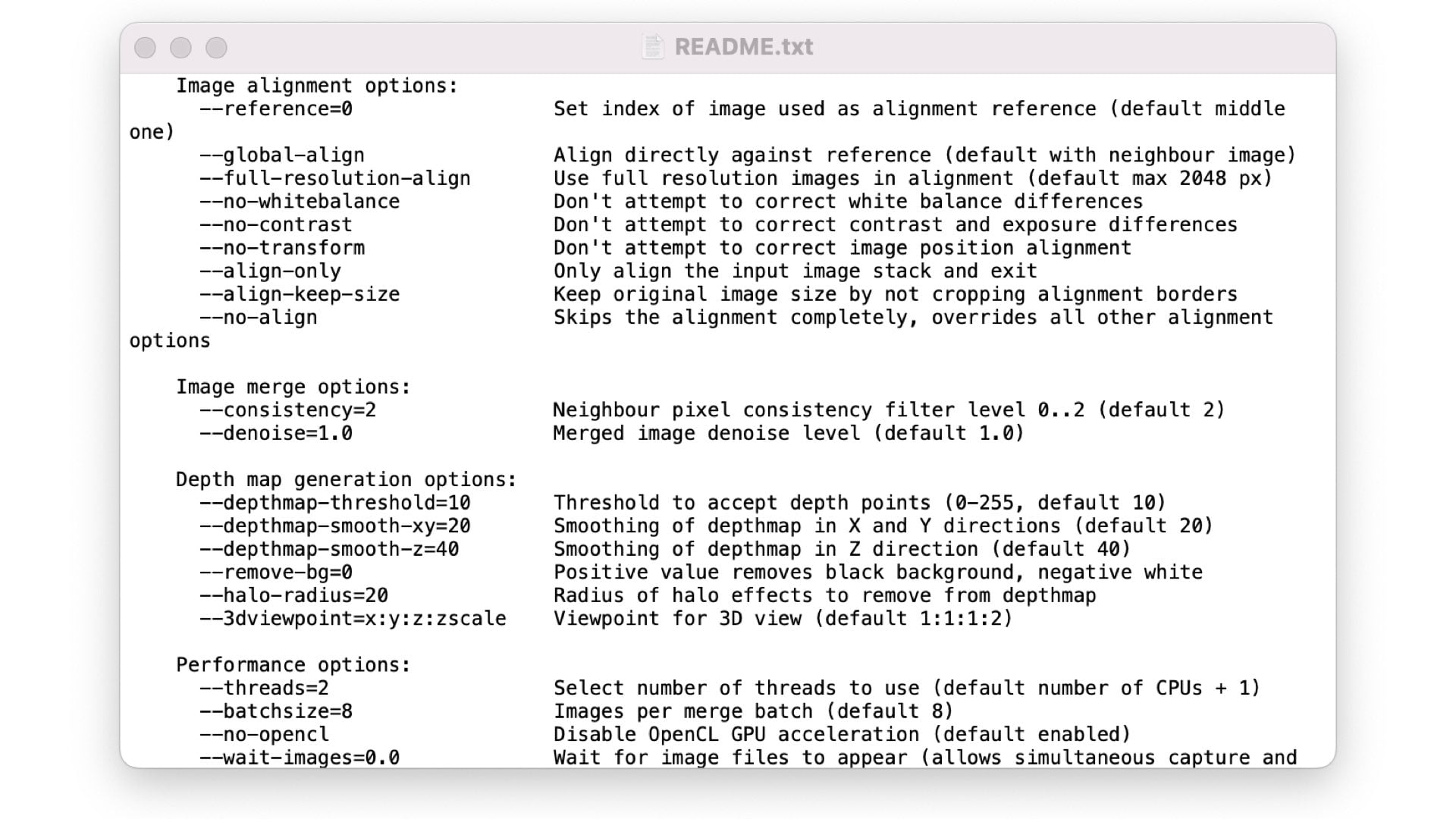
Return to the terminal window and save yourself some typing by pressing the “UP” arrow on your keyboard. This action will recall the last command that was executed which can then be started again by pressing ENTER.
Using this CLI can empower you to cruise through a large number of focus-bracketed photographic sequences. Furthermore, there are over 27 different options that you can explore within the command sequence. Now, this is focus stacking done right!
Enjoy.
See more from DIYPhotography.net on Google
Add DIYPhotography.net as a trusted source. This makes
our stories more likely to appear in your Google Search results.
 Add as a preferred source on Google

David Prochnow
Our resident “how-to” project editor, David Prochnow, lives on the Gulf Coast of the United States in Ocean Springs, Mississippi. He brings his expertise at making our photography projects accessible to everyone, from a lengthy stint acting as the Contributing How-To Editor with Popular Science magazine. While you don’t have to actually build each of his projects, reading about these adventures will contribute to your continued overall appreciation of do-it-yourself photography. A collection of David’s best Popular Science projects can be found in the book, “The Big Book of Hacks,” Edited by Doug Cantor.



Join the Discussion
DIYP Comment Policy
Be nice, be on-topic, no personal information or flames.