



























When is a Square not a Square…When it’s Fujifilm X half’s Frame Combiner
Jan 19, 2026
David Prochnow
Our resident “how-to” project editor, David Prochnow, lives on the Gulf Coast of the United States in Ocean Springs, Mississippi. He brings his expertise at making our photography projects accessible to everyone, from a lengthy stint acting as the Contributing How-To Editor with Popular Science magazine. While you don’t have to actually build each of his projects, reading about these adventures will contribute to your continued overall appreciation of do-it-yourself photography. A collection of David’s best Popular Science projects can be found in the book, “The Big Book of Hacks,” Edited by Doug Cantor.
Share:

Spoiler Alert: These results are not true 1:1 aspect ratio photographs. Rather, the results are two borders added to half frame photographs. Confused? Now, you’ve got to finish reading this article to learn more about this Fujifilm folly.
Let’s face it, everyone loves to look like a photo wizard, and the Fujifilm X half camera’s 1:1 frame combiner is almost the kind of photographic magic that feels like a secret super power that nobody knows about. This is a built-in camera feature not an add-on accessory. If you’re the kind of person who thinks photos should be square rather than half frames, then you’ve found your new best friend in this quirky little feature.
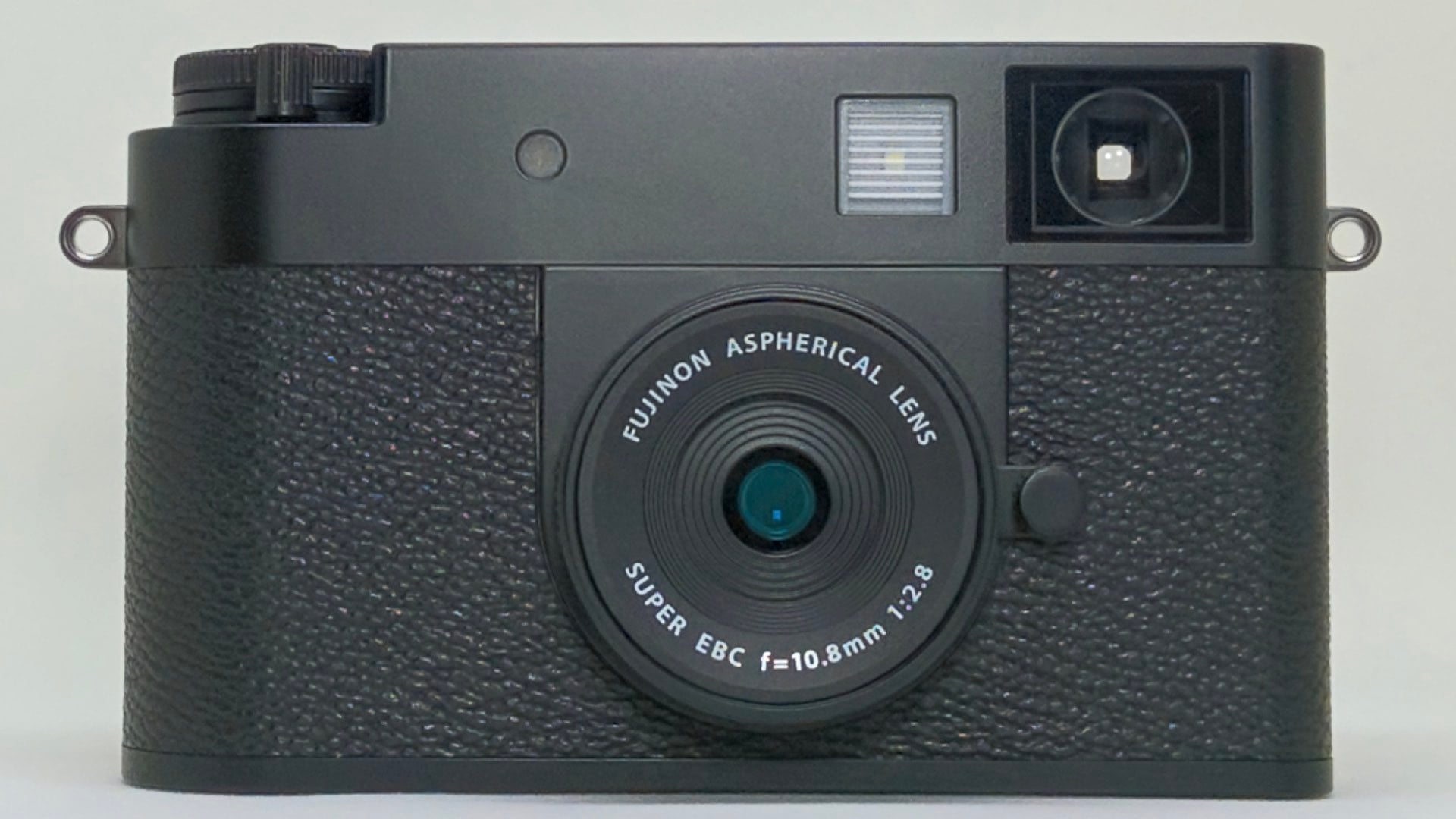
The 1:1 frame combiner essentially takes your usual rectangular image and slaps it into a perfect square, like those Instagram influencers who know the precise angle of their avocado toast for maximum engagement. It’s the Photoshop equivalent of a cheat code.
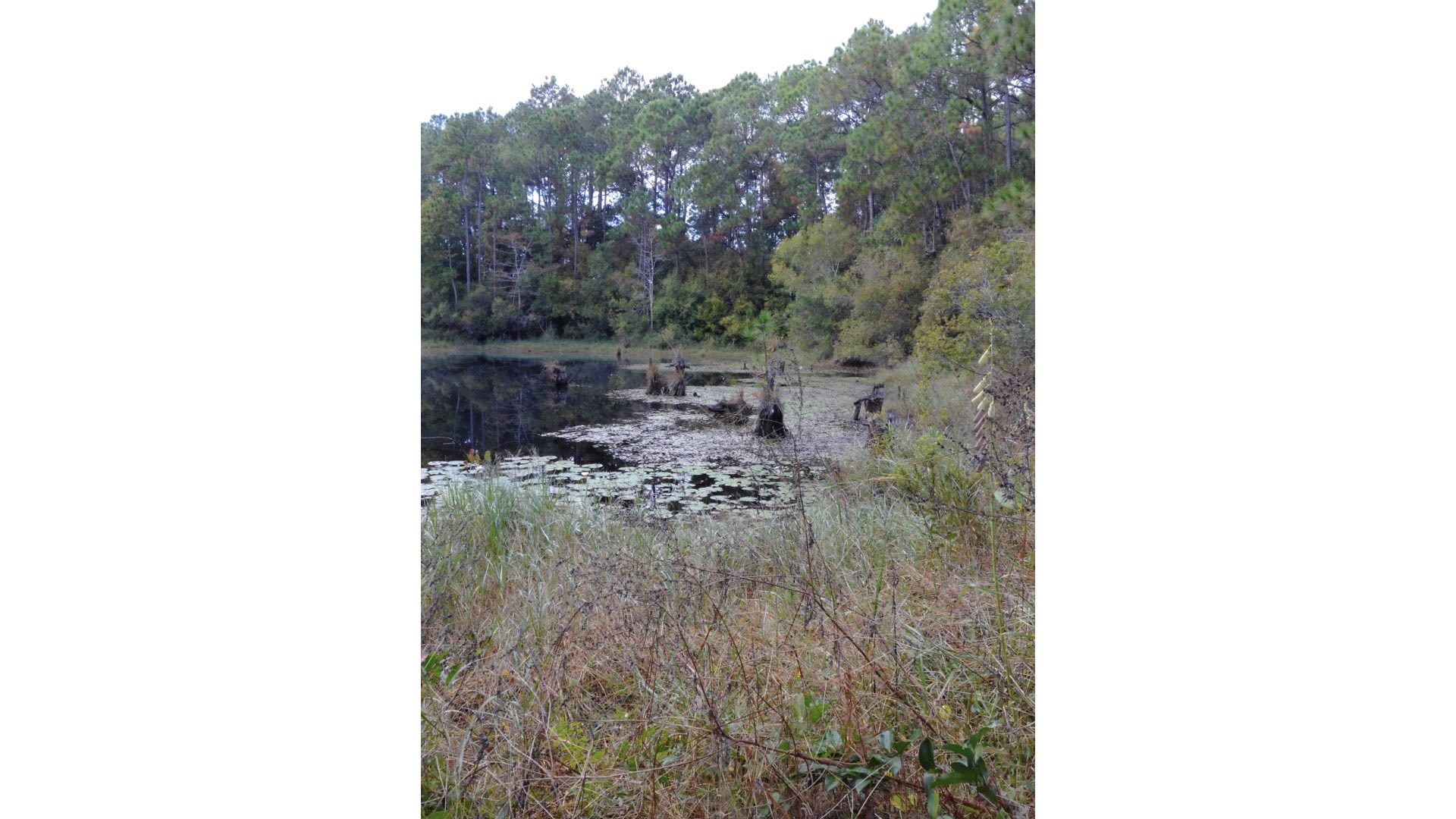
In practice, the 1:1 frame combiner might make you feel like an Instagram pro, but the craziest part is how it transforms your photographs. You see, the result is not really a square photograph. Huh? It’s a stock X half photograph (i.e., previously saved image) that has two bars added to its sides.
Don’t Be So Square, Daddy-O
Specifically, a regular half frame 3648×4864 photograph is converted into a “square” 4864×4864 image by adding a pair of garishly colored (Please note: you can select the color) 608px vertical border bars along each side. This mockup can then be saved to the camera.
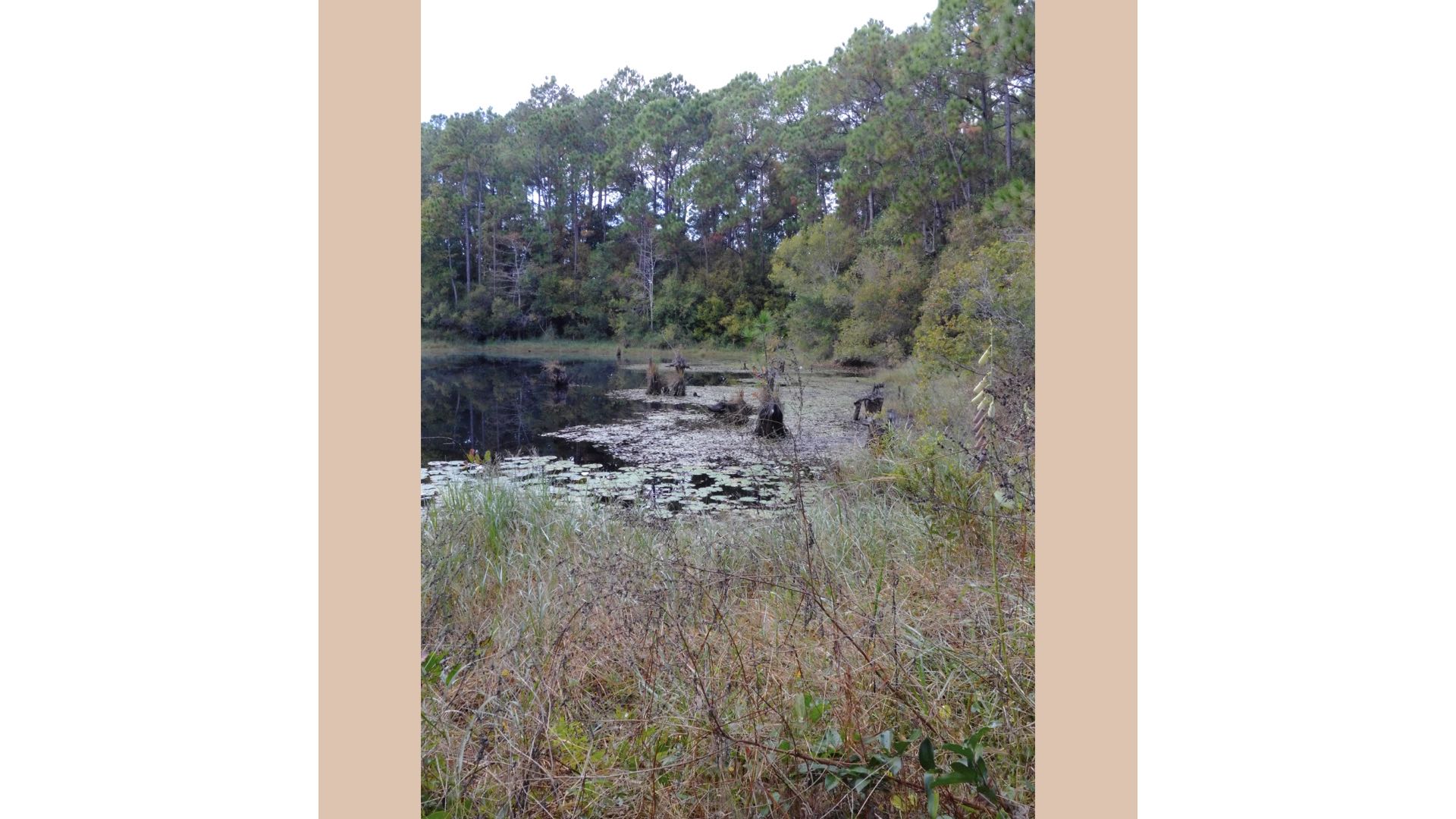
The result from this framing conversion is that, suddenly, you’re capturing images that demand the attention of your followers. For either the right or wrong reasons, you might feel liberated using that perfect square ratio—because, let’s be honest, only the coolest photographers shoot two-border squares.

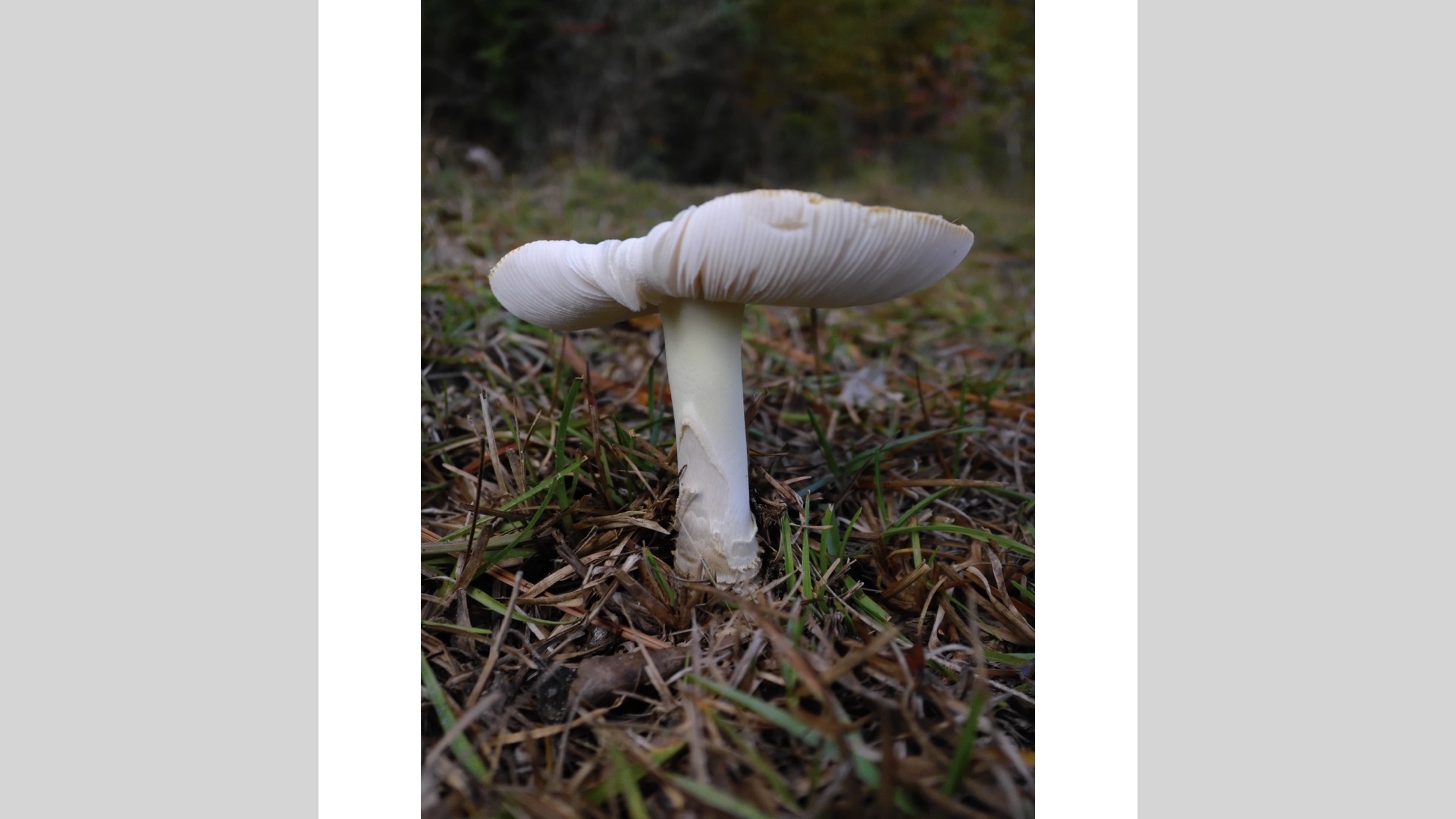
The X half camera doesn’t let you shoot in 1:1; it lets you embrace the potential of square photography by selectively performing some image trickery. Sure, it’s a clever little trick to make your gear feel like you’re a photographer from the future. But, the next time someone asks why your photo looks so “interesting,” just tell them you’ve discovered the Fujifilm 1:1 frame combiner and watch their confused admiration turn into pure confusion.
Enjoy.
See more from DIYPhotography.net on Google
Add DIYPhotography.net as a trusted source. This makes
our stories more likely to appear in your Google Search results.
 Add as a preferred source on Google
Filed Under:
Tagged With:

David Prochnow
Our resident “how-to” project editor, David Prochnow, lives on the Gulf Coast of the United States in Ocean Springs, Mississippi. He brings his expertise at making our photography projects accessible to everyone, from a lengthy stint acting as the Contributing How-To Editor with Popular Science magazine. While you don’t have to actually build each of his projects, reading about these adventures will contribute to your continued overall appreciation of do-it-yourself photography. A collection of David’s best Popular Science projects can be found in the book, “The Big Book of Hacks,” Edited by Doug Cantor.
Related Posts
 Fujifilm releases Instax Square SQ10, square format analog digital hybrid
 Fujifilm officially launches Instax Square SQ6, their first fully analog camera for square film
 Jollylook Pinhole SQUARE DIY pinhole camera kit shoots Instax square film
 Fujifilm finally releases a follow-up to its most advanced analog Instax mini camera – Fujifilm Instax Mini 99
Join the Discussion
DIYP Comment Policy
Be nice, be on-topic, no personal information or flames.