





















The X-Files: Y X Half–a Fujifilm Genetic Mutation Belies Criticism
Jul 22, 2025
David Prochnow
Our resident “how-to” project editor, David Prochnow, lives on the Gulf Coast of the United States in Ocean Springs, Mississippi. He brings his expertise at making our photography projects accessible to everyone, from a lengthy stint acting as the Contributing How-To Editor with Popular Science magazine. While you don’t have to actually build each of his projects, reading about these adventures will contribute to your continued overall appreciation of do-it-yourself photography. A collection of David’s best Popular Science projects can be found in the book, “The Big Book of Hacks,” Edited by Doug Cantor.
Share:

At first blush, the Fujifilm X half (and that’s the correct spelling for this camera; not X-Half and not X Half; although in Fujifilm’s internal system roadmap this camera is also known as X-HF1) appears to be a blatant cash grab. Here we have a new camera with a completely plastic build, no hot shoe, no lens filter threads, no internal image stabilization, an oddball vertically-oriented image format, and a cringeworthy attempt at fomenting a pseudo-film aesthete. But this is all wrong. You’re looking through the wrong end of the telescope. In the hands of a photographer, this diminutive darling is a palm-sized powerhouse that delivers incredible imagery with an optional acknowledgement towards playfully experimenting with analog film.
[Related Reading: FUJIFILM X-Half Digital Camera: Retro Style Meets Modern Features]

This is clearly an “X-Files” episode that will make you believe. Believe in what? Believe in the ability of a manufacturer to probe various product designs and continually push the envelope of defining exactly what is a camera. Kudos to Fujifilm for being that manufacturer and providing photographers with choices.
The X half is the newest member of Fujifilm’s beloved X Series of compact, fixed lens cameras and costs $849. This is a photographic virtuoso equipped with a 10.8mm f/2.8 Fujinon Super EBC aspherical lens that delivers an approximate 32mm lens equivalence that focuses on a 17MP sensor and spits out flawless JPEG-only images. A lightning fast autofocus that effortlessly ranges between approximately 4-inches to infinity is coupled to a simple metering system that is surprisingly accurate for such a modest camera. Furthermore, ISO can be deftly managed in either three different ranges or fixed at a preferred sensitivity level. Configuring all of these options is the domain of a unique touch-controlled interface that shares a subtle nod to 35mm film cameras.
[Related Reading: What the Fujifilm X-Half Gets Right (and What It Doesn’t)]

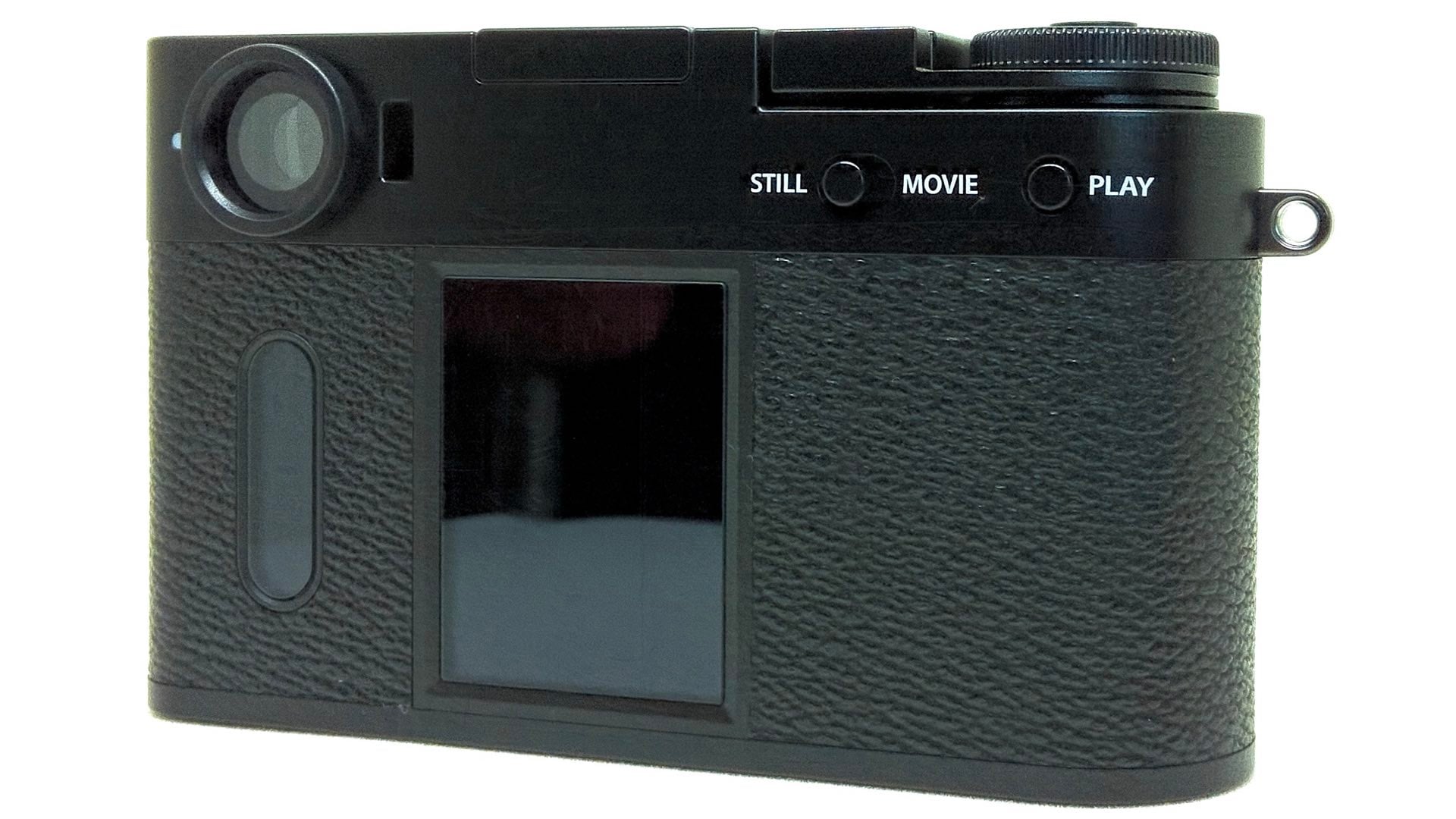
On the back of the X half there are three screens: two touch-enabled liquid crystal display (LCD) screens and an optical viewfinder. The two LCD panels work in tandem with each other. The larger display contains menus and options for controlling the X half, while the secondary pill-shaped display lists main option categories, as well as colorfully representing various film simulations. These film simulations share the look and feel of the similar pill-shaped window from 35mm cameras that enabled viewing the type of film that was loaded inside the camera. Clever, subtle, and effective, these virtues represent unexpected innovation and that makes the X half the kind of camera that you’ll want to use.
Neither Half Full nor Half Empty
In fact, include the presence of the optical viewfinder on the X half and you have the new de facto replacement for the street camera. Plus, this camera is discrete, pocketable, and one-handed operable. There are two curious peculiarities about the user interface (UI) on the dual LCD screens, however.
First, when initially launching the configuration screen via a left-swipe on the large LCD, the subordinate lozenge screen displays what falsely appears to be only a still camera and a video camera logo. Only a swipe up on the secondary screen will then display the additional category icons (e.g., the wrench symbol for settings). This might not be an intuitive action for new owners.
The second unusual UI choice is the presence of an “X” on the elongated LCD while the main screen is displaying the current camera configuration settings. Pressing this “X” is equivalent to accepting the screen or “OK.” Whereas an “X” is generally defined as a “Cancel” option. Again, this choice might bewilder new owners.

Trivial UI issues aside, love it or hate it, the X half employs a unique vertically-oriented image format. Yes, landscape or horizontally-oriented photographs can be made by rotating the camera into an upright position. But the stock orientation is ideal for portraits, as well as sharing on social media sites. Additionally, the vertical format is a deliberate effort by Fujifilm to enable the X half to print directly to a wirelessly-connected Fujifilm Instax mini Link 3 printer.
Being able to print Instax prints from a X Series camera is a landmark feature. Building upon this inclusion of a legitimate film option, Fujifilm playfully includes a “film camera mode” with the X half. Basically, selecting this mode converts the digital camera into a multi-exposure “roll film” camera. Most of the generally-accepted attributes of a digital camera, LCD image viewing and image editing, are hidden from the photographer and images are “developed” and viewed via a smartphone app.
But wait, there’s more. In addition to the app acting as a film processing lab, the X half includes a frame advance lever that must be advanced for each exposure. Similar in action to a 35mm camera’s film advance lever, the X half requires you to move the frame advance lever prior to an exposure. How many photos can you make as a film camera? During the setup for this mode, you can select 36, 54, or 72 exposures for your fake film roll. Additionally, you can elect to use either automatic exposure or manual controls for adjusting aperture, shutter speed, and focus. Finally, completing the film camera masquerade, only the optical viewfinder can be used for framing your subject before making an exposure.
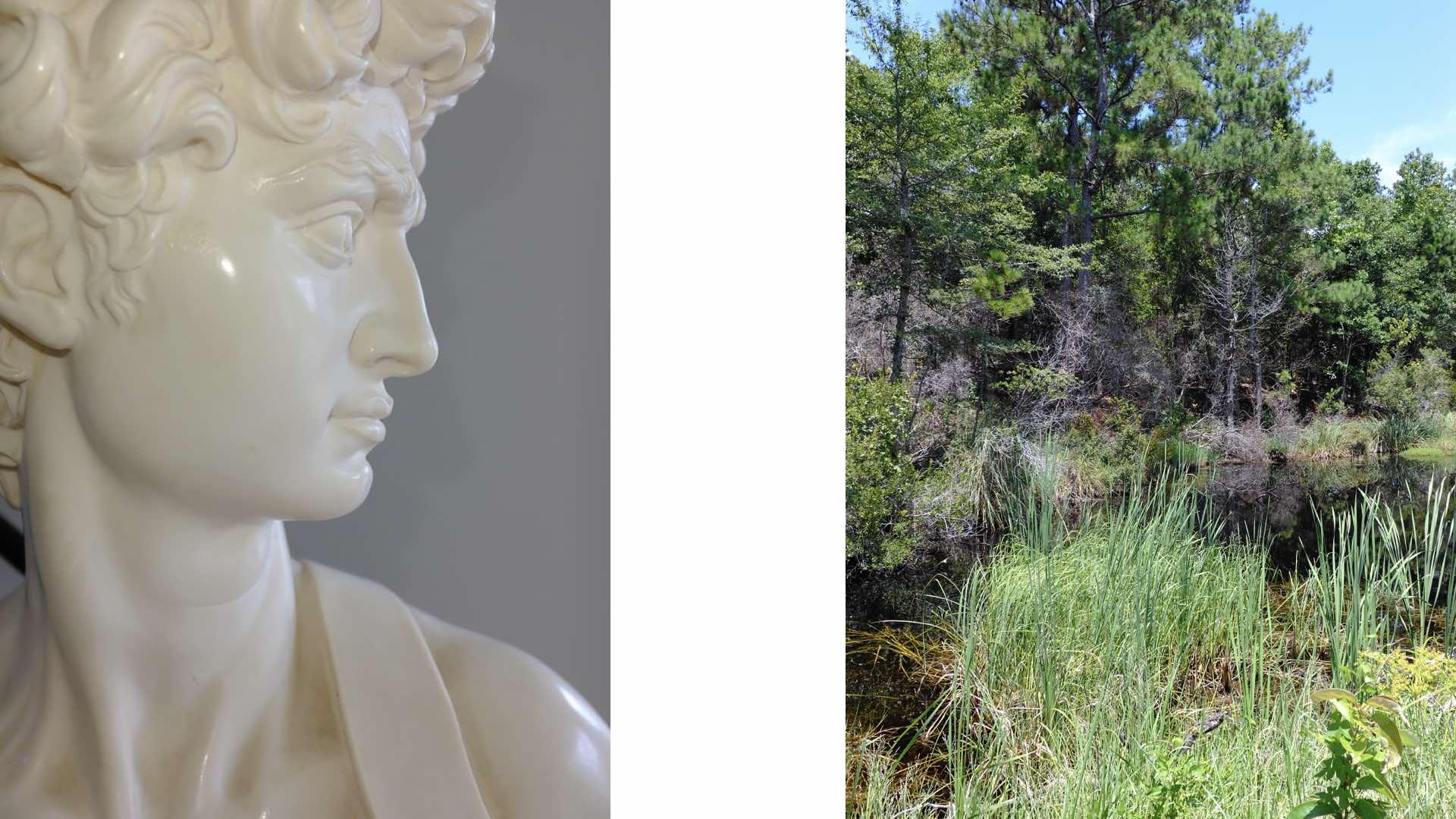
Regardless of your opinion about Fujifilm including these playful film actions, study these sample photographs and judge the results for yourself:
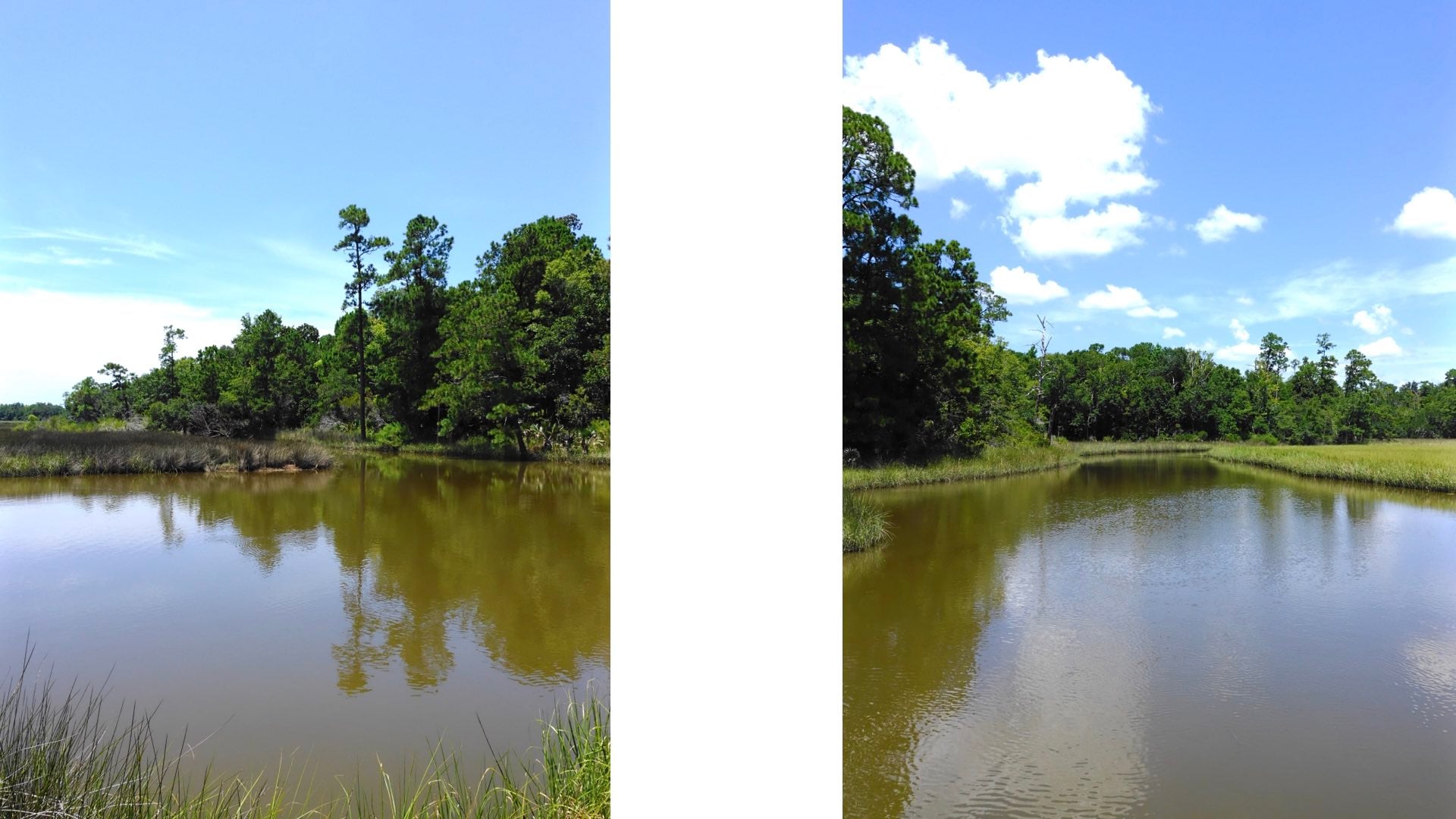
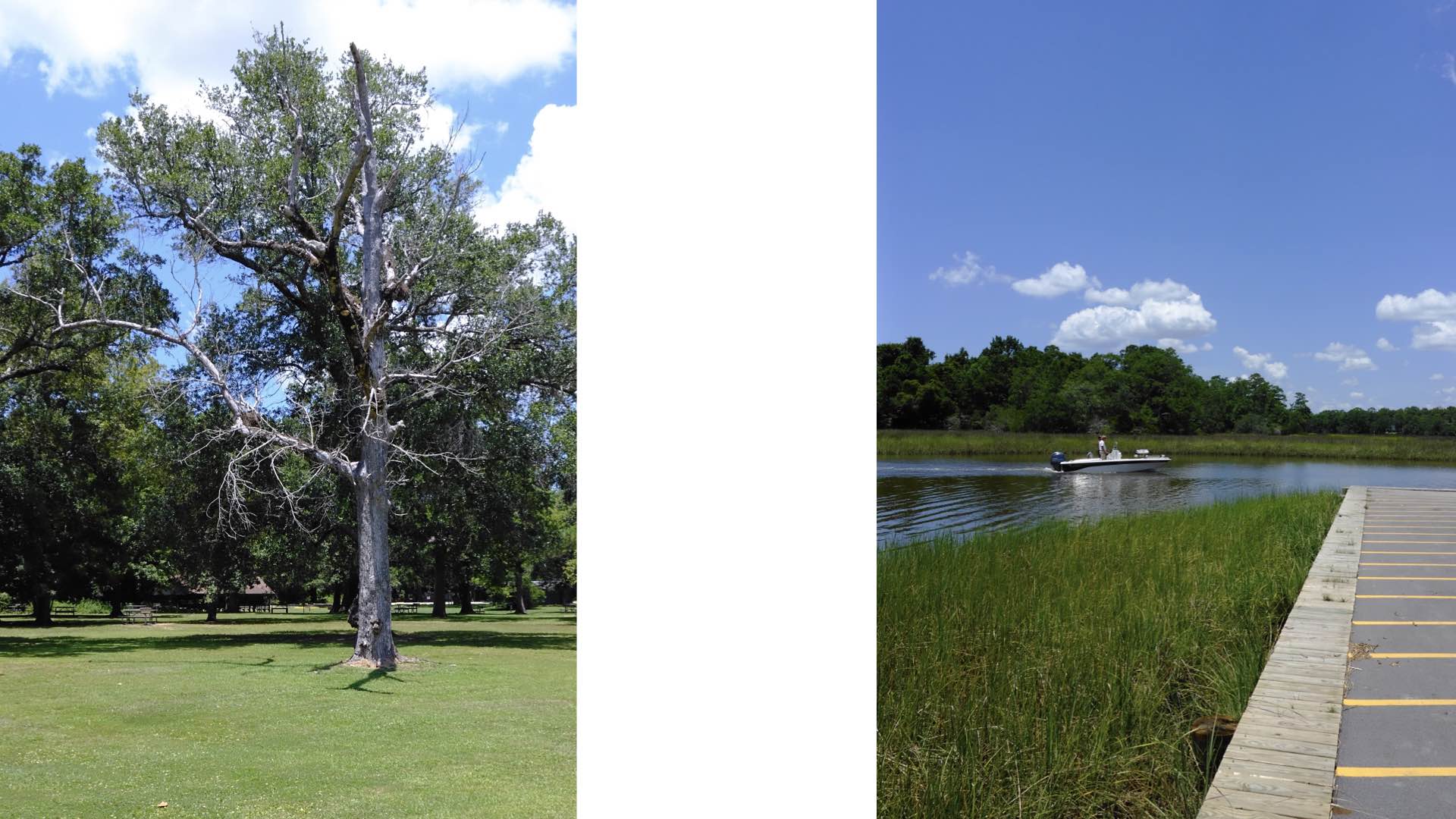
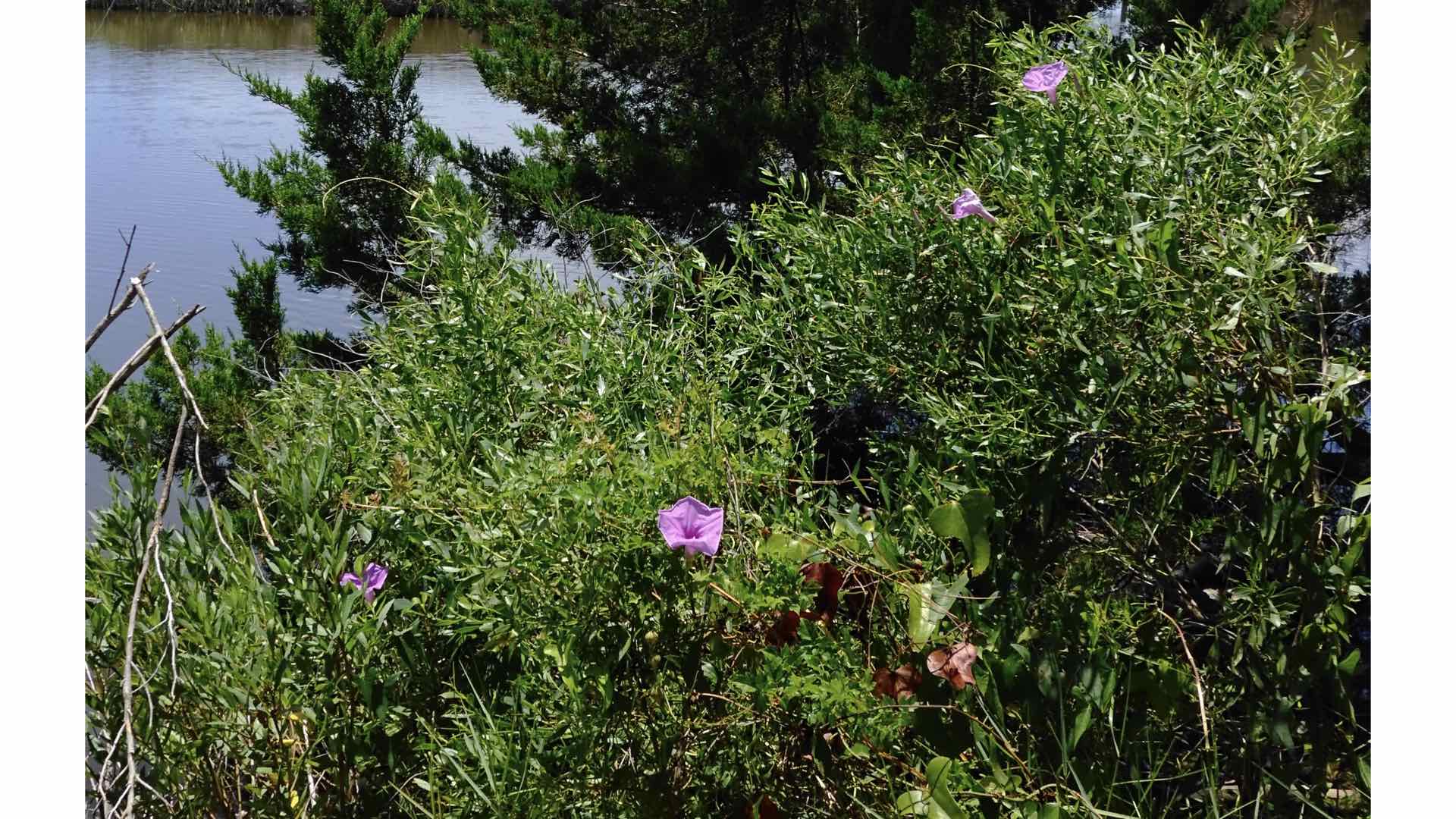


Fujifilm convincingly demonstrates that they aren’t afraid of pushing you outside of your comfort zone. Is it a digital camera; is it a film camera; is it a fake film camera; is it a genetic mutation of the Instax and X Series camera genotypes; yes/no, who cares? What it really IS; the Fujifilm X half IS a powerful, compact camera that artfully blends digital and analog together into a product that is a photographer’s treat. Clearly, this is the best camera option for 50% of prospective camera buyers. And that is the Fujifilm X half.
Enjoy.
See more from DIYPhotography.net on Google
Add DIYPhotography.net as a trusted source. This makes
our stories more likely to appear in your Google Search results.
 Add as a preferred source on Google
Filed Under:
Tagged With:

David Prochnow
Our resident “how-to” project editor, David Prochnow, lives on the Gulf Coast of the United States in Ocean Springs, Mississippi. He brings his expertise at making our photography projects accessible to everyone, from a lengthy stint acting as the Contributing How-To Editor with Popular Science magazine. While you don’t have to actually build each of his projects, reading about these adventures will contribute to your continued overall appreciation of do-it-yourself photography. A collection of David’s best Popular Science projects can be found in the book, “The Big Book of Hacks,” Edited by Doug Cantor.
Related Posts
 Stop asking for ‘constructive criticism’ – how to solicit good critique
 Three Fujifilm lenses get superlative sharpness results on Fujifilm GFX 50S
 Fujifilm finally releases a follow-up to its most advanced analog Instax mini camera – Fujifilm Instax Mini 99
 Here are some Panasonic S1R RAW files for you to download and play with (+ first thoughts)
Join the Discussion
DIYP Comment Policy
Be nice, be on-topic, no personal information or flames.